

A backend for the app you are building.
Your front end can be a Lovable build, a Next.js app or a phone app. Page Lemon holds the sign-in, the data and the rules about who sees what, and your AI sets them up.
Paste this into your AI chat
Deploy on PageLemon.com
From an empty backend to a working app
The steps in the order they come. Start with whichever you’re at.
-
The data
Your app needs somewhere to keep things, and rules about who sees them
Say what your app stores. Your AI creates the lists and the rules, so each signed-in person sees only their own records and you see them all.
A real template: Casebook. Preview it (opens in a new tab) You type in your AI chat
Run the backend for my app on PageLemon.com: people sign in, and each sees only their own receipts- “Add a status field that only I can change” Your AI adds the field and the rule.
- “Show me the records so far” Your AI reads them only if you allow it for that list.
-
The sign-in
Your front end needs people to sign in
Users sign in with an emailed code on the web, and with Sign in with Apple and Google in a phone app. One account works everywhere.
A real template: Chapter. Preview it (opens in a new tab) You type in your AI chat
Set up sign-in for my app: invite only, and let me approve requests- “Let anyone sign up” Your AI changes the setting.
- “Who signed in this week?” Your AI shows the counts.
-
The API
Your own code calls Page Lemon
Your front end reads and writes the lists through the API as the signed-in person, with a key for each app. The API docs list every call.
A real template: Expense log. Preview it (opens in a new tab) You type in your AI chat
Give me the API address and a key for my app- “Call me when a record is added” Your AI sets a webhook to an address you give it.
- “Rotate the key” Your AI makes a new key and retires the old one.
What it replaces
The usual way, and the one-chat way.
TodayA backend you set up, host and keep patched.
With Page LemonSign-in, data and rules run by Page Lemon, set up by asking.
TodaySign-in code written for every app.
With Page LemonOne sign-in for the web and for phone apps.
TodayRules about who sees what, written in your own code.
With Page LemonEach person sees their own records unless you say otherwise.
TodayA separate service for emailed codes.
With Page LemonEmailed codes are built in.
What it costs you
Free is for building and trying it as a test user. A paid plan lets your users in.
Free
No card needed.
- Build and try it as a test user
- A site at yourname.pagelemon.dev
- A small Page Lemon badge
Paid plan
- Users signed in to your app
- The API for your own front end
- Your own domain, and no badge
Not for you? Full refund within 14 days, no questions asked.
See the real thing first
Every picture on this page is a real template. Open one, click around, then ask your AI to make it yours.
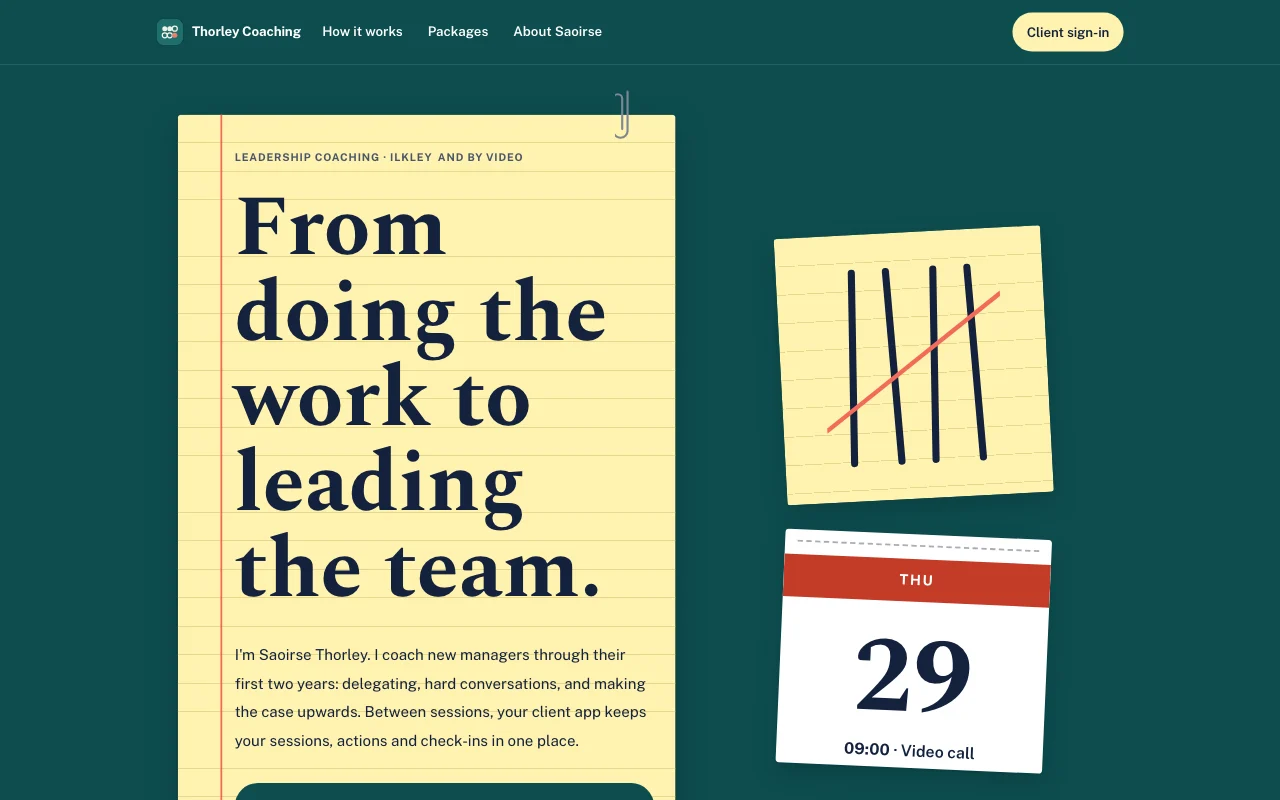 Tally (live preview, opens in a new tab)Yellow legal pad on a teal desk, with tally marks in pen struck through in coral and a tear-off calendar page
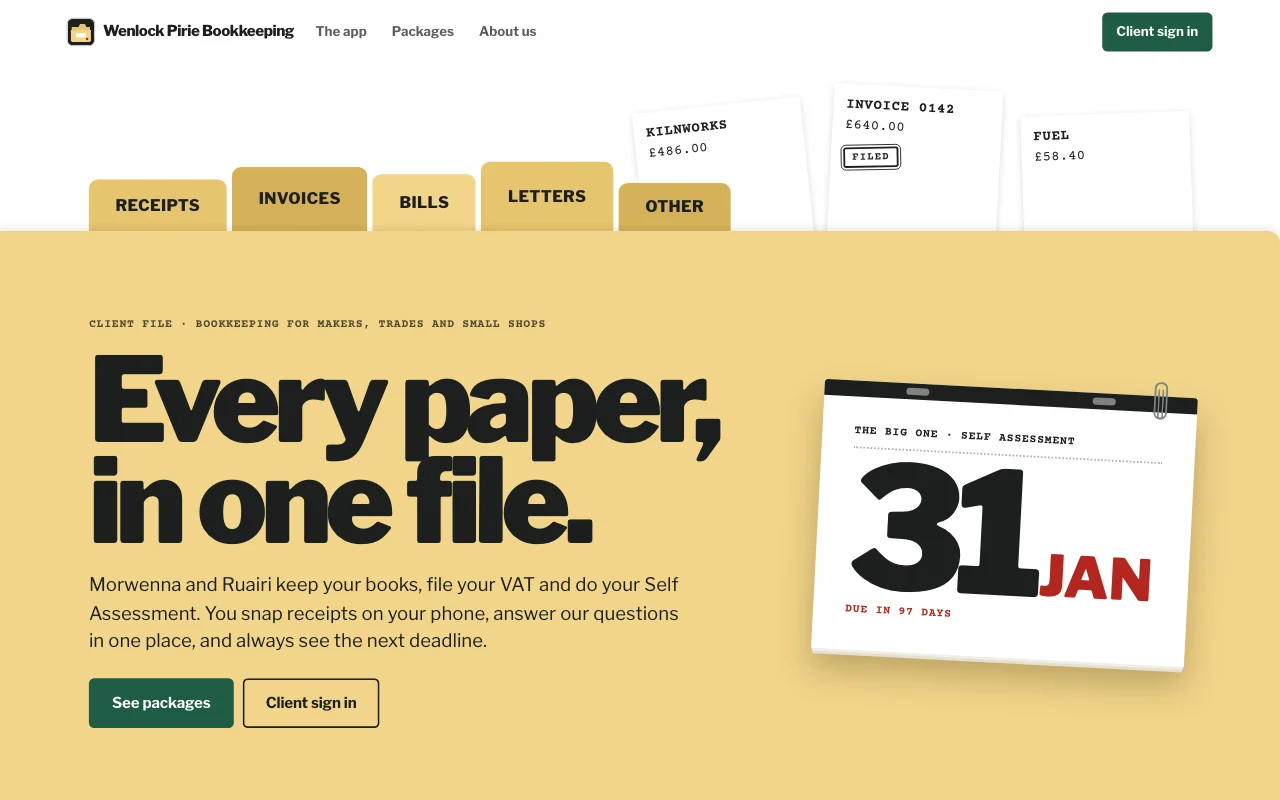
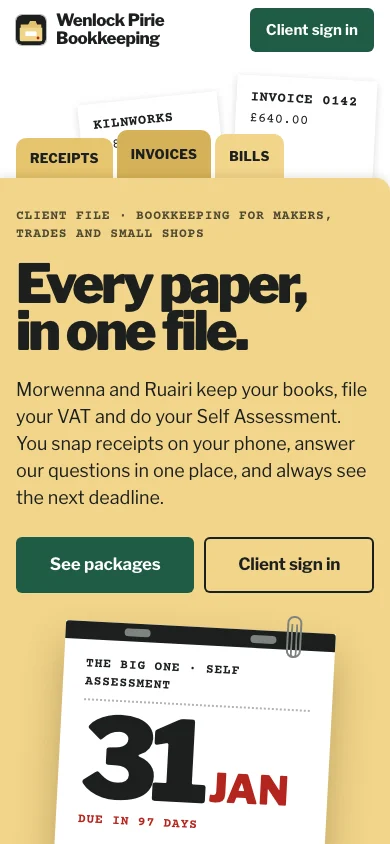
- Casebook (live preview, opens in a new tab)Manila accordion file with index tabs, tear-off deadline pages and red-ink stamps on typed slips
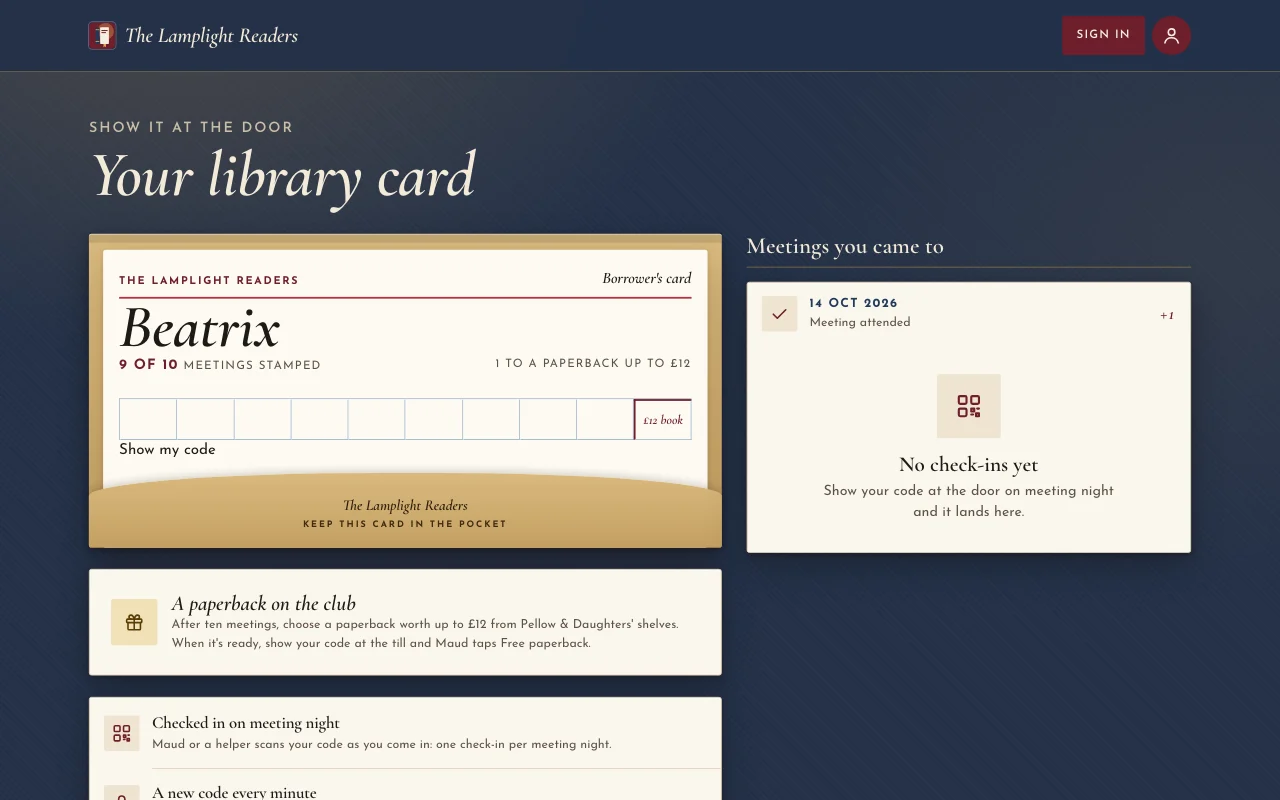
 Chapter (live preview, opens in a new tab)Dust jackets by lamplight: an oxblood poster, Cormorant italics, spines on a shelf and a stamped library card
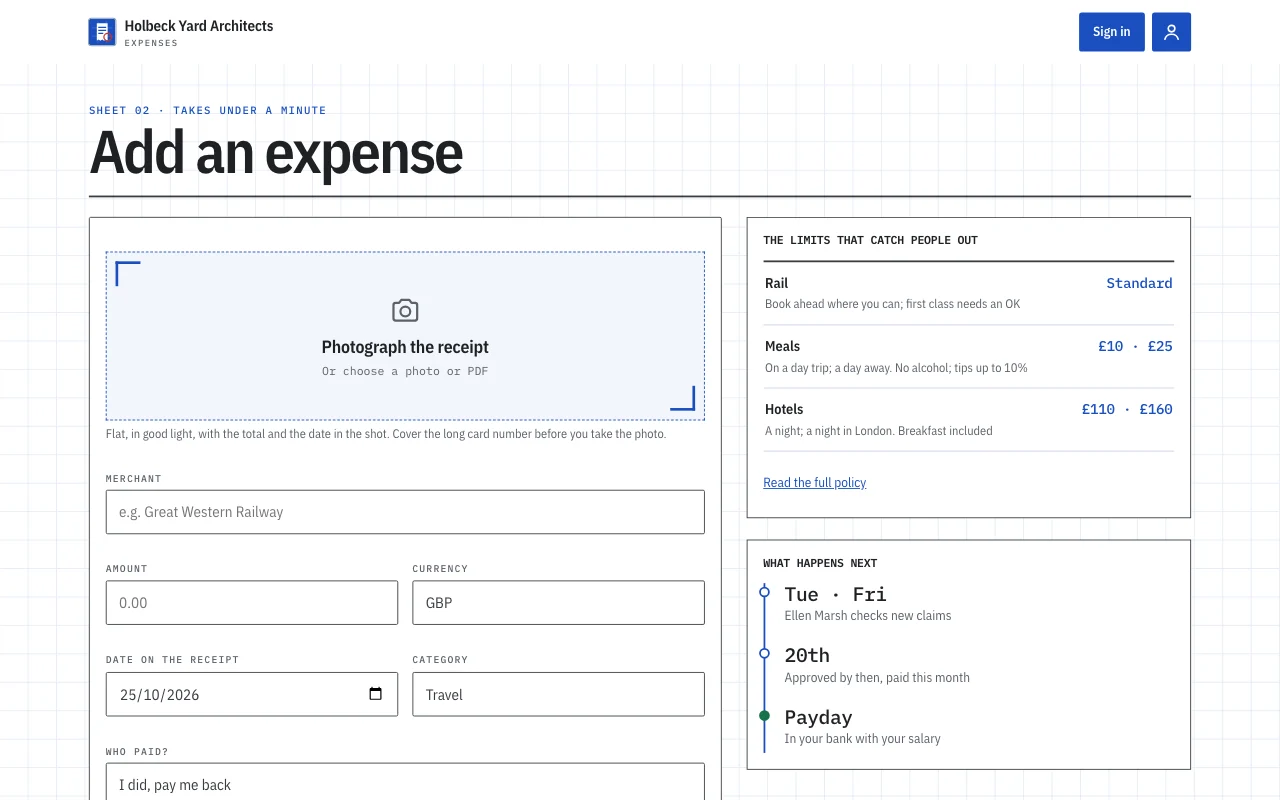
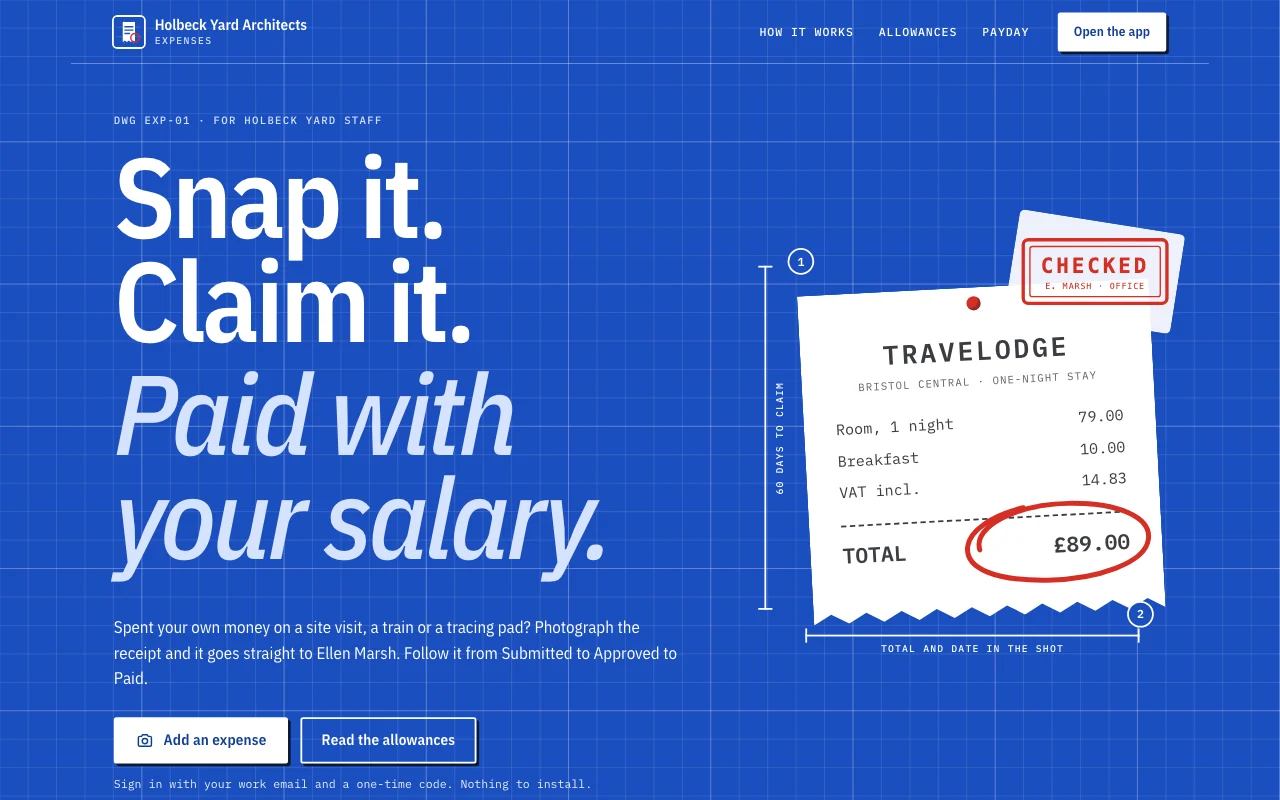 Expense log (live preview, opens in a new tab)An app template: a small studio’s own expense claims app. Staff sign in with their email, photograph a receipt on their phone and claim it in under a minute, follow each claim from Submitted to Approved to Paid, answer the office manager’s questions, and see what they are owed and their monthly totals. The office manager approves and replies in the Dashboard. A public page, six member screens under /app (Home, Add, Claims, Months, Policy, Account) and a privacy notice with blanks.
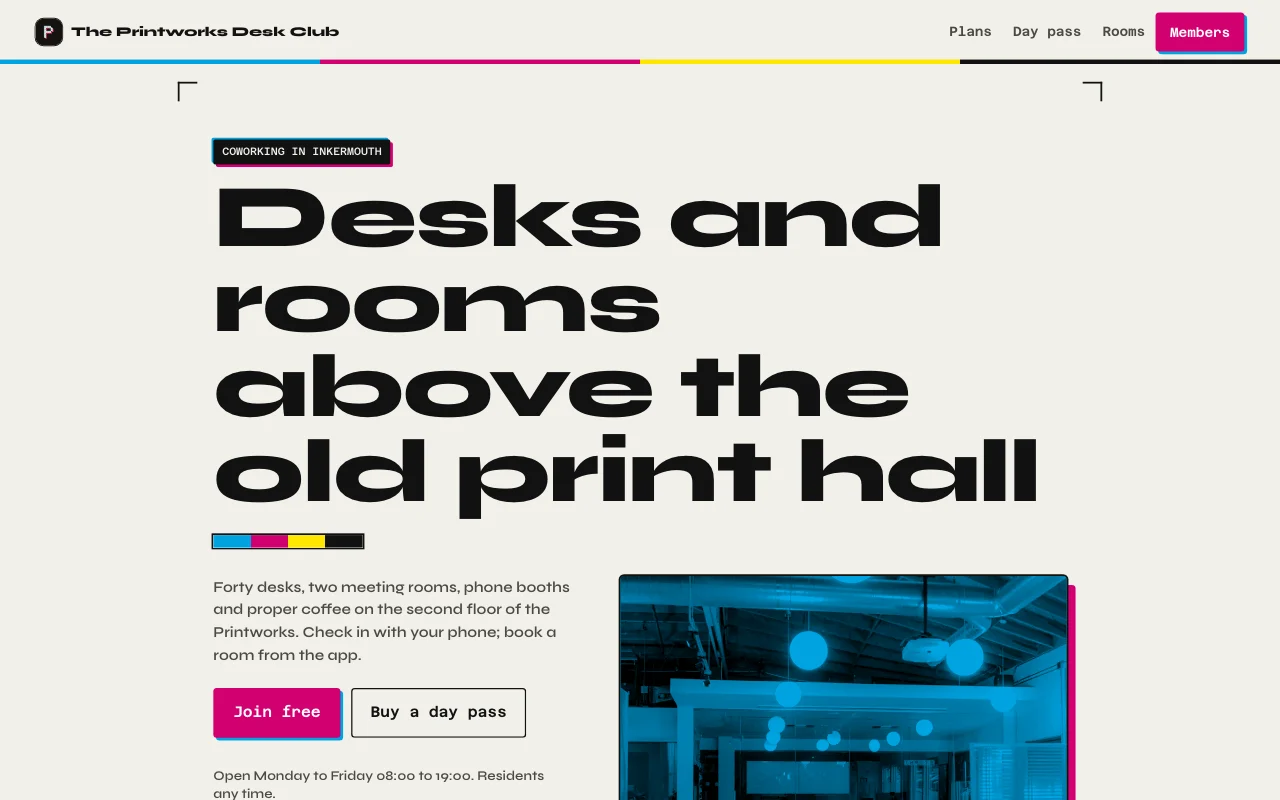 Desk (live preview, opens in a new tab)Printworks ink black and paper, magenta and cyan accents from letterpress, real photos of the floor and both rooms, a membership card with a days-this-month meter
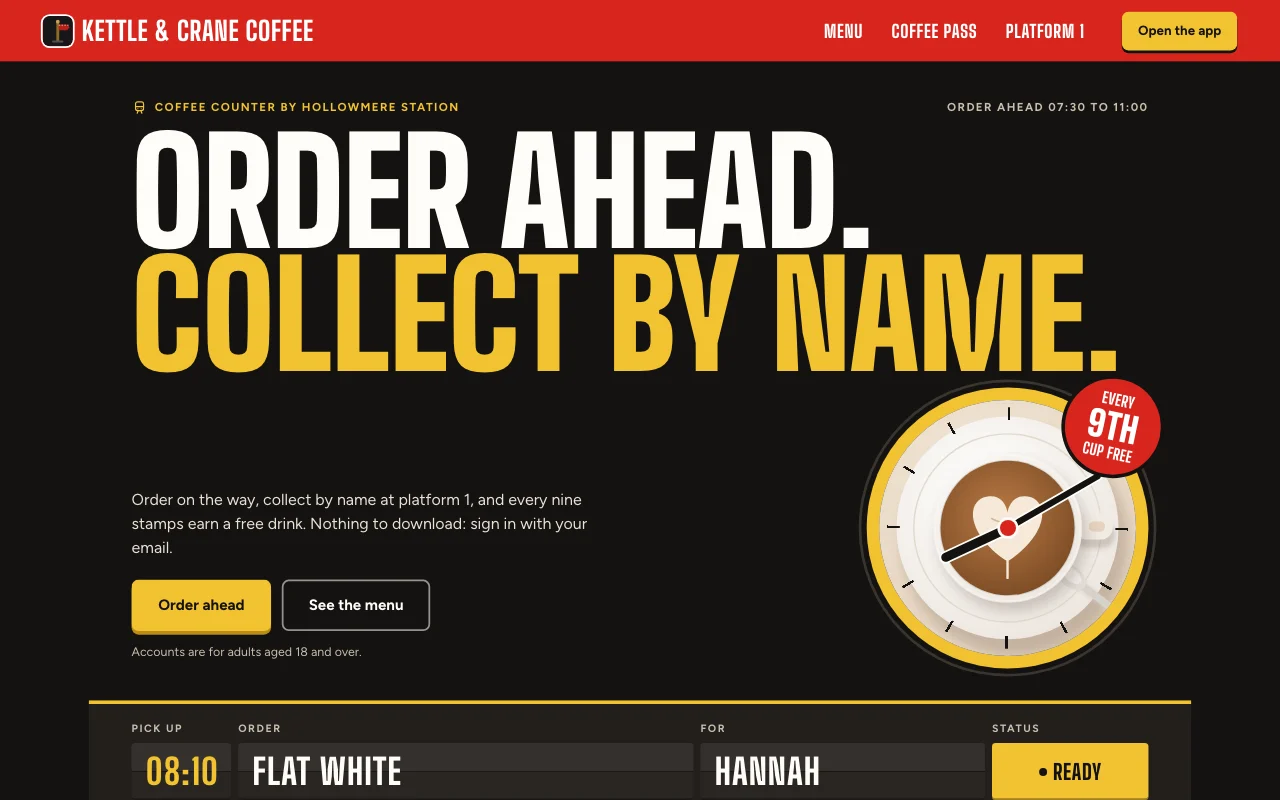 Cortado (live preview, opens in a new tab)Station café app: a departures board for your order, a red platform sign and a paper stamp card with red ink stamps
Step-by-step guides
-
Apps
Expense app
Receipts from phones, each person’s own month User sign-inReceipt photosExport Paid plan -
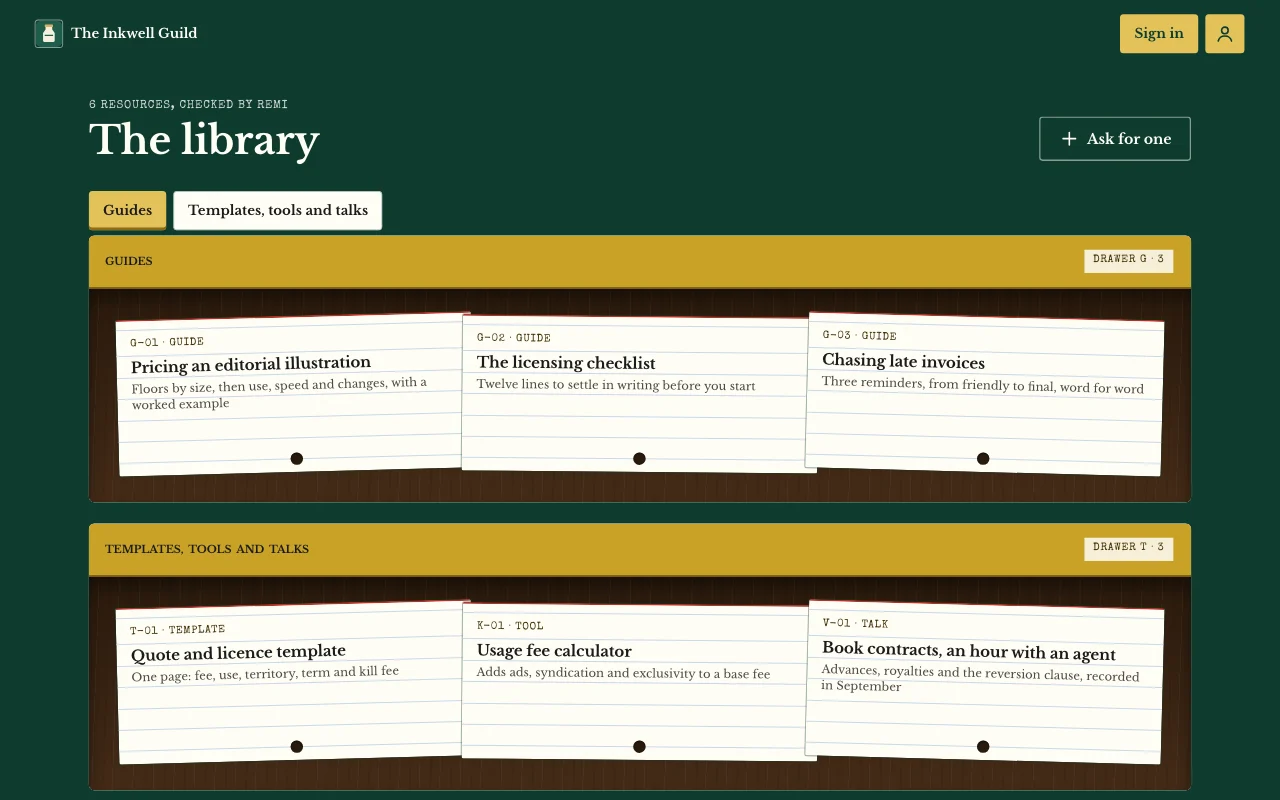 Apps
Members’ area or course
Lessons, posts and guides only your users can open User sign-inPages only users seeNotes and photos Paid plan -
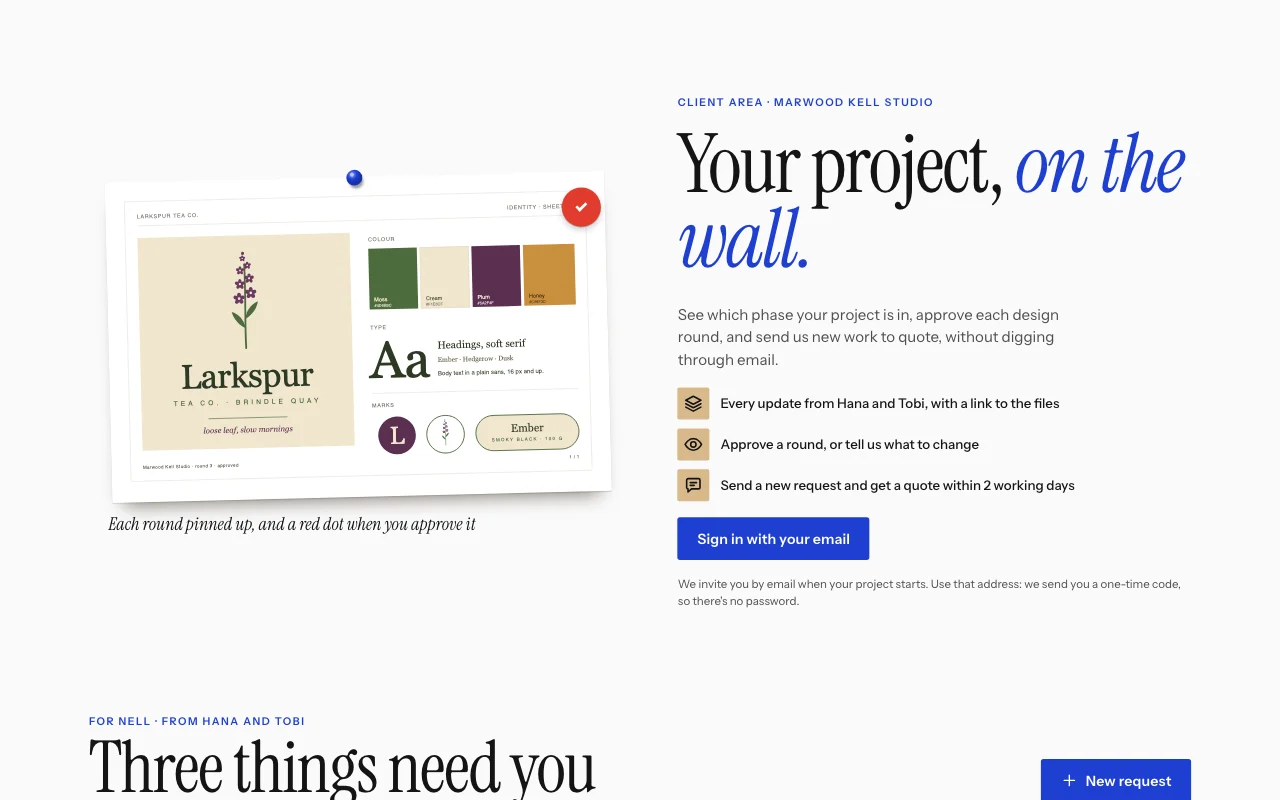 Apps
Client and customer portal
Updates, files and requests, one sign-in per client User sign-inBriefs with photosUpdates you assign Paid plan -
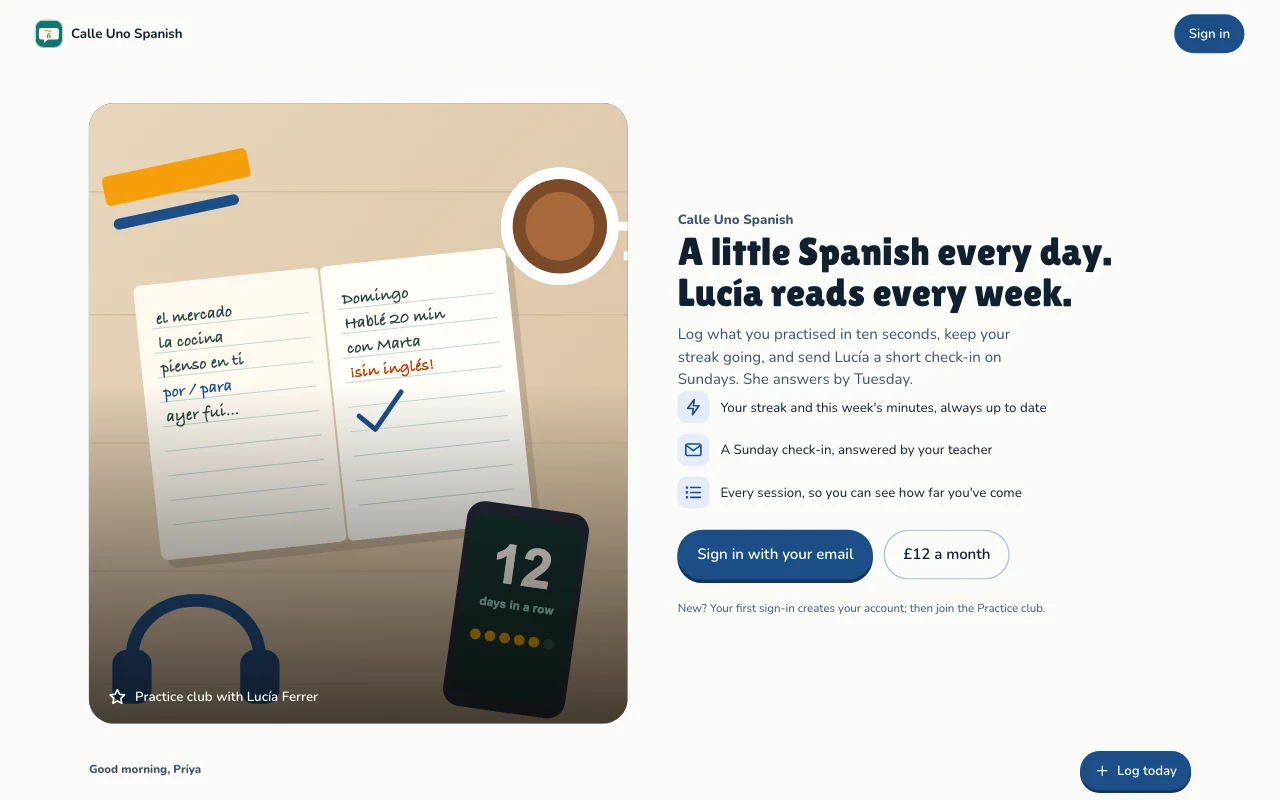 Apps
Habit and goal tracker
Daily practice, streaks and goals, each person's own User sign-inStreaks and progressGoals Paid plan
Questions
Which front end can I use?
Any that can call a web API: a Lovable or Next.js build, or a phone app. See the API docs.
Do my users need a Page Lemon account?
No. They sign in on your app with an emailed code, or with Apple or Google in a phone app.
Who sees the data?
Each person sees their own records and the ones you give them. You see everything in your Dashboard. Your AI reads records only if you turn that on for a list.
How many users can I have?
It depends on your plan: see pricing.
Is there anything I can’t put in it?
Yes. Not health, mood or therapy records, children’s accounts, or card, bank or ID numbers.
Give your app a backend today.
Paste one line into your AI.
Deploy on PageLemon.com