

A backend for the app you are building.
Your front end can be a Lovable build, a Next.js app or a phone app. Page Lemon holds the sign-in, the data and the rules about who sees what, and your AI sets them up.
貼到你的 AI 對話裡
發布到 PageLemon.com
From an empty backend to a working app
The steps in the order they come. Start with whichever you’re at.
-
The data
Your app needs somewhere to keep things, and rules about who sees them
Say what your app stores. Your AI creates the lists and the rules, so each signed-in person sees only their own records and you see them all.
A real template: Casebook. Preview it (opens in a new tab) 在 AI 對話裡輸入
Run the backend for my app on PageLemon.com: people sign in, and each sees only their own receipts- “Add a status field that only I can change” Your AI adds the field and the rule.
- “Show me the records so far” Your AI reads them only if you allow it for that list.
-
The sign-in
Your front end needs people to sign in
Users sign in with an emailed code on the web, and with Sign in with Apple and Google in a phone app. One account works everywhere.
真實範本:Chapter。預覽(在新分頁開啟) 在 AI 對話裡輸入
Set up sign-in for my app: invite only, and let me approve requests- “Let anyone sign up” Your AI changes the setting.
- “Who signed in this week?” Your AI shows the counts.
-
The API
Your own code calls Page Lemon
Your front end reads and writes the lists through the API as the signed-in person, with a key for each app. The API docs list every call.
真實範本:Expense log。預覽(在新分頁開啟) 在 AI 對話裡輸入
Give me the API address and a key for my app- “Call me when a record is added” Your AI sets a webhook to an address you give it.
- “Rotate the key” Your AI makes a new key and retires the old one.
它取代了什麼
一般的做法,和一個對話搞定的做法。
TodayA backend you set up, host and keep patched.
With Page LemonSign-in, data and rules run by Page Lemon, set up by asking.
TodaySign-in code written for every app.
With Page LemonOne sign-in for the web and for phone apps.
TodayRules about who sees what, written in your own code.
With Page LemonEach person sees their own records unless you say otherwise.
TodayA separate service for emailed codes.
With Page LemonEmailed codes are built in.
要花多少錢
Free is for building and trying it as a test user. A paid plan lets your users in.
免費
不用綁信用卡。
- Build and try it as a test user
- 位於 yourname.pagelemon.dev 的網站
- 一個小小的 Page Lemon 標章
付費方案
- 登入了你 App 的使用者
- The API for your own front end
- 你自己的網域,且沒有標章
不適合嗎?14 天內可全額退款,不問原因。
先看看真實的成品
這個頁面上的每張圖都是真實的範本。打開一個,點點看,再請你的 AI 改成屬於你的樣子。
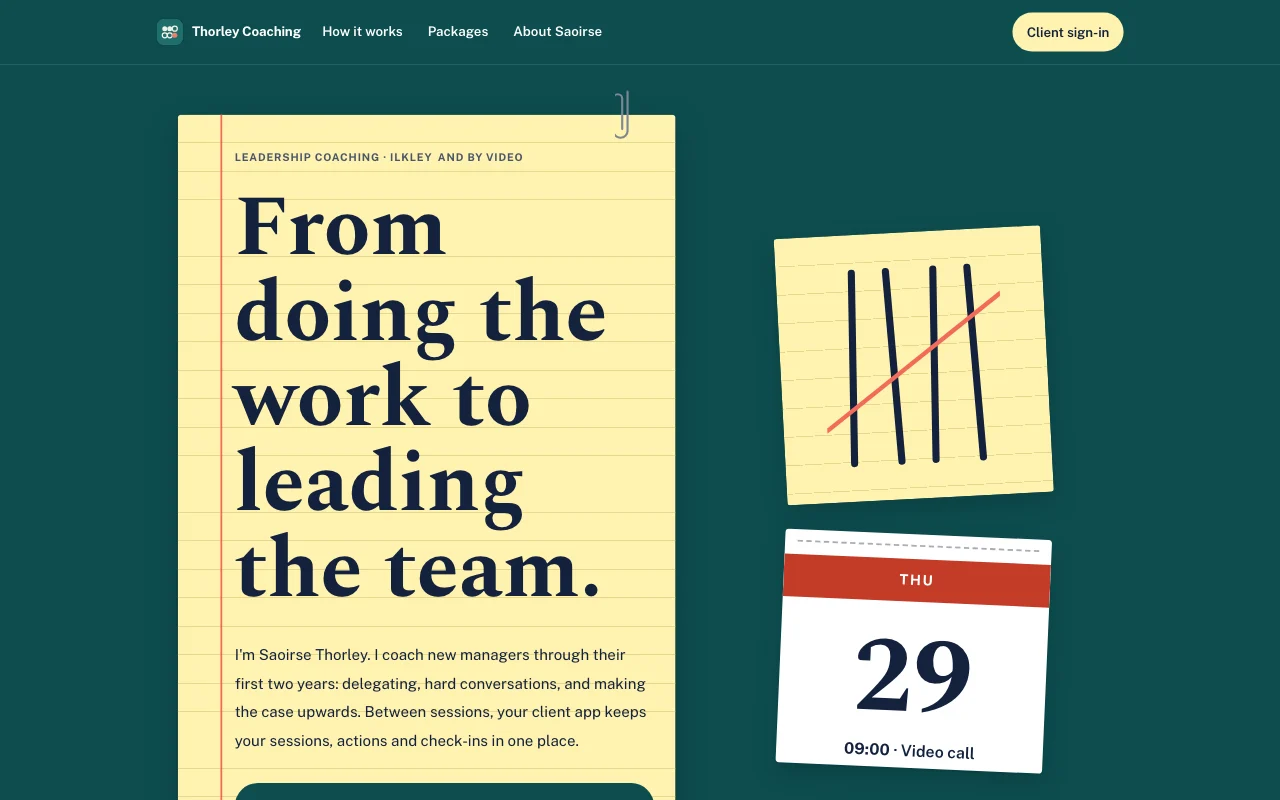 Tally(即時預覽,在新分頁開啟)青綠色桌面上的黃色橫線記事本,用筆畫的計數記號以珊瑚紅劃掉,還有可撕式日曆頁
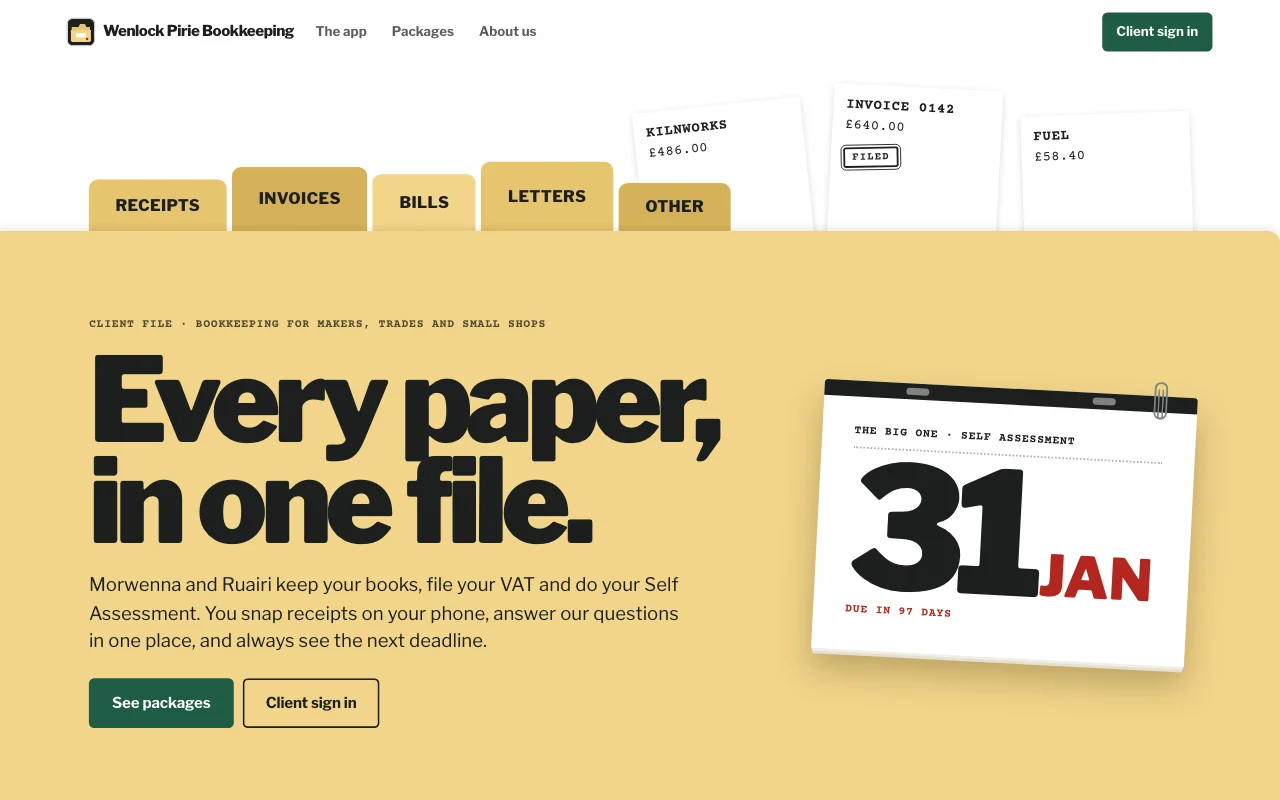
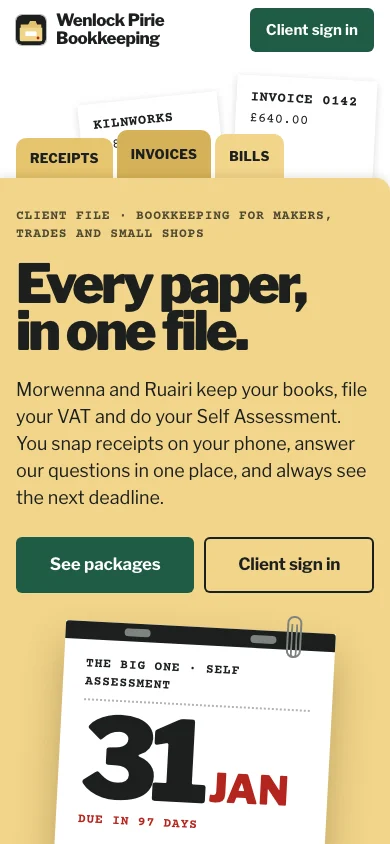
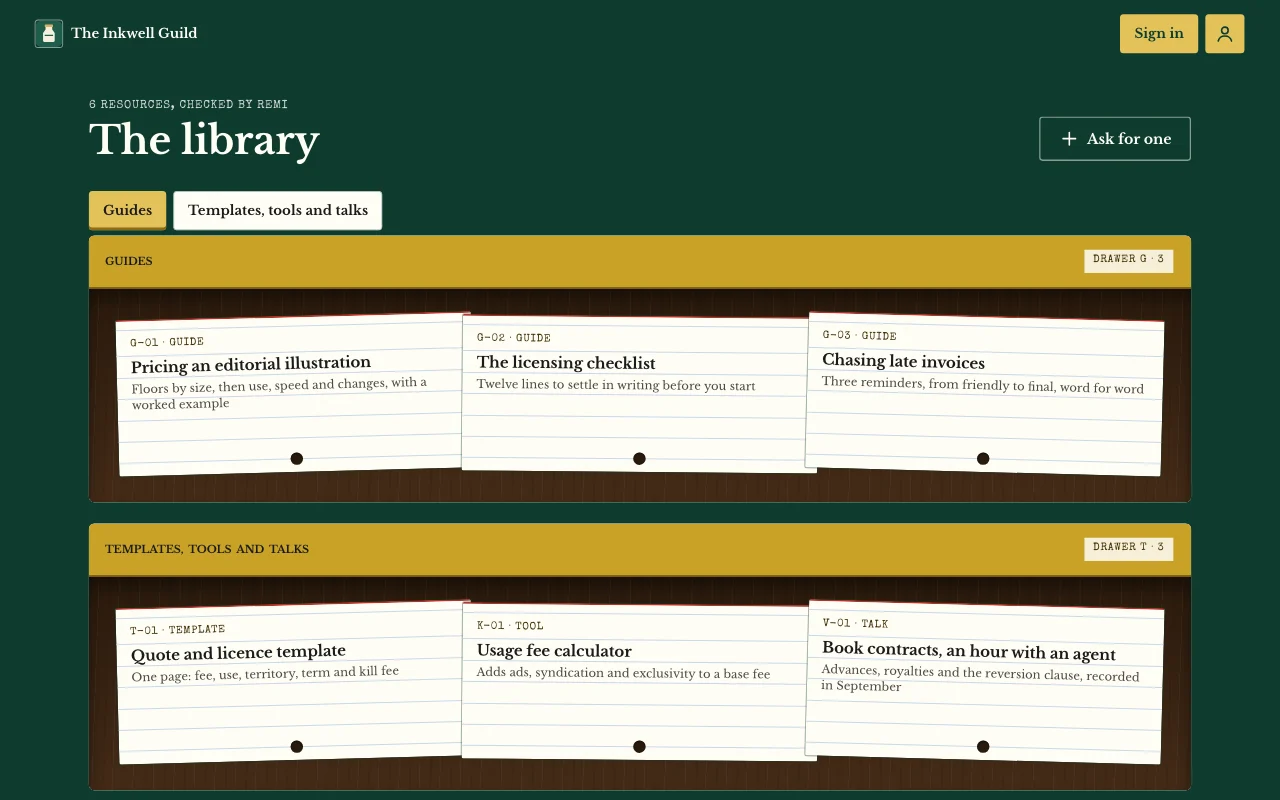
- Casebook (live preview, opens in a new tab)Manila accordion file with index tabs, tear-off deadline pages and red-ink stamps on typed slips
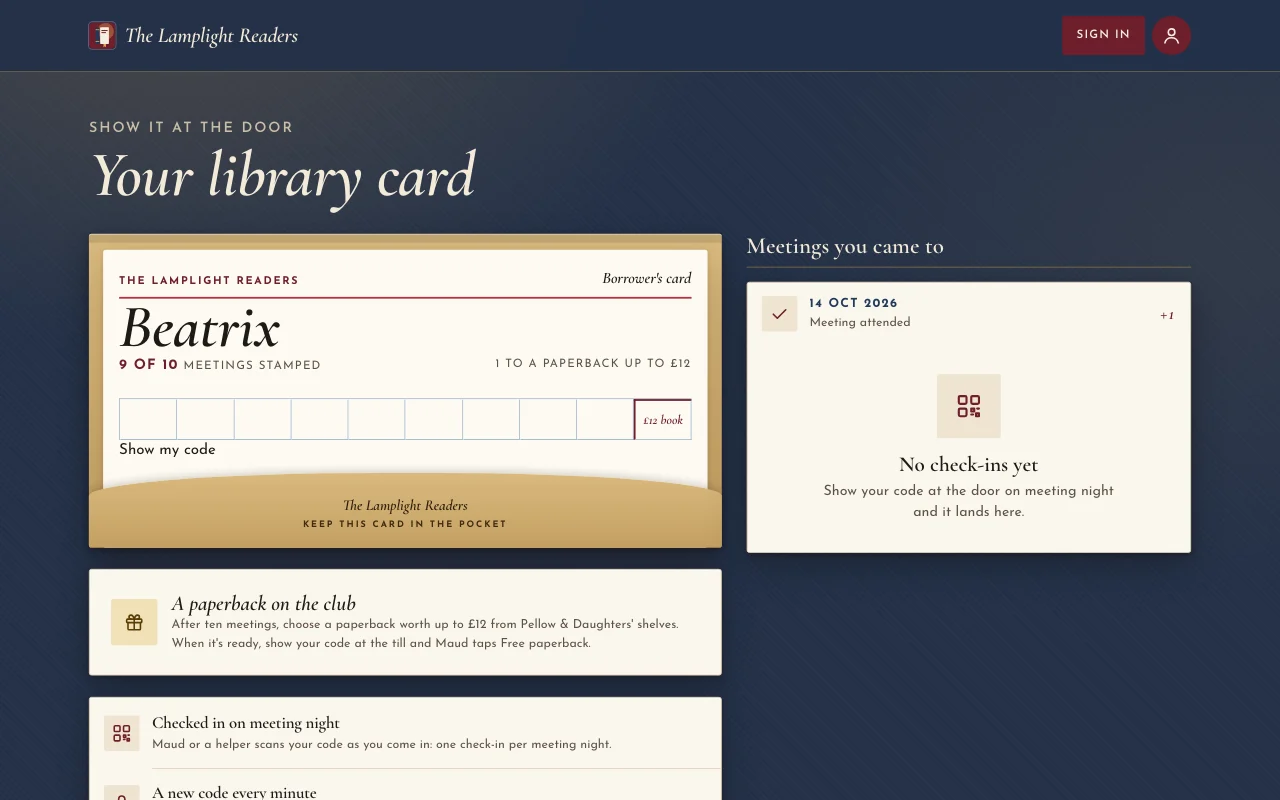
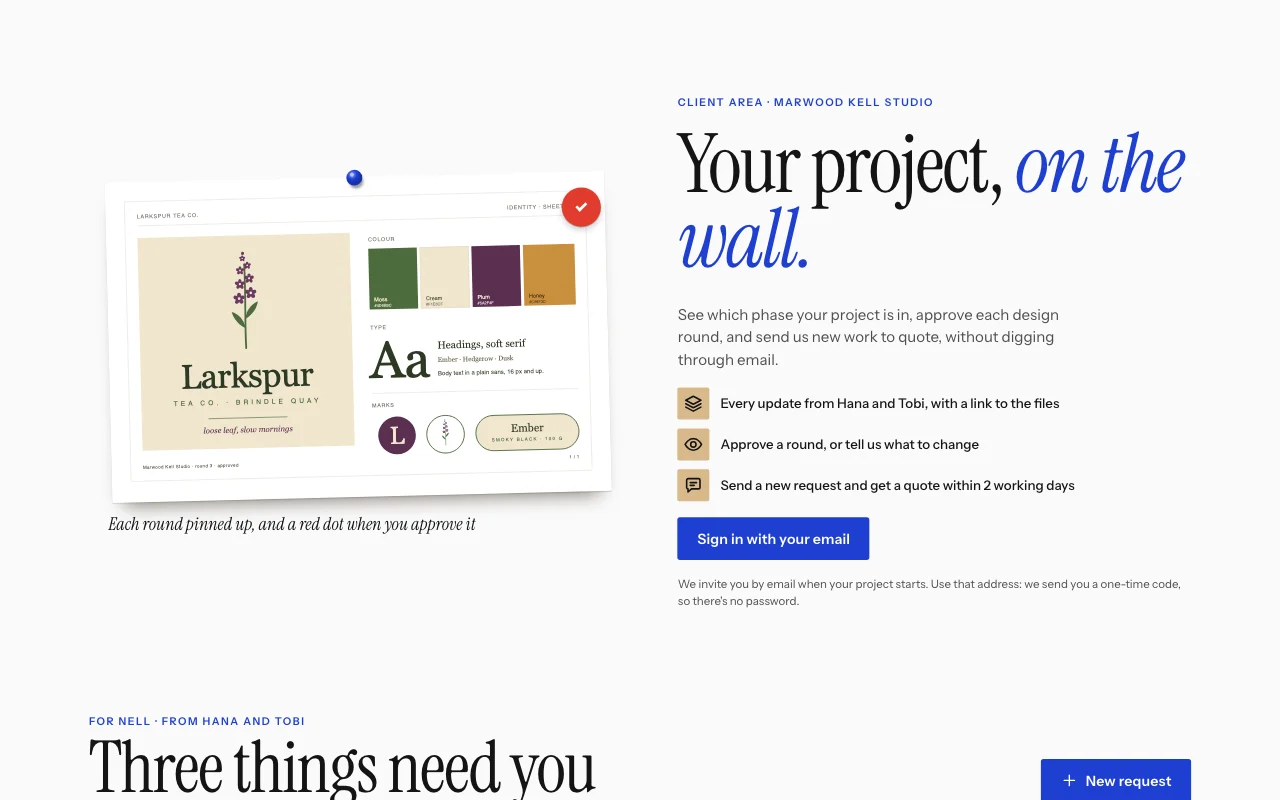
 Chapter (即時預覽,在新分頁開啟)燈下的書衣:牛血紅海報、Cormorant 斜體字、書架上的書背,以及蓋了章的圖書館借書卡
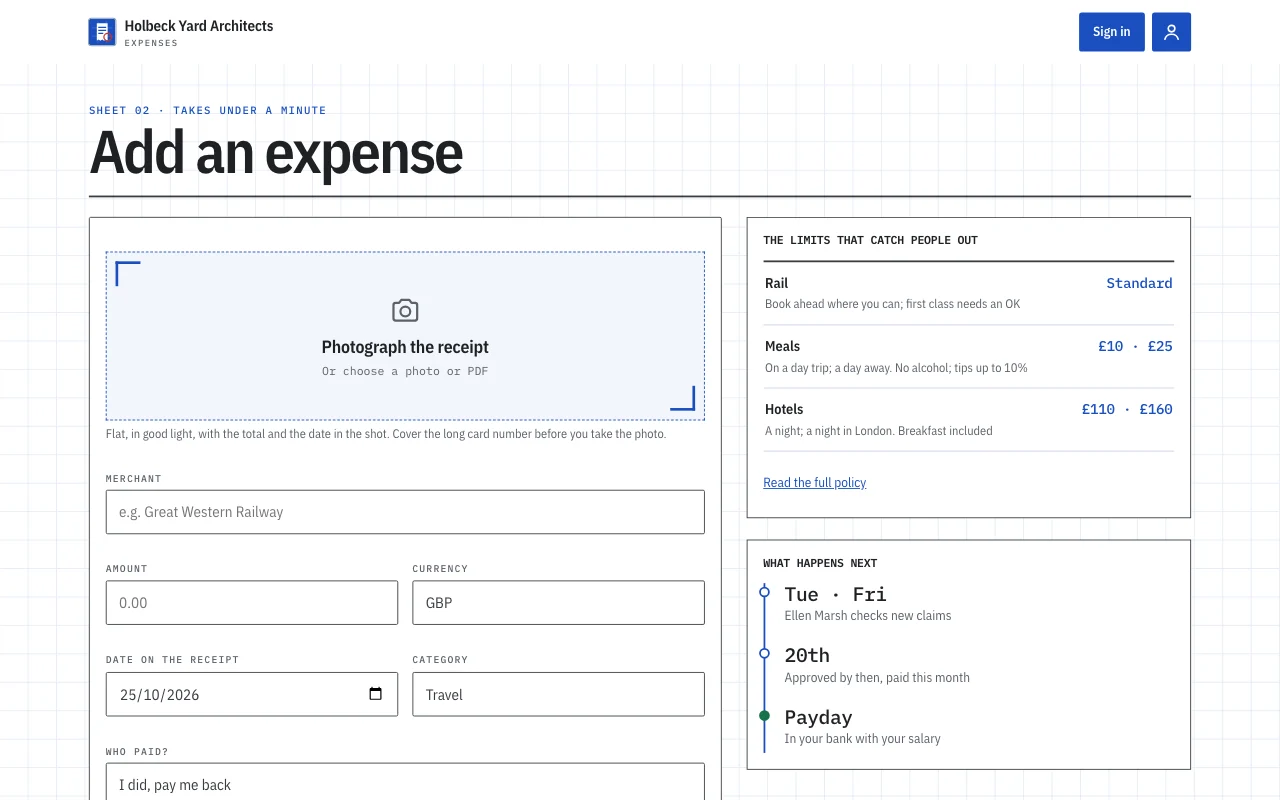
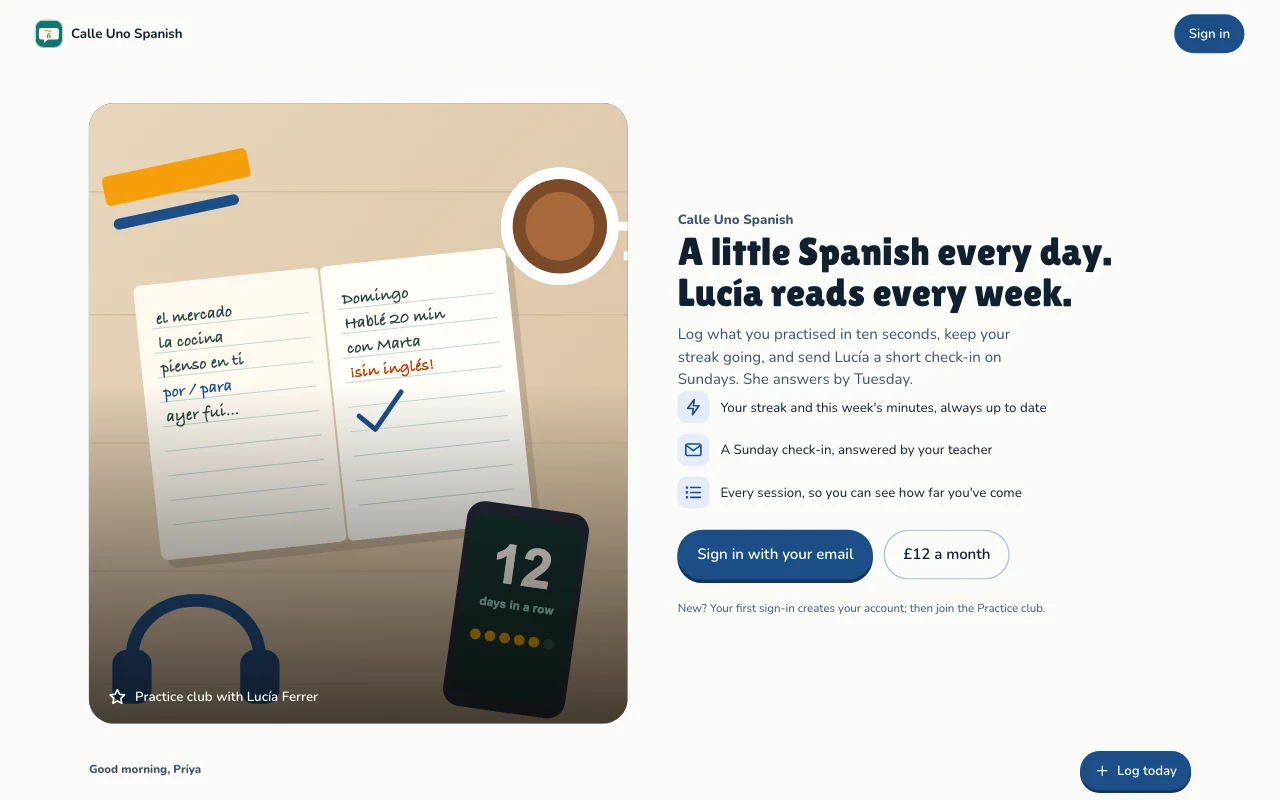
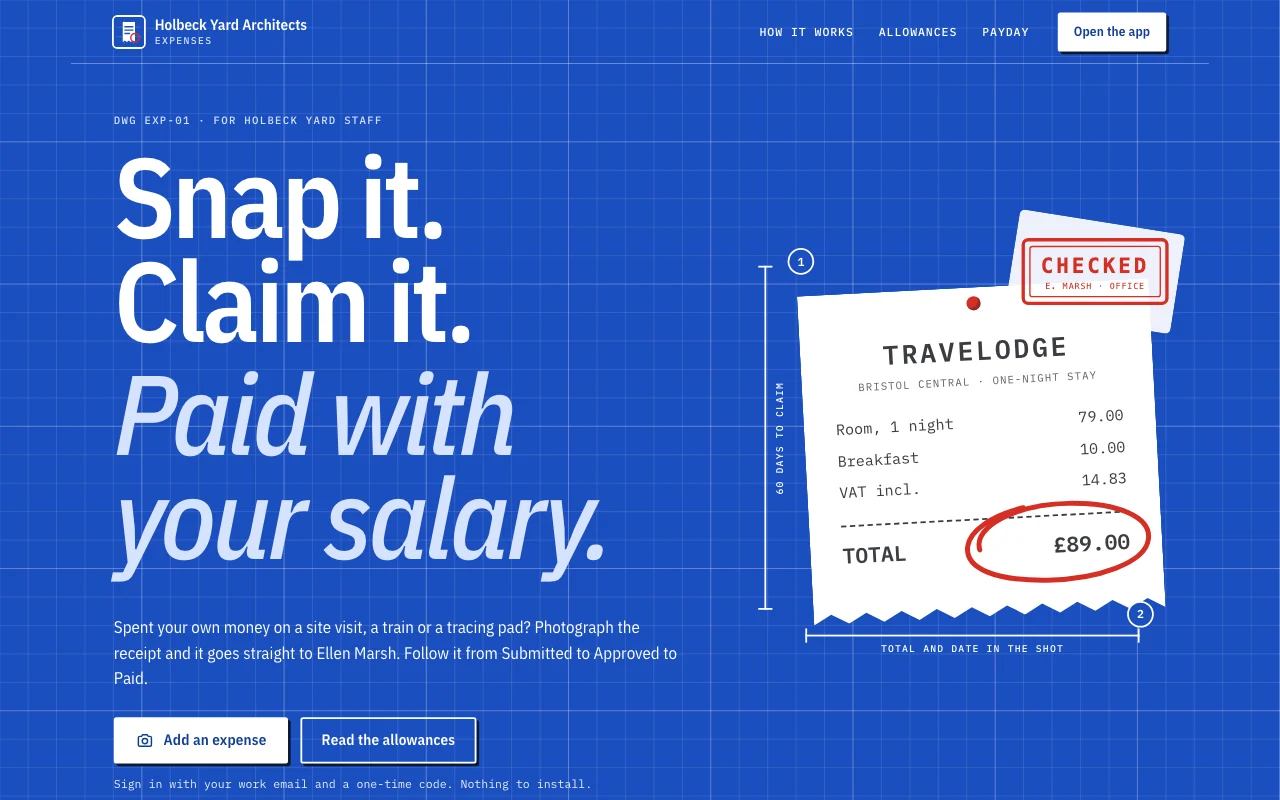 Expense log(即時預覽,在新分頁開啟)App 範本:小型工作室自己的報帳 App。員工用 Email 登入,在手機上拍下單據、一分鐘內完成申報,追蹤每筆申請從「已送出」到「已核准」再到「已付款」,回答辦公室主管的提問,並看到自己可領回的金額和每月合計。辦公室主管在後台核准並回覆。包含一個公開頁面、/app 底下六個會員畫面(首頁、新增、申請、月份、政策、帳號),以及留有空白的隱私聲明。
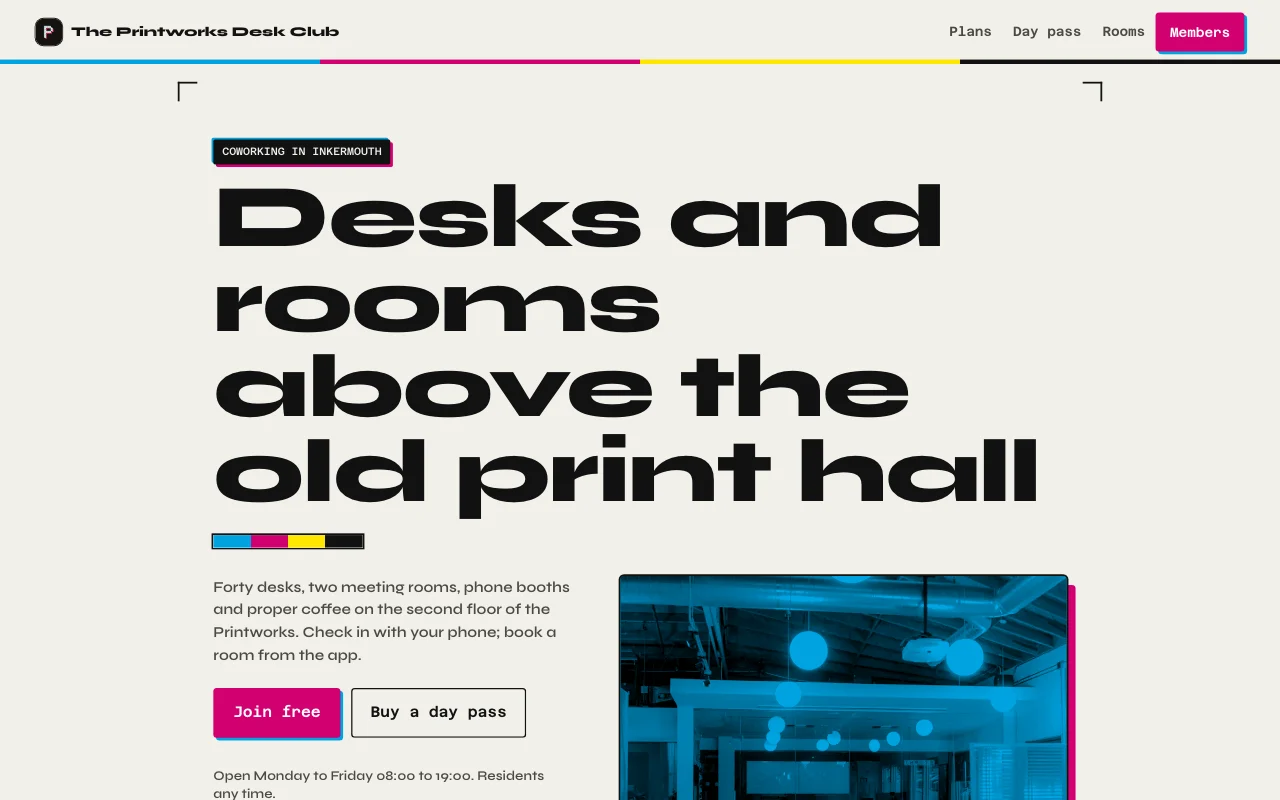 Desk(即時預覽,在新分頁開啟)印刷廠的墨黑色與紙張色,凸版印刷的洋紅與青色點綴、場地與兩個房間的真實照片,以及附本月天數計量條的會員卡
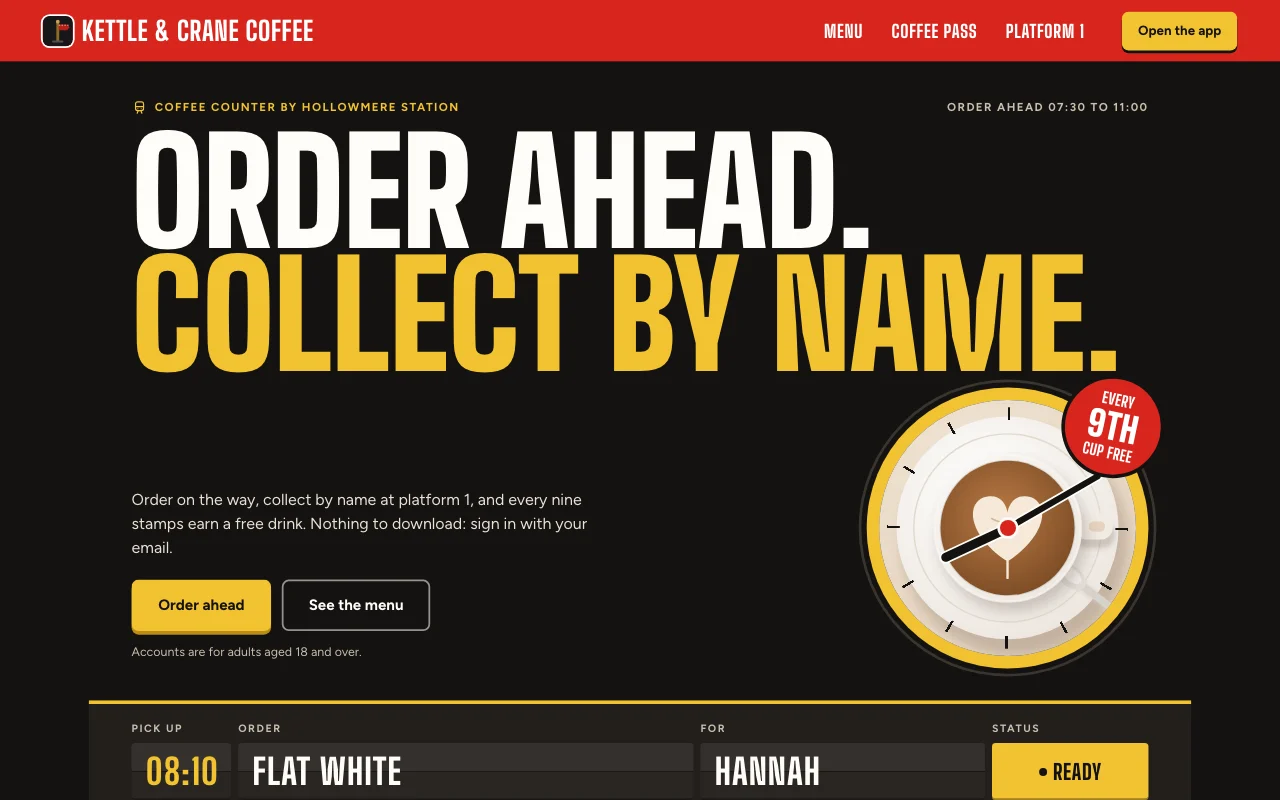 Cortado(即時預覽,在新分頁開啟)車站咖啡館 App,用出發看板顯示你的訂單,搭配紅色月台標誌和蓋紅色印章的紙本集點卡
圖文教學
常見問題
Which front end can I use?
Any that can call a web API: a Lovable or Next.js build, or a phone app. See the API docs.
Do my users need a Page Lemon account?
No. They sign in on your app with an emailed code, or with Apple or Google in a phone app.
Who sees the data?
Each person sees their own records and the ones you give them. You see everything in your Dashboard. Your AI reads records only if you turn that on for a list.
How many users can I have?
It depends on your plan: see pricing.
有什麼是不能放進去的嗎?
Yes. Not health, mood or therapy records, children’s accounts, or card, bank or ID numbers.