

A backend for the app you are building.
Your front end can be a Lovable build, a Next.js app or a phone app. Page Lemon holds the sign-in, the data and the rules about who sees what, and your AI sets them up.
Füge das in deinen KI-Chat ein
Veröffentliche auf PageLemon.com


From an empty backend to a working app
The steps in the order they come. Start with whichever you’re at.
-
The data
Your app needs somewhere to keep things, and rules about who sees them
Say what your app stores. Your AI creates the lists and the rules, so each signed-in person sees only their own records and you see them all.
A real template: Casebook. Preview it (opens in a new tab) Du tippst in deinen KI-Chat
Run the backend for my app on PageLemon.com: people sign in, and each sees only their own receipts- “Add a status field that only I can change” Your AI adds the field and the rule.
- “Show me the records so far” Your AI reads them only if you allow it for that list.
-
The sign-in
Your front end needs people to sign in
Users sign in with an emailed code on the web, and with Sign in with Apple and Google in a phone app. One account works everywhere.
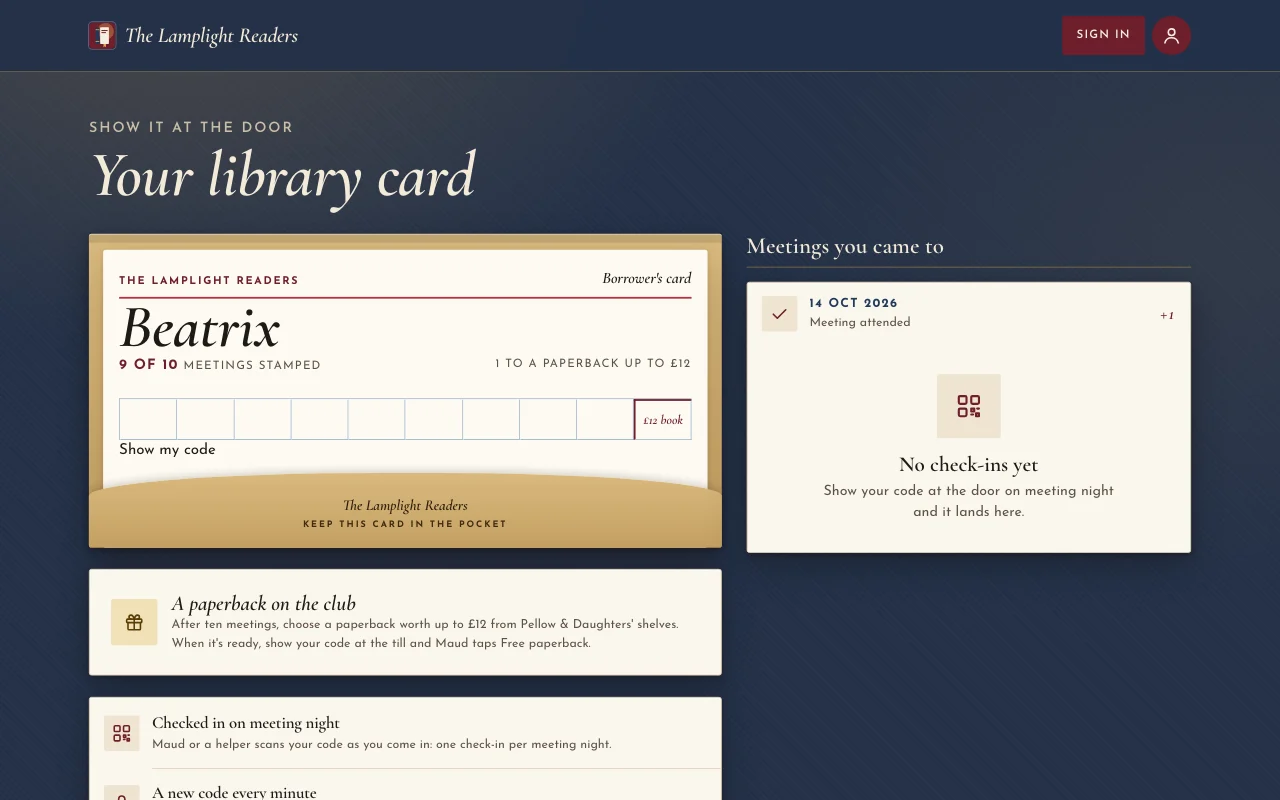
Eine echte Vorlage: Chapter. Vorschau ansehen (öffnet in einem neuen Tab) Du tippst in deinen KI-Chat
Set up sign-in for my app: invite only, and let me approve requests- “Let anyone sign up” Your AI changes the setting.
- “Who signed in this week?” Your AI shows the counts.
-
The API
Your own code calls Page Lemon
Your front end reads and writes the lists through the API as the signed-in person, with a key for each app. The API docs list every call.
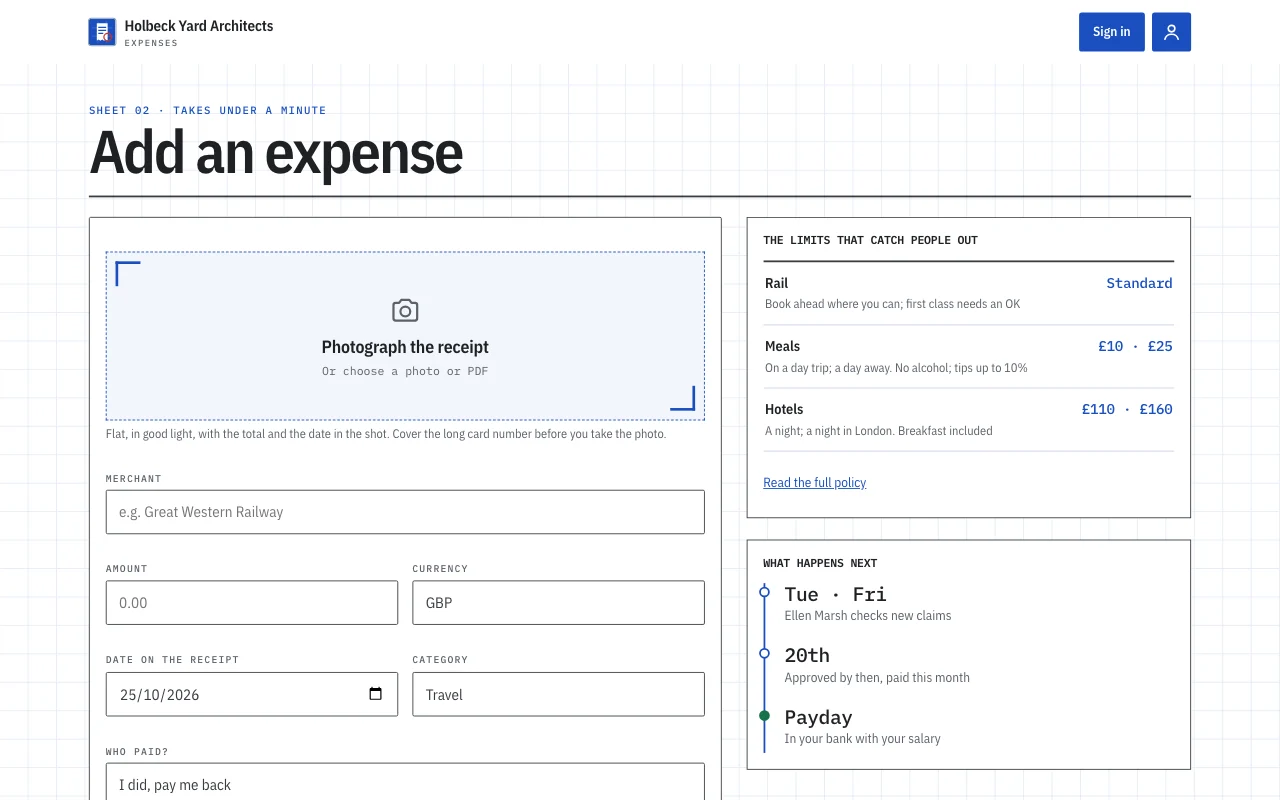
Eine echte Vorlage: Expense log. Vorschau ansehen (öffnet in einem neuen Tab) Du tippst in deinen KI-Chat
Give me the API address and a key for my app- “Call me when a record is added” Your AI sets a webhook to an address you give it.
- “Rotate the key” Your AI makes a new key and retires the old one.
Was es ersetzt
Der übliche Weg und der Weg mit einem Chat.
TodayA backend you set up, host and keep patched.
With Page LemonSign-in, data and rules run by Page Lemon, set up by asking.
TodaySign-in code written for every app.
With Page LemonOne sign-in for the web and for phone apps.
TodayRules about who sees what, written in your own code.
With Page LemonEach person sees their own records unless you say otherwise.
TodayA separate service for emailed codes.
With Page LemonEmailed codes are built in.
Was es dich kostet
Free is for building and trying it as a test user. A paid plan lets your users in.
Kostenlos
Keine Karte nötig.
- Build and try it as a test user
- Eine Website unter deinname.pagelemon.dev
- Ein kleines Page-Lemon-Badge
Bezahlter Tarif
- In deiner App angemeldete Nutzer
- The API for your own front end
- Deine eigene Domain und kein Badge
Passt nicht? Volle Erstattung innerhalb von 14 Tagen, ohne Fragen.
Sieh dir zuerst das Echte an
Jedes Bild auf dieser Seite ist eine echte Vorlage. Öffne eine, klick dich durch und bitte dann deine KI, sie zu deiner zu machen.
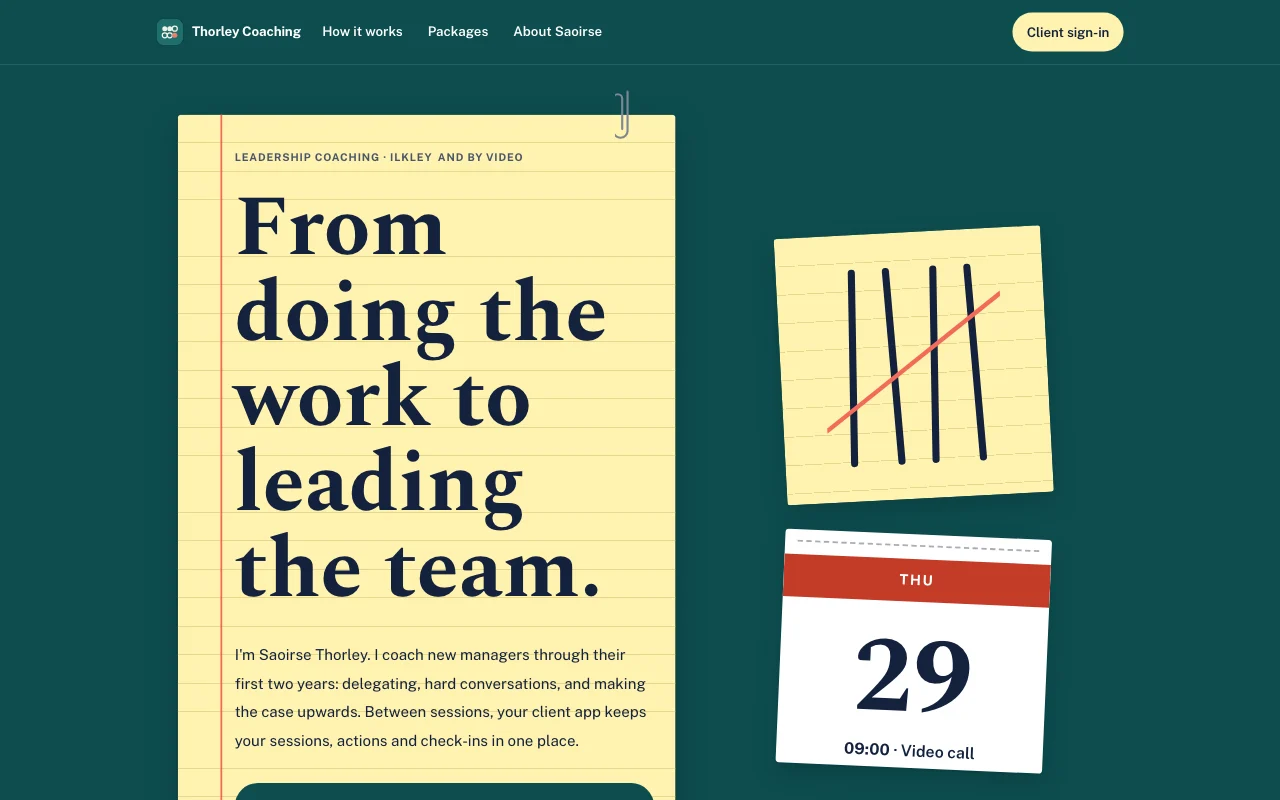 Tally (Live-Vorschau, öffnet in einem neuen Tab)Gelber Notizblock auf einem petrolfarbenen Schreibtisch, mit in Koralle durchgestrichenen Strichlisten in Kugelschreibertinte und einem abreißbaren Kalenderblatt
- Casebook (live preview, opens in a new tab)Manila accordion file with index tabs, tear-off deadline pages and red-ink stamps on typed slips
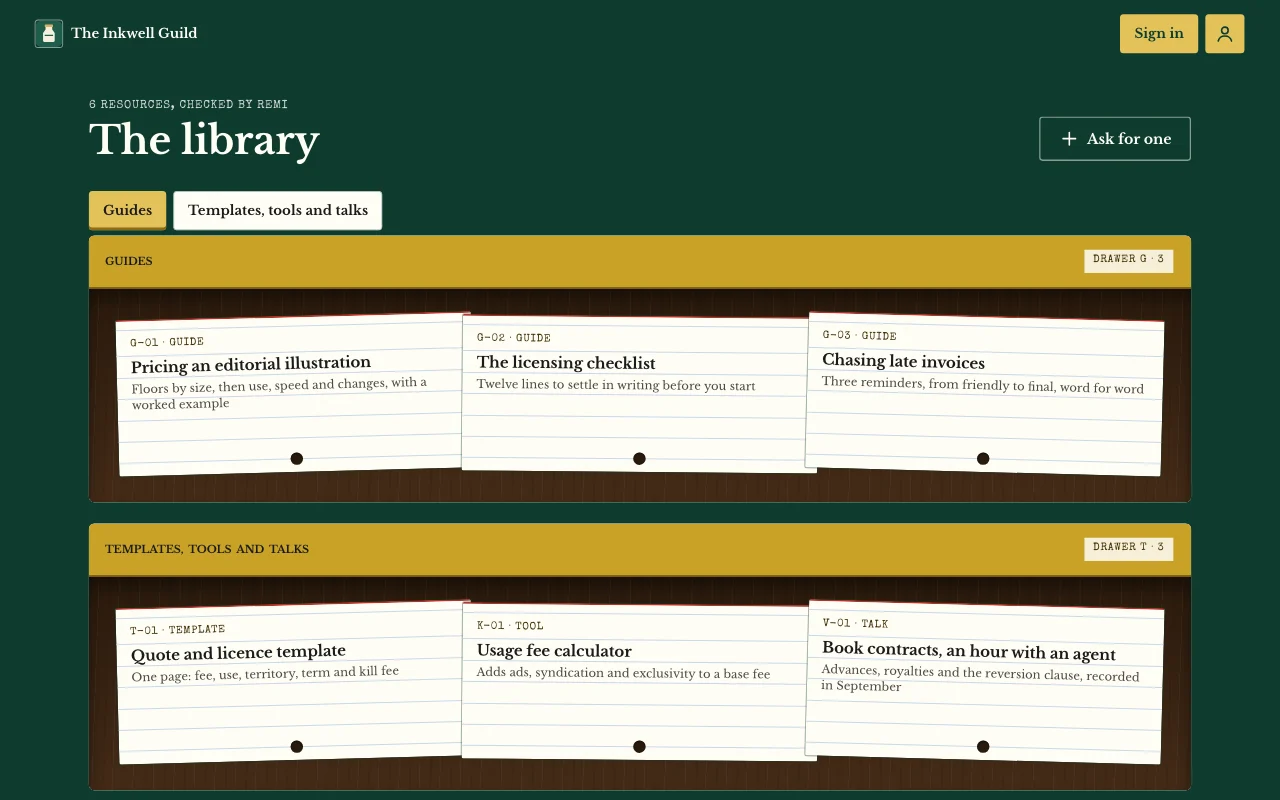
 Chapter (Live-Vorschau, öffnet in neuem Tab)Schutzumschläge im Lampenlicht: ein ochsenblutrotes Plakat, Cormorant-Kursive, Buchrücken im Regal und eine gestempelte Leihkarte
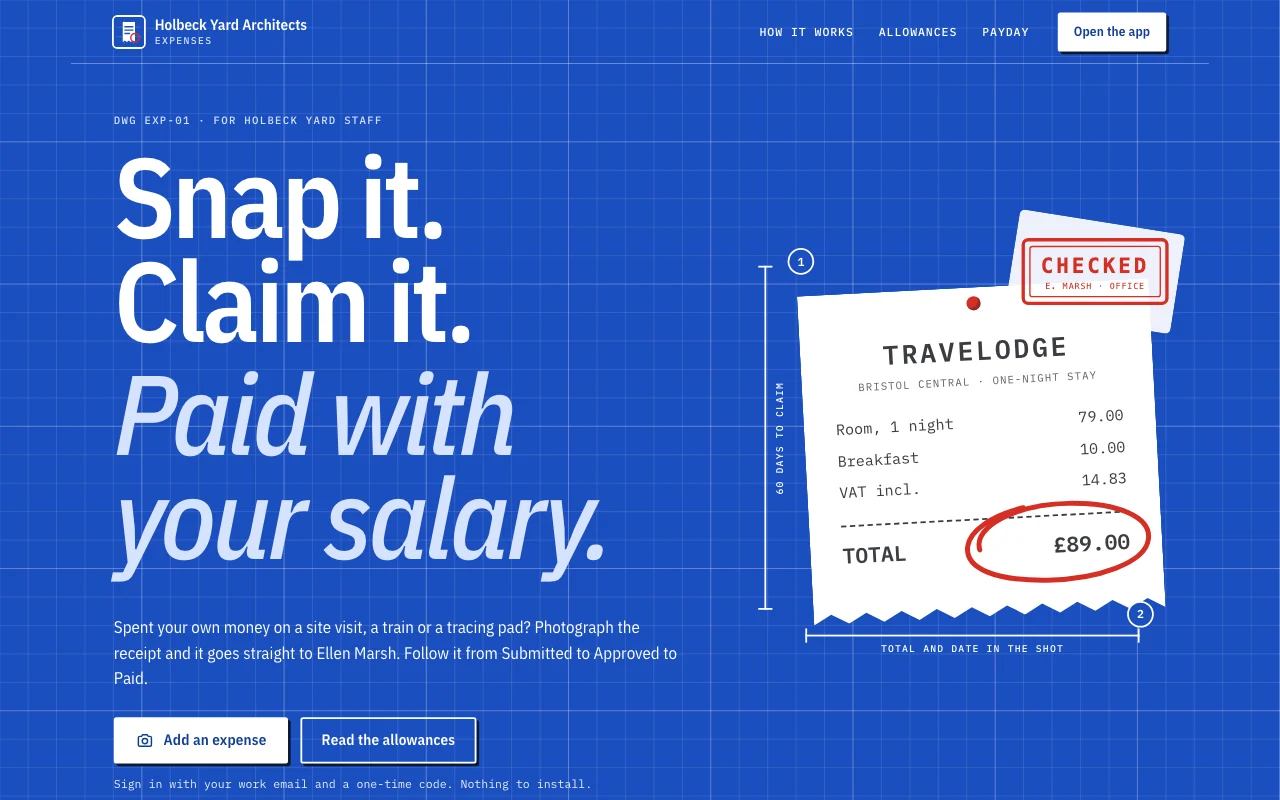 Expense log (Live-Vorschau, öffnet in einem neuen Tab)Eine App-Vorlage: die eigene Spesen-App eines kleinen Studios. Mitarbeiter melden sich mit ihrer E-Mail an, fotografieren einen Beleg mit dem Handy und reichen ihn in unter einer Minute ein, verfolgen jede Abrechnung von Eingereicht über Genehmigt bis Bezahlt, beantworten Fragen der Büroleitung und sehen, was ihnen zusteht, und ihre Monatssummen. Die Büroleitung genehmigt und antwortet im Dashboard. Eine öffentliche Seite, sechs Mitglieder-Bildschirme unter /app (Home, Add, Claims, Months, Policy, Account) und eine Datenschutzerklärung mit Lücken.
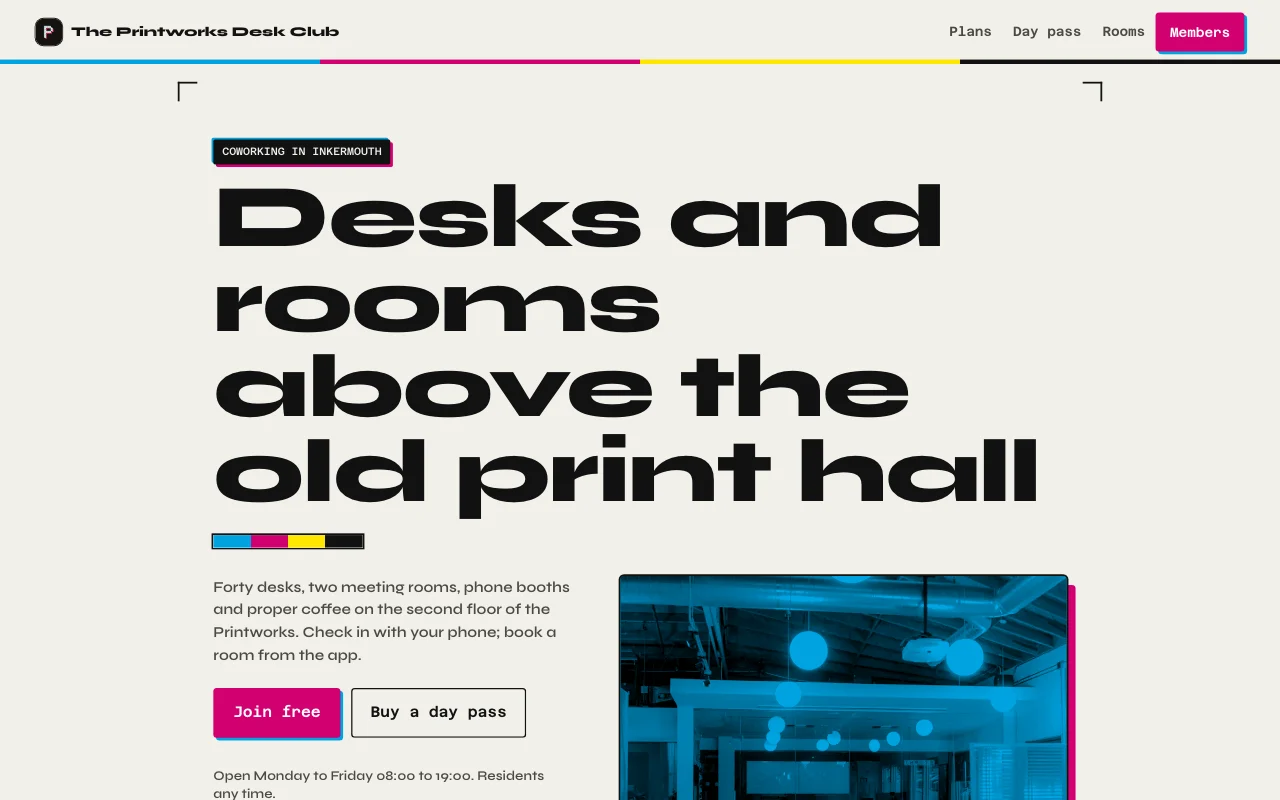 Desk (Live-Vorschau, öffnet in einem neuen Tab)Druckerei-Tintenschwarz und Papier, Magenta- und Cyan-Akzente aus dem Buchdruck, echte Fotos der Halle und beider Räume, eine Mitgliedskarte mit einer Anzeige für die Tage dieses Monats
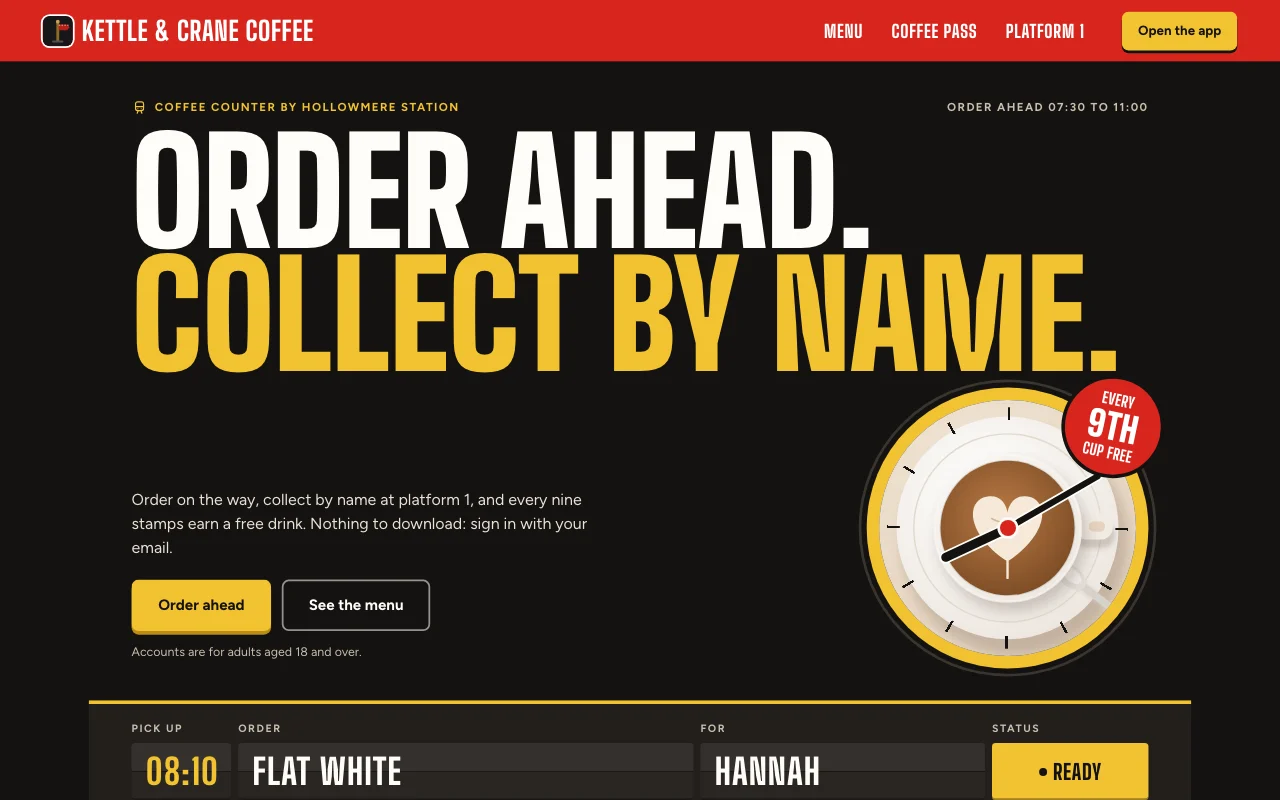 Cortado (Live-Vorschau, öffnet in einem neuen Tab)Bahnhofscafé-App: eine Abfahrtstafel für deine Bestellung, ein rotes Bahnsteigschild und eine Stempelkarte aus Papier mit roten Stempeln
Schritt-für-Schritt-Anleitungen
-
Apps
Spesen-App
Belege vom Handy, jeder mit seinem eigenen Monat NutzeranmeldungBelegfotosExport Bezahlter Tarif -
 Apps
Mitgliederbereich oder Kurs
Lektionen, Beiträge und Anleitungen, die nur deine Nutzer öffnen können NutzeranmeldungSeiten, die nur Nutzer sehenNotizen und Fotos Bezahlter Tarif -
 Apps
Kundenportal
Updates, Dateien und Anfragen, eine Anmeldung pro Kunde NutzeranmeldungBriefings mit FotosUpdates, die du zuweist Bezahlter Tarif -
 Apps
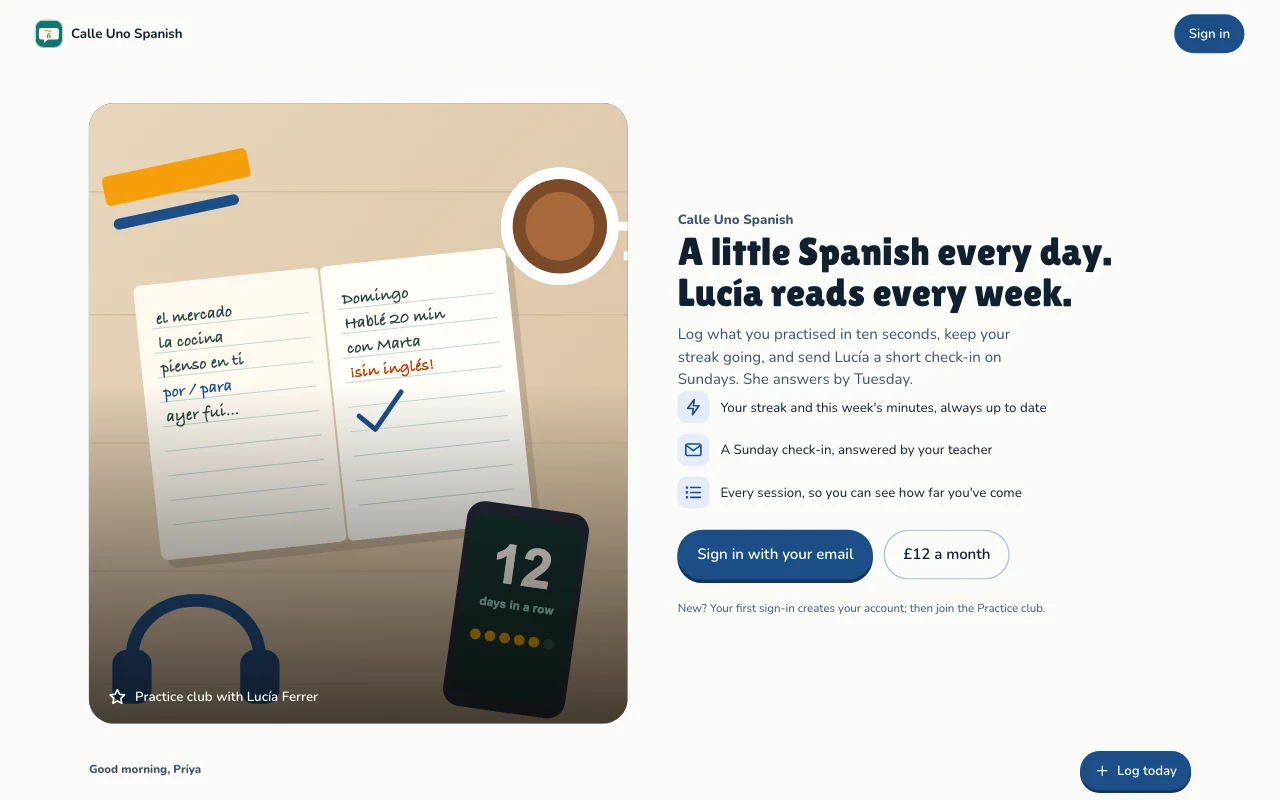
Gewohnheits- und Ziele-Tracker
Tägliches Üben, Serien und Ziele, für jede Person getrennt NutzeranmeldungSerien und FortschrittZiele Bezahlter Tarif
Fragen
Which front end can I use?
Any that can call a web API: a Lovable or Next.js build, or a phone app. See the API docs.
Do my users need a Page Lemon account?
No. They sign in on your app with an emailed code, or with Apple or Google in a phone app.
Who sees the data?
Each person sees their own records and the ones you give them. You see everything in your Dashboard. Your AI reads records only if you turn that on for a list.
How many users can I have?
It depends on your plan: see pricing.
Gibt es etwas, das ich nicht eintragen lassen darf?
Yes. Not health, mood or therapy records, children’s accounts, or card, bank or ID numbers.
Give your app a backend today.
Füg eine Zeile in deine KI ein.
Veröffentliche auf PageLemon.com