

A backend for the app you are building.
Your front end can be a Lovable build, a Next.js app or a phone app. Page Lemon holds the sign-in, the data and the rules about who sees what, and your AI sets them up.
Pega esto en el chat de tu IA
Publica en PageLemon.com
From an empty backend to a working app
The steps in the order they come. Start with whichever you’re at.
-
The data
Your app needs somewhere to keep things, and rules about who sees them
Say what your app stores. Your AI creates the lists and the rules, so each signed-in person sees only their own records and you see them all.
A real template: Casebook. Preview it (opens in a new tab) Escribes en el chat de tu IA
Run the backend for my app on PageLemon.com: people sign in, and each sees only their own receipts- “Add a status field that only I can change” Your AI adds the field and the rule.
- “Show me the records so far” Your AI reads them only if you allow it for that list.
-
The sign-in
Your front end needs people to sign in
Users sign in with an emailed code on the web, and with Sign in with Apple and Google in a phone app. One account works everywhere.
Una plantilla real: Chapter. Ver vista previa (se abre en una pestaña nueva) Escribes en el chat de tu IA
Set up sign-in for my app: invite only, and let me approve requests- “Let anyone sign up” Your AI changes the setting.
- “Who signed in this week?” Your AI shows the counts.
-
The API
Your own code calls Page Lemon
Your front end reads and writes the lists through the API as the signed-in person, with a key for each app. The API docs list every call.
Una plantilla real: Expense log. Ver vista previa (se abre en una pestaña nueva) Escribes en el chat de tu IA
Give me the API address and a key for my app- “Call me when a record is added” Your AI sets a webhook to an address you give it.
- “Rotate the key” Your AI makes a new key and retires the old one.
Lo que reemplaza
La forma de siempre, y la forma de un solo chat.
TodayA backend you set up, host and keep patched.
With Page LemonSign-in, data and rules run by Page Lemon, set up by asking.
TodaySign-in code written for every app.
With Page LemonOne sign-in for the web and for phone apps.
TodayRules about who sees what, written in your own code.
With Page LemonEach person sees their own records unless you say otherwise.
TodayA separate service for emailed codes.
With Page LemonEmailed codes are built in.
Lo que te cuesta
Free is for building and trying it as a test user. A paid plan lets your users in.
Gratis
Sin tarjeta.
- Build and try it as a test user
- Un sitio en tunombre.pagelemon.dev
- Un pequeño distintivo de Page Lemon
Plan de pago
- Usuarios con sesión iniciada en tu app
- The API for your own front end
- Tu propio dominio, y sin distintivo
¿No es para ti? Reembolso total en 14 días, sin preguntas.
Mira primero lo real
Cada imagen de esta página es una plantilla real. Abre una, explora y luego pídele a tu IA que la haga tuya.
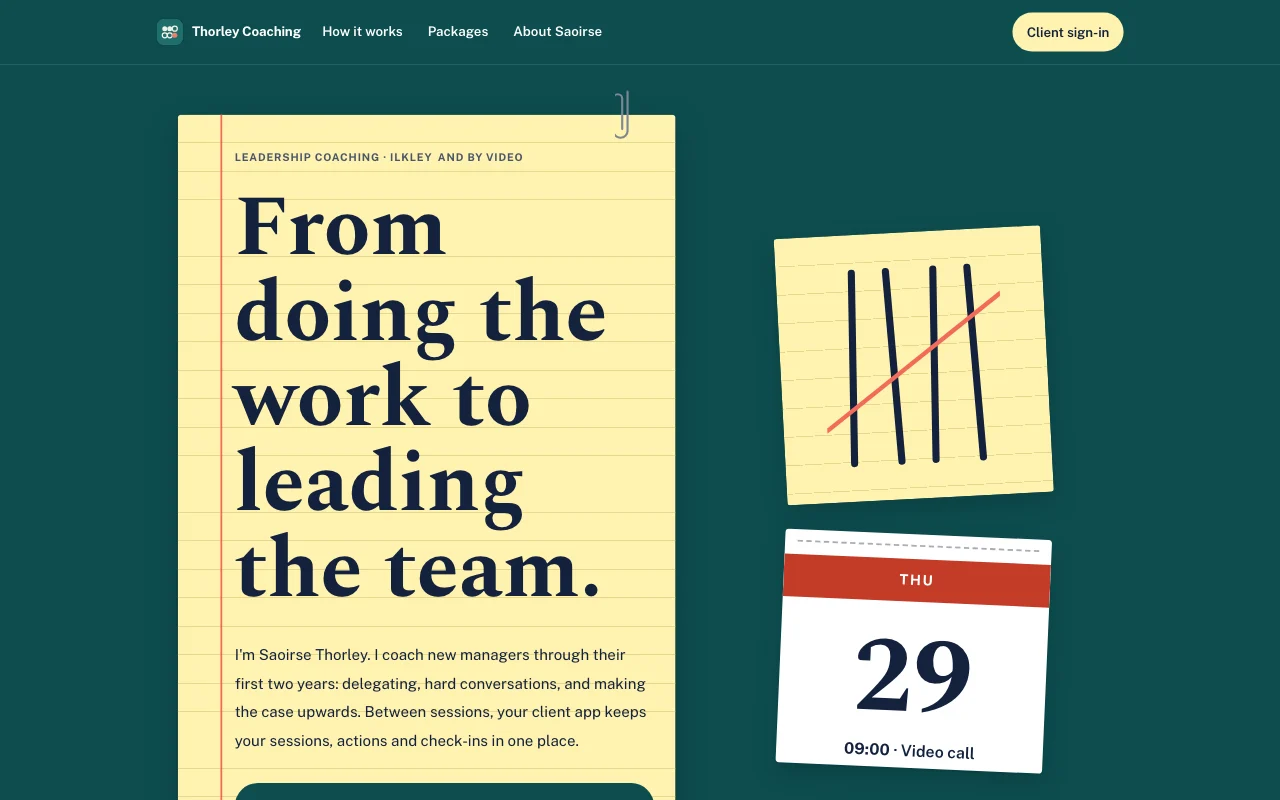 Tally (vista previa en vivo, se abre en una pestaña nueva)Bloc amarillo sobre un escritorio verde azulado, con marcas de conteo a pluma tachadas en coral y una hoja de calendario desprendible
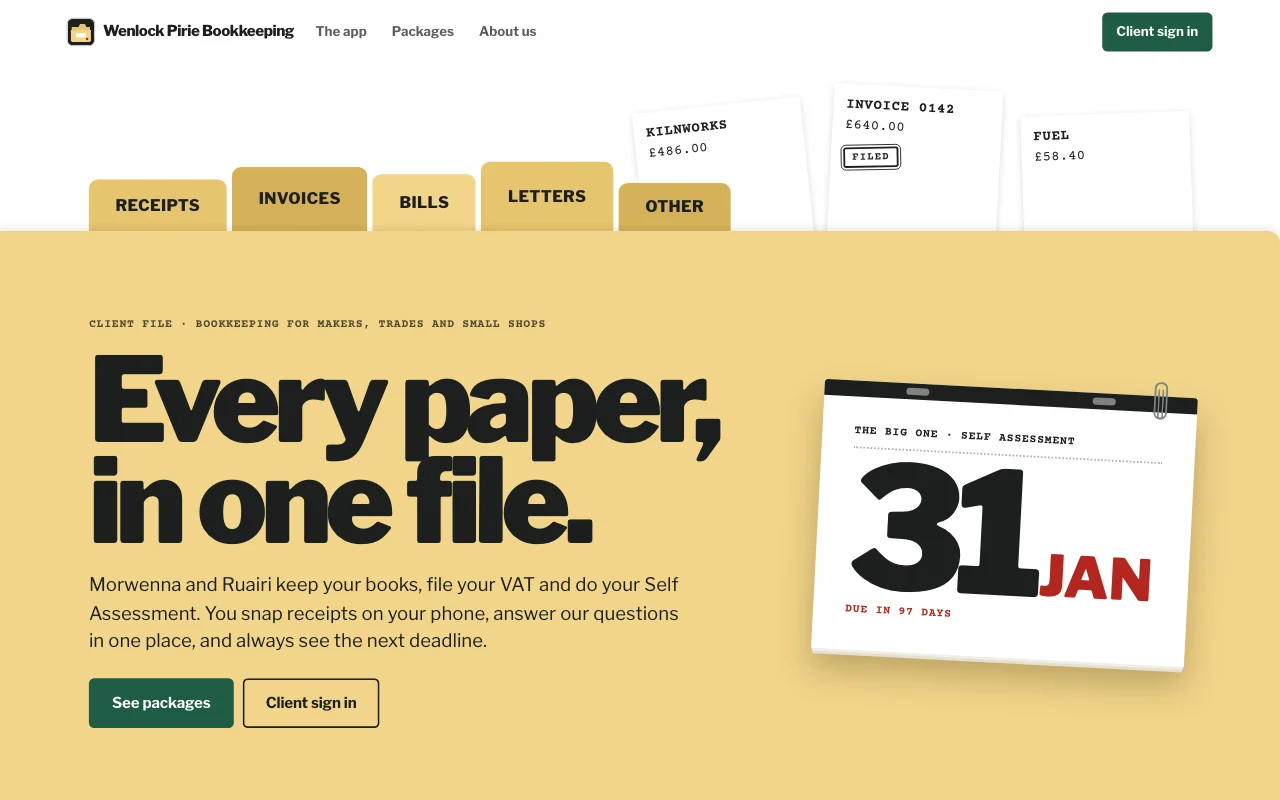
- Casebook (live preview, opens in a new tab)Manila accordion file with index tabs, tear-off deadline pages and red-ink stamps on typed slips
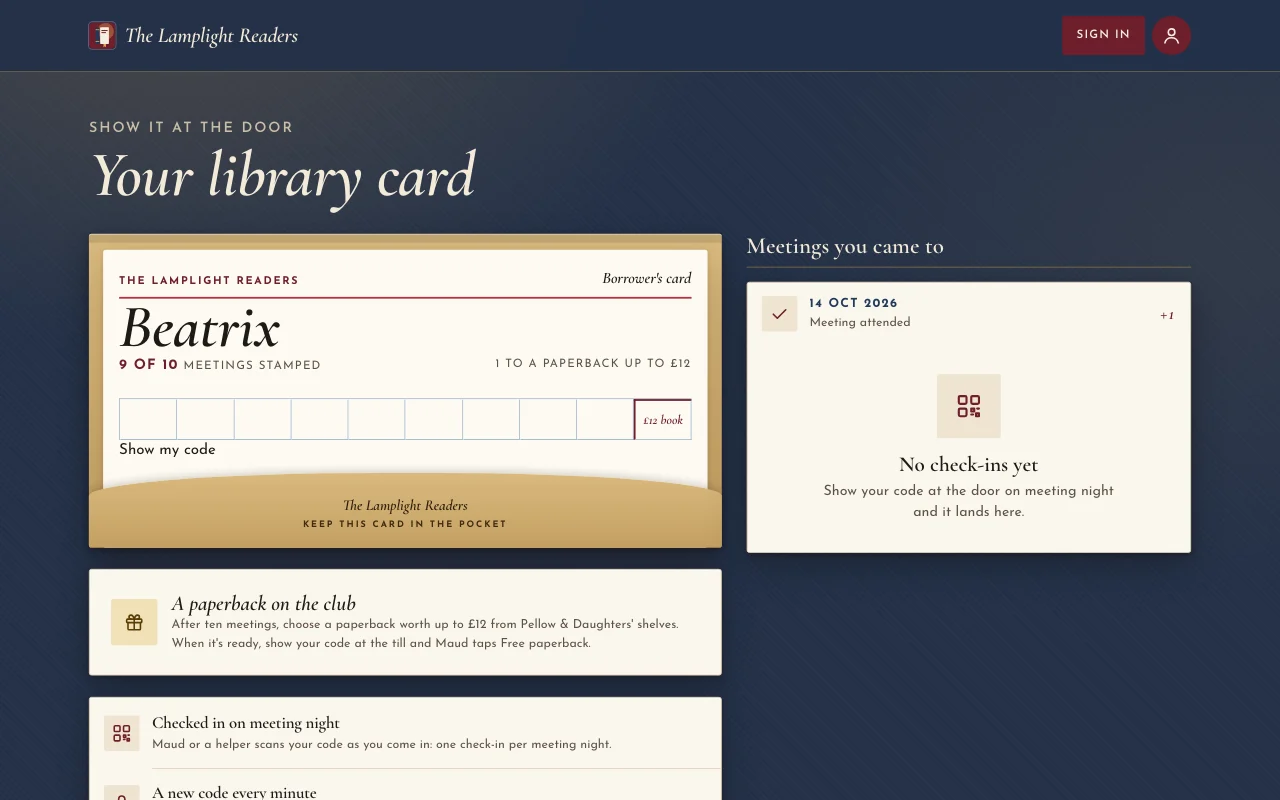
 Chapter (vista previa en vivo, se abre en una pestaña nueva)Sobrecubiertas a la luz de una lámpara: un cartel color sangre de toro, cursivas Cormorant, lomos en un estante y una ficha de biblioteca sellada
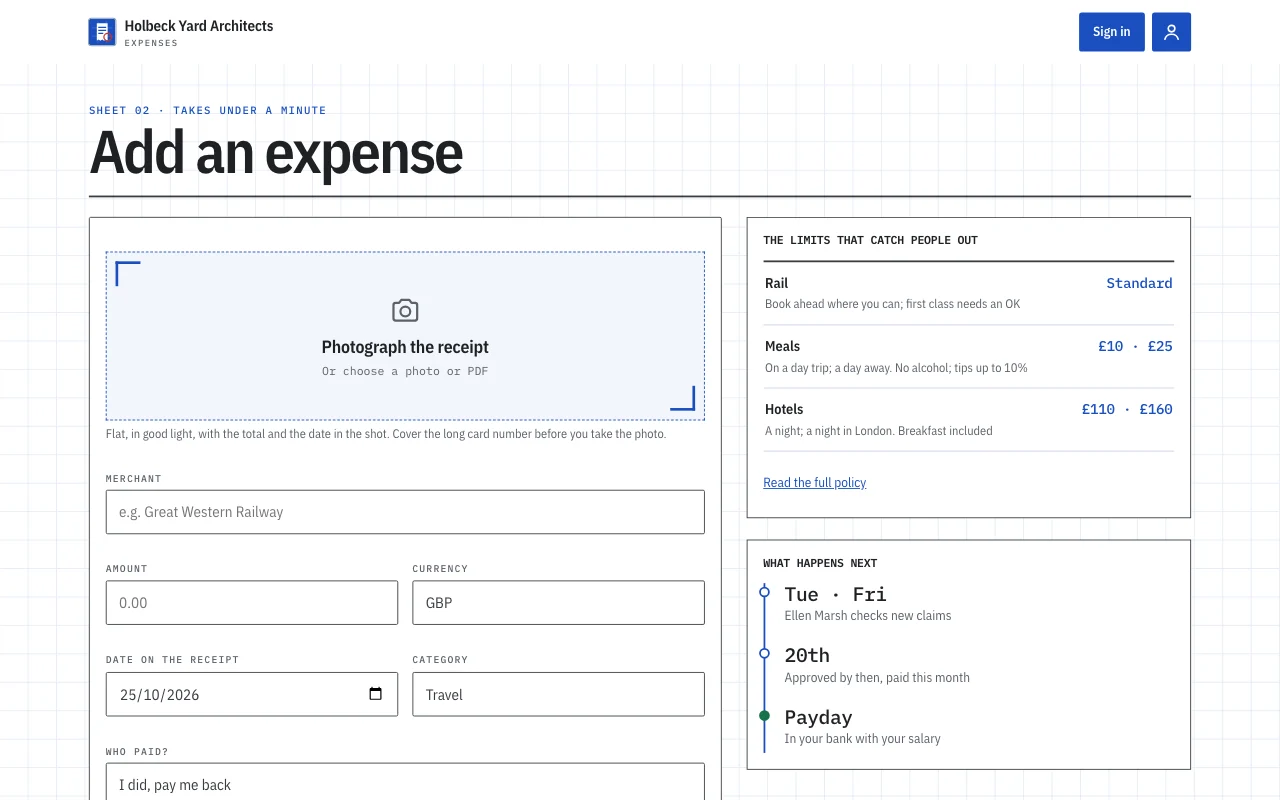
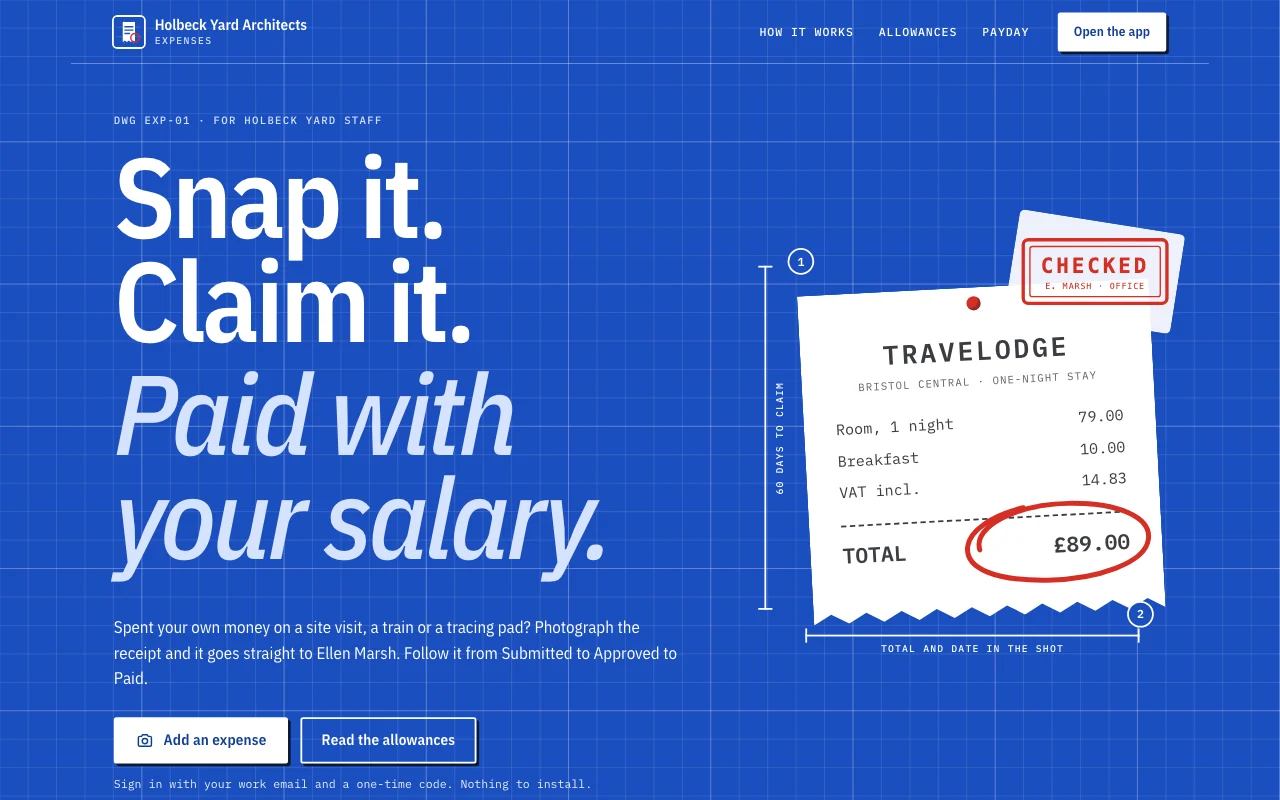 Expense log (vista previa en vivo, se abre en una pestaña nueva)Una plantilla de app: la app de solicitudes de gastos de un estudio pequeño. El personal inicia sesión con su correo, fotografía un recibo con su celular y lo reclama en menos de un minuto, sigue cada solicitud de Enviada a Aprobada a Pagada, responde las preguntas de la jefa de oficina, y ve lo que se le debe y sus totales mensuales. La jefa de oficina aprueba y responde en el panel. Una página pública, seis pantallas para miembros en /app (Home, Add, Claims, Months, Policy, Account) y un aviso de privacidad con espacios en blanco.
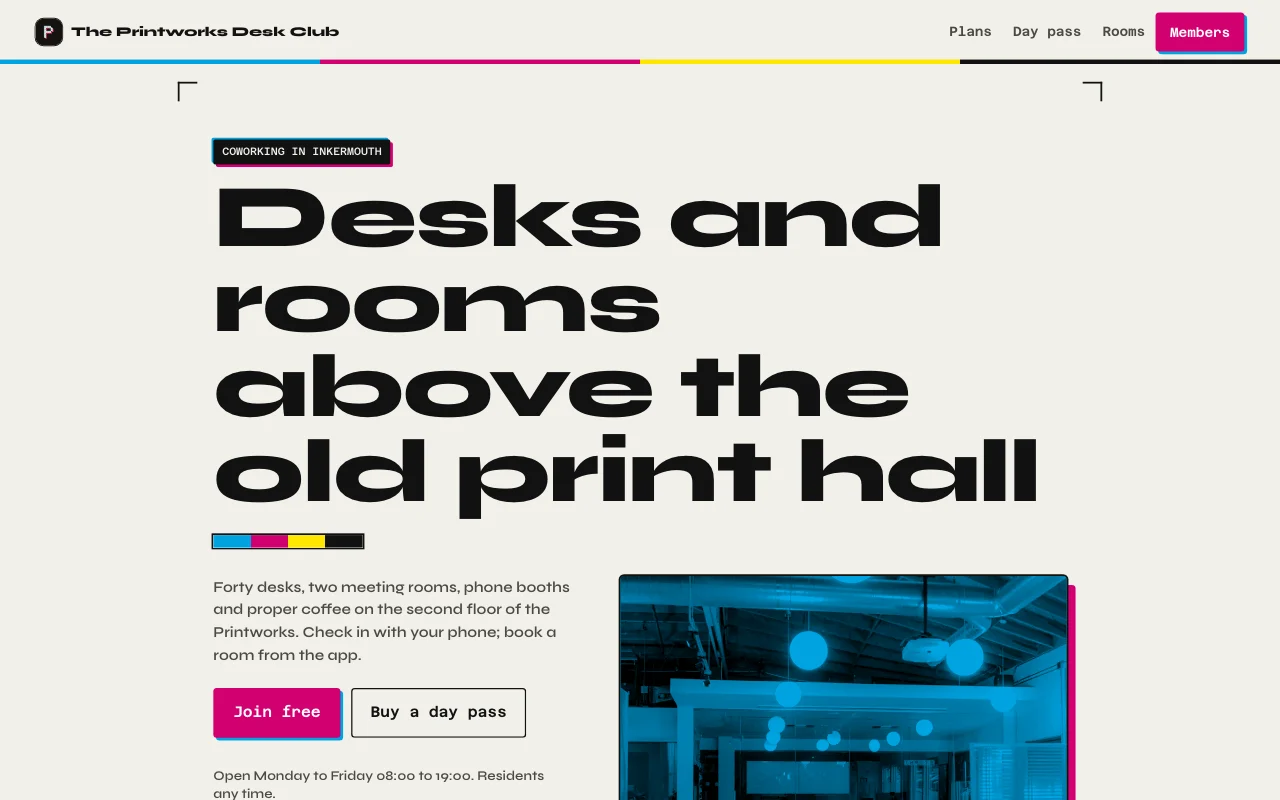 Desk (vista previa en vivo, se abre en una pestaña nueva)Negro tinta de imprenta y papel, acentos magenta y cian de tipografía, fotos reales del taller y de ambas salas, una tarjeta de membresía con un medidor de días del mes
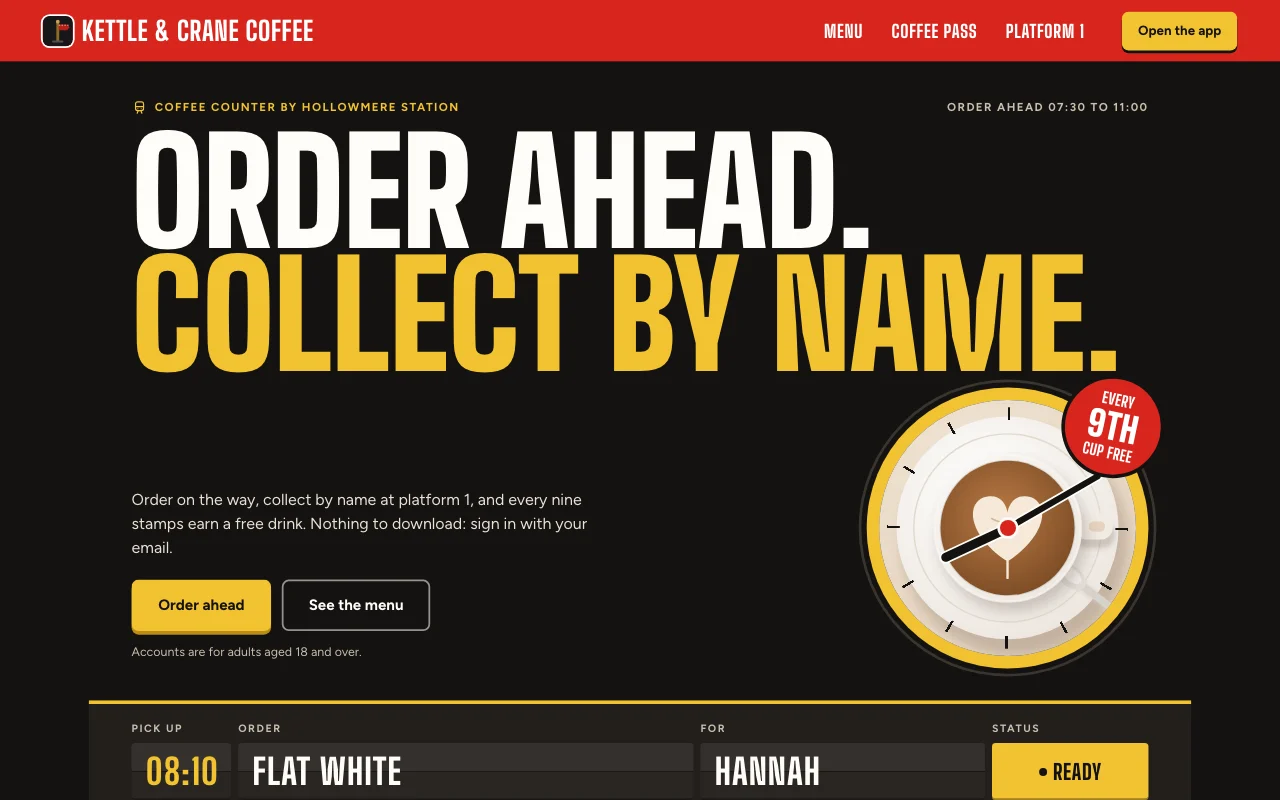 Cortado (vista previa en vivo, se abre en una pestaña nueva)App de café de estación: un tablero de salidas para tu pedido, un letrero rojo de andén y una tarjeta de sellos de papel con sellos de tinta roja
Guías paso a paso
-
Apps
App de gastos
Recibos desde el teléfono, el mes de cada persona Inicio de sesión de usuariosFotos de recibosExportación Plan de pago -
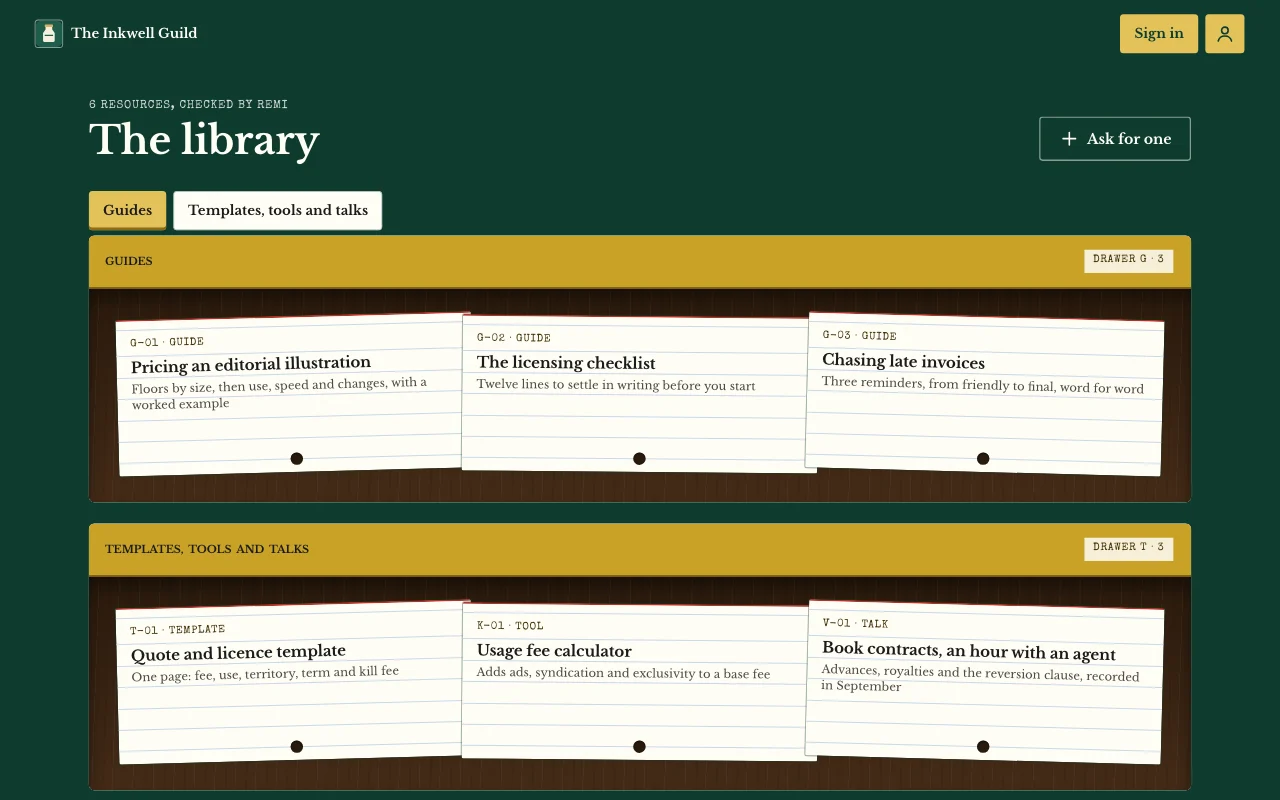 Apps
Área de miembros o curso
Lecciones, publicaciones y guías que solo tus usuarios pueden abrir Inicio de sesión de usuariosPáginas que solo ven los usuariosNotas y fotos Plan de pago -
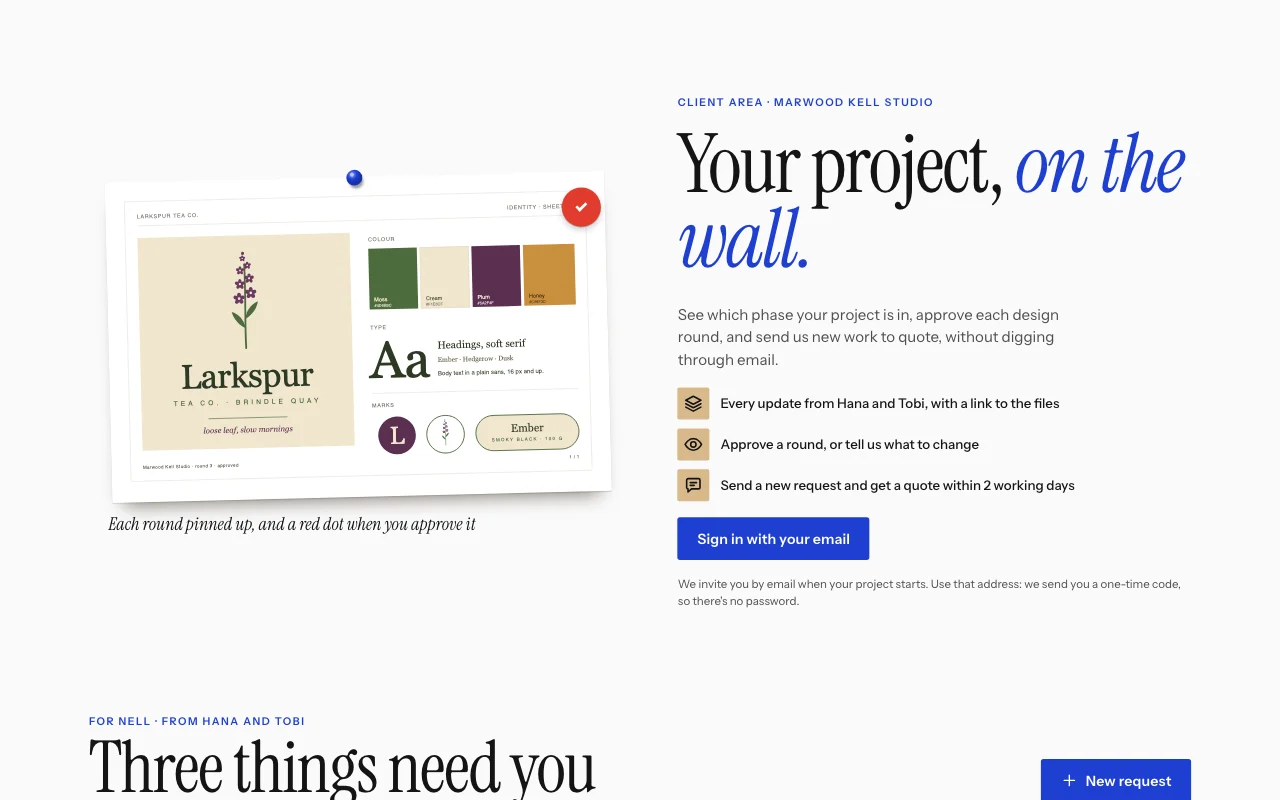 Apps
Portal de clientes
Novedades, archivos y solicitudes, un inicio de sesión por cliente Inicio de sesión de usuariosBriefs con fotosNovedades que asignas Plan de pago -
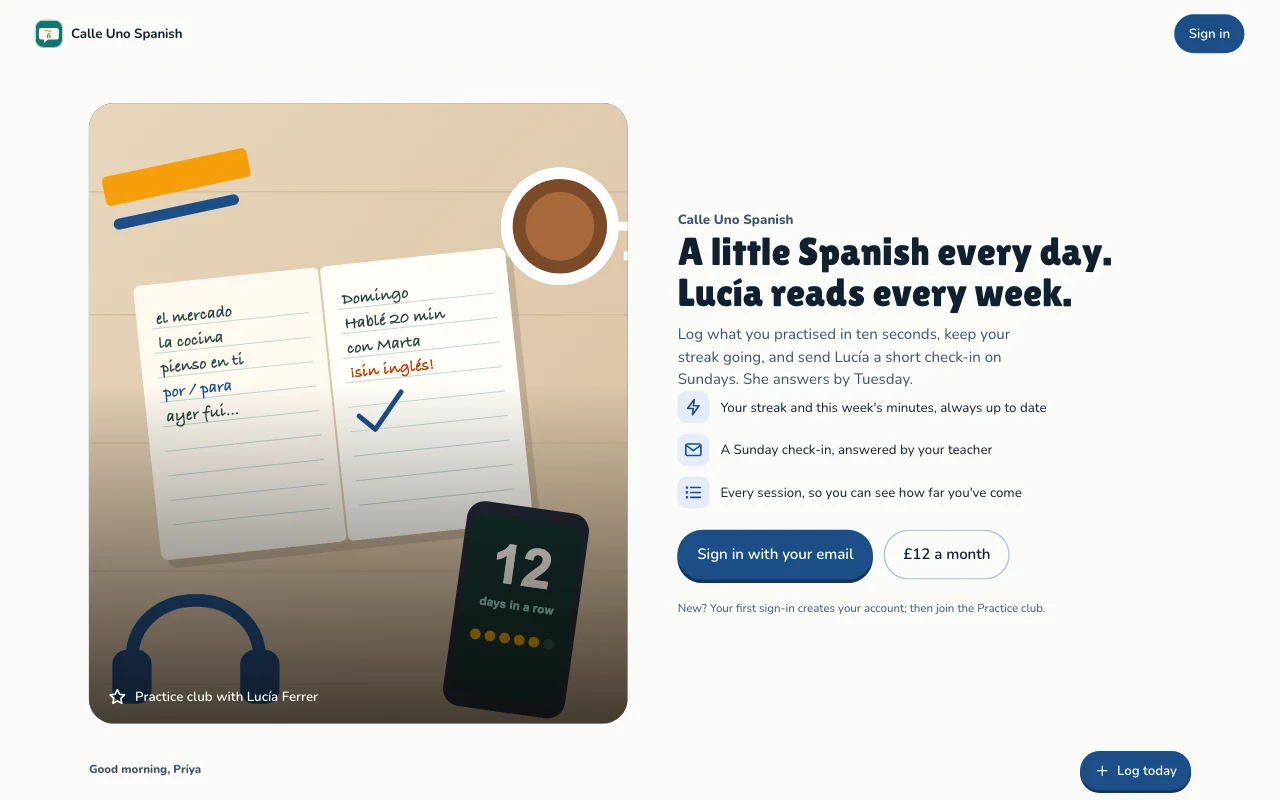 Apps
Seguimiento de hábitos y metas
Práctica diaria, rachas y metas, de cada persona Inicio de sesión de usuariosRachas y progresoMetas Plan de pago
Preguntas
Which front end can I use?
Any that can call a web API: a Lovable or Next.js build, or a phone app. See the API docs.
Do my users need a Page Lemon account?
No. They sign in on your app with an emailed code, or with Apple or Google in a phone app.
Who sees the data?
Each person sees their own records and the ones you give them. You see everything in your Dashboard. Your AI reads records only if you turn that on for a list.
How many users can I have?
It depends on your plan: see pricing.
¿Hay algo que no pueda poner en ella?
Yes. Not health, mood or therapy records, children’s accounts, or card, bank or ID numbers.
Give your app a backend today.
Pega una línea en tu IA.
Publica en PageLemon.com