

A backend for the app you are building.
Your front end can be a Lovable build, a Next.js app or a phone app. Page Lemon holds the sign-in, the data and the rules about who sees what, and your AI sets them up.
Collez ceci dans votre chat avec l’IA
Publie sur PageLemon.com


From an empty backend to a working app
The steps in the order they come. Start with whichever you’re at.
-
The data
Your app needs somewhere to keep things, and rules about who sees them
Say what your app stores. Your AI creates the lists and the rules, so each signed-in person sees only their own records and you see them all.
A real template: Casebook. Preview it (opens in a new tab) Vous écrivez dans le chat de votre IA
Run the backend for my app on PageLemon.com: people sign in, and each sees only their own receipts- “Add a status field that only I can change” Your AI adds the field and the rule.
- “Show me the records so far” Your AI reads them only if you allow it for that list.
-
The sign-in
Your front end needs people to sign in
Users sign in with an emailed code on the web, and with Sign in with Apple and Google in a phone app. One account works everywhere.
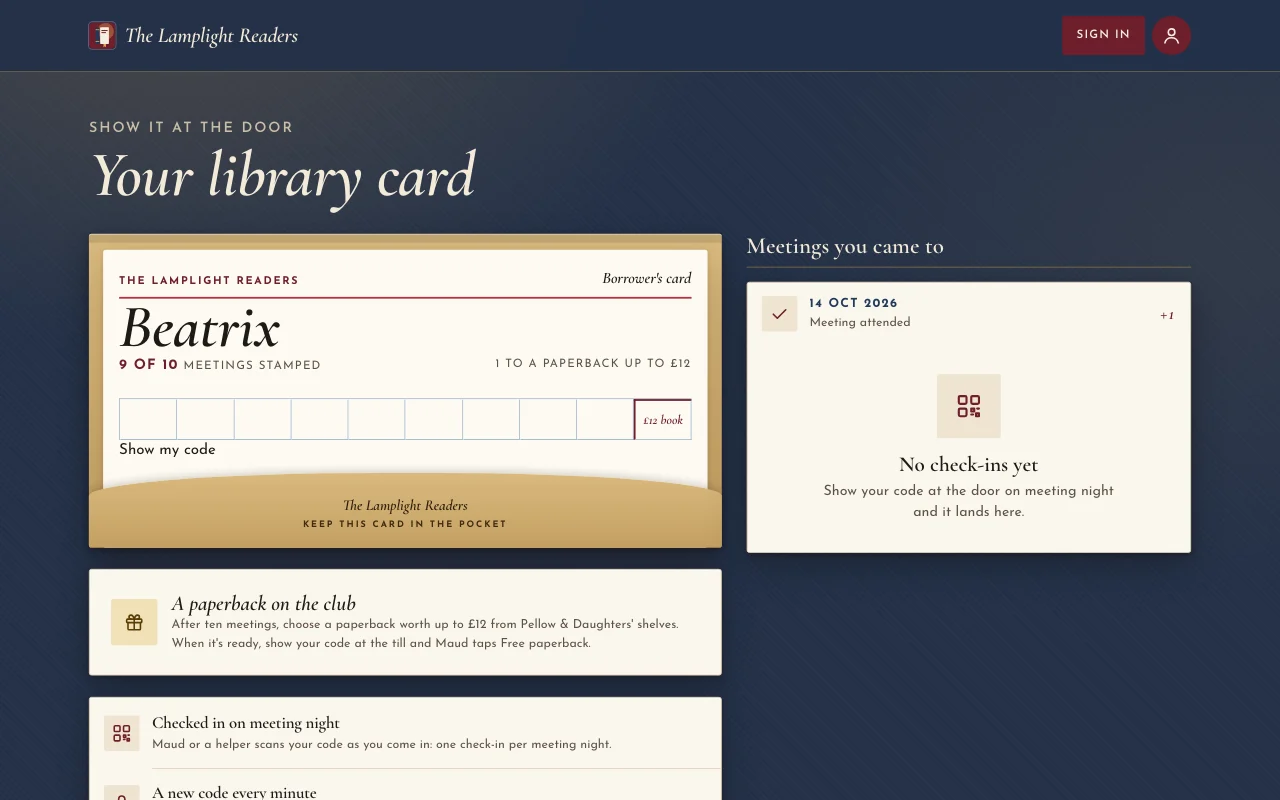
Un vrai modèle : Chapter. L’aperçu (s’ouvre dans un nouvel onglet) Vous écrivez dans le chat de votre IA
Set up sign-in for my app: invite only, and let me approve requests- “Let anyone sign up” Your AI changes the setting.
- “Who signed in this week?” Your AI shows the counts.
-
The API
Your own code calls Page Lemon
Your front end reads and writes the lists through the API as the signed-in person, with a key for each app. The API docs list every call.
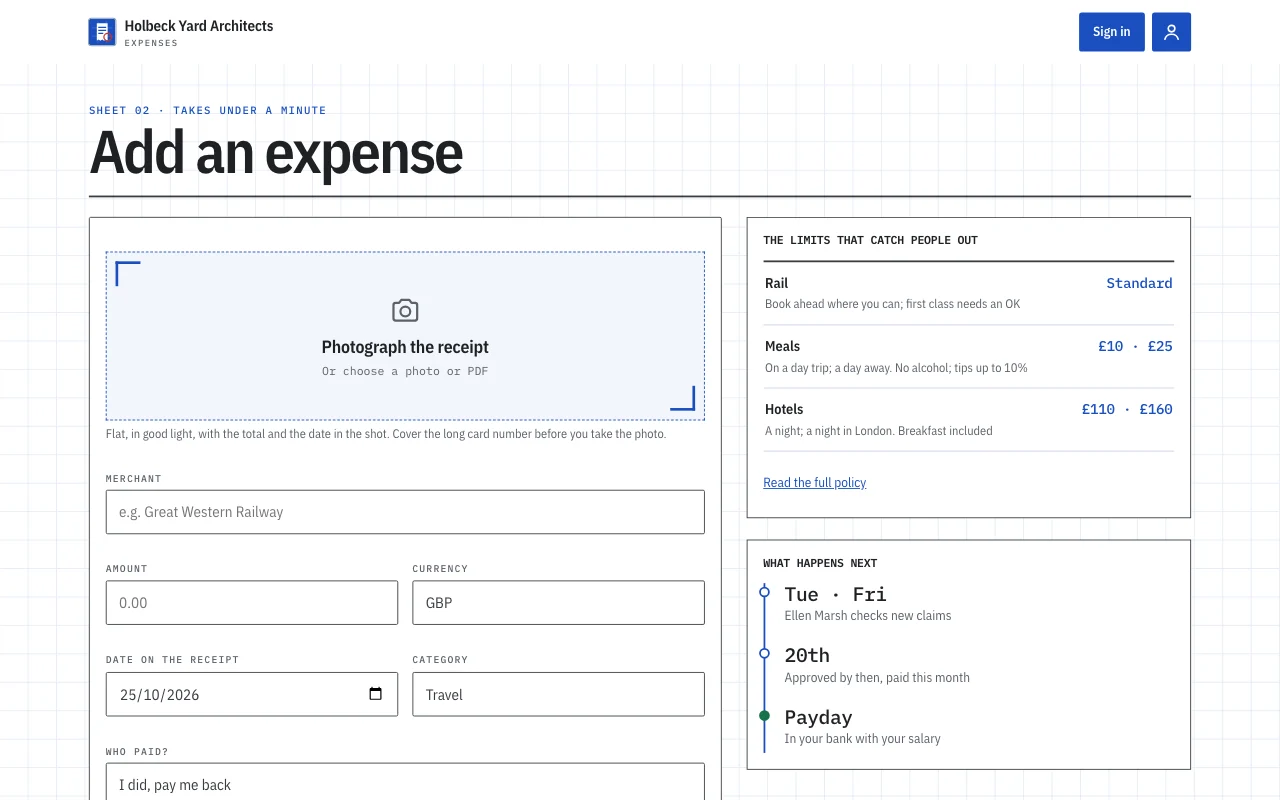
Un vrai modèle : Expense log. L’aperçu (s’ouvre dans un nouvel onglet) Vous écrivez dans le chat de votre IA
Give me the API address and a key for my app- “Call me when a record is added” Your AI sets a webhook to an address you give it.
- “Rotate the key” Your AI makes a new key and retires the old one.
Ce que ça remplace
La méthode habituelle, et celle d’un seul chat.
TodayA backend you set up, host and keep patched.
With Page LemonSign-in, data and rules run by Page Lemon, set up by asking.
TodaySign-in code written for every app.
With Page LemonOne sign-in for the web and for phone apps.
TodayRules about who sees what, written in your own code.
With Page LemonEach person sees their own records unless you say otherwise.
TodayA separate service for emailed codes.
With Page LemonEmailed codes are built in.
Ce que ça vous coûte
Free is for building and trying it as a test user. A paid plan lets your users in.
Gratuit
Aucune carte requise.
- Build and try it as a test user
- Un site sur votrenom.pagelemon.dev
- Un petit badge Page Lemon
Forfait payant
- Utilisateurs connectés à votre appli
- The API for your own front end
- Votre propre domaine, et pas de badge
Ça ne vous convient pas ? Remboursement intégral sous 14 jours, sans question.
Voyez d’abord du concret
Chaque image de cette page est un vrai modèle. Ouvrez-en un, cliquez partout, puis demandez à votre IA de le personnaliser.
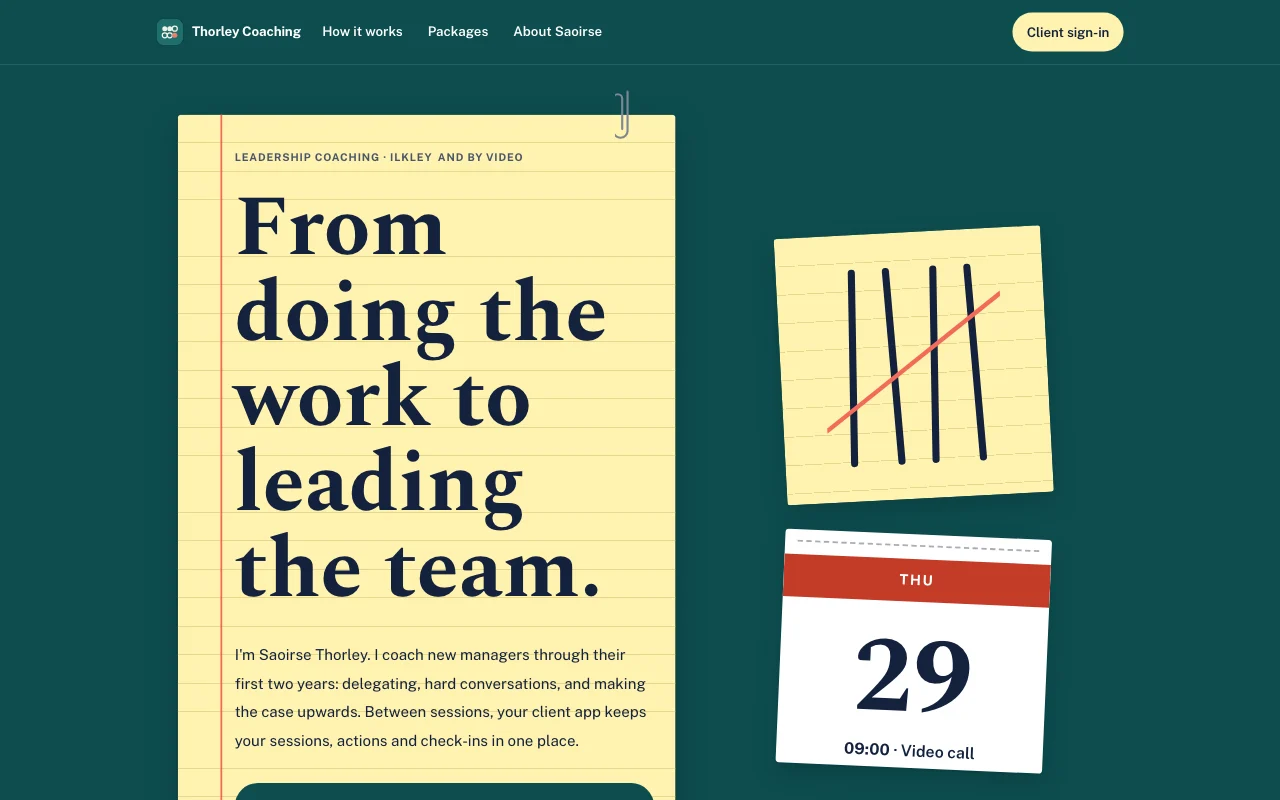 Tally (aperçu en direct, s’ouvre dans un nouvel onglet)Bloc-notes jaune sur un bureau turquoise, avec des traits de comptage au stylo barrés de corail et une page de calendrier détachable
- Casebook (live preview, opens in a new tab)Manila accordion file with index tabs, tear-off deadline pages and red-ink stamps on typed slips
 Chapter (aperçu en direct, s’ouvre dans un nouvel onglet)Jaquettes de livres à la lueur d’une lampe : une affiche rouge sang-de-bœuf, des italiques Cormorant, des dos de livres sur une étagère et une fiche de bibliothèque tamponnée
 Expense log (aperçu en direct, s’ouvre dans un nouvel onglet)Un modèle d’appli : l’appli de notes de frais d’un petit studio. Le personnel se connecte avec son e-mail, photographie un reçu avec son téléphone et le déclare en moins d’une minute, suit chaque note de Soumise à Approuvée puis Payée, répond aux questions de la responsable de bureau, et voit ce qu’on lui doit et ses totaux mensuels. La responsable de bureau approuve et répond dans le Dashboard. Une page publique, six écrans de membre sous /app (Accueil, Ajouter, Notes, Mois, Règles, Compte) et un avis de confidentialité avec des blancs.
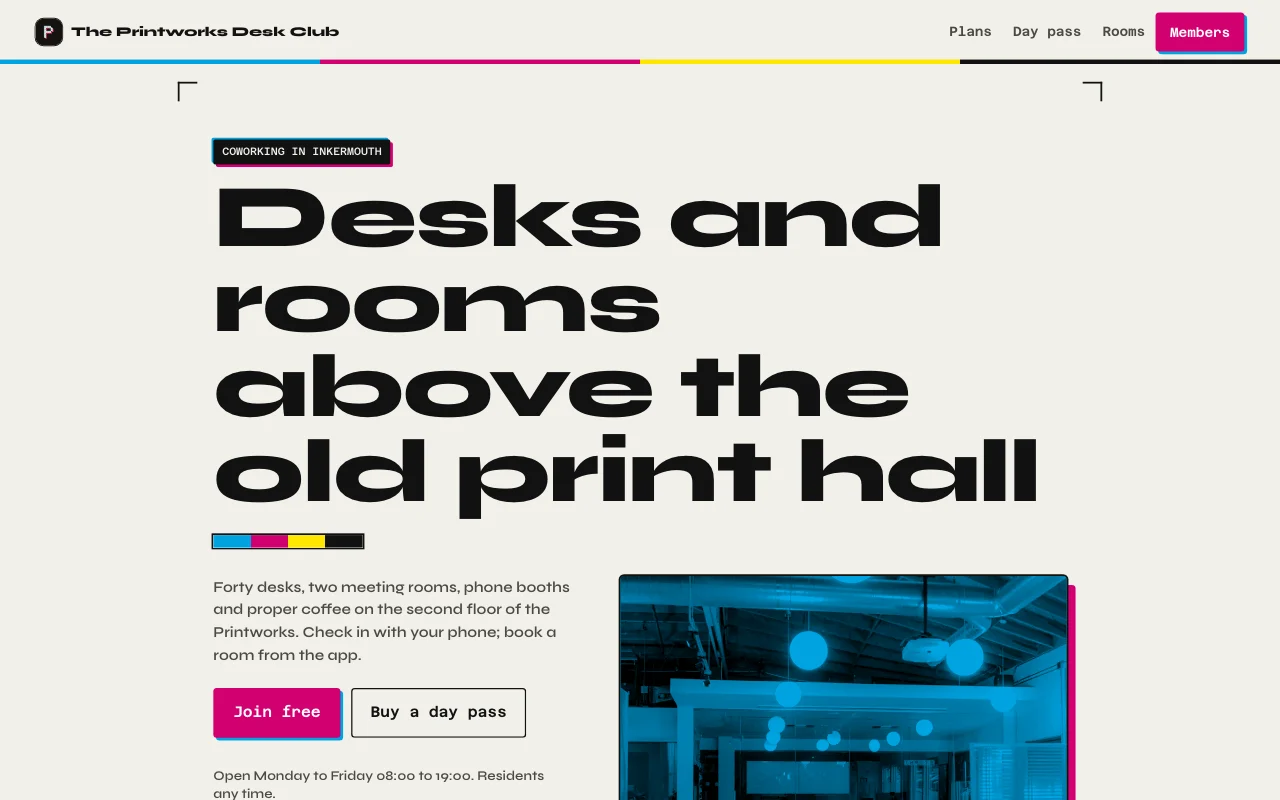 Desk (aperçu en direct, s’ouvre dans un nouvel onglet)Noir d’encre d’imprimerie et papier, touches magenta et cyan de typographie, vraies photos de l’atelier et des deux salles, une carte d’adhésion avec un compteur de jours du mois
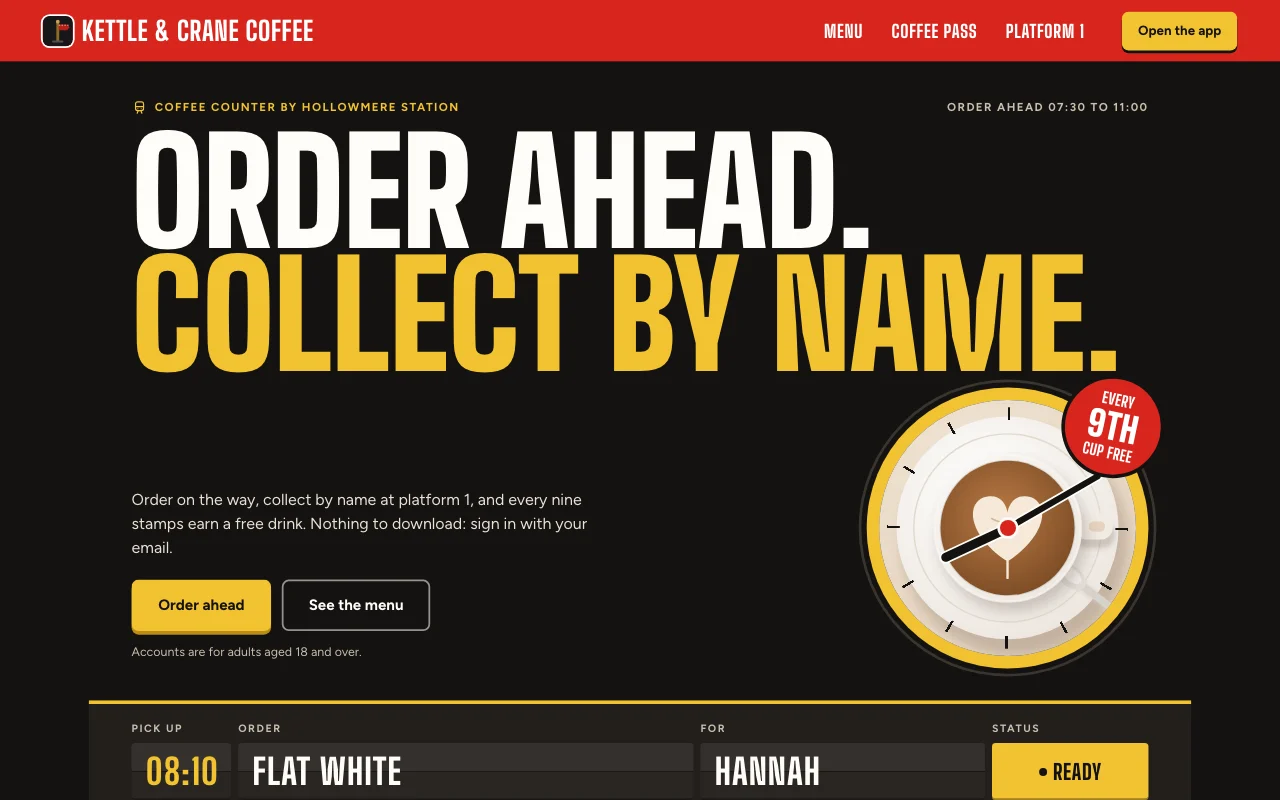 Cortado (aperçu en direct, s’ouvre dans un nouvel onglet)Appli de café de gare : un tableau des départs pour votre commande, un panneau de quai rouge et une carte de tampons en papier aux tampons à l’encre rouge
Guides pas à pas
-
Applis
Appli de notes de frais
Des reçus pris depuis le téléphone, le mois de chacun Connexion des utilisateursPhotos de reçusExport Forfait payant -
 Applis
Espace membres ou cours
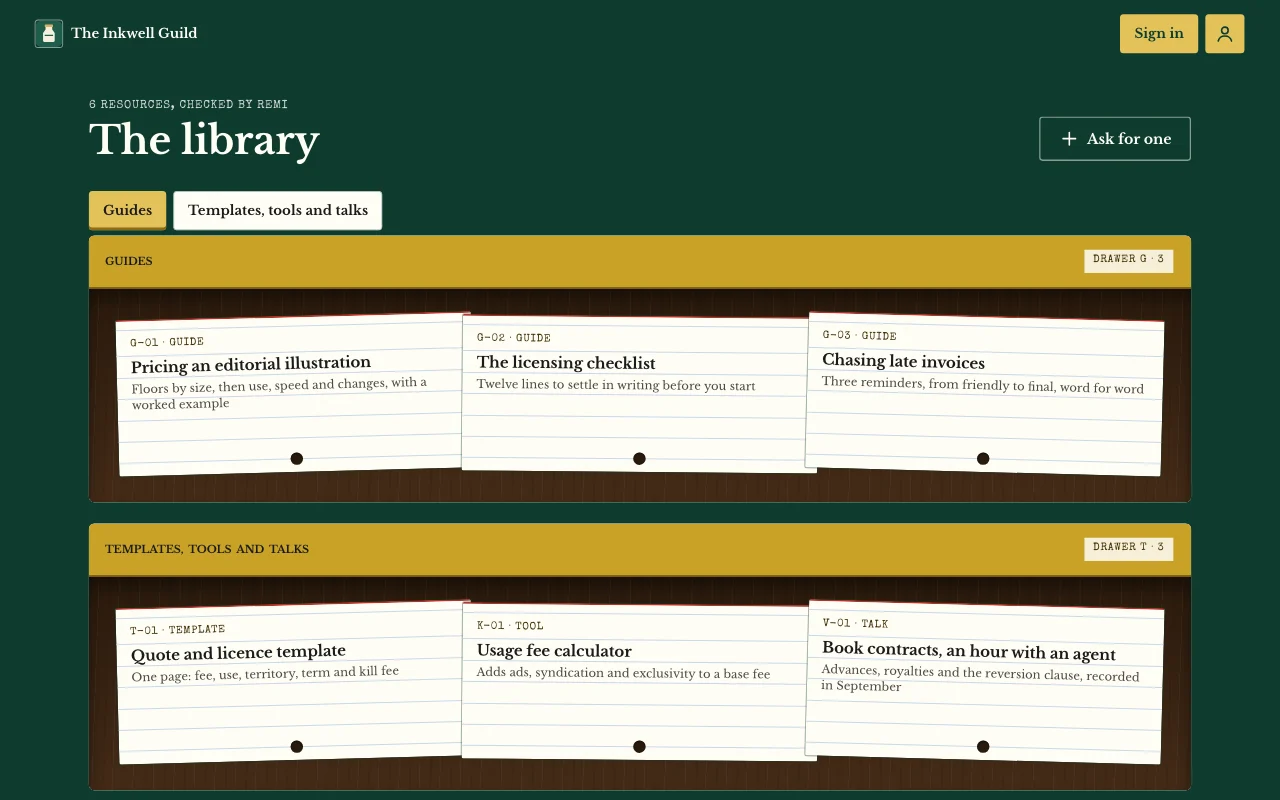
Des leçons, articles et guides que seuls vos utilisateurs peuvent ouvrir Connexion des utilisateursDes pages que seuls les utilisateurs voientNotes et photos Forfait payant -
 Applis
Portail pour clients
Mises à jour, fichiers et demandes, une seule connexion par client Connexion des utilisateursBriefs avec photosMises à jour que vous attribuez Forfait payant -
 Applis
Suivi d’habitudes et d’objectifs
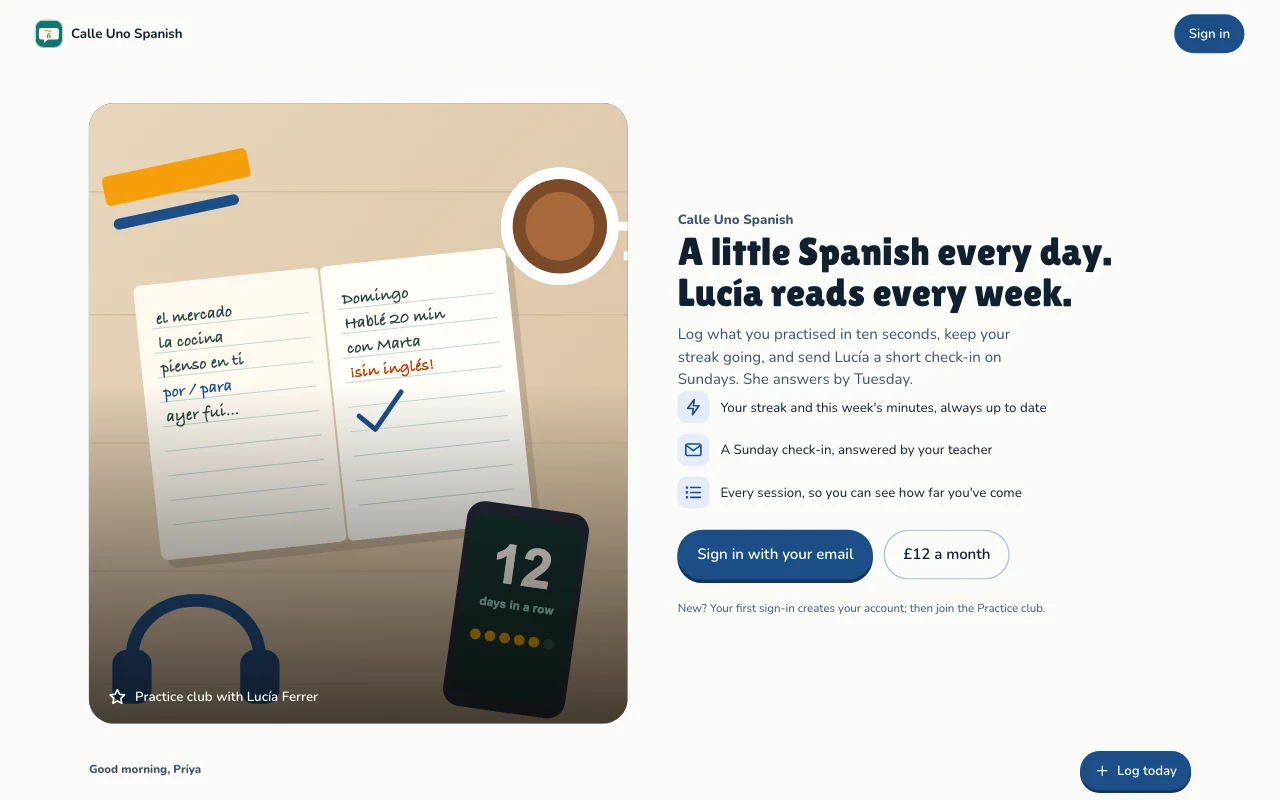
Pratique quotidienne, séries et objectifs, propres à chaque personne Connexion des utilisateursSéries et progressionObjectifs Forfait payant
Questions
Which front end can I use?
Any that can call a web API: a Lovable or Next.js build, or a phone app. See the API docs.
Do my users need a Page Lemon account?
No. They sign in on your app with an emailed code, or with Apple or Google in a phone app.
Who sees the data?
Each person sees their own records and the ones you give them. You see everything in your Dashboard. Your AI reads records only if you turn that on for a list.
How many users can I have?
It depends on your plan: see pricing.
Y a-t-il des choses que je ne peux pas y mettre ?
Yes. Not health, mood or therapy records, children’s accounts, or card, bank or ID numbers.
Give your app a backend today.
Collez une ligne dans votre IA.
Publie sur PageLemon.com