

A backend for the app you are building.
Your front end can be a Lovable build, a Next.js app or a phone app. Page Lemon holds the sign-in, the data and the rules about who sees what, and your AI sets them up.
AI 채팅에 붙여 넣으세요
PageLemon.com에 올려 줘
From an empty backend to a working app
The steps in the order they come. Start with whichever you’re at.
-
The data
Your app needs somewhere to keep things, and rules about who sees them
Say what your app stores. Your AI creates the lists and the rules, so each signed-in person sees only their own records and you see them all.
A real template: Casebook. Preview it (opens in a new tab) AI 채팅에 이렇게 입력하세요
Run the backend for my app on PageLemon.com: people sign in, and each sees only their own receipts- “Add a status field that only I can change” Your AI adds the field and the rule.
- “Show me the records so far” Your AI reads them only if you allow it for that list.
-
The sign-in
Your front end needs people to sign in
Users sign in with an emailed code on the web, and with Sign in with Apple and Google in a phone app. One account works everywhere.
실제 템플릿: Chapter. 미리 보기 (새 탭에서 열려요) AI 채팅에 이렇게 입력하세요
Set up sign-in for my app: invite only, and let me approve requests- “Let anyone sign up” Your AI changes the setting.
- “Who signed in this week?” Your AI shows the counts.
-
The API
Your own code calls Page Lemon
Your front end reads and writes the lists through the API as the signed-in person, with a key for each app. The API docs list every call.
실제 템플릿: Expense log. 미리 보기 (새 탭에서 열려요) AI 채팅에 이렇게 입력하세요
Give me the API address and a key for my app- “Call me when a record is added” Your AI sets a webhook to an address you give it.
- “Rotate the key” Your AI makes a new key and retires the old one.
이걸로 대체돼요
기존 방식과 채팅 한 번의 방식을 비교해 봤어요.
TodayA backend you set up, host and keep patched.
With Page LemonSign-in, data and rules run by Page Lemon, set up by asking.
TodaySign-in code written for every app.
With Page LemonOne sign-in for the web and for phone apps.
TodayRules about who sees what, written in your own code.
With Page LemonEach person sees their own records unless you say otherwise.
TodayA separate service for emailed codes.
With Page LemonEmailed codes are built in.
비용
Free is for building and trying it as a test user. A paid plan lets your users in.
무료
카드는 필요 없어요.
- Build and try it as a test user
- yourname.pagelemon.dev의 사이트
- 작은 Page Lemon 배지
유료 요금제
- 앱에 로그인한 사용자
- The API for your own front end
- 내 도메인, 배지 없음
맞지 않으면 14일 안에 전액 환불해 드려요. 이유는 묻지 않아요.
먼저 실제로 보세요
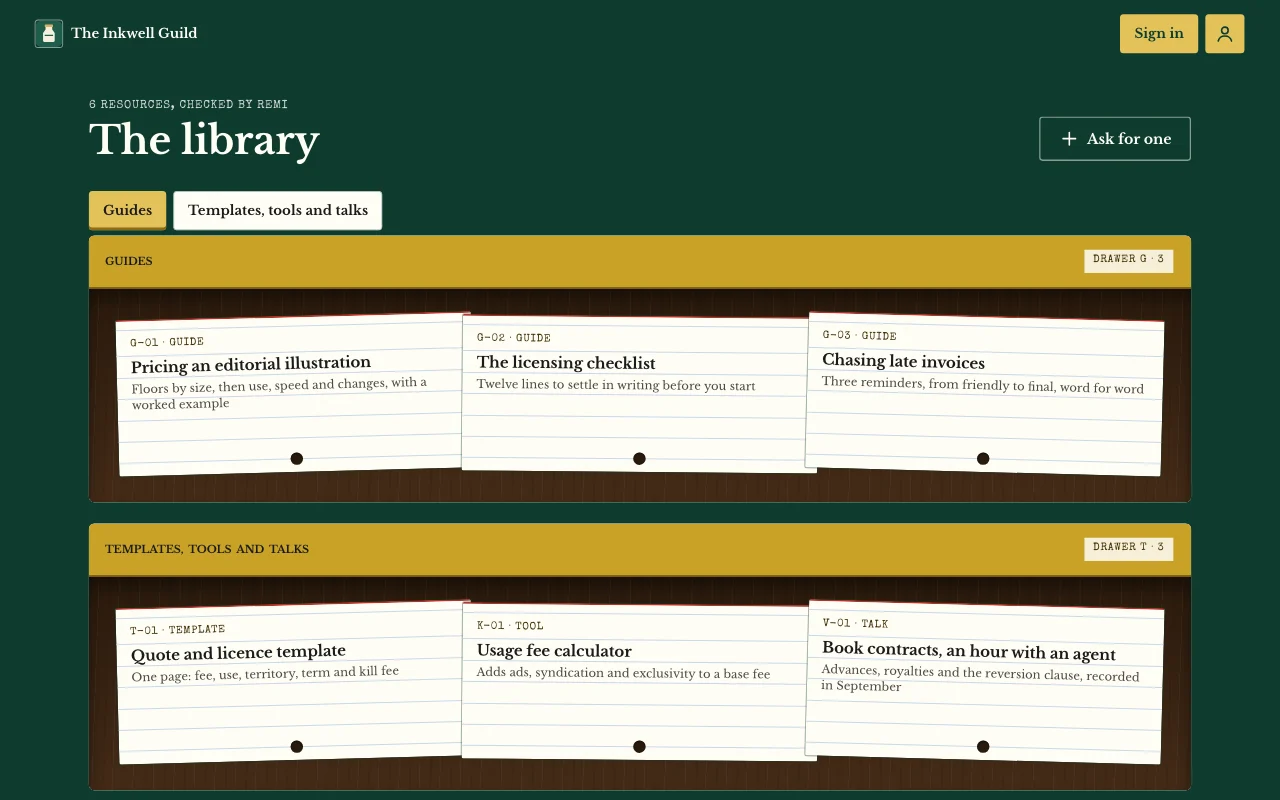
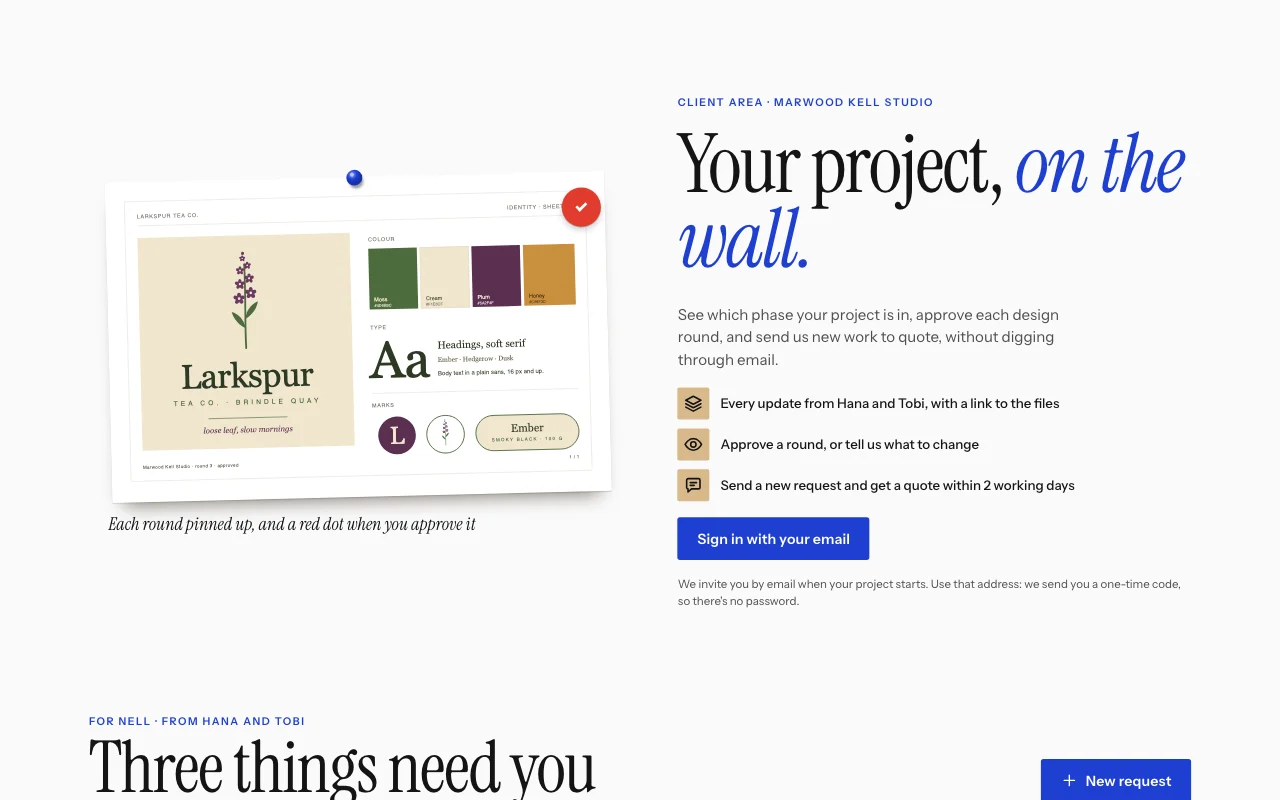
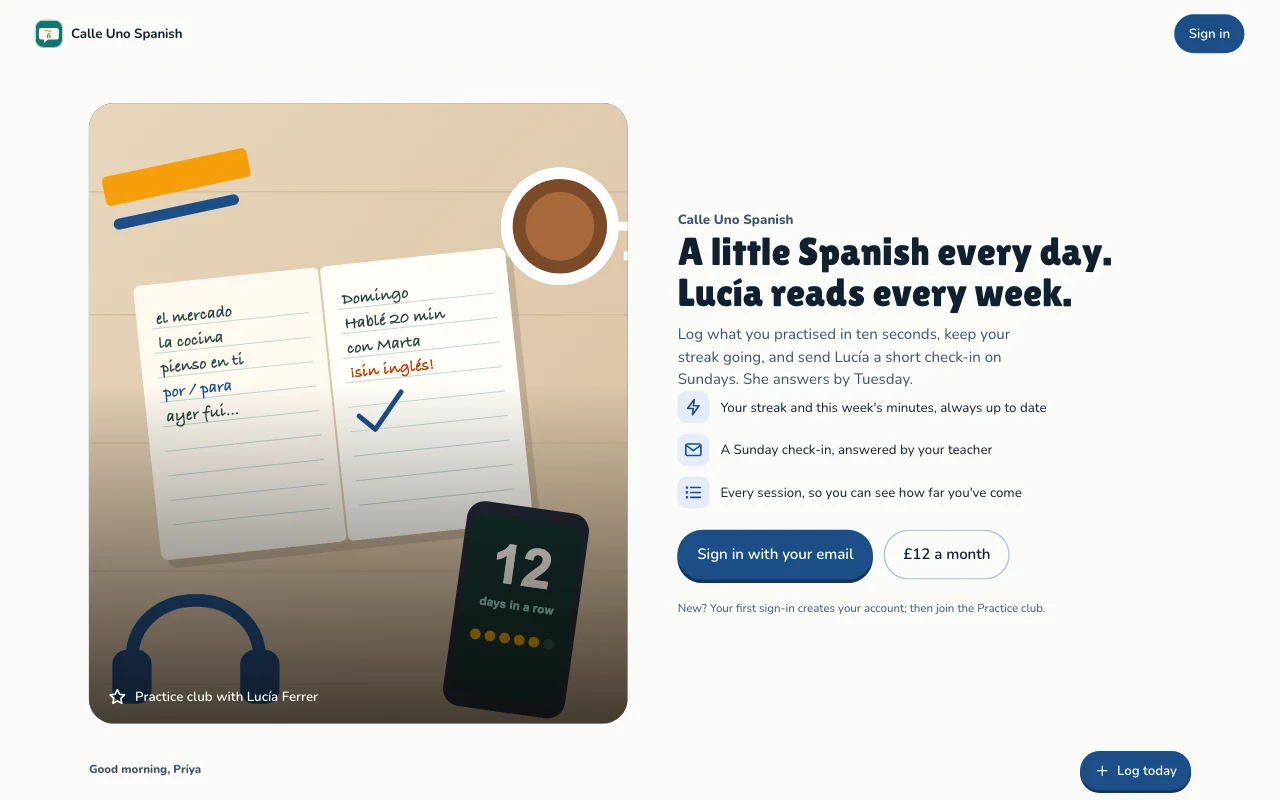
이 페이지의 모든 이미지는 실제 템플릿이에요. 하나 열어서 눌러 보고, AI에게 내 것으로 바꿔 달라고 하세요.
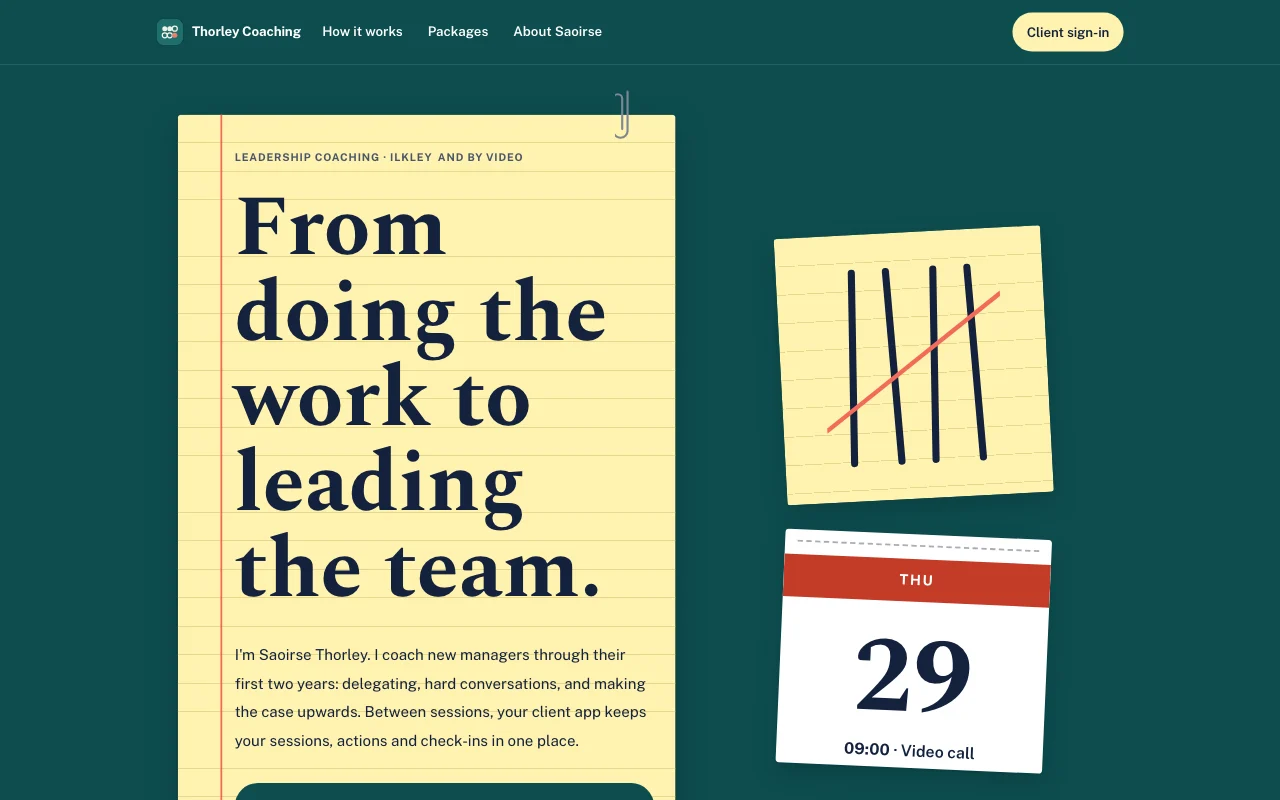 Tally (라이브 미리 보기, 새 탭에서 열려요)청록색 책상 위의 노란 리걸 패드, 펜으로 그은 집계 표시를 코랄색으로 지운 모양, 뜯어 쓰는 달력 페이지
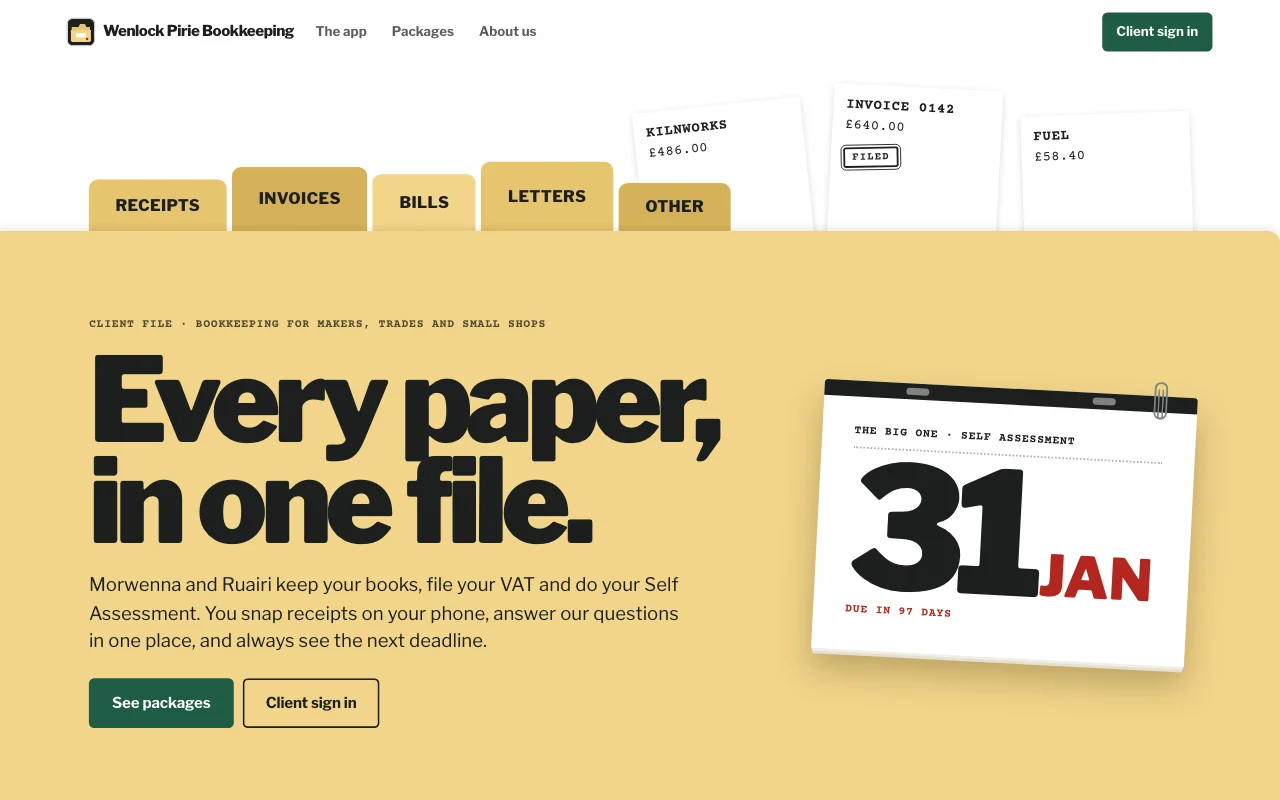
- Casebook (live preview, opens in a new tab)Manila accordion file with index tabs, tear-off deadline pages and red-ink stamps on typed slips
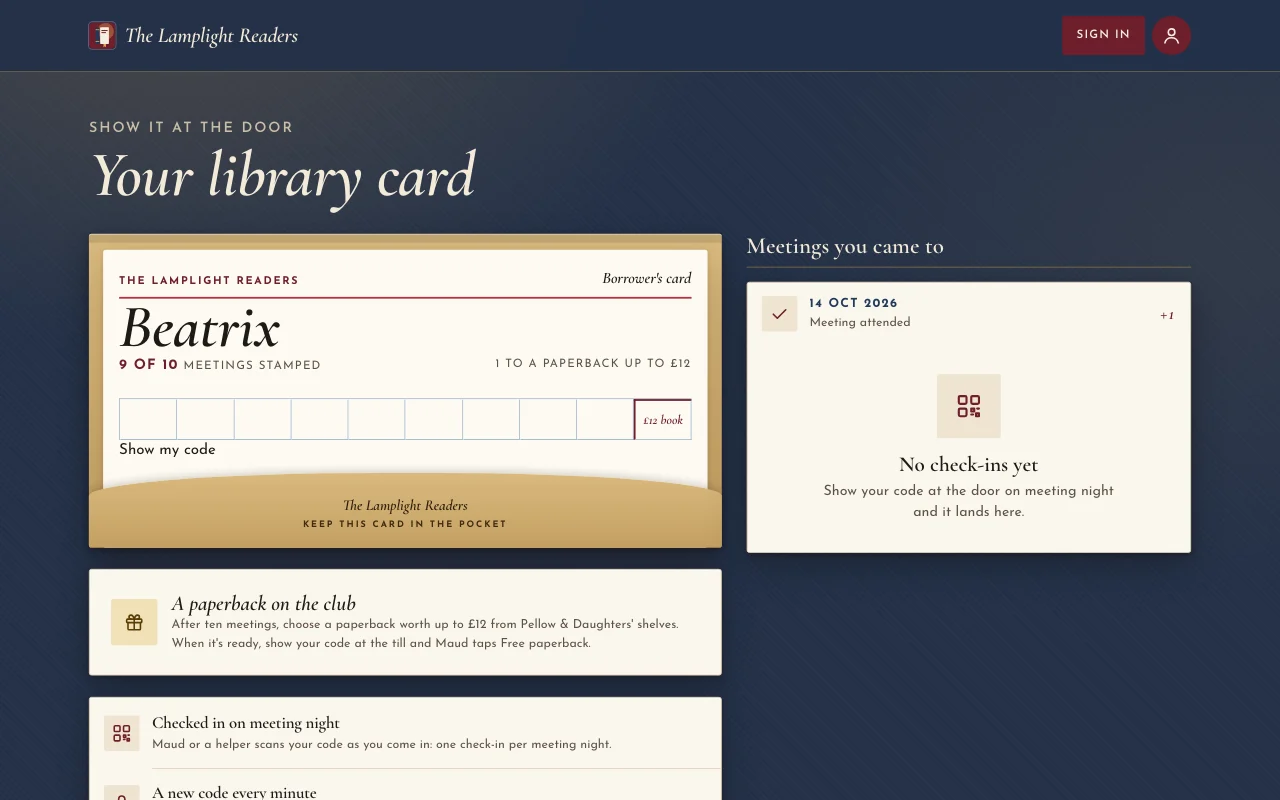
 Chapter (라이브 미리 보기, 새 탭에서 열려요)등불 아래 책 커버: 짙은 적갈색 포스터, Cormorant 이탤릭체, 책꽂이에 꽂힌 책등, 도장이 찍힌 도서관 카드
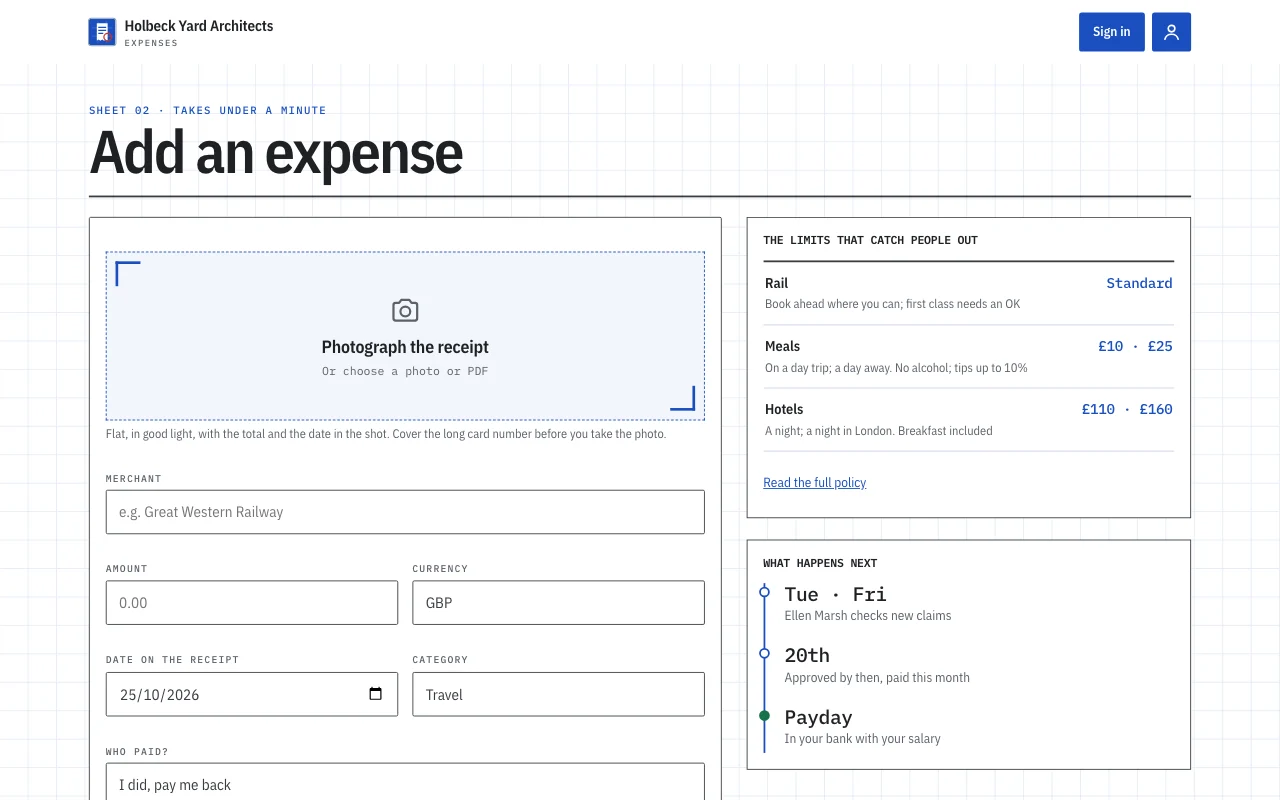
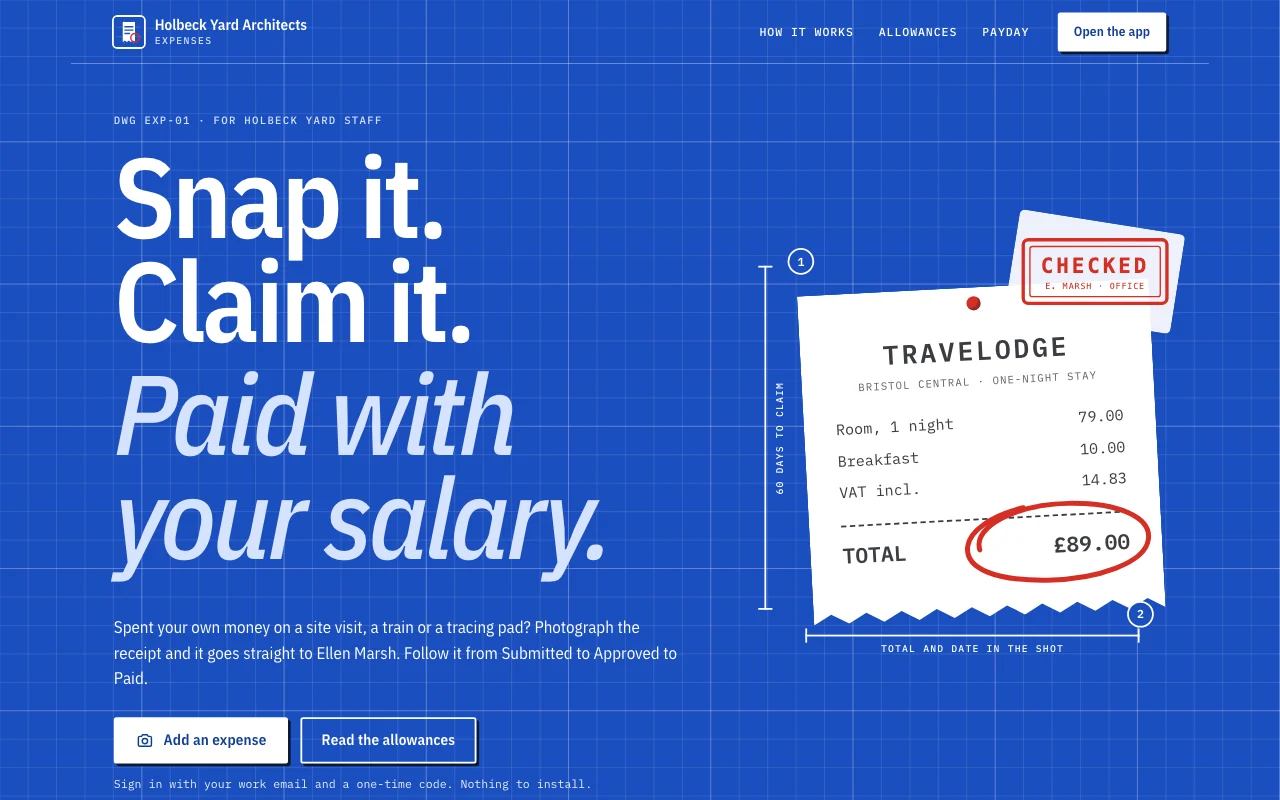 Expense log (라이브 미리 보기, 새 탭에서 열려요)앱 템플릿: 작은 스튜디오의 경비 청구 앱이에요. 직원은 이메일로 로그인해 휴대폰으로 영수증을 찍고 1분 안에 청구하고, 제출됨, 승인됨, 지급됨 단계를 따라가며 사무장의 질문에 답하고, 받을 금액과 월별 합계를 확인해요. 사무장은 대시보드에서 승인하고 답글을 달아요. 공개 페이지 하나, /app 아래 멤버 화면 여섯 개(홈, 추가, 청구, 월별, 정책, 계정), 빈칸이 있는 개인정보 안내가 들어 있어요.
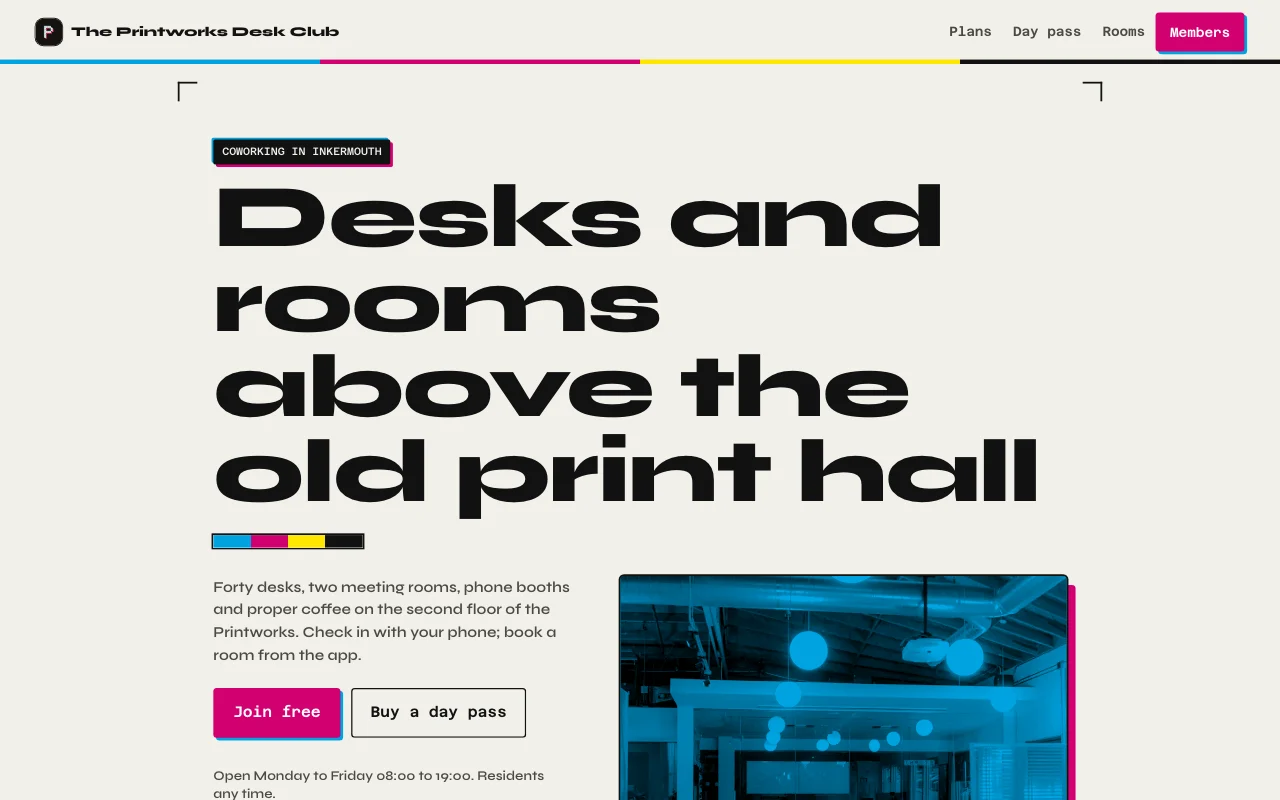 Desk (라이브 미리 보기, 새 탭에서 열려요)인쇄소의 잉크 블랙과 종이 색, 활판 인쇄 같은 마젠타와 시안 포인트, 작업장과 두 방의 실제 사진, 이번 달 이용 일수 게이지가 있는 멤버십 카드
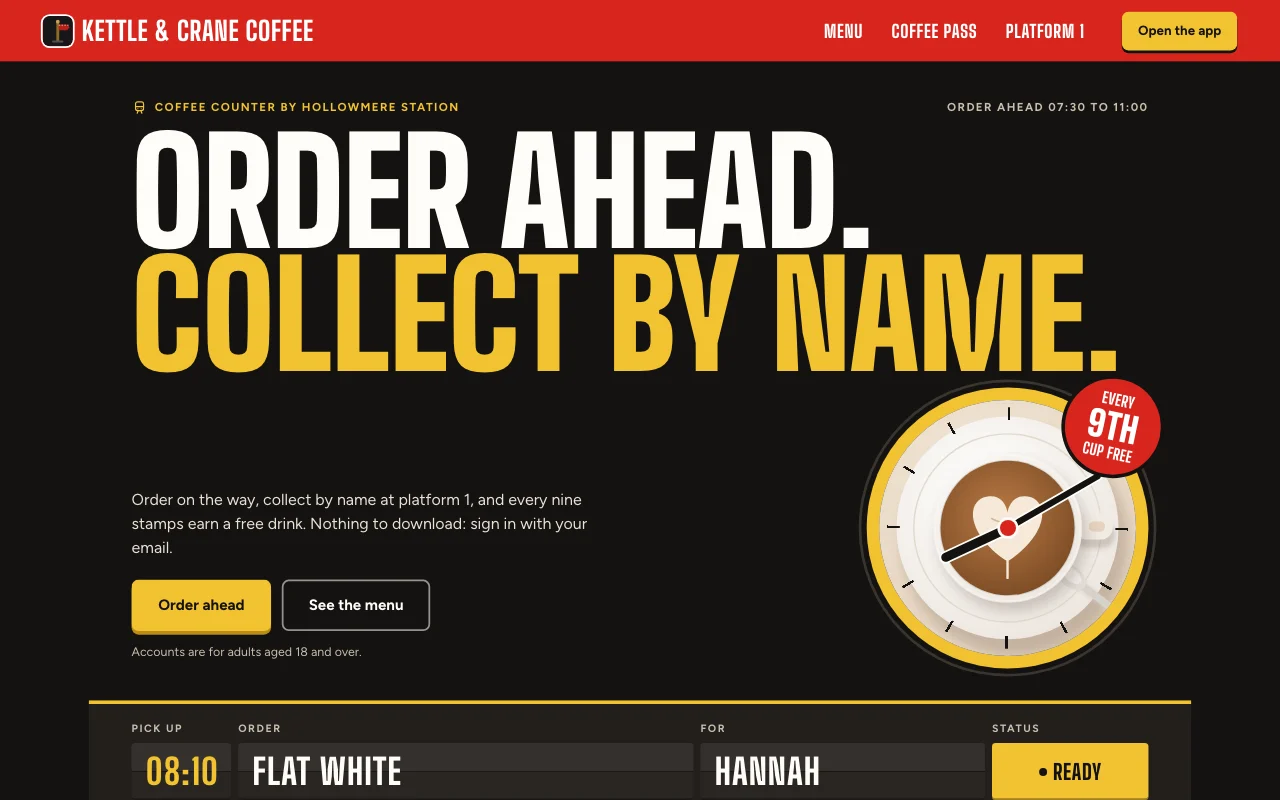 Cortado (라이브 미리 보기, 새 탭에서 열려요)역 앞 카페 앱. 주문 상황을 보여 주는 출발 안내판, 빨간 승강장 표지, 빨간 잉크 도장이 찍히는 종이 스탬프 카드
단계별 가이드
궁금한 점
Which front end can I use?
Any that can call a web API: a Lovable or Next.js build, or a phone app. See the API docs.
Do my users need a Page Lemon account?
No. They sign in on your app with an emailed code, or with Apple or Google in a phone app.
Who sees the data?
Each person sees their own records and the ones you give them. You see everything in your Dashboard. Your AI reads records only if you turn that on for a list.
How many users can I have?
It depends on your plan: see pricing.
넣으면 안 되는 내용이 있나요?
Yes. Not health, mood or therapy records, children’s accounts, or card, bank or ID numbers.