

A backend for the app you are building.
Your front end can be a Lovable build, a Next.js app or a phone app. Page Lemon holds the sign-in, the data and the rules about who sees what, and your AI sets them up.
把这段话粘贴到 AI 对话里
发布到 PageLemon.com
From an empty backend to a working app
The steps in the order they come. Start with whichever you’re at.
-
The data
Your app needs somewhere to keep things, and rules about who sees them
Say what your app stores. Your AI creates the lists and the rules, so each signed-in person sees only their own records and you see them all.
A real template: Casebook. Preview it (opens in a new tab) 在 AI 聊天里输入
Run the backend for my app on PageLemon.com: people sign in, and each sees only their own receipts- “Add a status field that only I can change” Your AI adds the field and the rule.
- “Show me the records so far” Your AI reads them only if you allow it for that list.
-
The sign-in
Your front end needs people to sign in
Users sign in with an emailed code on the web, and with Sign in with Apple and Google in a phone app. One account works everywhere.
一个真实的模板:Chapter。预览(在新标签页打开) 在 AI 聊天里输入
Set up sign-in for my app: invite only, and let me approve requests- “Let anyone sign up” Your AI changes the setting.
- “Who signed in this week?” Your AI shows the counts.
-
The API
Your own code calls Page Lemon
Your front end reads and writes the lists through the API as the signed-in person, with a key for each app. The API docs list every call.
一个真实的模板:Expense log。预览(在新标签页打开) 在 AI 聊天里输入
Give me the API address and a key for my app- “Call me when a record is added” Your AI sets a webhook to an address you give it.
- “Rotate the key” Your AI makes a new key and retires the old one.
它替代了什么
常见做法,和一个对话搞定的做法。
TodayA backend you set up, host and keep patched.
With Page LemonSign-in, data and rules run by Page Lemon, set up by asking.
TodaySign-in code written for every app.
With Page LemonOne sign-in for the web and for phone apps.
TodayRules about who sees what, written in your own code.
With Page LemonEach person sees their own records unless you say otherwise.
TodayA separate service for emailed codes.
With Page LemonEmailed codes are built in.
要花多少钱
Free is for building and trying it as a test user. A paid plan lets your users in.
免费
无需绑卡。
- Build and try it as a test user
- 位于 yourname.pagelemon.dev 的网站
- 一个小小的 Page Lemon 标识
付费套餐
- 登录了你应用的用户
- The API for your own front end
- 你自己的域名,没有标识
不合适?14 天内全额退款,不问原因。
先看看真实的效果
本页的每张图都是真实的模板。打开一个,随便点点,再让你的 AI 改成你的样子。
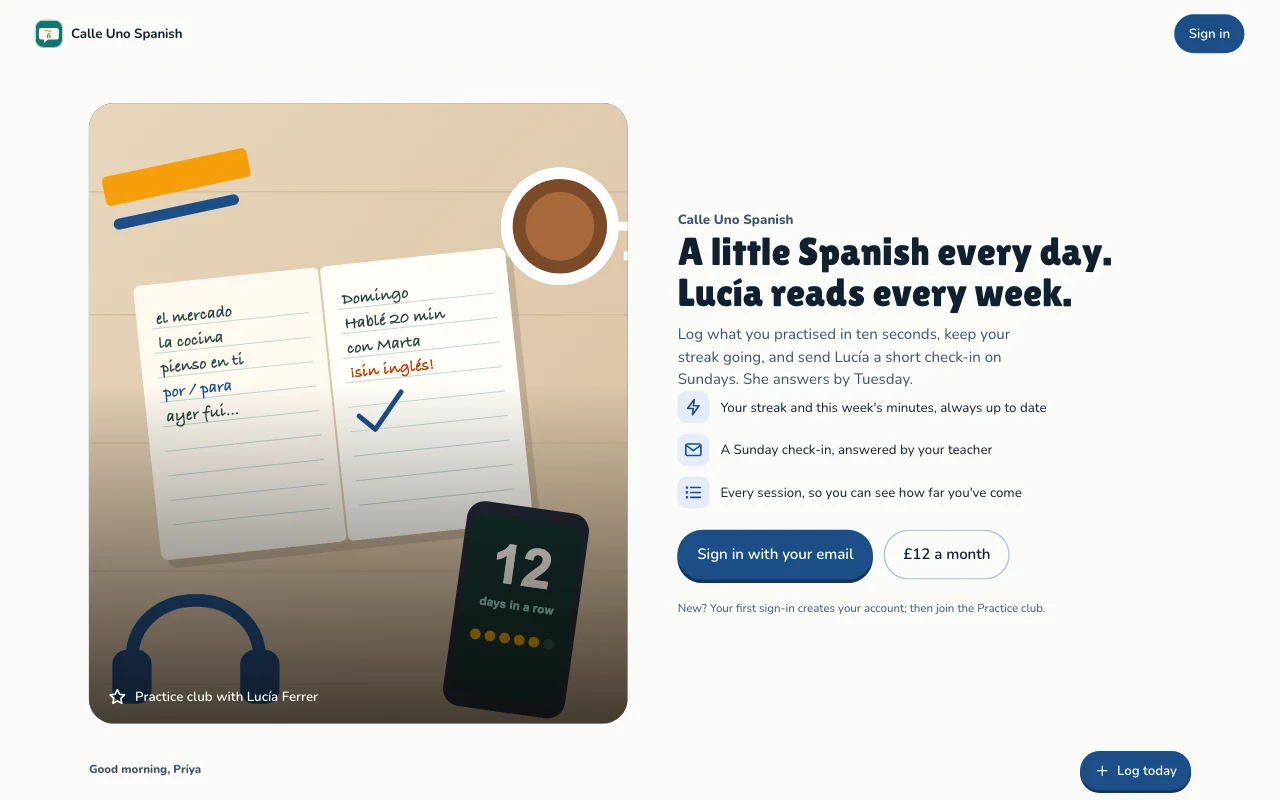
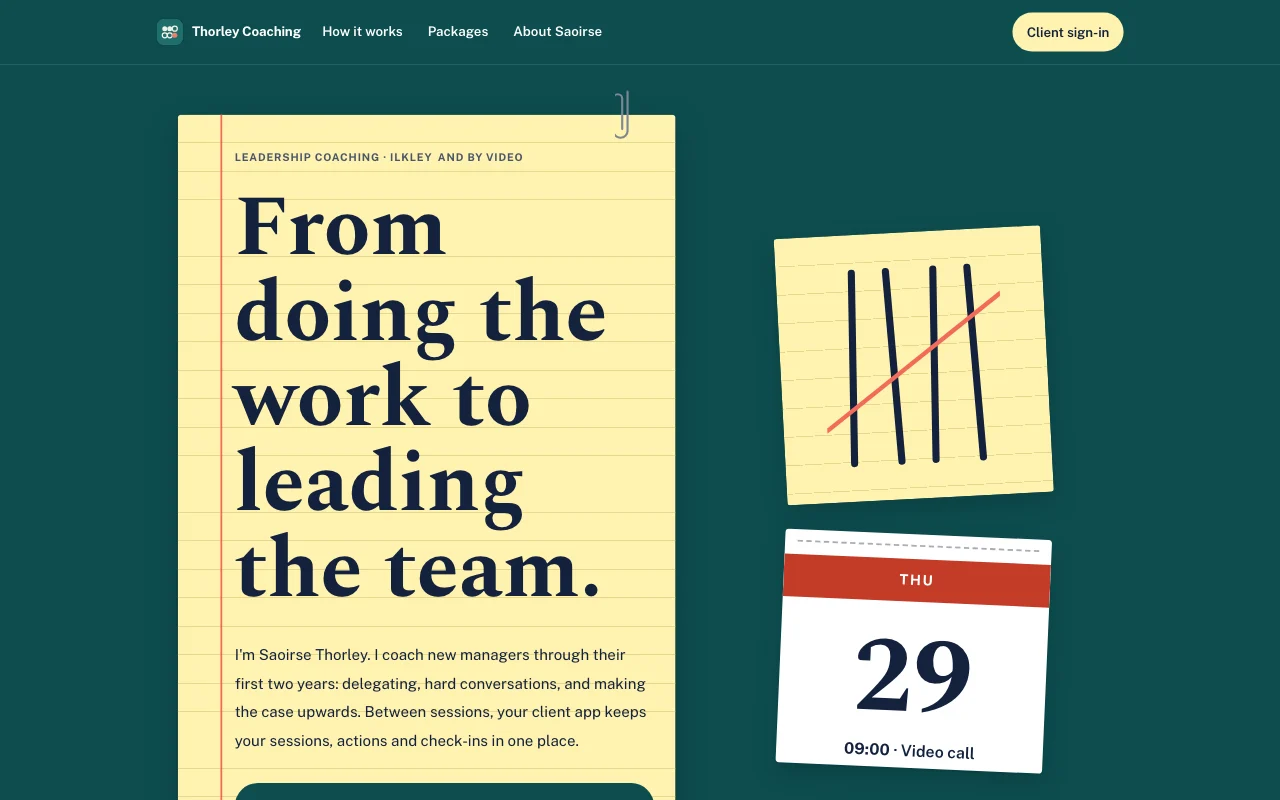 Tally(在线预览,在新标签页打开)青绿色桌面上的黄色横线记事本,用笔画的计数记号以珊瑚红划掉,还有可撕式日历页
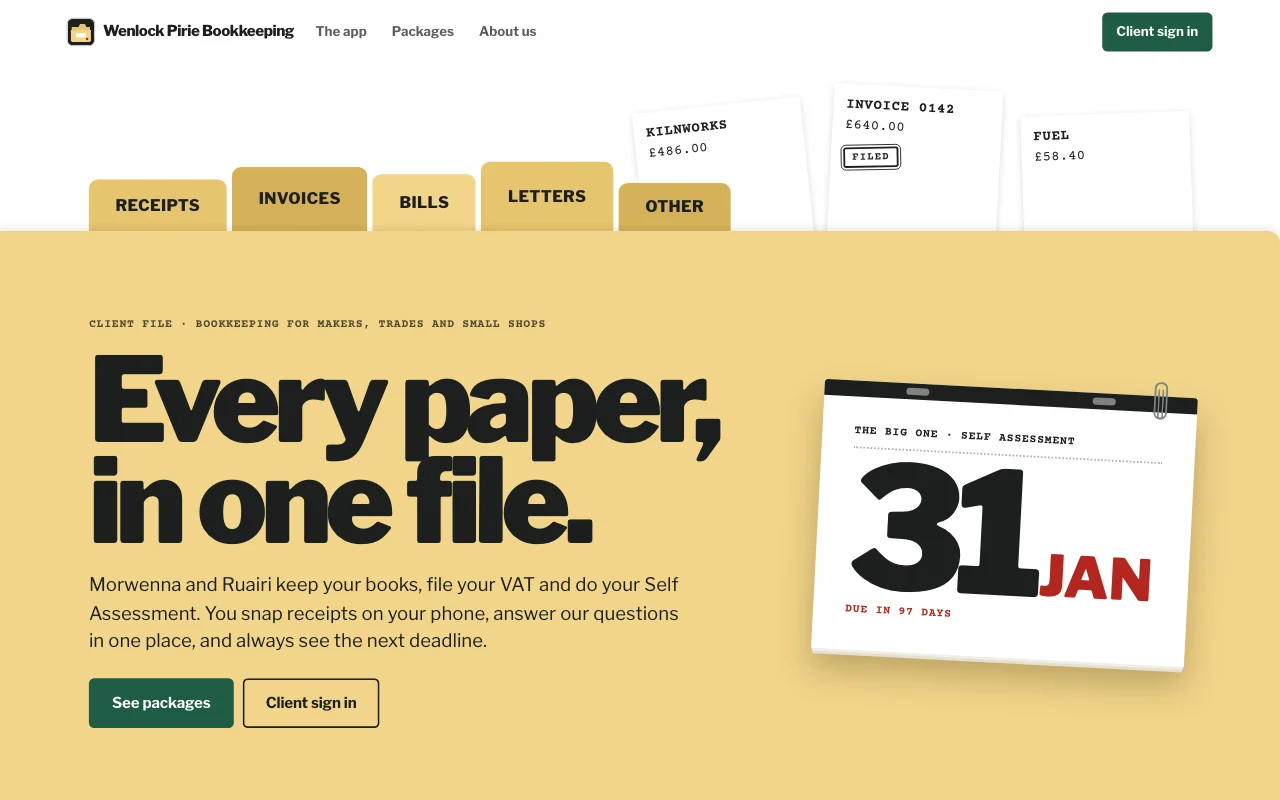
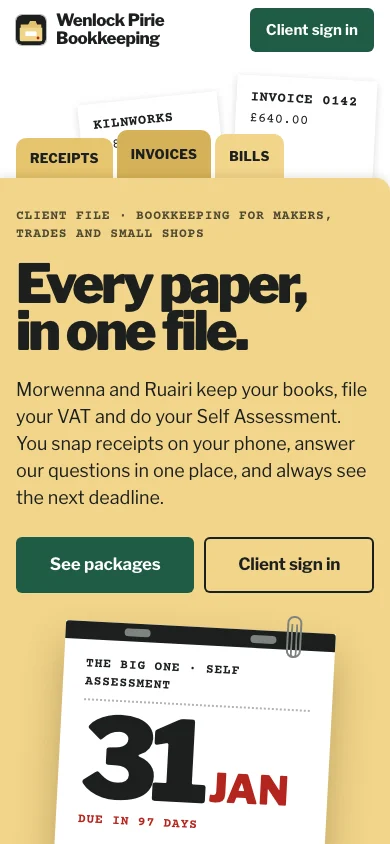
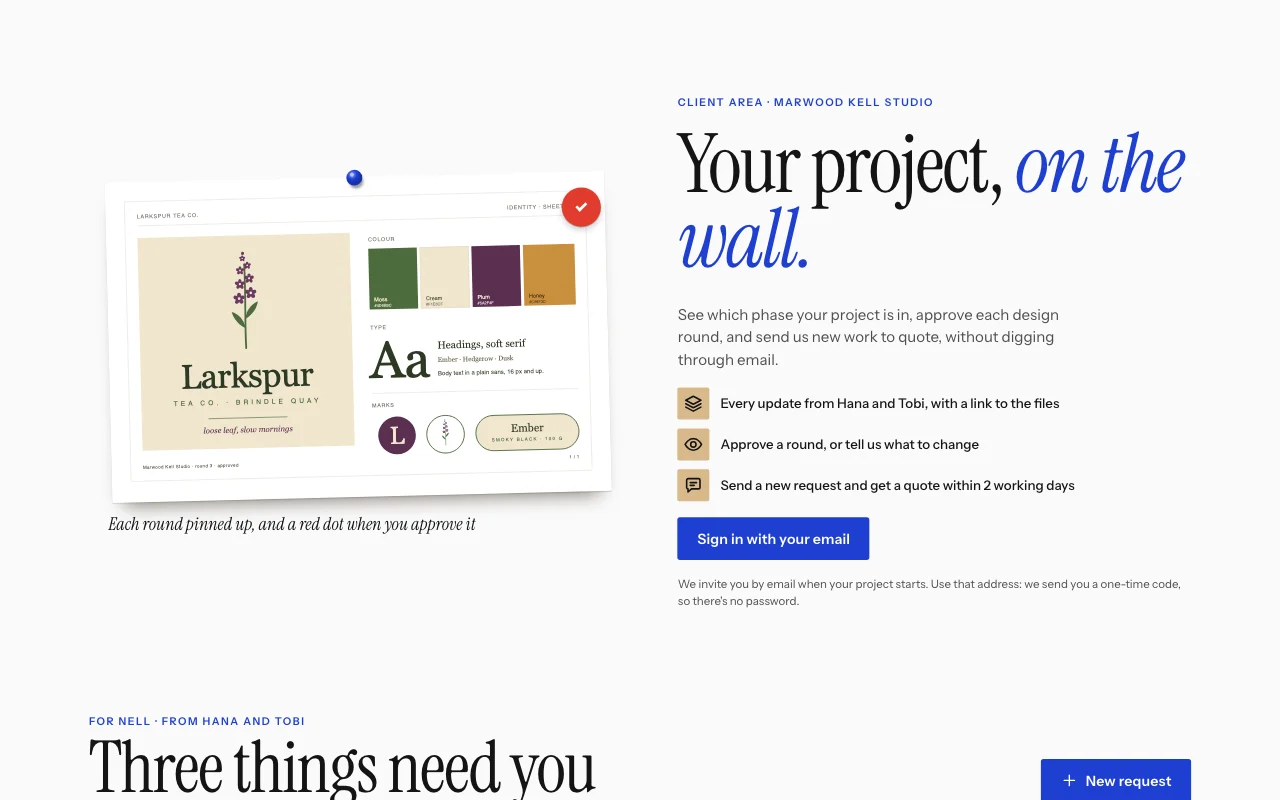
- Casebook (live preview, opens in a new tab)Manila accordion file with index tabs, tear-off deadline pages and red-ink stamps on typed slips
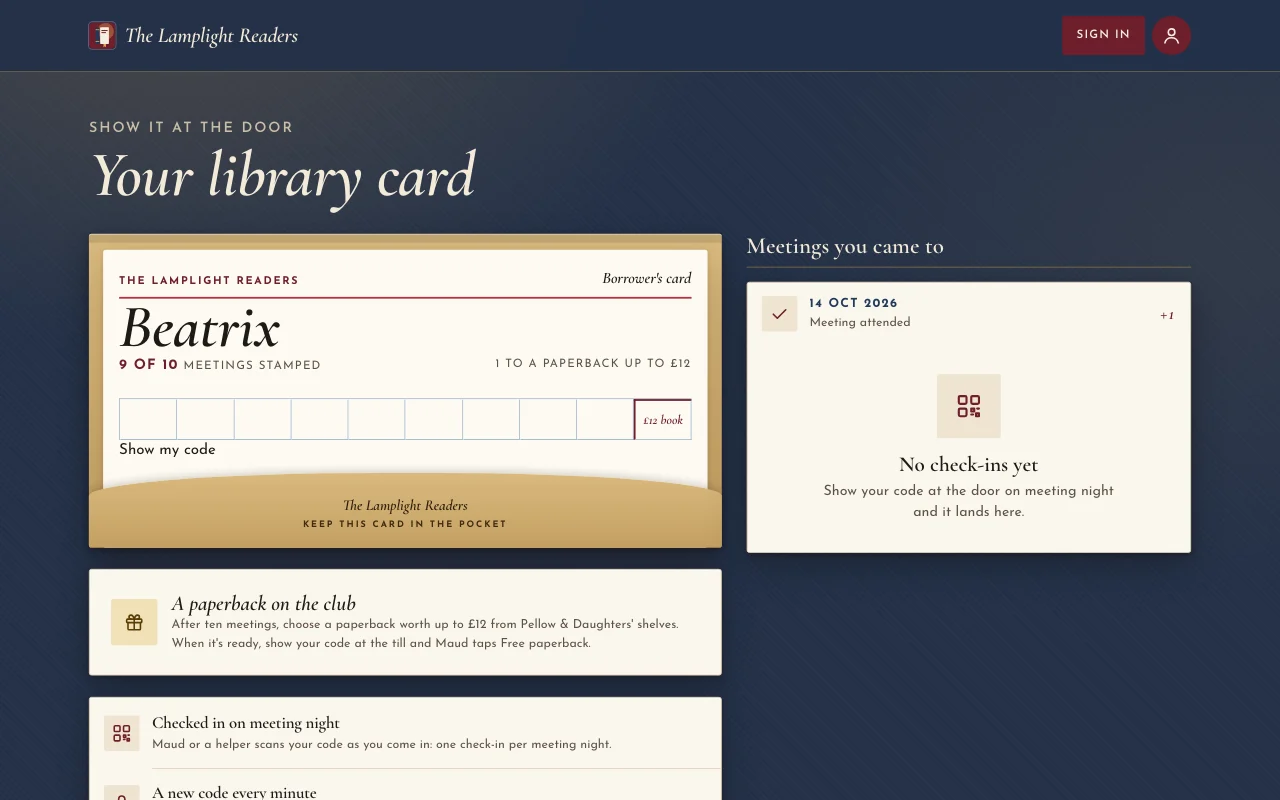
 Chapter (在线预览,在新标签页打开)灯光下的书衣:牛血红海报、Cormorant 斜体字、书架上的书脊,以及盖了章的图书馆借书卡
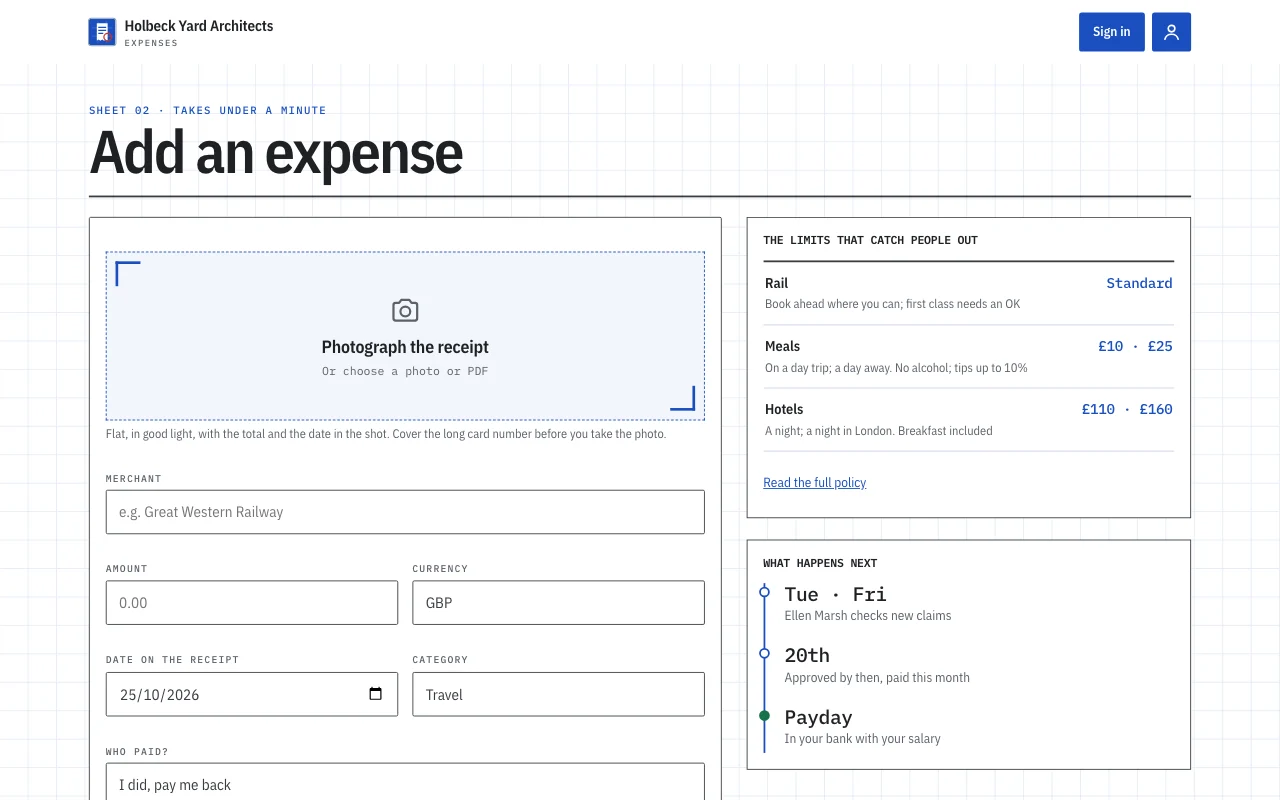
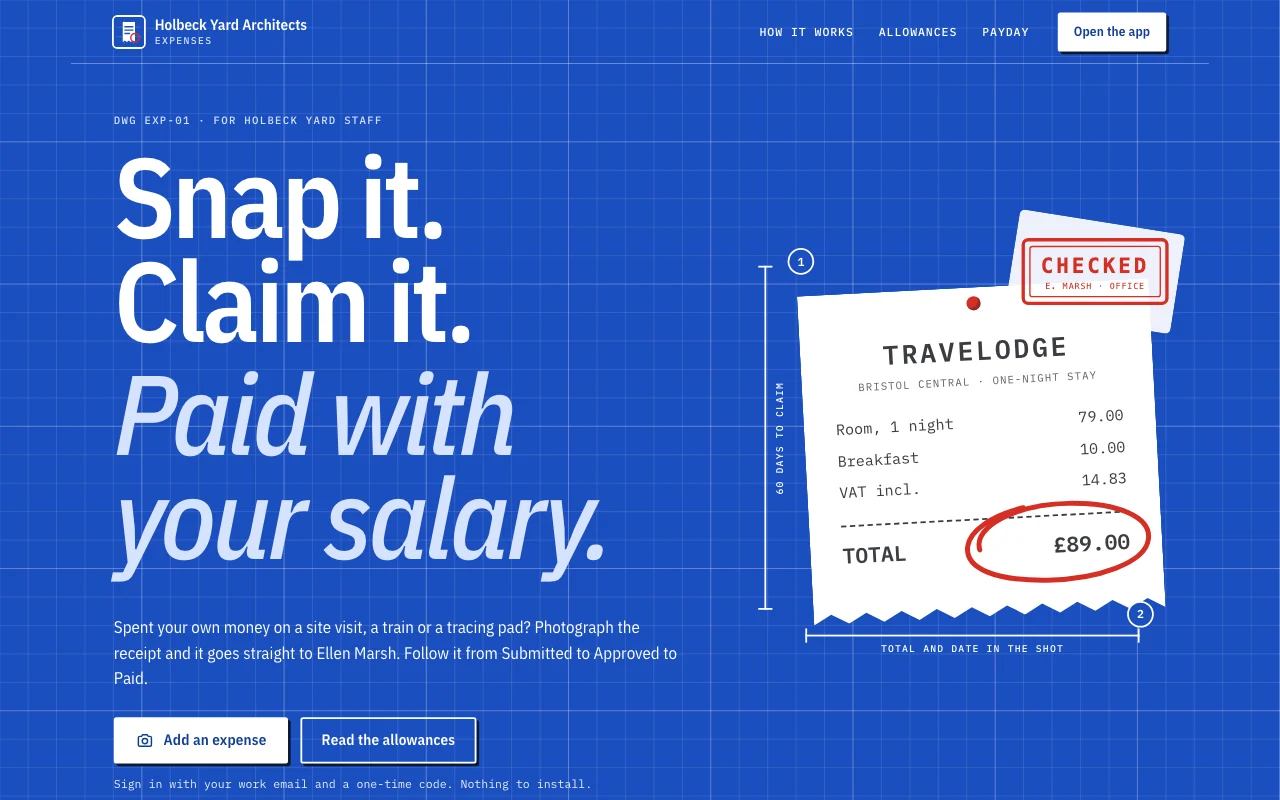 Expense log(在线预览,在新标签页打开)一个应用模板:小型工作室自己的报销应用。员工用邮箱登录,在手机上拍下收据,不到一分钟就能提交报销,跟踪每笔报销从已提交到已批准再到已支付,回答办公室主管的提问,看到自己还能收回多少钱以及每月合计。办公室主管在控制台审批和回复。一个公开页面,/app 下六个会员界面(首页、添加、报销、月度、政策、账号),以及一份留有空白的隐私声明。
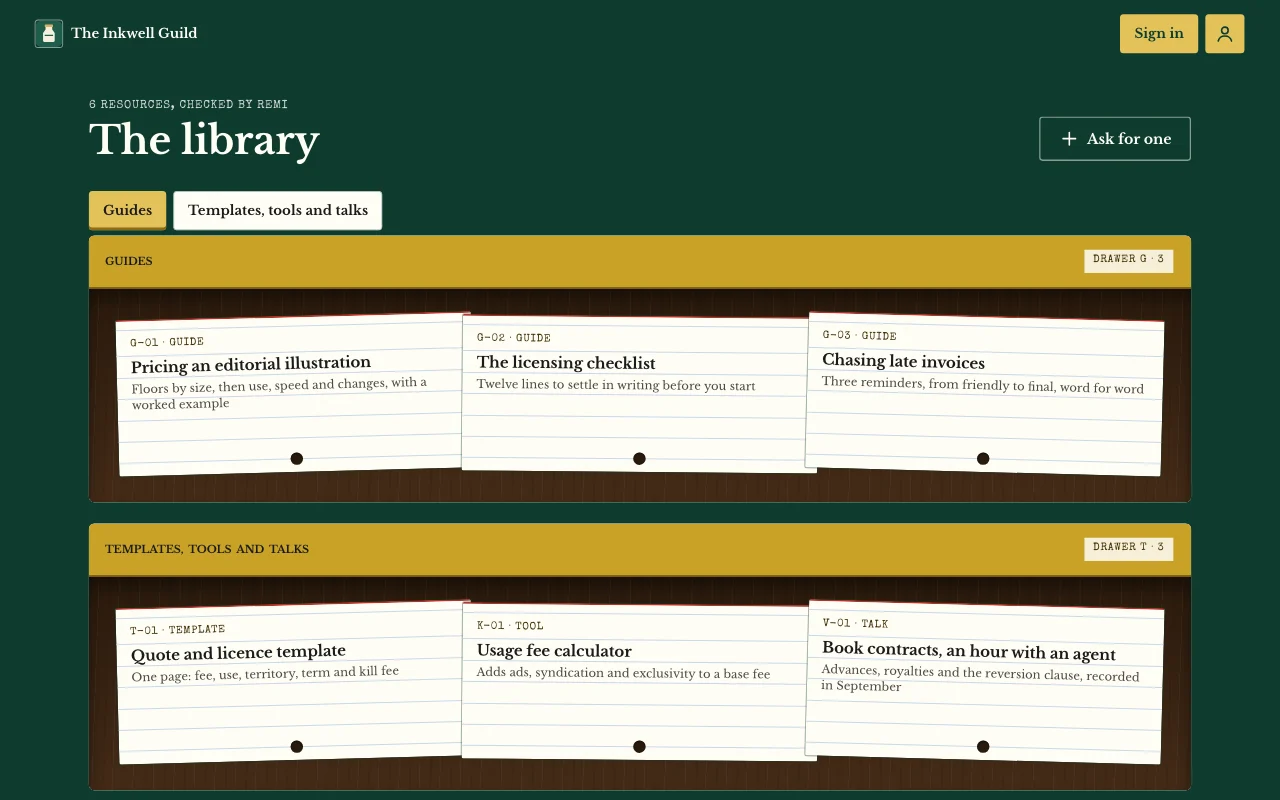
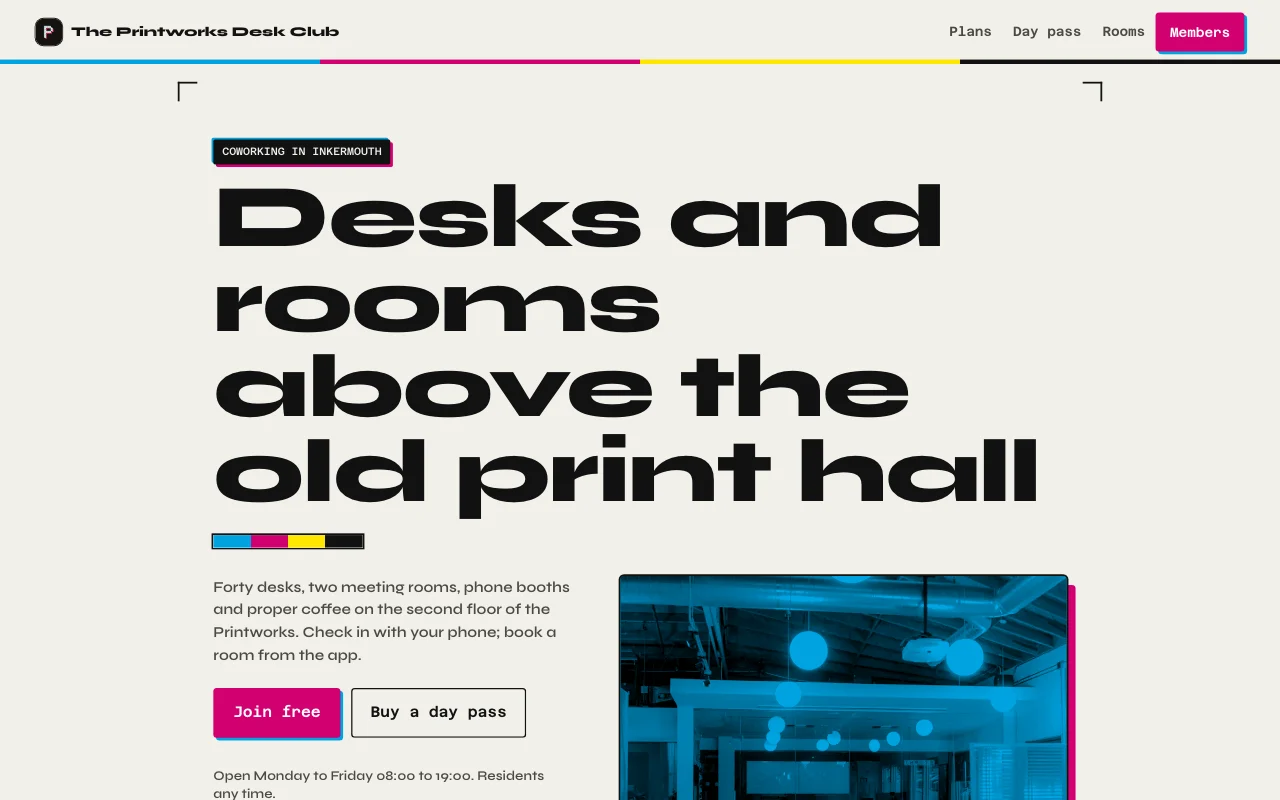 Desk(在线预览,在新标签页打开)印刷工坊的墨黑与纸色,活版印刷的洋红与青色点缀,车间和两个房间的真实照片,一张带本月天数计量条的会员卡
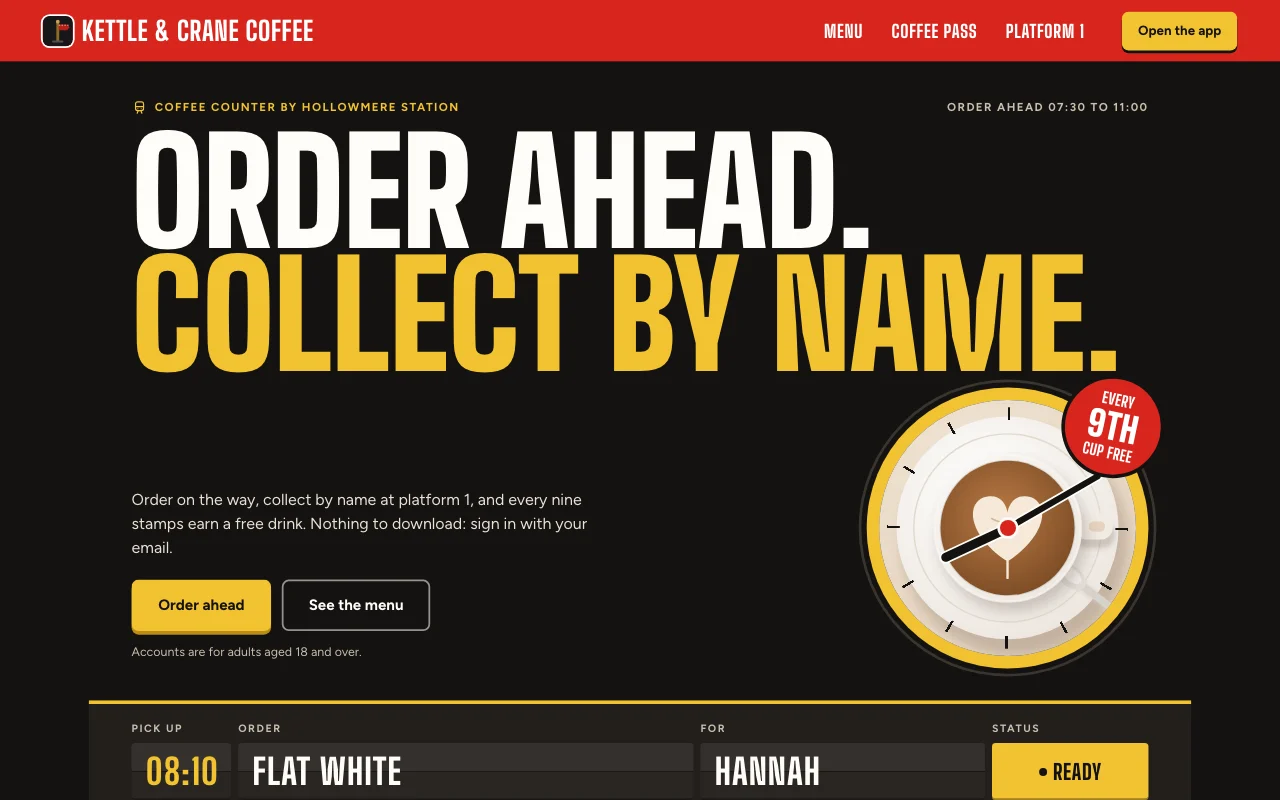 Cortado(在线预览,在新标签页打开)车站咖啡馆应用:用发车信息板显示你的订单,红色站台牌,和盖着红色墨印的纸质集章卡
一步步照做的指南
常见问题
Which front end can I use?
Any that can call a web API: a Lovable or Next.js build, or a phone app. See the API docs.
Do my users need a Page Lemon account?
No. They sign in on your app with an emailed code, or with Apple or Google in a phone app.
Who sees the data?
Each person sees their own records and the ones you give them. You see everything in your Dashboard. Your AI reads records only if you turn that on for a list.
How many users can I have?
It depends on your plan: see pricing.
有什么内容是不能放进去的吗?
Yes. Not health, mood or therapy records, children’s accounts, or card, bank or ID numbers.