

A backend for the app you are building.
Your front end can be a Lovable build, a Next.js app or a phone app. Page Lemon holds the sign-in, the data and the rules about who sees what, and your AI sets them up.
Cole isto no chat da sua IA
Publique no PageLemon.com

From an empty backend to a working app
The steps in the order they come. Start with whichever you’re at.
-
The data
Your app needs somewhere to keep things, and rules about who sees them
Say what your app stores. Your AI creates the lists and the rules, so each signed-in person sees only their own records and you see them all.
A real template: Casebook. Preview it (opens in a new tab) Você escreve no chat da sua IA
Run the backend for my app on PageLemon.com: people sign in, and each sees only their own receipts- “Add a status field that only I can change” Your AI adds the field and the rule.
- “Show me the records so far” Your AI reads them only if you allow it for that list.
-
The sign-in
Your front end needs people to sign in
Users sign in with an emailed code on the web, and with Sign in with Apple and Google in a phone app. One account works everywhere.
Um modelo de verdade: Chapter. Pré-visualizar (abre em uma nova aba) Você escreve no chat da sua IA
Set up sign-in for my app: invite only, and let me approve requests- “Let anyone sign up” Your AI changes the setting.
- “Who signed in this week?” Your AI shows the counts.
-
The API
Your own code calls Page Lemon
Your front end reads and writes the lists through the API as the signed-in person, with a key for each app. The API docs list every call.
Um modelo de verdade: Expense log. Pré-visualizar (abre em uma nova aba) Você escreve no chat da sua IA
Give me the API address and a key for my app- “Call me when a record is added” Your AI sets a webhook to an address you give it.
- “Rotate the key” Your AI makes a new key and retires the old one.
O que ele substitui
O jeito de sempre e o jeito de uma conversa só.
TodayA backend you set up, host and keep patched.
With Page LemonSign-in, data and rules run by Page Lemon, set up by asking.
TodaySign-in code written for every app.
With Page LemonOne sign-in for the web and for phone apps.
TodayRules about who sees what, written in your own code.
With Page LemonEach person sees their own records unless you say otherwise.
TodayA separate service for emailed codes.
With Page LemonEmailed codes are built in.
Quanto custa para você
Free is for building and trying it as a test user. A paid plan lets your users in.
Grátis
Sem precisar de cartão.
- Build and try it as a test user
- Um site em seunome.pagelemon.dev
- Um pequeno selo do Page Lemon
Plano pago
- Usuários logados no seu app
- The API for your own front end
- Seu próprio domínio, e sem selo
Não era o que você queria? Reembolso total em até 14 dias, sem perguntas.
Veja o produto real primeiro
Toda imagem desta página é um modelo de verdade. Abra um, explore e depois peça à sua IA para deixá-lo com a sua cara.
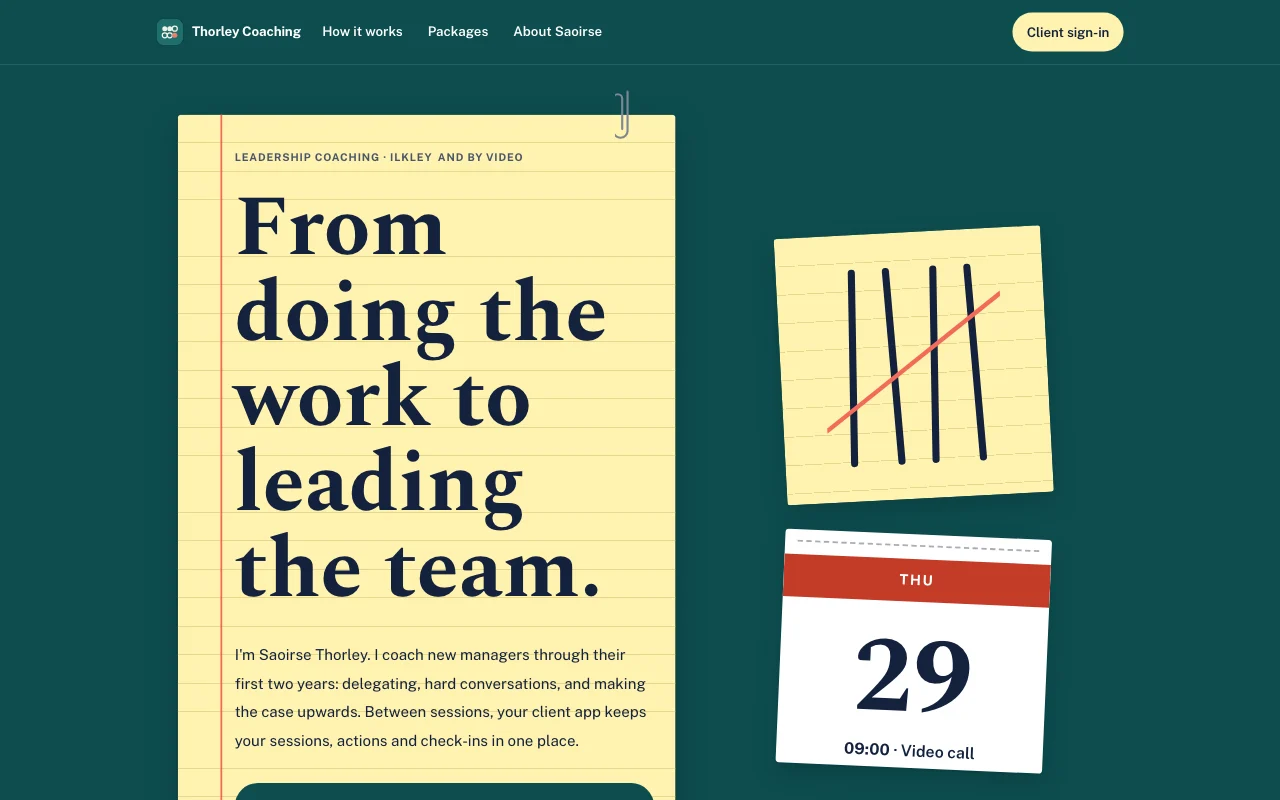 Tally (visualização ao vivo, abre em uma nova aba)Bloco amarelo sobre uma mesa azul-petróleo, com marcas de contagem a caneta riscadas em coral e uma folha de calendário destacável
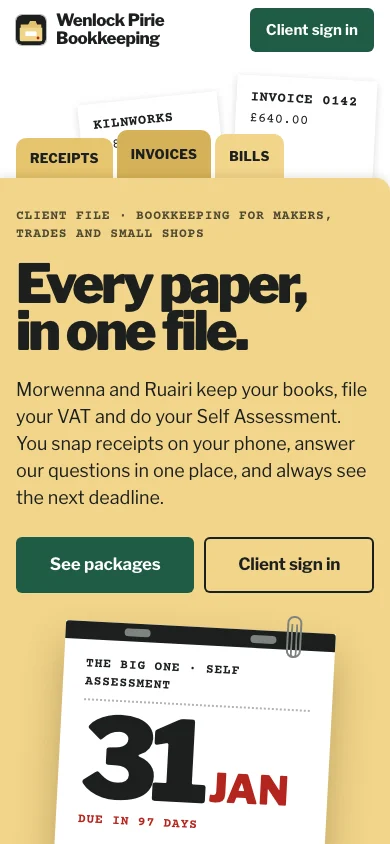
- Casebook (live preview, opens in a new tab)Manila accordion file with index tabs, tear-off deadline pages and red-ink stamps on typed slips
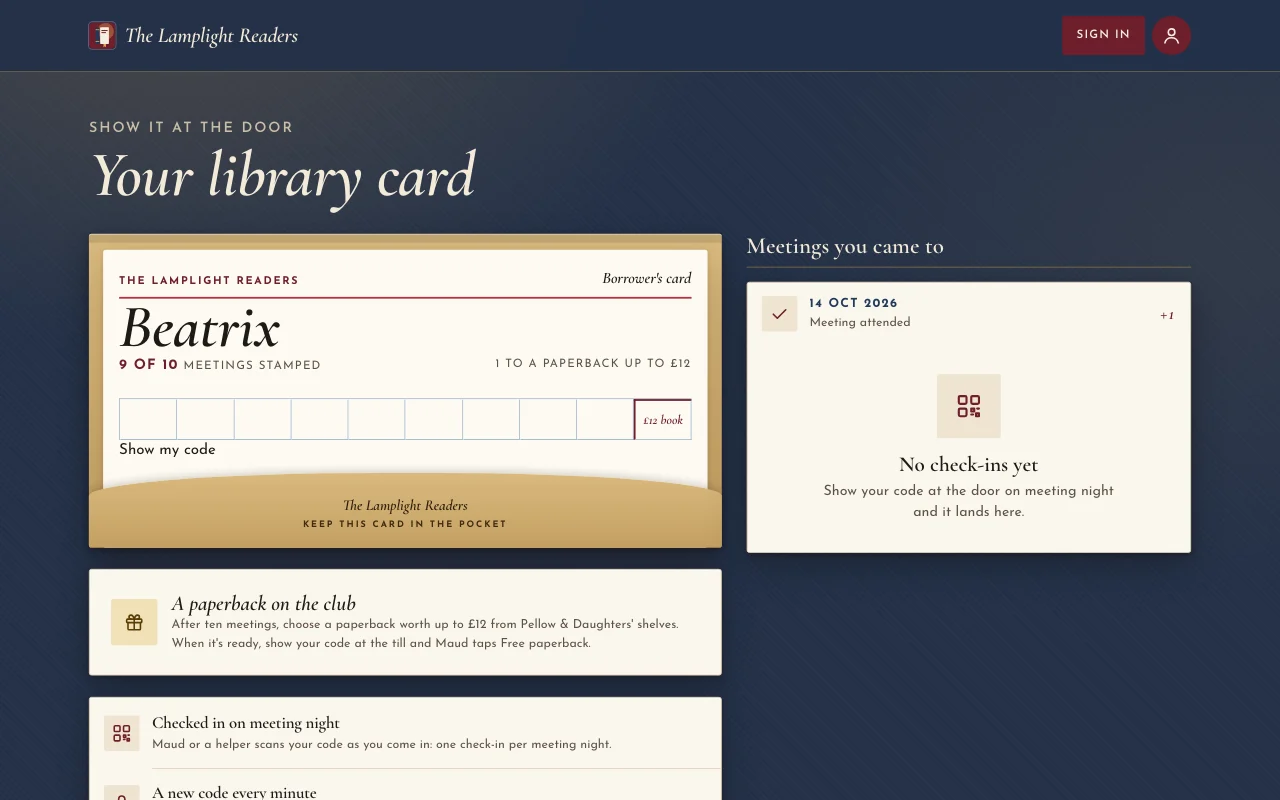
 Chapter (visualização ao vivo, abre em uma nova aba)Sobrecapas à luz de abajur: um pôster cor de sangue de boi, itálicos Cormorant, lombadas numa estante e uma ficha de biblioteca carimbada
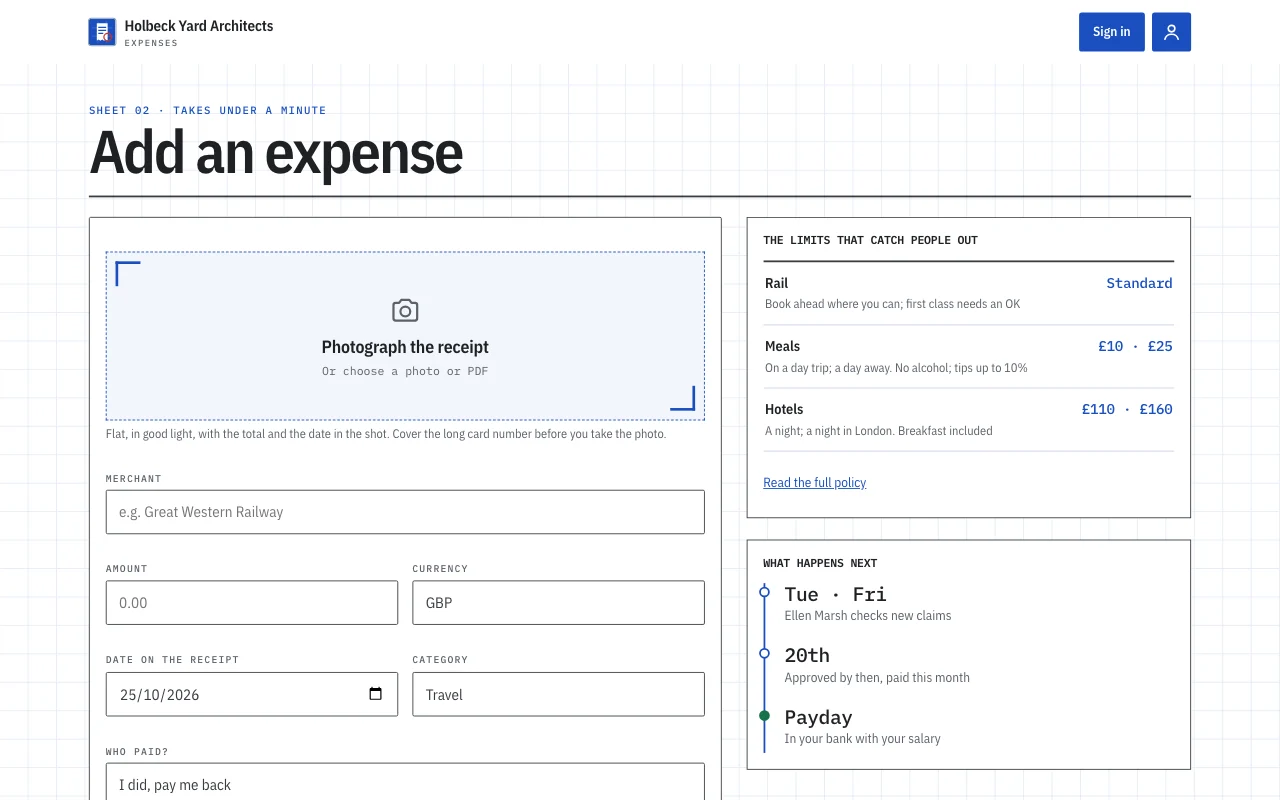
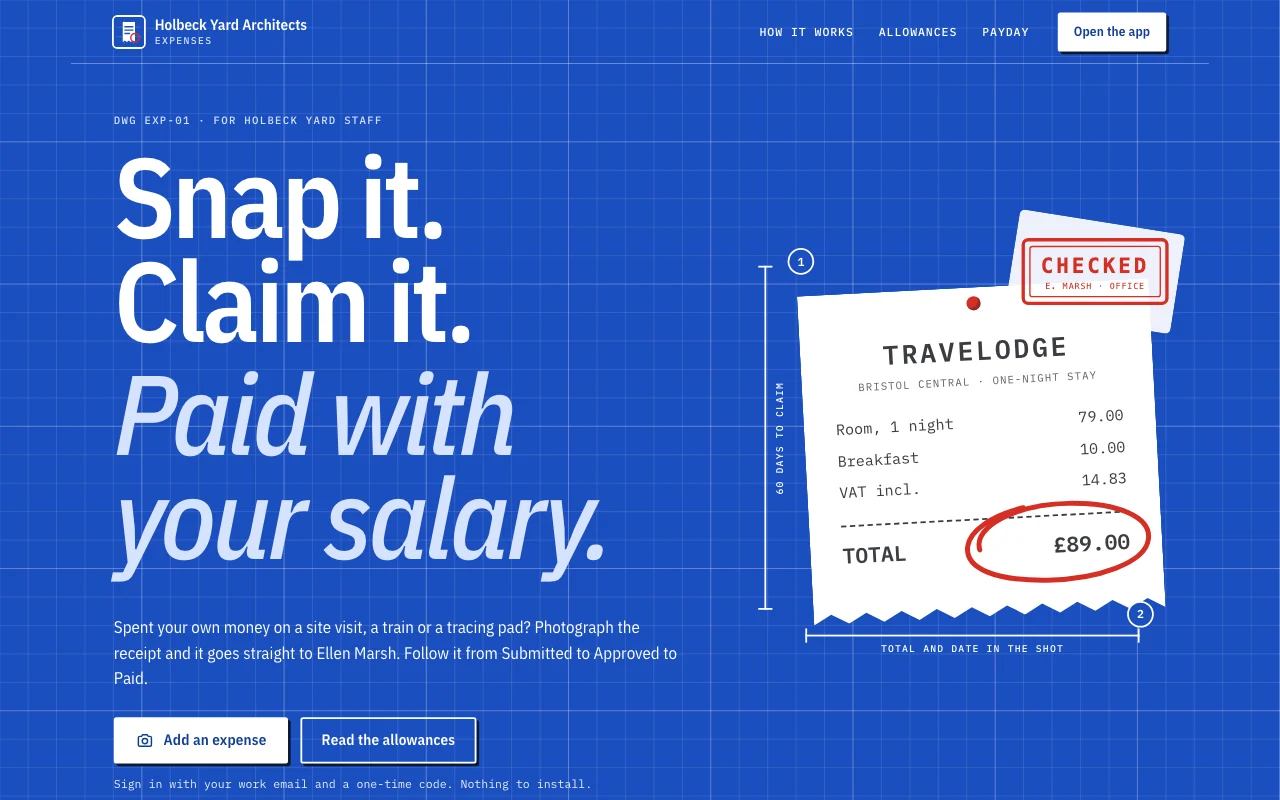 Expense log (pré-visualização ao vivo, abre em uma nova aba)Um modelo de app: o app de pedidos de reembolso de despesas de um pequeno estúdio. A equipe entra com o e-mail, fotografa um recibo no celular e faz o pedido em menos de um minuto, acompanha cada pedido de Enviado a Aprovado e Pago, responde às perguntas da gerente do escritório e vê o que tem a receber e os totais mensais. A gerente do escritório aprova e responde no Dashboard. Uma página pública, seis telas de membro em /app (Início, Adicionar, Pedidos, Meses, Política, Conta) e um aviso de privacidade com espaços em branco.
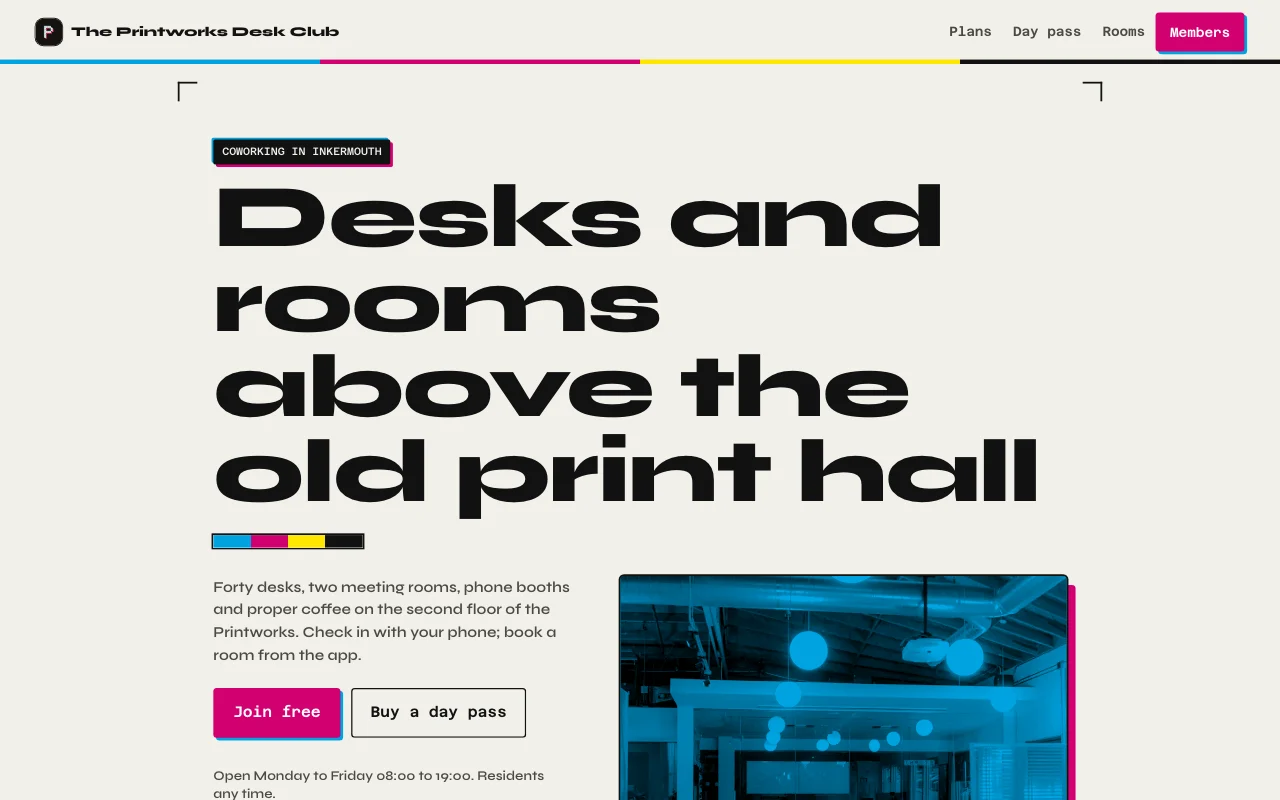 Desk (pré-visualização ao vivo, abre em uma nova aba)Preto tinta de gráfica e papel, toques de magenta e ciano de tipografia, fotos reais do espaço e das duas salas, um cartão de assinatura com um medidor de dias do mês
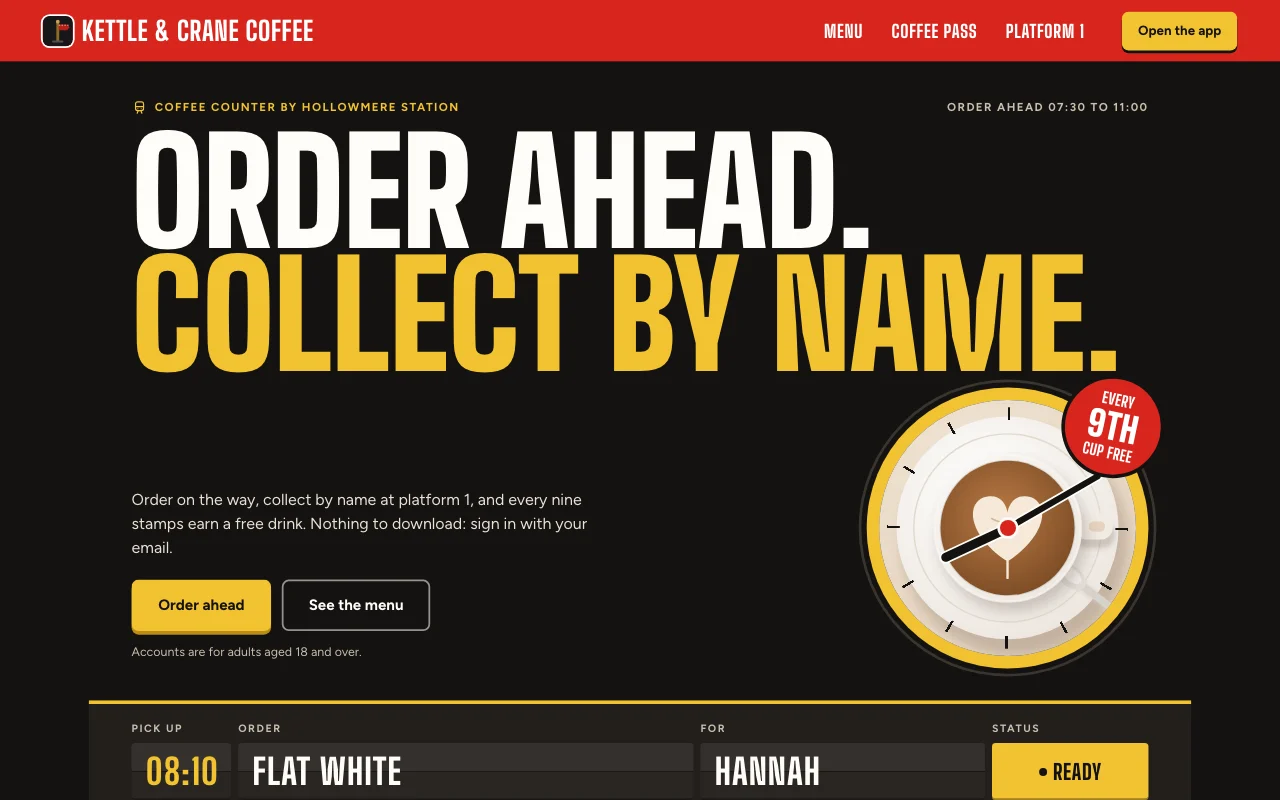 Cortado (pré-visualização ao vivo, abre em uma nova aba)App de café de estação: um painel de partidas para o seu pedido, uma placa vermelha de plataforma e um cartão de selos de papel com carimbos de tinta vermelha
Guias passo a passo
-
Apps
App de despesas
Recibos pelo celular, o mês de cada pessoa Login de usuáriosFotos de recibosExportação Plano pago -
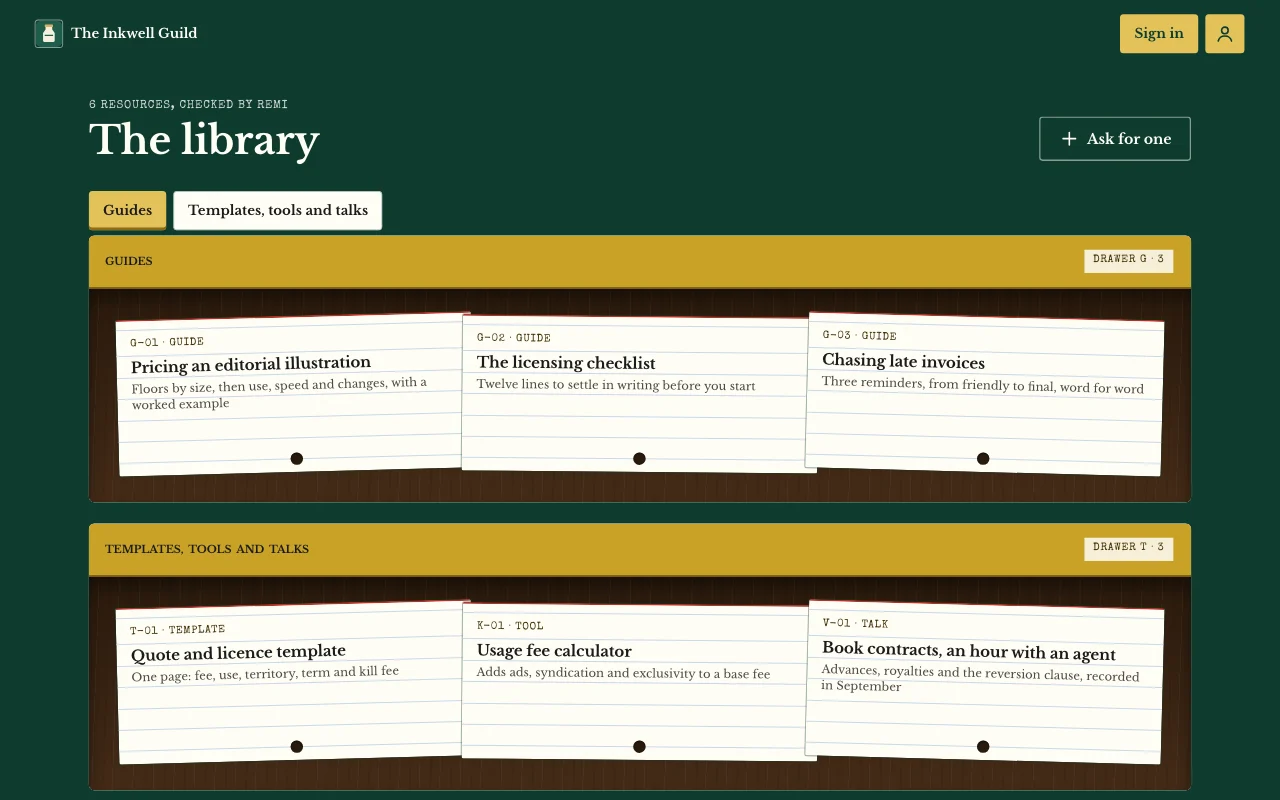 Apps
Área de membros ou curso
Aulas, posts e guias que só os seus usuários podem abrir Login de usuáriosPáginas que só os usuários veemAnotações e fotos Plano pago -
 Apps
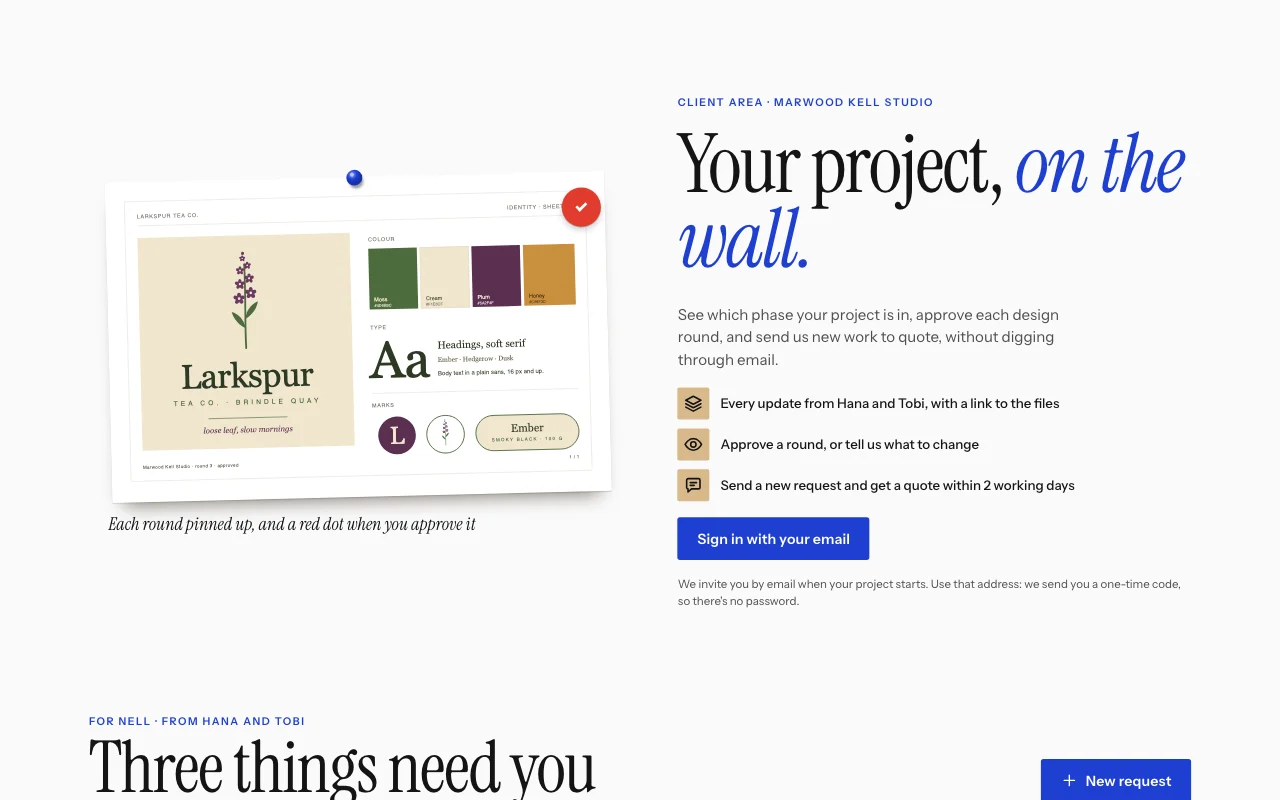
Portal de clientes
Atualizações, arquivos e pedidos, um login por cliente Login de usuáriosBriefings com fotosAtualizações que você atribui Plano pago -
 Apps
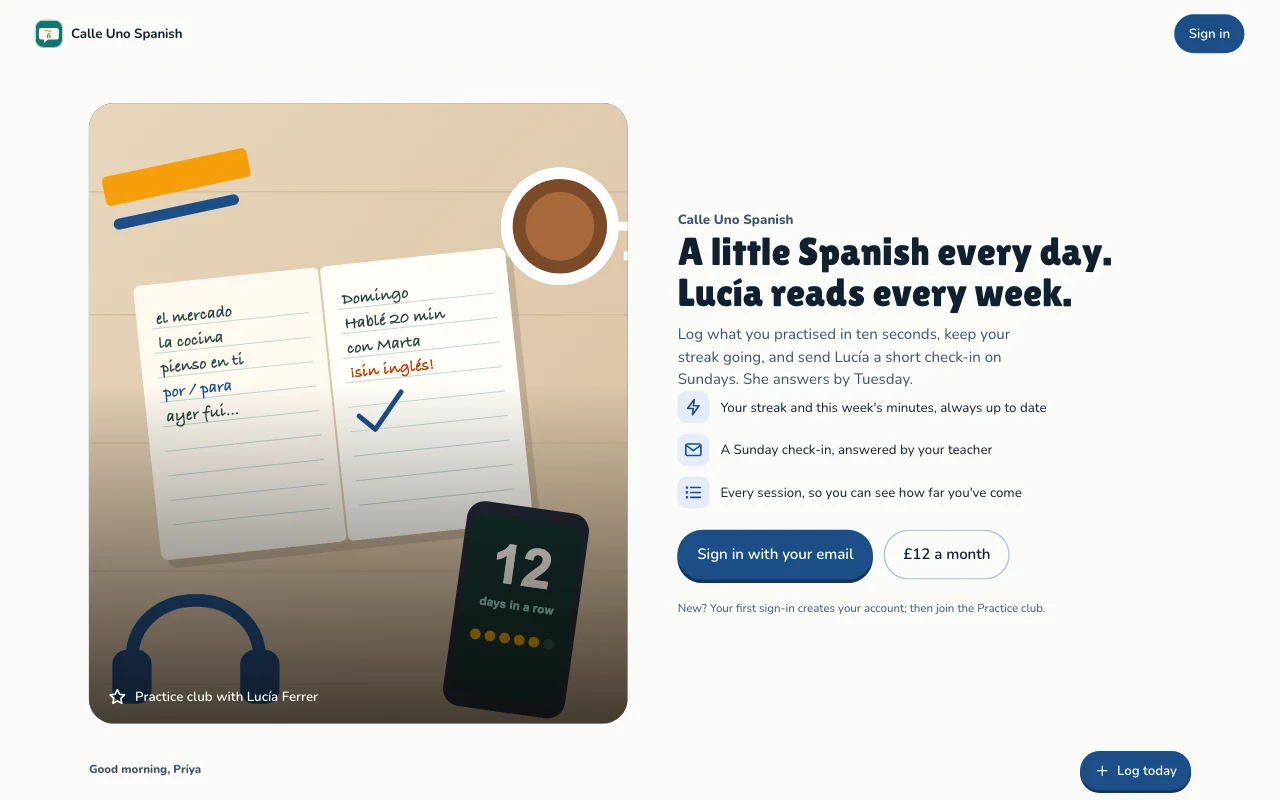
Acompanhamento de hábitos e metas
Prática diária, sequências e metas, de cada pessoa Login de usuáriosSequências e progressoMetas Plano pago
Perguntas
Which front end can I use?
Any that can call a web API: a Lovable or Next.js build, or a phone app. See the API docs.
Do my users need a Page Lemon account?
No. They sign in on your app with an emailed code, or with Apple or Google in a phone app.
Who sees the data?
Each person sees their own records and the ones you give them. You see everything in your Dashboard. Your AI reads records only if you turn that on for a list.
How many users can I have?
It depends on your plan: see pricing.
Existe algo que eu não possa colocar nele?
Yes. Not health, mood or therapy records, children’s accounts, or card, bank or ID numbers.
Give your app a backend today.
Cole uma linha na sua IA.
Publique no PageLemon.com