
You’re launching next week. The website shouldn’t be the hard part.
Get a launch page, waitlist, docs and changelog online from the AI chat you already use. Your co-founders change it from theirs. No developer queue, no new tool to learn.
- No card needed
- No code
- Works with any AI
Your AI chat
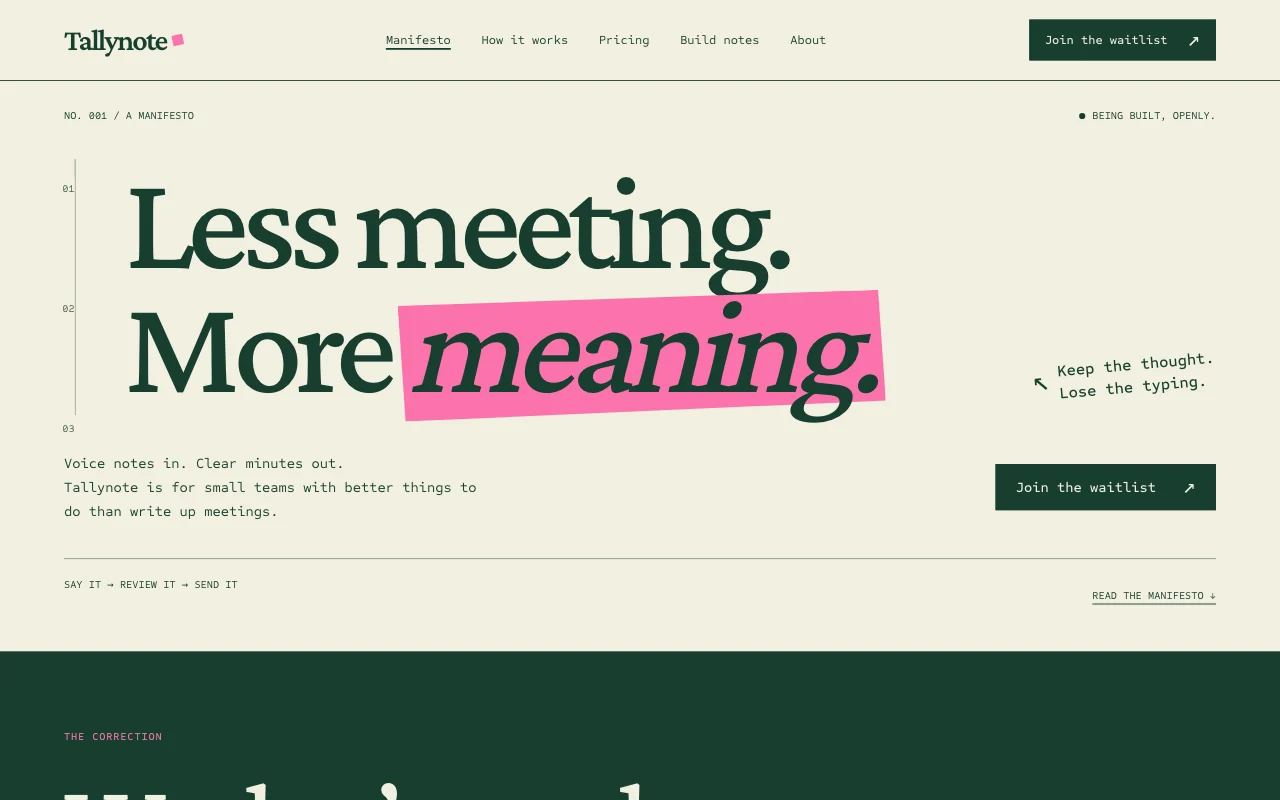
You say: Add a waitlist to our launch page and let maya@getacme.com edit the site too.
Your AI replies: Waitlist added and tested with one sign-up. Approve Maya’s invite here: app.pagelemon.com/approve/…
What founders tell us before launch
-
“Every copy change waits for whoever knows the code.”
Anyone on the team asks their own AI to change the live site, in plain words.
-
“We need a waitlist live before we post the launch.”
One sentence adds a sign-up form in your design. Every sign-up lands in your inbox.
-
“I don’t want to learn another website builder.”
There’s no editor to learn. You keep working in Claude, ChatGPT, Codex or Cursor.
-
“What if two of us edit at once and wipe each other’s work?”
The second save stops and says who changed what, so nothing is lost without you knowing.
Five things startups put online, one prompt each
Type the prompt in your AI chat. Here’s what happens next.
-
A launch page with a waitlist
Start from a template or the page your AI already made, then add a sign-up form that matches your design. Add product pages, pricing and a changelog as you grow.
- Your AI adds the form and sends one test sign-up, which isn’t emailed or counted
- Each real sign-up is emailed to you and kept in a list
- Simple bot spam is dropped
Forms come with paid plans, including the startup offer
You say: Use template pagelemon.com/tp/Draft for Acme, voice notes that turn into meeting minutes. Add a waitlist form.
Your AI replies: Done. Acme is live at acme-notes.pagelemon.dev with a waitlist. I sent one test sign-up and it worked.
-
A site your co-founders can edit
Each person signs in with their own email and edits from their own AI. You approve the invite once.
- You click one approval link, then Maya gets an email invite
- If two of you save at once, the second save stops and says who changed which page
- Every version is saved with who made it
More people can edit on paid plans, including you
You say: Invite maya@getacme.com to edit the site.
Your AI replies: Approve it here: app.pagelemon.com/approve/… Then Maya gets an email and signs in.
You say: Change the pricing headline to “Free while in beta”.
Your AI replies: Maya changed pricing.html a few minutes ago, so I didn’t overwrite it. I’ve loaded her version. Shall I make your change on top?
-
Docs and a changelog
Paste your README or release notes into the chat. Your AI turns them into pages, and adds each release when you ship.
- Clean links like /docs/getting-started and /changelog
- Adding a release changes only that page; the rest stays as it was
- Undo any change in one sentence
You say: Add today’s release to the changelog: dark mode, and export to CSV.
Your AI replies: Added v0.4 to /changelog. Only that page changed.
-
A private investor or beta page
Keep one section for the people you name: investors, beta testers, your advisers. The rest of the site stays public.
- You approve once, then each person gets an invite email
- They sign in with that email address; nobody else gets in
- Remove someone and they’re out straight away
- Share a private draft with the people you name before anything goes public
Members-only visitors come with paid plans
You say: Make /investors visible only to anna@northfund.vc and me. Keep the rest public.
Your AI replies: Approve it here: app.pagelemon.com/approve/… Then Anna gets an invite to sign in.
-
Launch-week numbers
Ask how the launch is going, in the same chat. No dashboards to set up and no cookie banner for your visitors.
- Sign-ups listed, or downloaded as a spreadsheet
- Visits, top pages, sources, countries and devices
- Counted without cookies or a tracking script
You say: How many people joined the waitlist this week? And where are visitors coming from?
Your AI replies: 212 sign-ups since Monday. Most visits came from news.ycombinator.com, then linkedin.com. Want the sign-ups as a spreadsheet?
Example conversations. Your AI’s exact words will differ.
The questions you’re probably asking
-
What does it cost to start?
Nothing. Try it with no account: your site stays live for 72 hours. Sign up free to keep it. Startups can apply below for Prompter free for 6 months, with no card.
-
Do we need a developer?
No. You connect your AI once, then publish and change the site by asking. Switch between Claude, ChatGPT, Codex or Cursor whenever you like; the site stays the same.
-
Can we leave with our site?
Yes. Download the whole site as a zip whenever you like, and the waitlist as a spreadsheet. Your domain stays with the company you bought it from.
-
Is it safe to let the AI publish?
Every version is saved, so one sentence undoes a bad change. Anything that emails people or deletes data is checked with you first, and an upload with a secret key in it is stopped before it goes live.
-
Can we use our own domain?
Yes, on any paid plan, including the startup offer. Ask your AI to put the site on getacme.com; it gives you a link, you click Connect at your domain company, and you’re done.
-
What happens when we hire?
Move your sites into a Team or Company workspace: one subscription for the company, flat rather than per seat, with up to 25 people editing.
Start from a launch-ready design
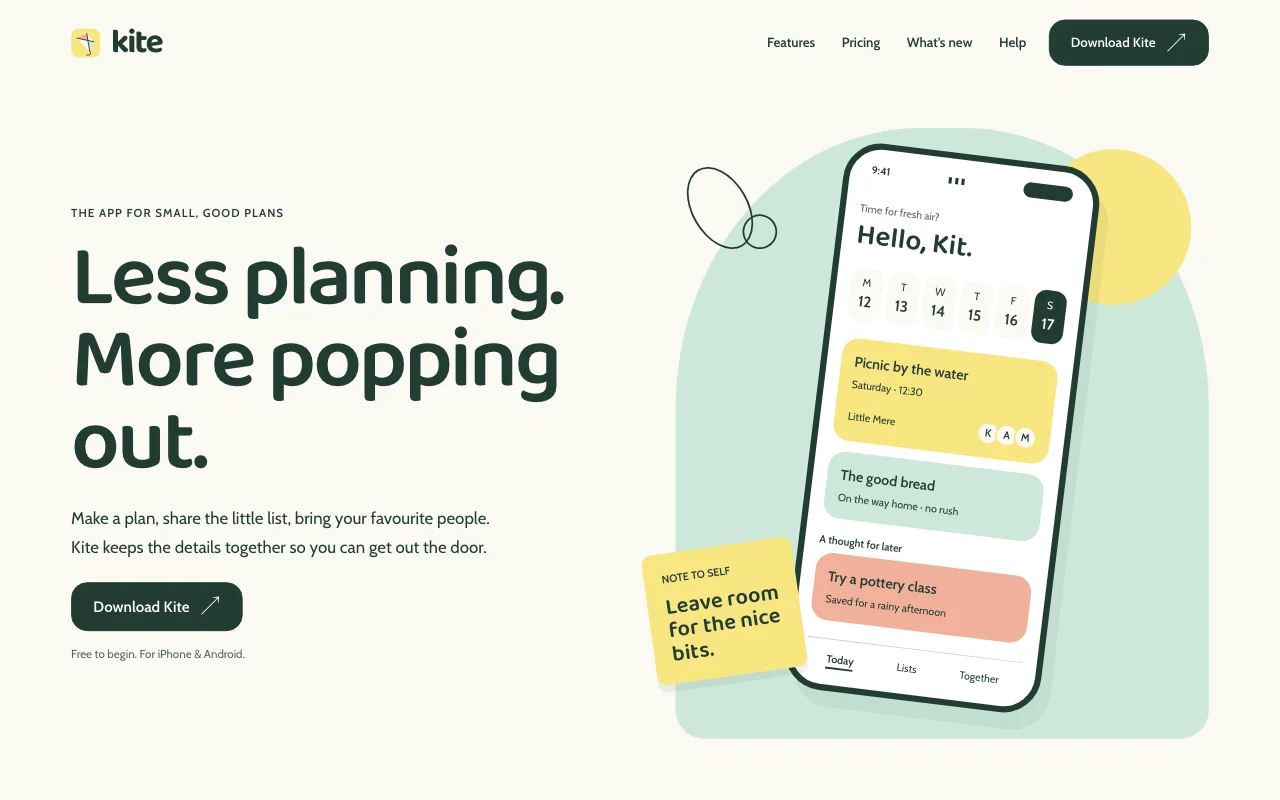
Paste the template prompt, tell your AI what you’re building, and it fills in your name, pitch and pages. Every template is free to use.
 Kite
Kite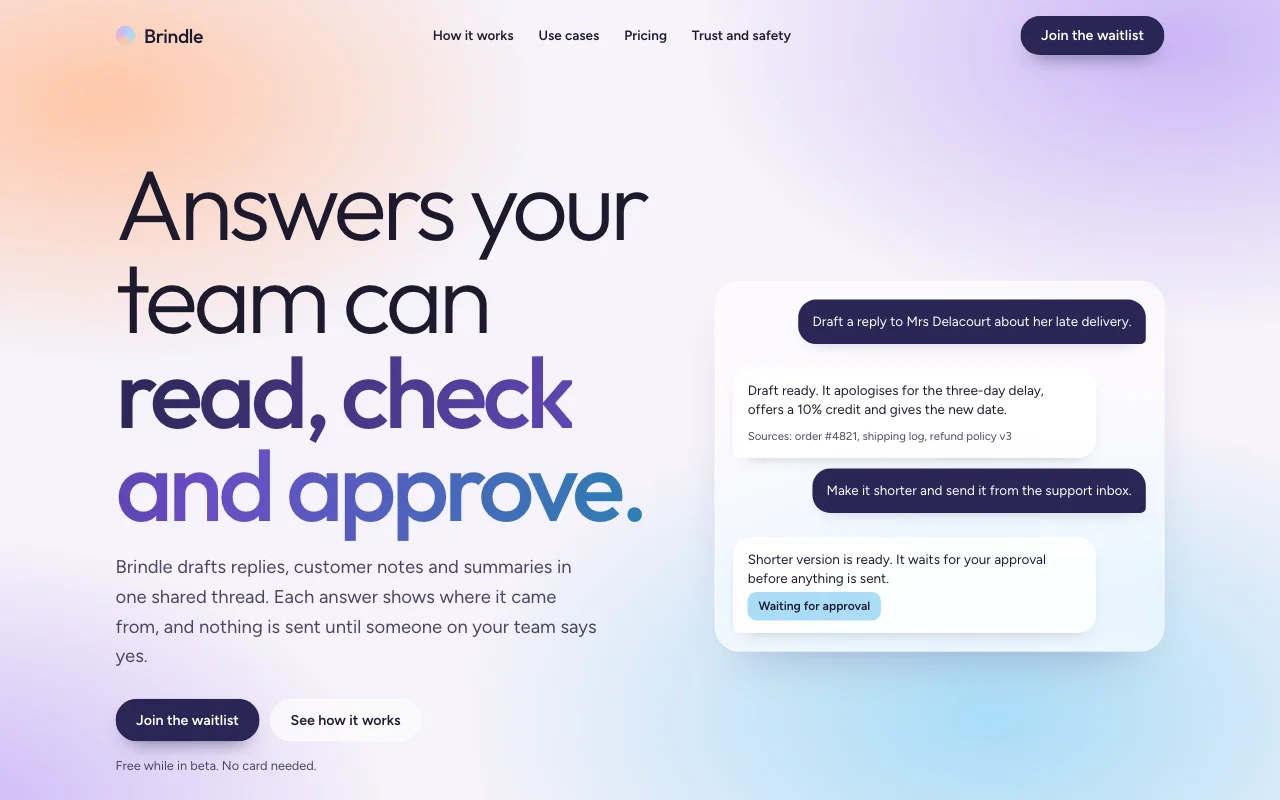 Haze
Haze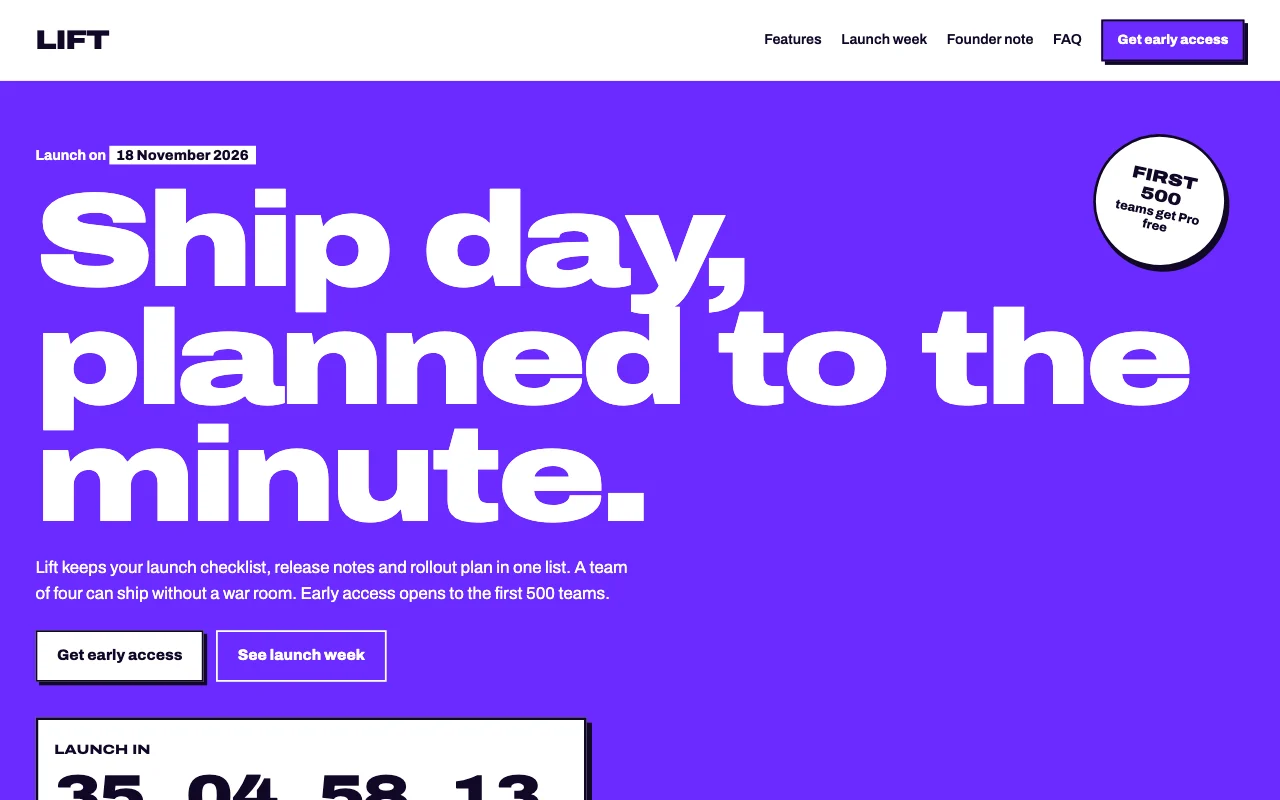 Lift
Lift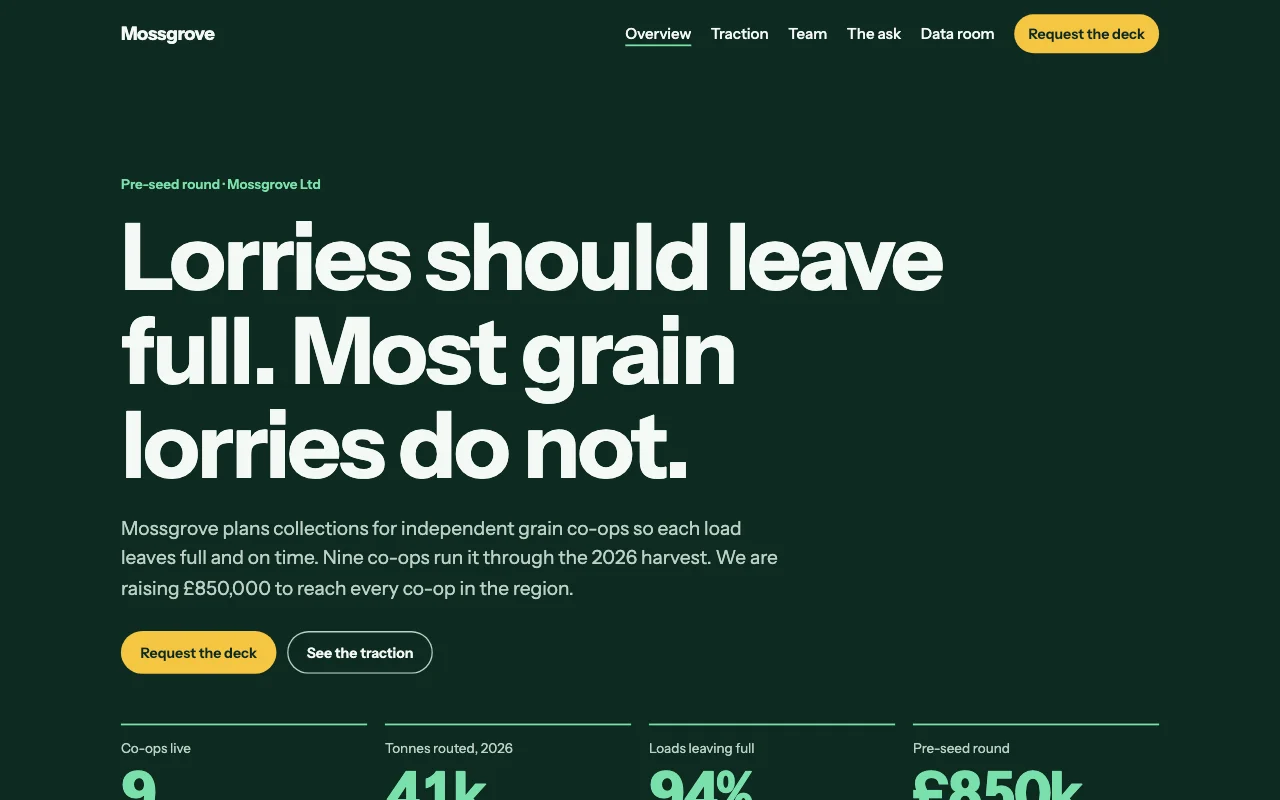 Seed
Seed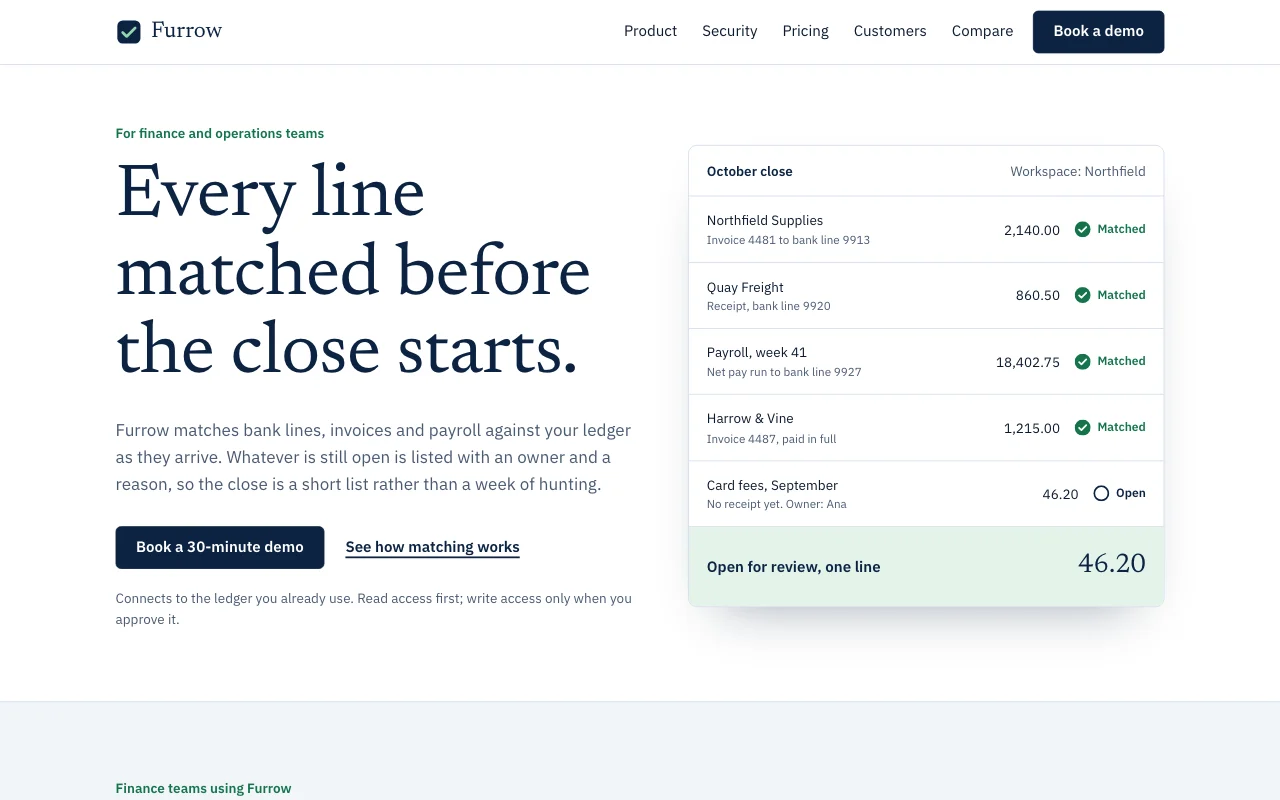 Furrow
Prompter free for 6 months
Your own domain, the waitlist form, members-only pages and 3 people editing, while you find your first customers. Apply in two minutes.
What you get
- The Prompter plan, free for 6 months
- Up to 10 live sites, 3 custom domains and no badge
- Forms, analytics and members-only pages
- Commercial use of your own sites is fine
Who can apply
- Your own product or company, less than 3 years old
- 25 people or fewer
- Less than $5M raised; bootstrapped is welcome
- New to paid Page Lemon, one grant per company
- Not for agencies, consultancies or freelancers building for clients
Show us any one of these
- An email address at your company’s domain
- Your company registration number
- A confirmation from your accelerator or investor
- A public launch page (one on Page Lemon counts)
What happens next
- Send the form, then confirm your work email from the link we send you.
- A person on our team reviews it, usually within 2 business days, and replies by email.
- Once approved, sign in with the email you applied with and Prompter is switched on.
- Before the 6 months end, we remind you. Keep Prompter, move up, or go back to Free. Nothing is charged unless you choose a plan.
Apply
What’s in Prompter?
Up to 10 live sites, 3 custom domains, no Page Lemon badge, 3 people who can edit, and forms, analytics and members-only pages. Booking comes with the Team and Company workspaces. See every limit on the pricing page.
Can we use it for our business?
Yes. Commercial use of your own product’s sites is fine. The offer isn’t for agencies or freelancers building for clients; they can use the freelancer handover on a paid plan.
What happens after 6 months?
We remind you by email before it ends. Keep Prompter, move up to Builder or a Business workspace, or go back to Free. Nothing is charged unless you choose a plan.
We already pay for Page Lemon. Can we apply?
The offer is for companies new to paid Page Lemon, one grant per company.
Our AI already made the site. Can we use that?
Yes. Say “Launch my site on PageLemon.com” in the same chat and it goes online at a free address. Add the waitlist, domain and co-founders from there.
What if a change goes wrong?
Ask to go back, for example “Undo the last change” or “Go back to yesterday’s version”. Every version is saved, and going back adds a new version, so nothing is lost.
Get your launch page live this week.
Apply for Prompter free for 6 months, or start free right now from your AI chat.