
You sell your time. Don’t spend it on websites.
Your portfolio is six months out of date, a client wants “one quick change” on a Sunday, and someone has to pay for hosting. Build your own site and your clients’ sites from the AI chat you already use, show drafts privately, then hand each site over so the client owns it.
- Designers
- Writers
- Photographers
- Developers
- Consultants
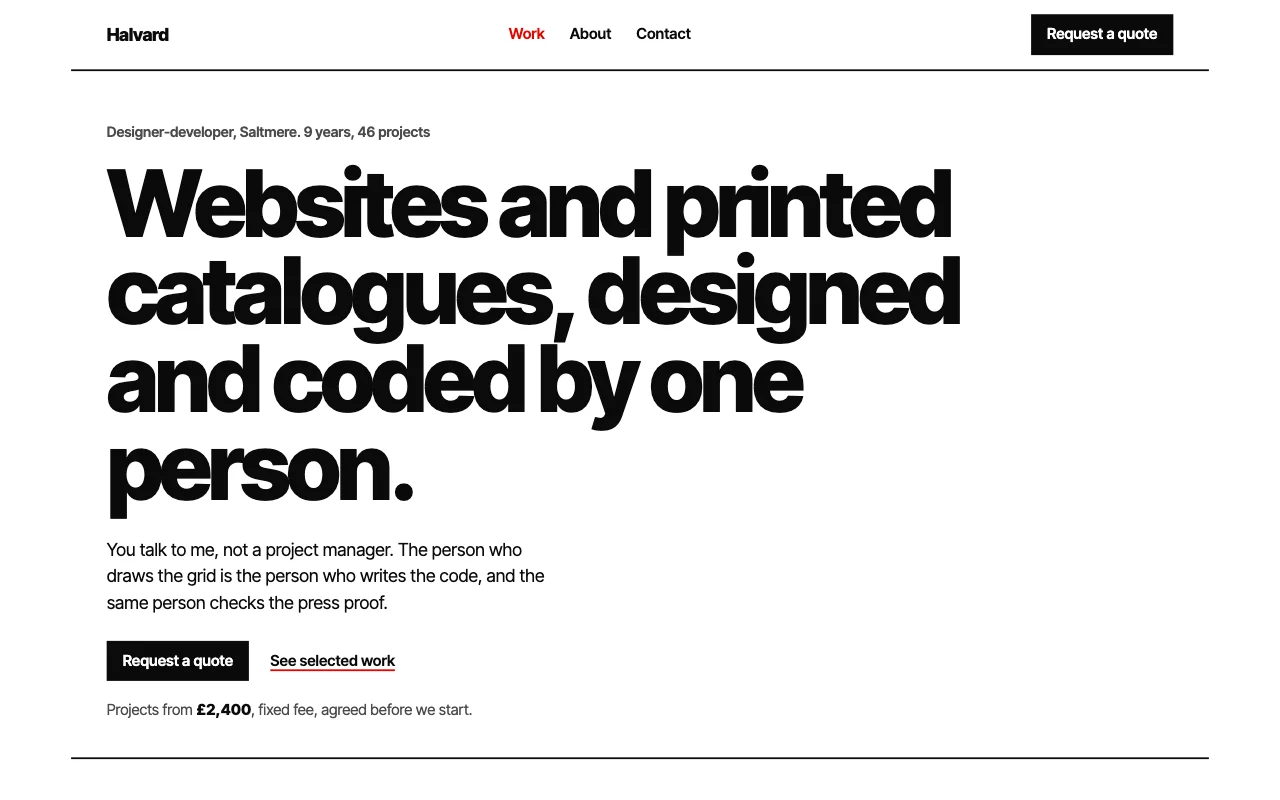
Your AI chat
You say: Add the Harbour Co rebrand to my work page, with these 4 images, at the top.
Your AI replies: Added it as the first project. Only the work page changed; the rest of your site is as it was.
What freelancers tell us
-
“My best work isn’t even on my portfolio.”
Add a project in one message. Only that page changes, so you never rebuild the site to keep it current.
-
“Enquiries come in by DM, email and text. I lose half of them.”
An enquiry form on your site sends each one to your inbox, and your AI can list them for you.
-
“I don’t want to host client sites forever.”
Transfer the site when it’s done. The client owns it and pays for it, and it stays online the whole time.
-
“The client keeps asking for tiny text changes.”
Make them an editor and they fix typos from their own AI. Every version is saved, so you can see and undo anything.
Five jobs, one prompt each
Your own site first, then your clients’. Type the prompt in your AI chat; here’s what happens next.
-
A portfolio you actually keep up to date
Case studies, services, an about page. Start from a template made for your kind of work, or put online the site your AI already made.
- Each case study gets its own link to send with a pitch
- Adding a project changes only that page
- Upload images from your phone through a link that works for an hour; location data is removed
On Free; your own domain and no badge on paid plans
You say: Use template pagelemon.com/tp/Roster. I’m Alex Rivera, a brand and web designer in Bristol. My three best projects are below.
Your AI replies: Done. Your portfolio is live with a page for each project. Want a link to upload the images from your phone?
-
An enquiry form that doesn’t get lost
Ask for what you need to quote: project type, budget, deadline. Each enquiry arrives by email, and hitting reply answers the client.
- Your AI adds the form in your site’s design and sends one test, which isn’t emailed or counted
- Ask “any new enquiries this week?” or download them as a spreadsheet
- Simple bot spam is dropped
Forms come with paid plans
You say: Add an enquiry form with name, email, project type, budget and deadline. Email them to me.
Your AI replies: Added to your contact page. I sent one test enquiry and it worked.
You say: Show me enquiries from the last 2 weeks.
Your AI replies: Three: Harbour Co (rebrand), Juno Bakery (website), and Priya Shah (logo).
-
Bookings for calls, shoots or sessions
Clients pick a free time instead of a week of “does Thursday work?”. Useful for discovery calls, photo shoots and coaching sessions.
- Clients get a confirmation with a calendar invite and a link to move or cancel
- Approve new clients before a booking is confirmed, if you like
- “Who’s booked tomorrow?” works in the same chat
Bookings come with Team and Company workspaces
You say: Let clients book a 30-minute intro call, Tuesday to Thursday, 10 till 4.
Your AI replies: Added a booking page. I’ll email you each new booking, and clients get a calendar invite.
-
A private preview for your client
Build the client’s site on your account and show it only to them. No staging server, no password in an email thread.
- You approve once, then the client gets an email invite and signs in with that address
- Invite them as a viewer to look, or as an editor to change copy from their own AI
- If you both edit at once, the second save stops and says who changed what
Members-only pages come with paid plans
You say: Make the Harbour Co site members-only and let sam@harbourco.com see it.
Your AI replies: Approve it here: app.pagelemon.com/approve/… Then Sam gets an email to sign in and view the draft.
-
Hand the site to your client
When they sign off, transfer the site. They own it, they pay for it, and you stop being their host.
- The address, files, versions, domain and form messages move with the site
- It stays online the whole time; the offer lasts 14 days and you can cancel it until they accept
- You stay on as an editor if you want to keep looking after it
Any paid plan can send a transfer
You say: Harbour Co signed off. Transfer the site to sam@harbourco.com and keep me on as an editor.
Your AI replies: Confirm the transfer here: app.pagelemon.com/approve/… Then Sam gets an email to accept. Nothing changes until Sam accepts.
Example conversations. Your AI’s exact words will differ.
From first draft to handover, in four messages
No agency account and no new tool. You build on your own account and move the site to your client when it’s ready.
-
Build
Your AI puts the site on your account. Keep changing it by asking.
“Put this salon website on Page Lemon.”
-
Preview privately
Only the people you invite can see it until it’s ready.
“Make it members-only and let sam@ in.”
-
Finish together
Connect their domain, add the form, let them edit copy.
“Put the site on harbourco.com.”
-
Hand over
They accept by email and own it. Handed-over sites don’t count towards yours.
“Transfer the site to sam@harbourco.com.”
The questions you’re probably asking
-
Can I try it before paying?
Yes. Publish with no account and your site stays live for 72 hours; sign up free to keep it. Free gives you 3 live sites, enough for your portfolio and a first client draft.
-
I’m not a developer. Is that a problem?
No. You connect your AI once, then publish and change sites by asking. If you are a developer, Codex, Cursor and the API work too.
-
Am I locked in? Is my client?
No. Download any site as a zip whenever you like, and form messages as a spreadsheet. Domains stay with the company they were bought from.
-
What if a client breaks their site?
Every version is saved with who made it, so one sentence puts it back. Anything that emails people or deletes data is checked with the owner first.
-
Can sites use the client’s own domain?
Yes, on paid plans. Your AI gives you a link: click Connect at the domain company, or send it to whoever manages the domain.
-
Does Page Lemon take a cut of my fee?
No. What you charge your client is between you and them. After handover, your client pays for their own plan directly.
Start from a design made for your kind of work
Paste the template prompt and tell your AI about yourself or your client. Every template is free to use.
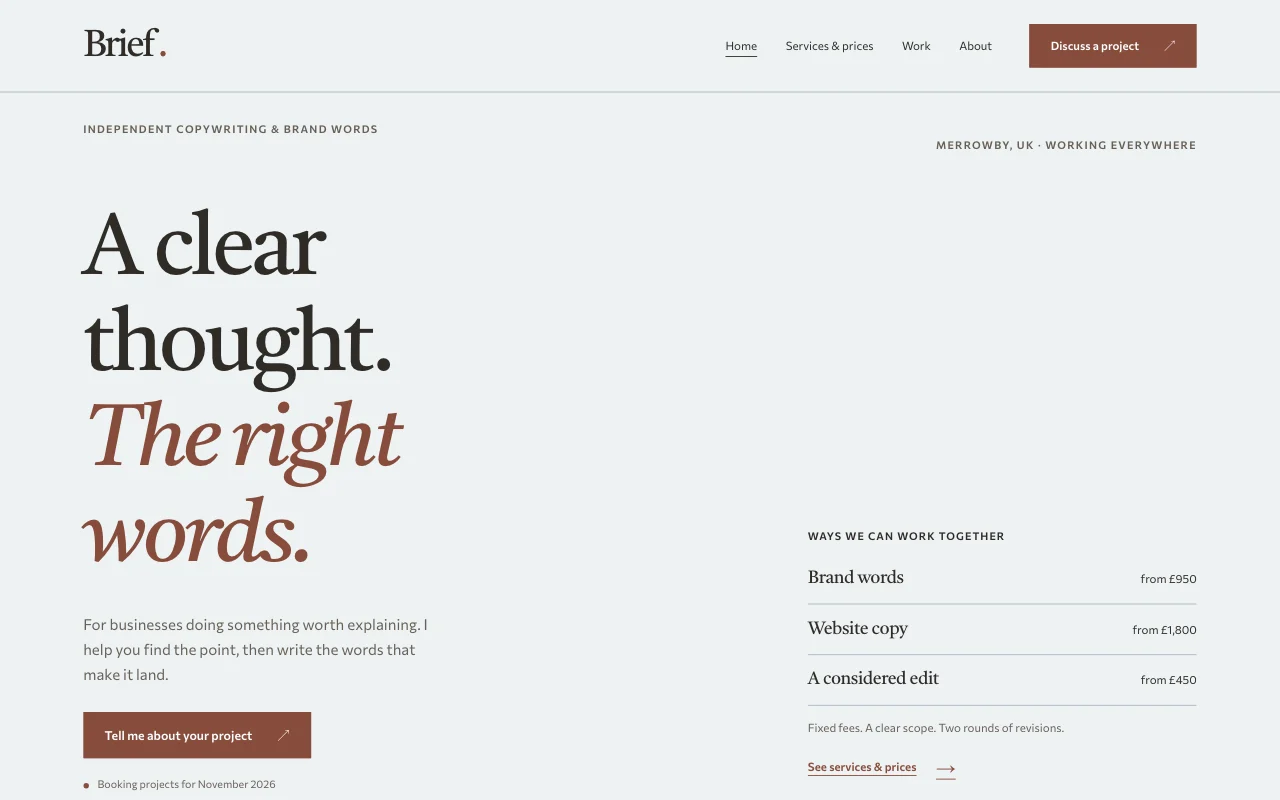 Brief
Brief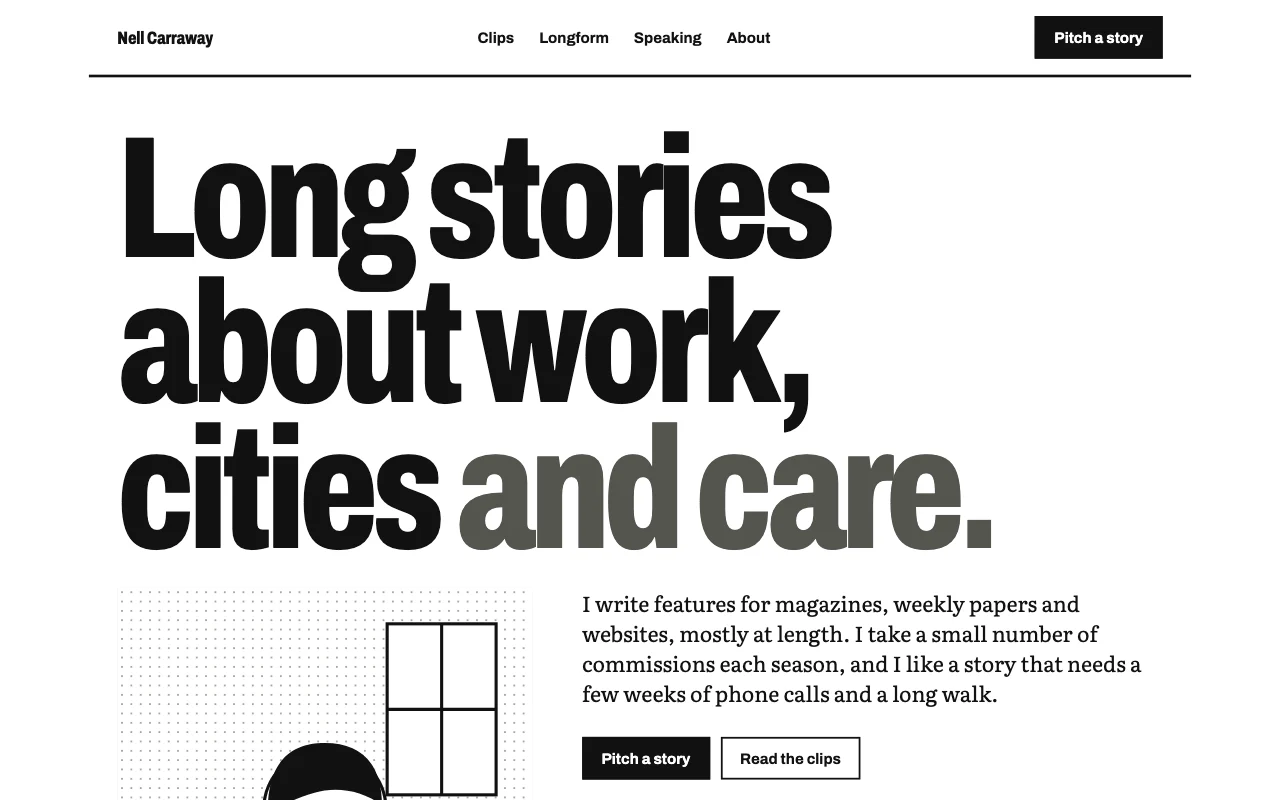 Byline
 Lumen
Lumen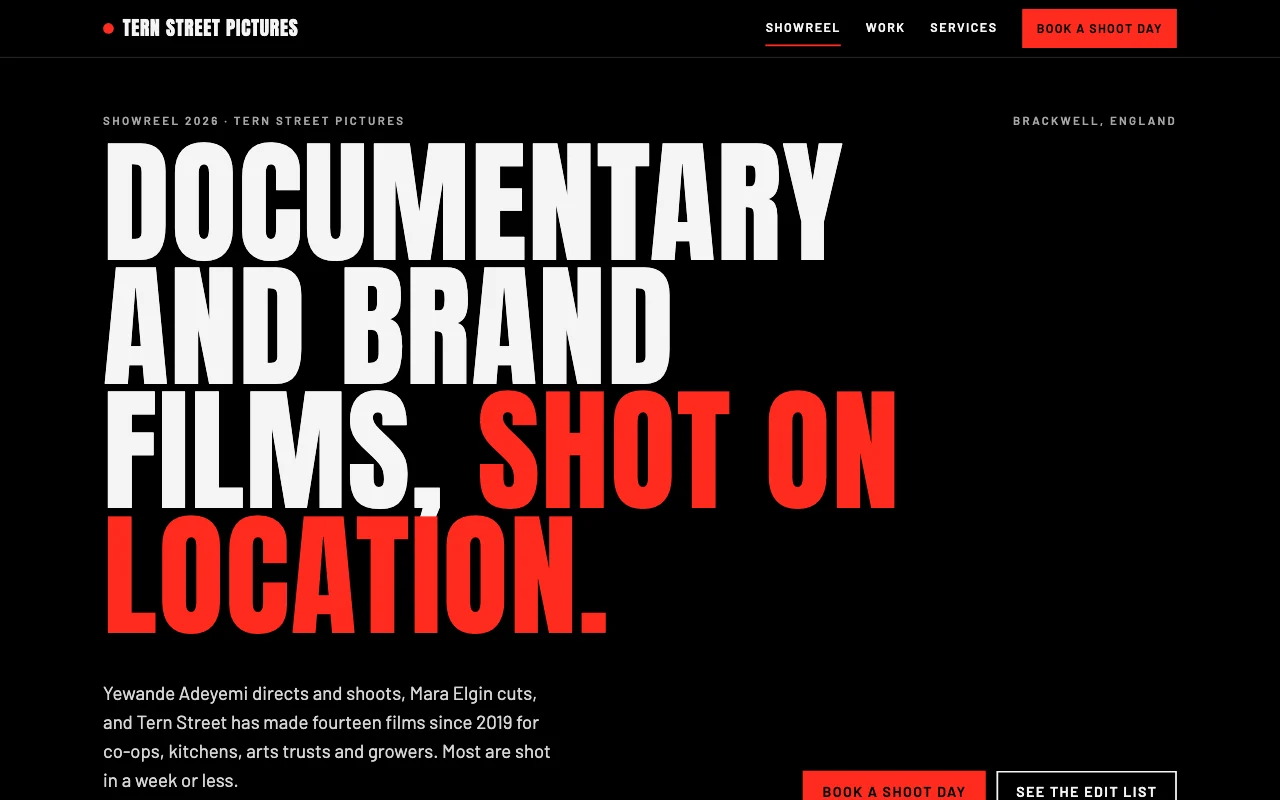 Reel
Reel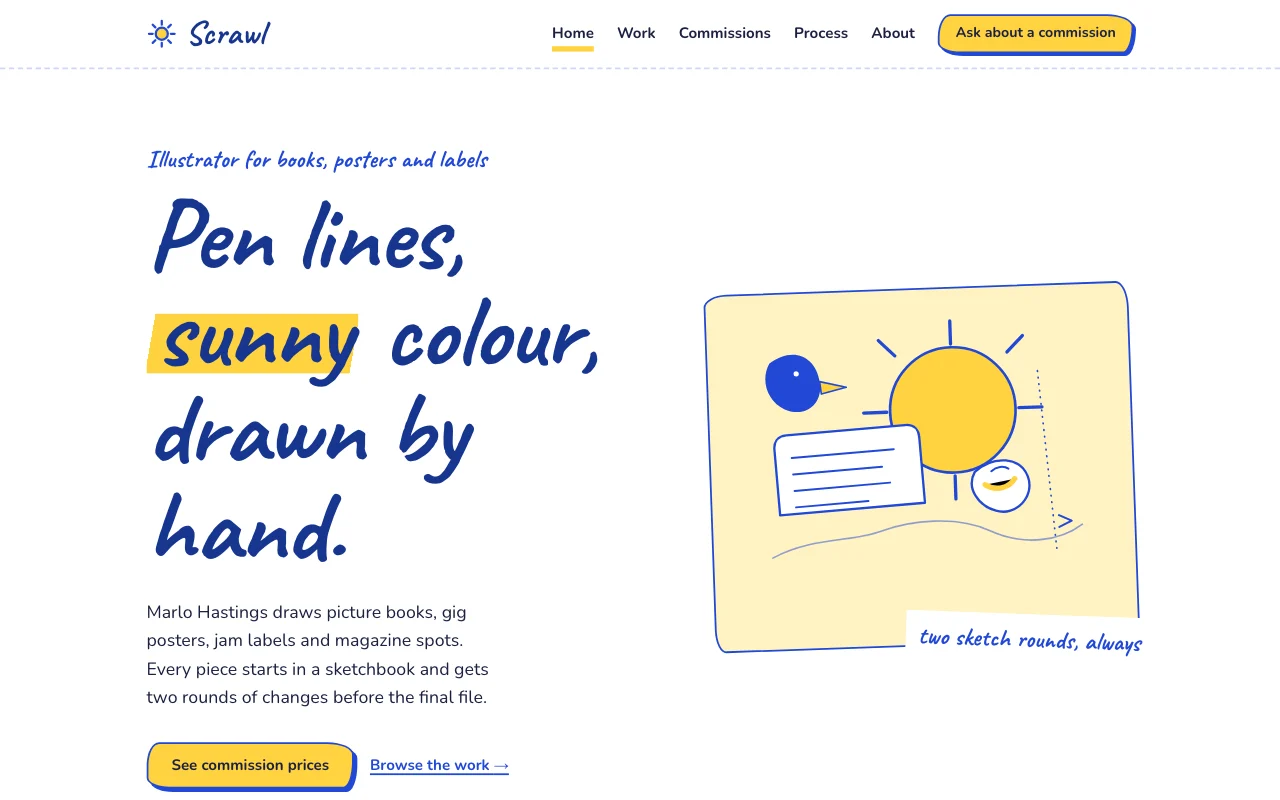 Scrawl
Who pays while I’m building a client site?
You do, because the site is on your account. Once your client accepts the transfer, it’s on their plan and they pay for it. See the pricing page for what each plan includes.
What does my client need to accept a site?
A Page Lemon account on a paid plan, signed in with the email you sent the transfer to. If they don’t have one, they can set it up on the accept page.
Can I keep looking after the site after handover?
Yes. You stay on as an editor unless you choose otherwise, so you can keep making changes. Your client can remove you at any time.
Do handed-over sites count towards my live sites?
No. Sites you only edit don’t count towards your plan, even when you stay on as an editor.
Do I need a special agency account?
No. You build on your own account and transfer each site when it’s done. Working with a team? Look at Team and Company workspaces.
Which AI can I use?
Claude, ChatGPT, Codex, Cursor and other AI apps that connect to apps. Your client can use a different AI from you; the site stays the same. See how to connect.
Get back to the work you bill for.
Update your portfolio in one message today, and hand your next client site over when it’s signed off.