
Change your website the way you’d text a friend.
You run a café, a salon, a van or a shop, not a website. Ask an AI chat like ChatGPT or Claude to make your site, put it online with Page Lemon, and from then on just say what’s changed: new hours, a new price, a day off. Customers can send enquiries or book, and you hear about it by email.
- Free to try
- No code
- Works from your phone
Your AI chat
You say: We’re closed next Monday for a staff day. Put a note on the home page.
Your AI replies: Done. There’s a banner on the home page saying you’re closed Monday. It’s live now.
What owners tell us
-
“Our website still shows last year’s Christmas hours.”
Say the new hours in a chat, from your phone, between customers. It’s live straight away.
-
“The person who built our site doesn’t answer any more.”
You don’t need them. Any AI chat can change your site, and the next one picks up where the last left off.
-
“The phone rings while I’m with a customer.”
Let people send an enquiry or book online, and get each one by email to deal with when you’re free.
-
“I’m scared I’ll press the wrong thing and break it.”
Every version is saved. “Go back to yesterday’s version” puts it right in seconds.
Five things owners ask for, one sentence each
Type the sentence in your AI chat, the same way you’d say it to a colleague. Here’s what happens next.
-
Change hours, prices and the menu
A café owner on a Monday morning, a shop with a new delivery, a closure for a holiday. Say it and it’s on the site.
- Only what you mention changes; the rest of the site stays as it was
- Works from the ChatGPT or Claude app on your phone
- Changed your mind? Ask to undo it
On Free
You say: Swap the cinnamon bun on the menu for the pumpkin loaf, £3.40. And we’re closed Monday 20 October.
Your AI replies: Done. The menu shows the pumpkin loaf, and Monday 20 October is marked closed on your hours.
-
A quote or enquiry form
For plumbers, builders, cleaners and anyone who prices each job. Ask for what you need to know, and every request lands in your email.
- Press reply in your email and you’re answering the customer
- “Any new quote requests this week?” gets you the list
- Simple bot spam is dropped, and the form won’t ask for card or bank details
Forms come with paid plans
You say: Add a quote form with postcode, job type, a short description and a phone number. Email them to me.
Your AI replies: Added to your Quote page. I sent one test request and it worked; tests aren’t emailed or counted.
-
Online booking, with each person’s hours
For salons, barbers, clinics and studios. Customers pick a service, a person or “anyone free”, and a time. Phone bookings go in the same diary.
- Customers get a calendar invite and a link to move or cancel
- Ask “who’s booked this afternoon?” or “move Tom to Thursday at 5”
- Approve new clients first, if you like; nothing is double-booked
Bookings come with Team and Company workspaces
You say: Add booking for a 30-minute cut with Ana or Leo. Ana works Tuesday to Saturday, Leo from 12 on Fridays.
Your AI replies: Done. Customers can book on your Book page, and I’ll email you every new booking.
You say: Mr Patel phoned. Book him with Ana on Monday at 11.
Your AI replies: Booked. That time is now taken in Ana’s diary.
-
Your own web address
Use the name you already own, like oakandember.co.uk. You don’t need to understand how domains work: ask your AI, and click Connect on the link it gives you.
- Your AI gives you a link: click Connect at your domain company, and you’re done
- Someone else looks after your domain? Send them the link
- Page Lemon emails you when your site is live
Your own domain comes with paid plans
You say: Put my site on oakandember.co.uk. I bought it a few years ago.
Your AI replies: Open this link and click Connect at your domain company. You’ll get an email when www.oakandember.co.uk is live.
-
Let your staff update it too
Your manager changes the specials from their own phone and their own AI. Each person has their own sign-in, and you can remove them any time.
- You approve the invite once, then they get an email
- Every change is saved with who made it
- If two people edit at once, the second save stops and says who changed what
More people can edit on paid plans, including you
You say: Let maria@oakandember.co.uk edit the site too.
Your AI replies: Approve it here: app.pagelemon.com/approve/… Then Maria gets an email and signs in.
Example conversations. Your AI’s exact words will differ.
No dashboard to learn. Just ask.
The same chat you made the site in, or a new one. Your AI reads the live site first, so it always works from the latest version.
A barber between clients
You say: Who’s booked in this afternoon?
Your AI replies: Three bookings: Sam at 14:00, Priya at 15:30 and Tom at 16:30.
A cleaner checking leads
You say: Show me enquiries from the last 2 weeks.
Your AI replies: Four, newest first: J. Harris (end-of-tenancy clean), Leah (weekly), Omar (oven) and Pat (windows).
A bakery on a slow Tuesday
You say: How many people visited the site this week, and from where?
Your AI replies: 212 visits. Most came from Google, then Instagram.
Example conversations. Visit sources come with paid plans.
The questions you’re probably asking
-
Can I try it for free?
Yes. Try it with no account: your site stays live for 72 hours. Sign up free to keep it. No card needed. Move to a paid plan only when you want forms, your own domain or bookings.
-
I’m not technical at all.
That’s who this is for. You describe your business in plain words and the AI writes the site. You connect your AI to Page Lemon once, following a short guide.
-
Am I tied in?
No contract. Pay monthly or yearly and cancel any time in your account. Download your whole site whenever you like. Your domain stays with the company you bought it from.
-
What if the AI gets it wrong?
Every version is saved, so you can always go back. Anything that emails your customers or deletes data is checked with you first, like cancelling a booking.
-
Is my customers’ information safe?
Enquiries and bookings go to you and are kept with your site. Visit numbers are counted without cookies, so your site needs no cookie banner for them.
-
What if I get stuck?
Ask your AI first; it can see your site. The Help center covers each task step by step, and a person answers at support@pagelemon.com.
Start from a design made for your trade
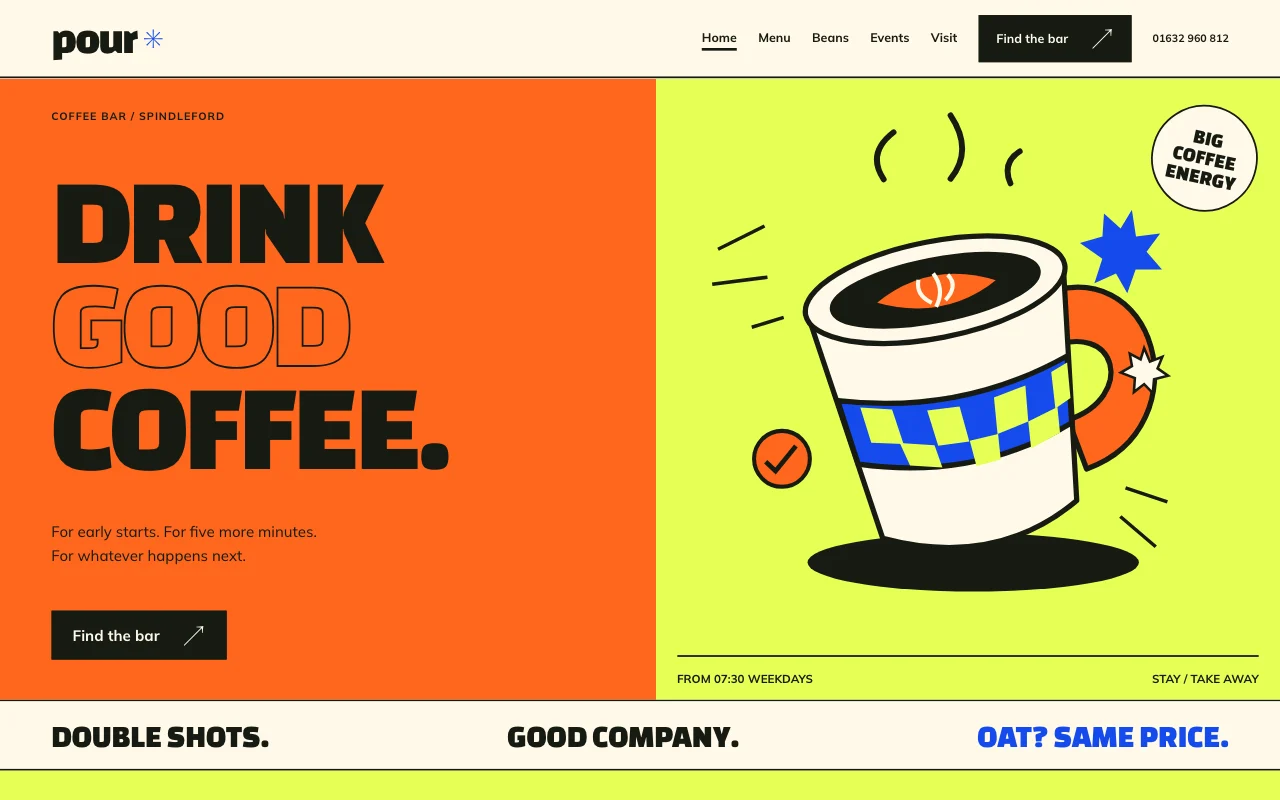
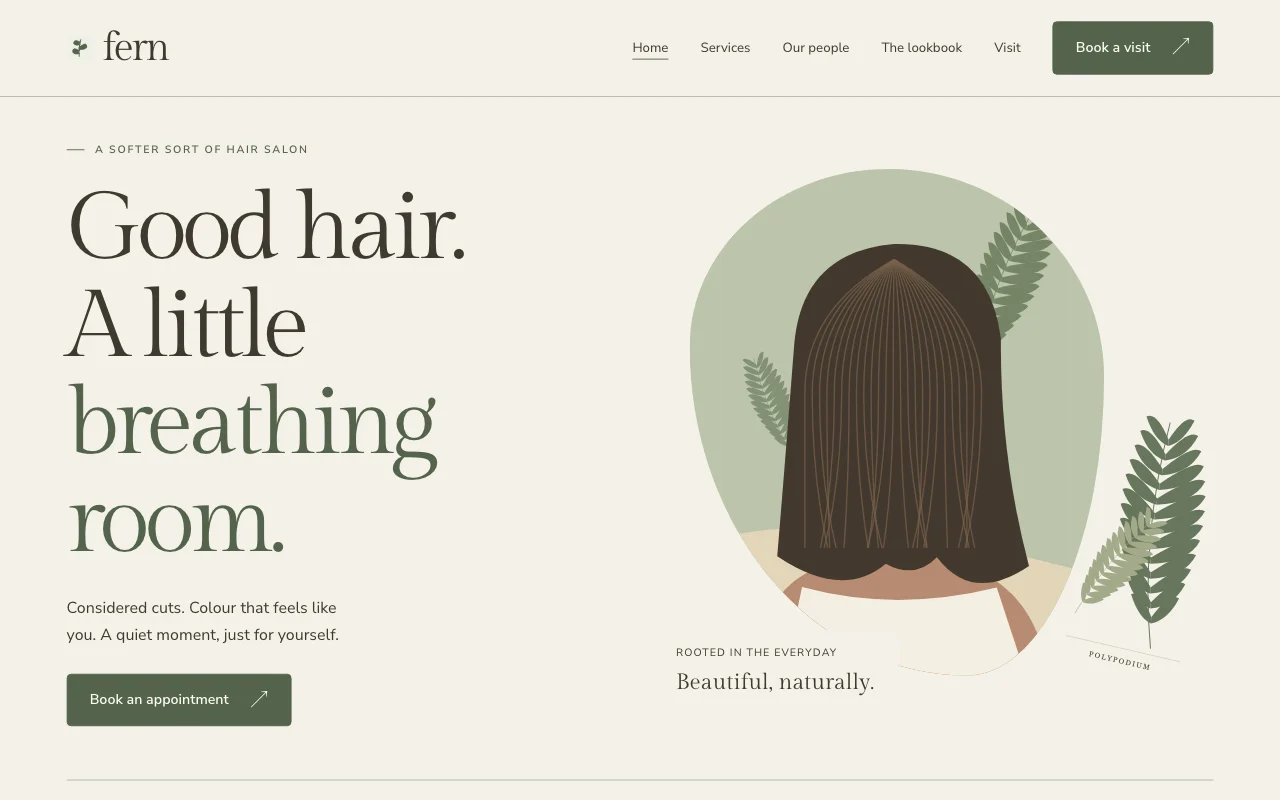
Pick one, paste the template prompt, and tell your AI about your business. It fills in your name, prices, hours and photos. Every template is free to use.
 Fern
Fern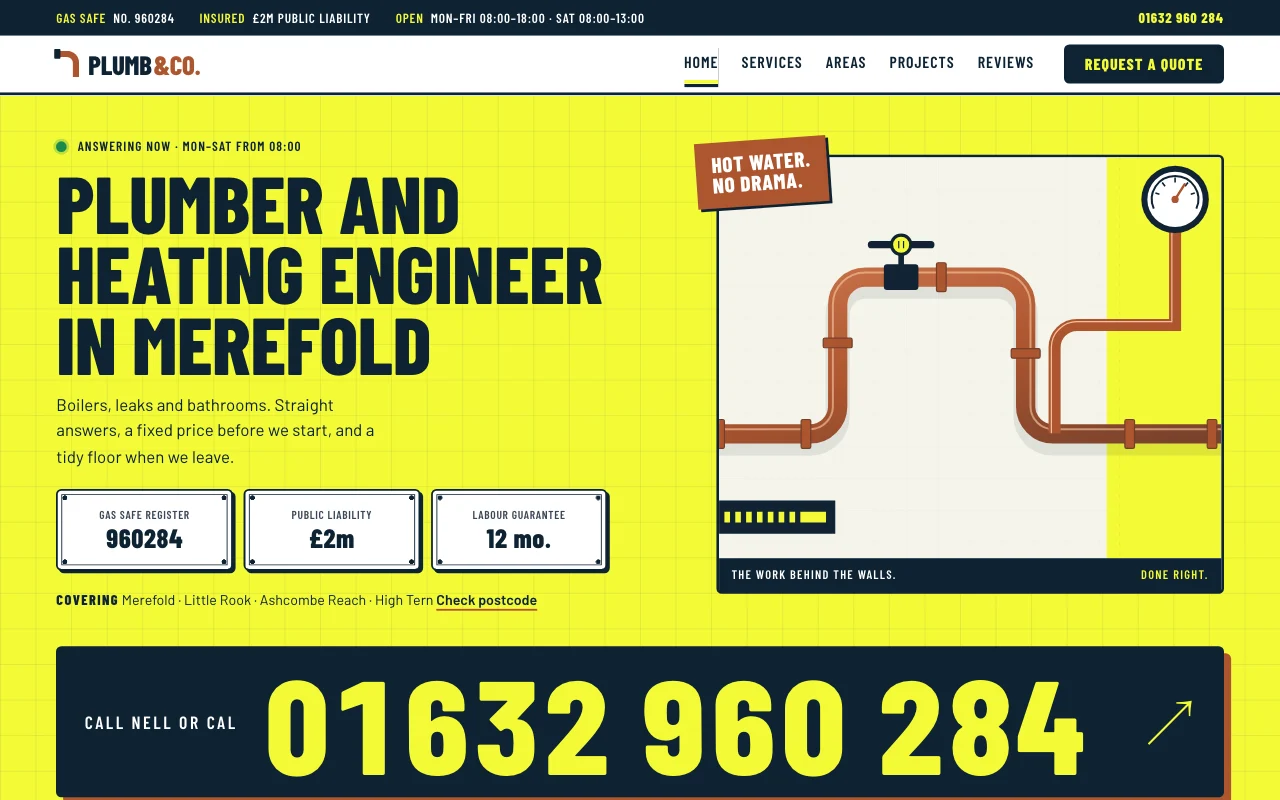 Plumb
Plumb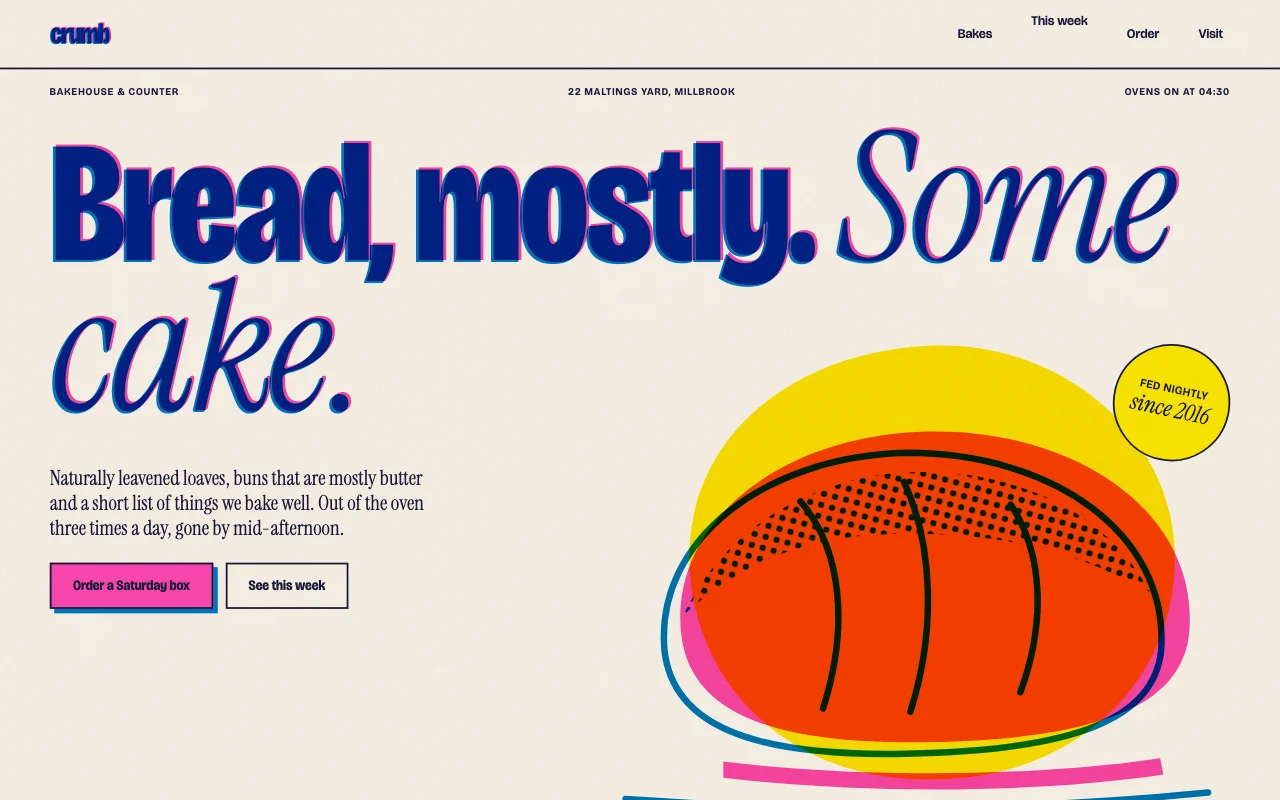 Crumb
Crumb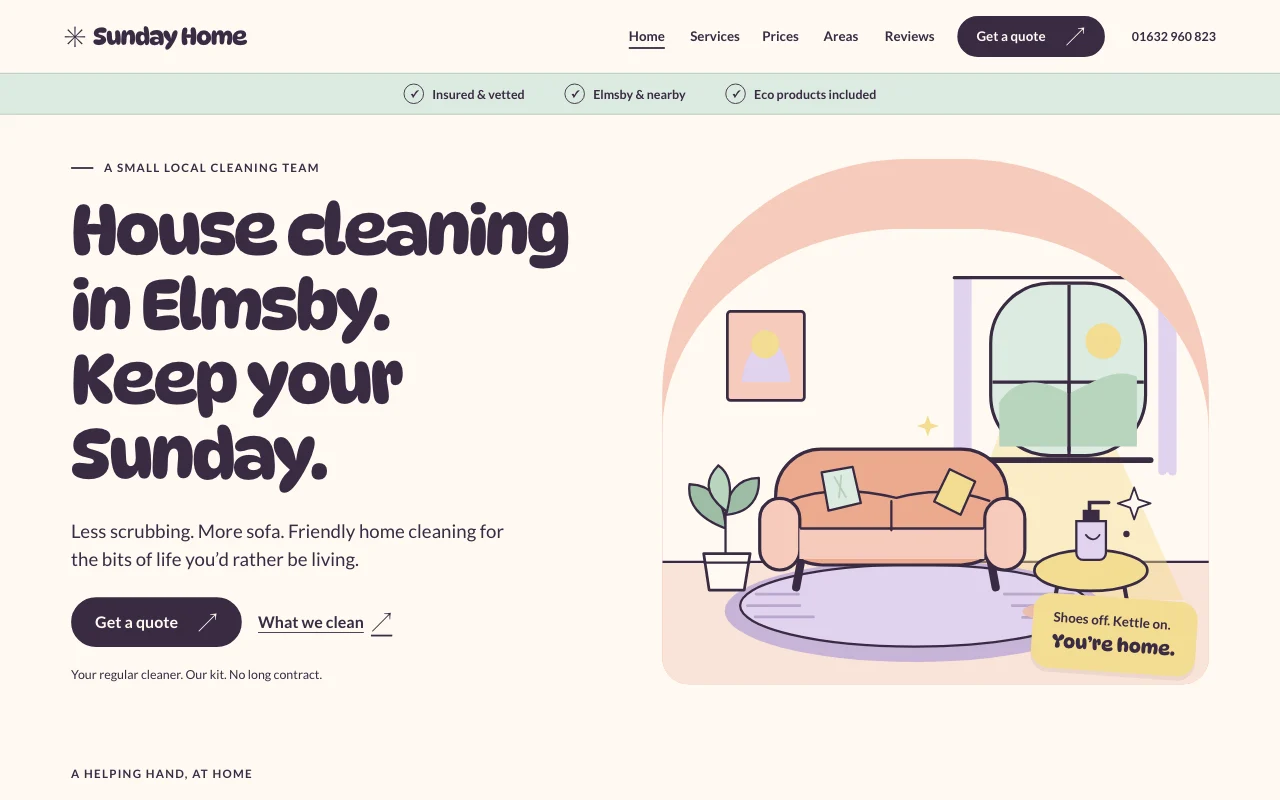 Tidy
Tidy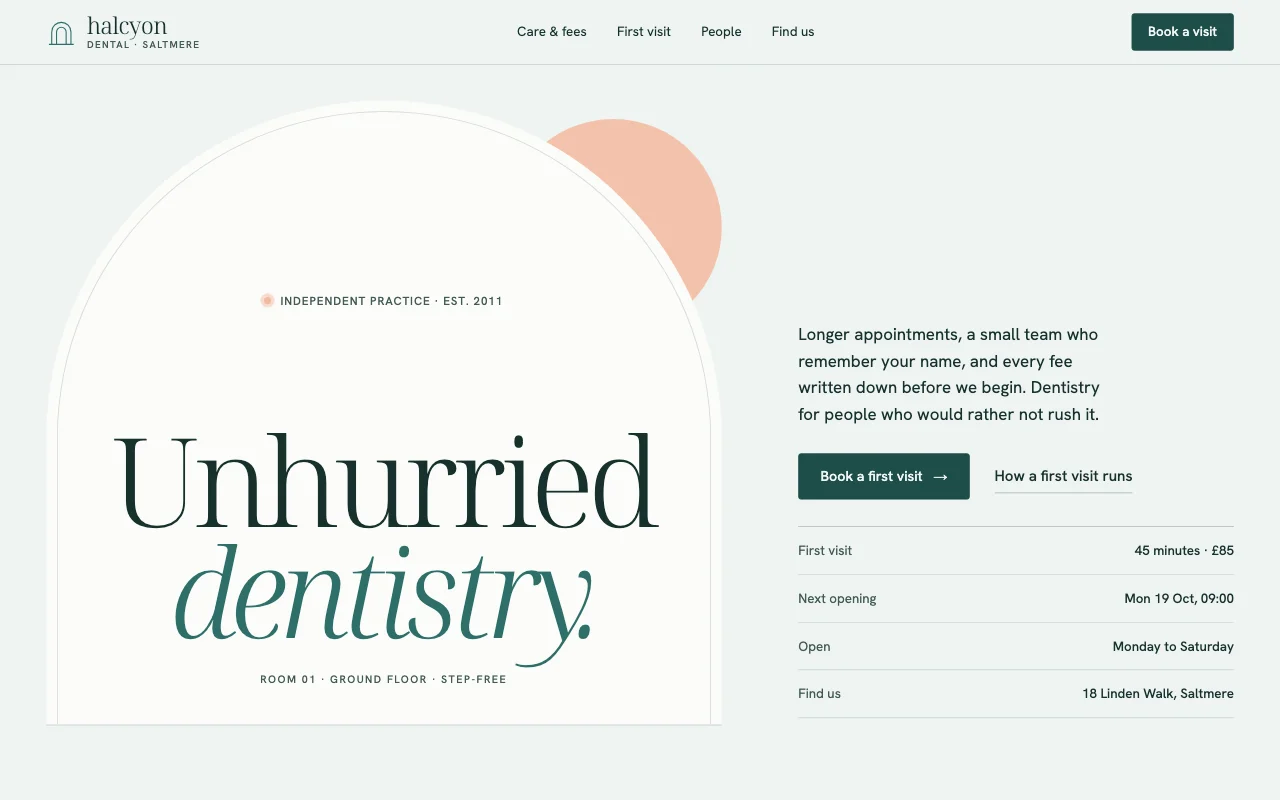 Halcyon
Which AI do I need?
Claude, ChatGPT, Codex, Cursor and other AI apps that connect to apps. You connect once. You can switch later and the site stays the same. See how to connect.
I already have a website. Can I move it?
Ask your AI to make a new version from what’s on your current site, or start from a template. When it’s ready, ask your AI to connect your domain and click Connect on the link it gives you.
Can customers book with a specific person?
Yes. Give each stylist, therapist or room their own hours, and customers pick one or “anyone free”. Phone bookings you add by chat go in the same diary, so nothing is double-booked.
Can customers pay when they book?
Built-in payments aren’t available yet. Bookings and enquiries come to you by email. To take payment online, ask your AI to add your own payment link, from the payment service you use, to any page.
What do I need for forms, bookings and my own domain?
Forms and your own domain come with any paid plan. Bookings come with Team and Company workspaces. Start on Free and move up when you need them. See the pricing page.
What if a change goes wrong?
Ask your AI to go back, for example “Go back to yesterday’s version”. Going back adds a new version, so nothing is lost.
Your business, online by tonight.
Pick a design for your trade, describe your business to your AI, and get a live link. Free to start.