
Your work deserves better than a shared-drive link.
The application asks for a portfolio. The society needs a site before freshers’ fair. The group project needs a link by Friday. Make each one in the AI chat you already use, and put it online free, between lectures.
- Free to start
- No card needed
- No code
Your AI chat
You say: Here’s my CV and my three best projects. Make me a site I can send to employers.
Your AI replies: Done. It’s live with a home page, your CV and a page for each project: alexwalsh.pagelemon.dev
What students tell us
-
“The application wants a portfolio link. Mine is a folder of PDFs.”
One site with a page per project and your CV, each on its own link you can paste into any form.
-
“I can’t pay for another subscription.”
Free covers a portfolio: 3 live sites, your name in the address and password-protected drafts. Students can apply for a free year of Prompter on top.
-
“I don’t have time to learn a website builder in exam season.”
There’s nothing to learn. You ask Claude, ChatGPT or whichever AI you already use, in plain words.
-
“I don’t want our group project public before we hand it in.”
Put it behind a passcode on Free. When it’s marked, one sentence makes it public.
Five things students put online, one prompt each
Type the prompt in your AI chat. Here’s what happens next.
-
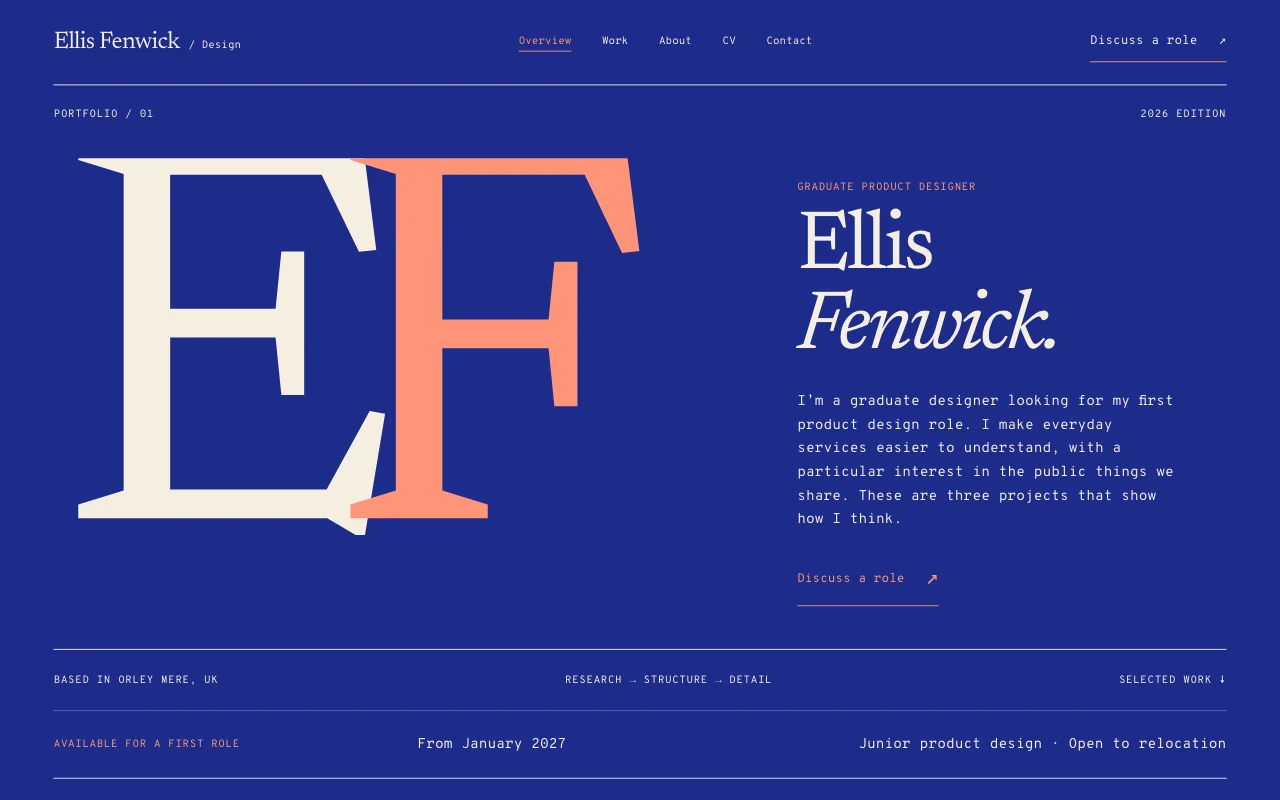
A portfolio and CV site
For placements, internships and graduate schemes. Start from a template, paste your CV, and your AI fills in the rest.
- A home page, a CV page that prints cleanly and a page for each project, with your role, the problem, the result and photos
- Every page has a clean link of its own, like /projects/dissertation
- A contact page with your email or a form that emails you
- Update your CV by asking; every version is saved
On Free
You say: Use template pagelemon.com/tp/Monogram. I’m Alex Walsh, final-year psychology, looking for a graduate placement in London. My CV is below.
Your AI replies: Done. Your site is live with your CV and three project pages. Want a contact page too?
-
Your dissertation, with a PDF to download
A short summary people will actually read, with the full PDF one click away. Send the link to a tutor, an interviewer or your parents.
- Your AI gives you an upload link that works for an hour, so the PDF goes straight from your laptop or phone
- PDFs up to 5 MB on Free, 50 MB on paid plans
- Need just one file on a link? Ask your AI to share it on its own page with a Download button
On Free
You say: Add a page for my dissertation with a short summary, and give me a link to upload the PDF.
Your AI replies: Here’s your upload link, valid for an hour: app.pagelemon.com/upload/… Once the PDF is in, I’ll add the Download button.
-
A group project behind a passcode
Get the draft online so the group can check it on their phones, without the whole internet seeing it before the deadline.
- You type the passcode on a Page Lemon page, never in the chat
- Search engines don’t see locked pages
- After hand-in, one sentence makes it public; you approve it first
On Free
You say: Put our group project online with a password until we hand it in.
Your AI replies: It’s online. Set the passcode here, then share it with your group: app.pagelemon.com/protect/…
-
A society or club site with a sign-up form
This term’s events, how to join, and a form that sends every sign-up to the committee inbox. Next year’s committee edits it from their own AI.
- Your AI adds the form in your design and sends one test sign-up, which isn’t emailed or counted
- “Who signed up this week?” gets you the list, or a spreadsheet
- Invite a co-president as an editor: 3 people can edit, including you
Forms and editors: Prompter, free for a year for students
You say: Use template pagelemon.com/tp/Guild for the Film Society. Add this term’s screenings and a sign-up form that emails me.
Your AI replies: Done. The site is live with 4 screenings and a sign-up form. I sent one test sign-up and it worked.
-
Your name in the address, and who’s looked
A link with your name on it looks better on a CV. Then check whether anyone opened it after you applied.
- On Free, pick any free name of 8 letters or more
- A domain you own works on paid plans, including the student year
- Free shows visit totals for 7 days; paid plans add pages, sources and countries
On Free
You say: Rename my site to alexwalsh. How many people visited it this week?
Your AI replies: Approve the new name here: app.pagelemon.com/approve/… In the last 7 days: 48 visits.
Example conversations. Your AI’s exact words will differ.
Free does a lot. The student year does the rest.
Start on Free today with no card. If you’re enrolled at a university or college, apply for a year of Prompter at no cost.
Free, for anyone
Enough for a portfolio and a couple of projects.
- 3 live sites
- Your name in the address (8 letters or more)
- Passcodes for a whole site or one section
- Files up to 5 MB, like your dissertation PDF
- A private draft shared with up to 3 people
- 7 days of version history and visit totals
- A small Page Lemon badge on your site
The student year: Prompter, free for 12 months
Everything in Free, plus:
- 10 live sites and no badge
- Your own domain, like alexwalsh.com (up to 3)
- Contact and sign-up forms that email you
- Members-only pages for the people you name
- 3 people editing a site, including you
- Files up to 50 MB, 90 days of history, full visit numbers
The questions you’re probably asking
-
Is it really free?
Yes. Try it with no account: your site stays live for 72 hours. Sign up free to keep it. The student year needs no card, and nothing is charged unless you choose a plan later.
-
I can’t code. Does that matter?
No. You connect your AI once, then publish and change the site by asking. Claude, ChatGPT, Codex and Cursor all work, and you can switch whenever you like.
-
What happens when I graduate?
Your site stays yours. Keep it on Free, keep Prompter, or download the whole site as a zip and take it anywhere. A domain you bought stays with the company you bought it from.
-
What if my AI breaks something?
Every version is saved, so “undo the last change” puts it back. Anything that emails people or deletes data is checked with you first.
-
Who can see my drafts?
Only the people you give the passcode to, or the people you invite. Locked pages are hidden from search engines too.
-
My AI already made the site. Can I use that?
Yes. Say “Launch my site on PageLemon.com” in the same chat and it goes online at a free address. Rename it and add pages from there.
Start from a design that already looks good
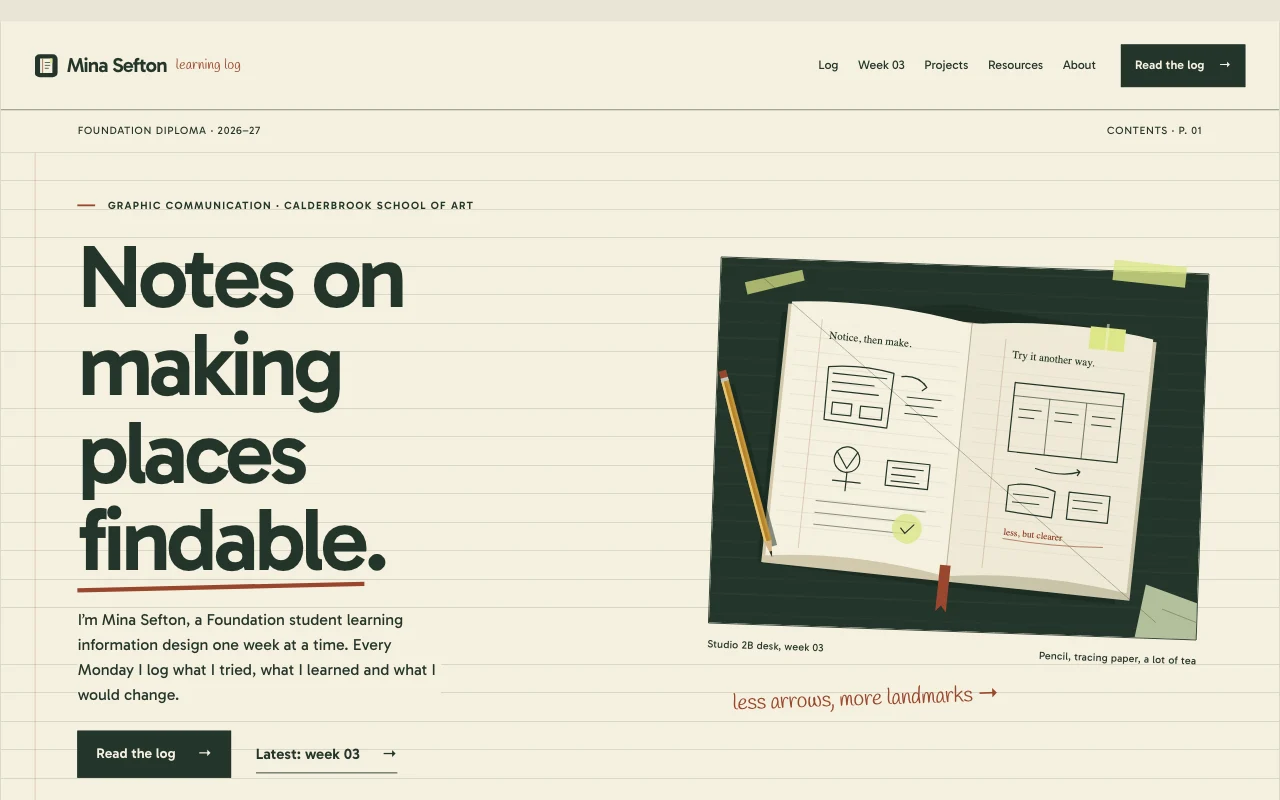
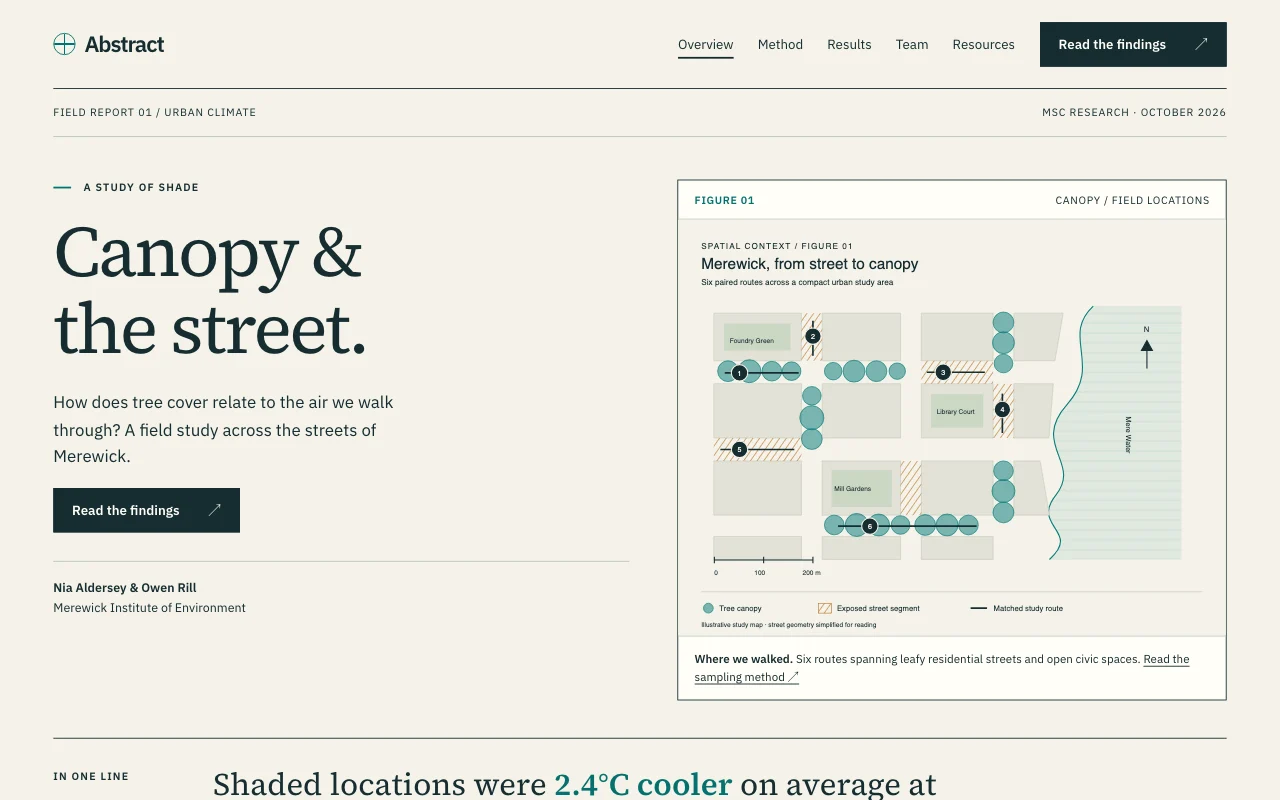
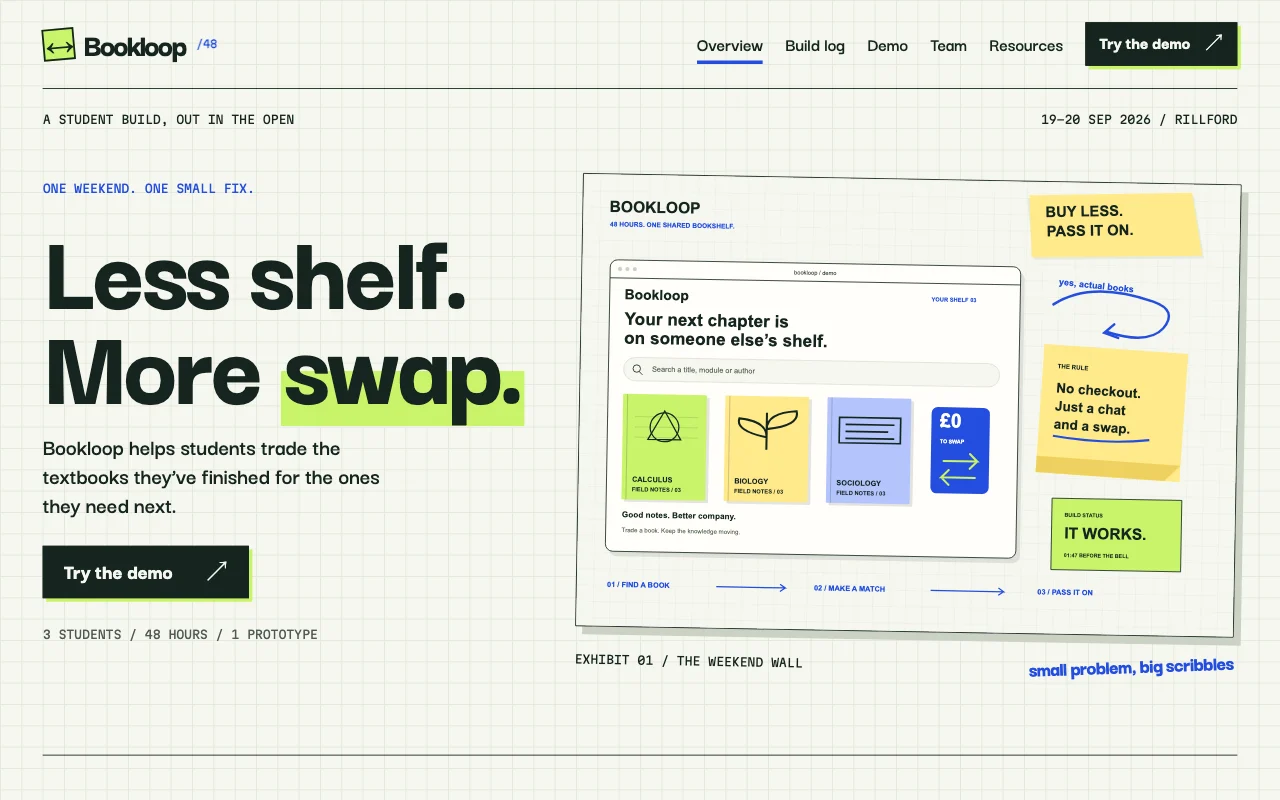
Paste the template prompt, tell your AI about yourself, and it fills in your name, projects and pages. Every template is free to use.
 Journal
 Abstract
 Sprint
 Guild
Guild Lumen
LumenPrompter free for a year
Your own domain, forms, members-only pages and no badge, for your portfolio, coursework and societies. Apply in a minute.
Who can apply
- You’re enrolled at a university or college now
- You have a university or college email, or can show proof of enrolment if we ask
- You’re 18 or older
- Non-commercial use only: no client or paid work
- One free year per student
What happens next
- Send the form, then confirm from the link we email to your university or college address.
- A person on our team reviews it and replies by email.
- Once approved, sign in with the email you applied with and Prompter is switched on.
- Before the year ends, we remind you. Keep Prompter or go back to Free. Nothing is charged unless you choose a plan.
Already graduated?
The student year is for people still enrolled, but Free covers a portfolio and CV site with your name in the address. Start free.
Apply
What does non-commercial mean?
Your own portfolio, CV, coursework, societies and personal projects are fine. Building sites for paying clients, or running a business on it, is not. For that, use a paid plan.
Can my group edit the site too?
On Free only you edit, but you can share a private draft with up to 3 people who can look without changing it. On Prompter, 3 people can edit a site, including you, each from their own AI. If you both edit at once, the second save stops and says who changed what.
Can I use my own domain?
Yes, on a paid plan, which includes the student year. Buy the domain anywhere and keep it there. Ask your AI to connect it, then click Connect on the link it gives you.
How long does the review take?
A person on our team reads every application after you confirm your email, and replies by email. If we can’t tell you’re a student from your address, we may ask for proof of enrolment.
Can I put photos on my site from my phone?
Yes. Ask your AI for an upload link; it works for an hour. Location data is removed from photos you send through it.
What if a change goes wrong?
Ask to go back, for example “Undo the last change” or “Go back to yesterday’s version”. Going back adds a new version, so nothing is lost.
Send one link instead of five attachments.
Start free from your AI chat today, or apply for a year of Prompter as a student.