
One link for your class. Updated in one sentence.
Term dates, homework, reading lists, the worksheet someone lost. Put it all on a class or course site made in the AI chat you already use, keep the student pages behind a passcode, and change it between lessons without learning another system.
- School teachers
- Private tutors
- Music and language teachers
- Lecturers
- Course and workshop leaders
Your AI chat
You say: Add this week’s homework: read chapter 4 and answer questions 1 to 5, due Friday.
Your AI replies: Added to the Homework page at the top. Nothing else changed.
What teachers tell us
-
“Every week someone asks what the homework was.”
Put it on one link the class and parents can bookmark. Adding this week’s takes one message.
-
“My lesson notes shouldn’t be public.”
Lock just the student pages with a passcode you give the class. The rest of the site stays public.
-
“Arranging lessons takes ten messages each.”
Let students book a free time, or book a whole term of weekly lessons in one sentence.
-
“I have no time left after marking.”
No editor to learn and no layout to fiddle with. Say what changed, from your phone if you like.
Five things teachers put online, one prompt each
Type the prompt in your AI chat. Here’s what happens next.
-
A class or course site
Term dates, homework, reading lists and how to reach you, on one link you share with the class and their parents.
- A page for each topic or week, each with its own link
- Adding this week’s homework changes only that page
- Every version is saved; undo any change in one sentence
On Free
You say: Use template pagelemon.com/tp/Journal. Make a site for my Year 10 history class with this term’s dates, a homework page and the reading list below.
Your AI replies: Done. Your class site is live with Term dates, Homework and Reading pages.
-
Student pages behind a passcode
Keep lesson notes, answers and slides for your class only. Students type the passcode once on their device; they don’t need an account.
- Lock one section, like everything under /students, or the whole site
- You set the passcode on a Page Lemon page, never in the chat
- New class next year? Change the passcode and everyone is signed out
- On paid plans, you can let in only named email addresses instead
Passcodes: on Free
You say: Put a passcode on everything under /students. Keep the rest public.
Your AI replies: Set the passcode here, then give it to your class: app.pagelemon.com/protect/…
-
Worksheets and slides, in one place
Stop re-sending attachments. Your AI gives you an upload link, you drop in the files, and they appear on the resources page.
- The upload link works for an hour, from a laptop or a phone
- Files up to 5 MB on Free, 50 MB on paid plans
- One file for one person? Share it on its own link with a Download button
On Free
You say: Give me a link to upload this week’s worksheets, and list them on the Resources page.
Your AI replies: Here’s your upload link, valid for an hour: app.pagelemon.com/upload/… I’ll add each file to Resources when it’s in.
-
Lesson bookings for tutors
For private tutors, music and language teachers. Students or parents pick a free time, and you book weekly regulars in one go.
- Each booking gets a confirmation with a link to move or cancel
- Book a term of weekly lessons at once; any clash is shown before anything is booked
- Ask “who’s booked tomorrow?” in the same chat
Bookings come with Team and Company workspaces: no free trial, but a full refund within 14 days of your first payment
You say: Book Maya for piano every Tuesday at 4 for the next 5 weeks.
Your AI replies: One week clashes: Tuesday 4 November at 4 is already booked. Shall I book the other 4 and skip that one?
-
Sign-ups for a club, trip or course
Chess club, a museum trip, an evening course. A form on your site sends each sign-up to your email, and your AI can tell you who’s in.
- Your AI adds the form and sends one test, which isn’t emailed or counted
- “Who has signed up for the trip?” gets you the list, or a spreadsheet
- On Team and Company, colleagues can be copied in too (up to 5 or 15 inboxes); each confirms by email first
Forms come with paid plans; on Free your AI can offer a 14-day trial, no card needed
You say: Add a sign-up form for the chess club with name and form group, and email me the entries.
Your AI replies: Added to the Clubs page. I sent one test sign-up and it worked.
Example conversations. Your AI’s exact words will differ.
The questions you’re probably asking
-
Can I start without paying?
Yes. Free gives you 3 live sites with passcode-protected sections, no card needed. Move to a paid plan only when you want forms, named-student access or bookings.
-
Can I take lesson fees?
Not built in yet; built-in payments come later. Today, ask your AI to add your own payment link to any page.
-
I’m not a tech person.
You don’t need to be. You describe what you want and your AI writes the site. You connect your AI to Page Lemon once, with a short guide.
-
Do my students need accounts?
No. Students open passcode pages with the passcode alone. Page Lemon accounts are for adults (18 and over): you and any colleagues who edit with you.
-
Is it safe?
Locked pages are hidden from search engines, and too many wrong passcodes in a row are paused. Every version is saved, and anything that emails people or deletes data is checked with you first.
-
What if I change school?
The site is on your account, not the school’s, so it goes with you. Download it as a zip any time, or archive it at the end of the year.
-
Can a colleague run it with me?
Yes, on paid plans. Invite them by email and they edit from their own AI. If you both save at once, the second save stops and says who changed what.
Start from a design that fits your class
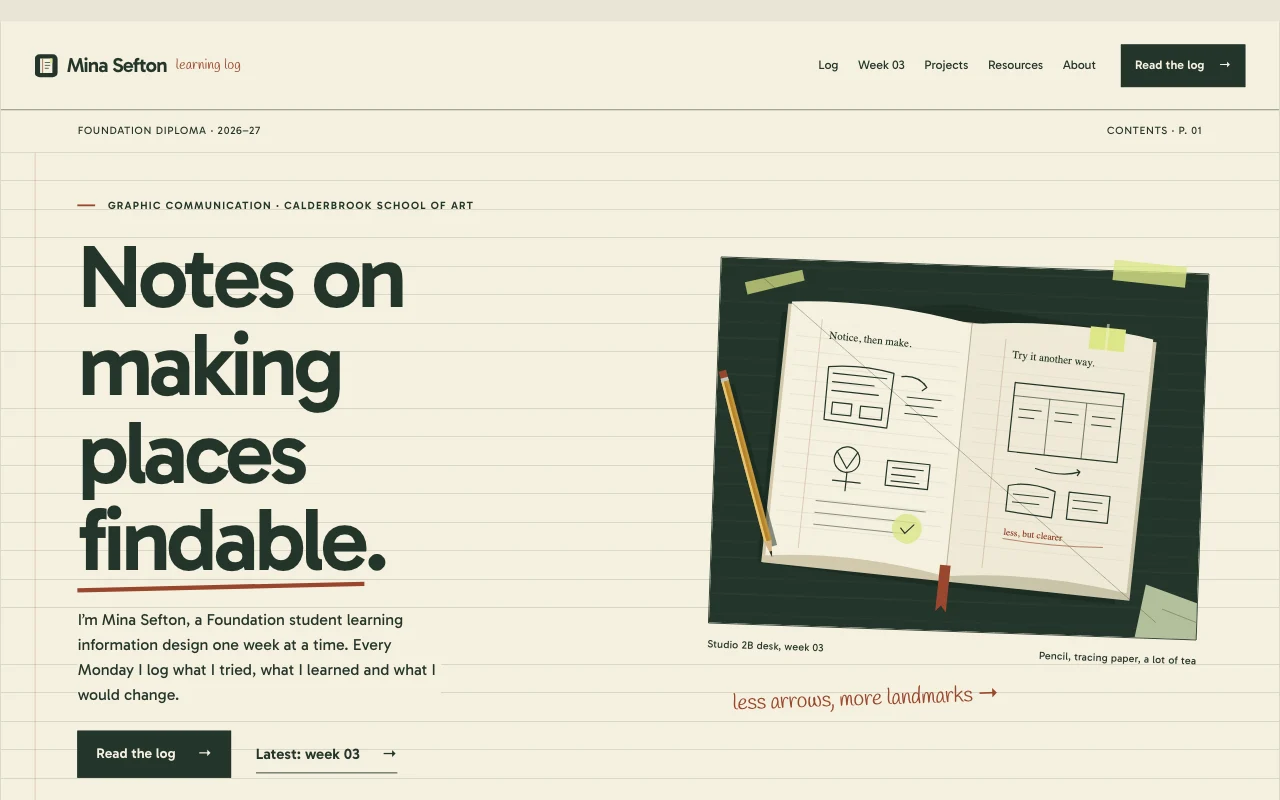
Paste the template prompt and tell your AI about your class or course. It fills in the dates, topics and pages. Every template is free to use.
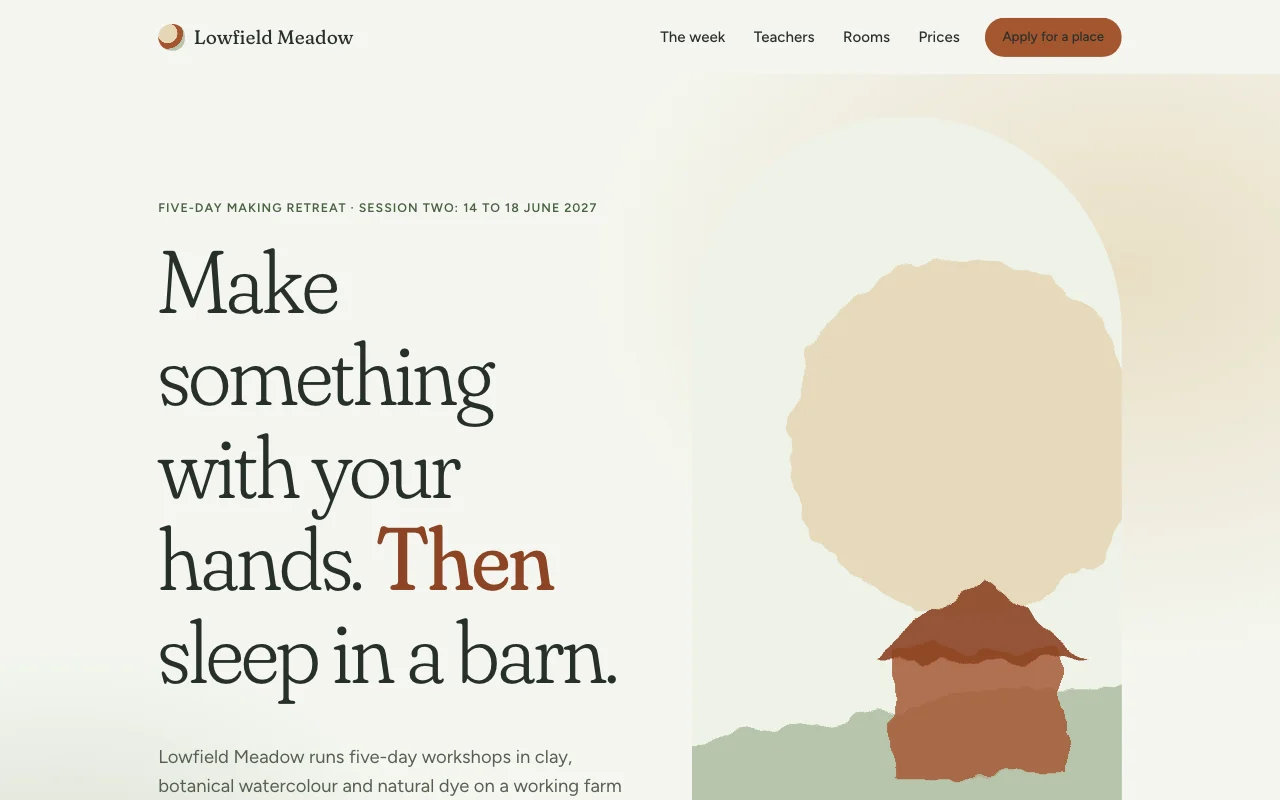 Meadow
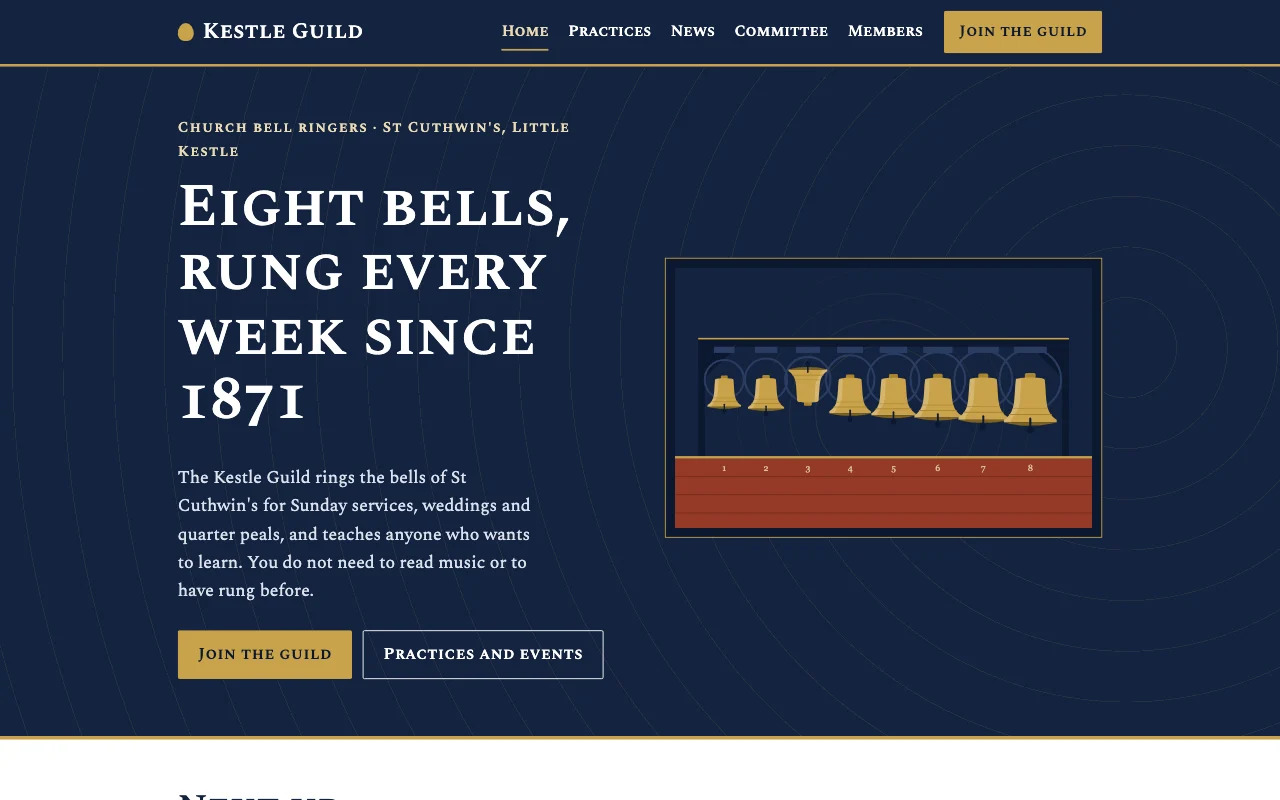 Guild
Guild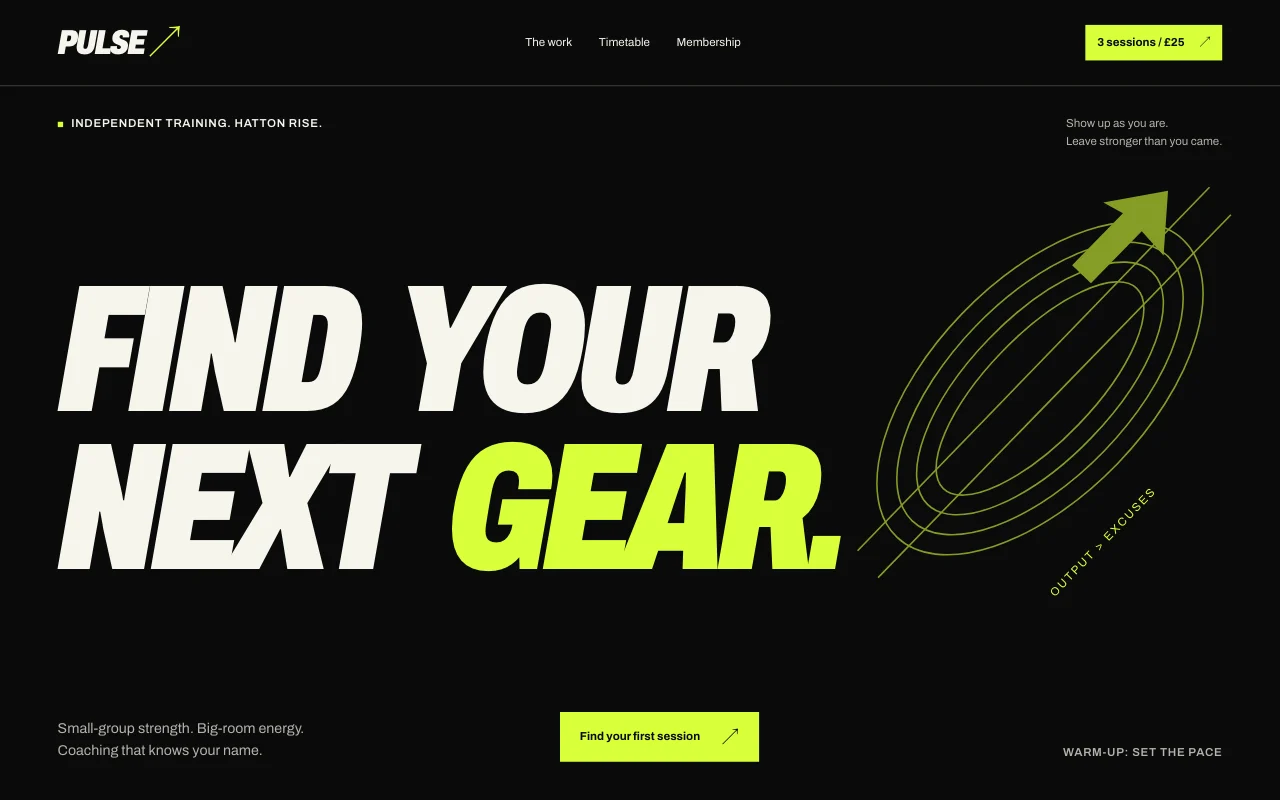 Pulse
Pulse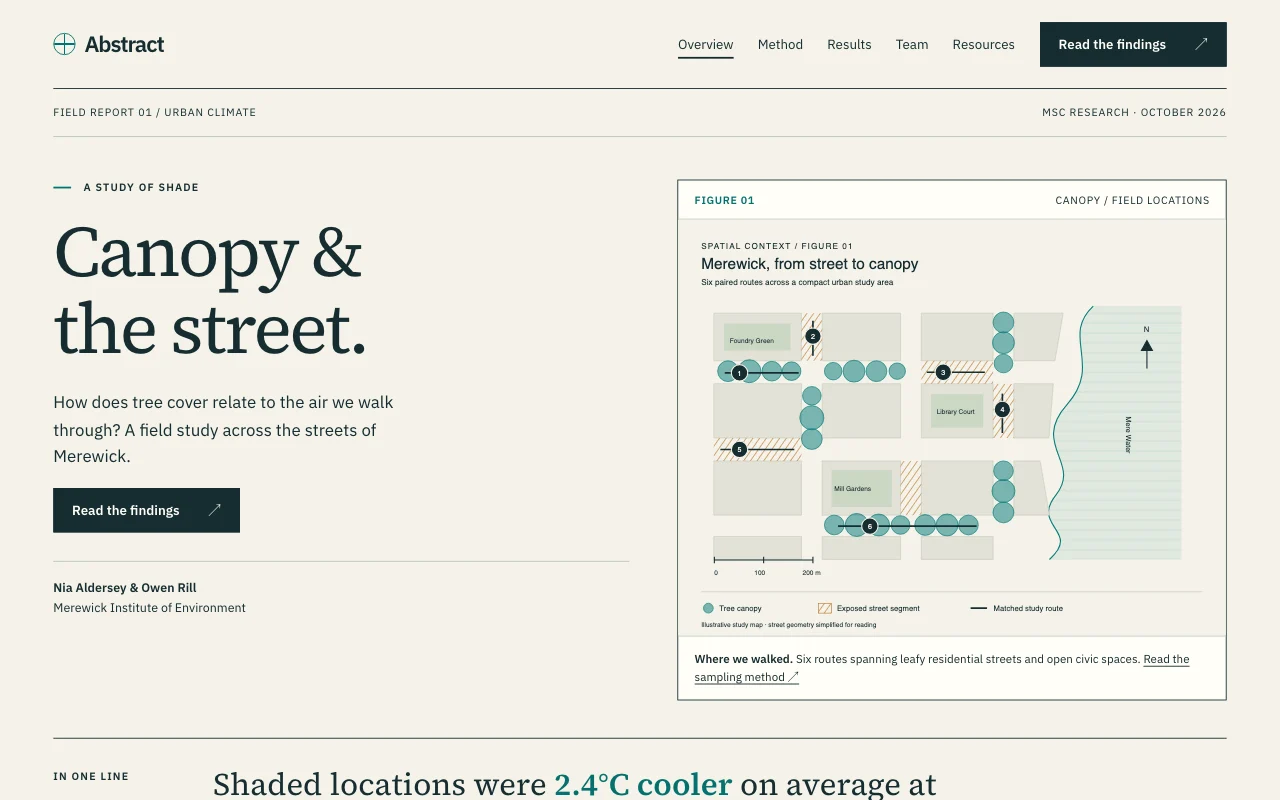 Abstract
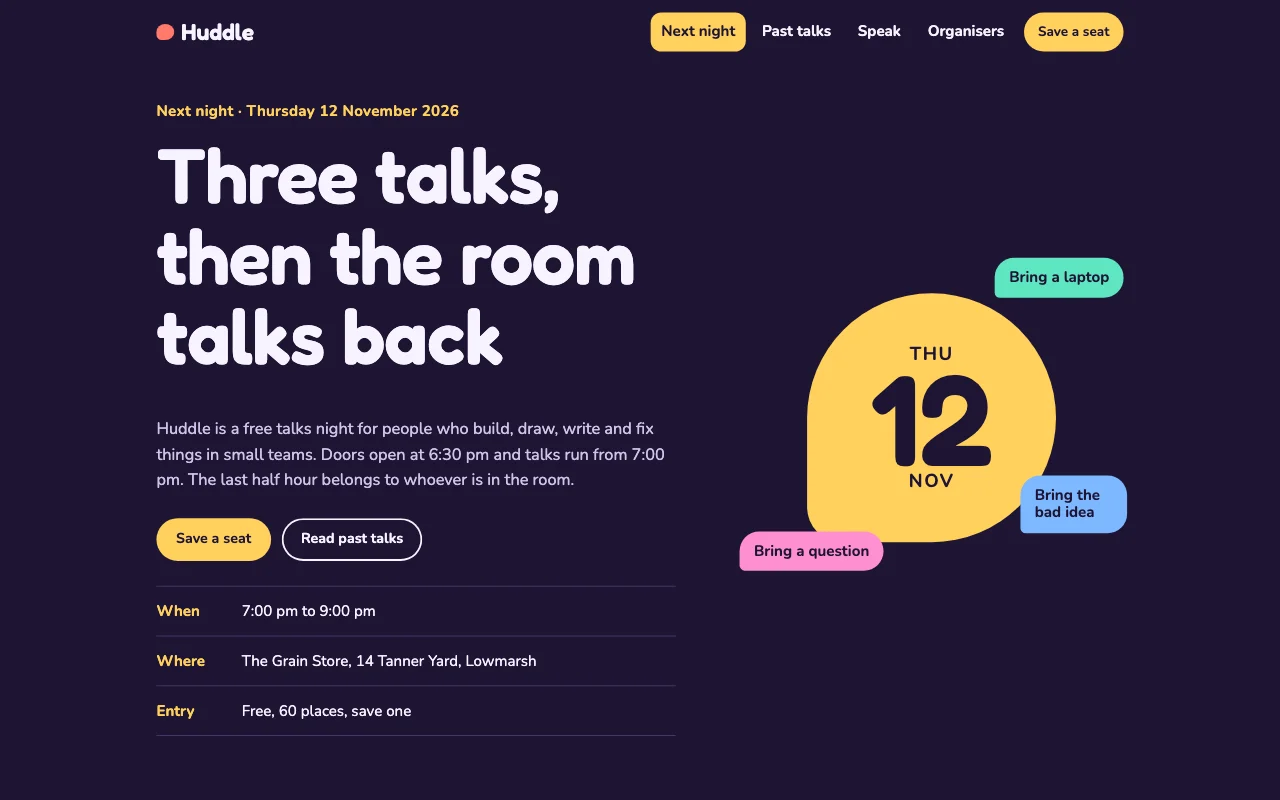 Huddle
Which AI can I use?
Claude, ChatGPT, Codex, Cursor and other AI apps that connect to apps. Switch whenever you like; the site stays the same. See how to connect.
Can different classes have different passcodes?
Yes. Lock each section on its own, for example /year10 and /year11, with its own passcode. A site can have up to 20 locked sections.
Can I let in only named students?
Yes, on paid plans. Members-only pages let in the email addresses you add, and nobody else. Remove someone and they’re out straight away. For younger classes, a passcode needs no sign-in at all.
Can students book lessons with me online?
Yes, with a Team or Company workspace. Students pick a free time, get a confirmation with a link to move or cancel, and you can add weekly lessons by asking. See the pricing page.
Can I see whether students open the site?
You can see visit numbers without cookies or a tracking script: totals on Free, and pages, sources and devices on paid plans. Page Lemon doesn’t track individual students.
What if a change goes wrong?
Ask to go back, for example “Undo the last change” or “Go back to yesterday’s version”. Going back adds a new version, so nothing is lost.
Put your class online before next lesson.
Make the site in your AI chat, lock the student pages, and share one link. Free to start.