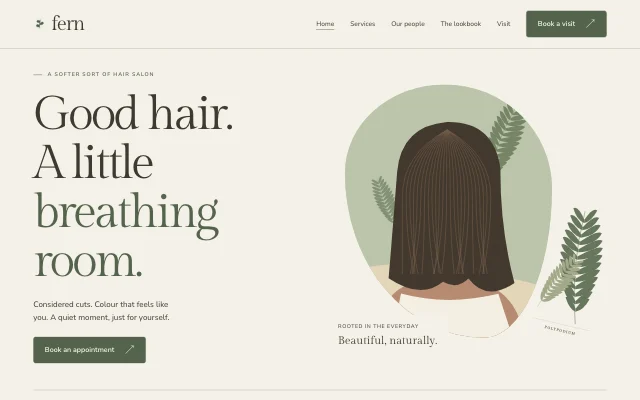
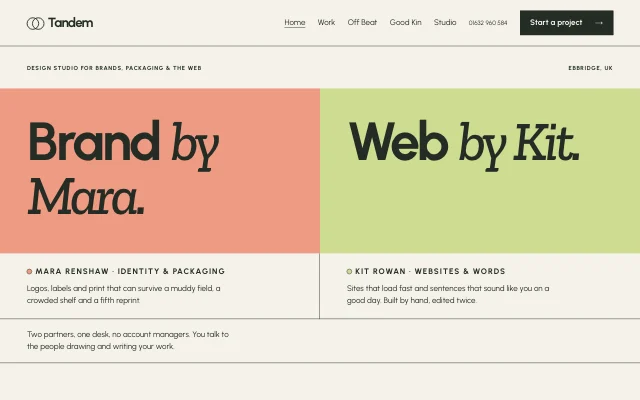
For restaurants and cafés
Table bookings by party size, on your own site
Guests book a table for their party size on your own site, and you both get an email. You set it up by telling your AI your tables and hours.
- Bookings by party size
- Email confirmations and reminders
- Phone bookings added by asking
This is for you if you say
- “I run a restaurant, bistro or café that takes table bookings.”
- “Guests ring or message to book, and I write it in a book.”
- “I want online bookings without learning a booking system.”
“I want online bookings, but I don’t know how to set up the time slots.”
You don't set up slots. Tell your AI your tables, hours and closed days in a sentence. It shows you the setup, with the defaults it chose, before anything goes live.
Quotes are needs we heard from people we talked to, reworded. They are not reviews.
What you’ll build
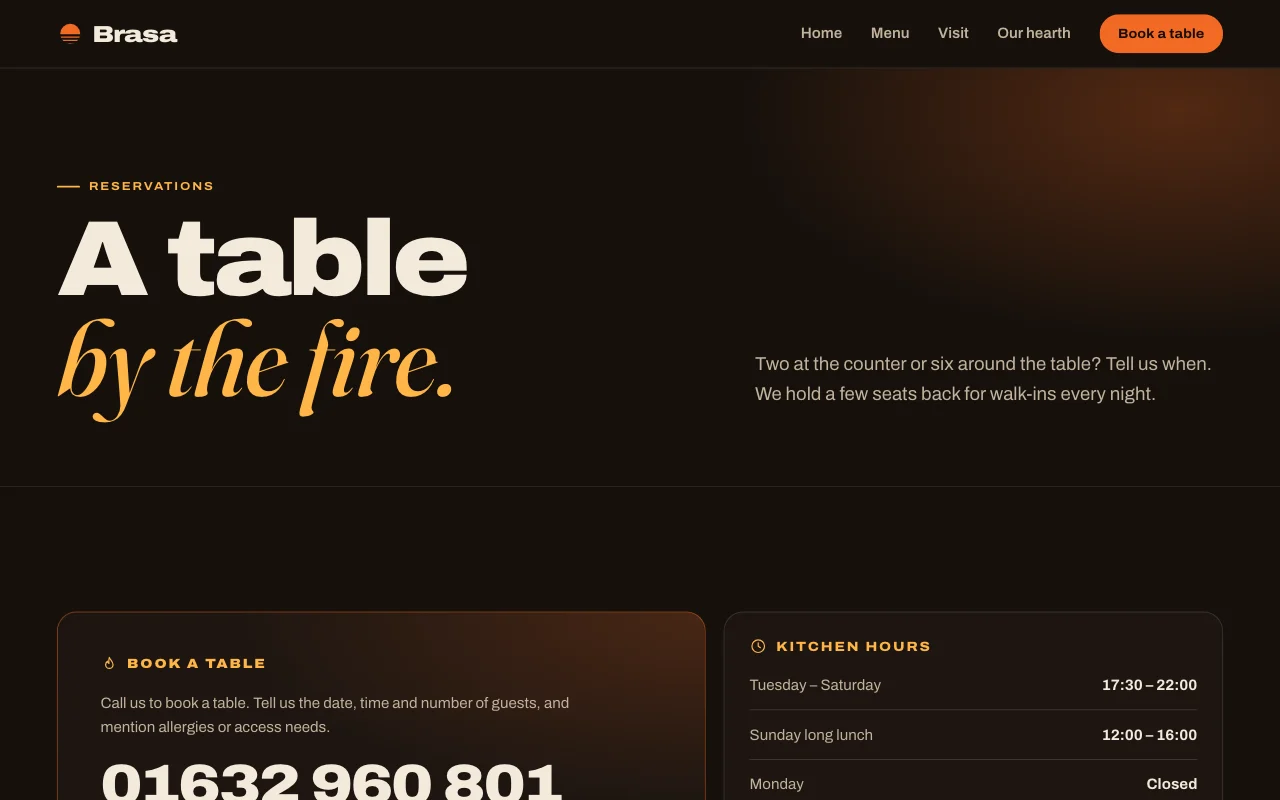
- Menu
- Dishes and prices as text, with dietary tags, changed by asking.
- Visit
- Hours, address, directions and phone on one page.
- Book a table
- Guests pick a day, a time and their party size. A full time disappears.
- Private dining
- An enquiry form for big groups and events, emailed to you.
Ask your AI
Three things you might say once it’s live, and what happens.
You type in your AI chat
-
Let people book tables for 2, 4 and 6, Tuesday to Sunday, 6 till 10Your AI sets up table bookings, shows you the setup, and makes a test booking before telling you it's live.
-
Tables over 8 need my approvalBigger groups become requests. You approve or decline, and the guest gets an email either way.
-
We're closed 24 to 26 DecemberThose days disappear from the booking page.
How it works
Pick a template
Choose one of the designs below, or start from the site your AI already made.
Paste one line into your AI
It builds your site and puts it online at a free address, with nothing to install.
Use template pagelemon.com/tp/BrasaChange it by asking
Add pages, forms or people from any AI chat. Every version is saved.
What it uses
Table bookings
Set how many people can book each time and the largest group online. When a time is full, it disappears.
Approve big groups
Groups over a size become requests. Unanswered requests are cancelled after 24 hours unless you change it.
Confirmations and reminders
Guests get a calendar invite, a link to move or cancel, and a reminder the day before. Email only, no texts.
Phone bookings and walk-ins
Add them by asking, or in the bookings list in your dashboard, so they count like any other booking.
Private dining form
An enquiry form in your design, each message emailed to you.
Your own domain
Keep the domain where you bought it. Ask your AI, click Connect on the link it gives you, and HTTPS is switched on for you.
Templates to start from
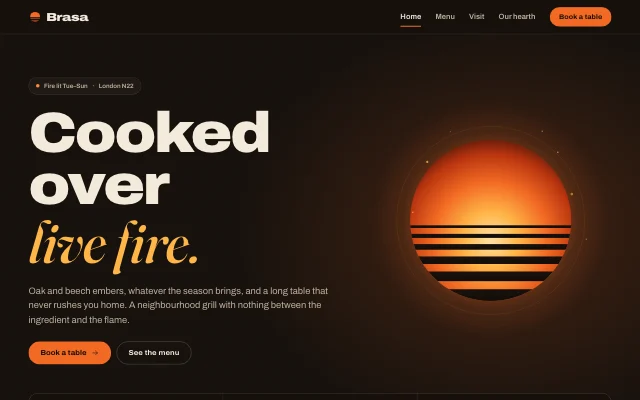 Brasa
Brasa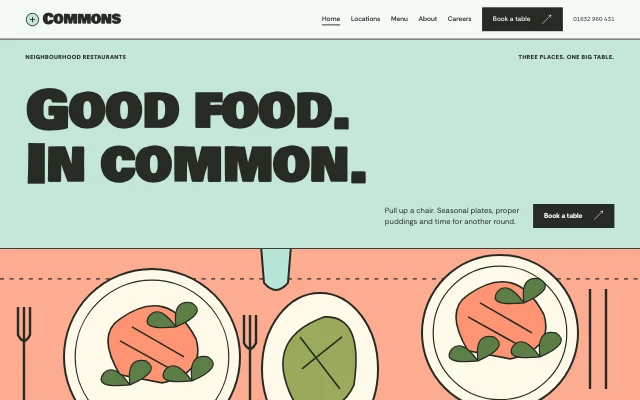 Commons
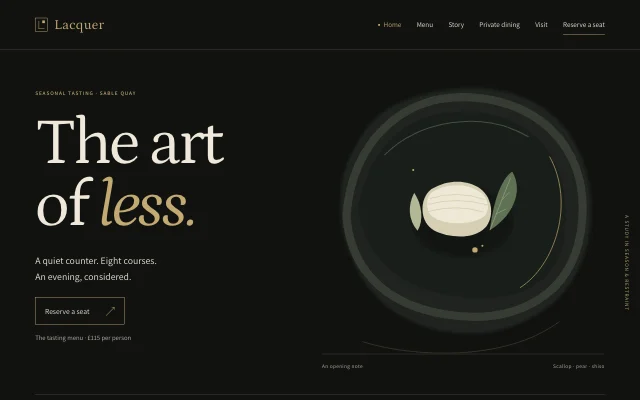 Lacquer
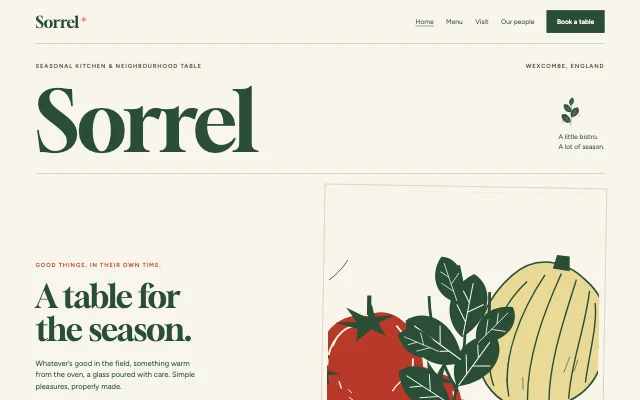 Sorrel
Questions
Can I take a booking by phone?
Yes. Tell your AI, for example “Add a phone booking for the Khans, Friday at 8, table for 4”, or add it in your bookings list. It counts towards that time like any other booking.
Do guests get reminders?
Yes, by email: one the day before unless you choose otherwise, and up to two per booking. There are no text messages.
Can I see the bookings in my calendar?
Yes. A private calendar feed puts every booking in Google Calendar, Apple Calendar or Outlook. You can also download them as a spreadsheet.
Can I keep my current domain?
Yes. You keep it where you bought it and renew it there. Ask your AI to connect it, then click Connect on the link it gives you.
We have more than one restaurant. Does that work?
Yes. Each location gets its own booking page with its own hours, on one site or several. The Commons template is built for three locations.