For salons and barbers
Online booking with a calendar for each stylist
Clients choose a service and a stylist, or anyone free, and book a time on your site. When someone cancels by phone, you tell your AI and it's done.
- A calendar per stylist
- Clients pick a stylist or anyone free
- Phone changes made by chat
This is for you if you say
- “I own a hair salon or barbershop with a few stylists.”
- “Clients book by phone or message, and cancellations get lost.”
- “I want each stylist's hours on the site without another app to manage.”
“When a client cancels by phone, I don’t know how to take it off the website.”
Tell your AI, the way you'd tell a colleague. It finds the booking, checks with you, cancels it and emails the client, and the time opens up again.
Quotes are needs we heard from people we talked to, reworded. They are not reviews.
What you’ll build
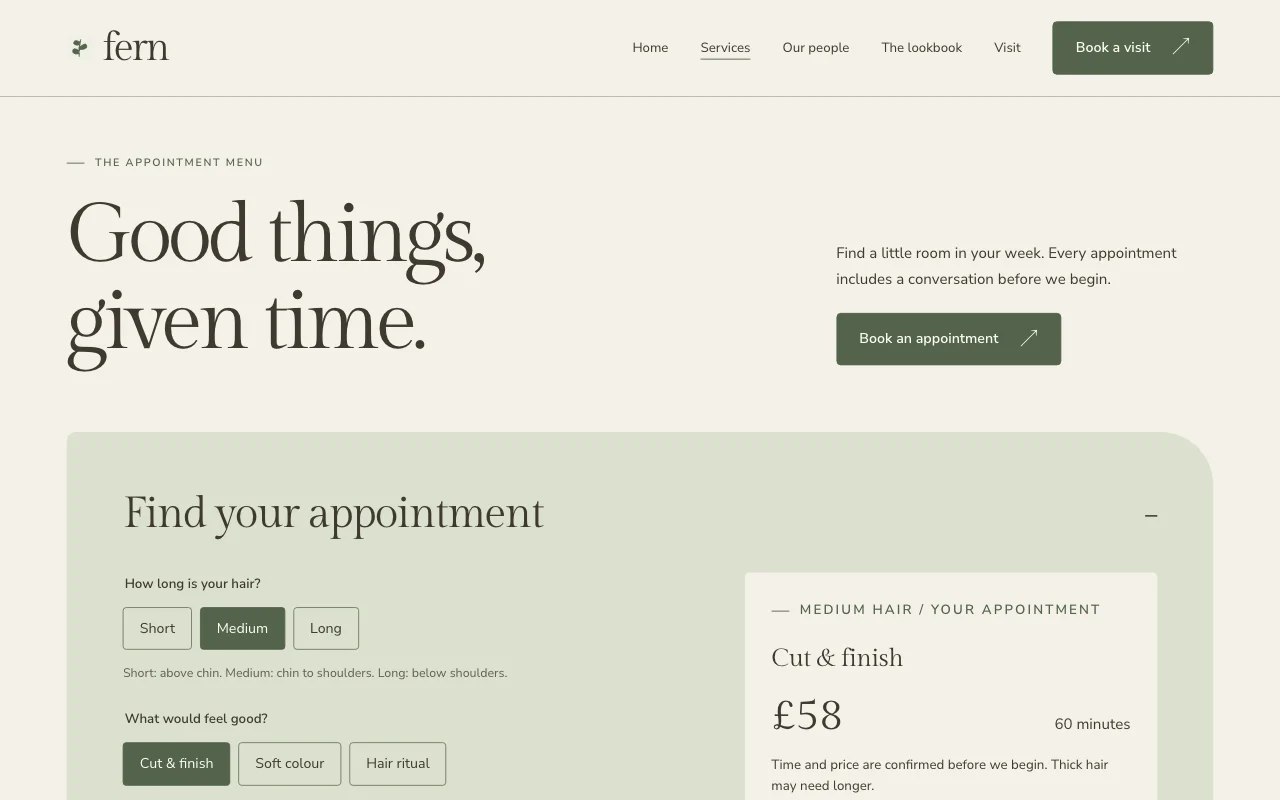
- Services
- Each service with its length and price, in a table clients can read on a phone.
- Our people
- Each stylist with a photo, what they do and the days they work.
- Book a visit
- Pick a service, a stylist or anyone free, then a time.
- Visit
- Address, hours, directions and access.
Ask your AI
Three things you might say once it’s live, and what happens.
You type in your AI chat
-
Sam called to cancel her 3 o'clock on Friday. Take it off and let her know.Your AI finds the booking, asks you to confirm, cancels it and emails Sam.
-
Add Priya as a stylist, Wednesday to Saturday, 10 till 6Priya appears on the booking page with her own hours. Say which services she does, or your AI asks.
-
Book a cut with Jo for Mr Patel on Monday at 11, he phonedThe time is taken in Jo's calendar, so nobody can book it online.
How it works
Pick a template
Choose one of the designs below, or start from the site your AI already made.
Paste one line into your AI
It builds your site and puts it online at a free address, with nothing to install.
Use template pagelemon.com/tp/FernChange it by asking
Add pages, forms or people from any AI chat. Every version is saved.
What it uses
A calendar per stylist
Each stylist with their own hours, days off and services. Clients pick one, or “any available”.
Services with breaks
Each service with its own length, a price on the page, and a break before or after.
Changes by chat
Cancel, move or add a booking by asking. Anything that emails a client is checked with you first.
Approve first
Confirm instantly, approve every booking, or approve one service only, such as colour.
Busy times blocked
Give your AI your calendar's private link, and times you're busy there can't be booked.
Done and no-show
Mark past bookings as done or no-show, and download them as a spreadsheet.
Templates to start from
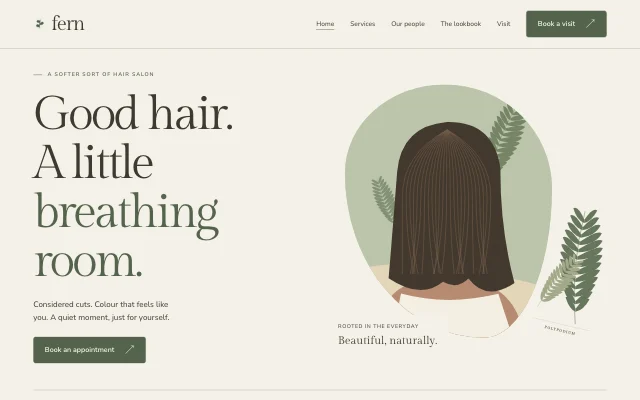 Fern
Fern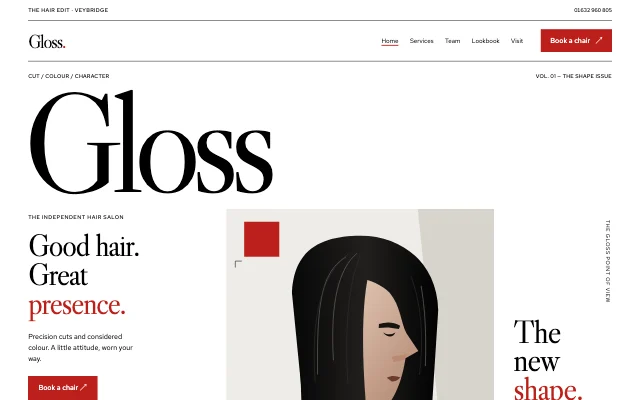 Gloss
Gloss Prism
Prism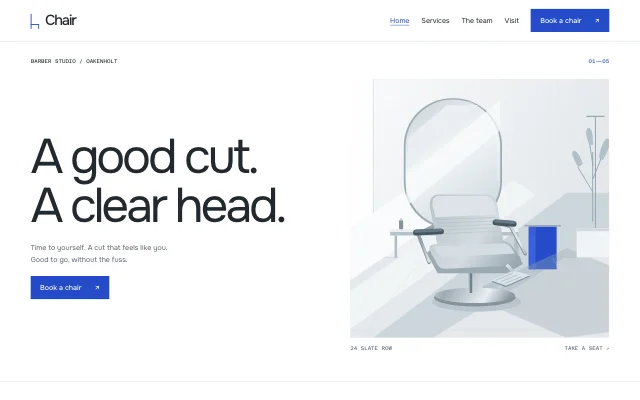 Chair
ChairQuestions
Can clients pick a stylist?
Yes, or they choose “any available” and book whoever is free at that time.
Can I approve bookings first?
Yes: every booking, or only some services. Requests nobody answers are cancelled after 24 hours unless you change it.
Will it clash with my own calendar?
Give your AI your calendar's private link and the busy times in it can't be booked. Your bookings also show in Google Calendar, Apple Calendar or Outlook through a private feed.
What if a client doesn't show up?
Mark the booking as a no-show in your bookings list, or tell your AI.
Do clients get reminders?
Yes, by email, the day before unless you choose otherwise. There are no text messages.