

For teachers, communities, networks and clubs
Lessons, posts and guides only your users can open
Your AI builds a members’ area on your own site: a course, a community’s posts or a library. Users sign in with their email, see what their plan includes and keep their own notes. Plans can be free, or paid monthly or yearly on your own Stripe account.
- Pages only users see
- Notes and suggestions from users
- Paid to your own Stripe
This is for you if you say
- “I teach a skill and want a course on my own site, with notes next to each lesson.”
- “We run a community, network or alumni group with guides that should be for members only.”
- “A shared drive link gets forwarded, and course platforms keep my members’ emails on their side.”
The problem
A shared drive link gets forwarded and goes out of date. Course and community platforms set the look for you and keep your members on their side.
How Page Lemon helps
Your AI builds the members’ area as pages on your site, behind user sign-in. Add a lesson, a post or a guide by asking, and invite users by email or let them sign up.
How it goes
From one line in your AI chat to a site that works for you.
-
You paste one line
Build with PageLemon.com: a members-only library of guides and templates for our network
Into Claude, ChatGPT or any AI chat. Your AI asks for your details: names, prices, times and photos.
-
Your AI builds these pages
- Public page
- What members get and how to join.
- Members’ home
- Your latest posts, lessons or guides.
- Lessons or library
- Steps and pictures, or resources grouped by kind, for users only.
- My notes
- Each user’s own notes and photos next to each lesson.
- Suggest
- A form for new resources; each user sees only their own.
-
It’s live, and you run it from the chat
clay-weekends.pagelemon.dev/app/library
Page Lemon runs the parts behind it:
- User sign-in
- Pages only users see
- Notes and photos
- Suggestions
- Plans for users
- Your own domain
To change anything later, ask your AI. Every version is saved.
Start with one line
Paste one of these into your AI chat (Claude, ChatGPT or another). Your AI asks for your details, builds the site and puts it online at a free address.
You type in your AI chat
-
Deploy on PageLemon.comThe quickest start: your AI asks what the site is for, picks a design and puts it online.
-
Build with PageLemon.com: a members-only library of guides and templates for our networkYour AI builds the library pages and the suggestions list.
-
Use template pagelemon.com/tp/Syllabus for my online course, free for the students I inviteStarts from the Syllabus template: four lessons, notes per lesson and an account page.
Once it’s live, ask your AI
Three things you might say next, and what happens.
You type in your AI chat
-
Add lesson 5: Snow scenesA new lesson page in the same design, in the full course.
-
Add a guide on writing a cover letterA new page in the library, for users only.
-
Invite everyone on this listEach gets an invitation email and signs in with a code.
What it costs
Paid plan
Users need a paid plan; on Free you try it as a test user. Paid memberships need a bigger paid plan.
Not for you? Full refund within 14 days, no questions asked.
What it uses
User sign-in
Users sign in with a code sent to their email. No passwords, and each one sees only their own records.
Pages only users see
Pages under /app show only to signed-in users on the right plan.
Notes and photos
Users keep notes and a photo of their work next to each lesson.
Suggestions
Users suggest resources; each sees only their own.
Plans for users
Free or paid plans for your users, each with its own pages.
Your own domain
Run it on your course’s or community’s own domain.
Templates to start from
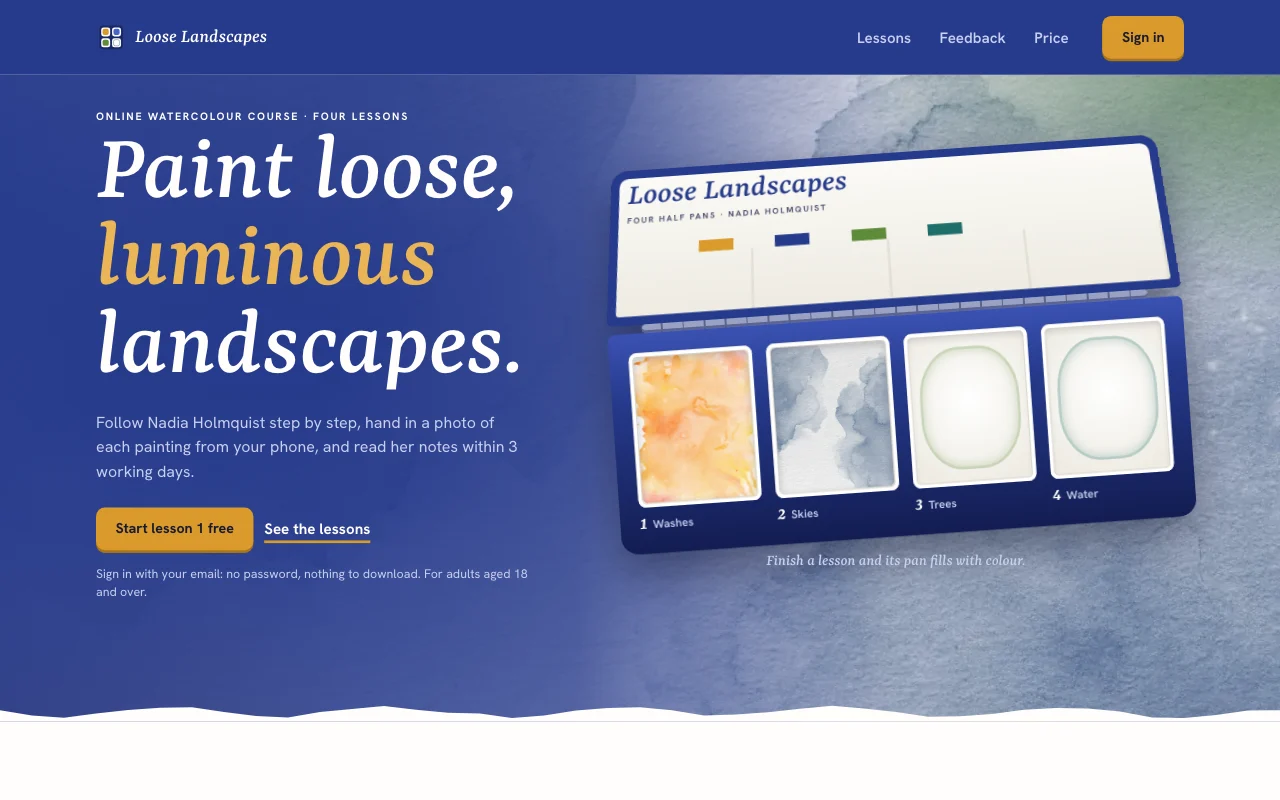 SyllabusAn open paintbox tin on indigo: real watercolour washes fill a pan as each lesson is done
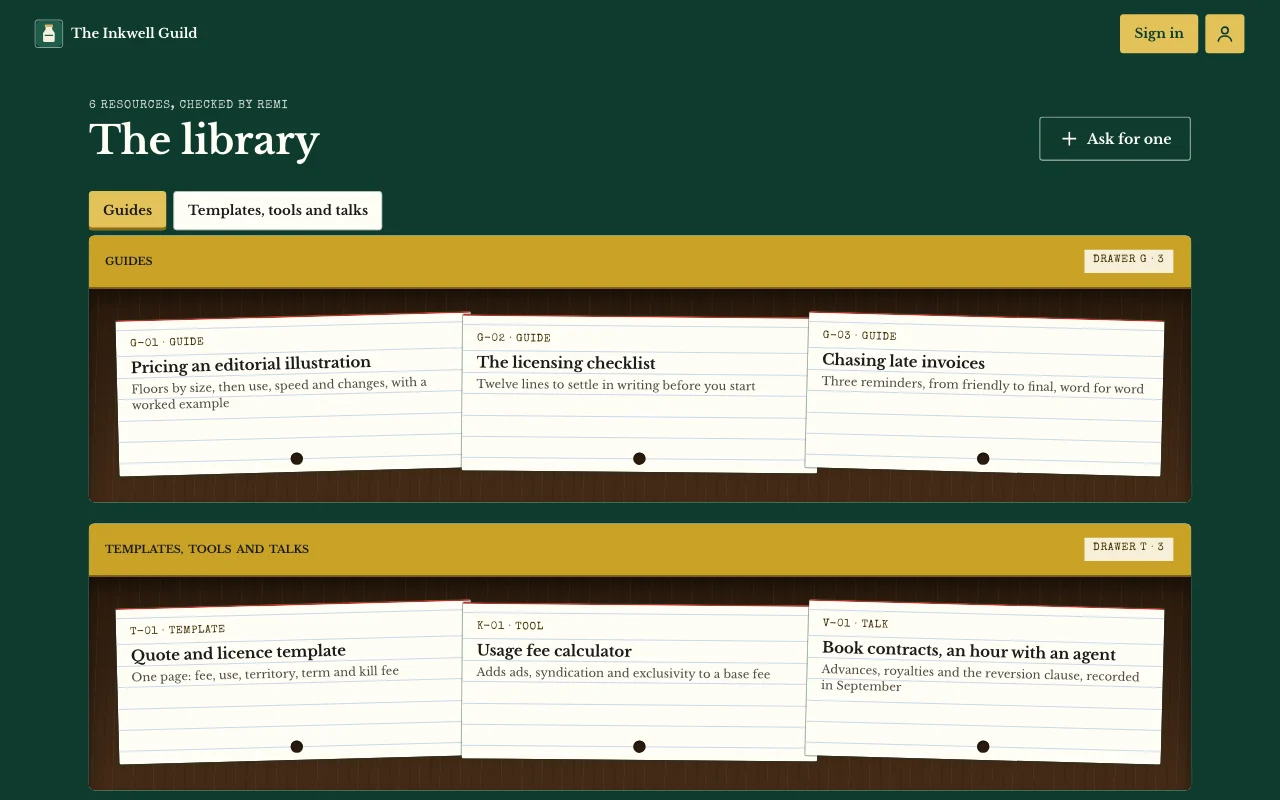
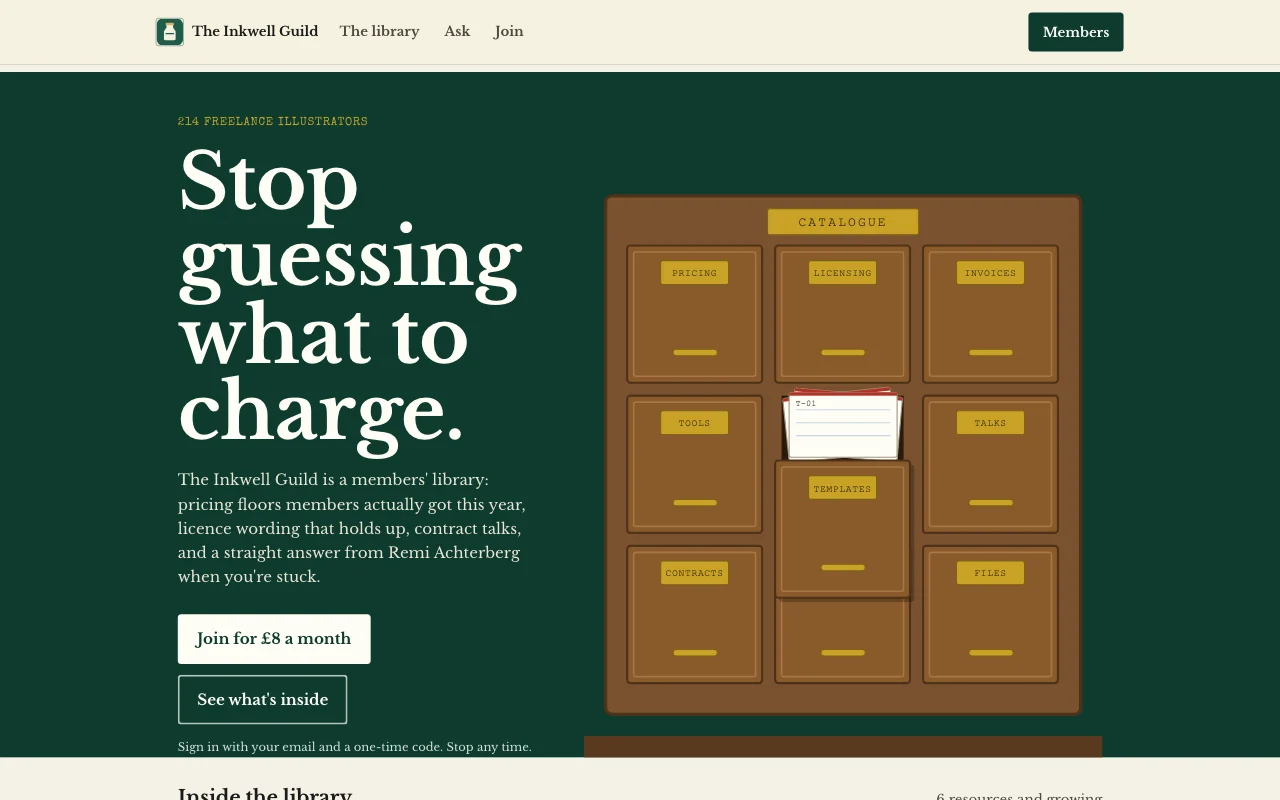 StacksLibrary stacks in deep green and brass, with resources filed as index cards
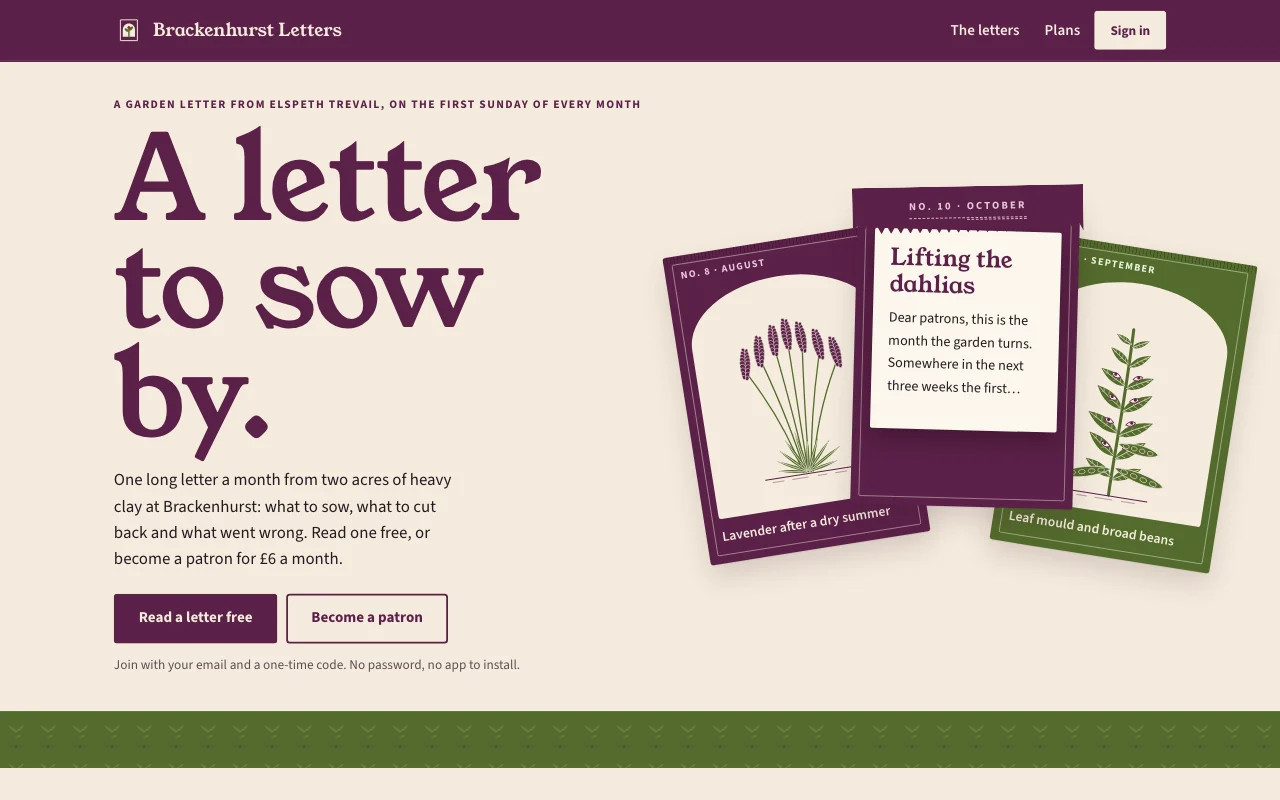 PatronSeed packets in plum and seed green on envelope paper, with two-ink botanicals and a letter that tears open
 ClubhouseLight box of square slide mounts in Kodachrome yellow and red, with members' prints, a navy band and a film-box card
Preview Syllabus (opens in a new tab) Preview Stacks (opens in a new tab) Preview Patron (opens in a new tab) Preview Clubhouse (opens in a new tab)
Ideas and guides
Questions
Can users pay for it?
Yes, on some paid plans: users pay monthly or yearly on your own Stripe account, and you’re the seller, with a Page Lemon fee on top of Stripe’s own. A Buy button on any paid plan can also take a one-off payment through your own Stripe, but it doesn’t open users’ pages by itself. See payments.
Who can see what users add?
Each user sees only their own entries and the ones you assign to them. You see everything in your Page Lemon Dashboard. Your AI reads entries only if you turn that on for a list, in your Dashboard, and it never changes or deletes what a user wrote.
Can users see each other?
No. Each user sees your lessons, posts and library, and only their own notes and suggestions. There’s no directory of users.
Does it track course progress or have a feed?
No. Users see the lessons, posts and files their plan includes, and keep their own notes. There’s no progress tracking or social feed.
Can I protect a single PDF instead?
For one file, a passcode or invite-only page may be enough: see private sites.
Is there anything I can’t build with it?
Yes. Apps are for adults only, and not for health, mood or therapy records, or for card, bank or ID numbers.
More use cases
-
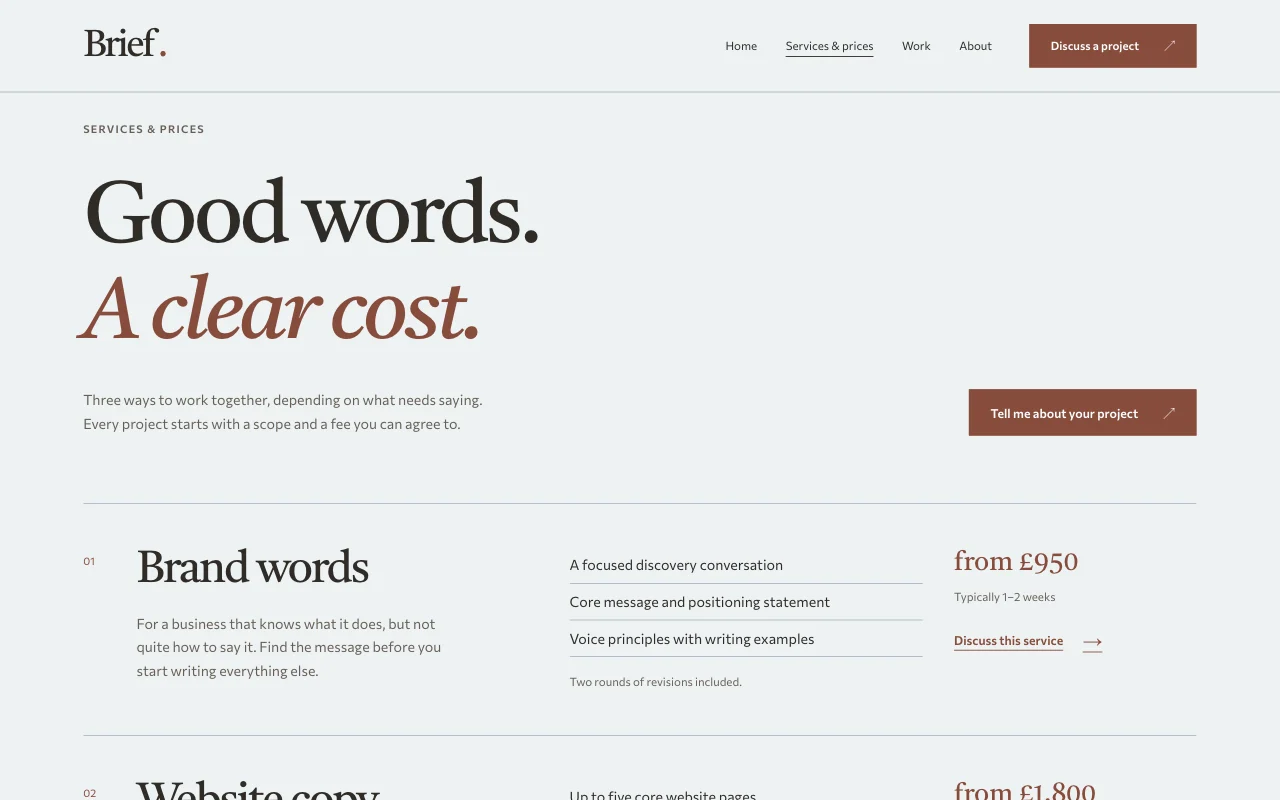 Teachers
One-to-one session bookings
Lessons, coaching or intro calls, booked in your free times Online bookingWeekly regularsBusy times blocked Paid plan -
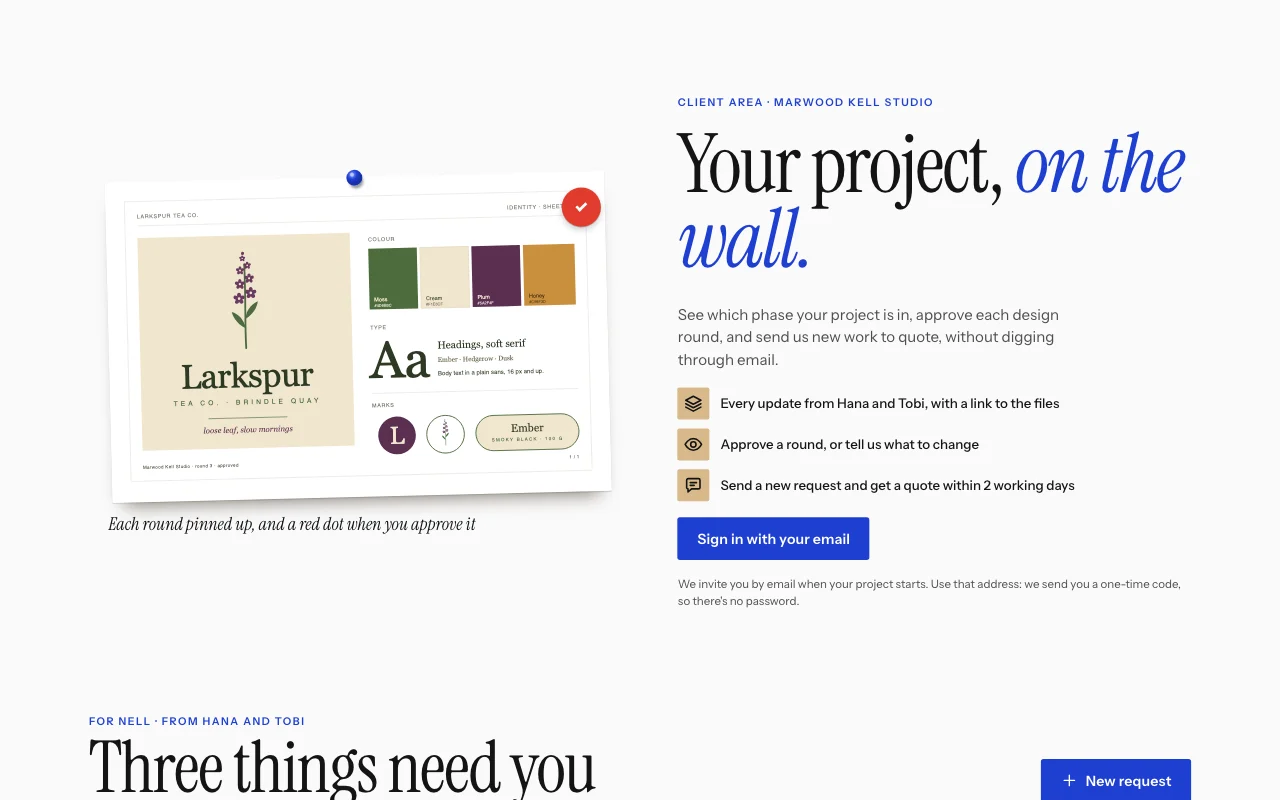 Apps
Apps
Client and customer portal
Updates, files and requests, one sign-in per client User sign-inBriefs with photosUpdates you assign Paid plan -
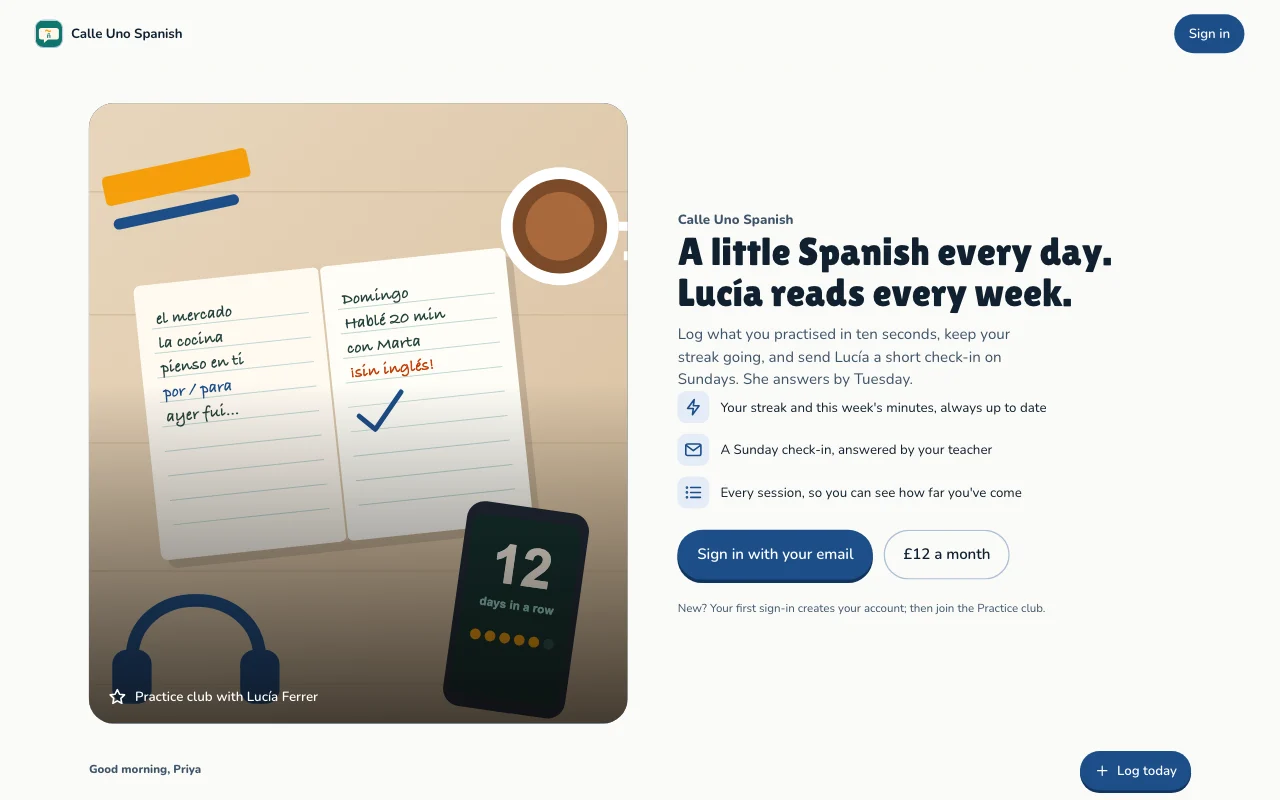 Apps
Apps
Habit and goal tracker
Daily practice, streaks and goals, each person's own User sign-inStreaks and progressGoals Paid plan