

For freelancers, studios and small service businesses
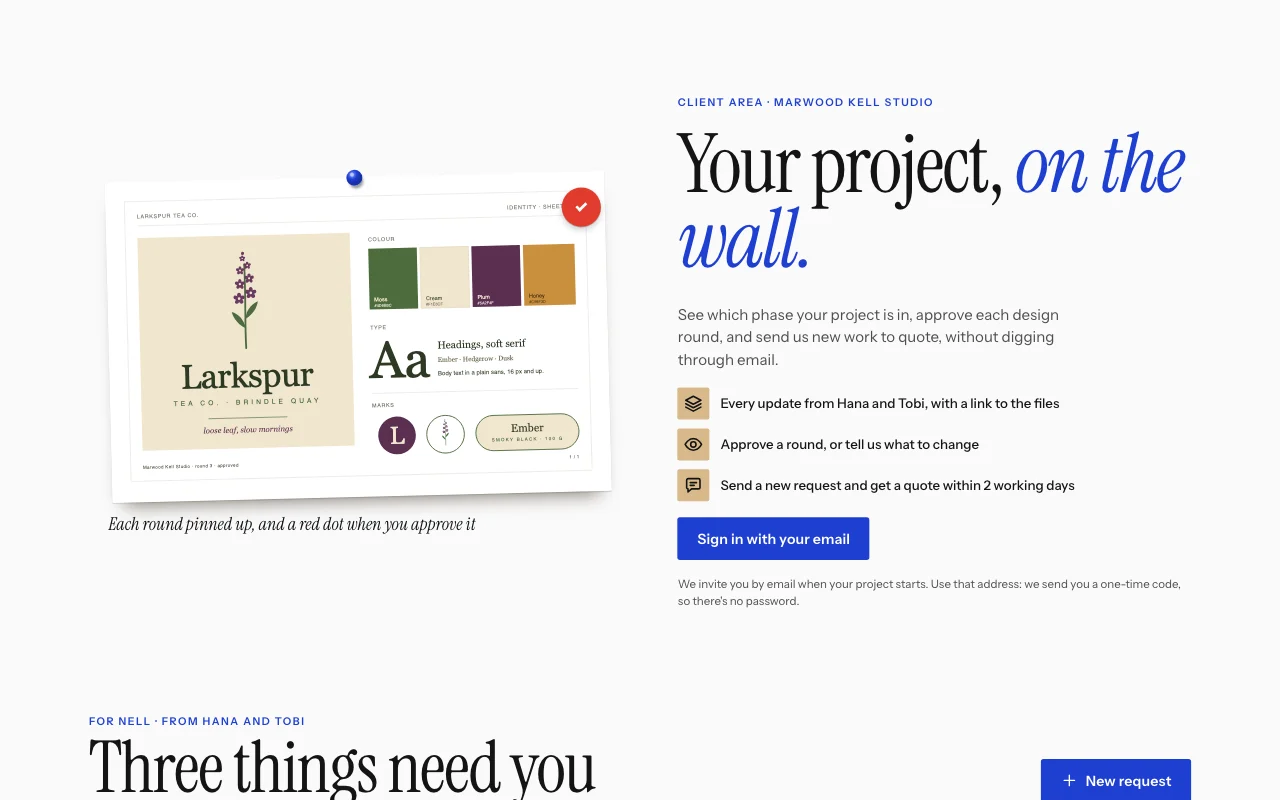
A portal where each client sees only their own job
Clients sign in with their email and send you a brief or a request with a PDF or photo attached. You post a status, a note and a link to the files for one client, and only that client sees it.
- One sign-in per client
- Briefs and requests with photos
- A status for each job
This is for you if you say
- “I send project updates by email, and they get lost in threads.”
- “Customers send photos by text, email and Instagram, then ring to ask if it’s ready.”
- “Each client should see only their own job, and send me briefs and photos in one place.”
The problem
Updates sit in long email threads, photos arrive on four apps, files sit in five different links, and every client asks “where are we?” every week.
How Page Lemon helps
Your AI builds the portal on your site from your services. You add each update in your Page Lemon Dashboard and assign it to one client; they see it the next time they sign in, newest first.
How it goes
From one line in your AI chat to a site that works for you.
-
You paste one line
Build with PageLemon.com: a client portal for my design studio where each client sees their project updates and sends briefs
Into Claude, ChatGPT or any AI chat. Your AI asks for your details: names, prices, times and photos.
-
Your AI builds these pages
- Public page
- What you do, how the portal works and a sign-in button.
- Your jobs
- Each client’s updates with a status, a note, a quote or a link to the files.
- Send a brief
- What they need, by when, with a PDF or photo.
- Account
- Their sign-in, devices and a way to leave.
-
It’s live, and you run it from the chat
hollis-advisory.pagelemon.dev/app
Page Lemon runs the parts behind it:
- User sign-in
- Briefs with photos
- Updates you assign
- Private by default
- A public contact form too
- Your own domain
To change anything later, ask your AI. Every version is saved.
Start with one line
Paste one of these into your AI chat (Claude, ChatGPT or another). Your AI asks for your details, builds the site and puts it online at a free address.
You type in your AI chat
-
Deploy on PageLemon.comThe quickest start: your AI asks what the site is for, picks a design and puts it online.
-
Build with PageLemon.com: a client portal for my design studio where each client sees their project updates and sends briefsYour AI builds the public page and the app pages, and sets up the client lists with you.
-
Use template pagelemon.com/tp/Ticket for my workshop’s customer requestsStarts from the Ticket template: customers raise a request with an optional photo and follow your updates.
Once it’s live, ask your AI
Three things you might say next, and what happens.
You type in your AI chat
-
Invite sam@example.com as a clientThey get an email invitation and sign in with a code. Nothing else changes.
-
Add a status called “Waiting for fabric”Your AI adds it to the updates list and the status tags on the page.
-
How many new requests came in this week?Your AI tells you the count. You read the requests and photos in your Dashboard.
What it costs
Paid plan
Apps work on every plan: on Free, you try yours as a test user. Letting your clients in needs a paid plan.
Not for you? Full refund within 14 days, no questions asked.
What it uses
User sign-in
Users sign in with a code sent to their email. No passwords, and each one sees only their own records.
Briefs with photos
A PDF or a photo from the phone camera, private to that client and you.
Updates you assign
You add an update for one client in your Dashboard; only they see it.
Private by default
App pages live under /app. Your home page stays public; nobody’s entries are on it.
A public contact form too
For people who just have a question.
Your own domain
Put the portal on your business’s own domain.
Templates to start from
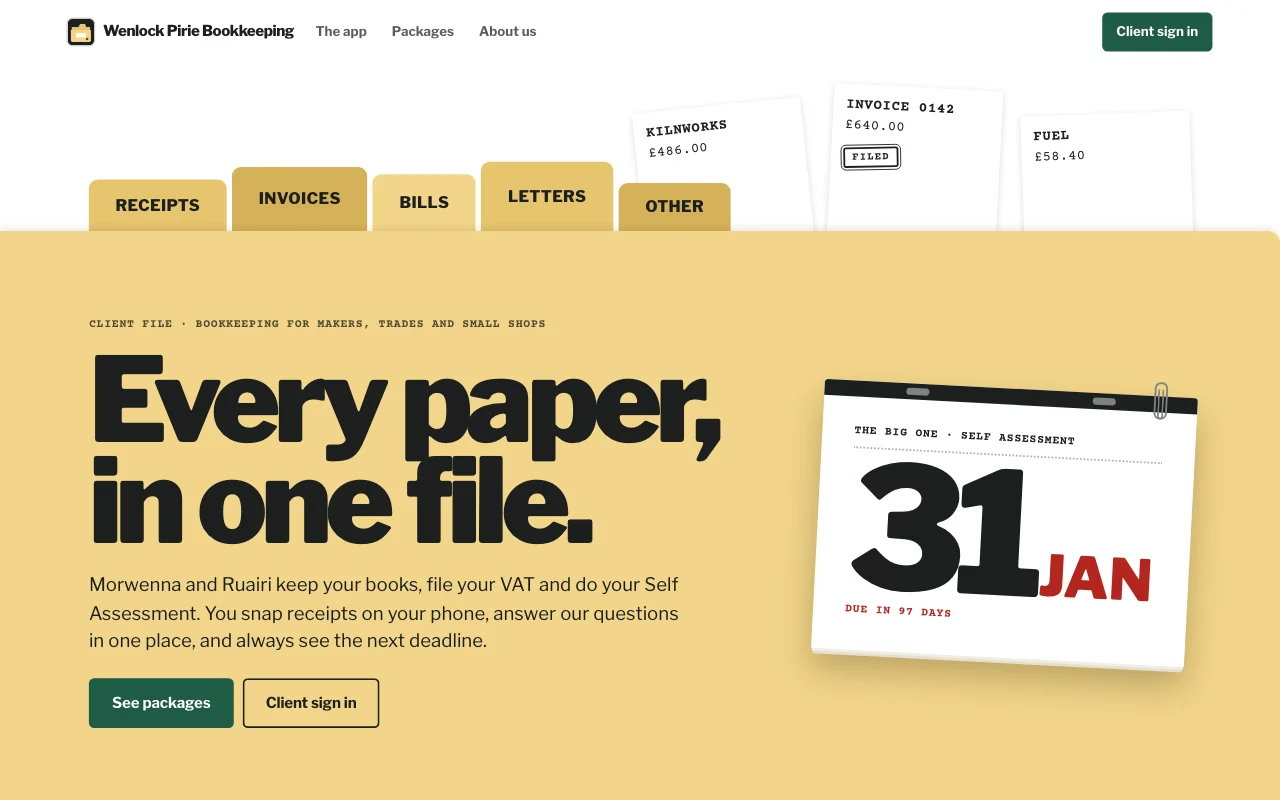 CasebookManila accordion file with index tabs, tear-off deadline pages and red-ink stamps on typed slips
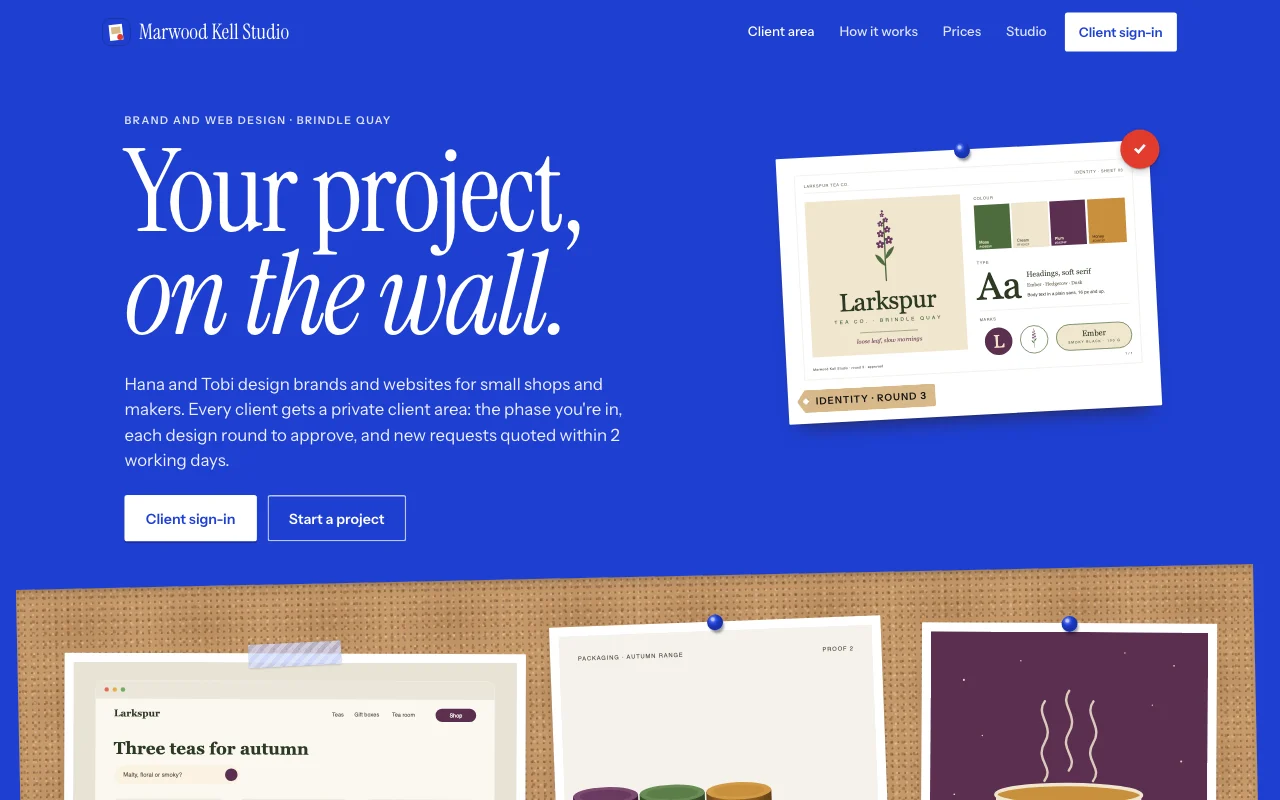 HandoffKlein blue poster and a cork crit wall: pinned prints, kraft tags and a red dot on approved rounds
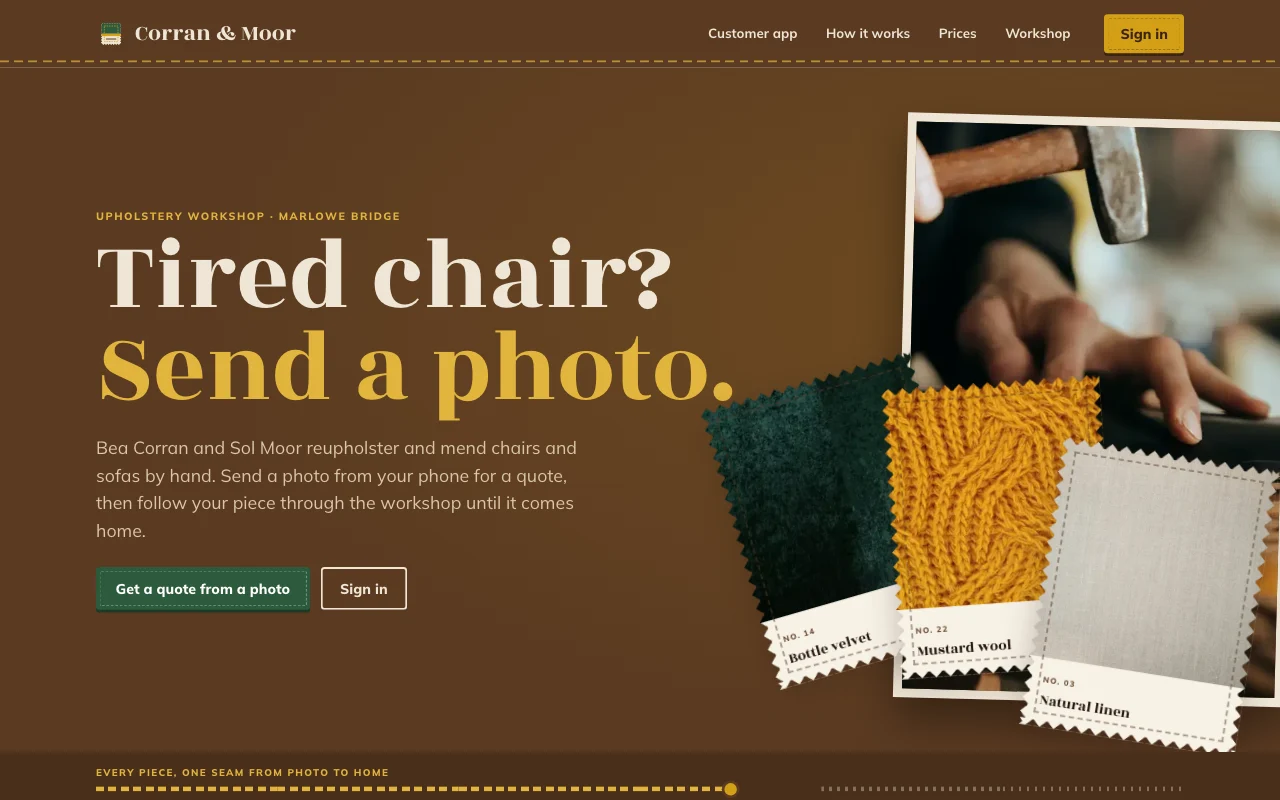 IntakeWalnut swatch book: pinked fabric swatches on linen, with a stitched seam for each stage
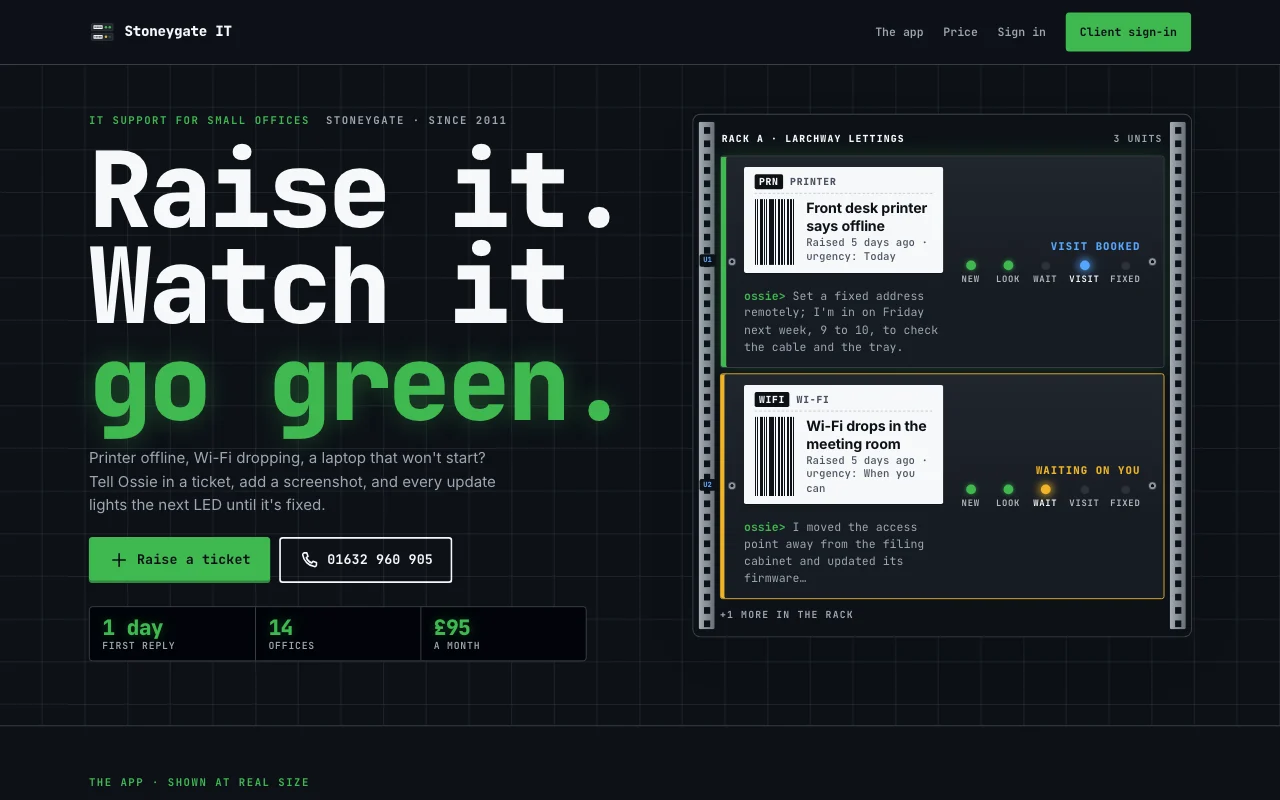 TicketDark server rack: mono asset labels, LEDs that step green per ticket stage and terminal logs
Preview Casebook (opens in a new tab) Preview Handoff (opens in a new tab) Preview Intake (opens in a new tab) Preview Ticket (opens in a new tab)
Ideas and guides
Questions
Who can see what users add?
Each user sees only their own entries and the ones you assign to them. You see everything in your Page Lemon Dashboard. Your AI reads entries only if you turn that on for a list, in your Dashboard, and it never changes or deletes what a user wrote.
Can I share large files?
Paste a link to a shared folder into the update, and the client opens it from their portal. Clients attach PDFs and photos to their briefs.
How many clients can I add?
It depends on your plan, counted once across your sites: see pricing.
Can anyone sign up, or only people I invite?
Either. Invite each client by email, or turn on open sign-up so customers join from the sign-in page.
Do clients need an app?
No. They sign in on your site and can add it to their home screen.
Can clients pay through it?
Yes. On some paid plans a paid plan in your app, monthly or yearly, runs on your own Stripe account. On any paid plan you can also add a Buy button that opens a Payment Link from your own Stripe account, or take payment your usual way. The portal never holds card or bank numbers. See payments.
Is there anything I can’t build with it?
Yes. Apps are for adults only, and not for health, mood or therapy records, or for card, bank or ID numbers.
More use cases
-
 Apps
Apps
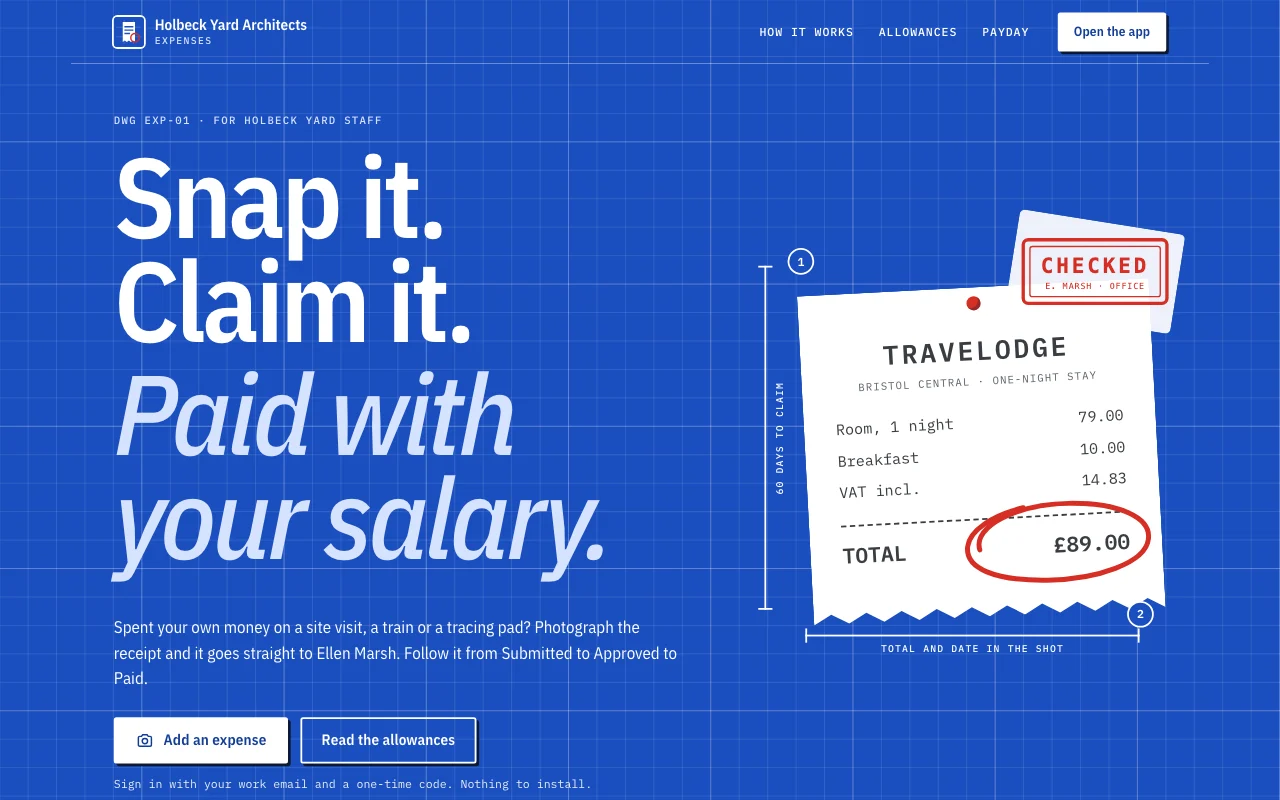
Expense app
Receipts from phones, each person’s own month User sign-inReceipt photosExport Paid plan -
 Freelancers
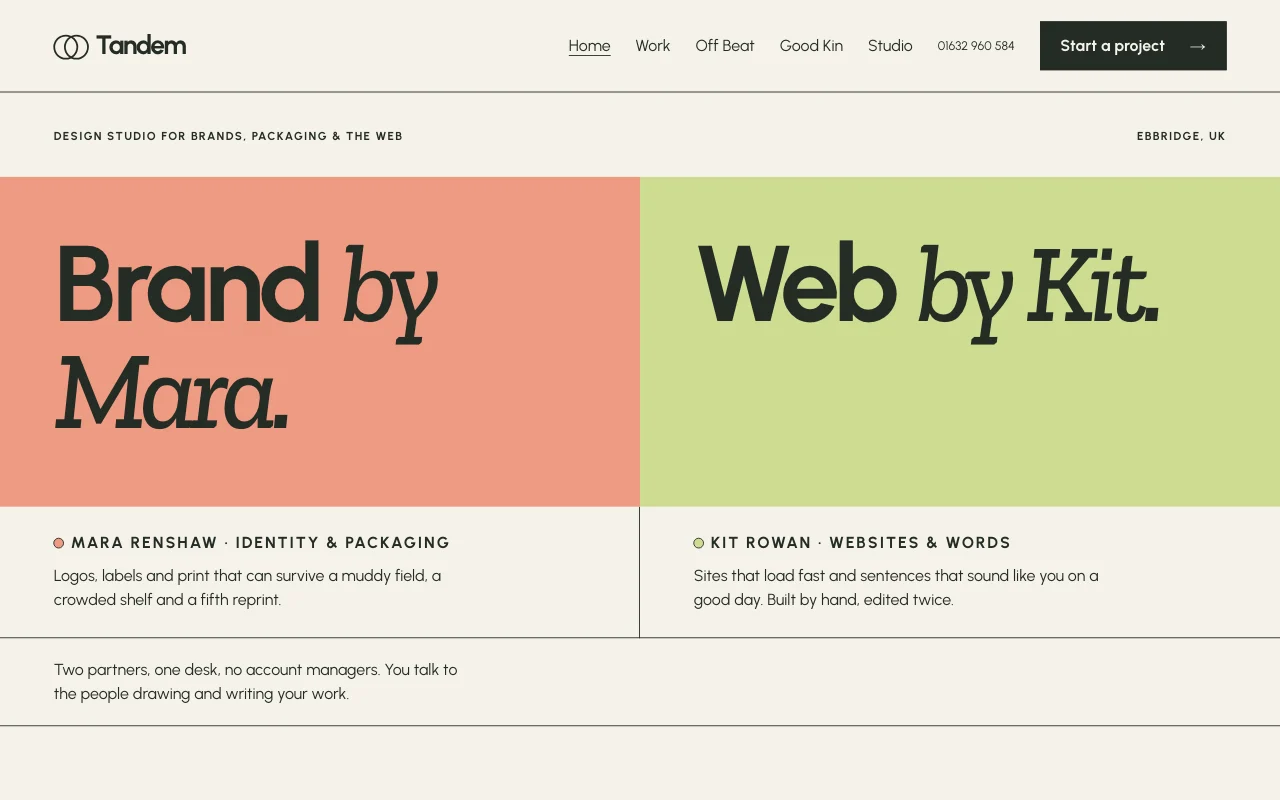
Client sites
Build sites for clients, hand them over Private previewsClients as Site DevelopersHand a site over Paid plan -
 Shops and trades
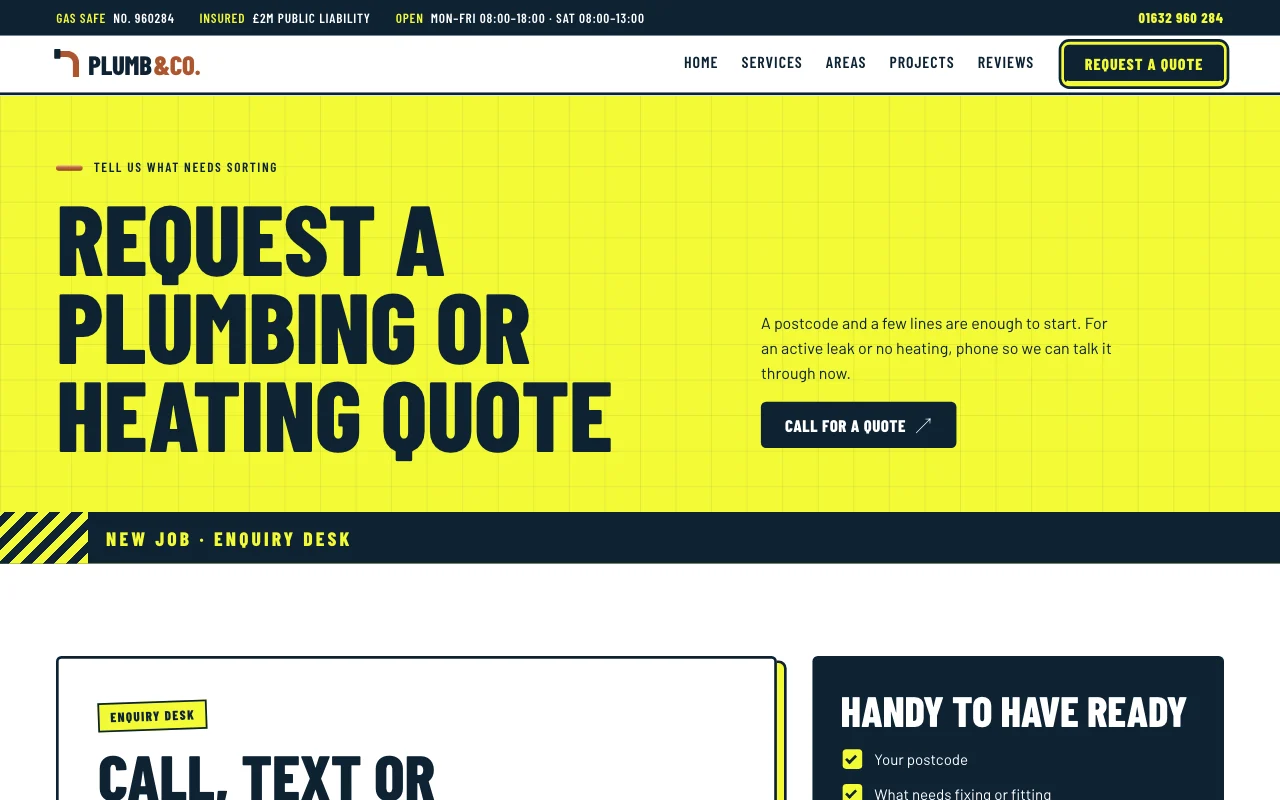
Trades quote requests
A quote form, the areas you cover and your number Quote request formYour number, bigYour own domain Paid plan