

For small teams, and freelancers who build tools for clients
An expense app people use from their phones
Each person signs in, adds an expense with a photo of the receipt and sees their own entries with this month’s total. You see them all in your Dashboard, and AI can sum up each person’s month.
- Receipt photos from the phone
- Each person’s own entries
- Export for the accountant
This is for you if you say
- “My client’s team keeps receipts in their pockets until month end.”
- “Each person should see only their own expenses, and know where their money went.”
- “I want something simple I can set up in an afternoon, without building a server.”
The problem
Expense apps cost per user per month, and a small team only needs to log a receipt, see their own total and hand the lot to the accountant.
How Page Lemon helps
Your AI builds the app from the Expense log template. Page Lemon runs the sign-in and keeps each person’s entries and photos private. Build it for a client, then transfer the site so they own it.
How it goes
From one line in your AI chat to a site that works for you.
-
You paste one line
Build with PageLemon.com: an expense app where each person adds expenses with a receipt photo and sees their own month
Into Claude, ChatGPT or any AI chat. Your AI asks for your details: names, prices, times and photos.
-
Your AI builds these pages
- Public page
- What it’s for and a sign-in button.
- My expenses
- Their own entries, newest first, with this month’s total.
- Add an expense
- Date, merchant, amount, category and the receipt photo.
- Summarise
- The month by category, in a few lines, from that person’s own entries.
- Account
- Sign-in, devices and leaving.
-
It’s live, and you run it from the chat
harbour-co.pagelemon.dev
Page Lemon runs the parts behind it:
- User sign-in
- Receipt photos
- Export
- AI in your app
- Hand it to your client
- Private by default
To change anything later, ask your AI. Every version is saved.
Start with one line
Paste one of these into your AI chat (Claude, ChatGPT or another). Your AI asks for your details, builds the site and puts it online at a free address.
You type in your AI chat
-
Deploy on PageLemon.comThe quickest start: your AI asks what the site is for, picks a design and puts it online.
-
Build with PageLemon.com: an expense app where each person adds expenses with a receipt photo and sees their own monthYour AI builds the pages and sets up the expenses list.
-
Deploy the Page Lemon app template expense-log for my client’s teamStarts from the Expense log template.
Once it’s live, ask your AI
Three things you might say next, and what happens.
You type in your AI chat
-
Add a category called ParkingIt appears in the add form, the list and any summaries.
-
Invite the five people on this listEach gets an invitation email and signs in with a code.
-
Export this month’s expenses for the accountantIn the Dashboard: a zip of the entries as a spreadsheet plus the receipt photos.
What it costs
Paid plan
Users need a paid plan. You can try AI summaries on any plan; using them with your users, or selling the app, needs a bigger paid plan.
Not for you? Full refund within 14 days, no questions asked.
What it uses
User sign-in
Users sign in with a code sent to their email. No passwords, and each one sees only their own records.
Receipt photos
A photo from the phone camera or a PDF, private to that person and the owner.
Export
The owner downloads the entries and photos from the Dashboard.
AI in your app
Summaries on your own OpenAI, Anthropic or OpenRouter key, reading only that person’s entries.
Hand it to your client
Build it, then transfer the site so the client owns it.
Private by default
App pages live under /app. Your home page stays public; nobody’s entries are on it.
Templates to start from
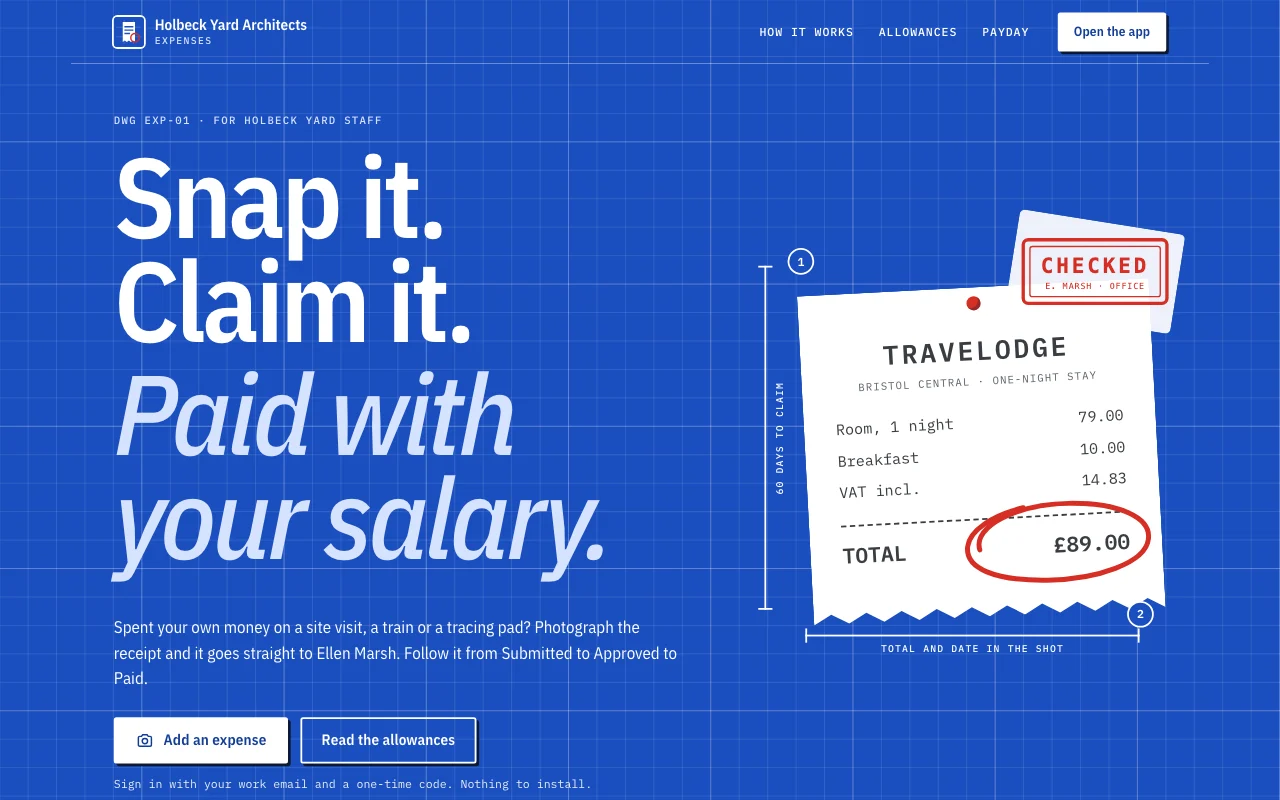
- Expense logAn app template: a small studio’s own expense claims app. Staff sign in with their email, photograph a receipt on their phone and claim it in under a minute, follow each claim from Submitted to Approved to Paid, answer the office manager’s questions, and see what they are owed and their monthly totals. The office manager approves and replies in the Dashboard. A public page, six member screens under /app (Home, Add, Claims, Months, Policy, Account) and a privacy notice with blanks.
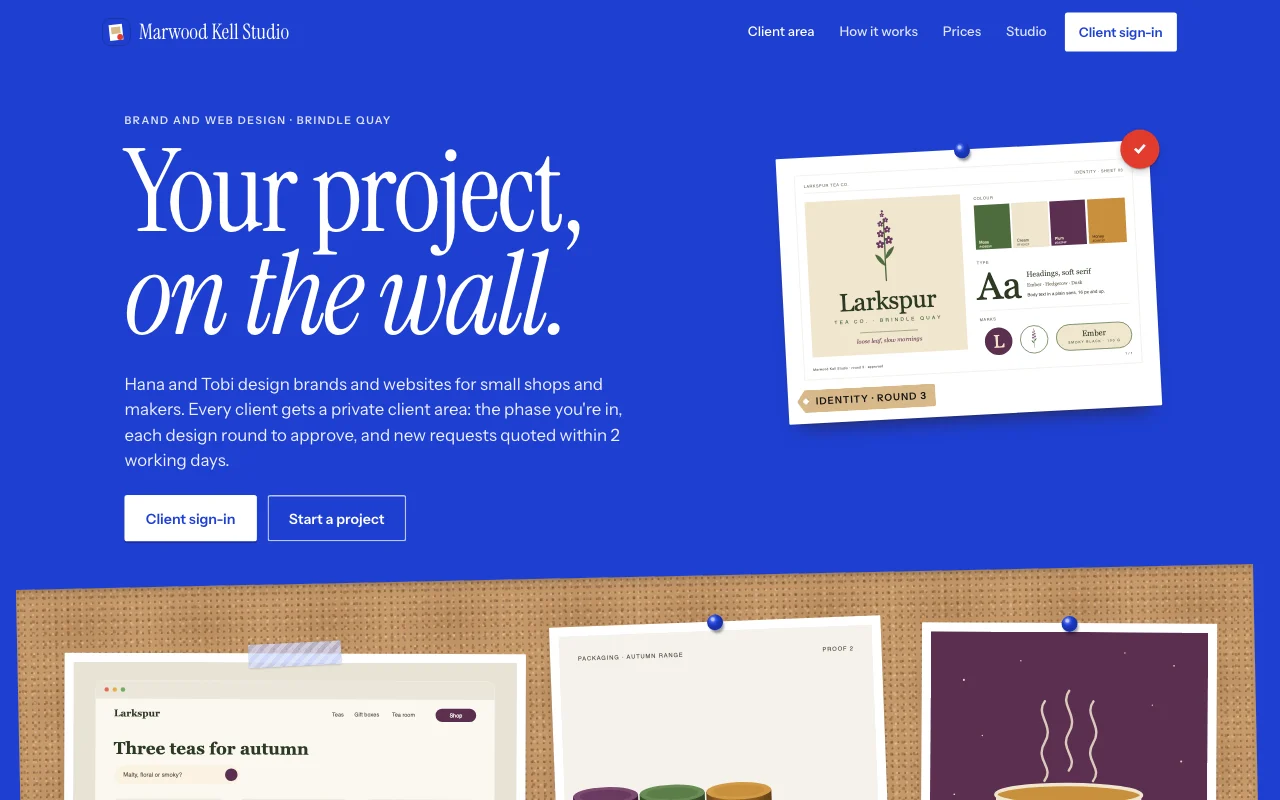 HandoffKlein blue poster and a cork crit wall: pinned prints, kraft tags and a red dot on approved rounds
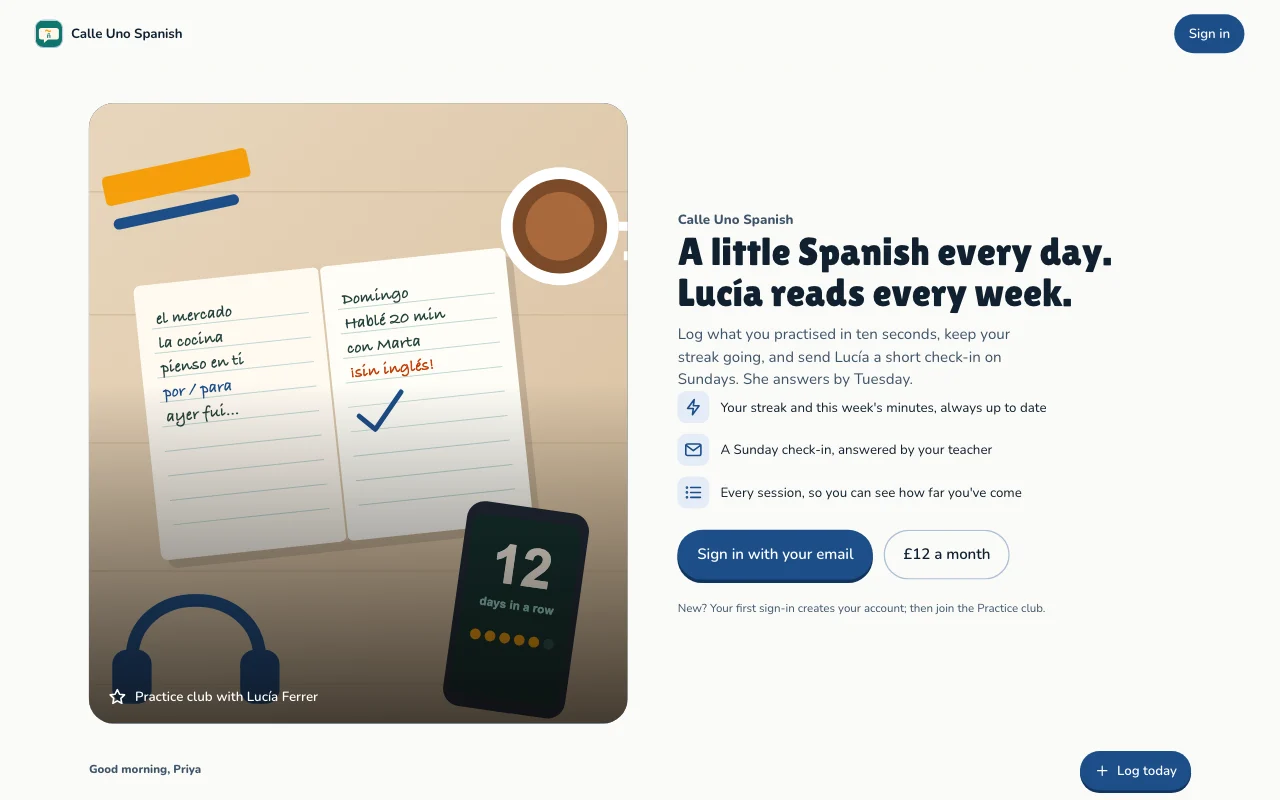
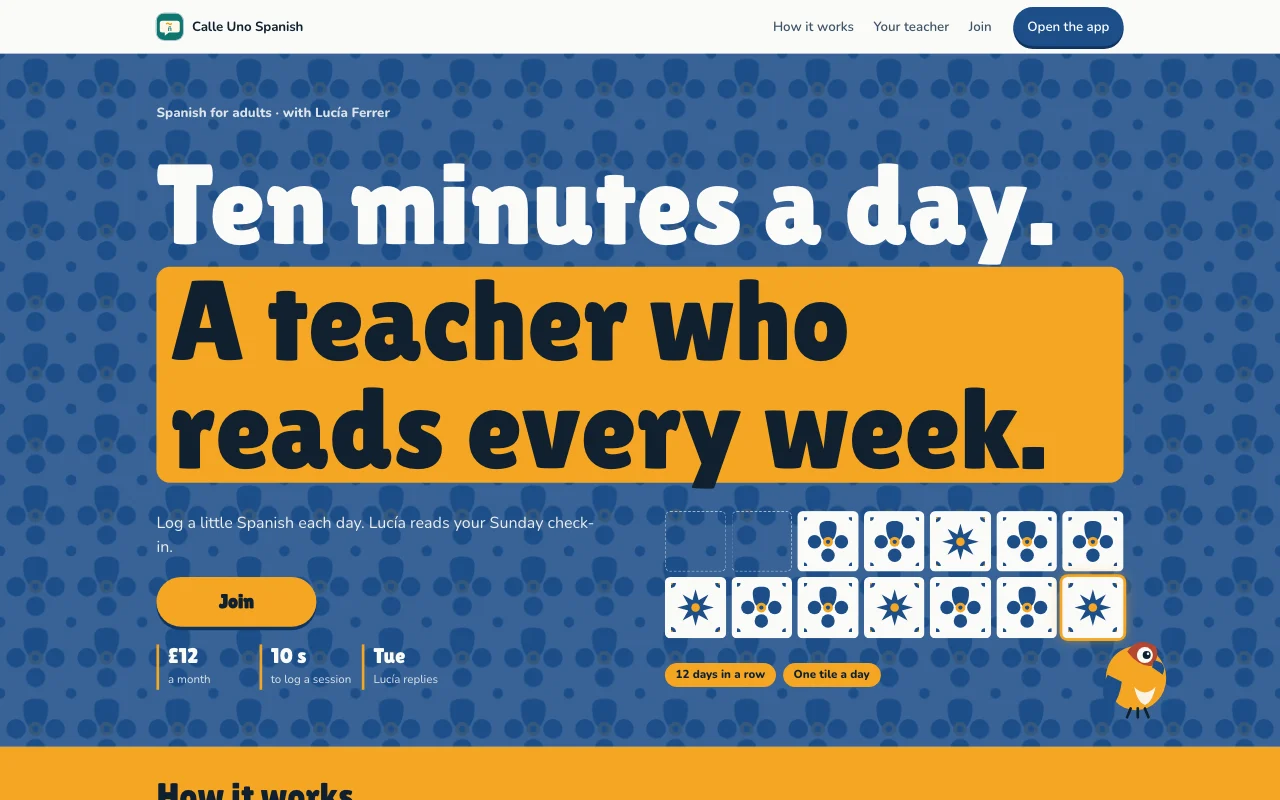 StreakAzulejo tiled wall in blue, tile white and marigold, with a tile painted in for every day you practise
Preview Expense log (opens in a new tab) Preview Handoff (opens in a new tab) Preview Streak (opens in a new tab)
Ideas and guides
Questions
Who owns the data?
The site’s owner, often your client: transfer the site to them when it’s ready. Users’ entries move with it.
Who can see what users add?
Each user sees only their own entries and the ones you assign to them. You see everything in your Page Lemon Dashboard. Your AI reads entries only if you turn that on for a list, in your Dashboard, and it never changes or deletes what a user wrote.
Can people type card numbers?
No. There’s no field for them, and the form asks people to cover the long card number before they take the photo.
Who pays for the AI summaries?
You do, through your own AI key: your provider bills you for each summary. We sell no AI credits. Try it first on our key, free for 3 days or 10 AI requests, whichever comes first. Your own key needs a bigger paid plan. See AI in apps.
Can I sell it with a paid plan?
Yes, on some paid plans: add a plan to your app, monthly or yearly, and users pay on your own Stripe account, so you’re the seller, with a Page Lemon fee on top of Stripe’s own.
Is there anything I can’t build with it?
Yes. Apps are for adults only, and not for health, mood or therapy records, or for card, bank or ID numbers.
More use cases
-
 Apps
Apps
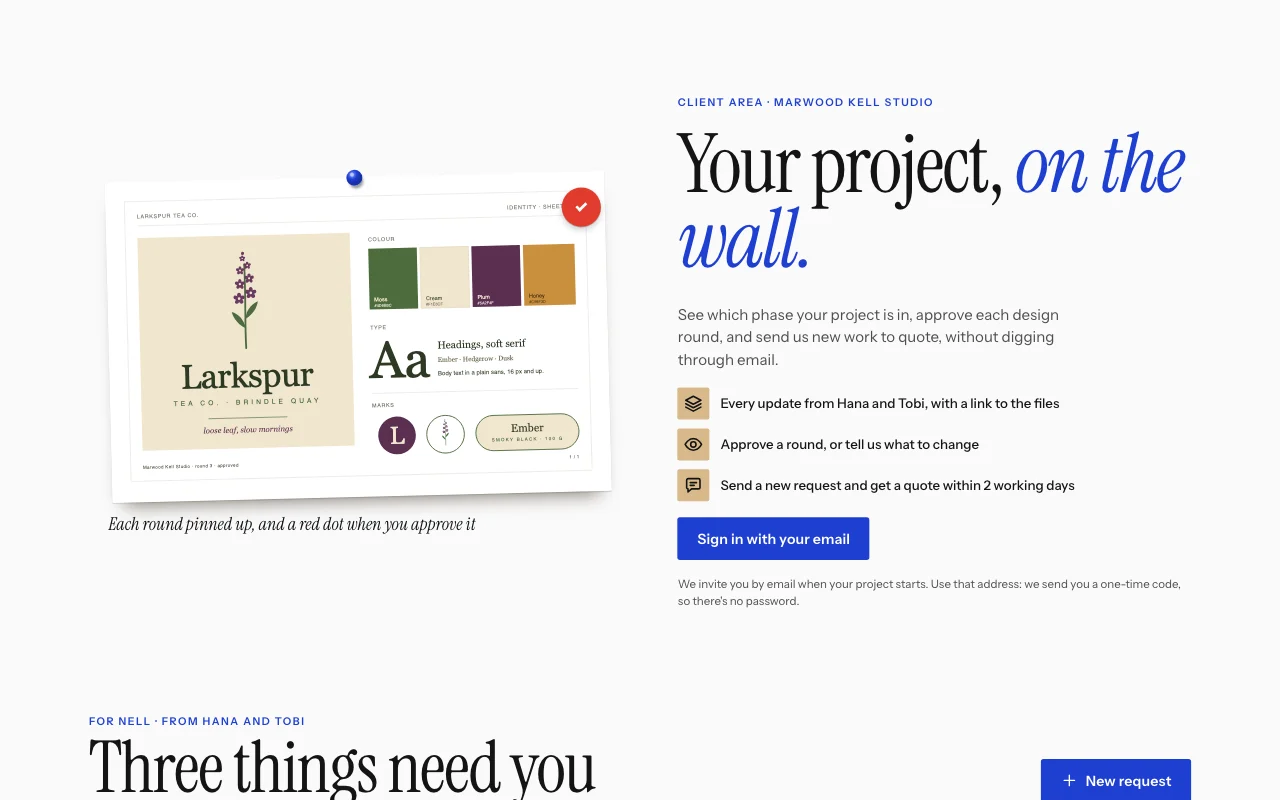
Client and customer portal
Updates, files and requests, one sign-in per client User sign-inBriefs with photosUpdates you assign Paid plan -
 Apps
Apps
Habit and goal tracker
Daily practice, streaks and goals, each person's own User sign-inStreaks and progressGoals Paid plan -
 Apps
Apps
Members’ area or course
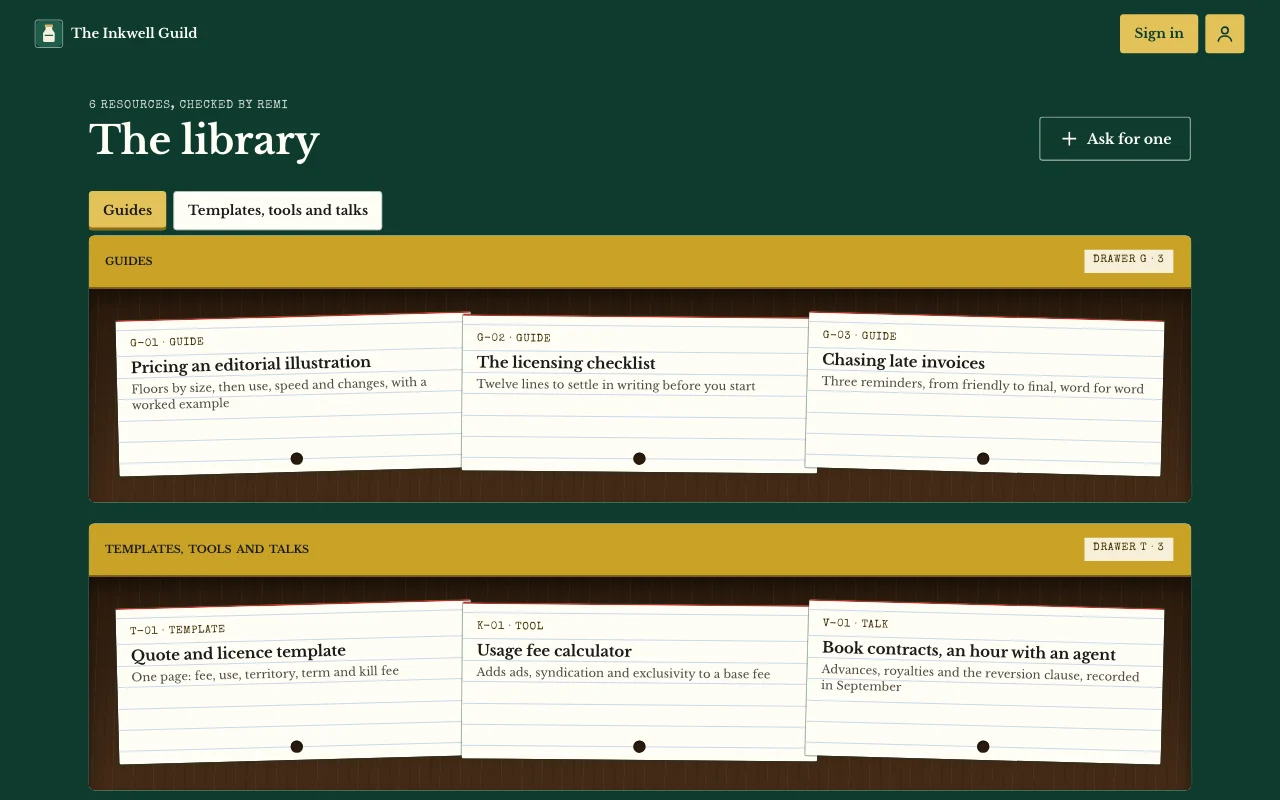
Lessons, posts and guides only your users can open User sign-inPages only users seeNotes and photos Paid plan