

An app for the people around you, not another website.
A coach with clients, a club with members, a landlord with tenants, a team with receipts. Tell your AI who it’s for and what they do in it. It builds the app, users sign in with a code sent to their email, and each sees only their own.
Paste this into your AI chat
Deploy on PageLemon.com
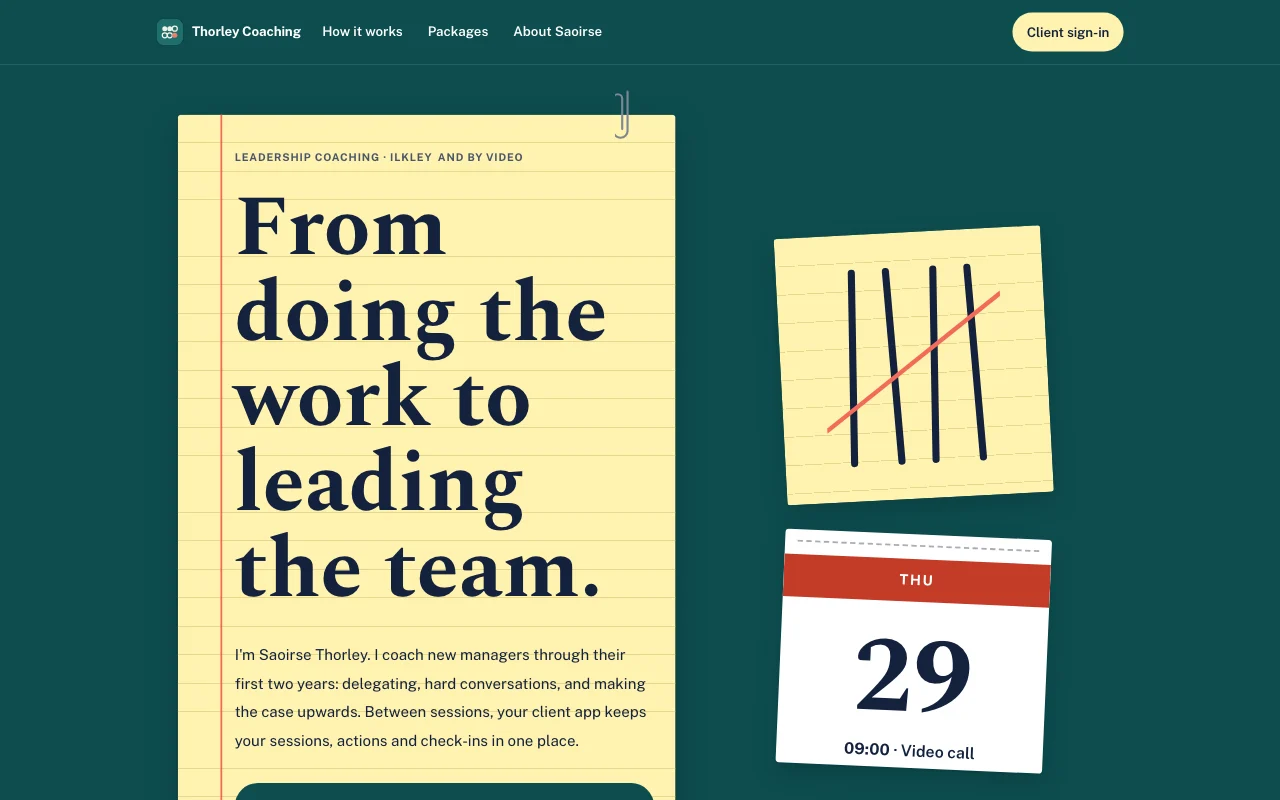
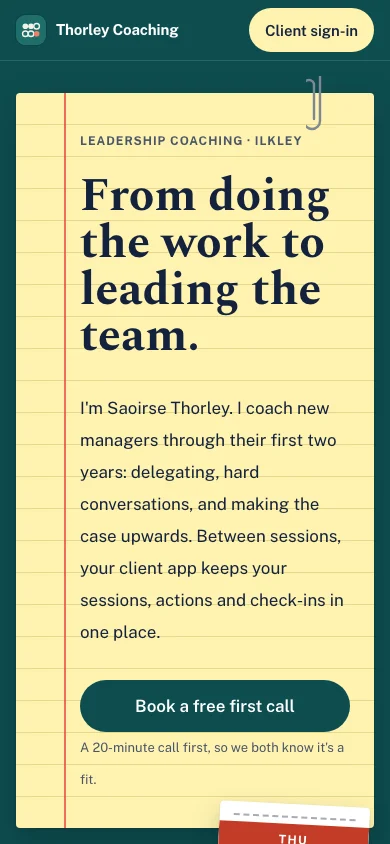
From one idea to an app people use
The moments you go through, in the order they come. Start with whichever you’re at.
-
The idea
You need an app for your clients, and you’ve never built one
Say who it’s for and what they do in it. Your AI starts from a ready-made client portal, builds the pages and sets up the lists. You switch the app on yourself, on a Page Lemon page, so nothing opens by accident.
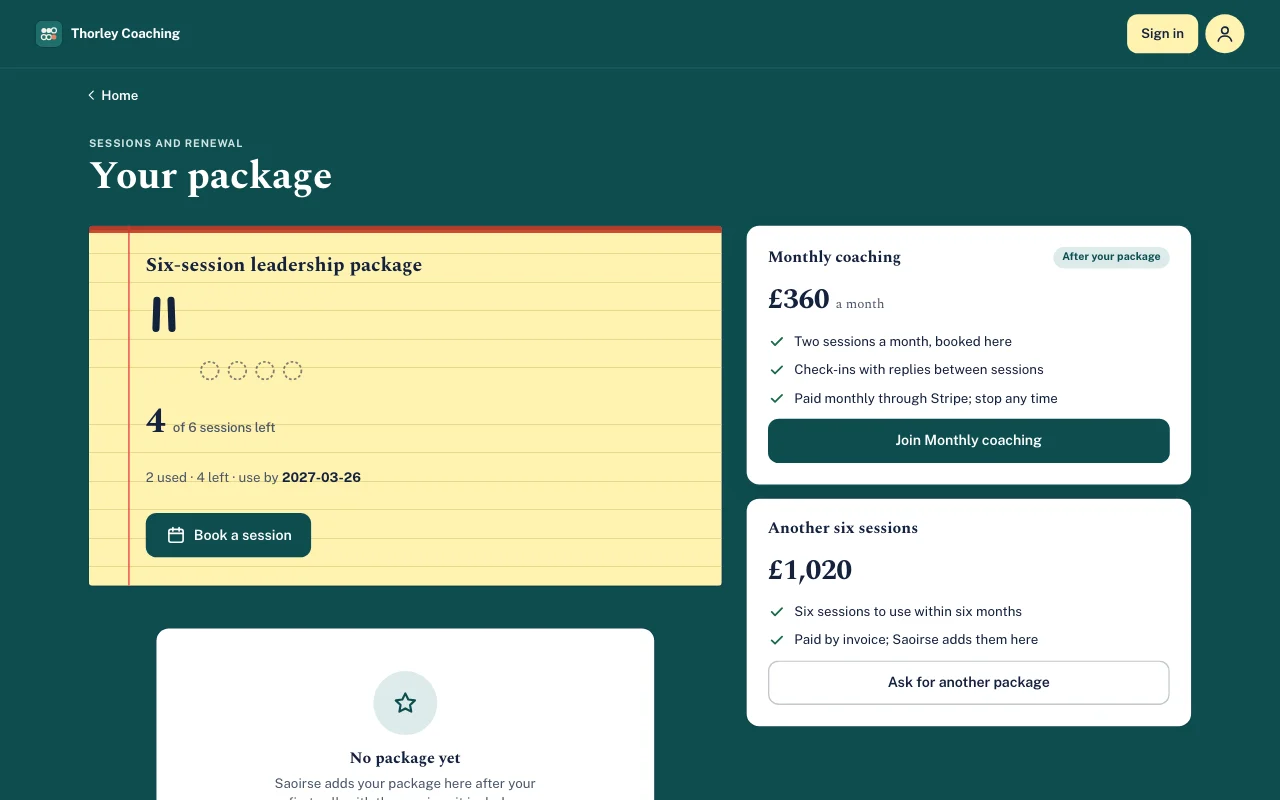
A real template: Tally. Preview it (opens in a new tab) You type in your AI chat
Build with PageLemon.com: a client portal for my coaching, where each client sees their sessions left and sends a check-in before each session- “Show me the app as a client sees it” Your AI gives you a sign-in link for a test user, who never counts towards your users.
- “Only people I invite can join” That’s the usual choice. You can also let anyone sign up, or let people ask and wait for your yes.
-
First invites
Your first people sign in with a code, not a password
Give your AI their email addresses. Each person gets an invitation, only after you say yes, and signs in with a code sent to their email. They don’t need a Page Lemon account, and they can add the app to their phone’s home screen.
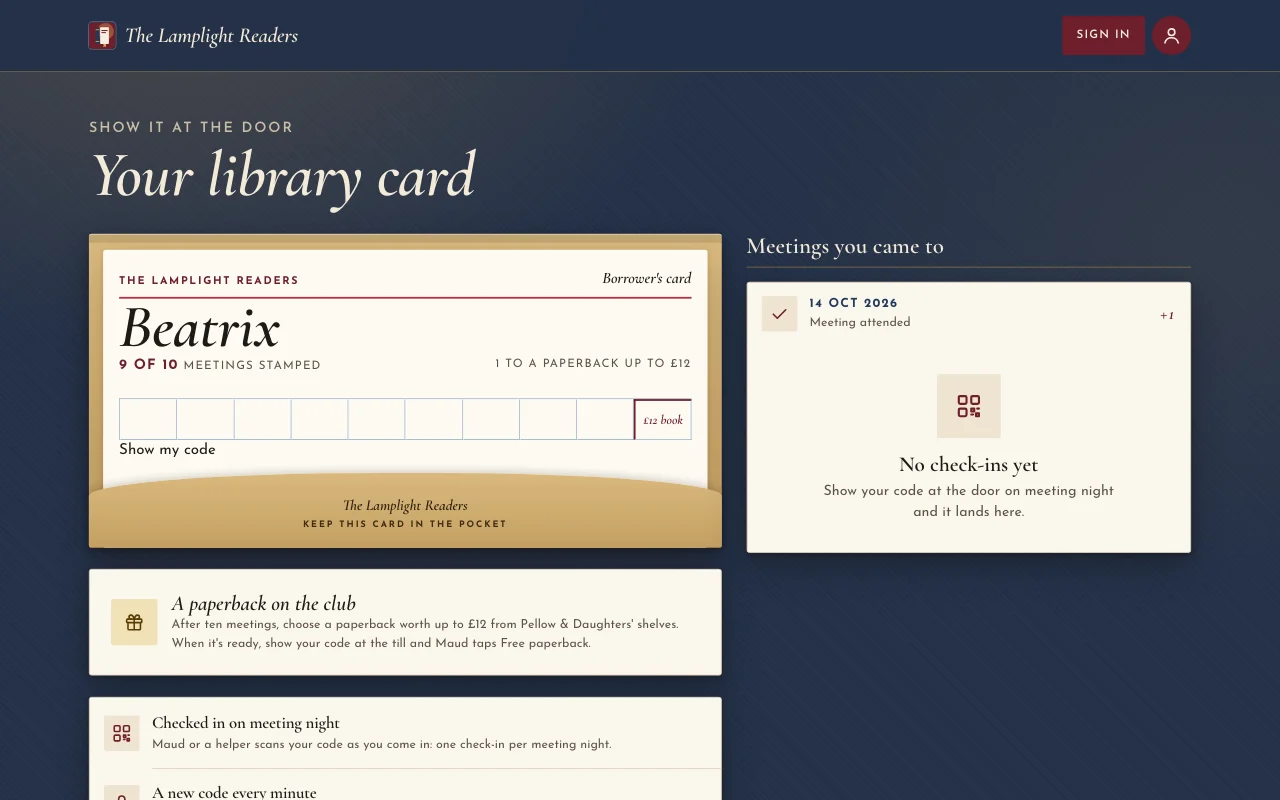
A real template: Chapter. Preview it (opens in a new tab) You type in your AI chat
Invite the people on this list to my app, and show me the emails before they go- “Let people ask to join, and I’ll say yes or no” They ask from the sign-in page and see nothing until you answer. You decide in the Dashboard or by asking your AI, and they’re emailed either way.
- “Remove Jo from the app” You approve it on a link, and Jo’s access ends then.
-
Everyday use
Everyone adds their own entries, and you see all of them
A tenant reports a repair, a client sends a check-in, a team member photographs a receipt. Each user sees only their own entries and the ones you give them. You see everything in your Dashboard, and can set a status and write a reply on each one.
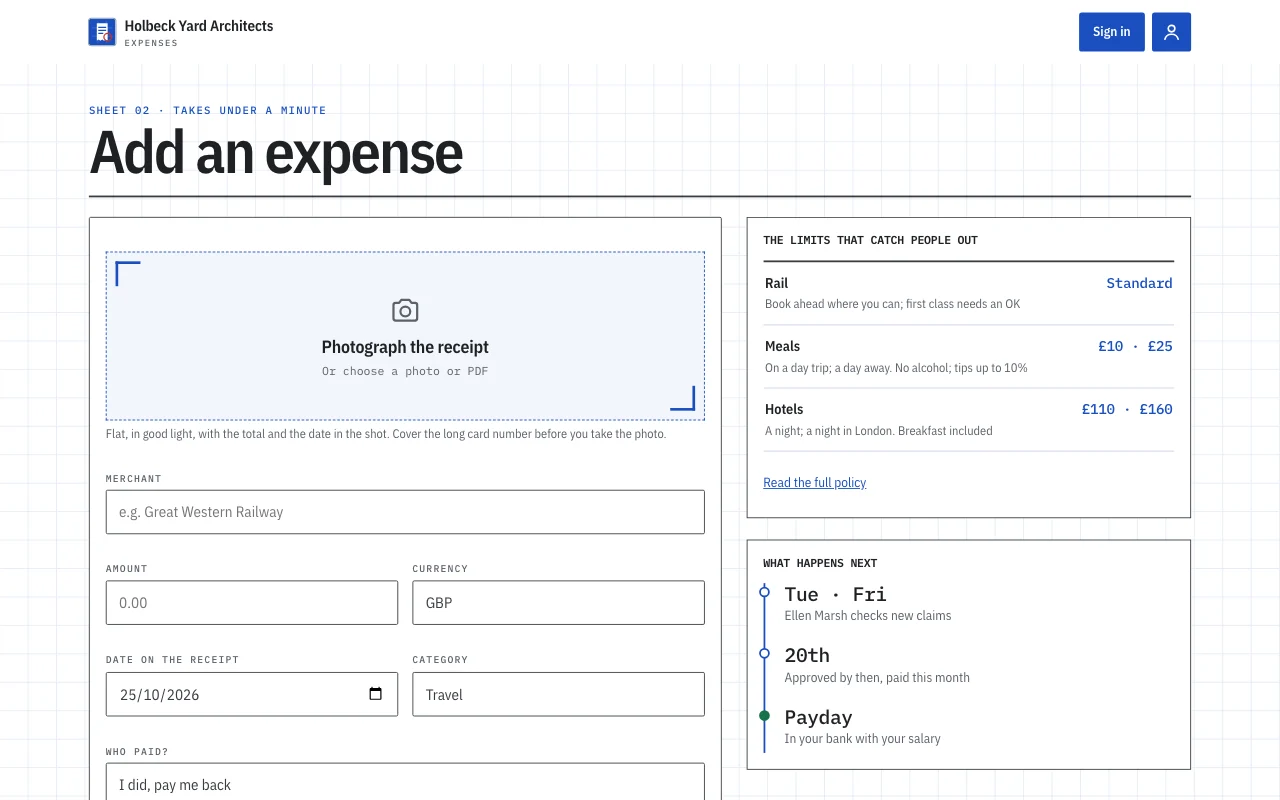
A real template: Expense log. Preview it (opens in a new tab) You type in your AI chat
Build with PageLemon.com: an app where my team adds expenses with a photo of the receipt, and I approve them- “How many people have joined, and is anyone waiting for a yes?” Your AI shows the counts. It reads entries only if you allow it for a list, and it never changes or deletes what a user wrote.
- “I need this month’s entries for my accountant” In your Dashboard, on the Apps tab, you download every entry with its files.
-
Paid membership
The club charges subs, and renewals look after themselves
Add a plan with a price, monthly or yearly, and users pay on your own Stripe account. Renewals, failed payments and cancellations open and close their access by themselves, and a free plan can sit beside the paid one.
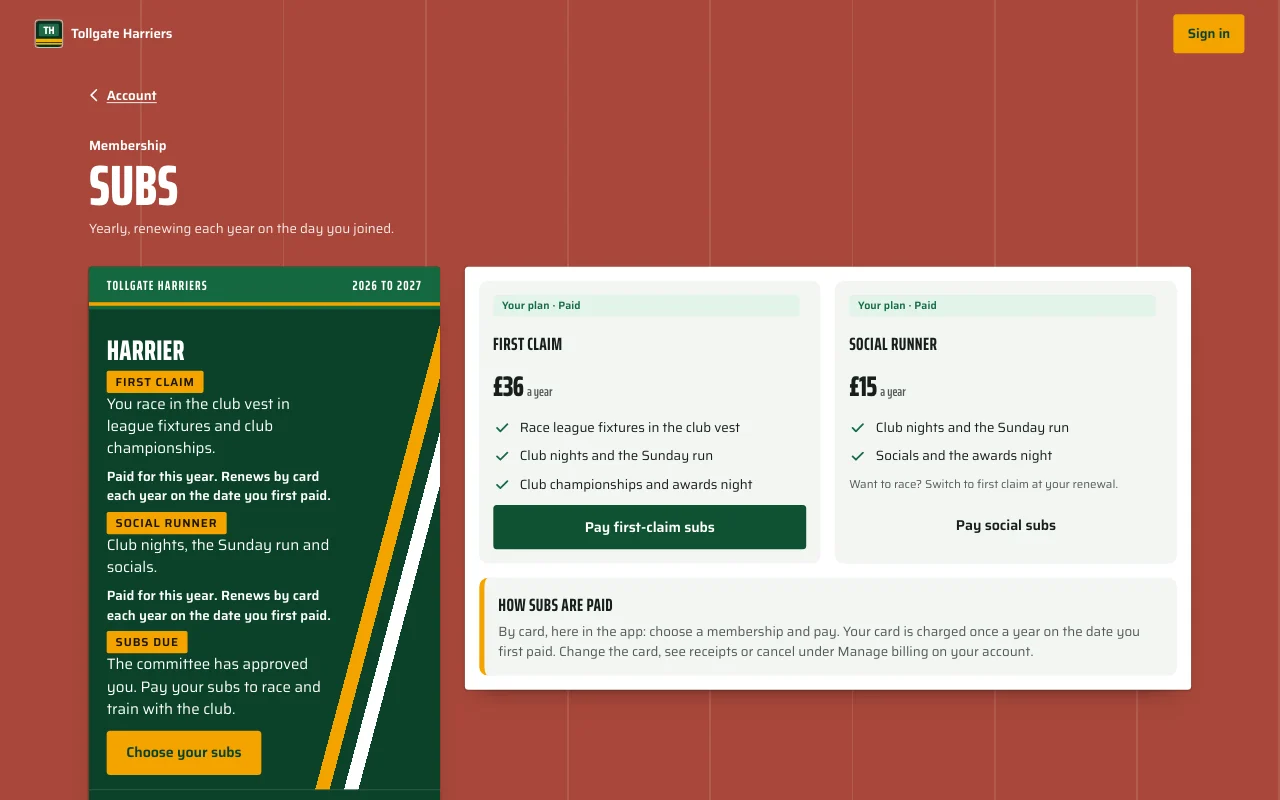
A real template: Stride. Preview it (opens in a new tab) You type in your AI chat
Add a paid membership to my app: a yearly subscription for full members, paid to my own Stripe- “Free members add 10 entries a month, paying members as many as they like” A rule by plan, set in one sentence.
- “Email everyone on the paid plan about the AGM” Your AI drafts one plain-text email. You read it as your users will see it, and you send it yourself.
-
At the door
Your helper scans a user’s phone, and the check-in is added
Users tap Show my code. Your volunteer or staff point their phone’s camera at it and tap Confirm. Use it for a stamp card, a club night or a class. Nothing is added until they confirm, and you see every scan and who made it.
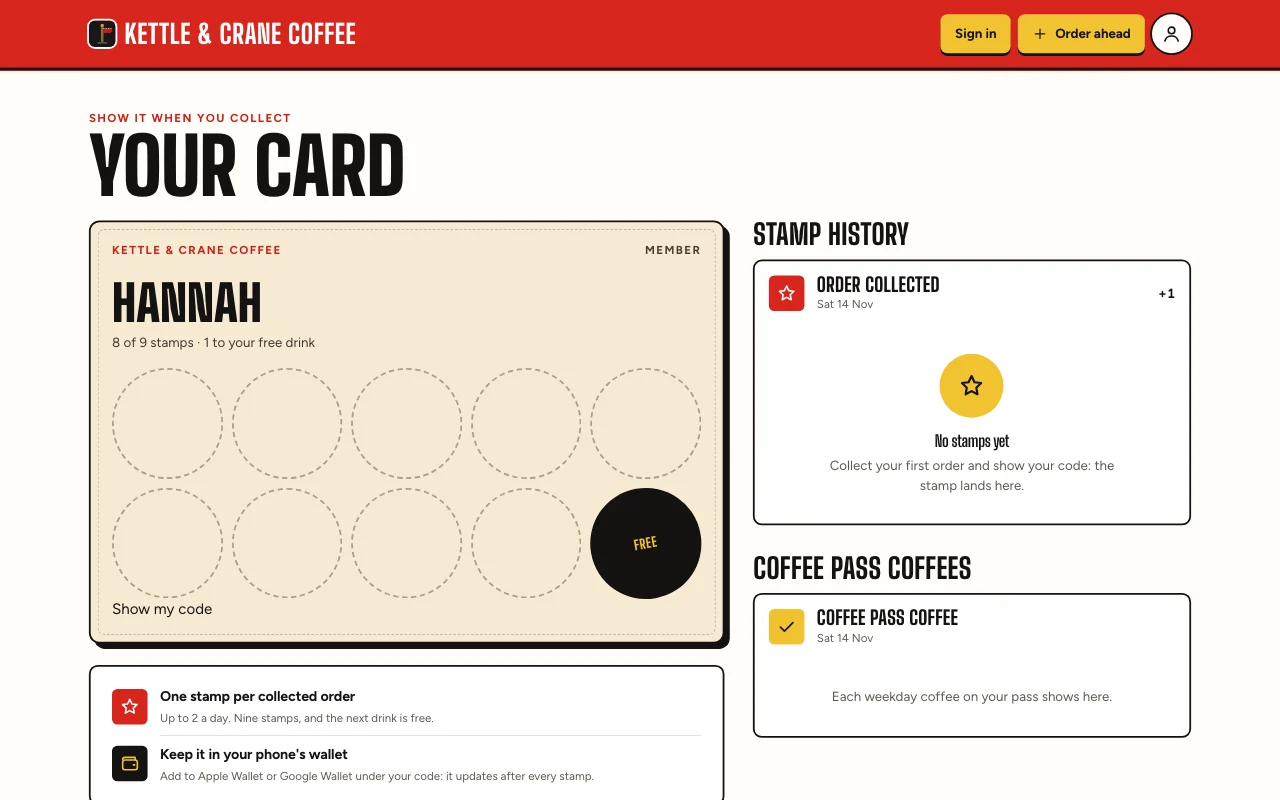
A real template: Cortado. Preview it (opens in a new tab) You type in your AI chat
Add a check-in to my app: members show a code, and my door volunteers scan it with their phone- “Ten check-ins earn a free guest pass” The goal shows above the user’s code, such as “6 of 10”.
- “Who scanned people in on Tuesday?” In the Dashboard, on the Apps tab under Scan, every scan shows when it happened and who made it.
-
As you grow
Users ask the app a question, and the list outgrows a spreadsheet
Add a button where each user gets an AI summary of their month, or chats about their own entries. It reads only what that user can already see, on your own AI key. Try it first for 3 days or 10 free requests, whichever comes first.
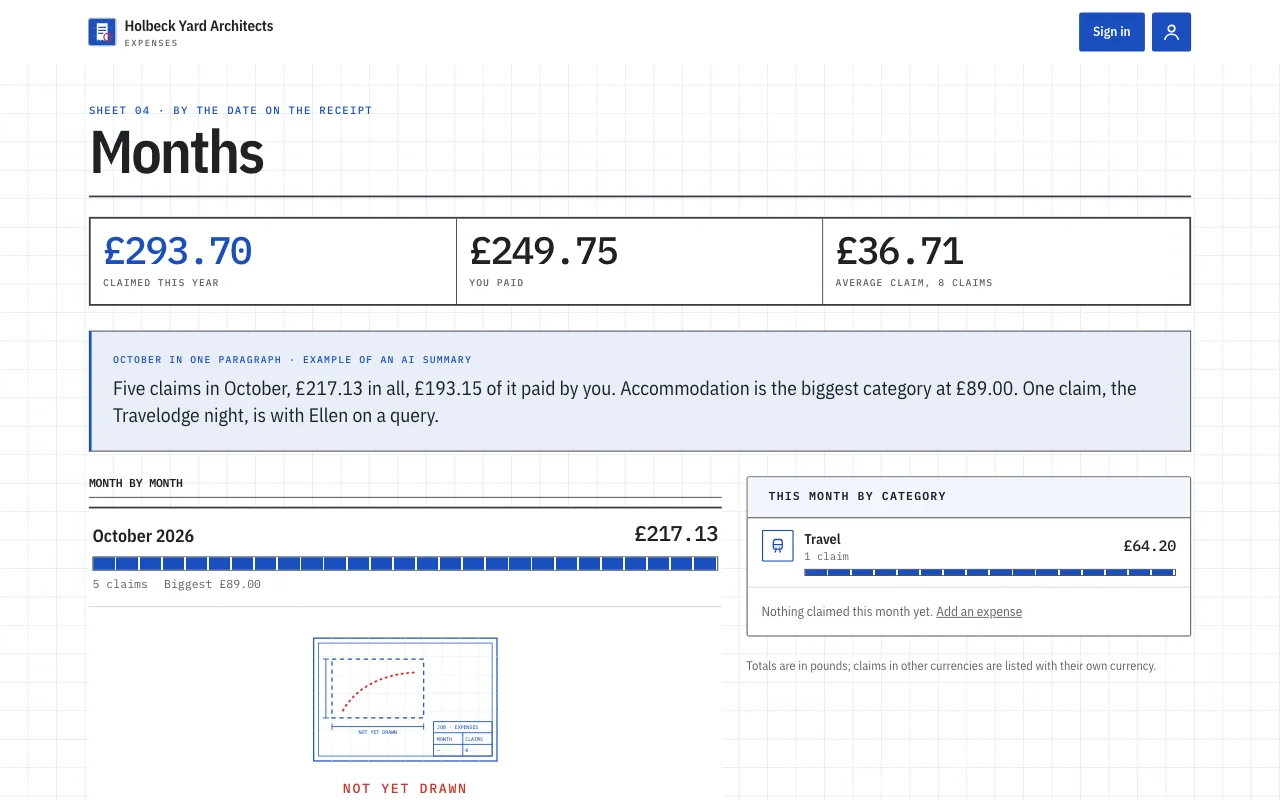
A real template: Expense log. Preview it (opens in a new tab) You type in your AI chat
Add a button to my app where users get an AI summary of their month- “Add an AI chat where users can ask about their own entries” The chat stays in their browser tab and answers are marked “AI answer, may be wrong”.
- “We’ve reached our number of users” New users can’t join until you choose a plan with more users or remove someone. Users already in keep their access.
What it replaces
The usual way, and the one-chat way.
TodayA shared spreadsheet everyone can open, and a group chat to chase the entries.
With Page LemonOne app where each person adds their own entries and sees only those.
TodayReceipts, repair photos and briefs arriving by text, email and Instagram.
With Page LemonEntries with their photos and files in one place, all downloadable.
TodayUpdates buried in email threads, and “where are we?” every week.
With Page LemonEach client signs in and sees their own updates, status and your replies.
TodaySubs paid by bank transfer, and a list of who has and hasn’t.
With Page LemonA paid plan on your own Stripe, where renewals open and close access by themselves.
TodayPaper stamp cards and a clipboard at the door.
With Page LemonA code on the user’s phone, a scan, one tap to confirm.
What it costs you
Free is for building and trying your app. A paid plan lets your users in; bigger ones add paid memberships and your own AI key.
Free
No card needed.
- Build your app and try it as a test user
- A site at yourname.pagelemon.dev
- Try AI in your app free for 3 days or 10 requests
- A small Page Lemon badge
Paid plan
- Users signed in to your app
- Invite users, approve requests, scan check-ins and email your users
- Your own domain, and no badge
- Paid memberships and your own AI key, on bigger paid plans
Not for you? Full refund within 14 days, no questions asked.
See the real thing first
Every picture on this page is a real template. Open one, click around, then ask your AI to make it yours.
- Tally (live preview, opens in a new tab)Yellow legal pad on a teal desk, with tally marks in pen struck through in coral and a tear-off calendar page
 Snag (live preview, opens in a new tab)Hi-vis site board: condensed signage, a terrace photo, road-sign status and a red emergency sign
 Chapter (live preview, opens in a new tab)Dust jackets by lamplight: an oxblood poster, Cormorant italics, spines on a shelf and a stamped library card
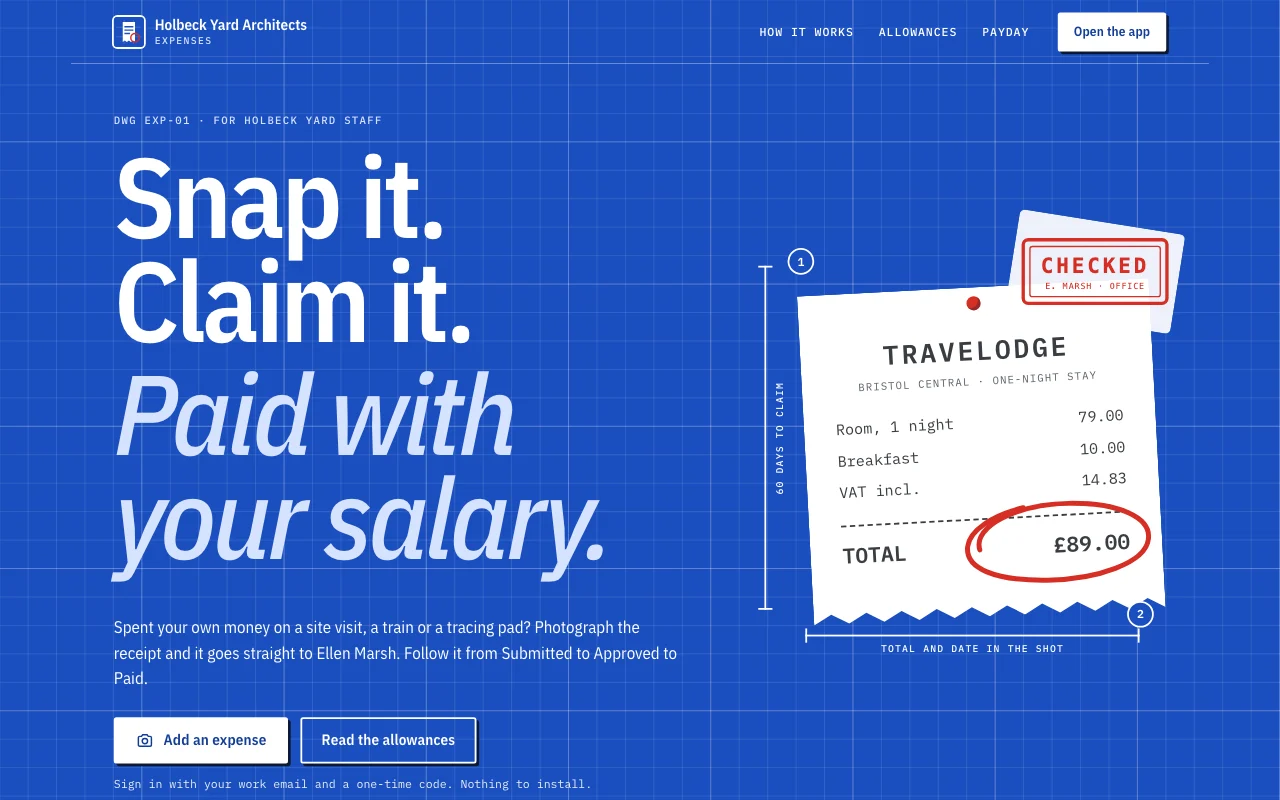 Expense log (live preview, opens in a new tab)An app template: a small studio’s own expense claims app. Staff sign in with their email, photograph a receipt on their phone and claim it in under a minute, follow each claim from Submitted to Approved to Paid, answer the office manager’s questions, and see what they are owed and their monthly totals. The office manager approves and replies in the Dashboard. A public page, six member screens under /app (Home, Add, Claims, Months, Policy, Account) and a privacy notice with blanks.
 Stride (live preview, opens in a new tab)Club vest: racing green and amber stripes like a club vest, white race numbers, a running-track lane motif, bold condensed headings, dark scheme
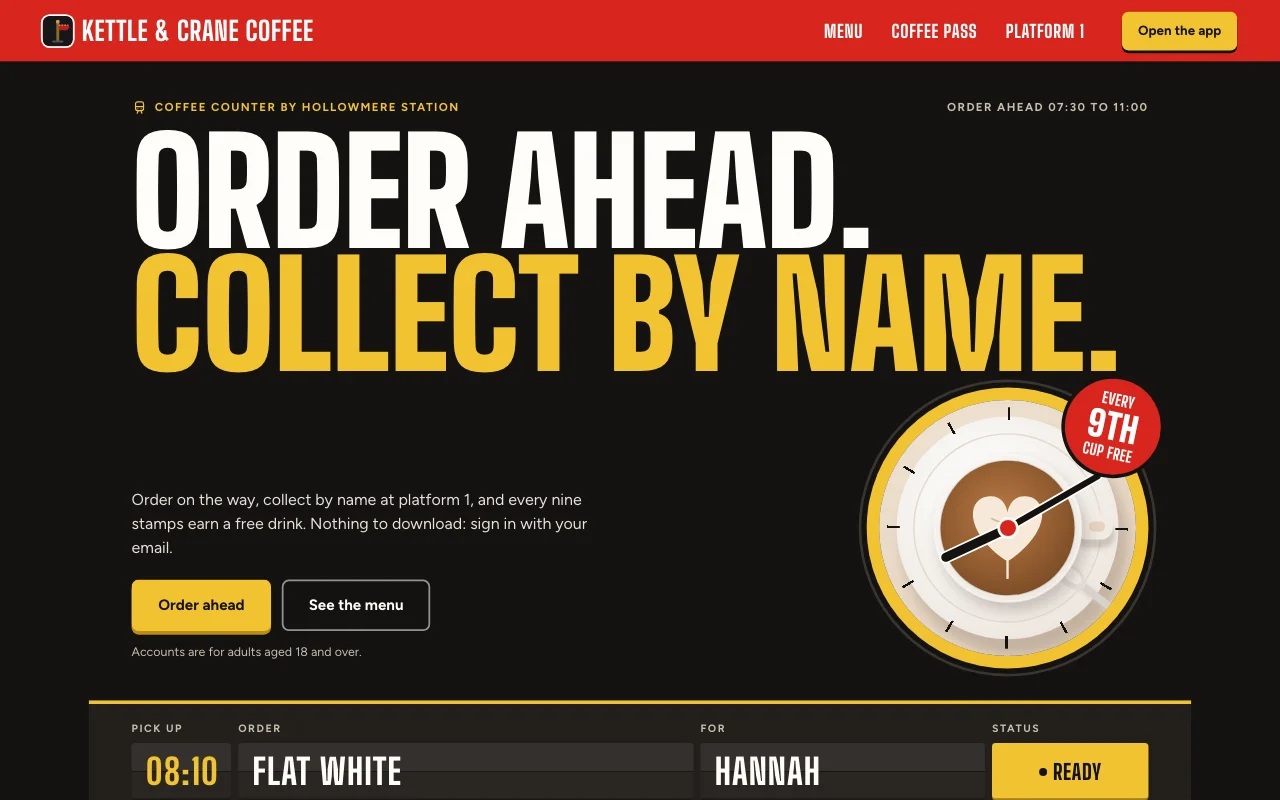 Cortado (live preview, opens in a new tab)Station café app: a departures board for your order, a red platform sign and a paper stamp card with red ink stamps
Step-by-step guides
-
 Apps
Apps
Client and customer portal
Updates, files and requests, one sign-in per client User sign-inBriefs with photosUpdates you assign Paid plan -
Apps
Expense app
Receipts from phones, each person’s own month User sign-inReceipt photosExport Paid plan -
 Apps
Apps
Habit and goal tracker
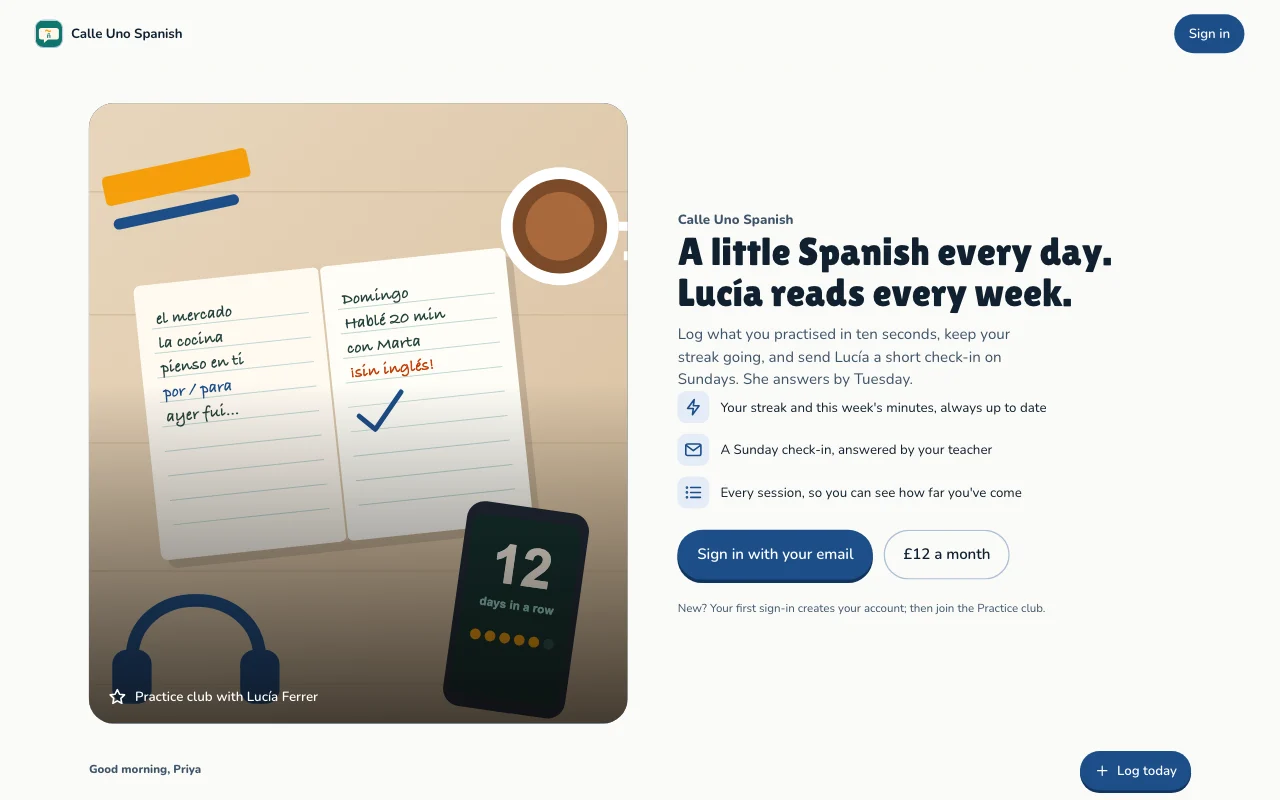
Daily practice, streaks and goals, each person's own User sign-inStreaks and progressGoals Paid plan -
 Apps
Apps
Members’ area or course
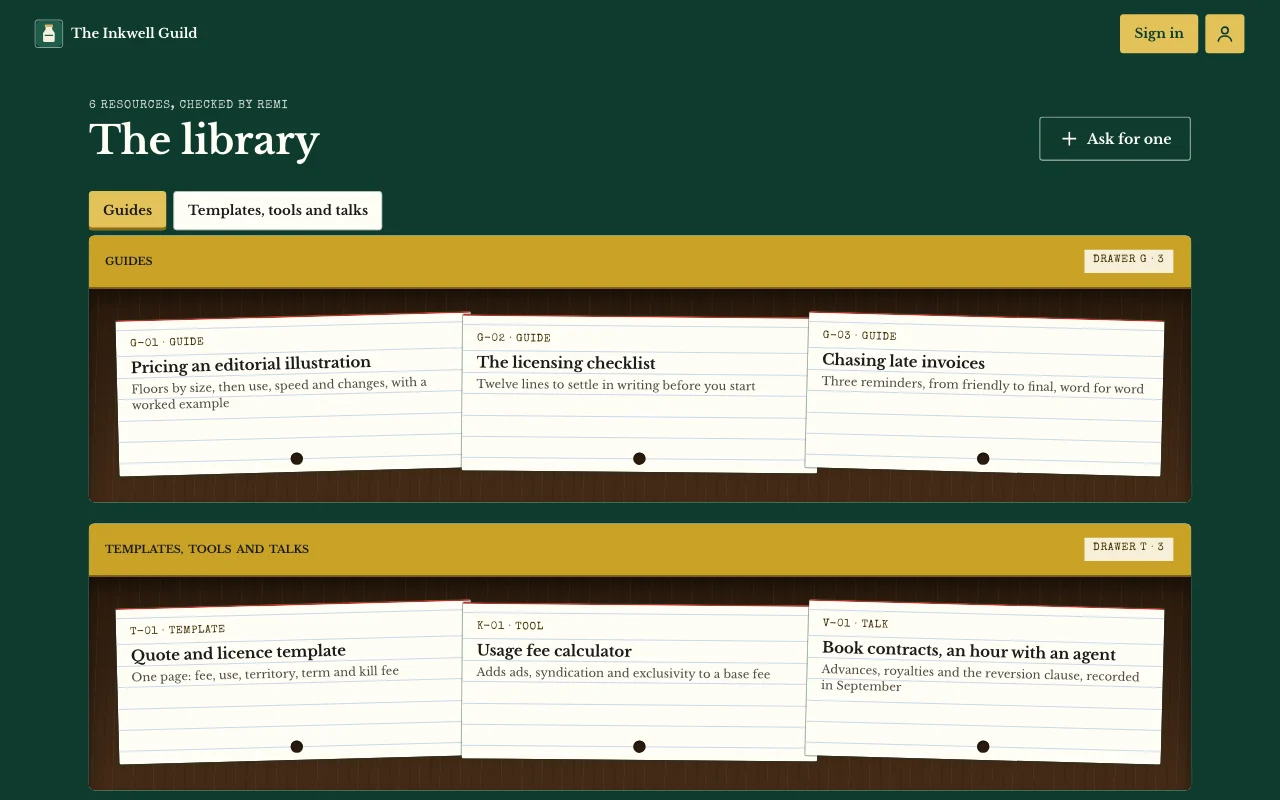
Lessons, posts and guides only your users can open User sign-inPages only users seeNotes and photos Paid plan
Questions
Do my users need an account or an app?
No Page Lemon account and no download. They sign in on your site with a code sent to their email, and can add it to their home screen.
Who sees what people put in?
Each user sees only their own entries and the ones you give them. You see everything in your Dashboard. Your AI reads entries only if you turn that on for a list, and it never changes or deletes what a user wrote.
Can I just invite people, or can anyone join?
Either. Invite people by email, let anyone sign up, or let people ask and wait for your yes.
How many people can join?
It depends on your plan, counted across all your sites: see pricing. At your number, new users can’t join, and users already in keep their access.
Can users pay?
Yes, on some paid plans: a plan in your app, monthly or yearly, on your own Stripe account, so you’re the seller. Page Lemon never holds card details, and a Page Lemon fee applies on top of Stripe’s own. See payments.
Who pays for the AI?
You do, through your own AI key from OpenRouter, OpenAI or Anthropic. Page Lemon sells no AI credits. Try it first on ours, free for 3 days or 10 requests, whichever comes first. Your own key needs a bigger paid plan. See AI in apps.
I’m a landlord. What about my tenants’ data?
Your app comes with a privacy page that has blanks for your name and address, who sees the entries and how long you keep them, and your AI helps you fill them in. Each user can leave and delete their data from their account page.
Is there anything I can’t put in it?
Yes. Apps are for adults only, and not for health, mood or therapy records, or for card, bank or ID numbers. Your AI will say no and offer something else.
Can I hand the app to my client or the next organiser?
Yes. A site can be handed over to another account, and users’ entries move with it. See hand-over.
Give your people an app, not a link to a spreadsheet.
Paste one line into your AI.
Deploy on PageLemon.com