

For cafés, bakeries and small shops
A loyalty card your customers carry on their phone
Users sign in on your site and show their code at the counter. Staff scan it with a phone to add a stamp. Users see their card and ask AI about their own visits, like “How many stamps did I get this year?”.
- QR stamps at the counter
- Each user’s own card
- AI answers from their own visits
This is for you if you say
- “Paper stamp cards get lost, and I can’t tell who my regulars are.”
- “I want a loyalty card on my own site, not another app for customers to download.”
- “Customers keep asking how many stamps they have.”
The problem
Paper cards get lost and stamp apps charge per customer, while your regulars only want to know when their free coffee is due.
How Page Lemon helps
Your AI adds a users’ area to your café’s site. Page Lemon runs the sign-in, each user’s card, the QR scan at the counter and the AI on your own key, which only reads that user’s own visits.
How it goes
From one line in your AI chat to a site that works for you.
-
You paste one line
Add a loyalty app to my café’s site on PageLemon.com: customers collect stamps and ask AI questions
Into Claude, ChatGPT or any AI chat. Your AI asks for your details: names, prices, times and photos.
-
Your AI builds these pages
- Join page
- What the card gives, and Join with an email.
- My card
- Their stamps, the next reward and their recent visits.
- My code
- A QR code that changes, for staff to scan at the counter.
- Ask AI
- Questions about their own visits, answered from their own card.
- Account
- Sign-in, devices and leaving.
-
It’s live, and you run it from the chat
oat-cafe.pagelemon.dev
Page Lemon runs the parts behind it:
- User sign-in
- Scan a user’s code
- AI in your app
- On any phone
- Your own domain
To change anything later, ask your AI. Every version is saved.
Start with one line
Paste one of these into your AI chat (Claude, ChatGPT or another). Your AI asks for your details, builds the site and puts it online at a free address.
You type in your AI chat
-
Deploy on PageLemon.comThe quickest start: your AI asks what the site is for, picks a design and puts it online.
-
Add a loyalty app to my café’s site on PageLemon.com: customers collect stamps and ask AI questionsYour AI builds the app pages in your site’s design and tells you where to add your AI key.
-
Use template pagelemon.com/tp/Loyalty for my café's stamp cardStarts from the Loyalty template: a stamp card on the customer's phone that staff scan at the counter.
Once it’s live, ask your AI
Three things you might say next, and what happens.
You type in your AI chat
-
Make the reward a free pastry after 8 stampsYour AI changes the rule and the card shows it.
-
How many customers visited this week?Your AI tells you the count.
-
How many stamps did we give this month?Your AI adds them up from the scans.
What it costs
Paid plan
A loyalty card needs a paid plan. How many users it takes depends on the plan.
Not for you? Full refund within 14 days, no questions asked.
What it uses
User sign-in
Users sign in with a code sent to their email. No passwords, and each one sees only their own card.
Scan a user’s code
Each user has a QR code that changes; staff scan it with a phone camera to add a stamp.
AI in your app
Answers about a user’s own visits, on your own OpenAI, Anthropic or OpenRouter key.
On any phone
Users add your site to their home screen and open it like an app.
Your own domain
The card lives on your café’s own domain.
Templates to start from
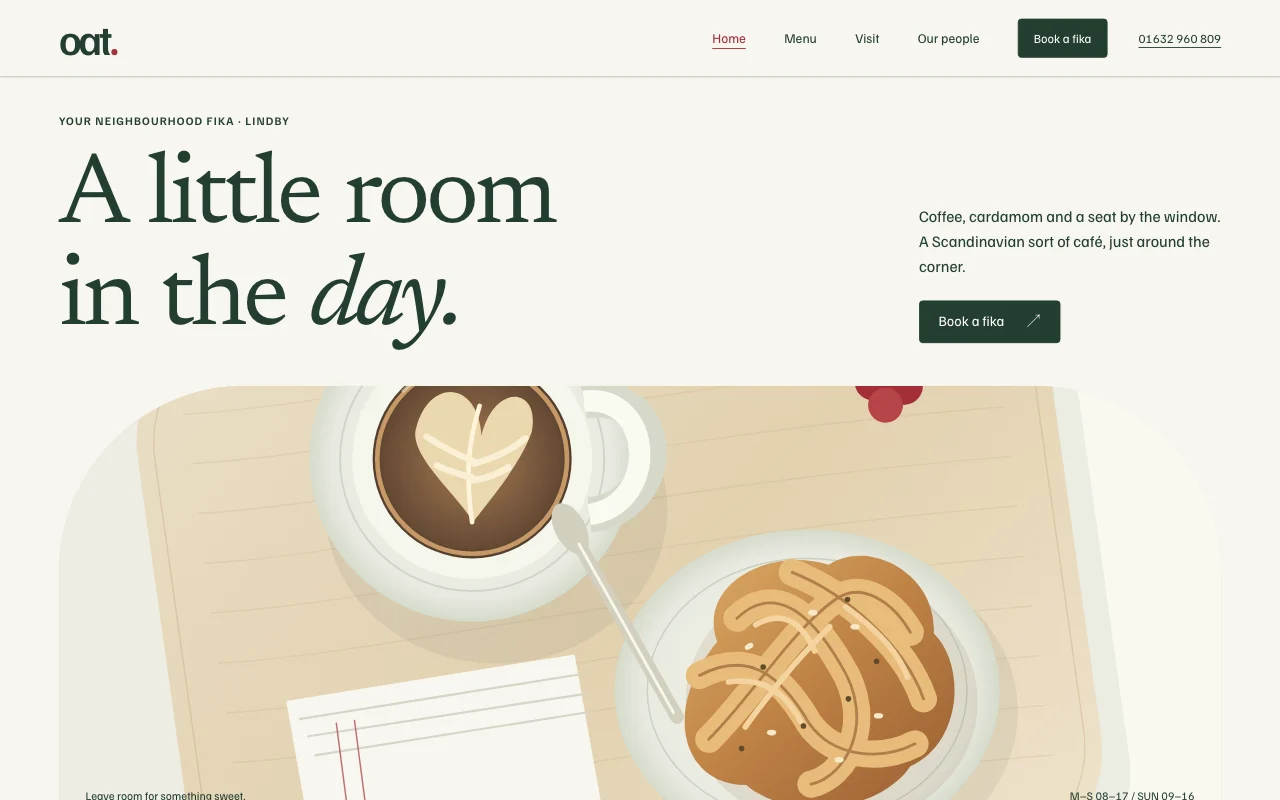
- OatScandinavian neighbourhood café, pale wood, airy
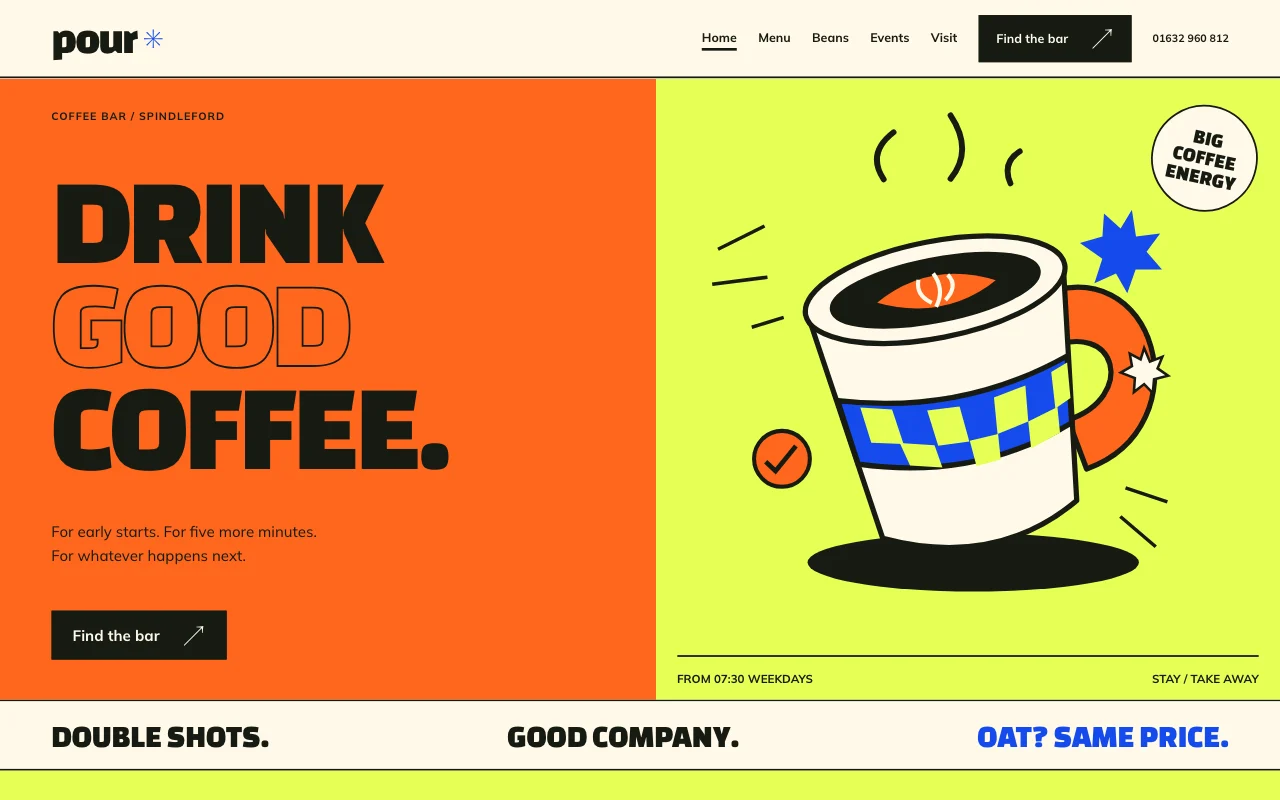 PourLoud street-corner coffee bar, chunky type, colour blocks
Preview Oat (opens in a new tab) Preview Pour (opens in a new tab)
Questions
Do customers need to download an app?
No. The card is part of your website, so it works on any phone, and users can add it to their home screen.
Who pays for the AI?
You do, through your own AI key: your provider bills you for each answer. We sell no AI credits.
Can a user see someone else’s visits through the AI?
No. The AI only reads what that user could already see: their own card and visits.
Is there anything I can’t build with it?
Yes. Apps are for adults only, and not for health, mood or therapy records, or for card, bank or ID numbers (Acceptable Use). Users pay through Stripe, which holds their card details.
More use cases
-
 Small businesses
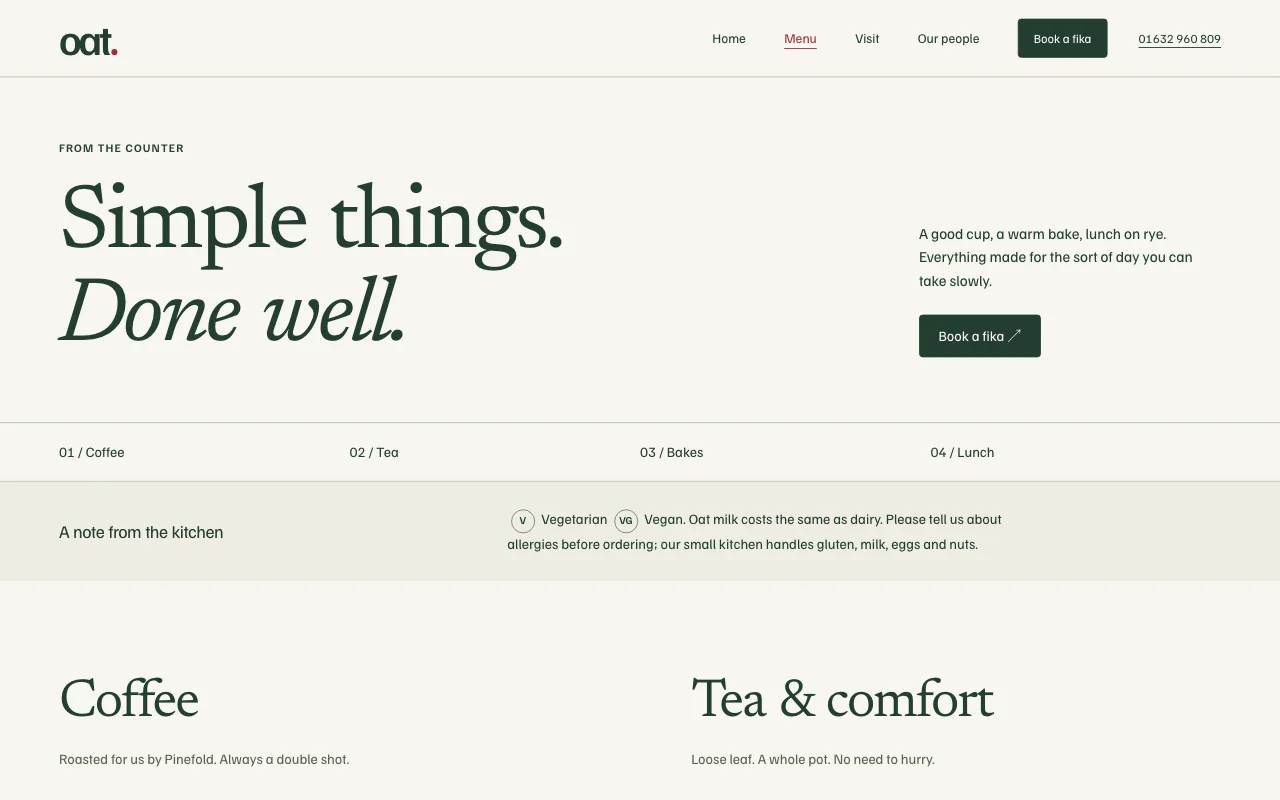
Café menu and hours
Today’s menu and opening hours, changed in a sentence Change it by askingYour menu as a listA free address Free -
 Apps
Apps
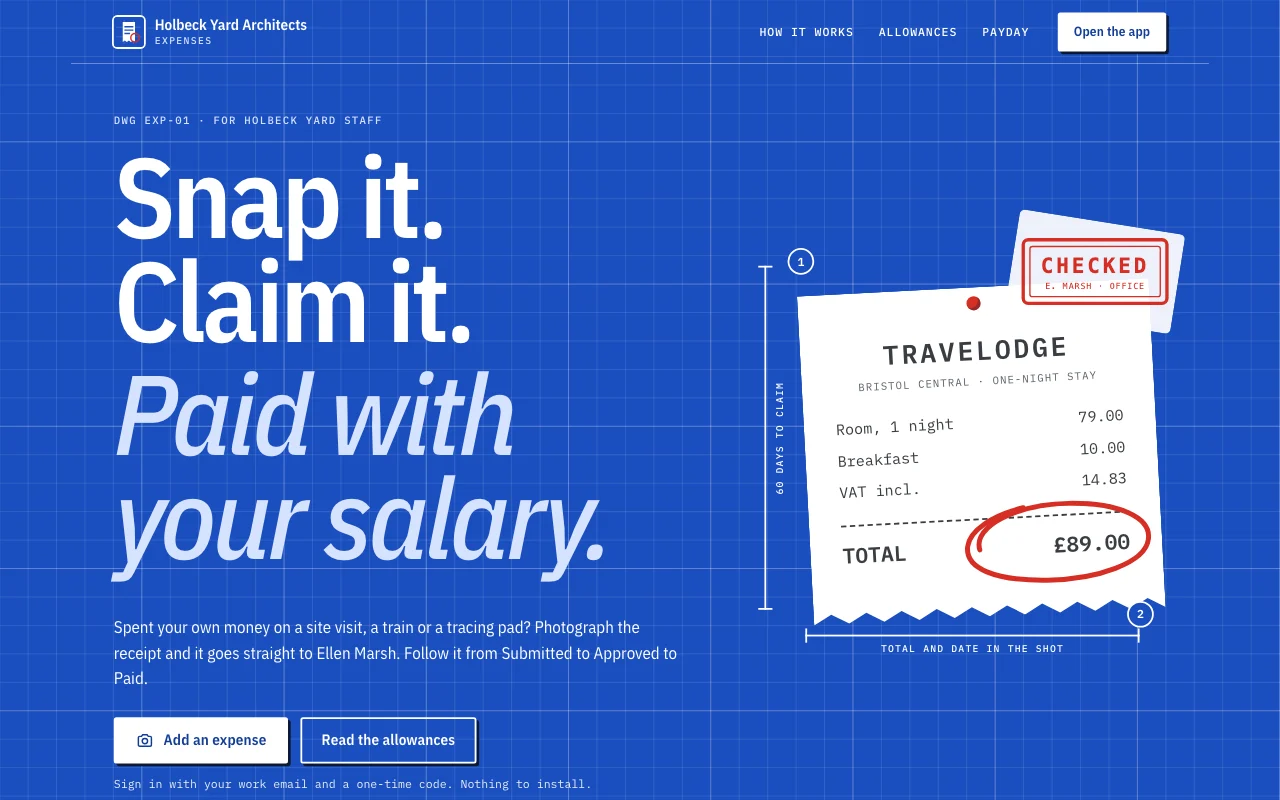
Expense app
Receipts from phones, each person’s own month User sign-inReceipt photosExport Paid plan -
 Small businesses
Bakery order requests
Cake orders by form, with the date you need them Order request formEvery request by emailRequests in one list Paid plan