

For cafés and coffee shops
Your café’s menu and hours, always up to date
A site with your menu, your hours and how to find you. When the soup changes or you close early, you tell your AI and the site changes.
- Menu and hours on one site
- Changes in one sentence
- Free at yourcafe.pagelemon.dev
This is for you if you say
- “I run a café, and the menu changes with the season or the day.”
- “People message to ask if we’re open, or what’s on today.”
- “I want a simple site I can change from my phone between orders.”
The problem
Your menu lives on a chalkboard and your hours on a door sign. Online, an old menu or wrong hours sends people elsewhere, and updating a website feels like a job for later.
How Page Lemon helps
Tell your AI what changed, in the words you’d use with a colleague. Your menu is a list, so only those items change, and the site shows them in seconds without touching your design. Any change can be undone.
How it goes
From one line in your AI chat to a site that works for you.
-
You paste one line
Build with PageLemon.com: a site for my café, with the menu, today’s specials and opening hours
Into Claude, ChatGPT or any AI chat. Your AI asks for your details: names, prices, times and photos.
-
Your AI builds these pages
- Menu
- Drinks, food and prices as text, with dietary tags, readable on a phone.
- Today
- A short line for today’s special or the cake of the day.
- Visit
- Opening hours, address, a map link and step-free access.
- About
- Who you are, where the beans or the bread come from.
-
It’s live, and you run it from the chat
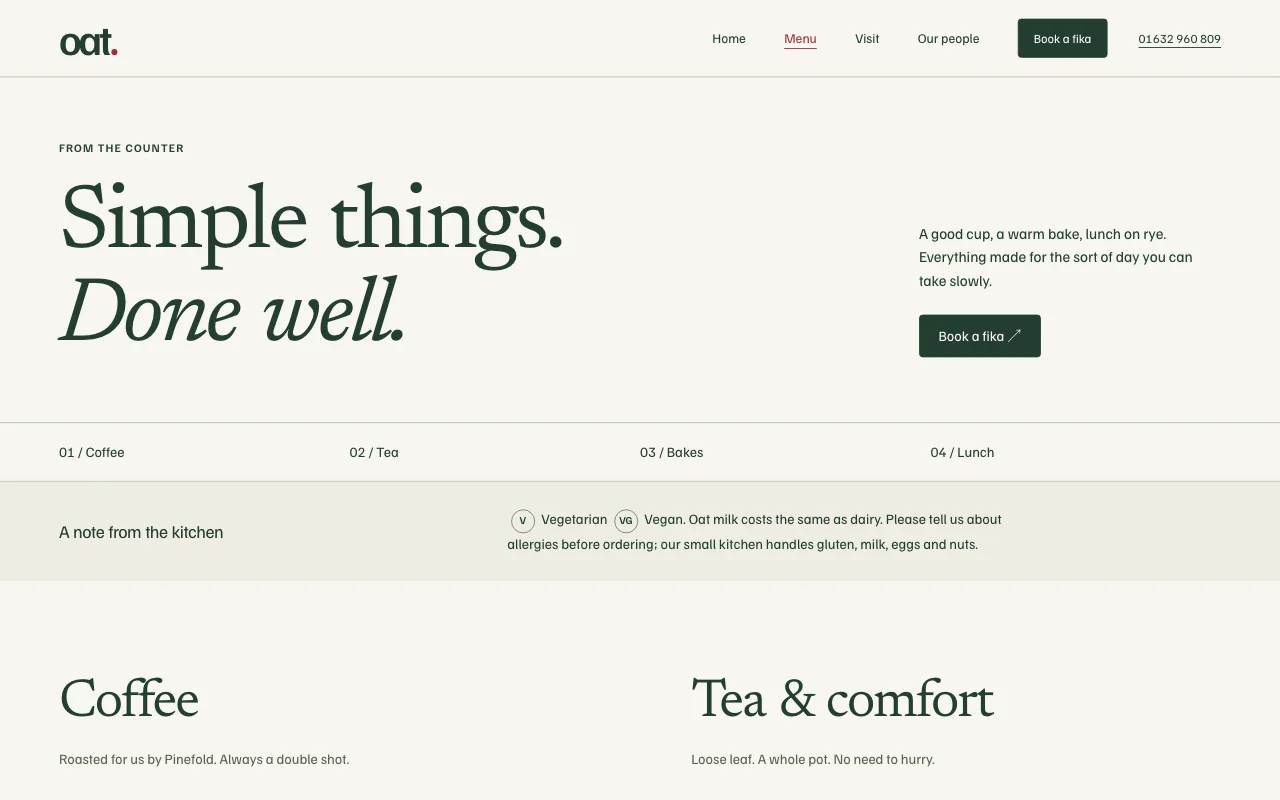
oat-cafe.pagelemon.dev/menu
Page Lemon runs the parts behind it:
- Change it by asking
- Your menu as a list
- A free address
- Visitor numbers
To change anything later, ask your AI. Every version is saved.
Start with one line
Paste one of these into your AI chat (Claude, ChatGPT or another). Your AI asks for your details, builds the site and puts it online at a free address.
You type in your AI chat
-
Deploy on PageLemon.comThe quickest start: your AI asks what the site is for, picks a design and puts it online.
-
Build with PageLemon.com: a site for my café, with the menu, today’s specials and opening hoursYour AI picks a café design, asks for your menu and hours, and puts the site online.
-
Use template pagelemon.com/tp/Oat for my neighbourhood café, with the menu and opening hoursStarts from the Oat template: pale wood, airy, with menu and visit pages.
Once it’s live, ask your AI
Three things you might say next, and what happens.
You type in your AI chat
-
Today’s soup is leek and potato, and we’re out of the banana breadYour AI changes the specials and takes the banana bread off the menu. Nothing else moves.
-
We close at 2 on Sunday this weekThe hours on the site show the early close for this Sunday.
-
Add the menu in Spanish tooVisitors get a language switcher. Languages come with every plan, Free included.
What it costs
Free
A menu, opening hours and photos work on Free. Your own domain, no Page Lemon badge or a form for group bookings need a paid plan.
No card needed.
What it uses
Change it by asking
Your AI reads the live site and changes only what you ask.
Your menu as a list
Tell your AI the soup today is leek and potato, and the site shows it in seconds. Any change can be undone.
A free address
yourcafe.pagelemon.dev, or your own domain on a paid plan.
Visitor numbers
See how many people looked at your menu this week.
Templates to start from
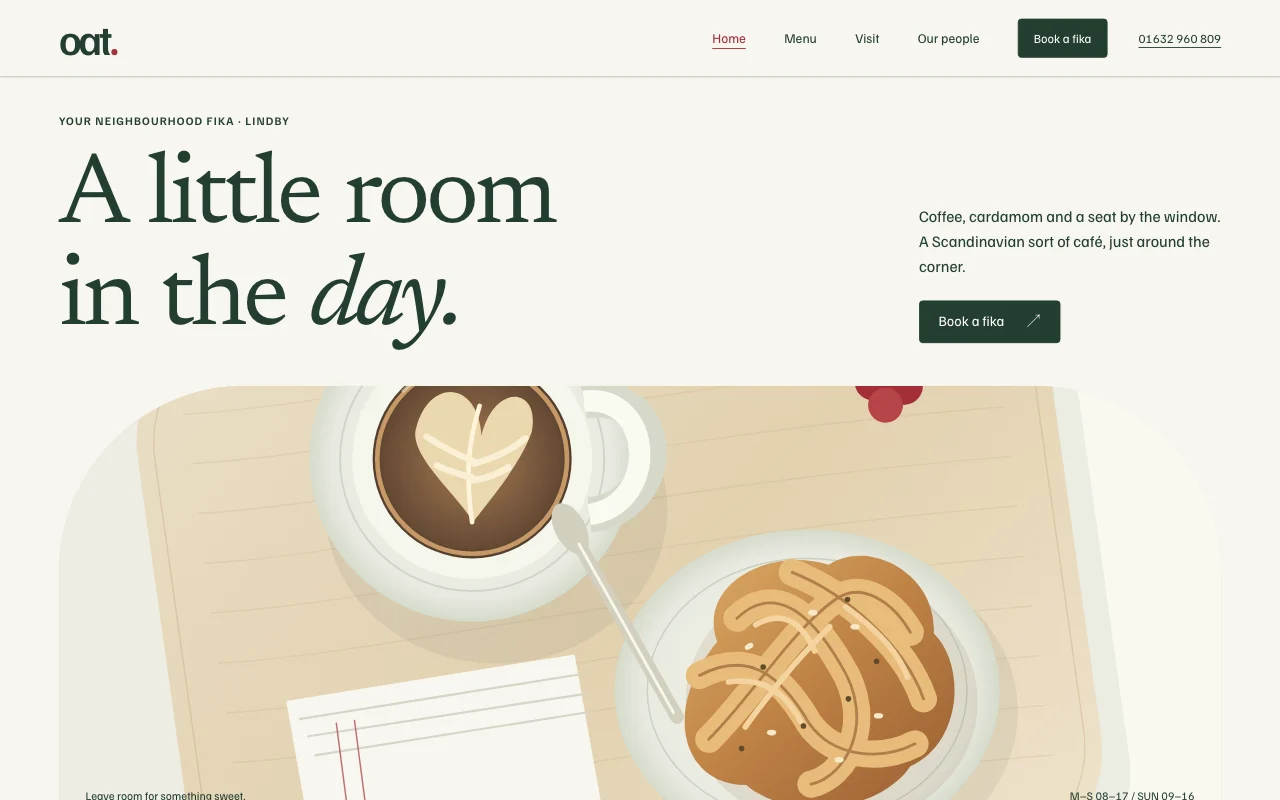 OatScandinavian neighbourhood café, pale wood, airy
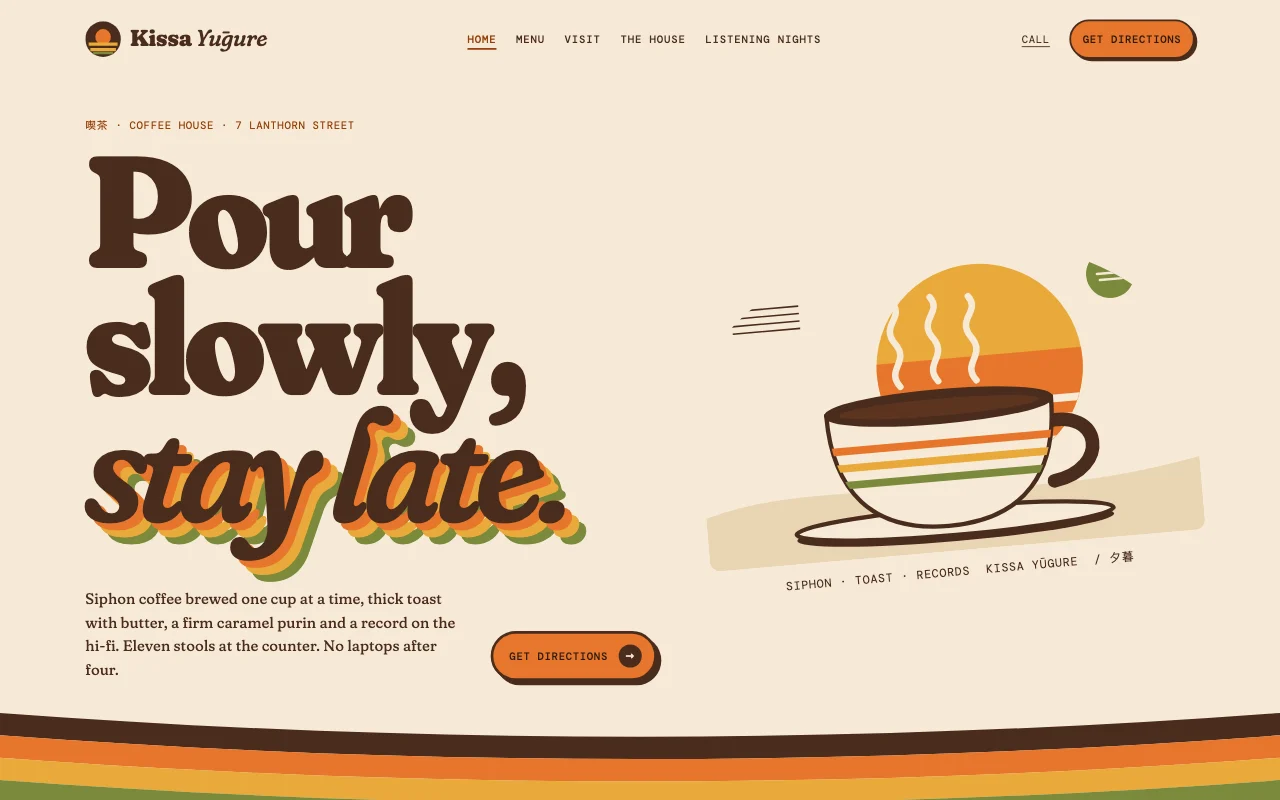 Kissa1970s Japanese kissaten
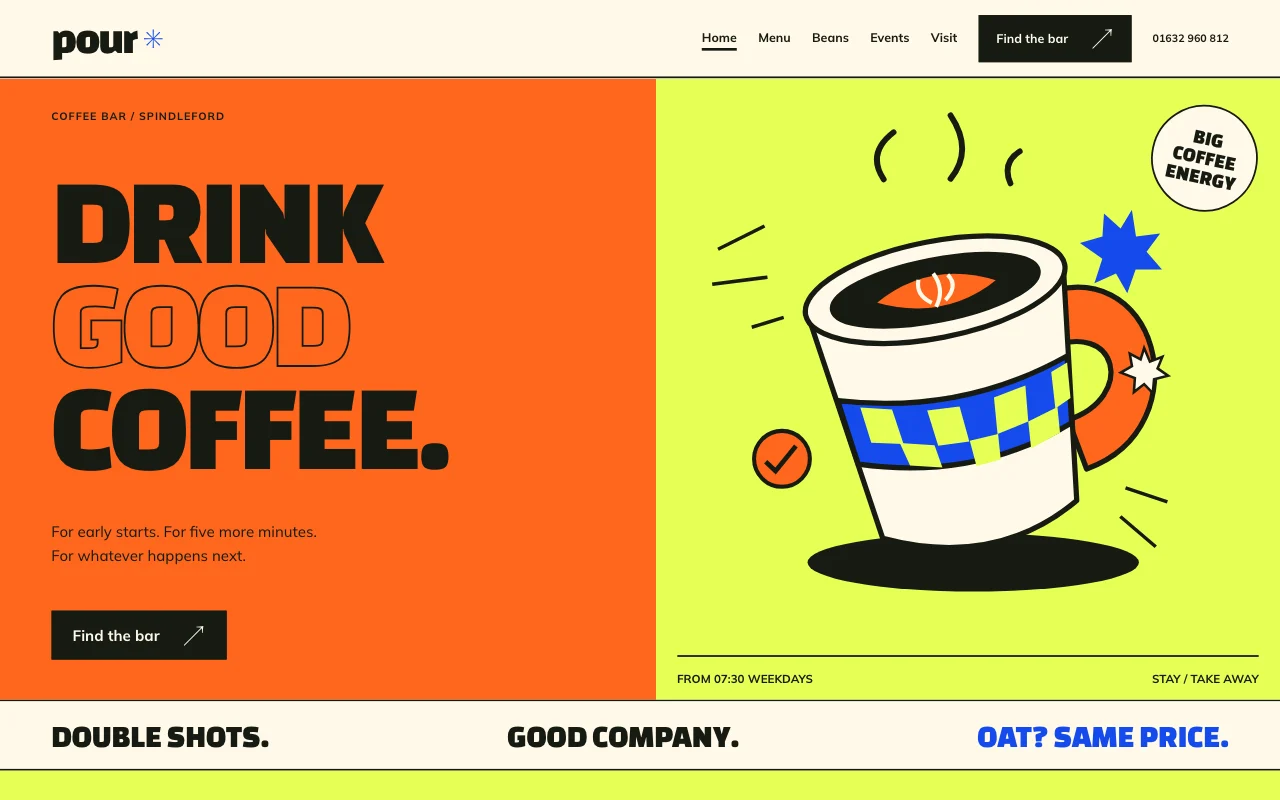 PourLoud street-corner coffee bar, chunky type, colour blocks
Preview Oat (opens in a new tab) Preview Kissa (opens in a new tab) Preview Pour (opens in a new tab)
Ideas and guides
Questions
Can I put up a photo of the menu instead?
You can, but a menu written as text reads better on a phone, can be translated and shows up in search. Your AI can type it out from your photo.
Can guests book a table?
Bookings come with paid plans, each with a limit a day. For tables and staff, see restaurant bookings.
Can I take orders for collection?
A form can take order requests, emailed to you, on a paid plan. To take payment on the site, add Buy buttons with your own Stripe Payment Links.
How do I change the hours from my phone?
Use the AI app on your phone, such as Claude or ChatGPT, once it’s connected to Page Lemon. Say what changed.
More use cases
-
 Small businesses
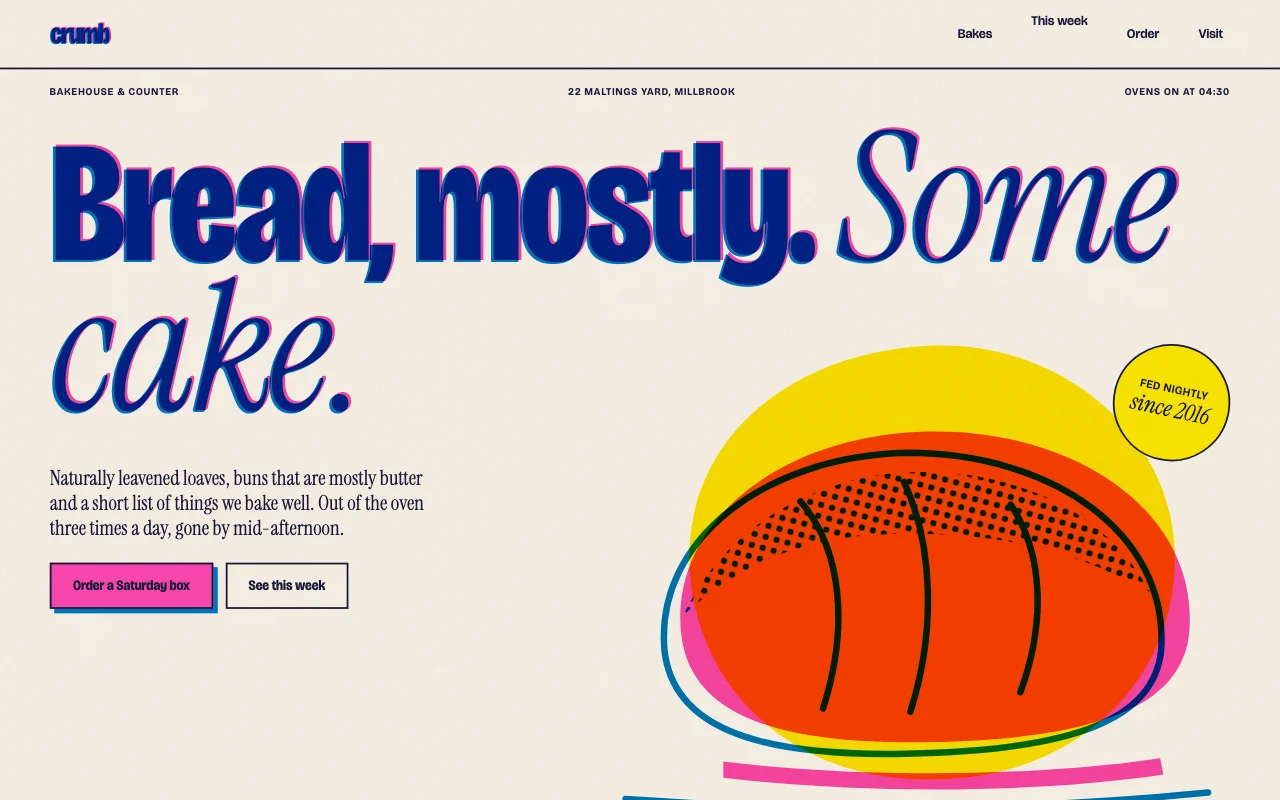
Bakery order requests
Cake orders by form, with the date you need them Order request formEvery request by emailRequests in one list Paid plan -
 Restaurants and salons
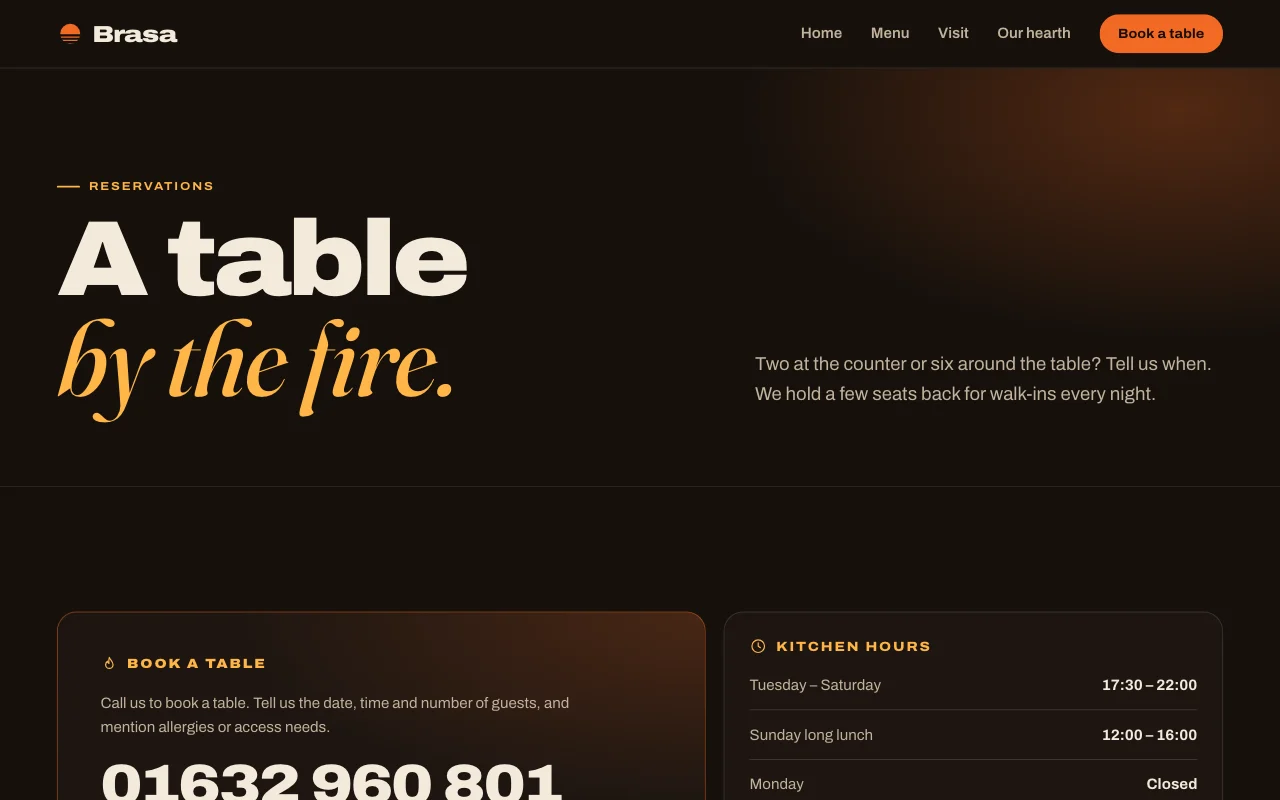
Restaurant bookings
Table bookings by party size Table bookingsApprove big groupsConfirmations and reminders Paid plan -
 Shops and trades
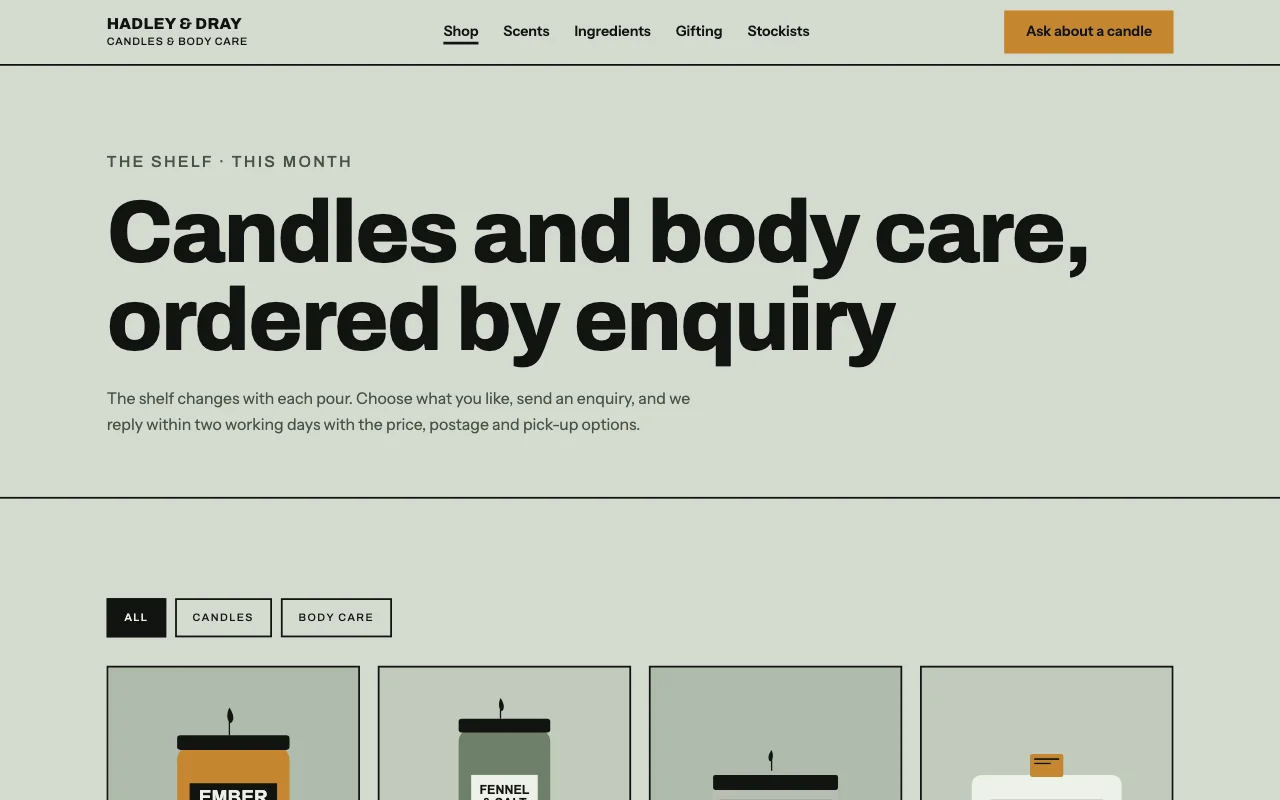
Maker shop order requests
Your products and prices, with an order request form Order request formProduct photosProducts as a list Paid plan