

For bakers and home bakeries
Cake order requests that arrive with every detail
Show your cakes and prices, and let people send an order request with the flavour, size and date. Each request lands in your email, and you reply to confirm.
- An order request form
- Every request emailed to you
- Take payment your usual way
This is for you if you say
- “I bake celebration cakes to order, from a shop or from home.”
- “Orders come in by text, DM and phone, and details get lost.”
- “I want every order request in one place, with the date and the size.”
The problem
Orders arrive in five places, half of them missing the date or the number of people. You spend evenings chasing details before you can even give a price.
How Page Lemon helps
Ask your AI for an order form with the questions you always ask. It goes on your site in your design, sends a test request first, and each real one arrives as an email you can reply to.
How it goes
From one line in your AI chat to a site that works for you.
-
You paste one line
Build with PageLemon.com: a site for my home bakery, with my cakes, prices and an order request form for celebration cakes
Into Claude, ChatGPT or any AI chat. Your AI asks for your details: names, prices, times and photos.
-
Your AI builds these pages
- Cakes
- Each cake with photos, sizes and a starting price.
- Order request
- Flavour, size, date, collection or delivery, and a note for the message on top.
- How ordering works
- How much notice you need, and how you take payment.
- Find us
- Collection hours and address.
-
It’s live, and you run it from the chat
crumb-bakery.pagelemon.dev
Page Lemon runs the parts behind it:
- Order request form
- Every request by email
- Requests in one list
- Your own domain
To change anything later, ask your AI. Every version is saved.
Start with one line
Paste one of these into your AI chat (Claude, ChatGPT or another). Your AI asks for your details, builds the site and puts it online at a free address.
You type in your AI chat
-
Deploy on PageLemon.comThe quickest start: your AI asks what the site is for, picks a design and puts it online.
-
Build with PageLemon.com: a site for my home bakery, with my cakes, prices and an order request form for celebration cakesYour AI builds the site and the form, and sends a test order request so you see what arrives.
-
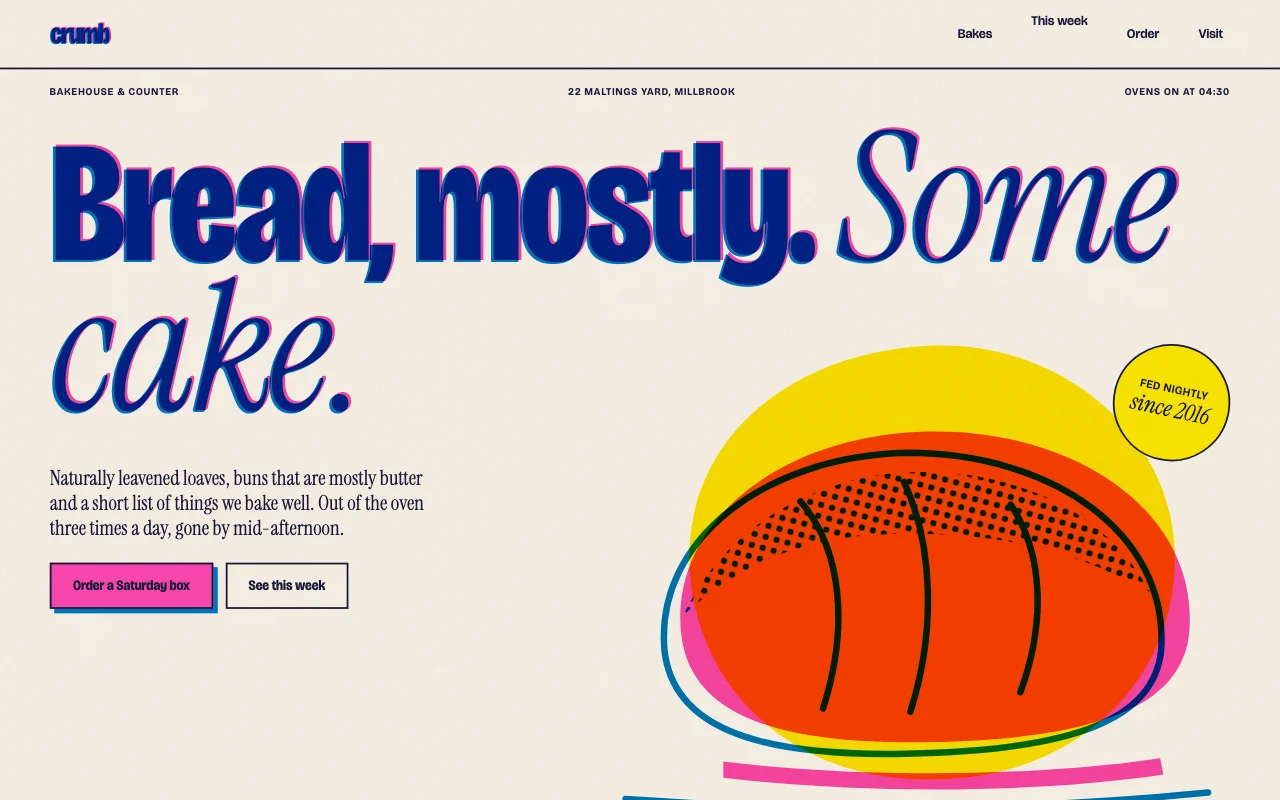
Use template pagelemon.com/tp/Crumb for my bakery, with an order request form that asks for the date and the number of peopleStarts from the Crumb template, a risograph-printed bakery design.
Once it’s live, ask your AI
Three things you might say next, and what happens.
You type in your AI chat
-
Orders need 5 days’ notice. Say so on the formThe note appears above the form, and the date question says the earliest day.
-
Show me this week’s order requestsYour AI lists the requests, with dates and sizes, or exports them as a spreadsheet.
-
Add a gluten-free sponge, from £40The new cake appears on the cakes page with its price.
What it costs
Paid plan
Forms, your own domain and no Page Lemon badge need a paid plan. Showing your cakes alone works on Free.
Not for you? Full refund within 14 days, no questions asked.
What it uses
Order request form
The questions you choose, in your site’s design. Your AI sends a test first.
Every request by email
Hit reply to answer the customer and confirm the order.
Requests in one list
Order requests arrive as a private list with your own notes and progress. Ask your AI for this week’s, or export them from the app as a spreadsheet (CSV).
Your own domain
Put the site on the domain you already own.
Templates to start from
- CrumbRisograph print: fluorescent pink and blue overprints, halftone dots, paper grain
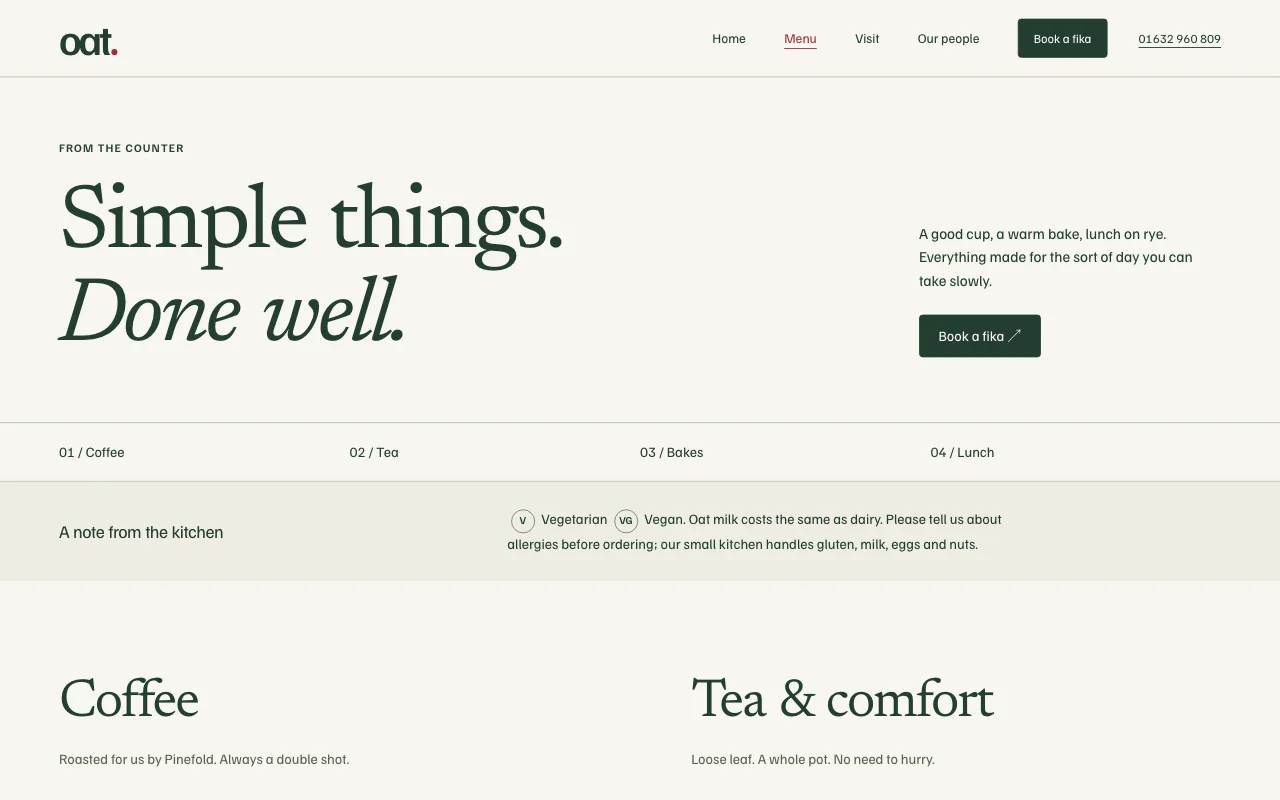
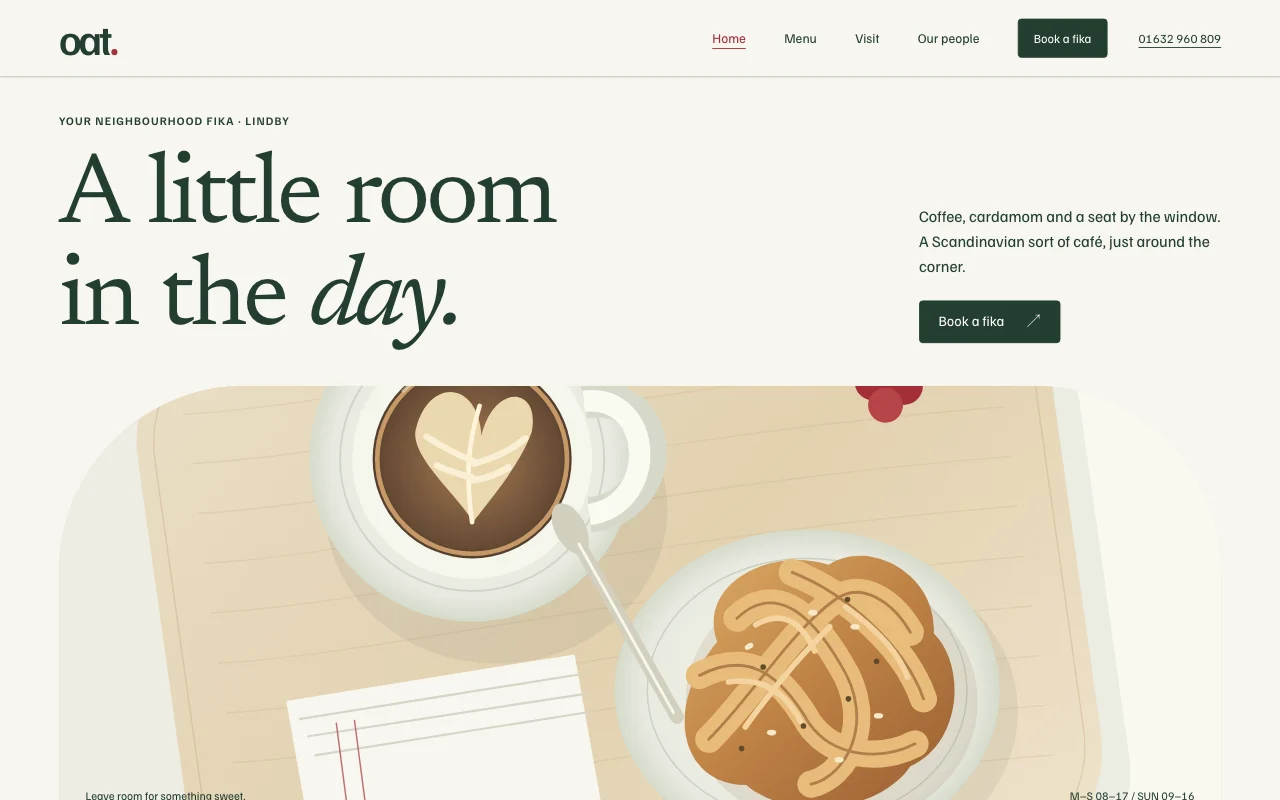 OatScandinavian neighbourhood café, pale wood, airy
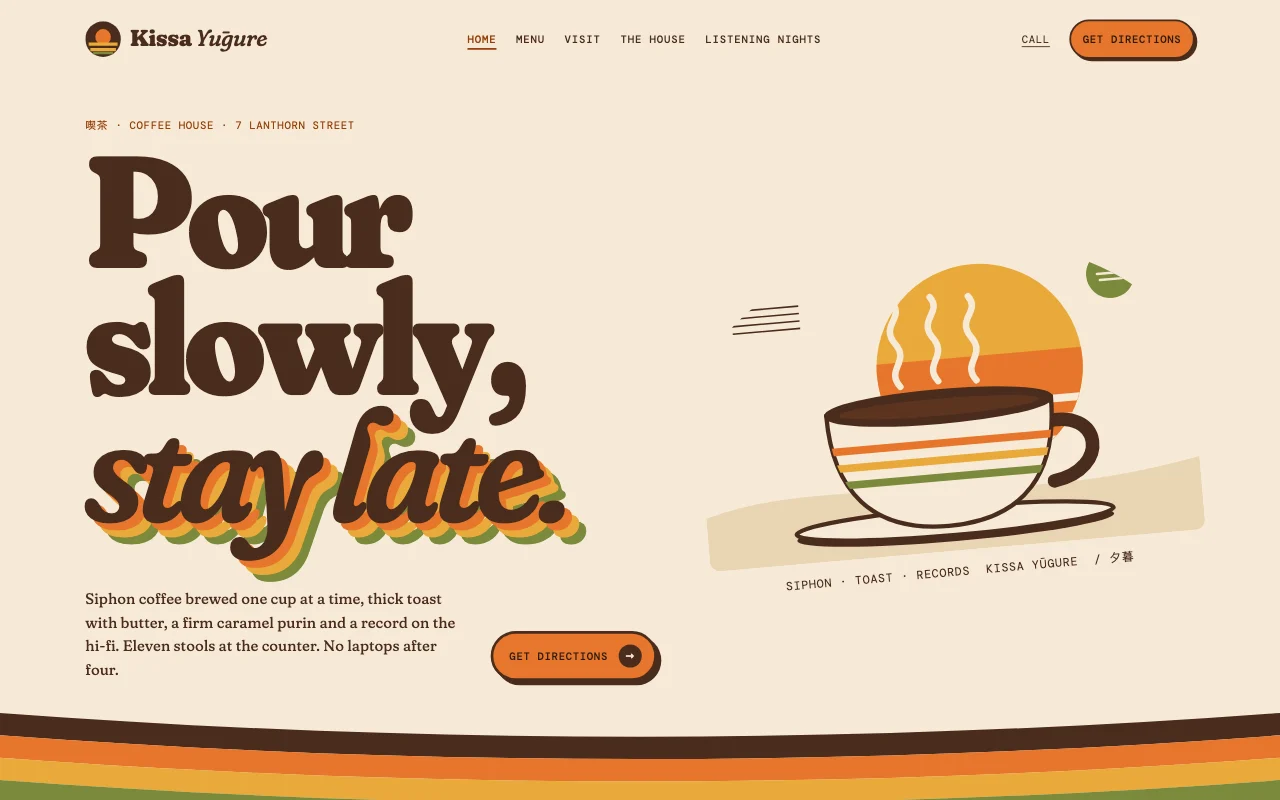 Kissa1970s Japanese kissaten
Preview Crumb (opens in a new tab) Preview Oat (opens in a new tab) Preview Kissa (opens in a new tab)
Ideas and guides
Questions
Can customers pay on the site?
Yes, on paid plans: add buy buttons with your own Stripe Payment Links. The money goes straight to your Stripe account. See Payments.
Can I stop orders for a busy week?
Yes. Tell your AI, for example “No orders for the week of 14 December”, and the form says so.
Are card numbers safe on the form?
Forms refuse card numbers, bank details and passwords, so nobody can send them by mistake.
Can I see orders on my phone?
Yes: each one is an email, and you can ask your AI about them from any chat.
More use cases
-
 Shops and trades
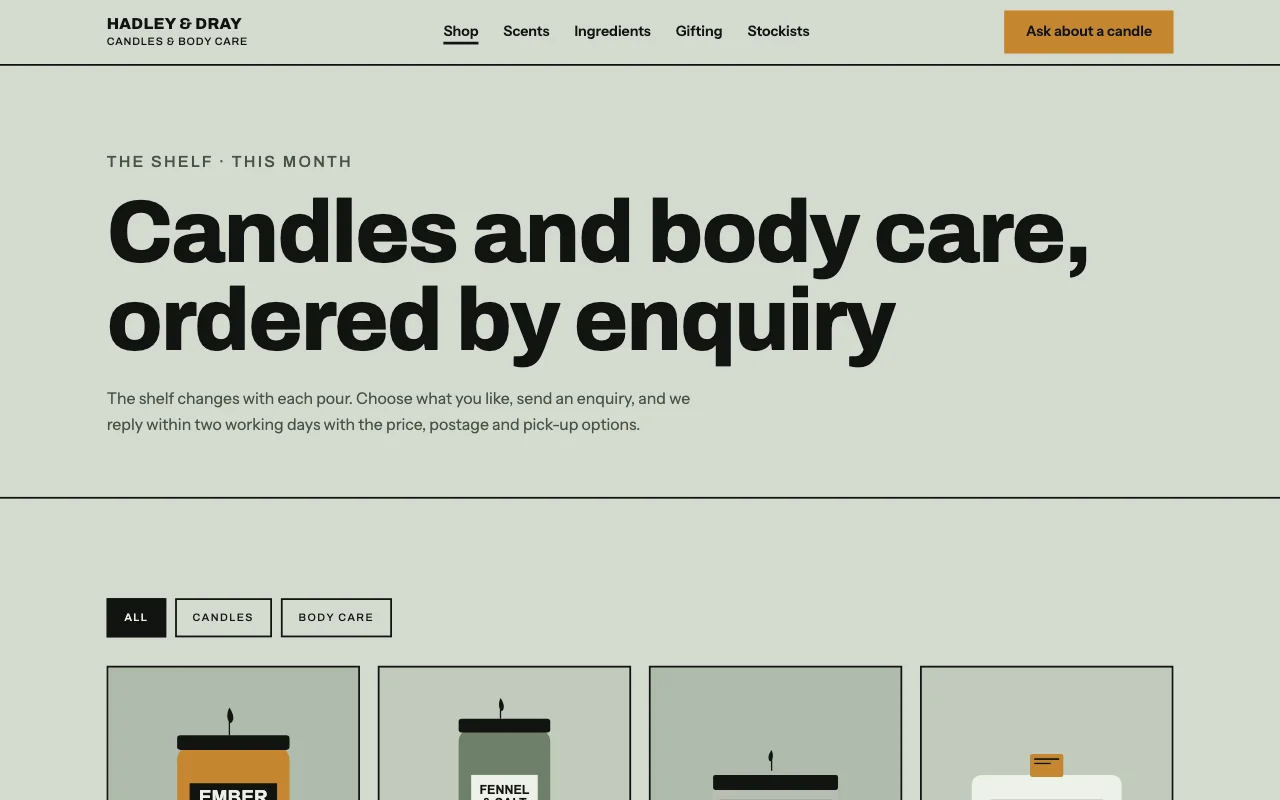
Maker shop order requests
Your products and prices, with an order request form Order request formProduct photosProducts as a list Paid plan -
 Small businesses
Café menu and hours
Today’s menu and opening hours, changed in a sentence Change it by askingYour menu as a listA free address Free -
 Shops and trades
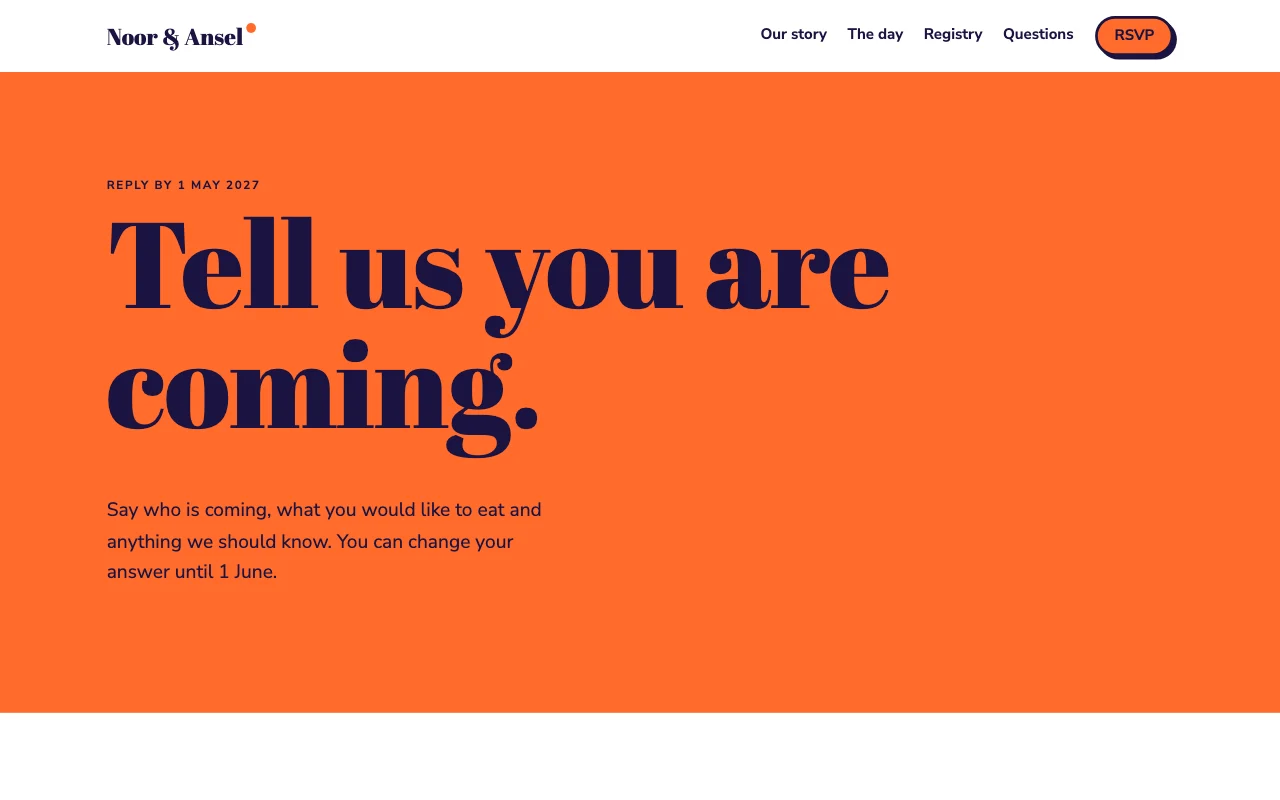
Wedding site with RSVPs
The day, travel and an RSVP form, behind a passcode RSVP formA passcode for guestsGuest list Paid plan