

For couples
One link for the day, with RSVPs built in
Timings, travel, where to stay and an RSVP form with meal choices. A passcode keeps it to your guests, and you change the details by asking your AI.
- RSVP form with meal choices
- A passcode for guests
- Guest list as a spreadsheet
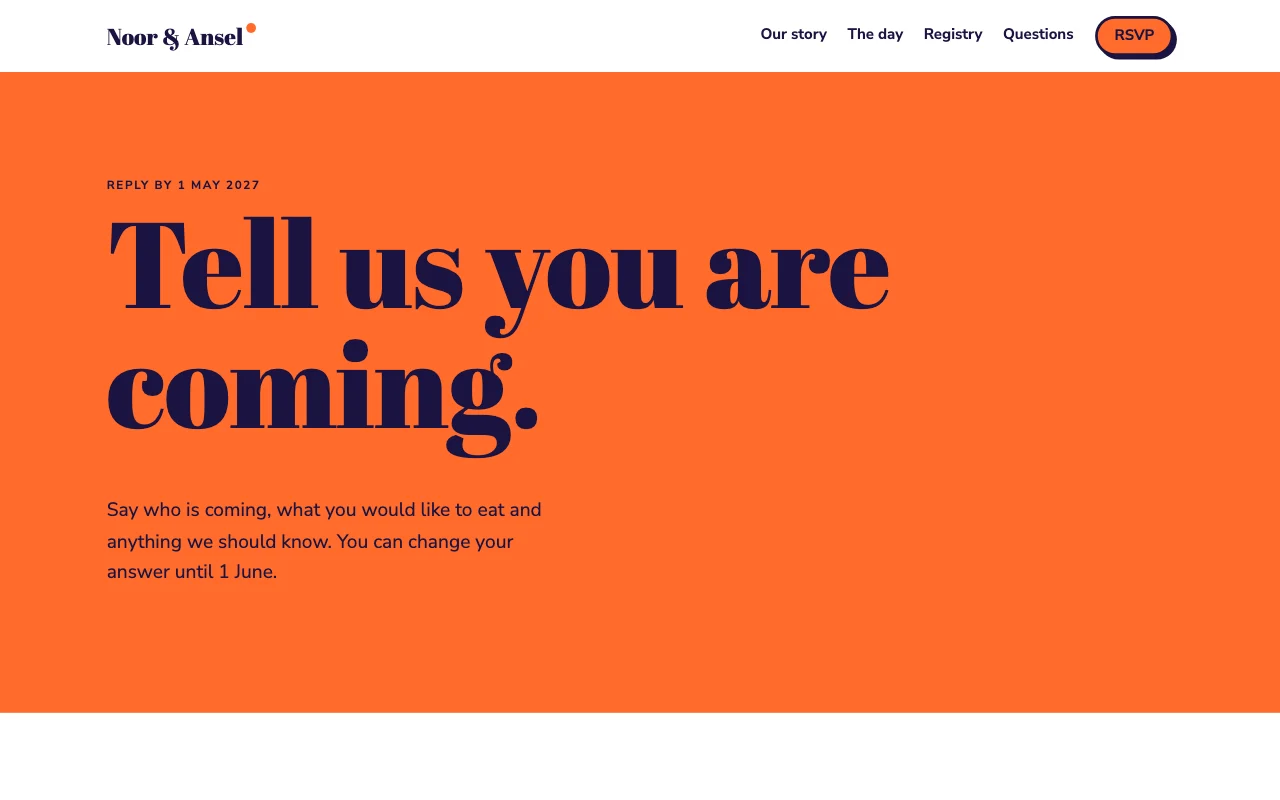
This is for you if you say
- “We’re getting married and want one place for all the details.”
- “Guests keep asking the same questions about the venue and the time.”
- “We want RSVPs and meal choices without chasing a spreadsheet.”
The problem
The same questions arrive by text all year, the RSVP cards come back half filled in, and the guest list lives in three people’s phones.
How Page Lemon helps
Your site answers the questions once. RSVPs come through a form with the answers you need, and your AI turns them into a guest list whenever you ask.
How it goes
From one line in your AI chat to a site that works for you.
-
You paste one line
Build with PageLemon.com: a wedding site with the day’s timings, travel and an RSVP form with meal choices. Lock it with a passcode
Into Claude, ChatGPT or any AI chat. Your AI asks for your details: names, prices, times and photos.
-
Your AI builds these pages
- The day
- Timings, the venue, dress code and the order of the day.
- Travel and stay
- Directions, parking, trains and places to stay.
- RSVP
- Coming or not, meal choice, dietary needs and a song request.
- Questions
- Children, plus-ones and gifts, answered once.
-
It’s live, and you run it from the chat
sam-and-alex.pagelemon.dev/rsvp
Page Lemon runs the parts behind it:
- RSVP form
- A passcode for guests
- Guest list
- Your own address
To change anything later, ask your AI. Every version is saved.
Start with one line
Paste one of these into your AI chat (Claude, ChatGPT or another). Your AI asks for your details, builds the site and puts it online at a free address.
You type in your AI chat
-
Deploy on PageLemon.comThe quickest start: your AI asks what the site is for, picks a design and puts it online.
-
Build with PageLemon.com: a wedding site with the day’s timings, travel and an RSVP form with meal choices. Lock it with a passcodeYour AI builds the site, adds the form and sends you a link to set the passcode.
-
Use template pagelemon.com/tp/Posy for our wedding, with the day’s timings, travel and an RSVP formStarts from the Posy template: watercolour garden with pressed-flower dividers.
Once it’s live, ask your AI
Three things you might say next, and what happens.
You type in your AI chat
-
Who hasn’t replied yet? Here’s our guest listYour AI compares the RSVPs with your list and tells you who to chase.
-
Close RSVPs on 1 AugustThe form says RSVPs are closed after that date.
-
Add the coach times from the church to the venueThe timings and travel pages are updated.
What it costs
Paid plan
The RSVP form needs a paid plan. Without the form, a wedding site with a passcode is free.
Not for you? Full refund within 14 days, no questions asked.
What it uses
RSVP form
The questions you choose, emailed to you.
A passcode for guests
Only people with the passcode can open the site.
Guest list
RSVPs arrive as a private list. Ask your AI who’s coming, or export the list from the app as a spreadsheet (CSV).
Your own address
A free address, or a domain with your names on a paid plan.
Templates to start from
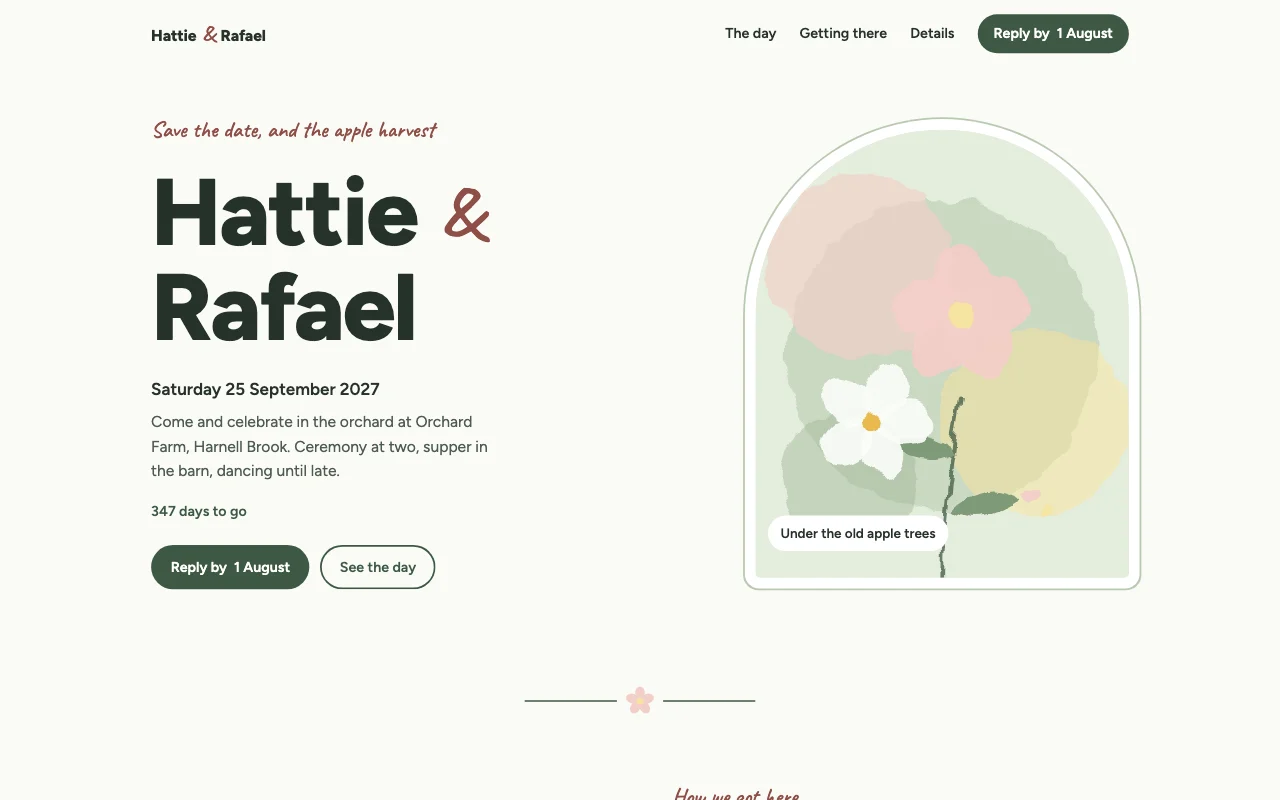 PosyWatercolour garden, pressed-flower dividers, arch frame
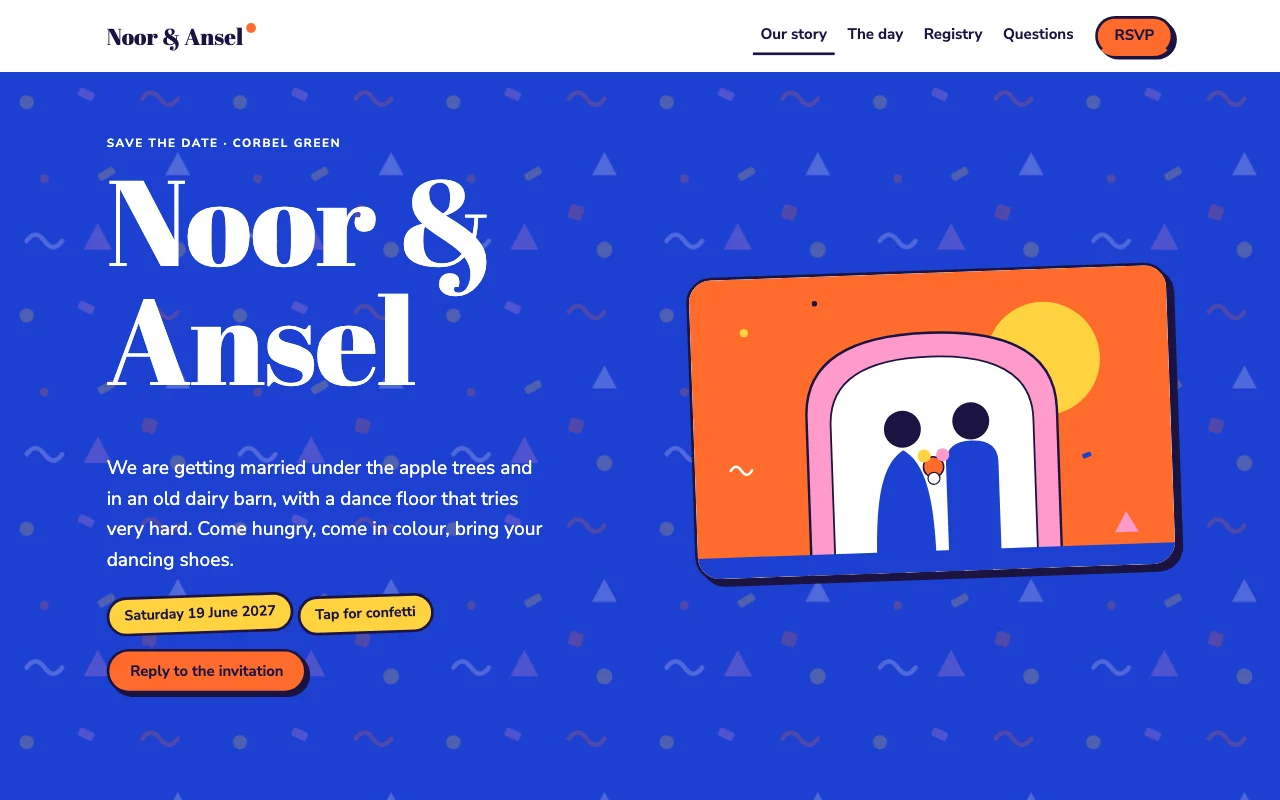 AisleBold, joyful colour blocks with a fat serif display and confetti
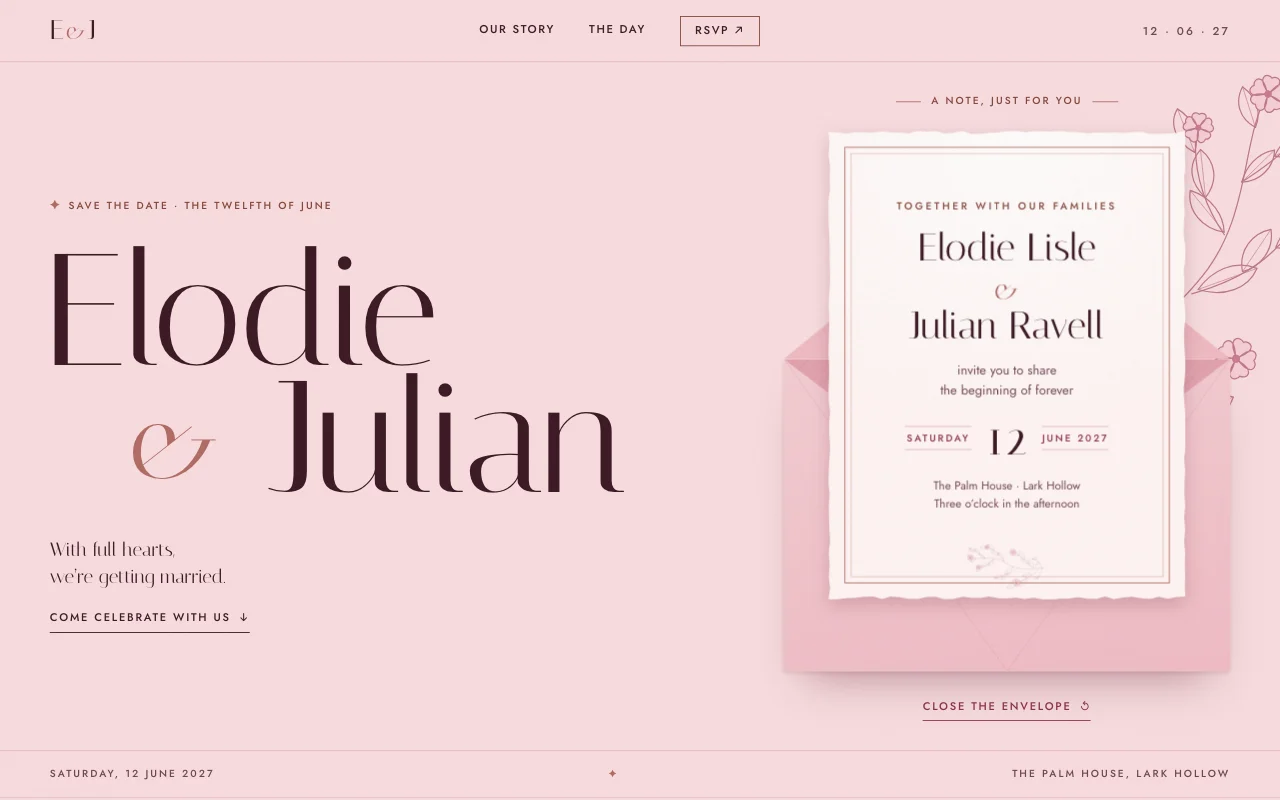 VowRose-blush letterpress invitation: Italiana display serif, dusty-rose botanicals, a deckled card in an envelope
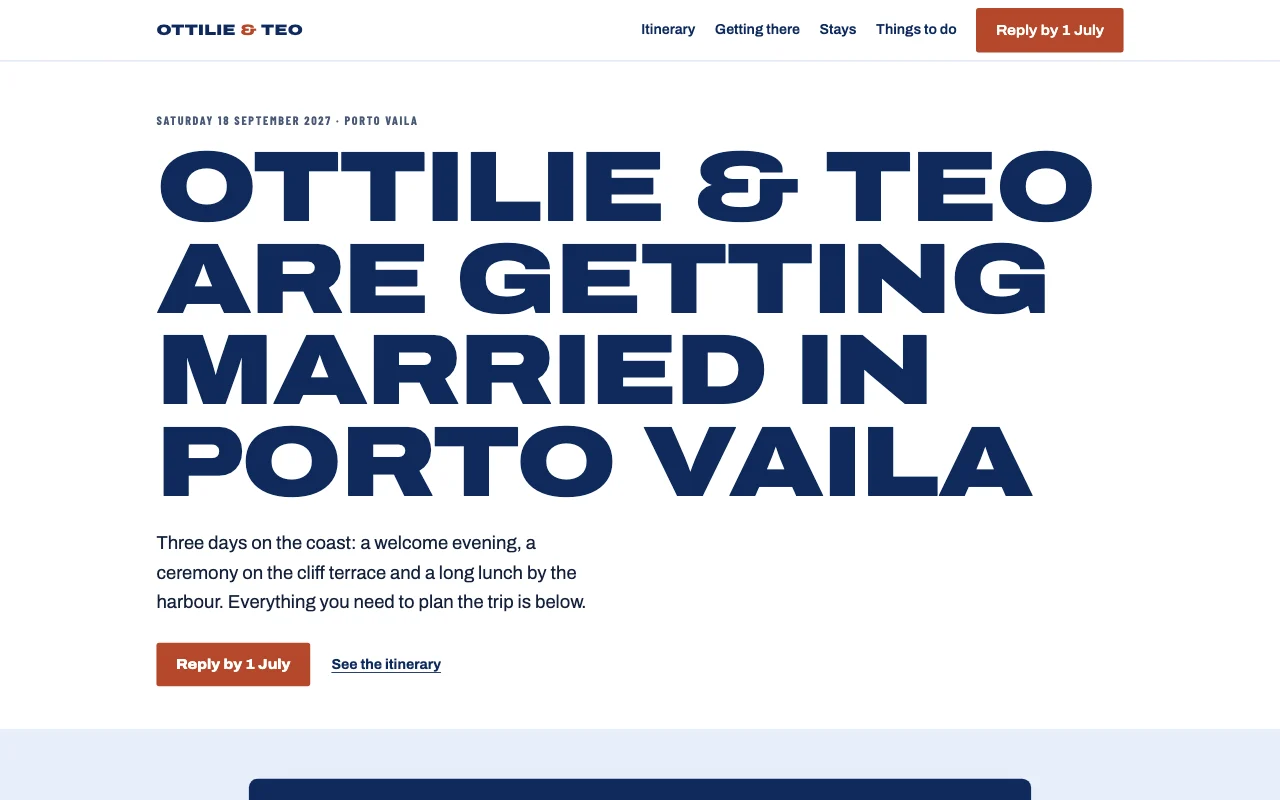 AtlasTravel documents: boarding passes, route lines and passport stamps
Preview Posy (opens in a new tab) Preview Aisle (opens in a new tab) Preview Vow (opens in a new tab) Preview Atlas (opens in a new tab)
Ideas and guides
Questions
Can guests send gifts through the site?
Link to a gift list or a payment page you already have. On a paid plan, your AI can also add a button that opens your own Stripe Payment Link.
Can we change the passcode?
Yes. Every old passcode stops working at once.
What happens after the wedding?
Keep it as a record, add photos, or ask your AI to take it offline.
Can my partner edit it too?
Yes: invite them as a Site Developer and they change it from their own AI.
More use cases
-
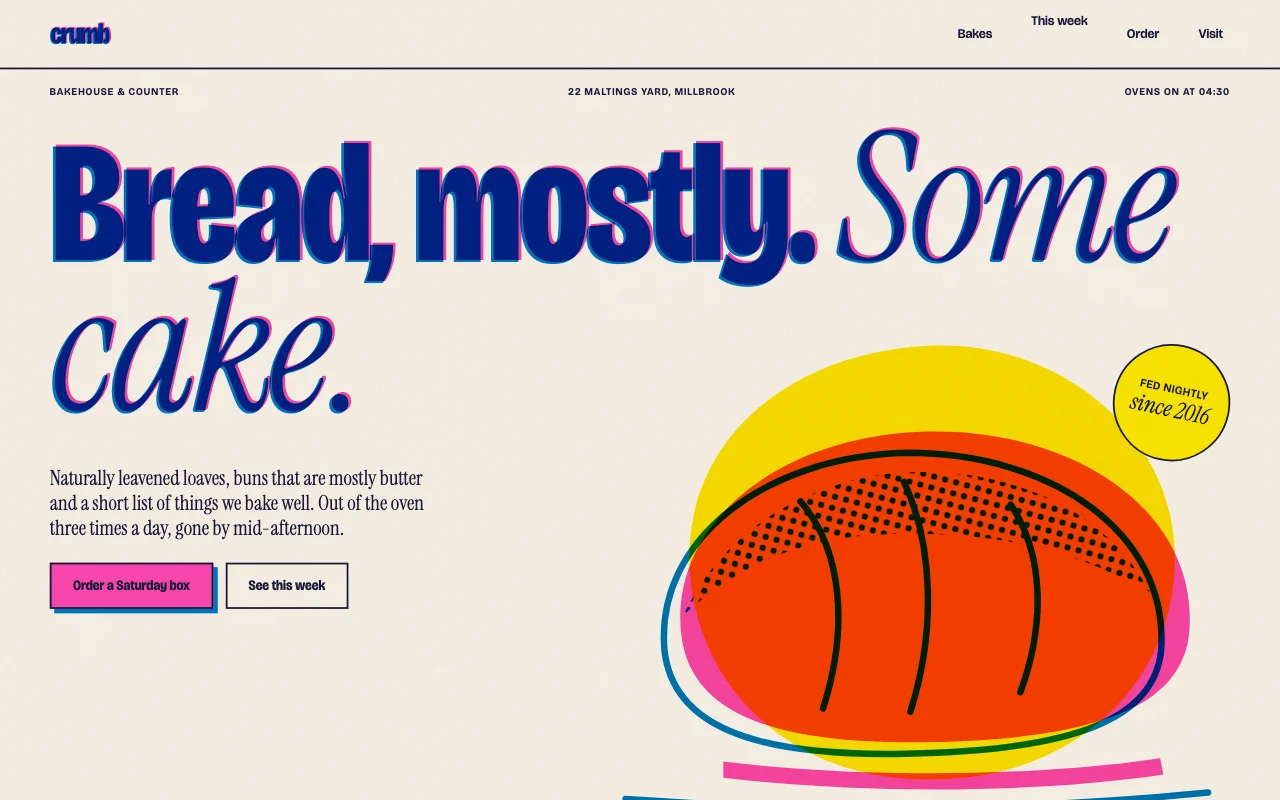 Small businesses
Bakery order requests
Cake orders by form, with the date you need them Order request formEvery request by emailRequests in one list Paid plan -
 Shops and trades
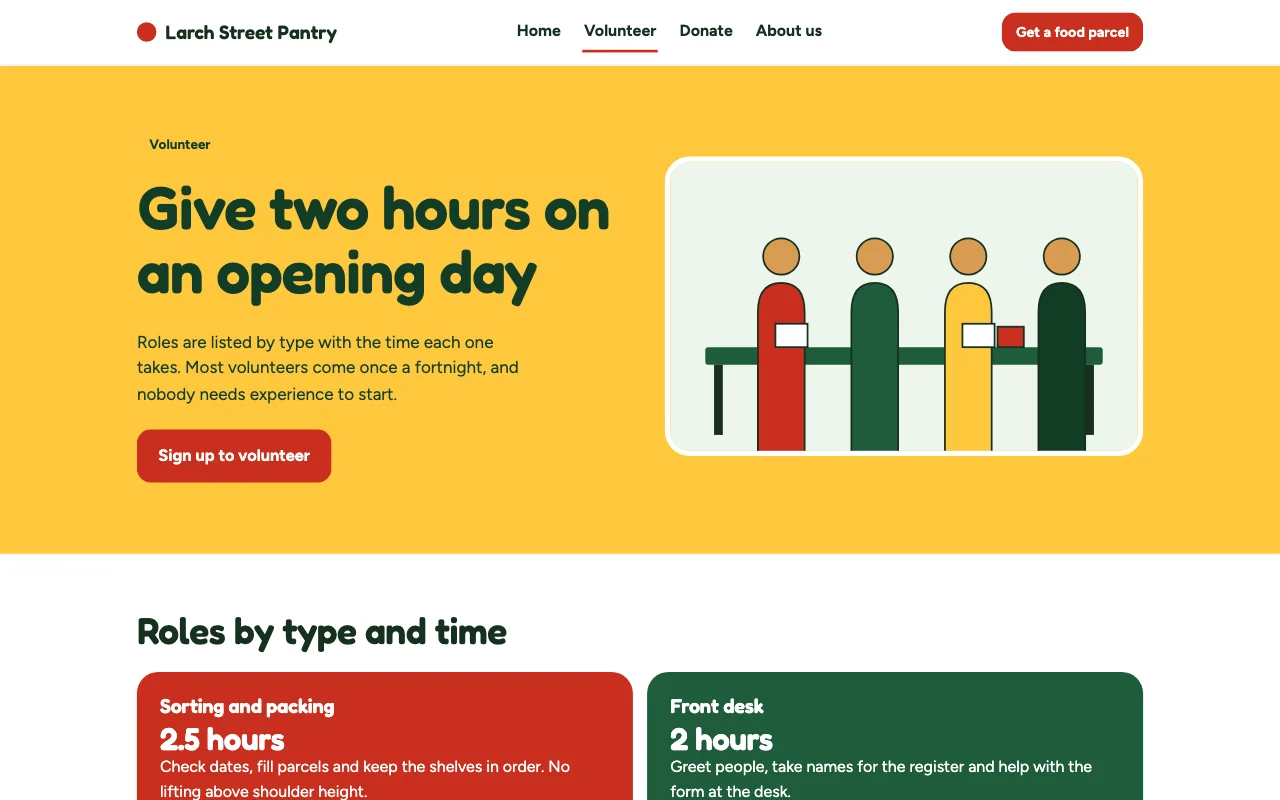
Charity volunteer sign-ups
What you need this week, and a volunteer form Volunteer formSeveral Site DevelopersAny language Paid plan -
 Freelancers
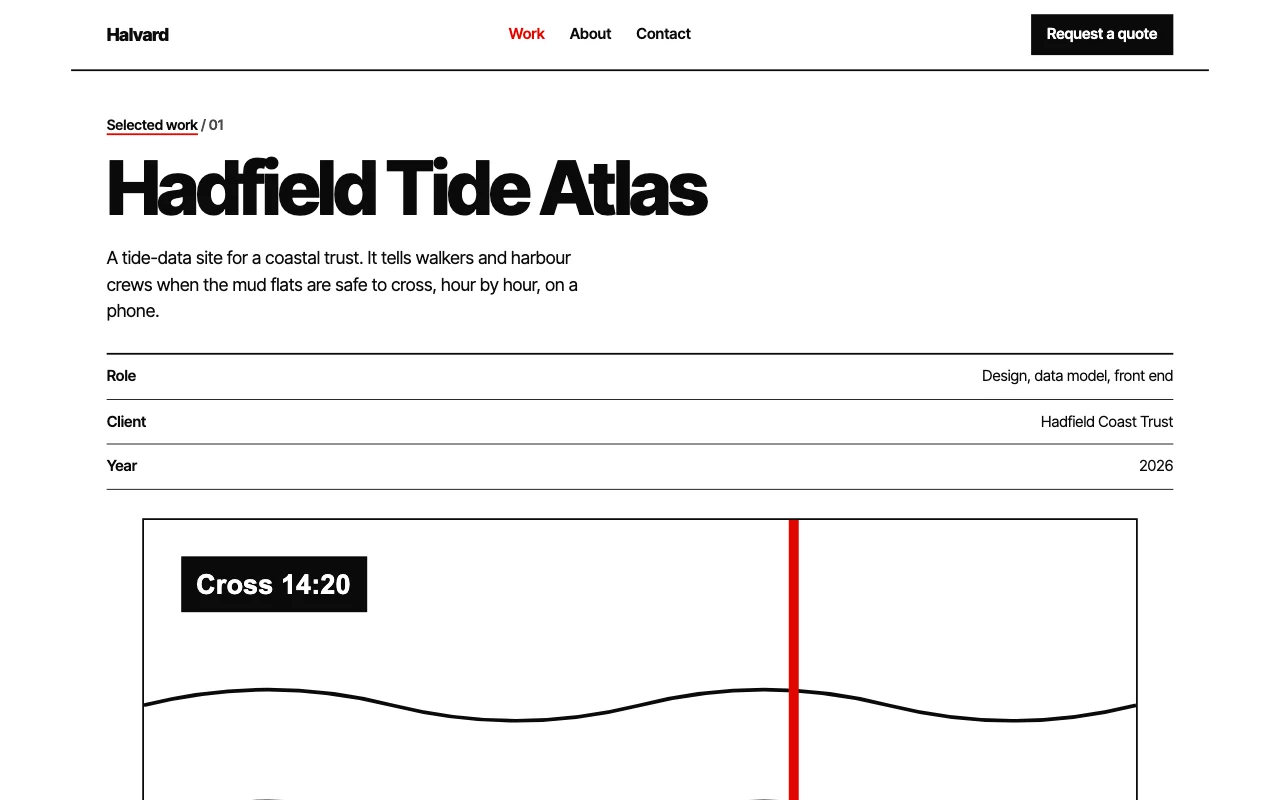
Portfolio for designers and photographers
Your best work, and enquiries that come with a brief Enquiry formUpload linksPrivate galleries Paid plan