

For charities and community groups
A charity site that keeps up with the week
Opening times, who you help, what you need this week and a volunteer form. Anyone on the team can update it from their own AI.
- A volunteer form
- Several people can edit
- Any language, on every plan
This is for you if you say
- “I help run a food bank, a charity or a community project.”
- “What we need changes every week, and the website never keeps up.”
- “Volunteers offer help in messages that get lost.”
The problem
One volunteer knows how to update the website, and they’re busy. So the “we need” list is months old and new volunteers can’t find how to help.
How Page Lemon helps
Anyone you invite changes the site from their own AI, in plain words. Every version shows who changed what, so nothing is lost and anything can be undone.
How it goes
From one line in your AI chat to a site that works for you.
-
You paste one line
Build with PageLemon.com: a site for our food bank, with opening times, what we need this week and a volunteer form
Into Claude, ChatGPT or any AI chat. Your AI asks for your details: names, prices, times and photos.
-
Your AI builds these pages
- Get help
- Who you help, when you’re open and what to bring, in plain words.
- This week
- What you need and what you have plenty of.
- Volunteer
- A form for days, skills and contact details.
- Donate
- A button to the donation page you already use.
-
It’s live, and you run it from the chat
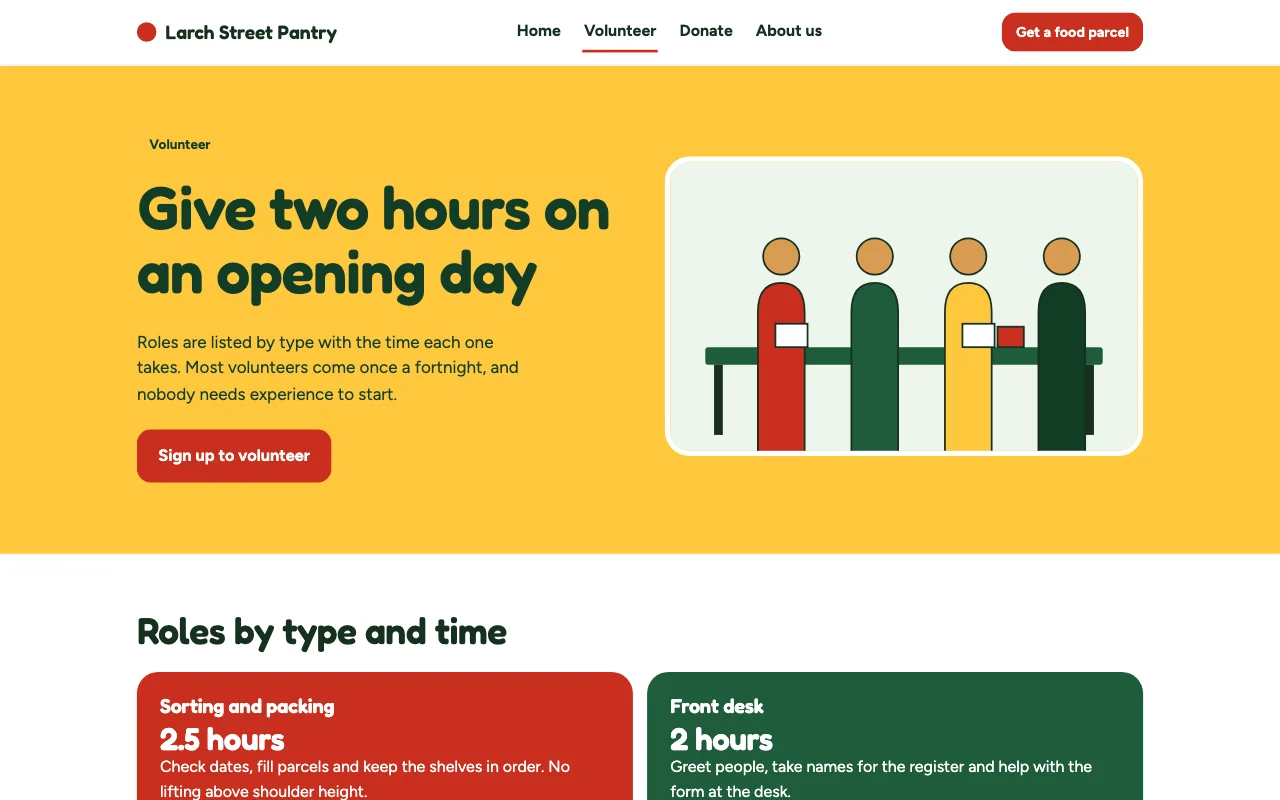
pantry-foodbank.pagelemon.dev/volunteer
Page Lemon runs the parts behind it:
- Volunteer form
- Several Site Developers
- Any language
- What you need this week
To change anything later, ask your AI. Every version is saved.
Start with one line
Paste one of these into your AI chat (Claude, ChatGPT or another). Your AI asks for your details, builds the site and puts it online at a free address.
You type in your AI chat
-
Deploy on PageLemon.comThe quickest start: your AI asks what the site is for, picks a design and puts it online.
-
Build with PageLemon.com: a site for our food bank, with opening times, what we need this week and a volunteer formYour AI builds the site, adds the form and sends a test sign-up.
-
Use template pagelemon.com/tp/Pantry for our food bank, in English and Polish, with a volunteer formStarts from the Pantry template: plain words, big buttons and an open-now light.
Once it’s live, ask your AI
Three things you might say next, and what happens.
You type in your AI chat
-
This week we need tinned fish and nappies, not pastaThe needs list changes. Nothing else on the site moves.
-
Invite jo@example.org as a Site DeveloperYou approve it once, and Jo can update the site from her own AI.
-
Show me the volunteers who signed up this monthYour AI lists them with the days they offered. Sign-ups are also a private list you can export from the app as a spreadsheet (CSV).
What it costs
Paid plan
The volunteer form and Site Developers need a paid plan. Opening times and needs alone work on Free.
Not for you? Full refund within 14 days, no questions asked.
What it uses
Volunteer form
Days, skills and contact details, emailed to you.
Several Site Developers
Volunteers edit from their own AI. Every version shows who.
Any language
Add a language by asking. Visitors get a switcher.
What you need this week
A list of items or shifts you update by asking, on the site in seconds.
Templates to start from
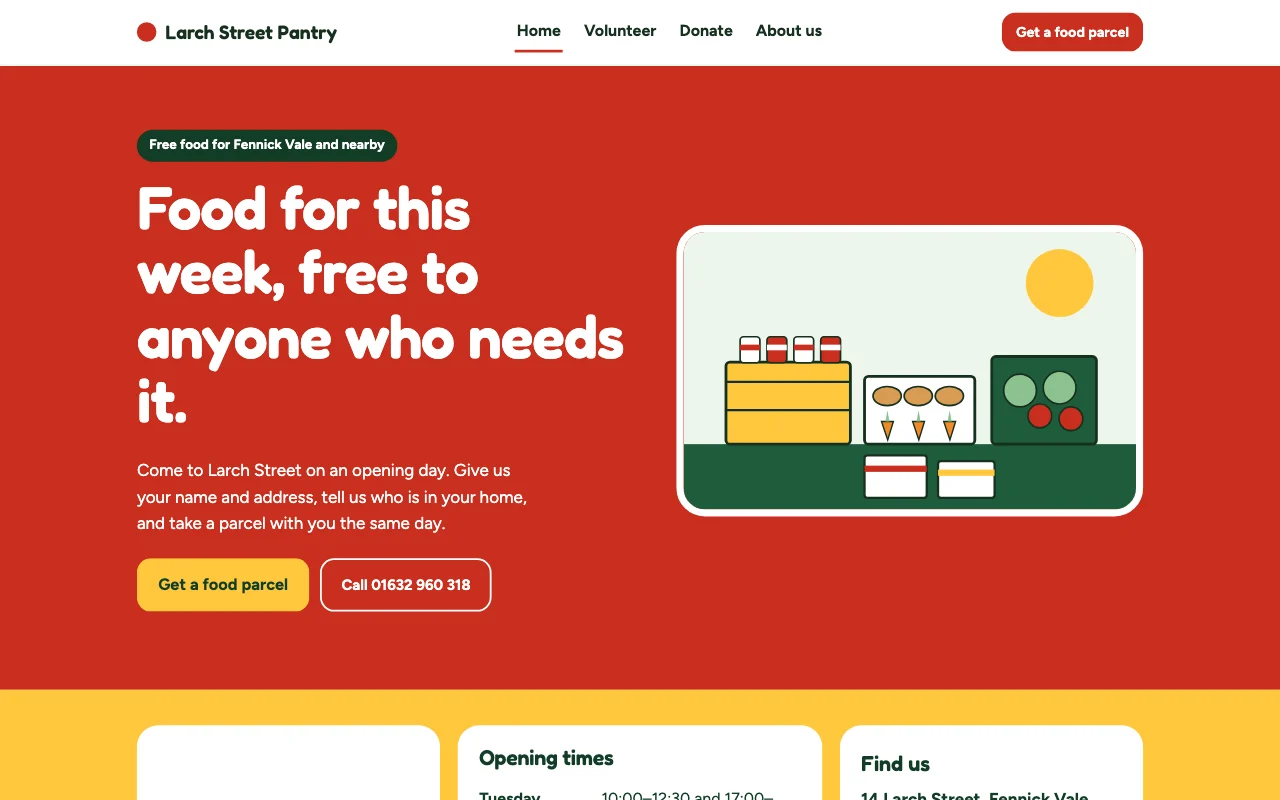 PantryPlain-language food bank, big colour blocks
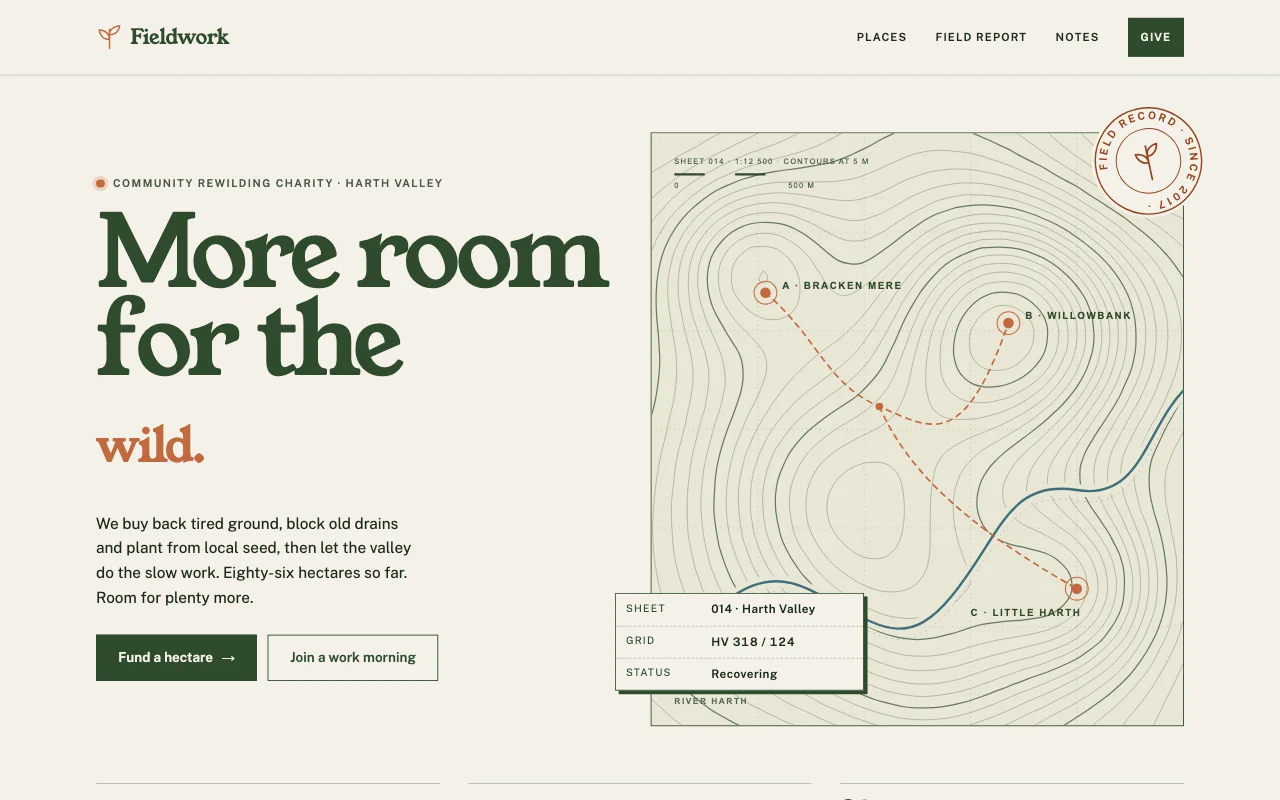 FieldworkField-guide naturalist: contour maps, specimen labels and survey sheets on paper, moss and clay
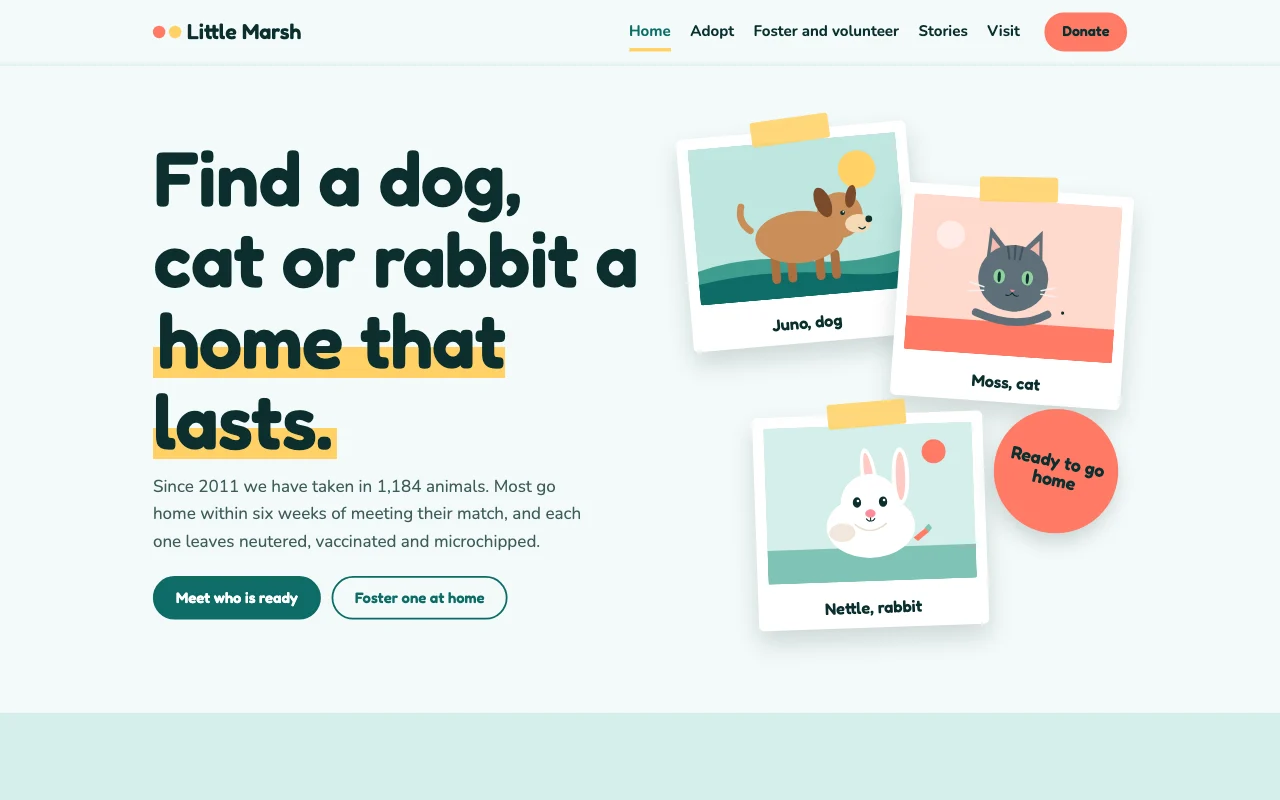 FosterFriendly teal and coral, tilted polaroid photo frames with tape, rounded display type
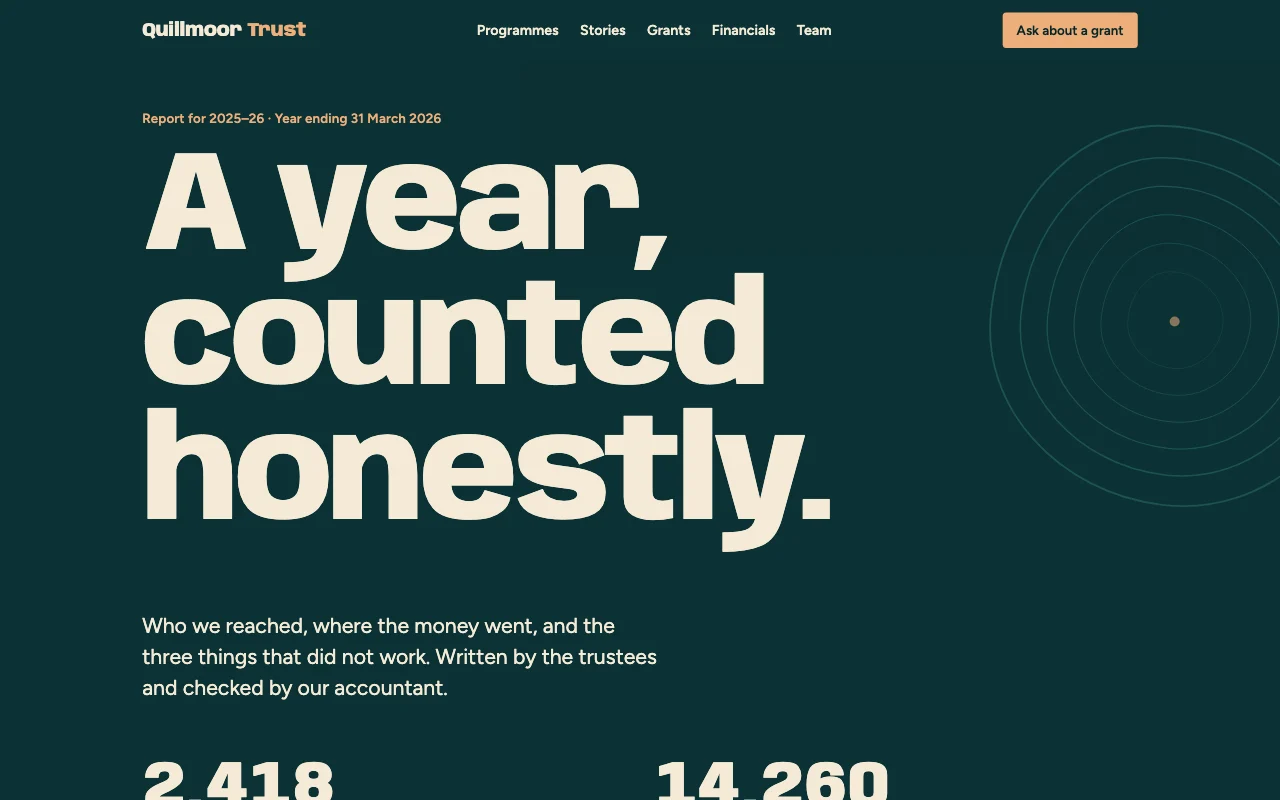 AnnualReport-as-site, dark teal and sand, editorial grid with margin notes
Preview Pantry (opens in a new tab) Preview Fieldwork (opens in a new tab) Preview Foster (opens in a new tab) Preview Annual (opens in a new tab)
Ideas and guides
Questions
Can people donate on the site?
Yes: on a paid plan, ask your AI for a Donate button that opens your own Stripe Payment Link, or link to the donation page you already use.
Our opening times change at holidays. Is that easy?
Yes. Tell your AI, for example “Closed on bank holiday Monday”, and the times change.
Can we keep a volunteers-only page?
A passcode can lock the whole site on any plan. Locking one page on a public site needs a paid plan.
Who sees the volunteers’ details?
Each sign-up is emailed to you. You choose whether Page Lemon also keeps a copy.
More use cases
-
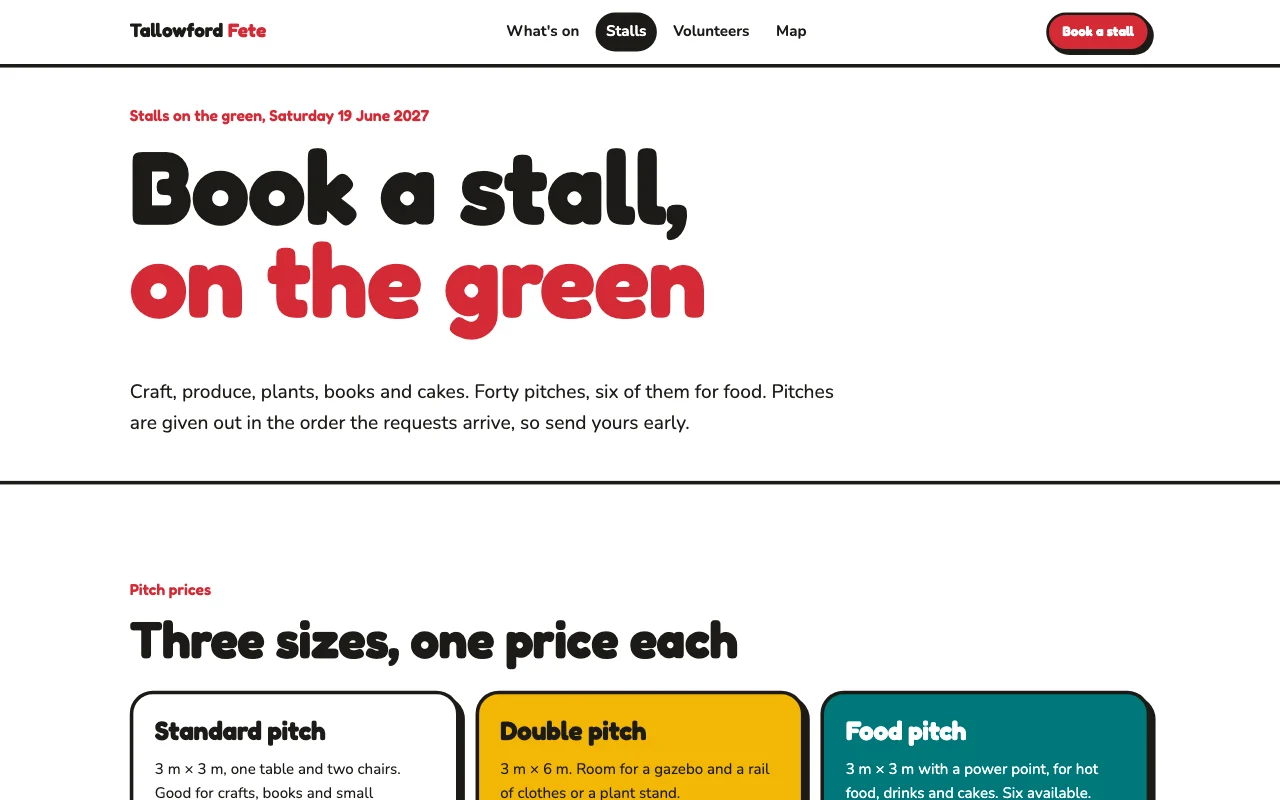 Teachers
School fair sign-ups
Stall holders and volunteers sign up by form Sign-up formsSeveral organisersStalls and rota as a list Paid plan -
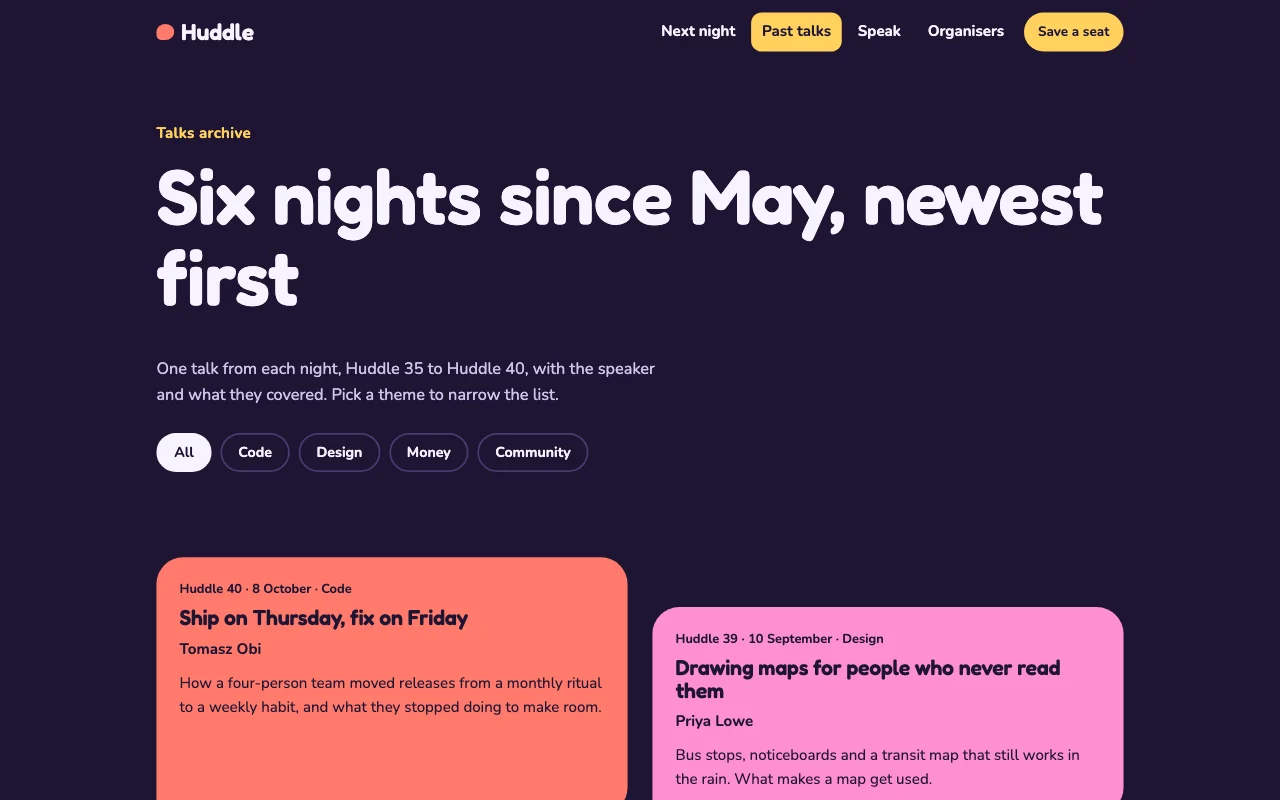 Students
Student society site
Events, sign-ups and a handover to next year Sign-up formsThe committee editsYearly handover Paid plan -
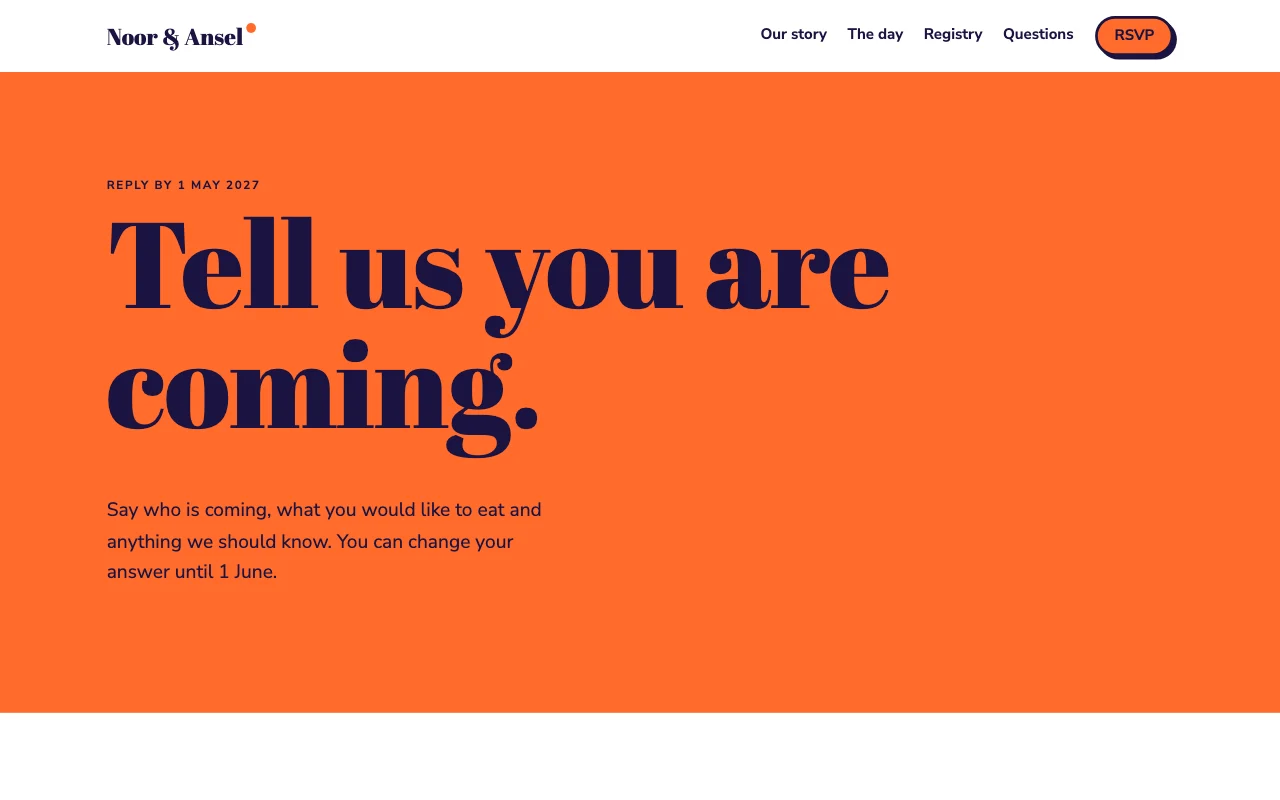 Shops and trades
Wedding site with RSVPs
The day, travel and an RSVP form, behind a passcode RSVP formA passcode for guestsGuest list Paid plan