

For teachers and parent associations
One page for the fair, with sign-ups that sort themselves
The date, the map and the schedule, with a form for stall holders and one for volunteers. Other organisers update it from their own AI.
- Stall and volunteer forms
- Several organisers edit
- Schedule and map
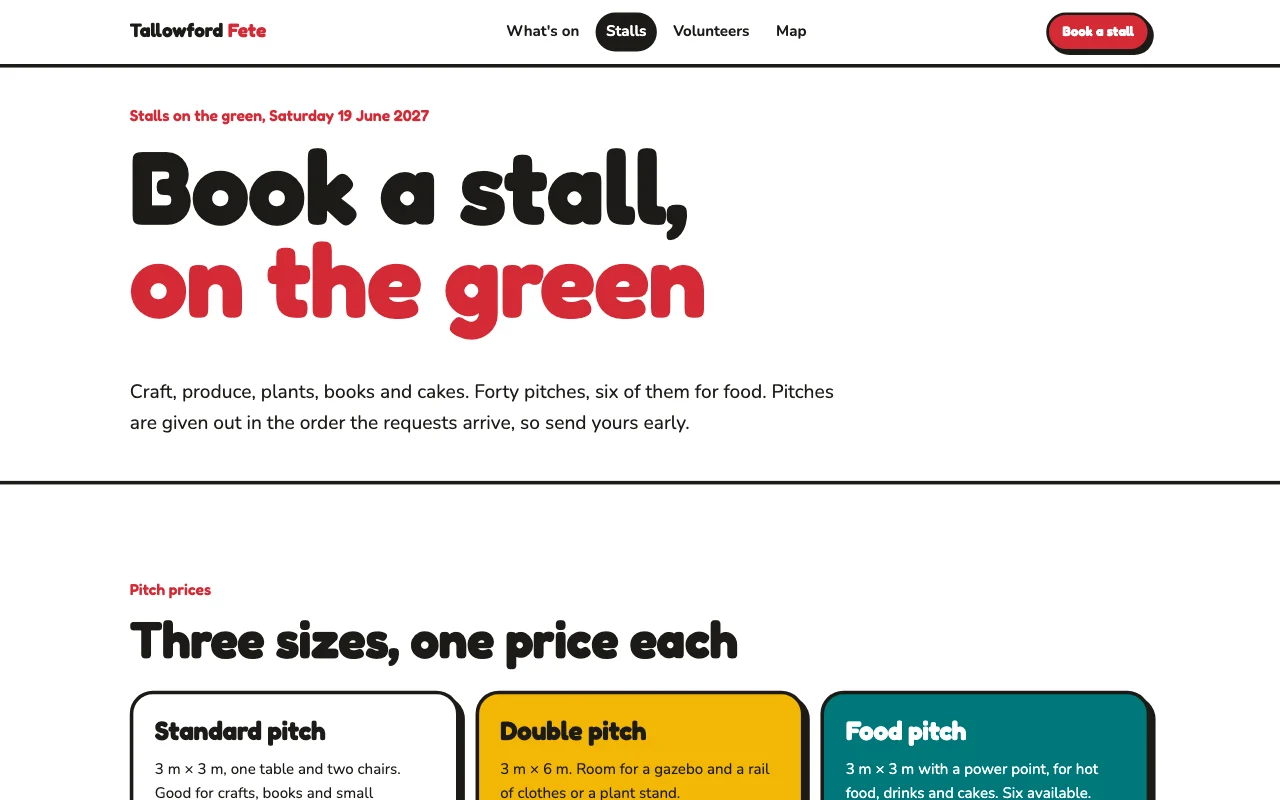
This is for you if you say
- “I organise the school fair, a sports day or an open evening.”
- “Stall holders and helpers sign up on paper and by email.”
- “I want one page with the details and sign-up forms that sort it out.”
The problem
Sign-up sheets get lost, the details change in a group chat, and parents ask the same questions on the day.
How Page Lemon helps
Each form asks what you need: the stall, the shift, a phone number. The answers arrive by email and as a private list in the app, where you add your own notes.
How it goes
From one line in your AI chat to a site that works for you.
-
You paste one line
Build with PageLemon.com: a site for our school summer fair, with the schedule, a form for stall holders and one for volunteers
Into Claude, ChatGPT or any AI chat. Your AI asks for your details: names, prices, times and photos.
-
Your AI builds these pages
- The day
- Date, times, what’s on and where to park.
- Schedule
- Who’s on when: the tug of war, the raffle, the choir.
- Stall holders
- A form for stalls, with what they sell and what they need.
- Volunteers
- A form for shifts, from setting up to clearing away.
-
It’s live, and you run it from the chat
oakfield-fair.pagelemon.dev/stallholders
Page Lemon runs the parts behind it:
- Sign-up forms
- Several organisers
- Stalls and rota as a list
- Any language
To change anything later, ask your AI. Every version is saved.
Start with one line
Paste one of these into your AI chat (Claude, ChatGPT or another). Your AI asks for your details, builds the site and puts it online at a free address.
You type in your AI chat
-
Deploy on PageLemon.comThe quickest start: your AI asks what the site is for, picks a design and puts it online.
-
Build with PageLemon.com: a site for our school summer fair, with the schedule, a form for stall holders and one for volunteersYour AI builds the site and both forms, and sends a test of each.
-
Use template pagelemon.com/tp/Fete for our school summer fair, with a form for stall holdersStarts from the Fete template: a printed bunting flyer.
Once it’s live, ask your AI
Three things you might say next, and what happens.
You type in your AI chat
-
Which volunteer shifts are still empty?Your AI compares the sign-ups with the shifts and tells you.
-
Invite sam@example.org as a Site DeveloperYou approve it once, and Sam can update the site from their own AI.
-
It’s moved indoors because of rain. Put a notice at the topA notice goes at the top of every page.
What it costs
Paid plan
Forms and Site Developers need a paid plan. A site with just the details is free.
Not for you? Full refund within 14 days, no questions asked.
What it uses
Sign-up forms
One form for stalls, one for helpers, each emailed to you.
Several organisers
Each edits from their own AI. Every version shows who.
Stalls and rota as a list
Who’s on when is a list you update by asking. Sign-ups arrive as a private list too.
Any language
Add a language for families by asking.
Templates to start from
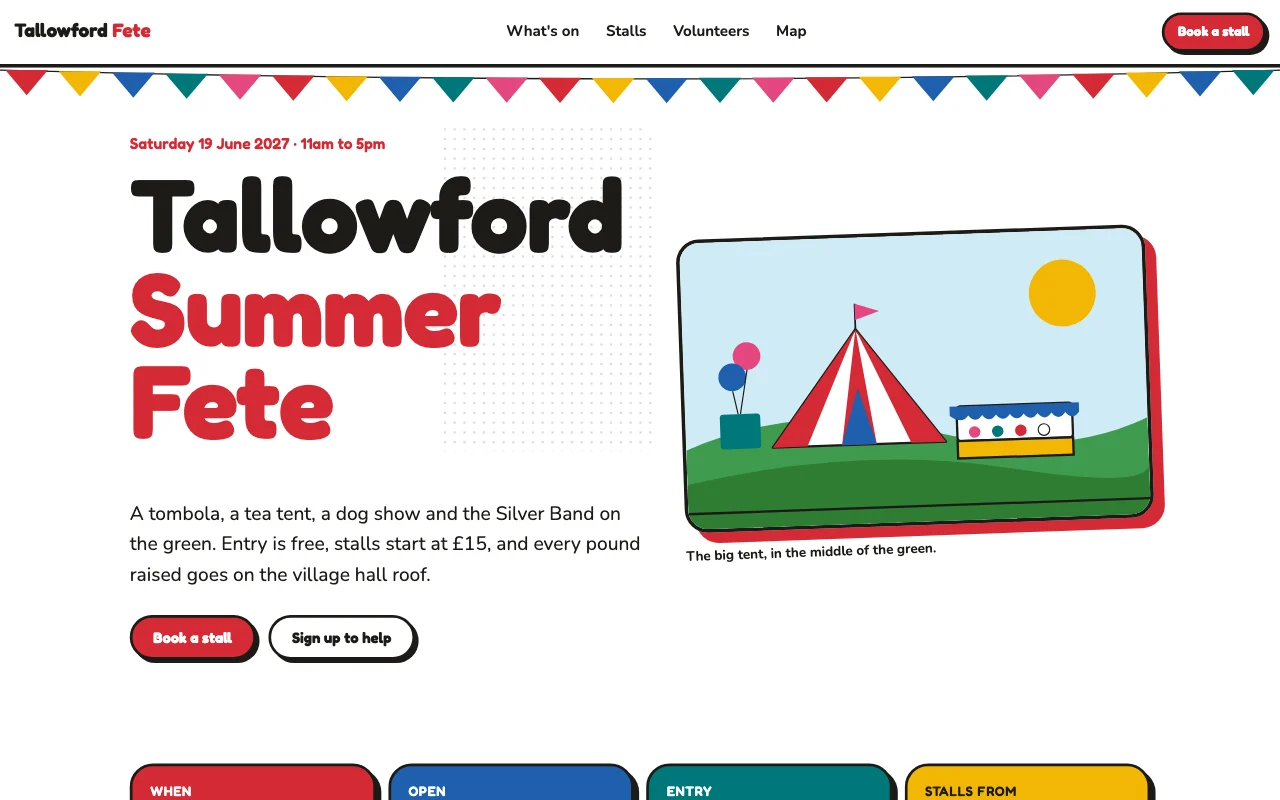 FetePrinted bunting flyer
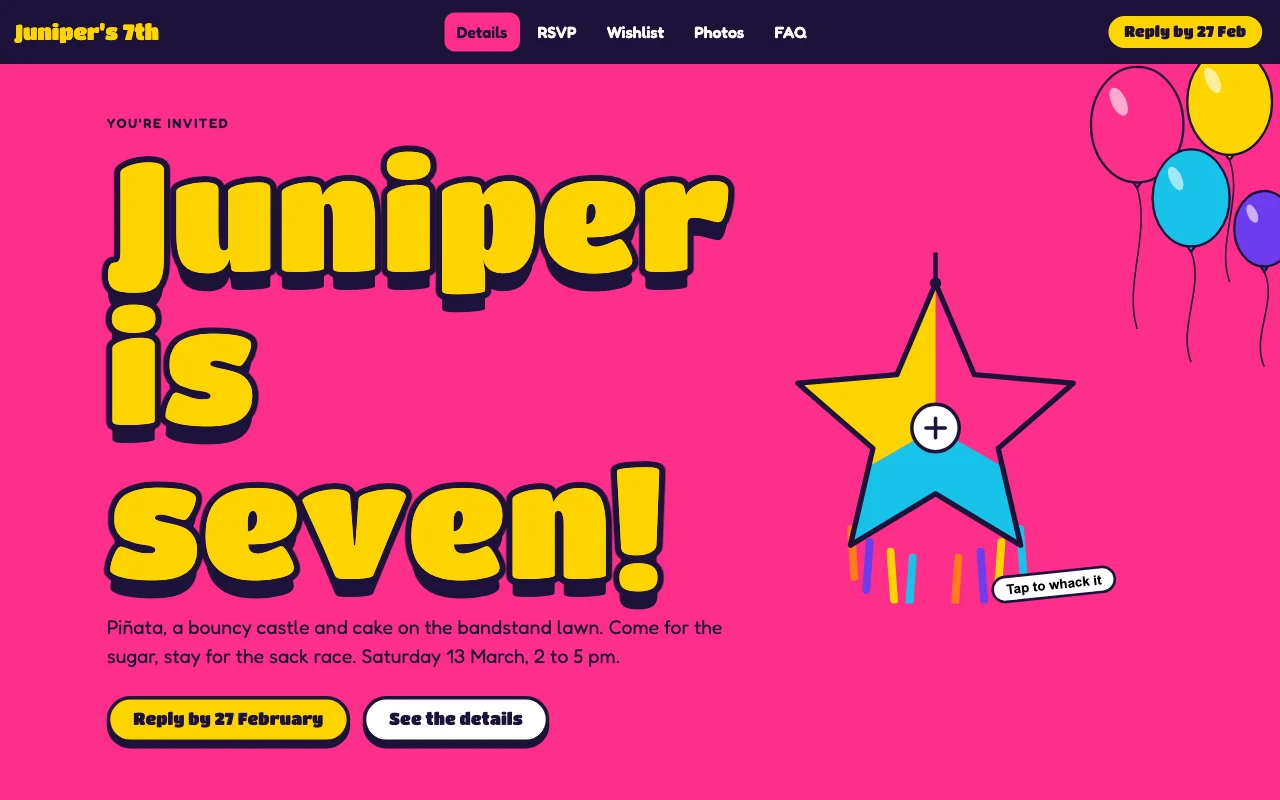 BashPiñata-bright party invite with bubbly outline type
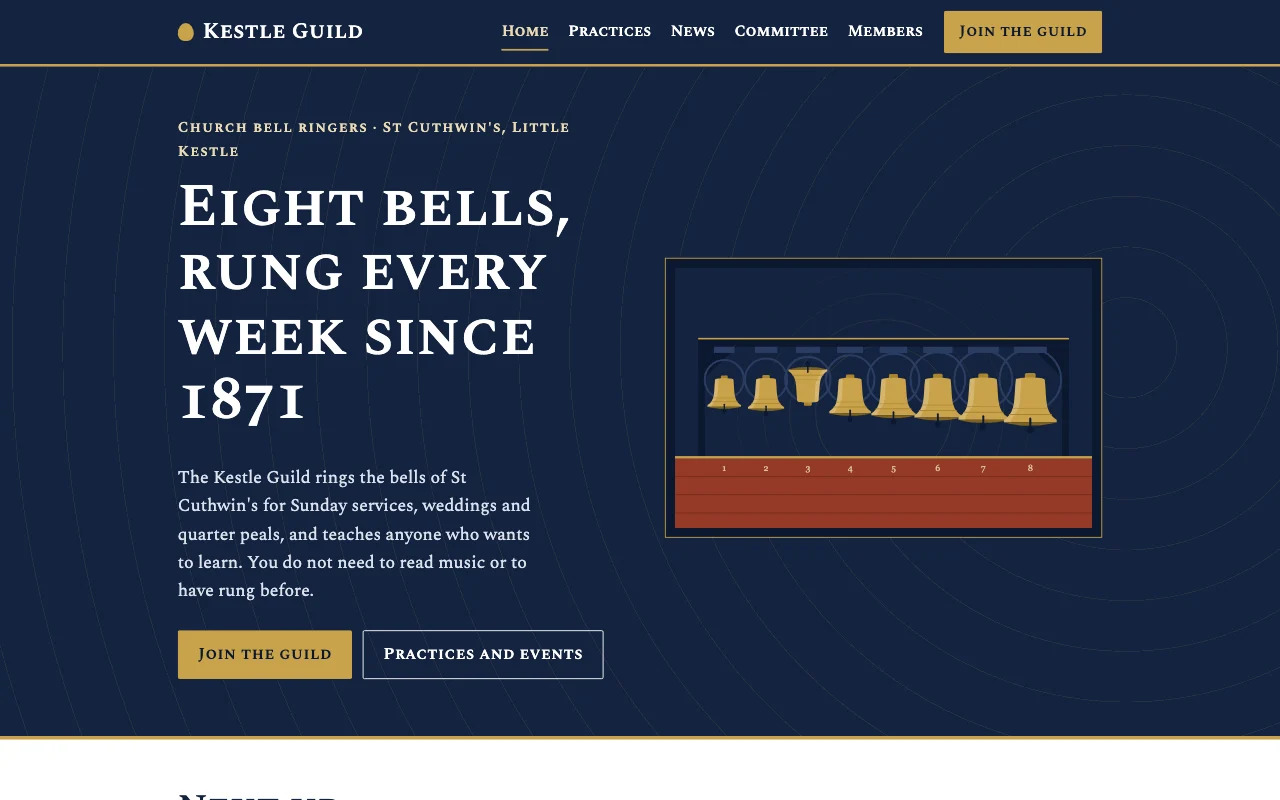 GuildCollegiate navy, brick and gold crest, small-caps serif on cool grey
Preview Fete (opens in a new tab) Preview Bash (opens in a new tab) Preview Guild (opens in a new tab)
Ideas and guides
Questions
Can stall holders pay their pitch fee on the site?
Yes, on paid plans: add a Buy button with your own Stripe Payment Link, or collect it your usual way.
Can we use it again next year?
Yes. Ask your AI to update the date and clear last year’s details. Old versions stay in the history.
Who sees the sign-ups?
They’re emailed to you. You choose whether Page Lemon also keeps a copy.
Can we hand it to next year’s committee?
Yes: transfer the site, and they accept it by email.
More use cases
-
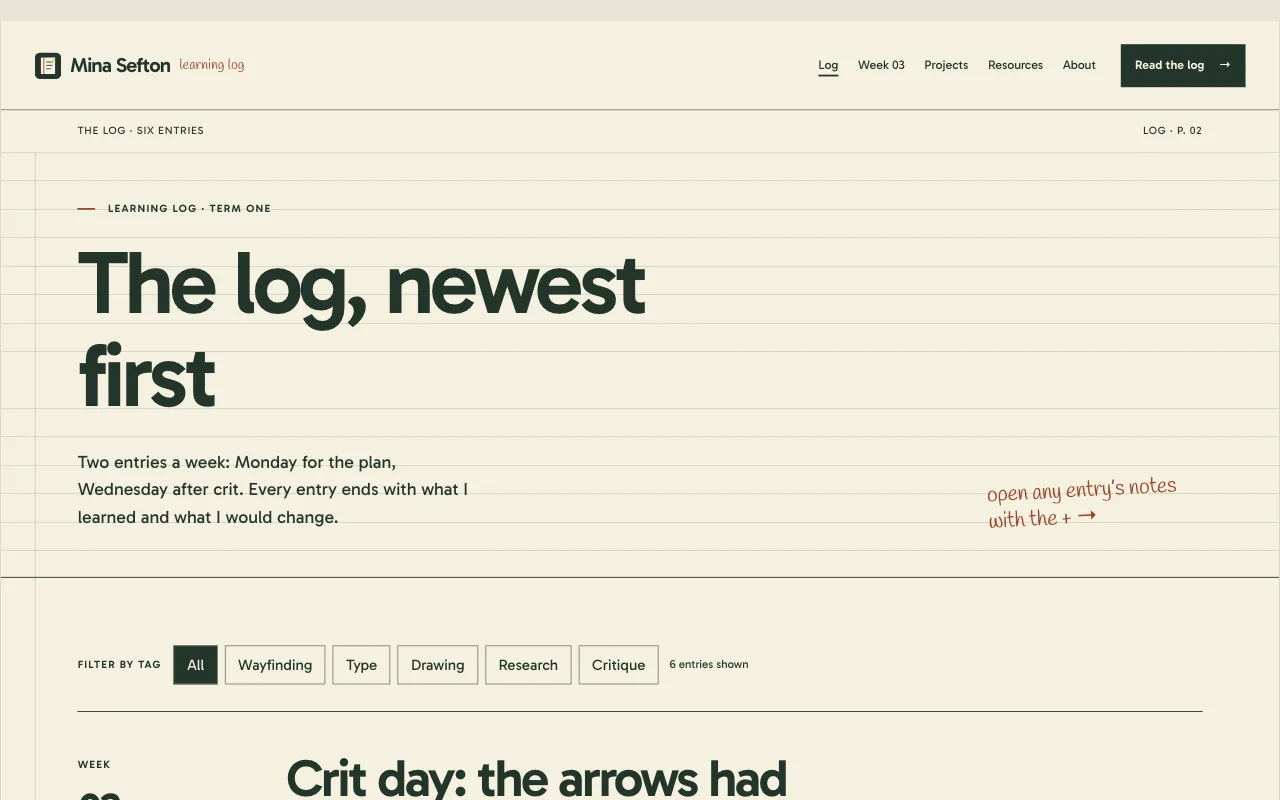 Teachers
Class site
Homework, notes and dates, behind a passcode A passcodeFiles to downloadEvery week saved Free -
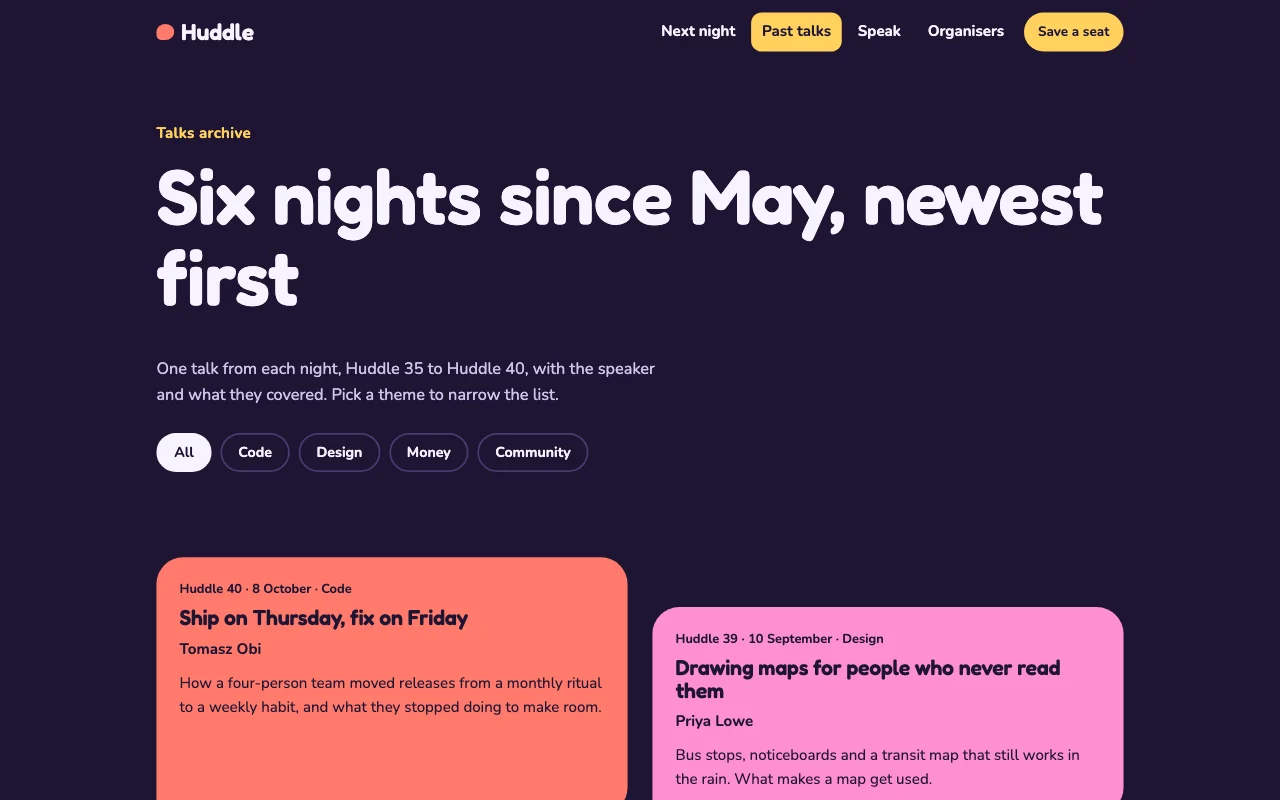 Students
Student society site
Events, sign-ups and a handover to next year Sign-up formsThe committee editsYearly handover Paid plan -
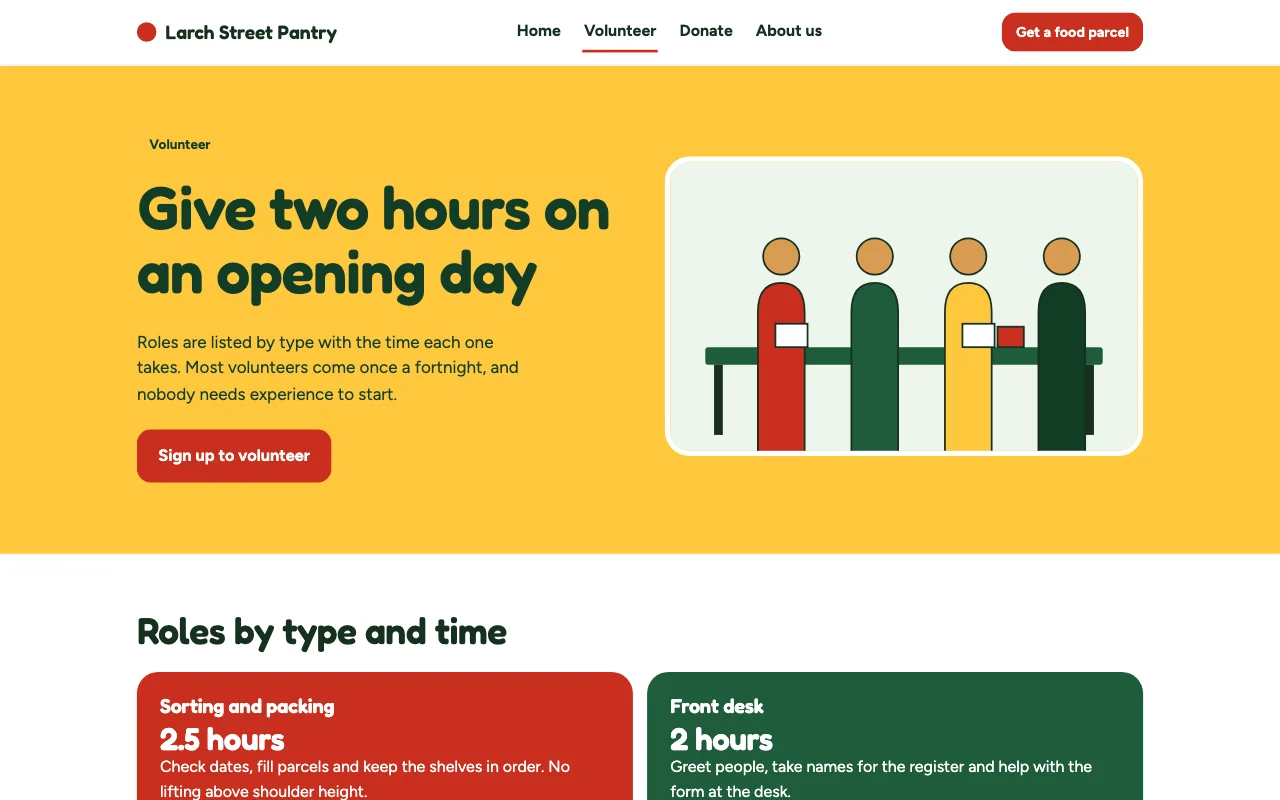 Shops and trades
Charity volunteer sign-ups
What you need this week, and a volunteer form Volunteer formSeveral Site DevelopersAny language Paid plan