

For teachers
One page for your class, updated in a sentence
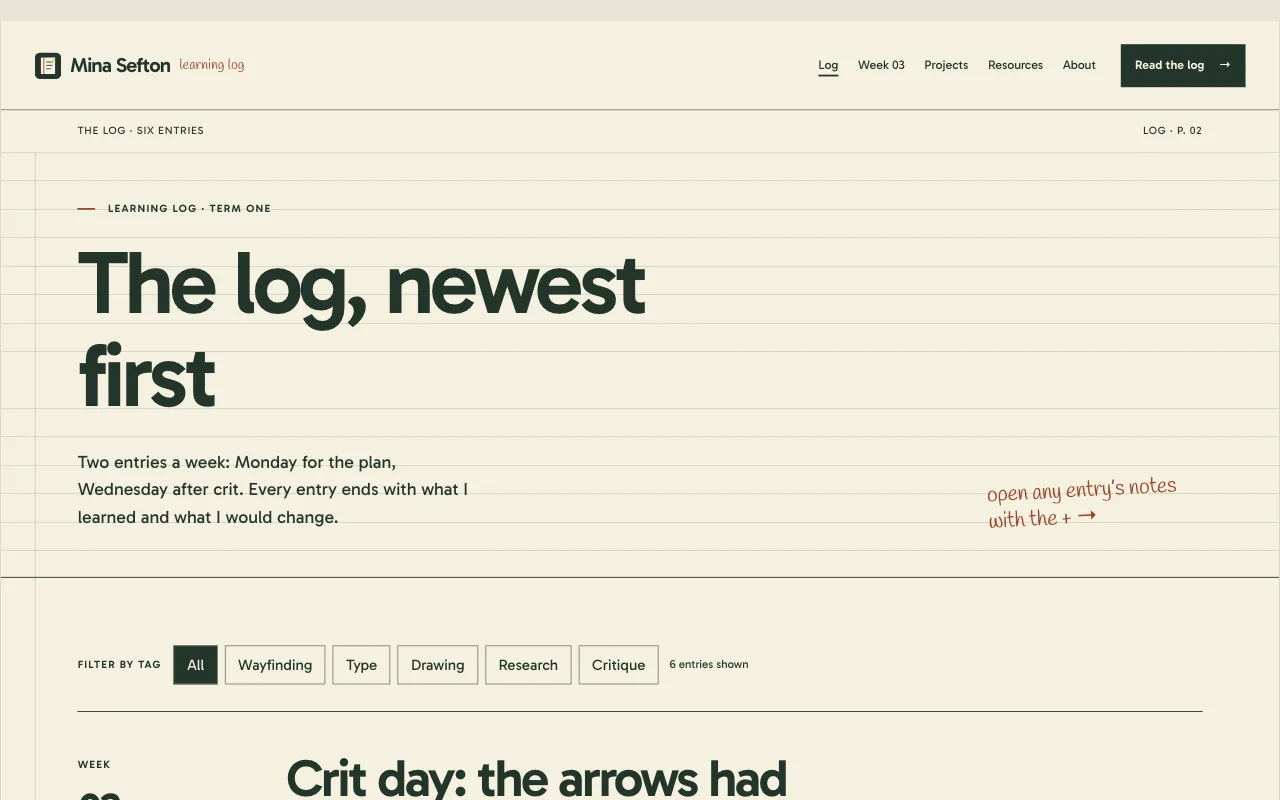
This week’s homework, notes to download and the dates that matter, on one simple site. A passcode keeps it to your class.
- A passcode for your class
- Notes to download
- Free
This is for you if you say
- “I teach a class and share homework, notes and dates every week.”
- “The school system is clunky, and students can’t find things.”
- “I want one simple page per class that I update in a sentence.”
The problem
Homework goes out in four places and students say they never saw it. Updating a page in the school system takes longer than setting the work.
How Page Lemon helps
Tell your AI the week’s homework and attach the worksheet. It updates the class site, and last week’s version stays in the history.
How it goes
From one line in your AI chat to a site that works for you.
-
You paste one line
Build with PageLemon.com: a class site for my Year 10 history class, with homework, notes to download and a passcode
Into Claude, ChatGPT or any AI chat. Your AI asks for your details: names, prices, times and photos.
-
Your AI builds these pages
- Home
- This week at a glance: what’s due, the next test and a link to the notes.
- Weekly log
- One short entry per week: what you covered and the homework.
- A page per week
- The notes, worksheet and slides for that week, as files to download.
- Projects
- Coursework briefs, with the steps and the deadline for each.
- Resources
- Revision links, past papers and reading lists.
- About
- How to reach you, and when you answer.
-
It’s live, and you run it from the chat
year10-history.pagelemon.dev/log
Page Lemon runs the parts behind it:
- A passcode
- Files to download
- Every week saved
- Change it by asking
To change anything later, ask your AI. Every version is saved.
Start with one line
Paste one of these into your AI chat (Claude, ChatGPT or another). Your AI asks for your details, builds the site and puts it online at a free address.
You type in your AI chat
-
Deploy on PageLemon.comThe quickest start: your AI asks what the site is for, picks a design and puts it online.
-
Build with PageLemon.com: a class site for my Year 10 history class, with homework, notes to download and a passcodeYour AI builds the site and sends you a link to set the passcode.
-
Use template pagelemon.com/tp/Journal for my Year 10 history class, with homework and a passcodeStarts from the Journal template: a ruled notebook with dated entries.
Once it’s live, ask your AI
Three things you might say next, and what happens.
You type in your AI chat
-
This week’s homework: read chapter 4 and answer questions 1 to 5. Here’s the worksheetThe homework section changes, with the worksheet to download.
-
Change the passcode, it got sharedEvery old passcode stops working at once.
-
Make a copy of this site for my Year 11 classYour AI copies the site to a new address for the other class.
What it costs
Free
A class site with a passcode is free. Locking only some pages of a public course page needs a paid plan.
No card needed.
What it uses
A passcode
Only people with the passcode can open the site.
Files to download
Worksheets and slides from your computer.
Every week saved
Each week’s version is saved, so you can go back to it.
Change it by asking
From any AI chat, on any device.
Templates to start from
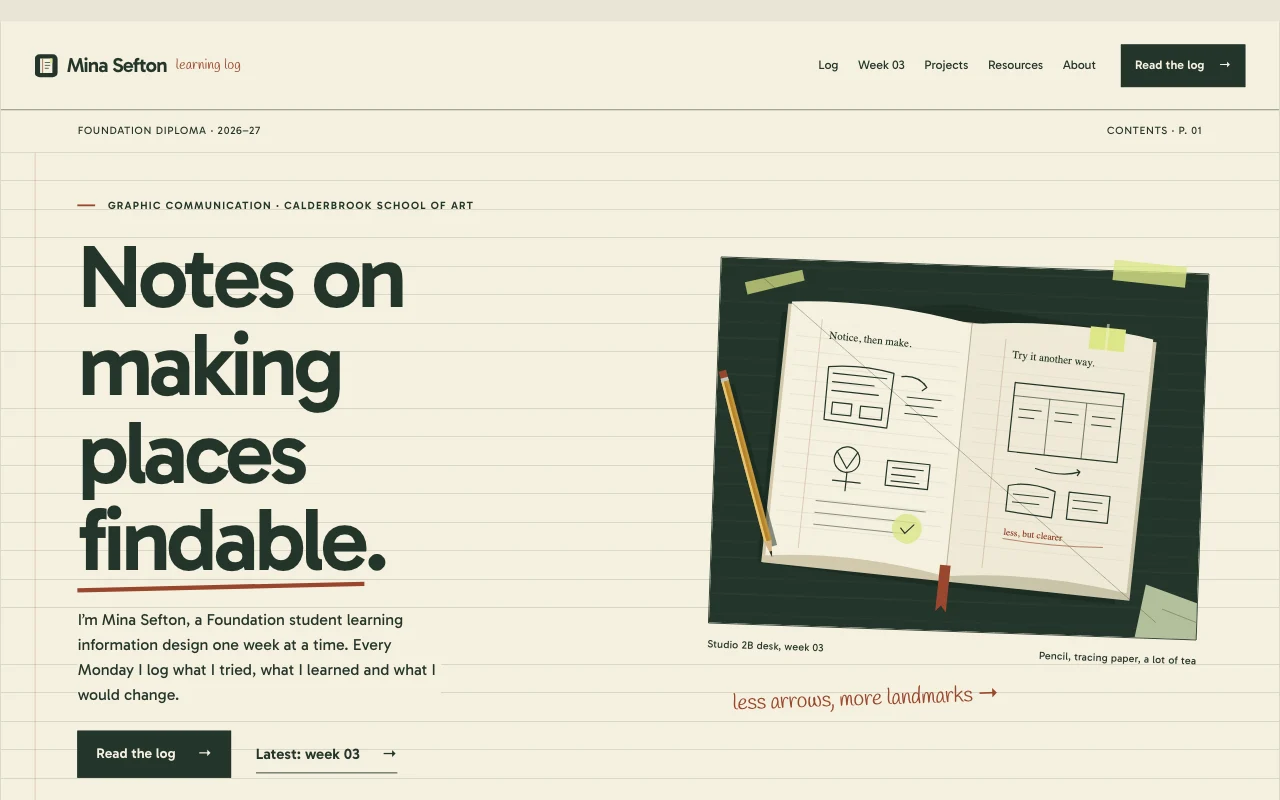 JournalCourse portfolio / learning log
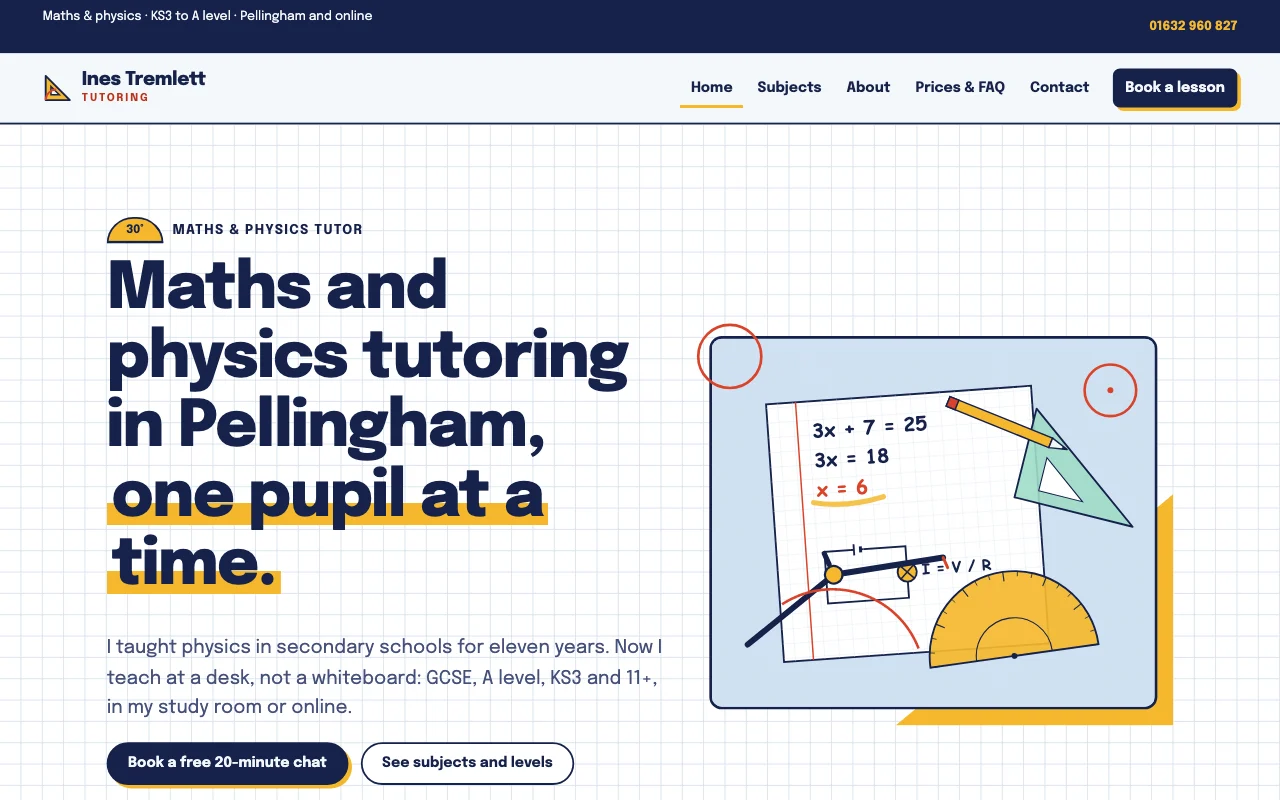 PrimerGeometry set: squared paper, ink navy, marigold set squares and tomato compass arcs
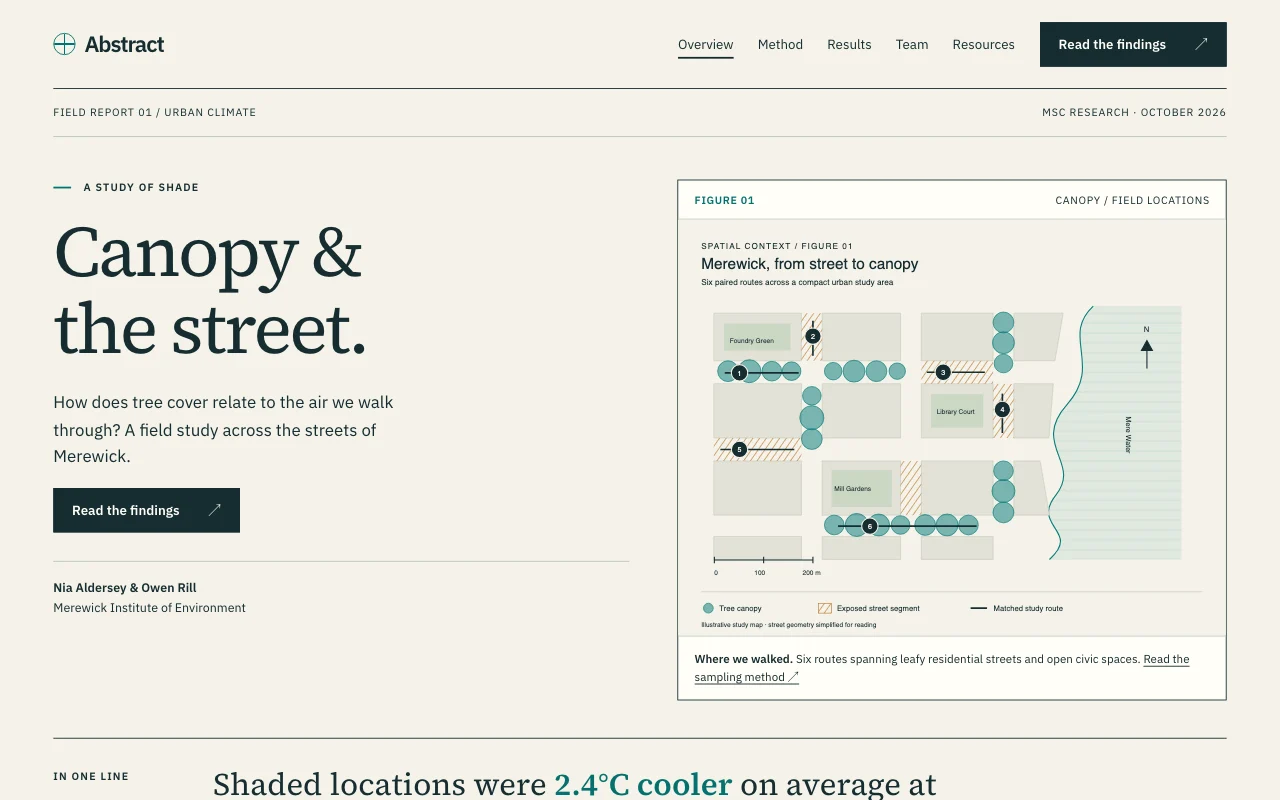 AbstractResearch poster, figures first
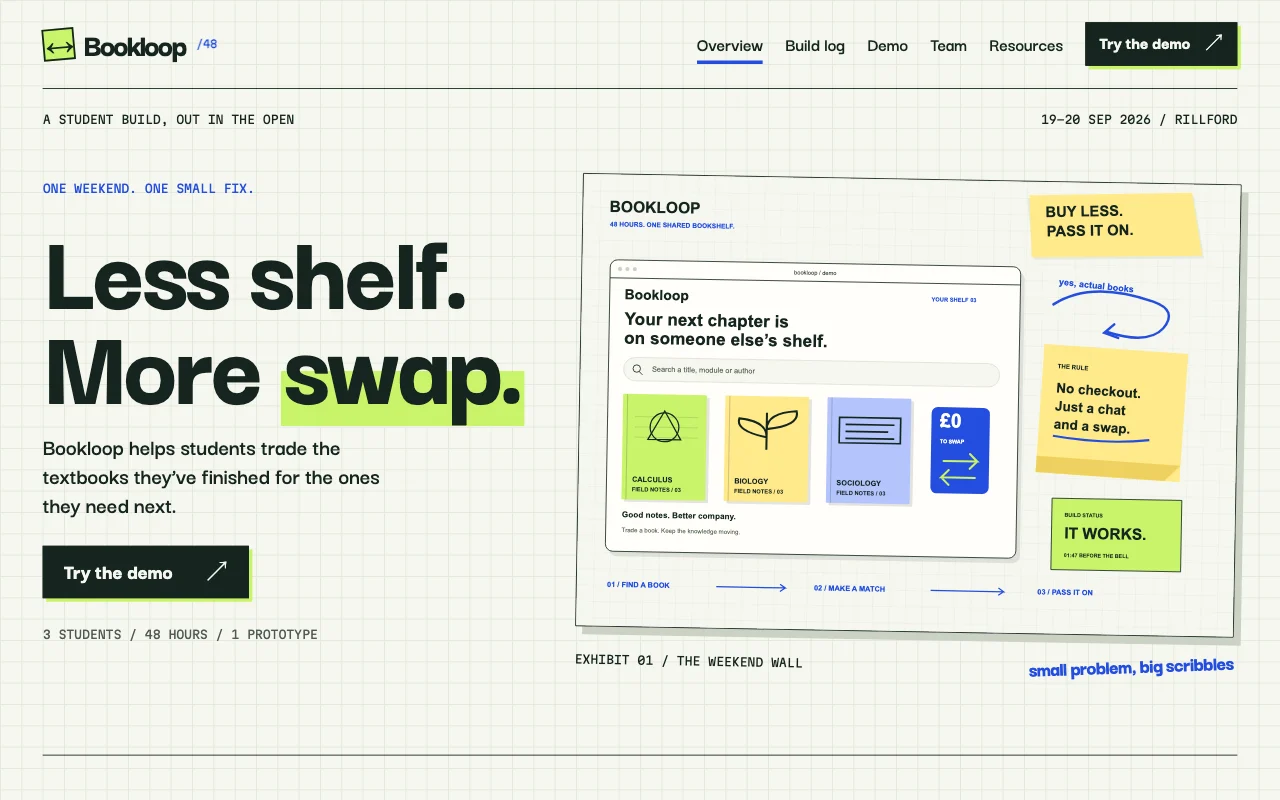 SprintHackathon build log
Preview Journal (opens in a new tab) Preview Primer (opens in a new tab) Preview Abstract (opens in a new tab) Preview Sprint (opens in a new tab)
Ideas and guides
Questions
Do students need an account?
No. They open the link and type the passcode. Nothing to install and no email address needed.
Is it safe to put student names on it?
Keep personal details off it: no names, photos or grades. Use the site for homework, notes and dates, and keep anything about one student in your school’s own systems.
How do I add this week’s worksheet?
Give the PDF or slides to your AI and say which week they’re for. It adds them as downloads on that week’s page. File size limits: see pricing.
Can I change the passcode each term?
Yes. Ask your AI for a new passcode and send it to the new class. The old one stops working at once.
Can a colleague help run it?
Yes, on a paid plan: invite them as a Site Developer and they change it from their own AI. On Free you edit it yourself.
Can parents see it?
Give them the passcode, or keep a separate site for parents with term dates and trips.
What happens to last year’s weeks?
They stay unless you remove them. Ask your AI to move last year’s entries to an archive page, or start a fresh site and keep the old one.
Can I use it with more than one class?
Make one site per class, each with its own passcode. How many live sites you get depends on your plan: see pricing.
More use cases
-
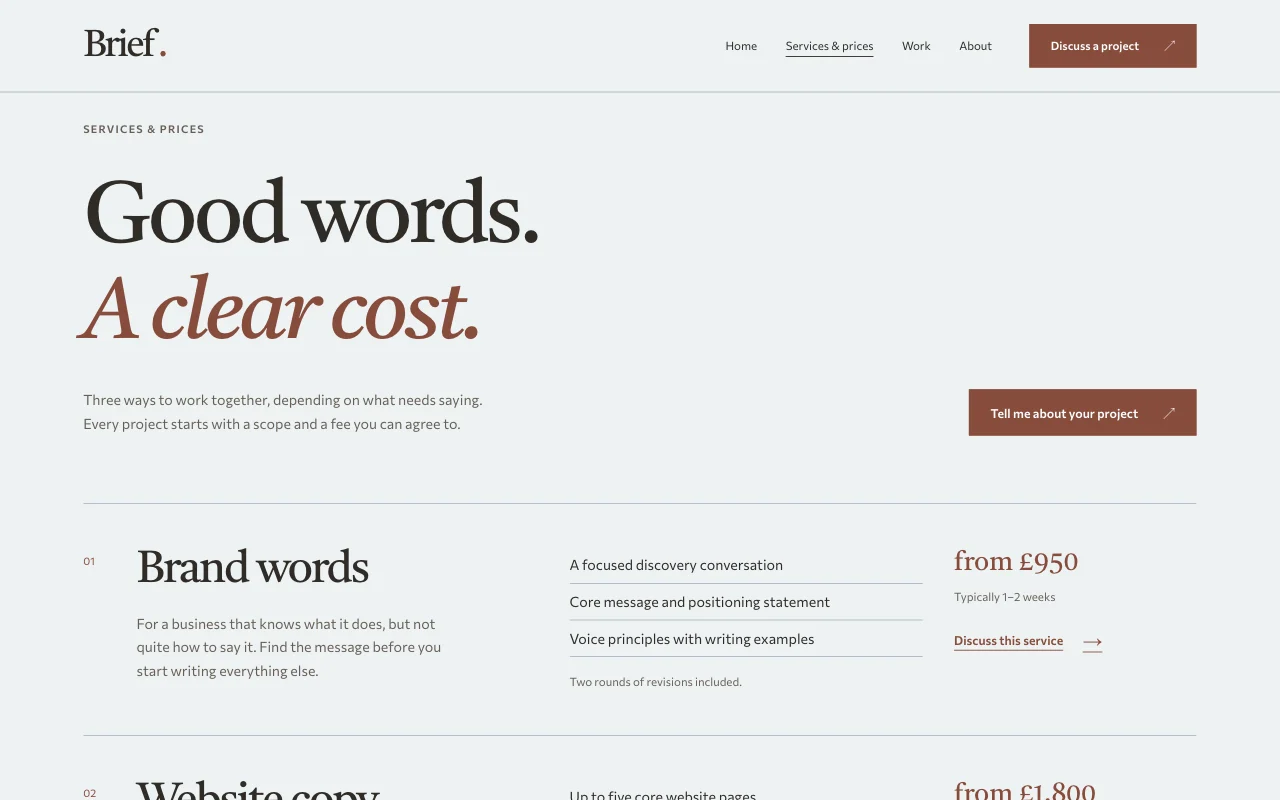 Teachers
One-to-one session bookings
Lessons, coaching or intro calls, booked in your free times Online bookingWeekly regularsBusy times blocked Paid plan -
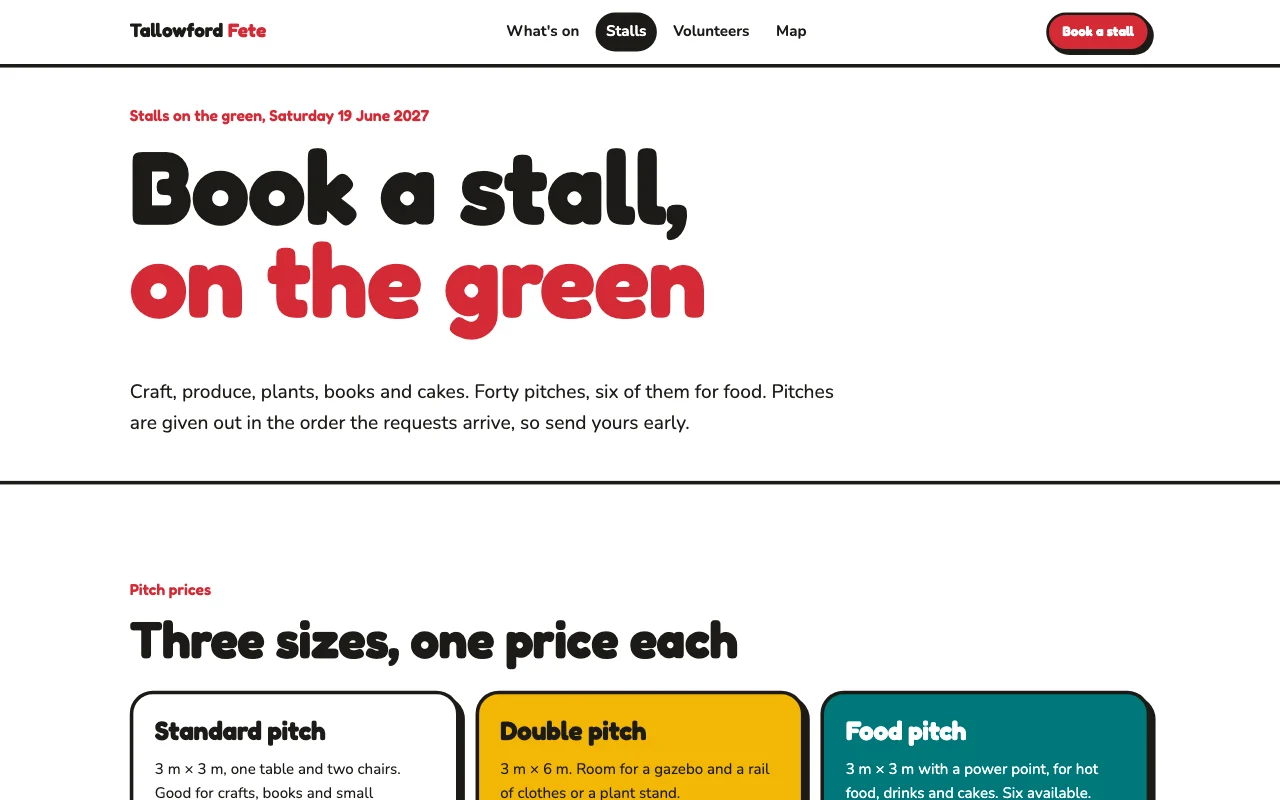 Teachers
School fair sign-ups
Stall holders and volunteers sign up by form Sign-up formsSeveral organisersStalls and rota as a list Paid plan -
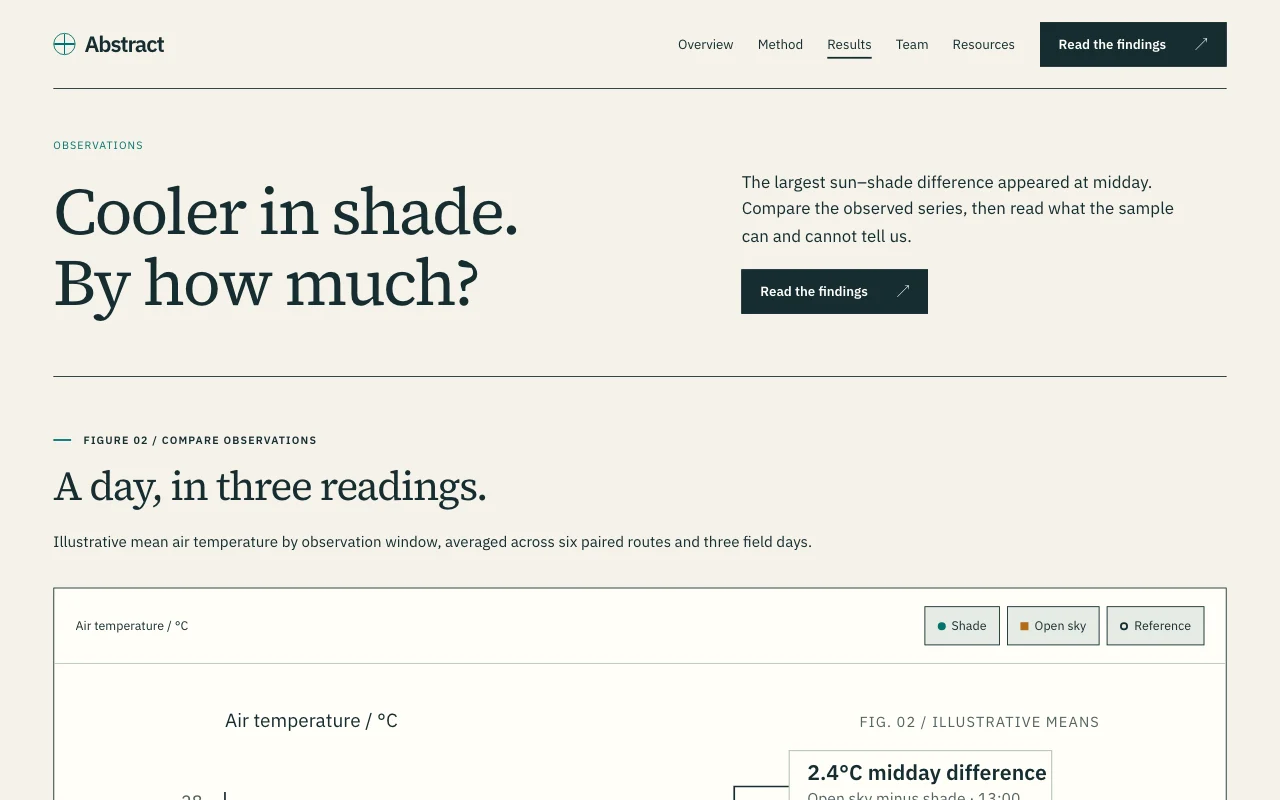 Students
Student project or dissertation site
Your research or your team’s project, explained on one site The full PDFPasscodeSite Developers Free