

For students, researchers and student teams
Your project, explained on one site
The question, how you answered it and what you found, or the idea, the demo and who did what. Add the full PDF, keep it private until it’s marked, and let teammates edit from their own AI.
- The full PDF to download
- Teammates edit from their own AI
- Private until you’re ready
This is for you if you say
- “I’m finishing a dissertation, a thesis or a research poster that only my markers will read.”
- “We’re a student team on a group project or a hackathon, and one person ends up doing the site.”
- “We want a clear site anyone can follow, that the whole team can edit.”
The problem
A 12,000-word PDF is hard to share, a poster lives on one wall for a day, and a team site is always the last thing done, by the one person with the password.
How Page Lemon helps
Give your AI the abstract, figures and PDF, or your demo and notes. It builds a short, readable site with each part in its own section. Teammates join as Site Developers, and every version shows who made it.
How it goes
From one line in your AI chat to a site that works for you.
-
You paste one line
Build with PageLemon.com: a site for my dissertation, with the method, results and the PDF
Into Claude, ChatGPT or any AI chat. Your AI asks for your details: names, prices, times and photos.
-
Your AI builds these pages
- Overview
- The question or the idea, and why it matters, in plain words.
- Method or process
- What you did, with a diagram or a timeline of decisions.
- Results or demo
- Figures with numbered captions, or screenshots and a video link.
- Team
- Who did what.
- Read it
- The full PDF, the poster and references.
-
It’s live, and you run it from the chat
tidal-energy-msc.pagelemon.dev/results
Page Lemon runs the parts behind it:
- The full PDF
- Passcode
- Site Developers
- Versions with names
- Site Viewers
- Hand it over
To change anything later, ask your AI. Every version is saved.
Start with one line
Paste one of these into your AI chat (Claude, ChatGPT or another). Your AI asks for your details, builds the site and puts it online at a free address.
You type in your AI chat
-
Deploy on PageLemon.comThe quickest start: your AI asks what the site is for, picks a design and puts it online.
-
Build with PageLemon.com: a site for my dissertation, with the method, results and the PDFYour AI asks for your abstract, figures and PDF, then builds the site.
-
Use template pagelemon.com/tp/Sprint for our hackathon project, and let my teammates edit itStarts from the Sprint template: a graph-paper build wall with a 48-hour timeline.
Once it’s live, ask your AI
Three things you might say next, and what happens.
You type in your AI chat
-
Put a passcode on it until it’s markedOnly people with the passcode can open it. Remove it later in one sentence.
-
Invite leo@example.ac.uk and mei@example.ac.uk as Site DevelopersYou approve once, and each gets an email invite.
-
Explain the results for someone who isn’t in my fieldYour AI adds a plain-language summary above the figures.
What it costs
Free
A research or project site with a PDF and a passcode is free. Teammates editing as Site Developers need a paid plan; only the site’s owner pays.
No card needed.
What it uses
The full PDF
Your dissertation, report or poster to download.
Passcode
Private until it’s marked or demoed, on any plan.
Site Developers
Teammates edit from their own AI.
Versions with names
Every version saved, with who published it.
Site Viewers
Let a marker, supervisor or judge look without editing.
Hand it over
Transfer the site to a teammate when the project ends.
Templates to start from
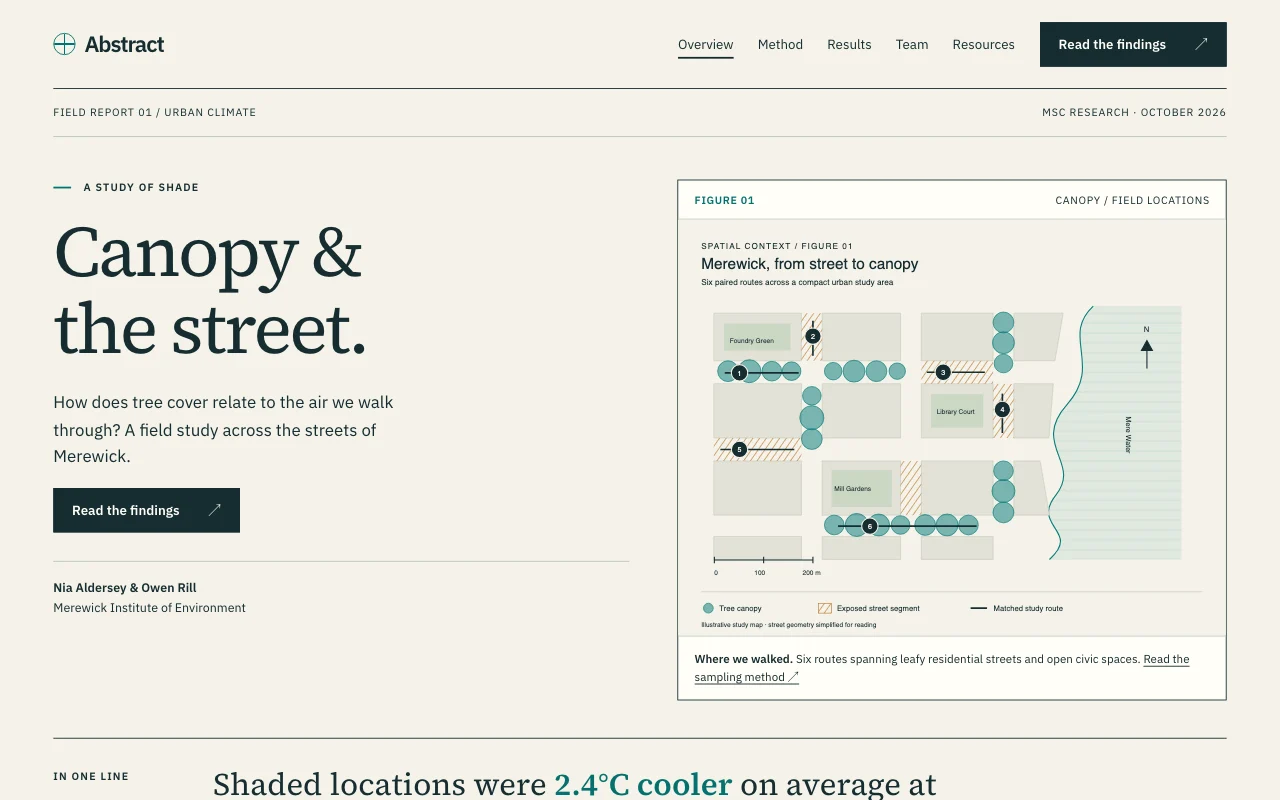 AbstractResearch poster, figures first
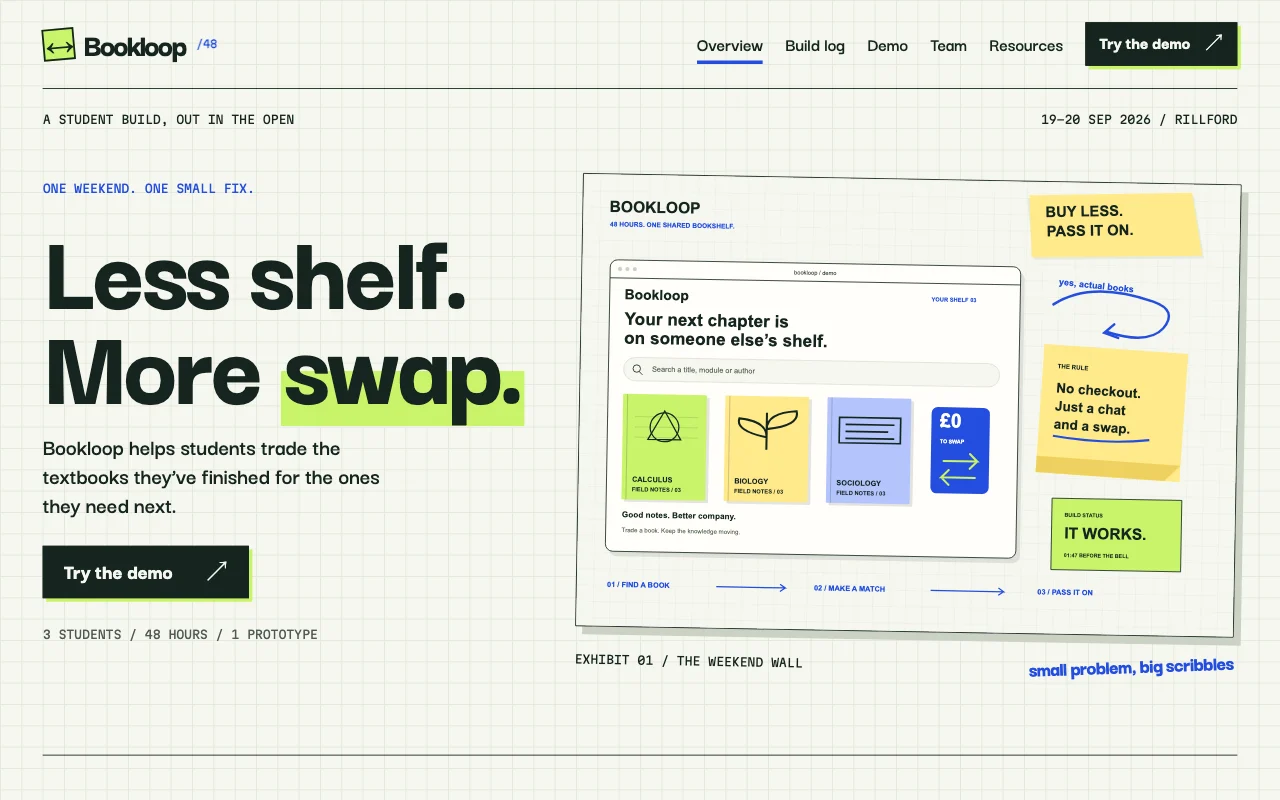 SprintHackathon build log
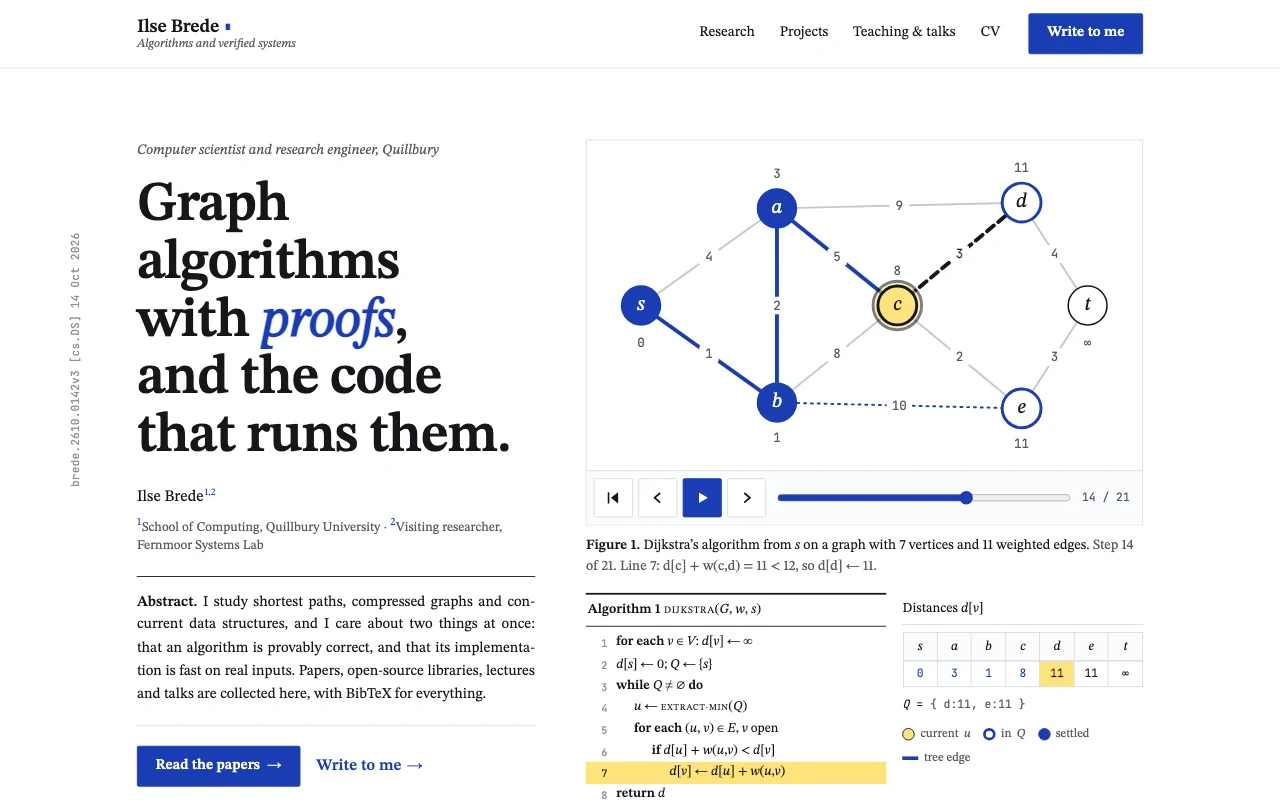 LemmaTypeset computer science paper: white page, STIX serif, numbered Theorem/Figure/Algorithm blocks, one link-blue and a highlighter yellow
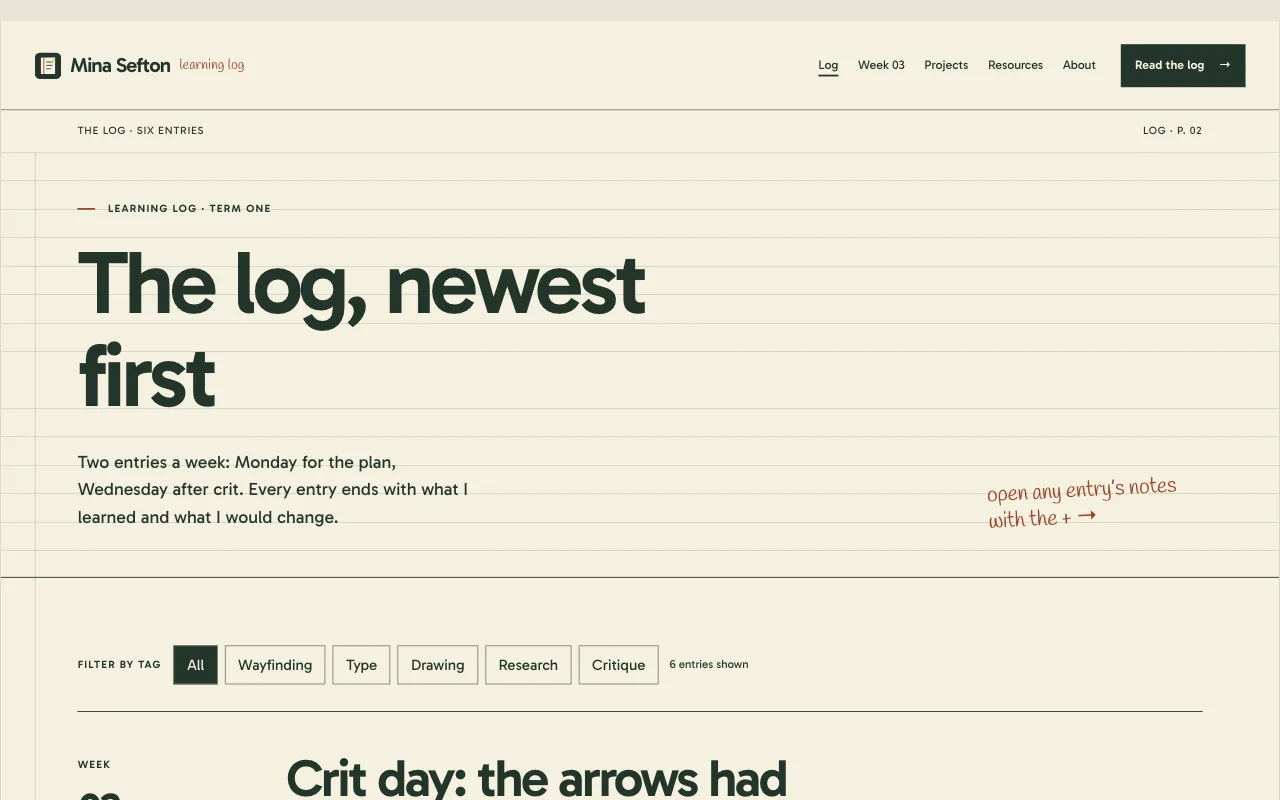
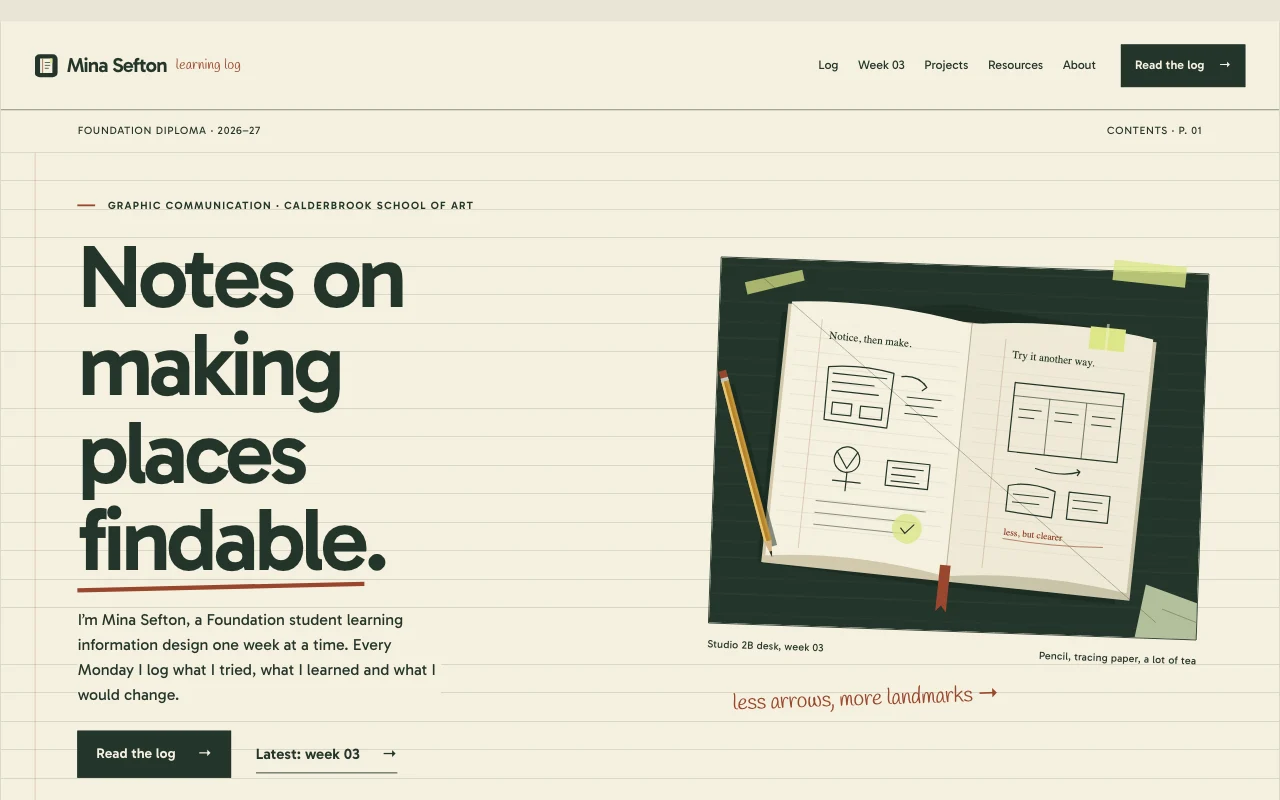 JournalCourse portfolio / learning log
Preview Abstract (opens in a new tab) Preview Sprint (opens in a new tab) Preview Lemma (opens in a new tab) Preview Journal (opens in a new tab)
Ideas and guides
Questions
Is it allowed to publish my dissertation?
Check your university’s rules first. A passcode keeps it private until you’re sure.
Does every teammate need to pay?
No. Site Developers need only a free account. The site’s owner has the plan.
What if two people change it at once?
Nobody overwrites anyone: if the site changed since your AI last read it, your AI hears who changed what.
Can I show data and charts?
Yes: as images from your analysis, or as simple charts your AI draws from a table.
Will it look academic?
The Abstract and Lemma templates use numbered figures, captions and references.
Can my supervisor or a judge comment?
Share the passcode, or add them as a Site Viewer, and they reply by email as usual.
What happens after the project?
Keep it as a portfolio piece, or transfer it to the teammate who wants it.
More use cases
-
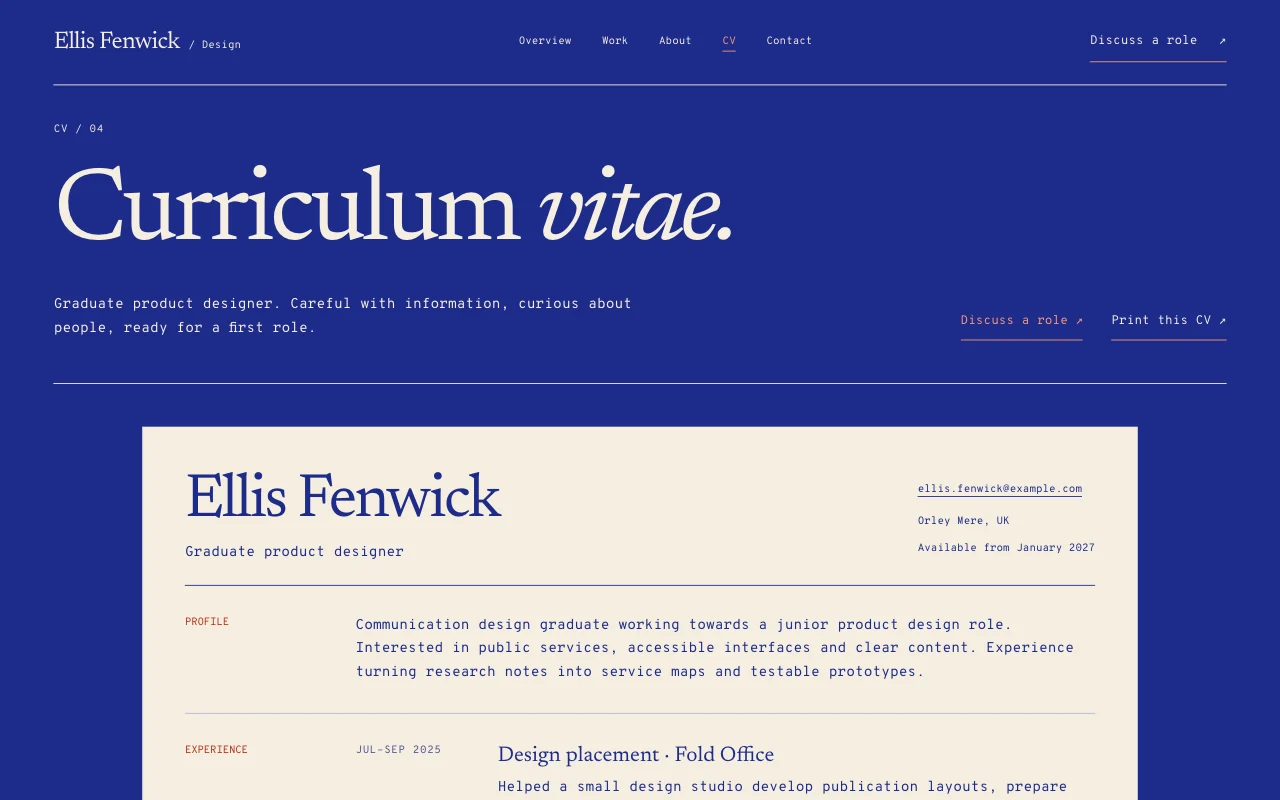 Students
Student CV site
Your CV, projects and a PDF, at one link A free addressCV to downloadVisitor numbers Free -
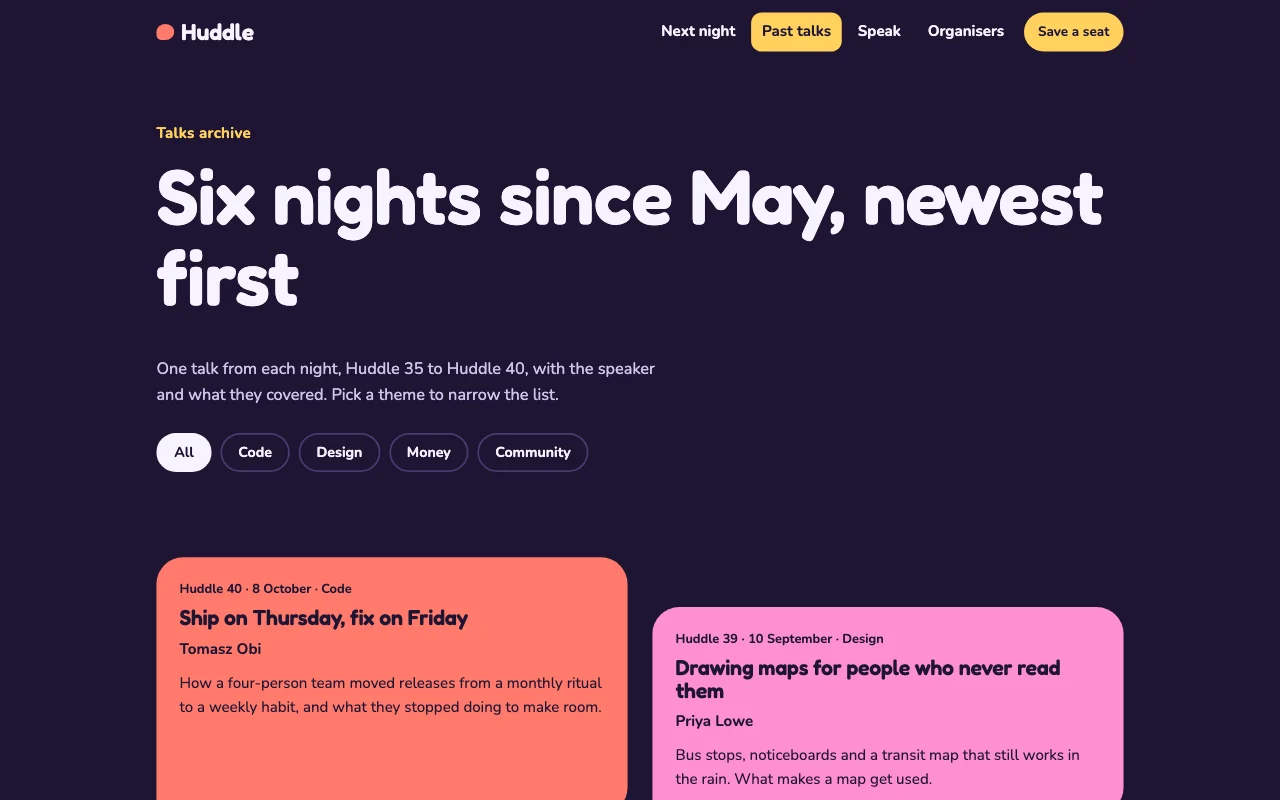 Students
Student society site
Events, sign-ups and a handover to next year Sign-up formsThe committee editsYearly handover Paid plan -
 Teachers
Class site
Homework, notes and dates, behind a passcode A passcodeFiles to downloadEvery week saved Free