

For students and graduates
Your CV and your work, at one link
Your experience, a few projects with what you did, and your CV as a PDF to download. One link for every application, free.
- Free at yourname.pagelemon.dev
- Your CV as a PDF
- Updated in a sentence
This is for you if you say
- “I’m applying for internships, placements or a first job.”
- “My CV is a PDF, and my projects are in five different places.”
- “I want one link for applications that looks like I made an effort.”
The problem
A one-page PDF can’t show the work behind it, and a link to a code repository or a coursework folder doesn’t explain what you did.
How Page Lemon helps
Your AI builds a short page per project from your notes, puts your CV beside it as a PDF, and updates both when you get the next grade or job.
How it goes
From one line in your AI chat to a site that works for you.
-
You paste one line
Build with PageLemon.com: a CV site with my projects and my CV as a PDF to download
Into Claude, ChatGPT or any AI chat. Your AI asks for your details: names, prices, times and photos.
-
Your AI builds these pages
- Overview
- Your name, what you study and the kind of role you’re looking for, in a few lines.
- Work
- Three to five projects, each with the problem, what you did and what came of it.
- About
- A short story of how you got here, and what you want to do next.
- CV
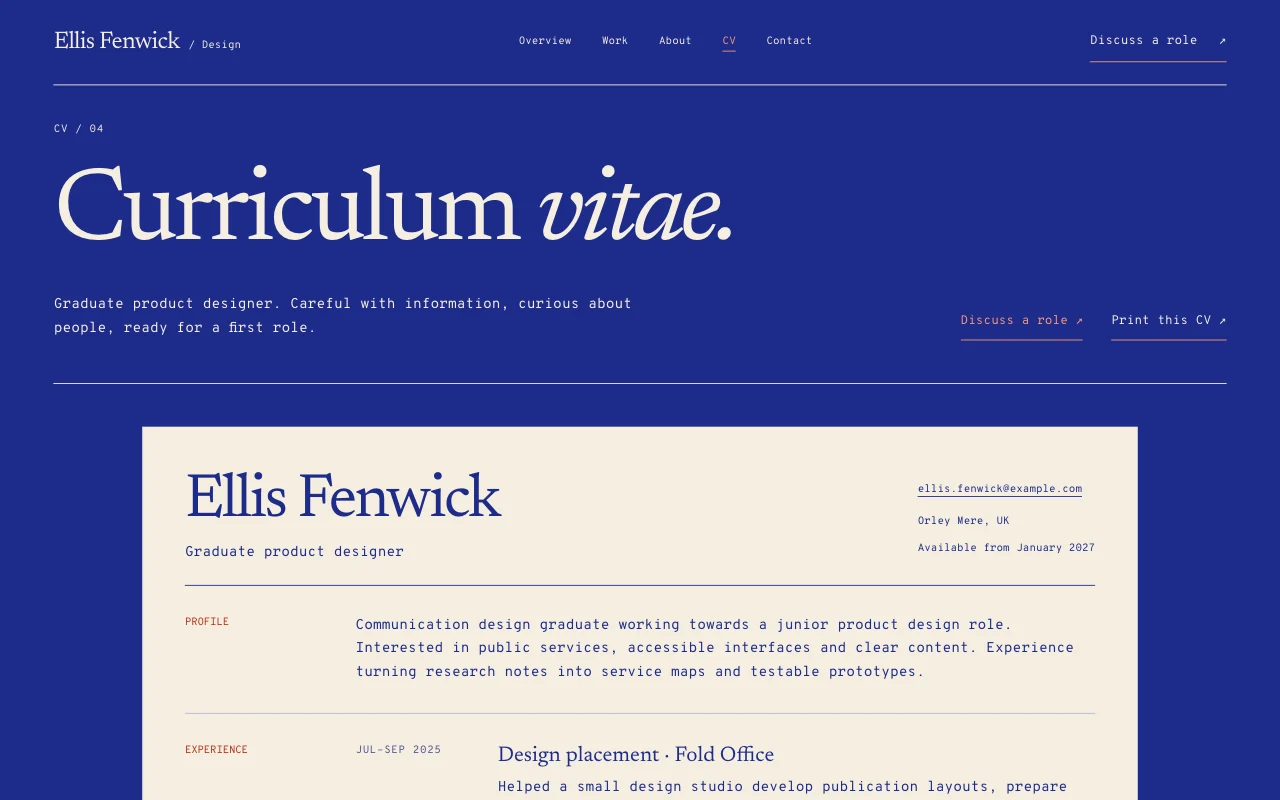
- Your experience and education on the page, plus the PDF to download.
- Contact
- Your email and the profiles you want recruiters to see.
-
It’s live, and you run it from the chat
priya-shah.pagelemon.dev/cv
Page Lemon runs the parts behind it:
- A free address
- CV to download
- Visitor numbers
- Every version saved
To change anything later, ask your AI. Every version is saved.
Start with one line
Paste one of these into your AI chat (Claude, ChatGPT or another). Your AI asks for your details, builds the site and puts it online at a free address.
You type in your AI chat
-
Deploy on PageLemon.comThe quickest start: your AI asks what the site is for, picks a design and puts it online.
-
Build with PageLemon.com: a CV site with my projects and my CV as a PDF to downloadYour AI asks for your CV and projects, and builds the site at a free address.
-
Use template pagelemon.com/tp/Monogram for my CV, with my CV as a PDF to downloadStarts from the Monogram template: a typographic CV with one big monogram.
Once it’s live, ask your AI
Three things you might say next, and what happens.
You type in your AI chat
-
Here’s my updated CV. Replace the PDF and the experience sectionThe new PDF goes up and the page matches it.
-
Add my final-year project, here’s the reportA new project page, written from your report, with the report to download.
-
How many people opened my site this week?Your AI tells you, from your site’s visitor analytics.
What it costs
Free
A CV site is free, with a free address and a PDF to download. Your own domain and no Page Lemon badge need a paid plan.
No card needed.
What it uses
A free address
yourname.pagelemon.dev, the same in every application.
CV to download
Your PDF beside the page.
Visitor numbers
See whether people opened it.
Every version saved
Go back to any earlier version.
Templates to start from
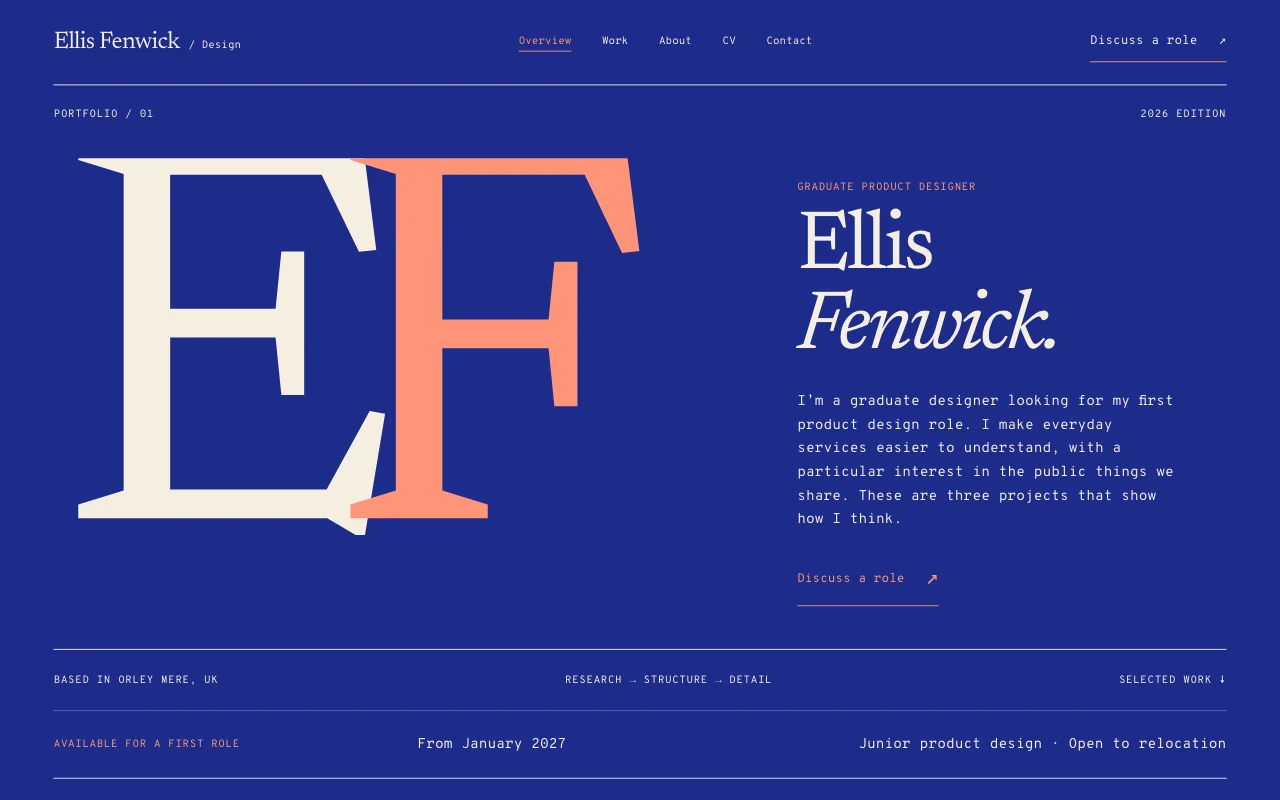 MonogramTypographic CV, one big monogram
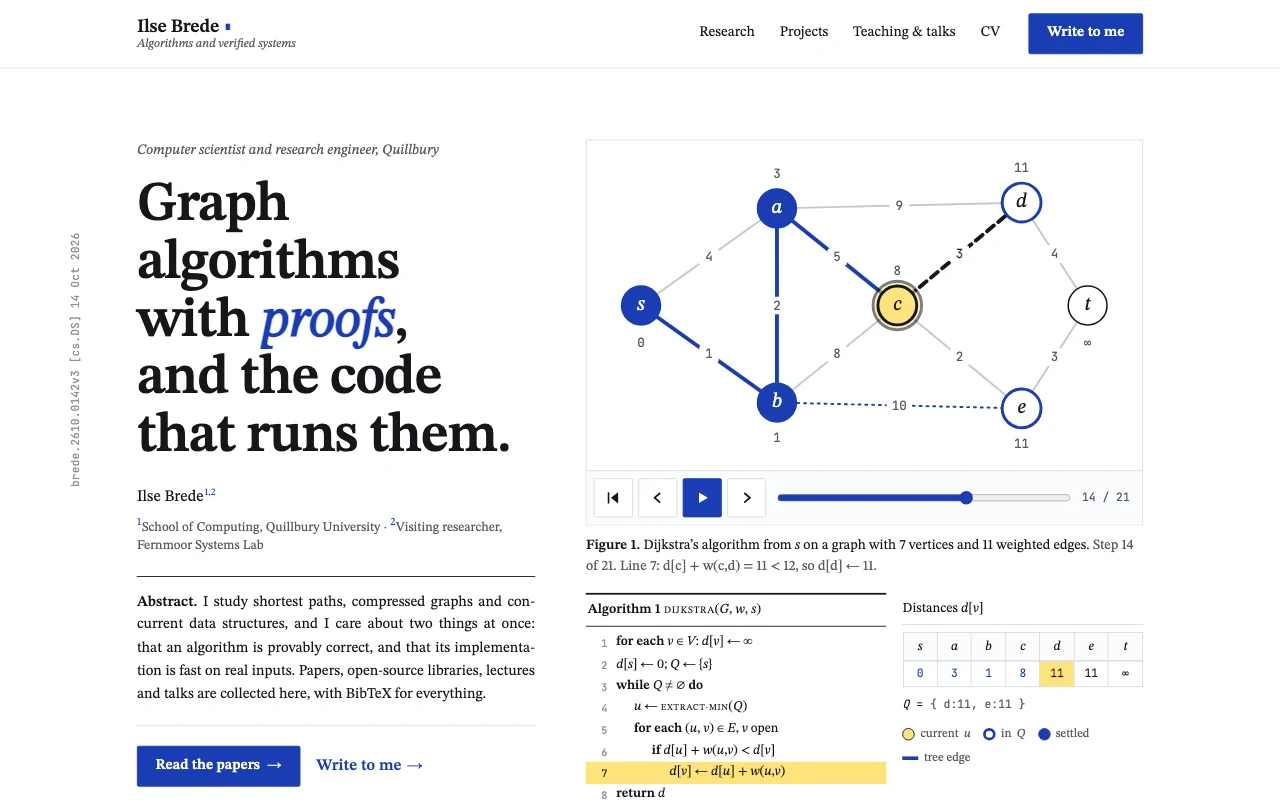 LemmaTypeset computer science paper: white page, STIX serif, numbered Theorem/Figure/Algorithm blocks, one link-blue and a highlighter yellow
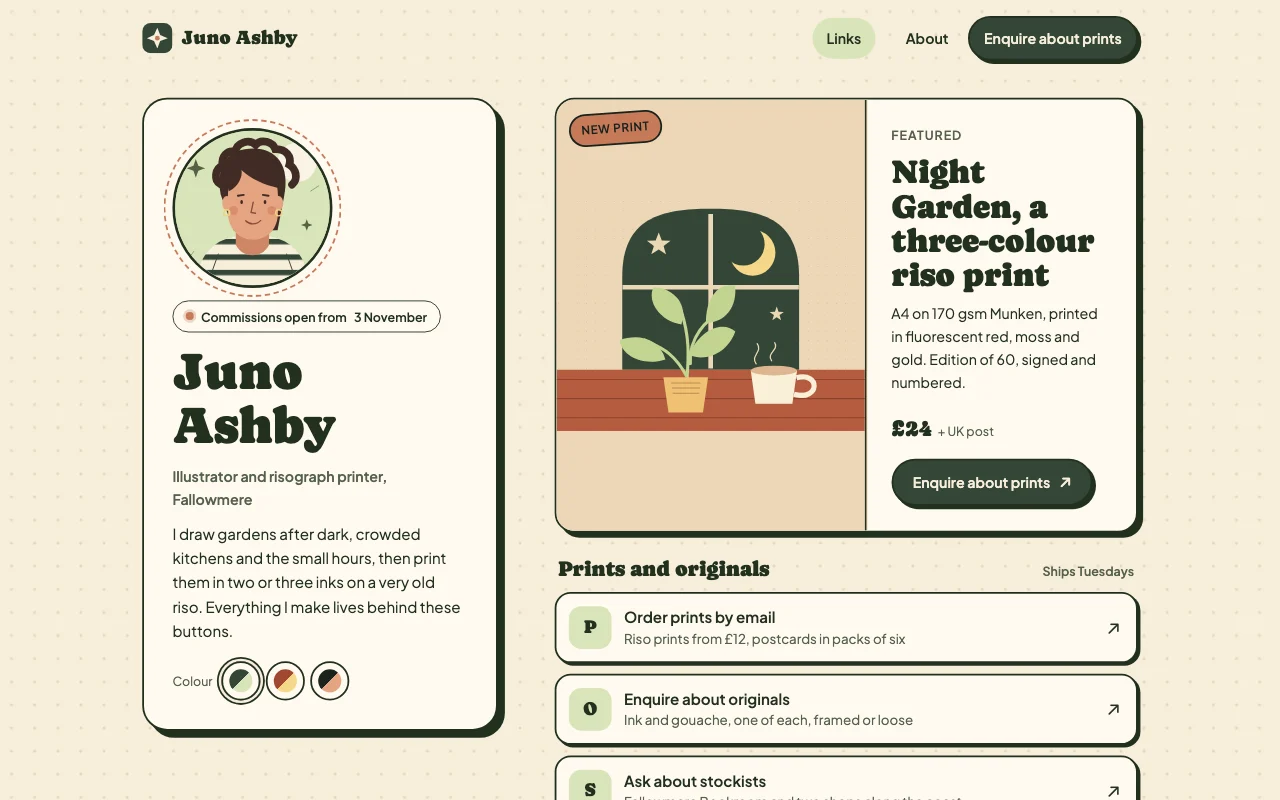 LinksWarm Carrd-style link page with sticker shadows
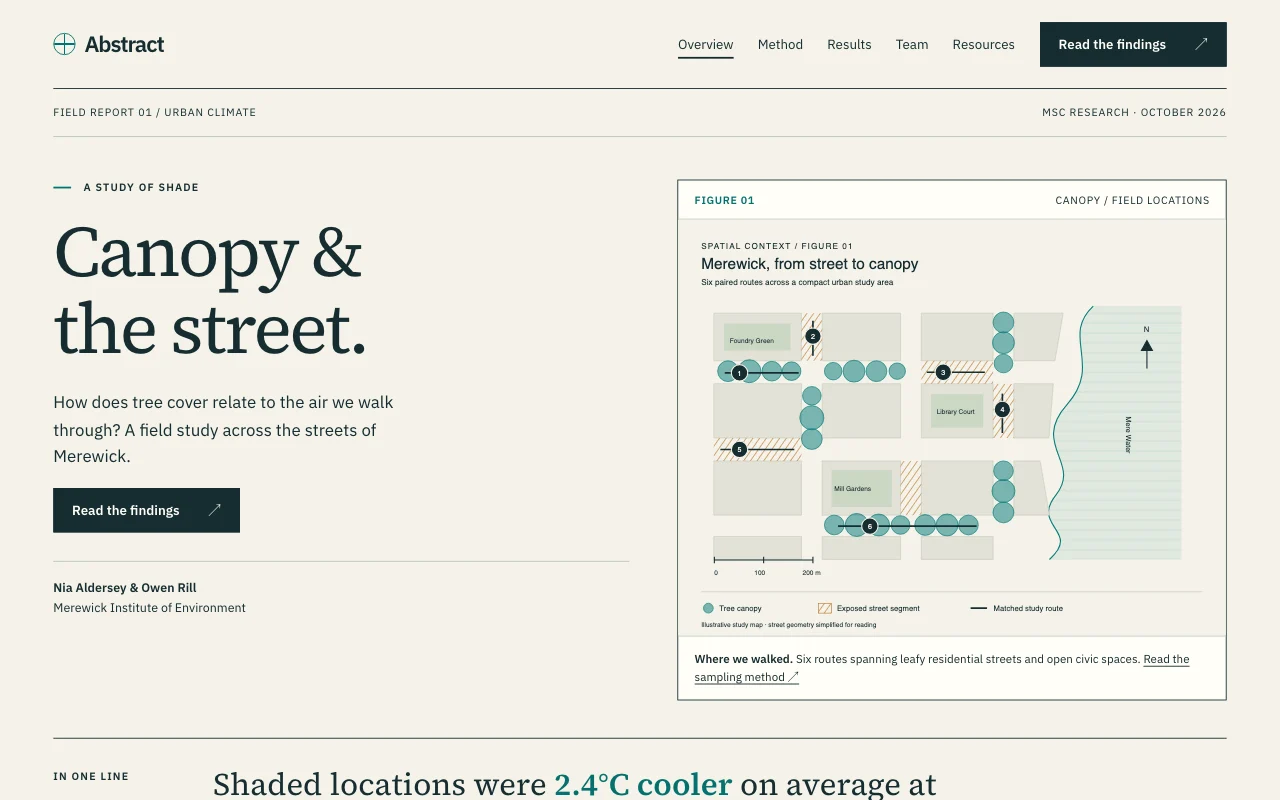 AbstractResearch poster, figures first
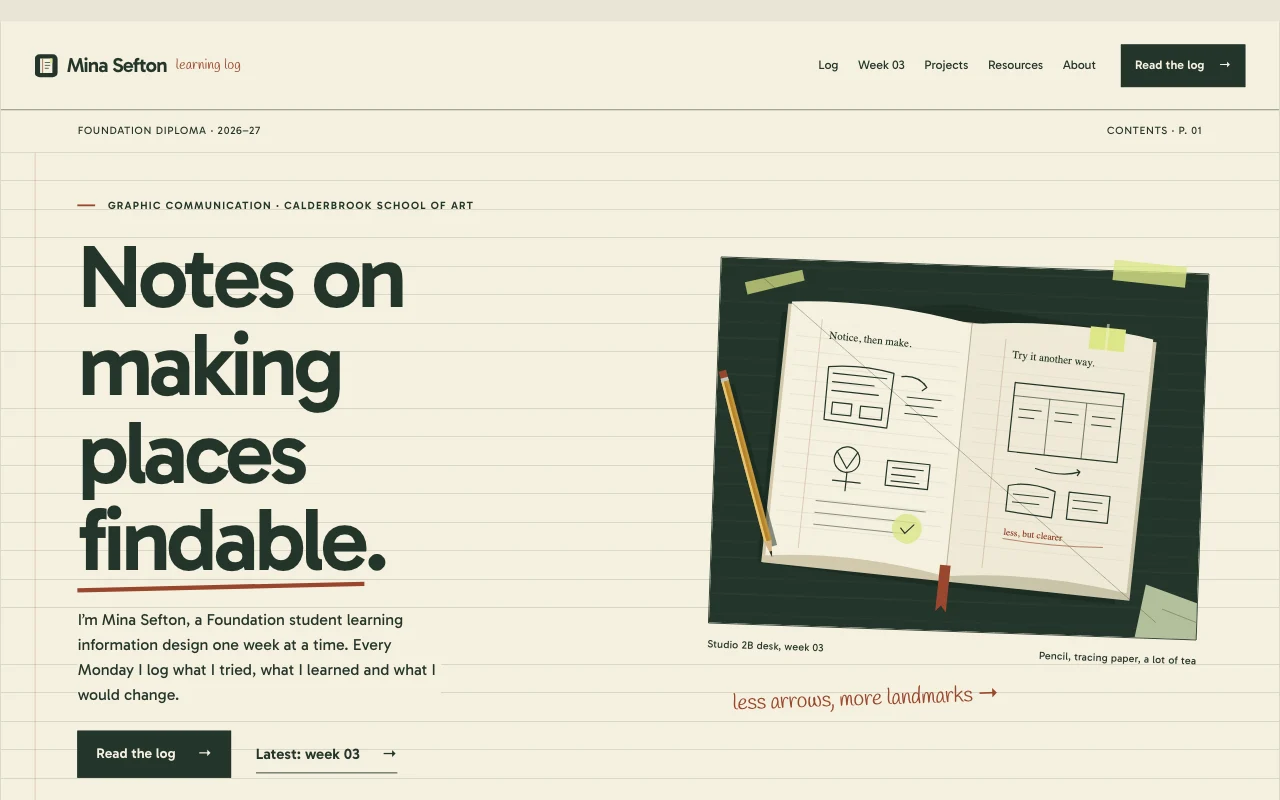 JournalCourse portfolio / learning log
Preview Monogram (opens in a new tab) Preview Lemma (opens in a new tab) Preview Links (opens in a new tab) Preview Abstract (opens in a new tab) Preview Journal (opens in a new tab)
Ideas and guides
Questions
Is it really free?
Yes. Free gives you a pagelemon.dev address and a small Page Lemon badge, and no card is needed. Your own domain and no badge need a paid plan.
How do I add my CV as a PDF?
Save your CV as a PDF, then give it to your AI in the chat or drop it on the upload page it links. It becomes a download button on your CV page. File size limits: see pricing.
Can I hide my phone number?
Yes. Leave it off the page and keep it only in the PDF, or off both. Recruiters can email you instead.
Can I keep it private until I send it?
Yes. A passcode works on Free, and you remove it with one sentence when you’re ready. See private sites.
Will employers find it on Google?
Once your site can be listed, yes, for searches of your name. On Free a new site is hidden from search for its first 7 days. Getting found explains the rest.
Can I see if anyone looked at it?
Yes. Ask your AI how many people visited this week. Paid plans also show which pages they read and where they came from.
How do I update it for each application?
Tell your AI what changed: “Add my summer internship at the top of my CV”. Every version is saved, so you can go back to the one you sent last month.
What if I’m in computer science or research?
The Lemma template is a typeset paper style with projects, publications and teaching. For a single research project, see student project sites.
More use cases
-
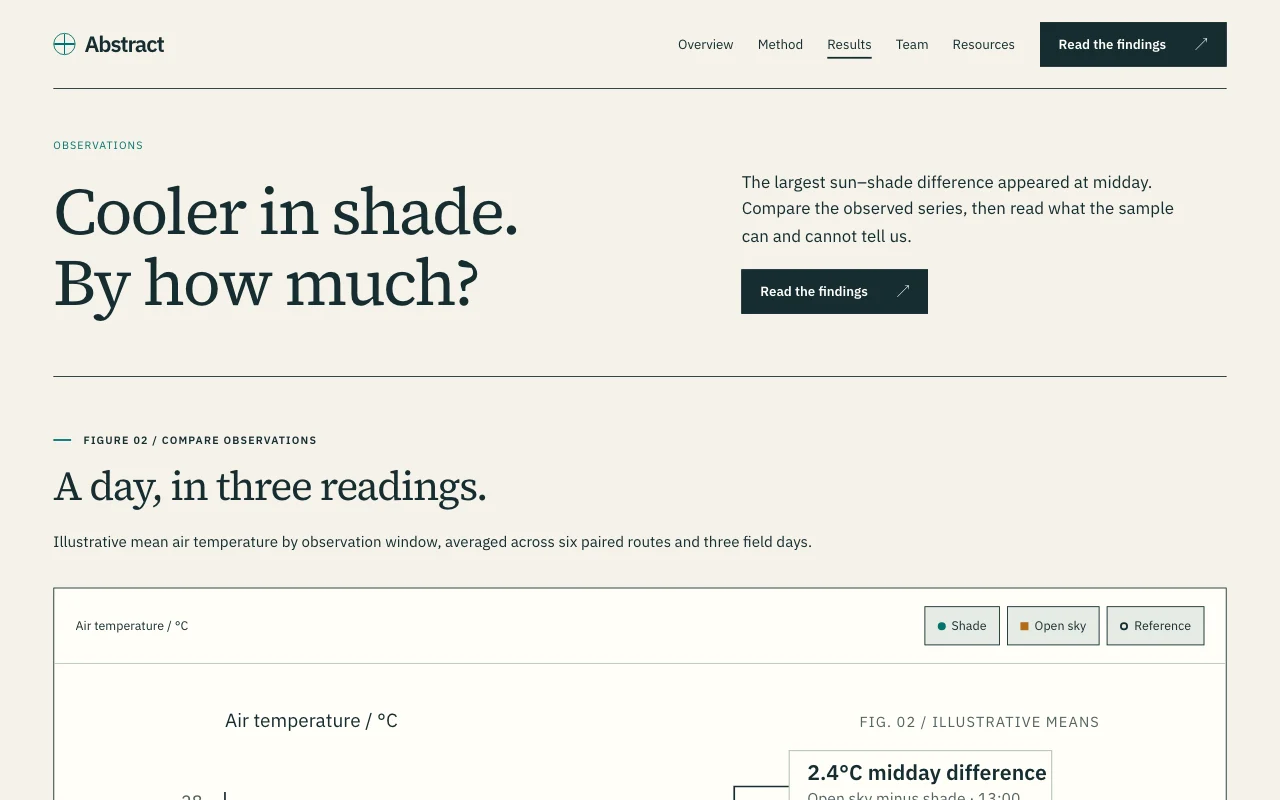 Students
Student project or dissertation site
Your research or your team’s project, explained on one site The full PDFPasscodeSite Developers Free -
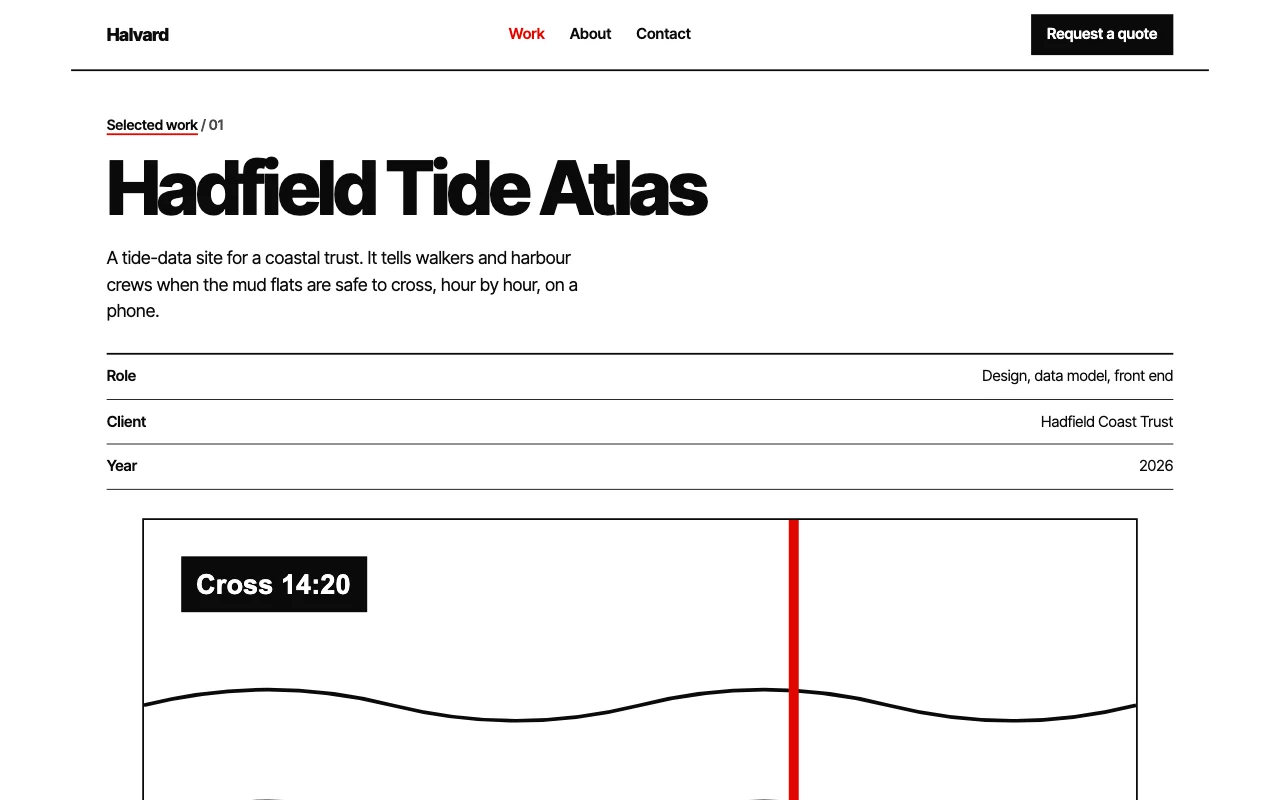 Freelancers
Portfolio for designers and photographers
Your best work, and enquiries that come with a brief Enquiry formUpload linksPrivate galleries Paid plan