

For tutors, coaches and consultants
Say what you offer, then let people book a session
Your subjects or services, how you work and your prices, written plainly. Parents book a lesson, or a new client books a 20-minute intro call, in your free times. Regulars are booked weekly in one sentence to your AI.
- Sessions booked online
- Weekly regulars
- Your calendar’s busy times blocked
This is for you if you say
- “I tutor maths, music or a language, or I coach or consult on my own.”
- “Finding a time takes four messages, and I keep the changes in my head.”
- “I want people to book a free time themselves, and my regulars kept every week.”
The problem
Every new booking starts with messages about times, and every change lands in your evening. One forgotten change means a parent at the door, or a lead that goes quiet before you find a slot.
How Page Lemon helps
Your site says who you help and what it costs. People book and move sessions themselves, inside the notice you set, and you can approve new people first. Everyone gets a reminder the day before.
How it goes
From one line in your AI chat to a site that works for you.
-
You paste one line
Build with PageLemon.com: a site for my maths tutoring, where parents book a 1-hour lesson on weekday evenings
Into Claude, ChatGPT or any AI chat. Your AI asks for your details: names, prices, times and photos.
-
Your AI builds these pages
- Sessions
- Subjects or services, levels, length and price.
- Book
- A lesson or an intro call in your free times.
- About
- Your background and how you work, in plain words.
- Work
- Two or three client stories, with permission.
- Questions
- Online or in person, cancellations, what to bring.
-
It’s live, and you run it from the chat
maths-with-amira.pagelemon.dev/lessons
Page Lemon runs the parts behind it:
- Online booking
- Weekly regulars
- Busy times blocked
- Approve first
- Reminders
- Your own domain
To change anything later, ask your AI. Every version is saved.
Start with one line
Paste one of these into your AI chat (Claude, ChatGPT or another). Your AI asks for your details, builds the site and puts it online at a free address.
You type in your AI chat
-
Deploy on PageLemon.comThe quickest start: your AI asks what the site is for, picks a design and puts it online.
-
Build with PageLemon.com: a site for my maths tutoring, where parents book a 1-hour lesson on weekday eveningsYour AI builds the site, sets up the lessons and makes a test booking.
-
Use template pagelemon.com/tp/Ledger for my consulting practice, with services and a page to book an intro callStarts from the Ledger template: broadsheet editorial, a numbered practice index.
Once it’s live, ask your AI
Three things you might say next, and what happens.
You type in your AI chat
-
Book Tom every Tuesday at 5 for 10 weeksYour AI books the ten lessons, so those times are kept for Tom.
-
Here’s my calendar’s private link. Block my busy timesTimes you’re busy in your own calendar can’t be booked.
-
New clients need my approval firstA first booking becomes a request you approve; regulars book straight away.
What it costs
Paid plan
Online bookings need a paid plan. Bookings a day, and a calendar for each person, depend on the plan.
Not for you? Full refund within 14 days, no questions asked.
What it uses
Online booking
People book and move sessions inside your notice.
Weekly regulars
Book a student or client every week in one sentence.
Busy times blocked
Your own calendar’s busy times can’t be booked.
Approve first
Confirm each new person yourself, or instantly.
Reminders
A confirmation and a reminder the day before, by email.
Your own domain
yourname.com for your teaching or practice.
Templates to start from
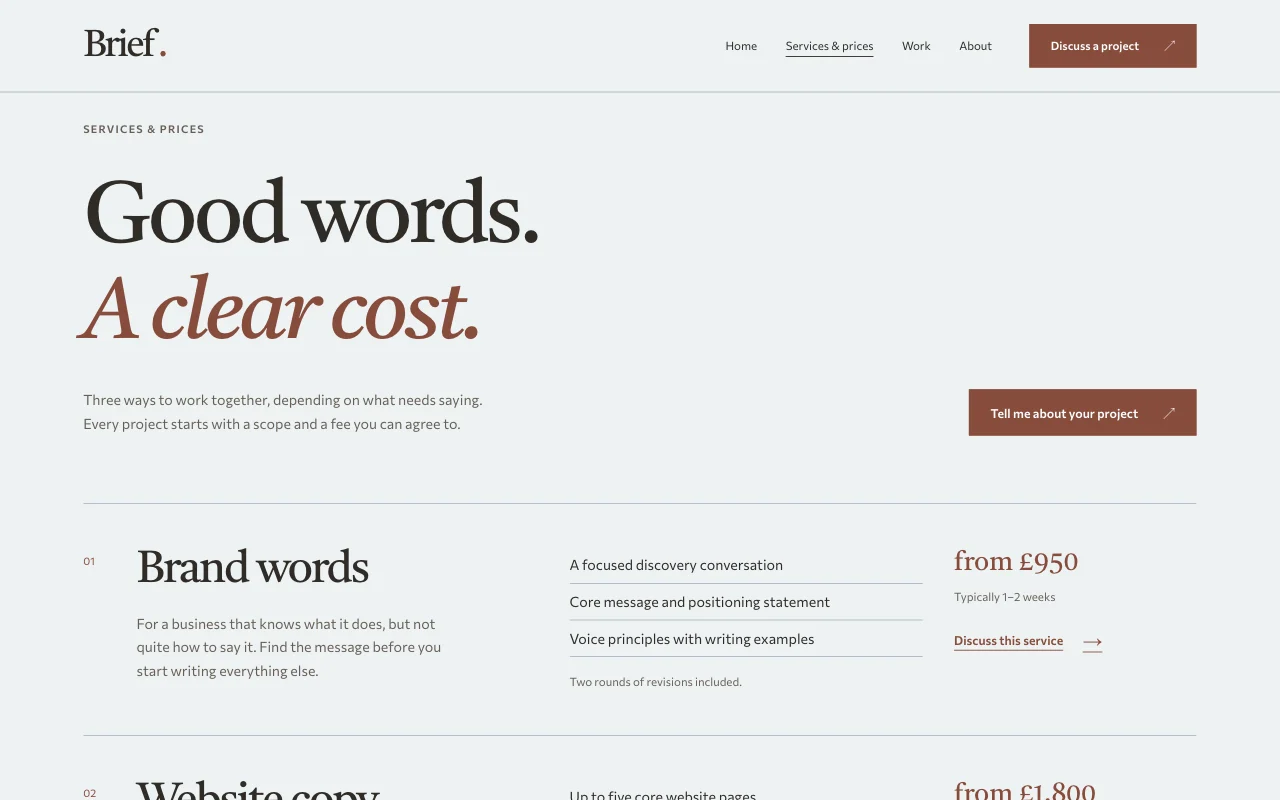
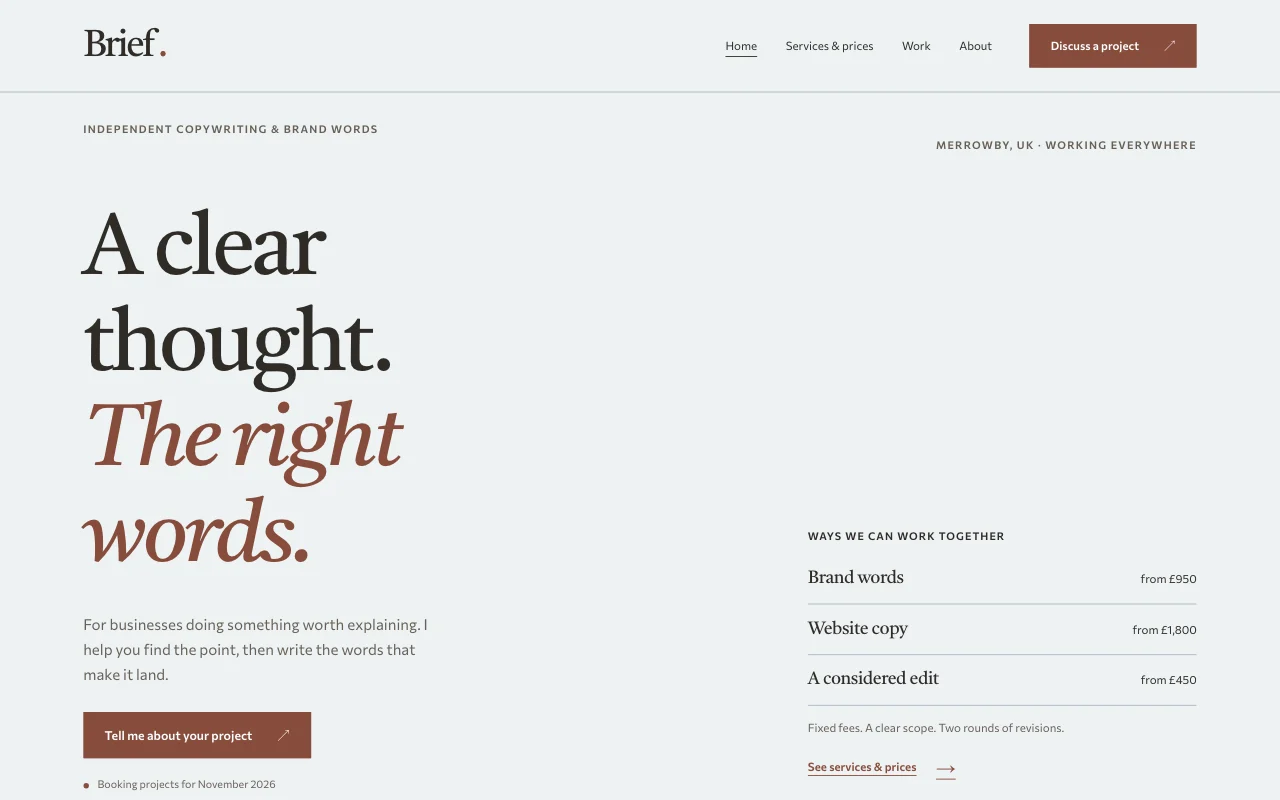 BriefCalm consultant or copywriter, services and prices up front; quiet editorial proofs
 LedgerBroadsheet editorial: navy ink, oxblood accents and a newspaper nameplate
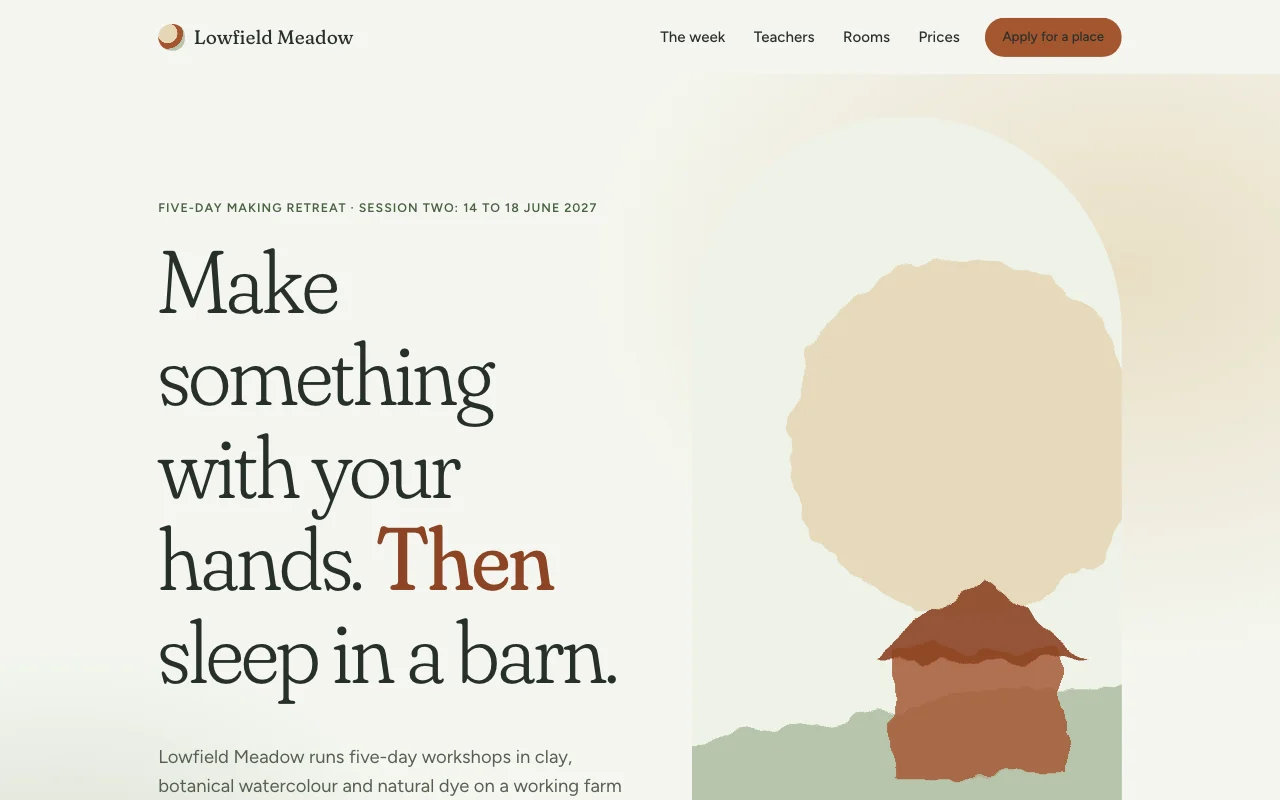 MeadowSoft watercolour retreat: sage and sand washes, an airy soft serif and a clay-coloured call to action
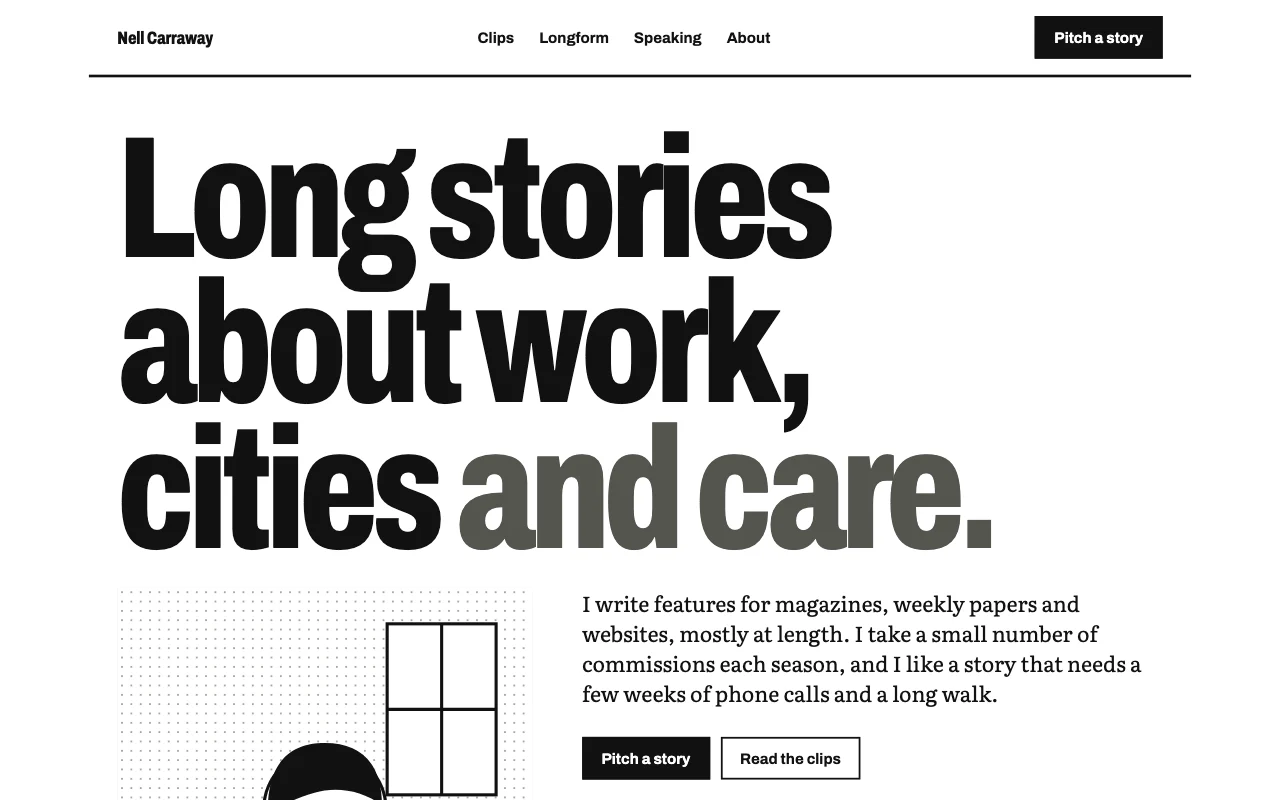 BylineNewsprint-lite: white page, ruled columns, huge sans headline, one blue link colour; clips as ruled rows
Preview Brief (opens in a new tab) Preview Ledger (opens in a new tab) Preview Meadow (opens in a new tab) Preview Byline (opens in a new tab)
Ideas and guides
Questions
Can people pay when they book?
Yes, on a paid plan: with Page Lemon Checkout on your site, a booking can take a deposit or the full price before it’s confirmed, paid to your own Stripe account, with a Page Lemon fee on top of Stripe’s own. You can also add a Buy button for a block of lessons, which opens a Payment Link from your own Stripe account, or invoice your usual way. See payments.
Does it add a video call link?
Not by itself. Put your meeting link in the confirmation note, or send it when you approve the session.
Can I offer more than one kind of session?
Yes: say each one and its length, for example a 20-minute intro call and a 60-minute lesson, online or in person, each with its own price.
Will bookings show in my calendar?
Yes, through a private calendar feed in Google Calendar, Apple Calendar or Outlook.
Do reminders go by text?
No, by email only.
Can I keep lesson notes private?
Lock a notes page with a passcode on a paid plan, or see a class site.
What if I take on more tutors or partners?
Several people, each with their own calendar, need a bigger paid plan: see pricing.
More use cases
-
 Restaurants and salons
Class and workshop places
A timetable or dates where places fill up Places per classWeekly regularsApprove first Paid plan -
 Teachers
Class site
Homework, notes and dates, behind a passcode A passcodeFiles to downloadEvery week saved Free -
 Freelancers
Portfolio for designers and photographers
Your best work, and enquiries that come with a brief Enquiry formUpload linksPrivate galleries Paid plan