

For trainers, studios and workshop leaders
People book a place, and it closes when it’s full
Your classes or workshop dates, each with a set number of places. People book a place on your site, you can approve each one first, and everyone gets a reminder. Ask your AI who’s coming.
- Places per class or date
- Weekly regulars in a sentence
- Reminders by email

This is for you if you say
- “I teach yoga, run a small studio or train people in a park.”
- “I run weekend workshops, evening courses or retreats, and count places on a spreadsheet.”
- “I want people to book a place, and the class or date to close when it’s full.”
The problem
Head counts in a group chat or a spreadsheet mean the odd double booking, people who said yes and didn’t come, and an “is there still space?” email for every date.
How Page Lemon helps
Tell your AI your classes or dates and how many places each has. The site shows what’s left, a full one stops taking bookings, and your regulars are kept every week.
How it goes
From one line in your AI chat to a site that works for you.
-
You paste one line
Build with PageLemon.com: a site for my yoga classes, where people book a place, 12 per class, Monday, Wednesday and Saturday
Into Claude, ChatGPT or any AI chat. Your AI asks for your details: names, prices, times and photos.
-
Your AI builds these pages
- Timetable or dates
- Every class or date with its time, level and places left.
- Book a place
- People pick one and book. Full ones say so.
- Programme
- What happens on the day, and what to bring.
- Prices
- Drop-in, class packs, workshop places, and what’s included.
- About
- You or your teachers, your training and where you teach.
-
It’s live, and you run it from the chat
pulse-studio.pagelemon.dev
Page Lemon runs the parts behind it:
- Places per class
- Weekly regulars
- Approve first
- Confirmations and reminders
- Who’s coming
- In your calendar
To change anything later, ask your AI. Every version is saved.
Start with one line
Paste one of these into your AI chat (Claude, ChatGPT or another). Your AI asks for your details, builds the site and puts it online at a free address.
You type in your AI chat
-
Deploy on PageLemon.comThe quickest start: your AI asks what the site is for, picks a design and puts it online.
-
Build with PageLemon.com: a site for my yoga classes, where people book a place, 12 per class, Monday, Wednesday and SaturdayYour AI builds the timetable and the bookings, and makes a test booking before it says it’s live.
-
Use template pagelemon.com/tp/Meadow for my weekend pottery workshop, where people book a placeStarts from the Meadow template: watercolour, with programme and teacher pages.
Once it’s live, ask your AI
Three things you might say next, and what happens.
You type in your AI chat
-
Book Maya into Wednesday 7am every week until ChristmasYour AI books her weekly, so her place is kept.
-
Add a new date: Saturday 14 March, 8 placesThe date appears with its places.
-
Saturday’s class is cancelled this week. Let everyone knowYour AI checks with you, cancels the bookings and emails each person.
What it costs
Paid plan
Each place booked counts as one booking. Bookings need a paid plan; bigger ones take more a day, with staff and rooms.
Not for you? Full refund within 14 days, no questions asked.
What it uses
Places per class
A class or date fills up to the places you set, then closes.
Weekly regulars
Book a regular every week in one sentence.
Approve first
Approve or decline each booking, or only new people.
Confirmations and reminders
With a calendar invite and a link to cancel.
Who’s coming
Bookings are a private list: download a date’s list as a spreadsheet (CSV).
In your calendar
Every booking in Google Calendar, Apple Calendar or Outlook.
Templates to start from
- PulseAthletic black and volt: oversized condensed type, track-line graphics and a filterable class timetable
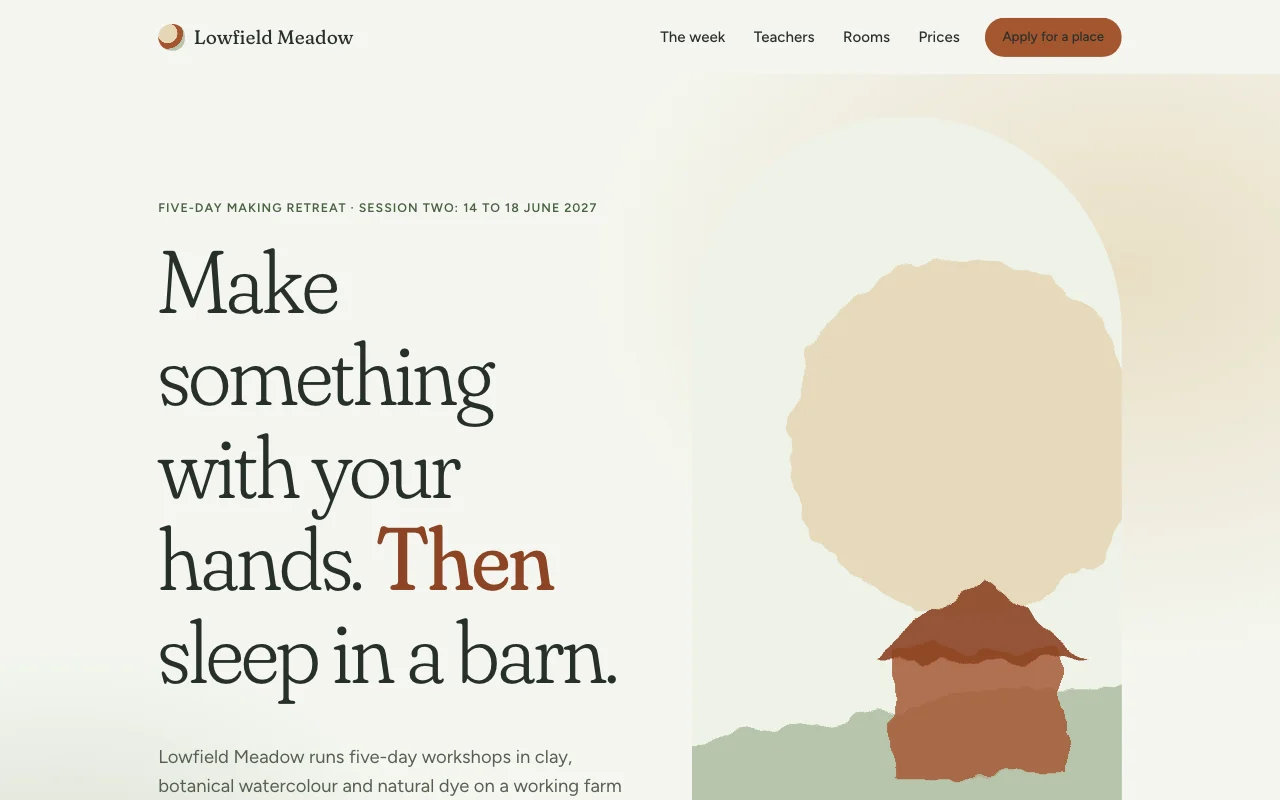 MeadowSoft watercolour retreat: sage and sand washes, an airy soft serif and a clay-coloured call to action
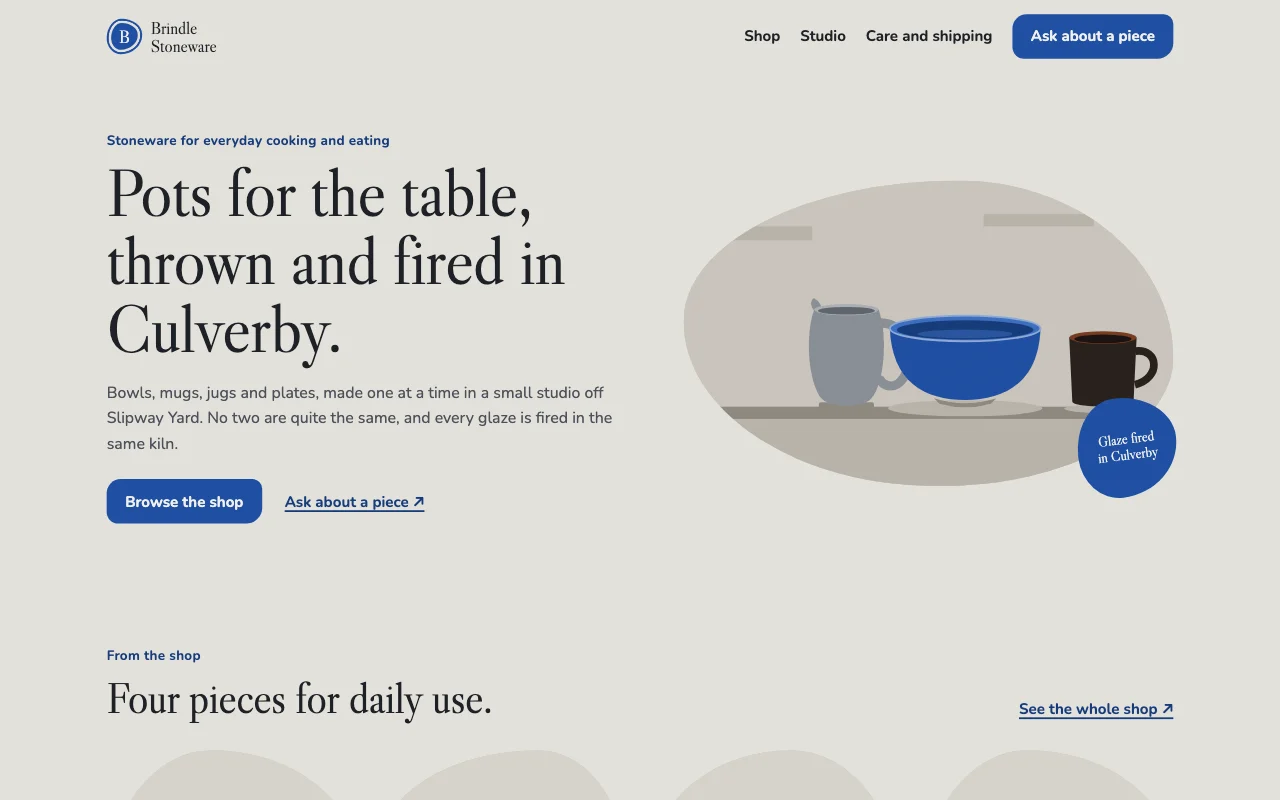 KilnSpeckled clay grey and cobalt glaze, irregular rounded frames, stamped serif
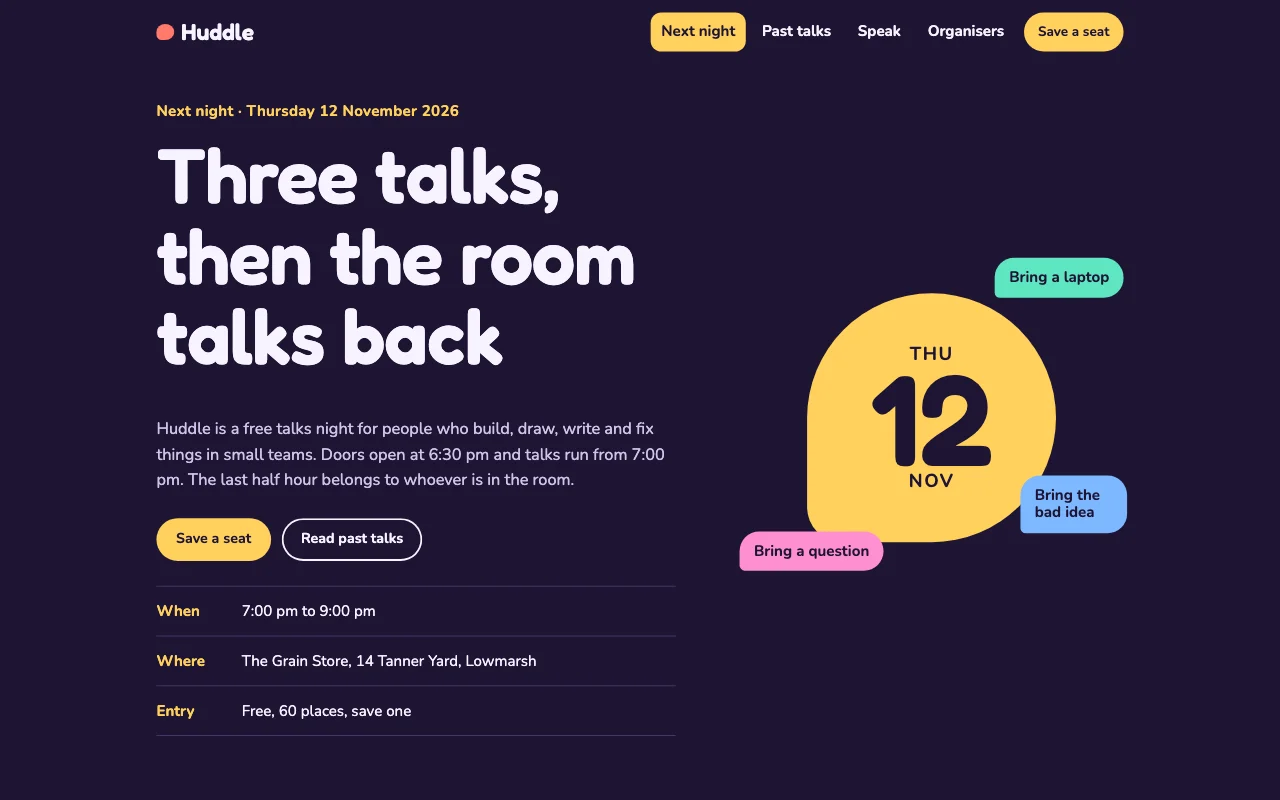 HuddleDark violet with coloured speech bubbles and a friendly rounded sans
Preview Pulse (opens in a new tab) Preview Meadow (opens in a new tab) Preview Kiln (opens in a new tab) Preview Huddle (opens in a new tab)
Ideas and guides
Questions
Can people pay for a class pack or a workshop place?
Yes, on any paid plan: a Buy button opens a Payment Link you make in your own Stripe account, and the money goes to you. With Page Lemon Checkout, a booking can also take the full price or a deposit when someone books a place. See payments.
Can I approve new people first?
Yes: bookings can need your approval, and requests nobody answers are cancelled after 24 hours unless you change it.
Can I keep a waiting list?
Add a form for “tell me if a place opens”. Forms come with paid plans.
Can I teach in two places?
Yes: name the place for each class or date. Separate calendars for separate rooms need a bigger paid plan.
Do people get reminders?
Yes, by email, the day before unless you choose otherwise.
How full is a class?
Ask your AI, for example “How full is Monday?”, and it tells you how many places are booked and by whom.
More use cases
-
 Teachers
One-to-one session bookings
Lessons, coaching or intro calls, booked in your free times Online bookingWeekly regularsBusy times blocked Paid plan -
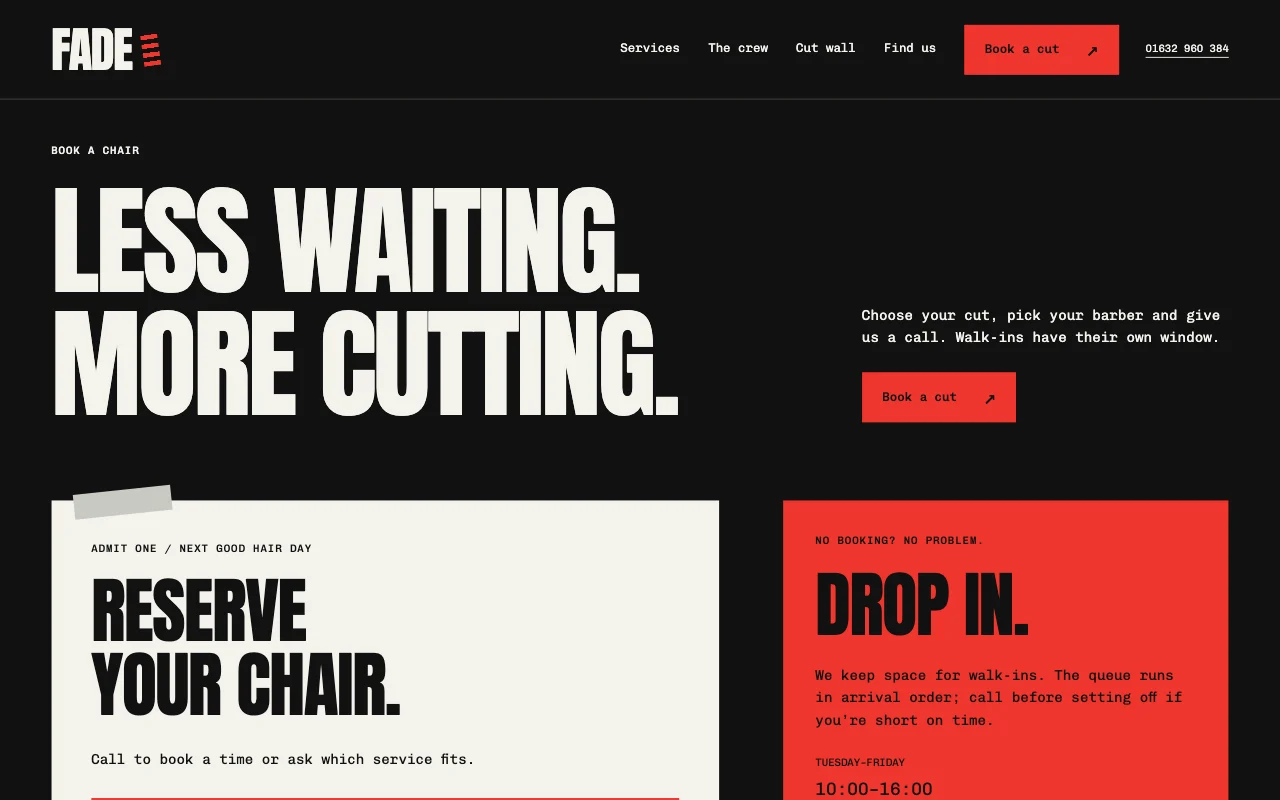 Restaurants and salons
Salon and barber bookings
Clients book a cut or a stylist themselves Online bookingServices with breaksReminders by email Paid plan -
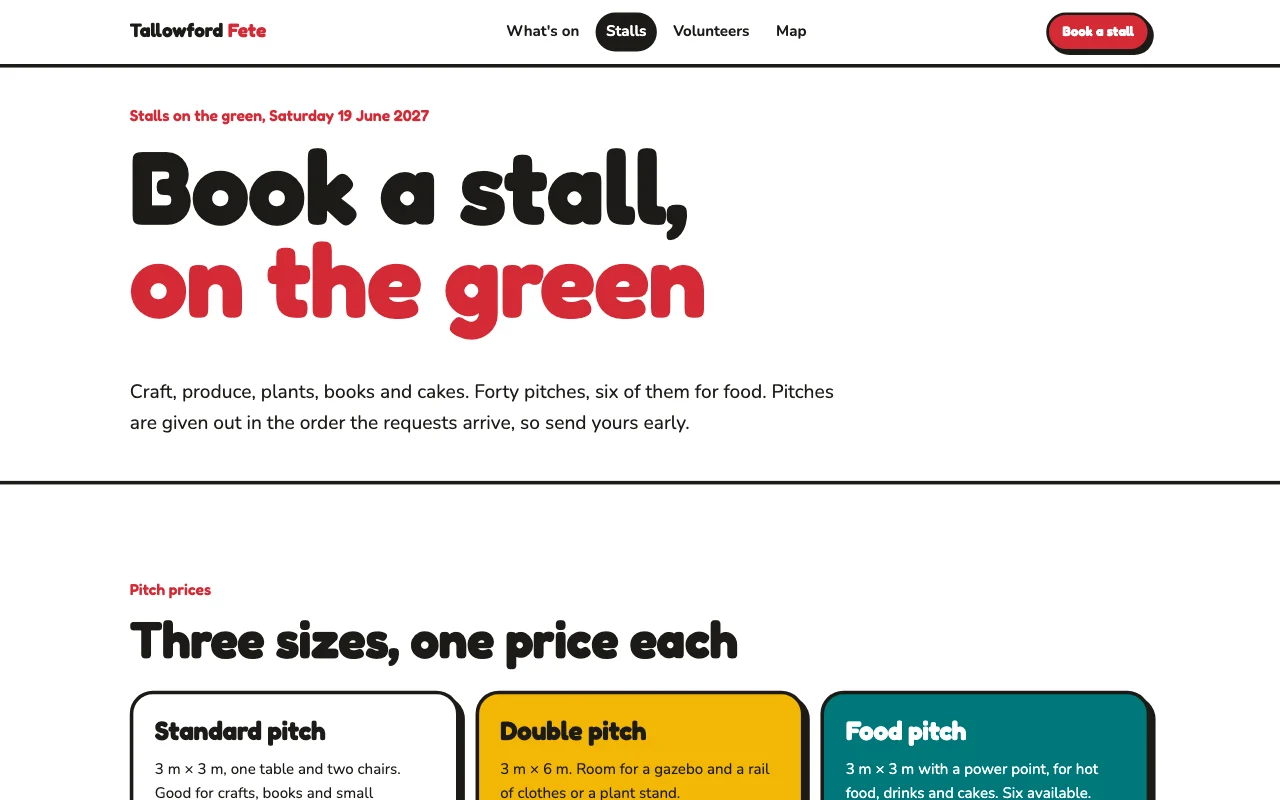 Teachers
School fair sign-ups
Stall holders and volunteers sign up by form Sign-up formsSeveral organisersStalls and rota as a list Paid plan