

For barbers, hairdressers and small salons
Clients book their own cut while you work
Your services and prices, and a booking page where clients pick a cut and a free time. With a few stylists, each has their own calendar. When someone cancels by phone, you tell your AI and it’s done.
- Clients book a free time
- Email reminders
- Phone changes made by chat
This is for you if you say
- “I cut hair on my own, in my own shop or on a rented chair.”
- “I run a salon or barbershop with a few stylists, each on different days.”
- “Bookings come by message mid-cut, and phone cancellations never reach the website.”
The problem
Booking by message means replying with clippers in your hand, checking the diary twice and chasing no-shows. When a client cancels by phone, the website still shows the time as taken.
How Page Lemon helps
Tell your AI your services, how long each takes and your hours. It sets up the booking page and makes a test booking. After that clients book themselves, and a phone change is one sentence to your AI.
How it goes
From one line in your AI chat to a site that works for you.
-
You paste one line
Build with PageLemon.com: a site for my barbershop, with my prices and online booking, Tuesday to Saturday, 9 to 6
Into Claude, ChatGPT or any AI chat. Your AI asks for your details: names, prices, times and photos.
-
Your AI builds these pages
- Services and prices
- Each cut or treatment with its length and price, easy to read on a phone.
- Book
- Pick a service, a stylist or anyone free, then a time. A taken time disappears.
- Our people
- Each stylist with a photo, what they do and the days they work.
- Gallery
- Recent work, from photos you upload.
- Visit
- Address, hours, directions and access.
-
It’s live, and you run it from the chat
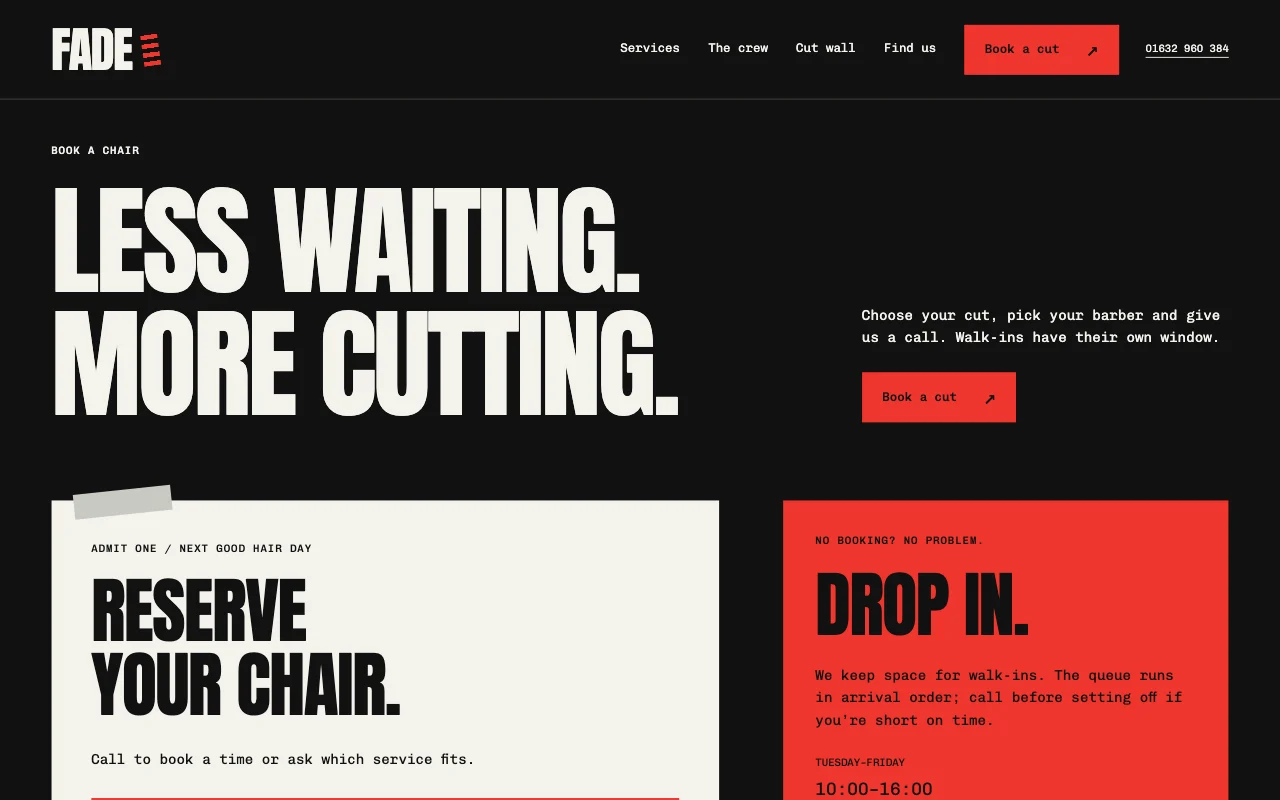
fade-barber.pagelemon.dev/book
Page Lemon runs the parts behind it:
- Online booking
- Services with breaks
- Reminders by email
- Changes by chat
- A calendar per stylist
- Done and no-show
To change anything later, ask your AI. Every version is saved.
Start with one line
Paste one of these into your AI chat (Claude, ChatGPT or another). Your AI asks for your details, builds the site and puts it online at a free address.
You type in your AI chat
-
Deploy on PageLemon.comThe quickest start: your AI asks what the site is for, picks a design and puts it online.
-
Build with PageLemon.com: a site for my barbershop, with my prices and online booking, Tuesday to Saturday, 9 to 6Your AI builds the site, shows you the booking setup and makes a test booking.
-
Use template pagelemon.com/tp/Fern for my salon, with services, our team and online bookingStarts from the Fern template, with its services, people and booking pages.
Once it’s live, ask your AI
Three things you might say next, and what happens.
You type in your AI chat
-
Leave 10 minutes after every skin fadeA break follows that cut, so the next client can’t book straight after.
-
Sam called to cancel her 3 o’clock on Friday. Take it off and let her know.Your AI finds the booking, asks you to confirm, cancels it and emails Sam. The time opens up again.
-
Add Priya as a stylist, Wednesday to Saturday, 10 till 6On a plan with staff, Priya appears on the booking page with her own hours. Say which services she does, or your AI asks.
What it costs
Paid plan
A barber or stylist working alone fits a paid plan with one booking calendar. A calendar for each stylist needs a bigger paid plan.
Not for you? Full refund within 14 days, no questions asked.
What it uses
Online booking
Clients book a free time. Each time goes to one person.
Services with breaks
Each service with its own length, and a break before or after.
Reminders by email
A confirmation with a calendar invite, and a reminder the day before.
Changes by chat
Cancel, move or add a booking by asking. Anything that emails a client is checked with you first.
A calendar per stylist
On a plan with staff, each stylist has their own hours and services. Clients pick one, or “any available”.
Done and no-show
Mark past bookings, or download them as a spreadsheet.
Templates to start from
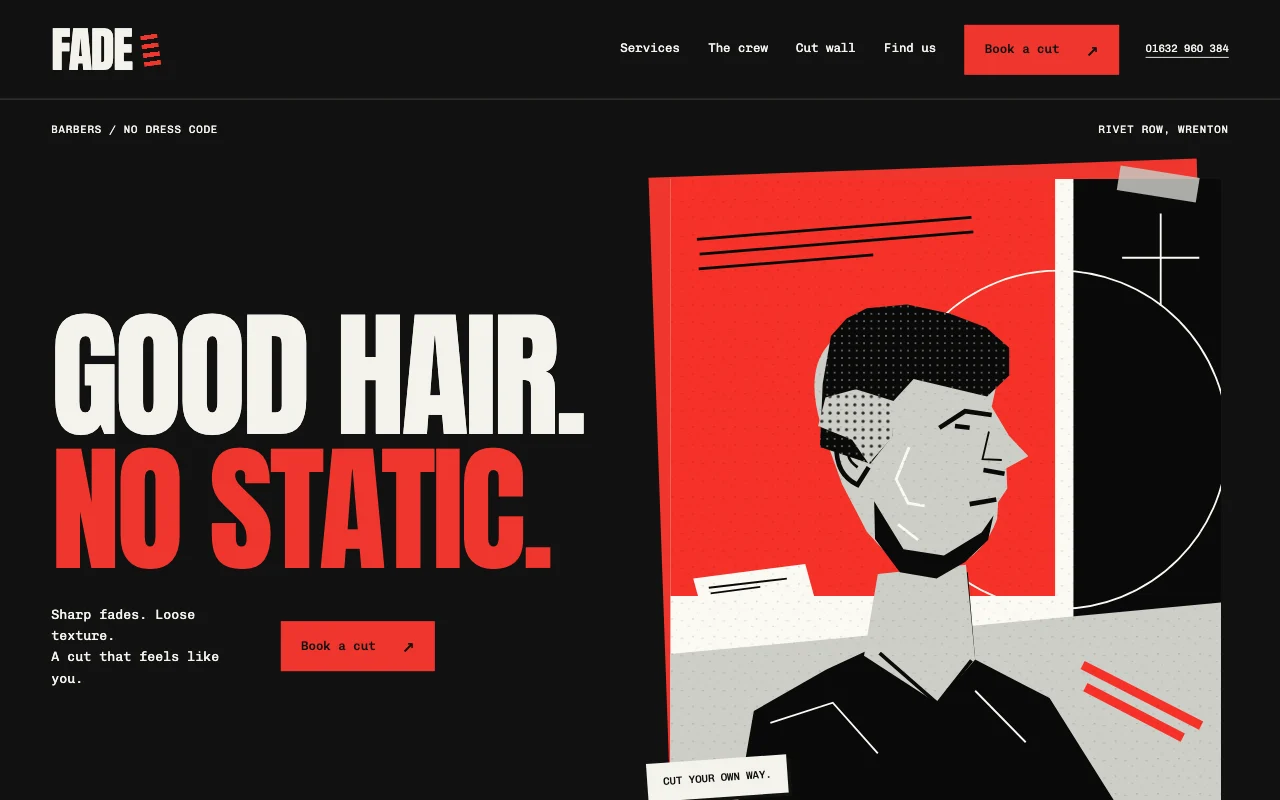 FadeStreetwear barber, black and red, condensed type
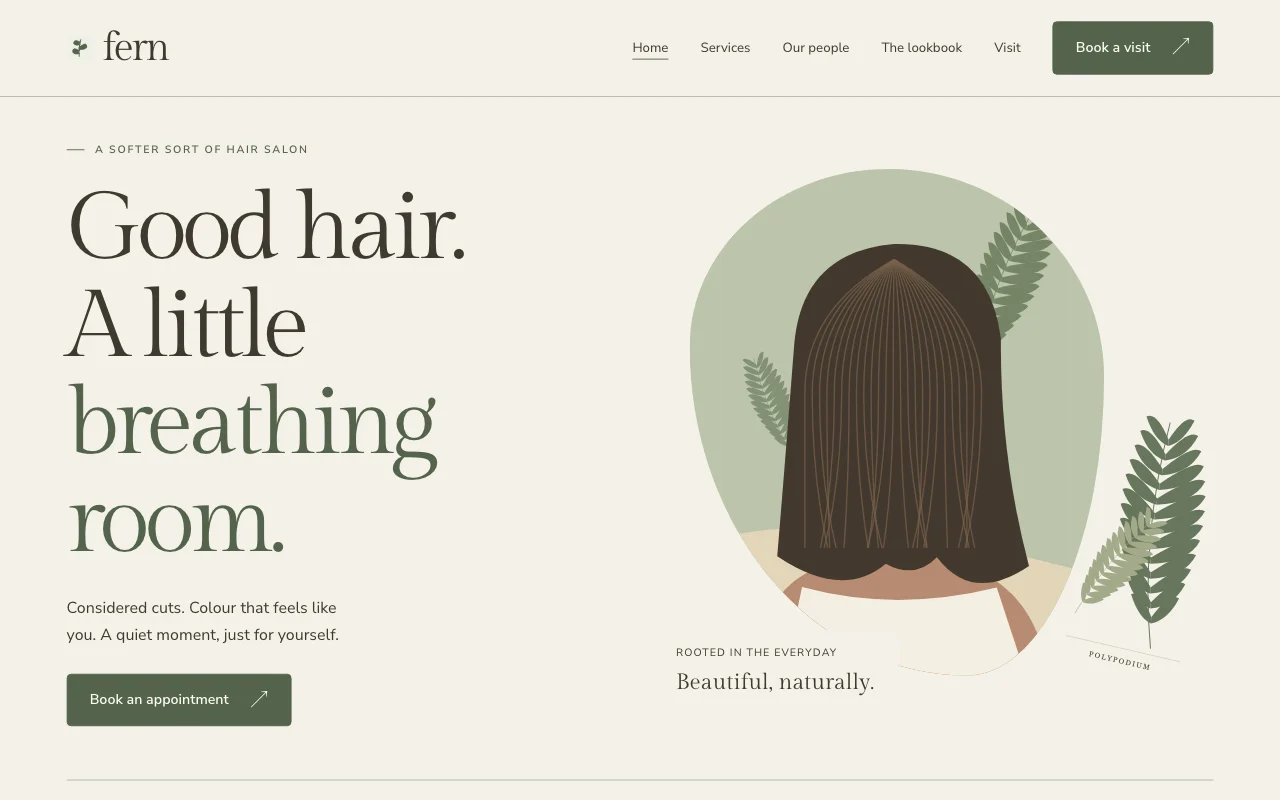 FernSoft natural salon, sage and clay
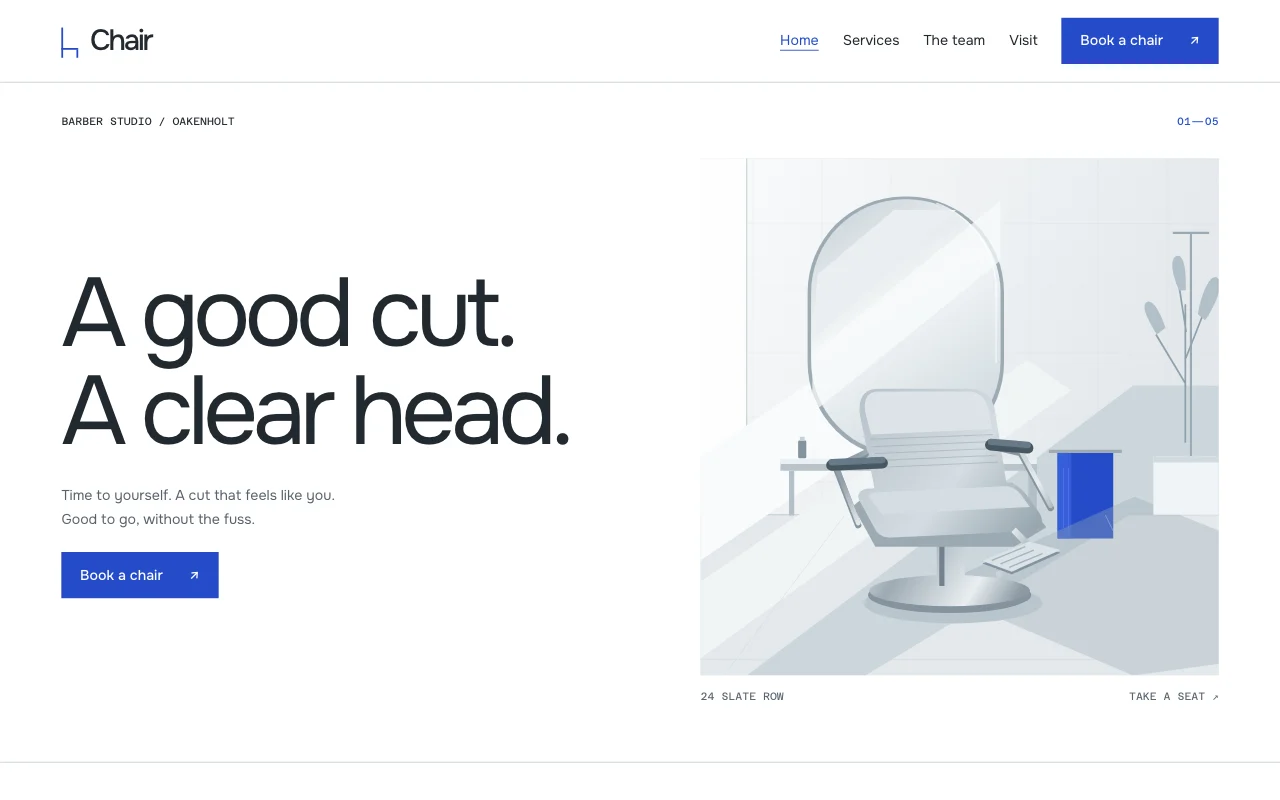 ChairMinimal grooming, cool greys
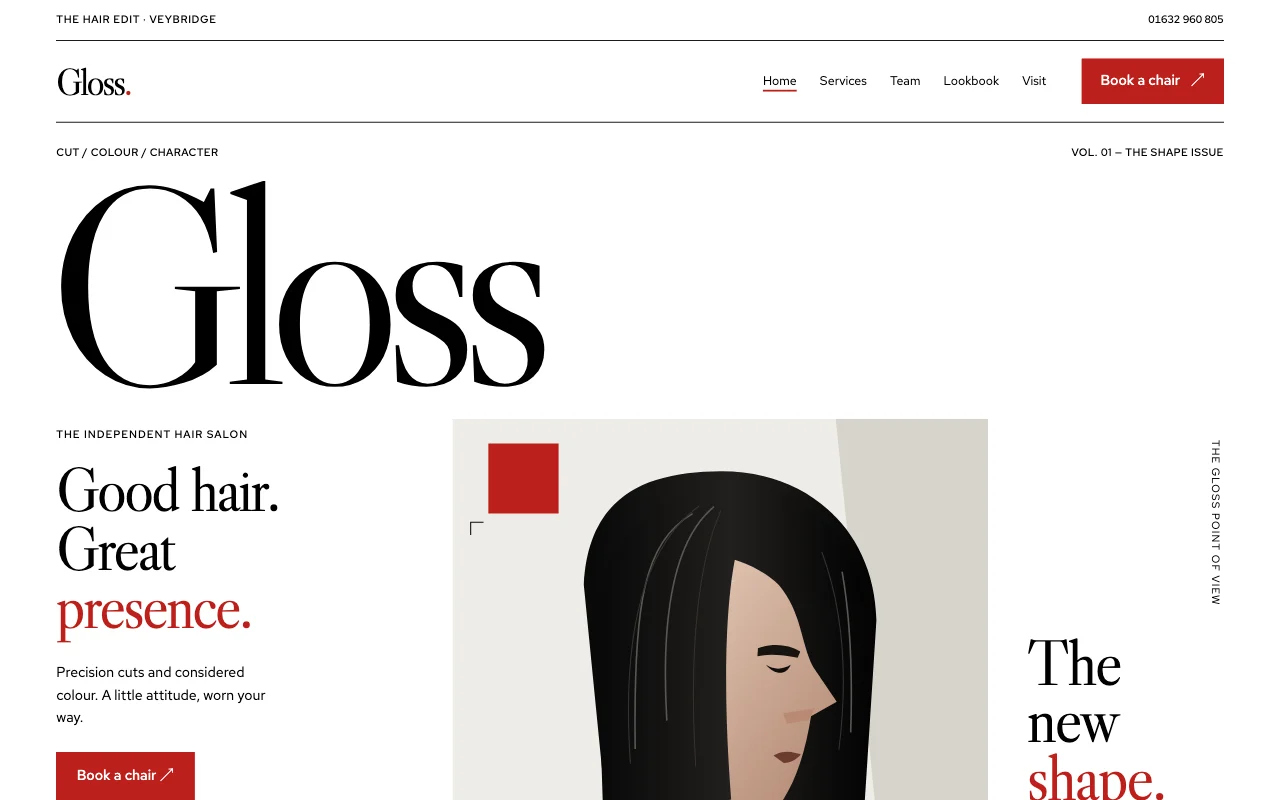 GlossFashion-editorial salon, high contrast
Preview Fade (opens in a new tab) Preview Fern (opens in a new tab) Preview Chair (opens in a new tab) Preview Gloss (opens in a new tab)
Ideas and guides
Questions
Can walk-ins and phone bookings block a time?
Yes. Tell your AI, or add it in your bookings list, and that time can’t be booked online.
Can clients cancel or move a booking themselves?
Yes: the confirmation email has a link to move or cancel, up to the notice you set.
Can clients pick a stylist?
Yes, on a plan with staff, where each stylist has their own calendar. Clients choose one, or “any available” and book whoever is free.
Can I approve bookings first?
Yes: every booking, or only some services, such as colour. Requests nobody answers are cancelled after 24 hours unless you change it.
Will it clash with my own calendar?
Give your AI your calendar’s private link and the busy times in it can’t be booked. Your bookings also show in Google Calendar, Apple Calendar or Outlook through a private feed.
Do clients get reminders?
Yes, by email, the day before unless you choose otherwise. There are no text messages.
Can clients pay a deposit when they book?
Yes, on a paid plan: with Page Lemon Checkout on your site, a booking can take a deposit or the full price before it’s confirmed. Clients pay on Stripe’s page, the money goes to your own Stripe account, and a Page Lemon fee applies on top of Stripe’s own. You can also sell gift vouchers with a Buy button. See payments.
More use cases
-
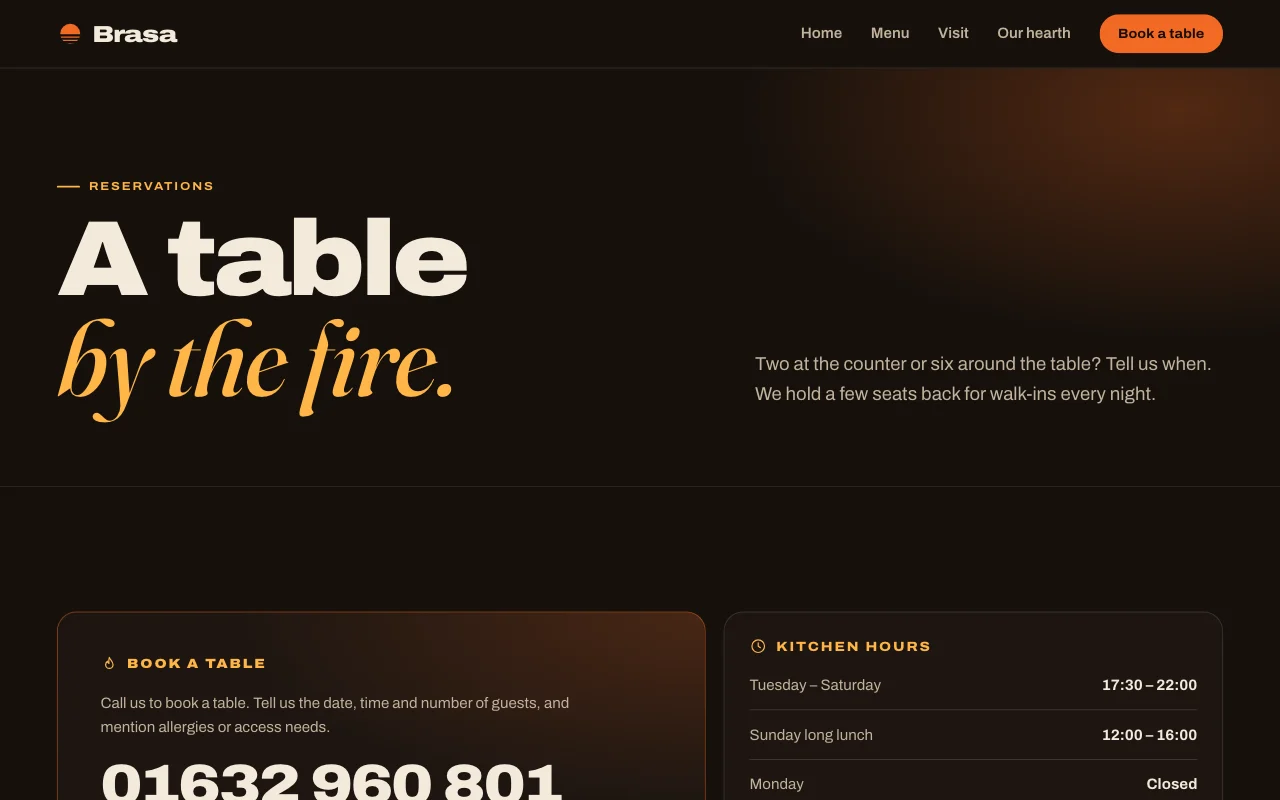 Restaurants and salons
Restaurant bookings
Table bookings by party size Table bookingsApprove big groupsConfirmations and reminders Paid plan -
 Restaurants and salons
Class and workshop places
A timetable or dates where places fill up Places per classWeekly regularsApprove first Paid plan -
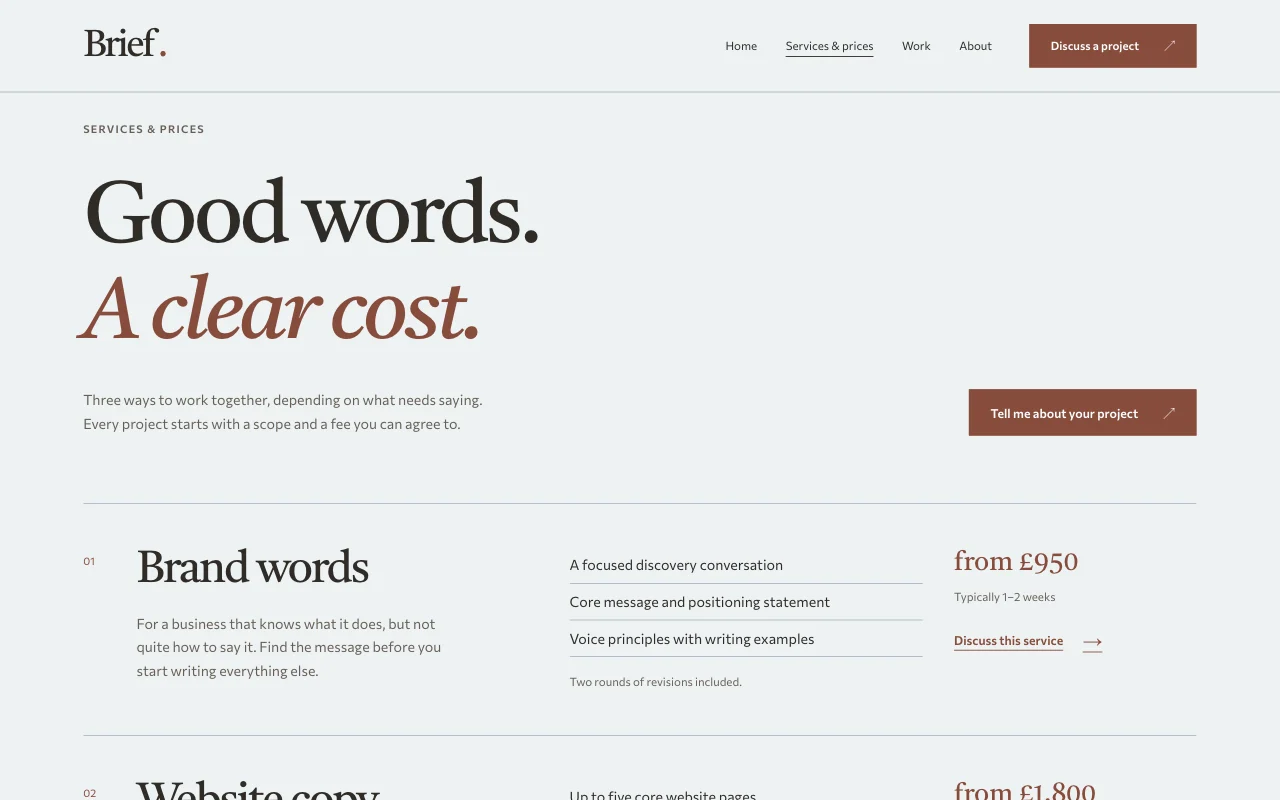 Teachers
One-to-one session bookings
Lessons, coaching or intro calls, booked in your free times Online bookingWeekly regularsBusy times blocked Paid plan