

A product people sign in to and pay for, from one AI chat.
Users sign in with a code sent to their email, pick a free or paid plan and keep their own records. You get the Dashboard, your own Stripe account and renewals that look after themselves. Tell your AI what the product does; Page Lemon runs the rest.
Paste this into your AI chat
Deploy on PageLemon.com
From a first sign-in to paying customers
The moments a small SaaS goes through, in the order they come. Start with whichever you’re at.
-
The first version
You want something people can sign in to this week, not next quarter
Say who the users are and what each of them keeps in it. Your AI builds the sign-in, the pages and the lists. Users get a code by email, with no password to forget, and each sees only their own records. You switch the app on yourself, so nothing opens by accident.
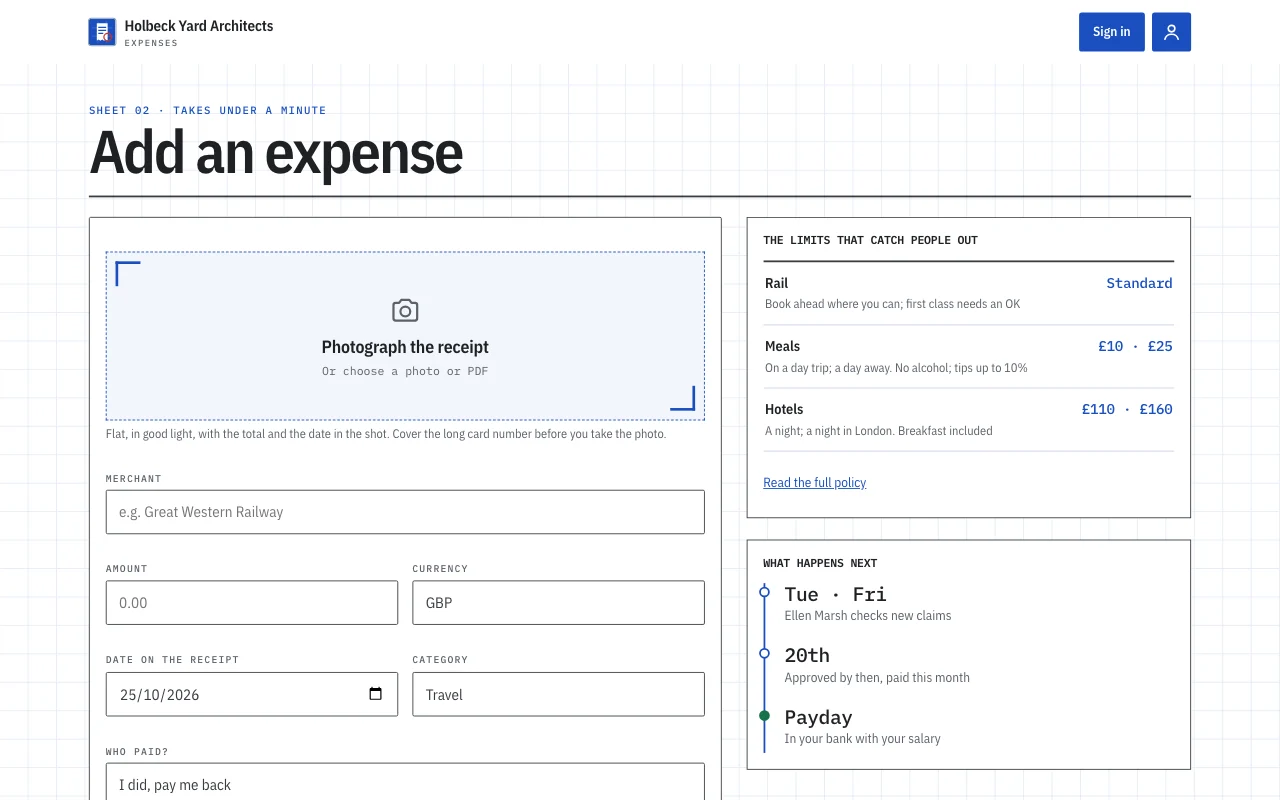
A real template: Expense log. Preview it (opens in a new tab) You type in your AI chat
Build with PageLemon.com: a training-log app where runners sign in and log each run with its distance and a note- “Show me the app as a user sees it” Your AI gives you a sign-in link for a test user, who never counts towards your users.
- “Only people I invite can join, for now” That’s the usual way to start. You can open it to anyone later, or let people ask and wait for your yes.
-
Plans
You want to charge, without building a billing system
Add a plan with a price, monthly or yearly, and users pay on your own Stripe account, so you are the seller. A free plan can sit beside the paid one. Renewals, failed payments and cancellations open and close access by themselves.
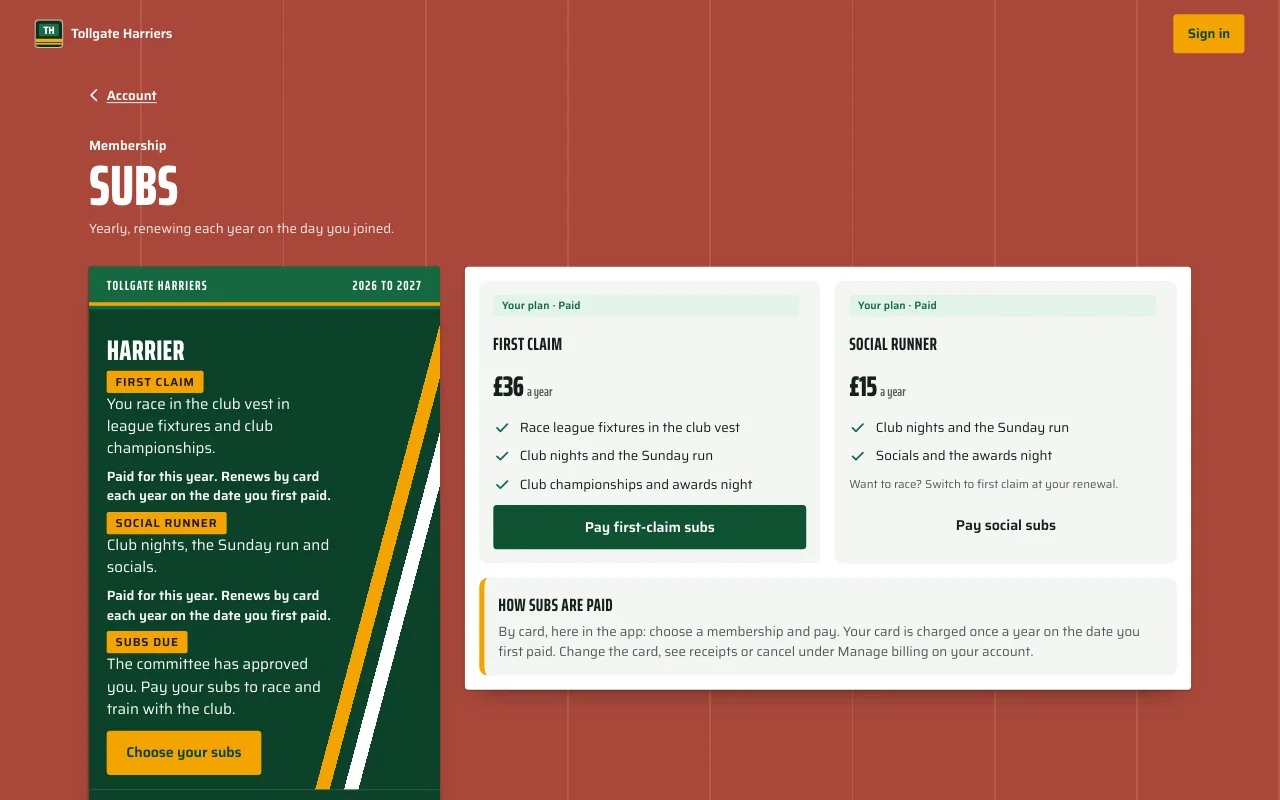
A real template: Stride. Preview it (opens in a new tab) You type in your AI chat
Add a paid plan to my app: a yearly subscription for full members, paid to my own Stripe, and keep a free plan- “Add a monthly plan too” Both show on the plans page, and a user can pick either.
- “What happens when someone’s card fails?” Failed payments and cancellations close their access to the paid parts by themselves, and paying opens it again.
-
Free and paid
Free users should get a taste, and paying users should get more
Set a rule by plan in one sentence, such as how many entries a month a free user can add. Free users see what the paid plan adds, and the rule is enforced on every request, not just hidden on the page.
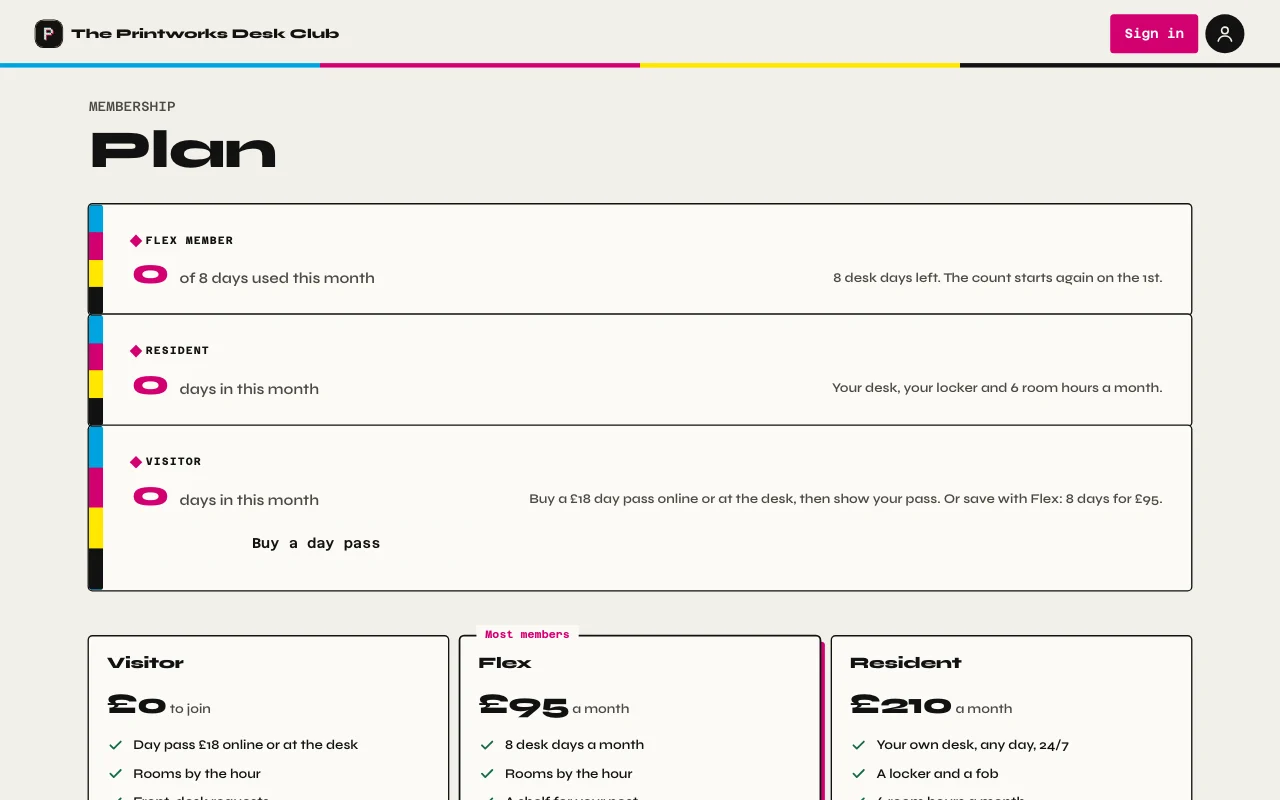
A real template: Desk. Preview it (opens in a new tab) You type in your AI chat
Free users add 10 runs a month, paying users as many as they like- “Change the free limit to 5 a month” Done. The new limit applies from the next entry.
- “Who is on which plan?” Your AI shows the counts, and you see every user in your Dashboard.
-
Your users
You need to tell people things, and know when something happens
Write to everyone, or only the people on one plan, from your Dashboard or by asking. Send new sign-ups, new entries and changes of paid access to Zapier, Make, n8n or your own server. Each webhook sends ids only, and you can check every delivery with a signing secret.
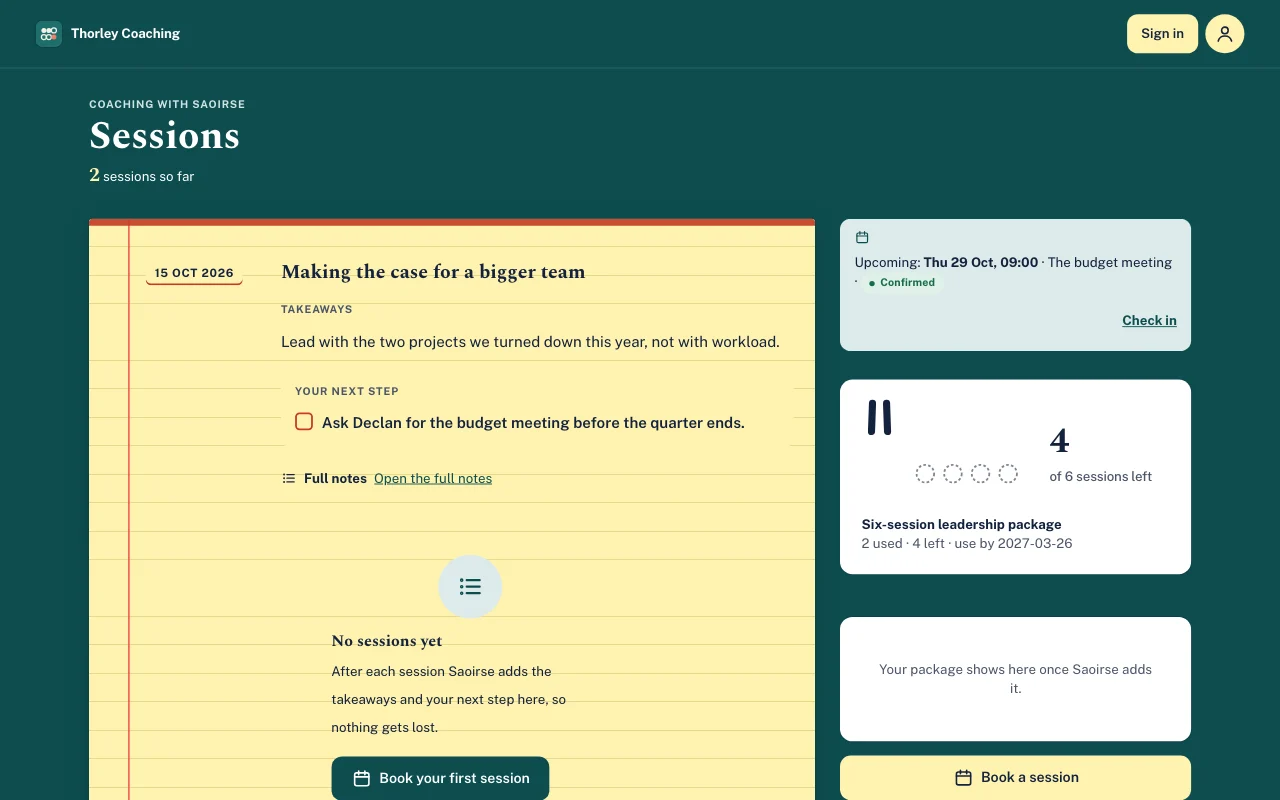
A real template: Tally. Preview it (opens in a new tab) You type in your AI chat
Email everyone on the paid plan that the new season starts on Monday, and send new sign-ups to my Zapier webhook- “Send new paid users to my Mailchimp list” Your AI sets it up through the webhook, and tells you what it sends.
- “Who joined this week?” Your AI shows the new users, and you can download the list.
-
Your own name
The product needs its own address, and a place in the app stores
Put the app on your own domain, with no Page Lemon badge. If you also sell in a mobile app, App Store and Google Play purchases open the same membership as the web, with or without RevenueCat, so you keep one list of paying users.
A real template: Stride. Preview it (opens in a new tab) You type in your AI chat
Put my app on app.tollgateharriers.co.uk- “My app is on the App Store. Let people buy Plus there and on my site” Both purchases open the same Plus membership. Your AI asks whether you use RevenueCat.
- “Take the badge off” It comes off on every paid plan.
-
Help from others
A cofounder or a developer needs to work on it too
Invite them to the workspace, each with their own AI. Every change is saved as a version that shows who made it, and any change can be undone. Later you can hand the whole app to a buyer or a client, and its users’ records move with it.
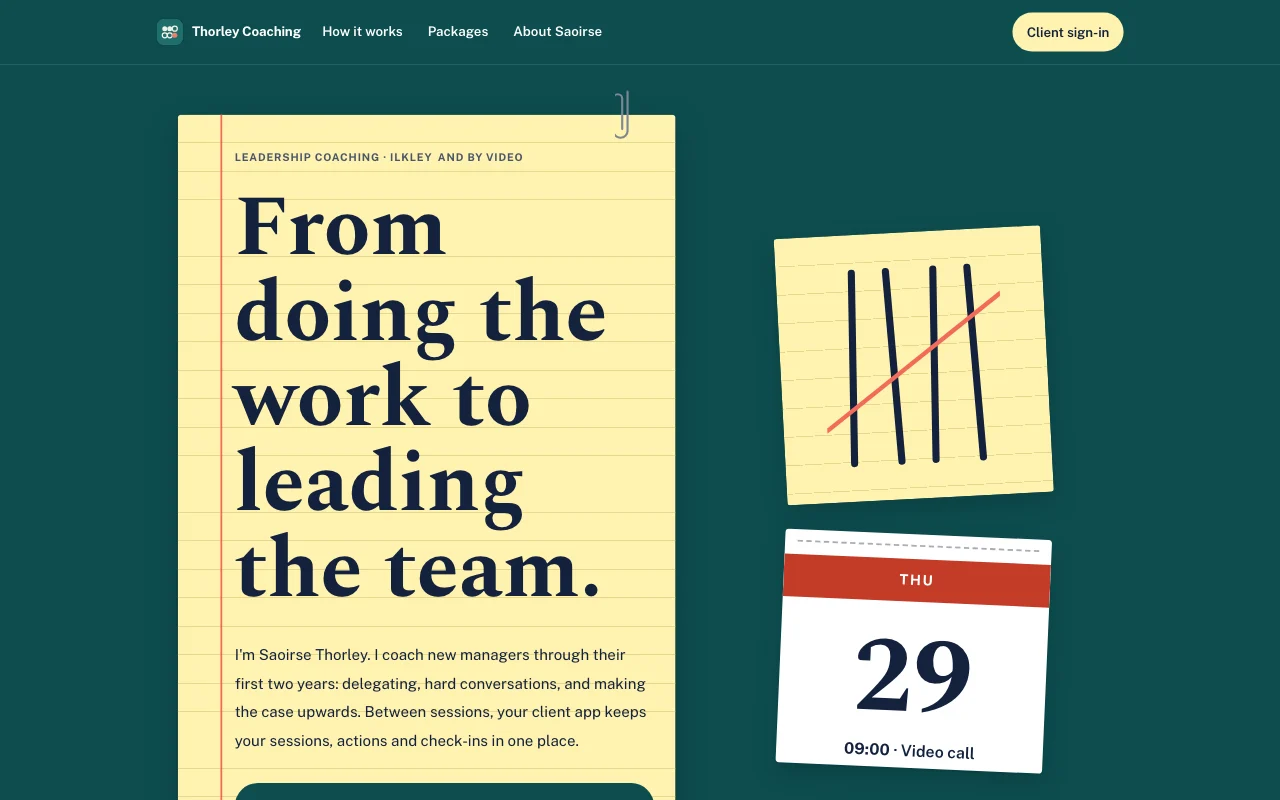
A real template: Tally. Preview it (opens in a new tab) You type in your AI chat
Invite sam@example.com to edit my app, and show me who changed the plans page- “Undo the last change to the plans page” It goes back to how it was, and the undo is itself a version.
- “Hand the app to the company that bought it” They get an offer, accept it into their own workspace, and you can ask to stay on.
What it replaces
The usual way, and the one-chat way.
TodayA sign-in service, a database and a billing system, each with its own dashboard.
With Page LemonSign-in, records and plans in one place, set up by asking.
TodayPassword resets, and a support inbox full of “I can’t log in”.
With Page LemonUsers sign in with a code sent to their email.
TodaySubscriptions you reconcile by hand against your bank.
With Page LemonRenewals, failed payments and cancellations open and close access by themselves.
TodayA launch spreadsheet of who signed up and what they pay.
With Page LemonA Dashboard of every user, with a download of their entries and files.
TodayGlue code between your app and your email or automation tool.
With Page LemonWebhooks and plain-text emails to your users, set up by asking.
What it costs you
Free is for building and trying your app. A paid plan lets your users in; bigger ones add paid plans for your users and your own AI key.
Free
No card needed.
- Build your app and try it as a test user
- A site at yourname.pagelemon.dev
- Try AI in your app free for 3 days or 10 requests
- A small Page Lemon badge
Paid plan
- Users signed in to your app
- Paid plans for your users, on your own Stripe
- Emails and webhooks to your users and your tools
- Your own domain, and no badge
Not for you? Full refund within 14 days, no questions asked.
See the real thing first
Every picture on this page is a real template. Open one, click around, then ask your AI to make it yours.
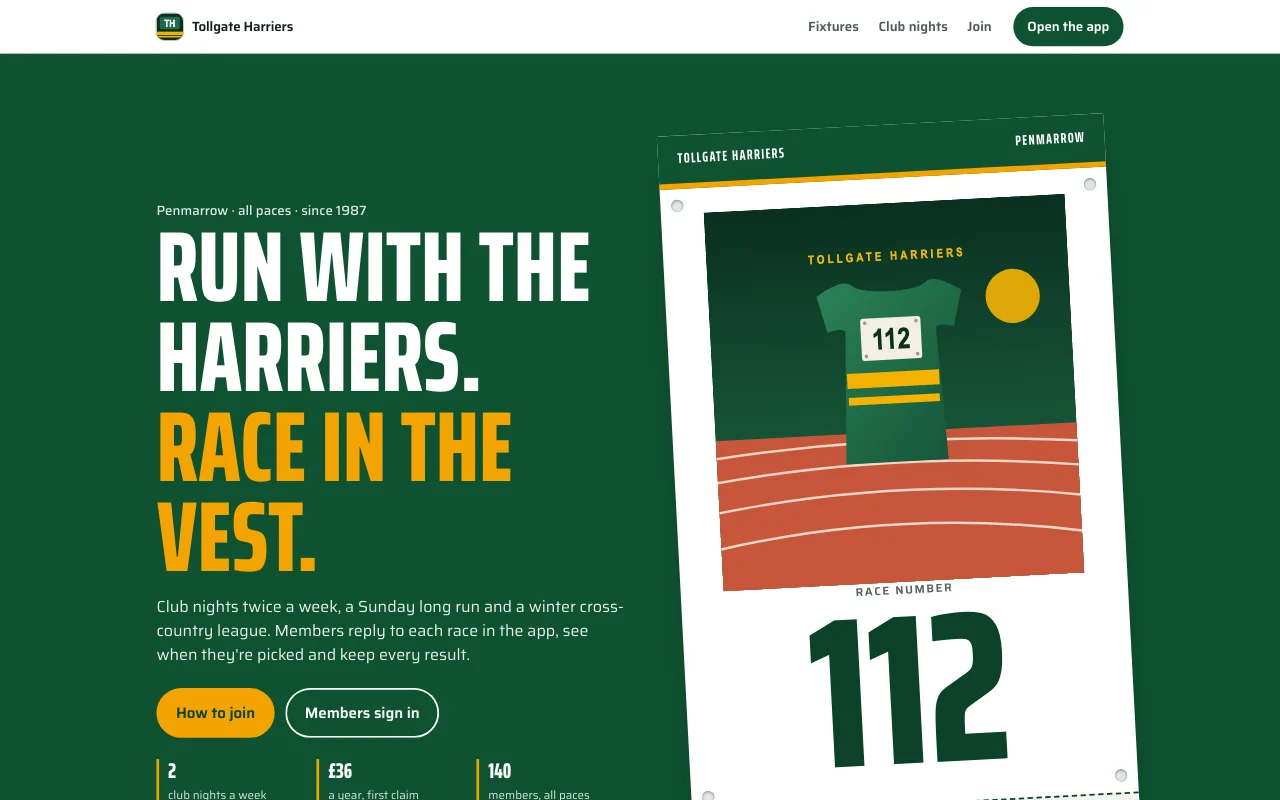
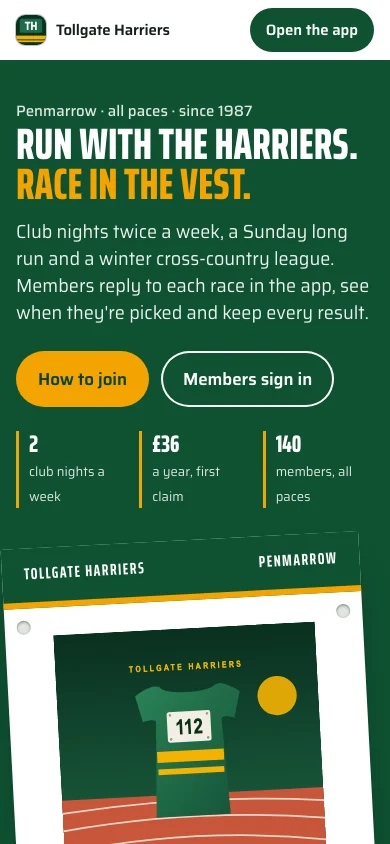
- Stride (live preview, opens in a new tab)Club vest: racing green and amber stripes like a club vest, white race numbers, a running-track lane motif, bold condensed headings, dark scheme
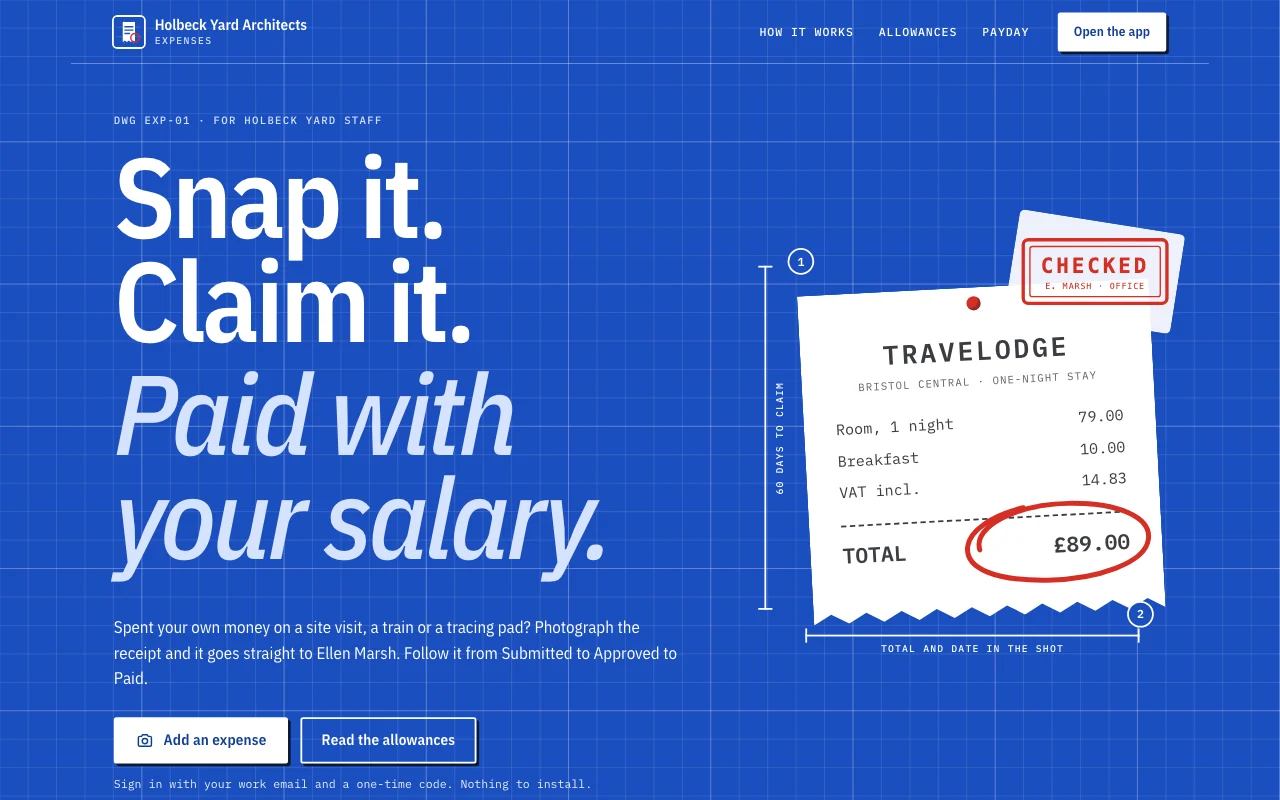 Expense log (live preview, opens in a new tab)An app template: a small studio’s own expense claims app. Staff sign in with their email, photograph a receipt on their phone and claim it in under a minute, follow each claim from Submitted to Approved to Paid, answer the office manager’s questions, and see what they are owed and their monthly totals. The office manager approves and replies in the Dashboard. A public page, six member screens under /app (Home, Add, Claims, Months, Policy, Account) and a privacy notice with blanks.
- Tally (live preview, opens in a new tab)Yellow legal pad on a teal desk, with tally marks in pen struck through in coral and a tear-off calendar page
 Chapter (live preview, opens in a new tab)Dust jackets by lamplight: an oxblood poster, Cormorant italics, spines on a shelf and a stamped library card
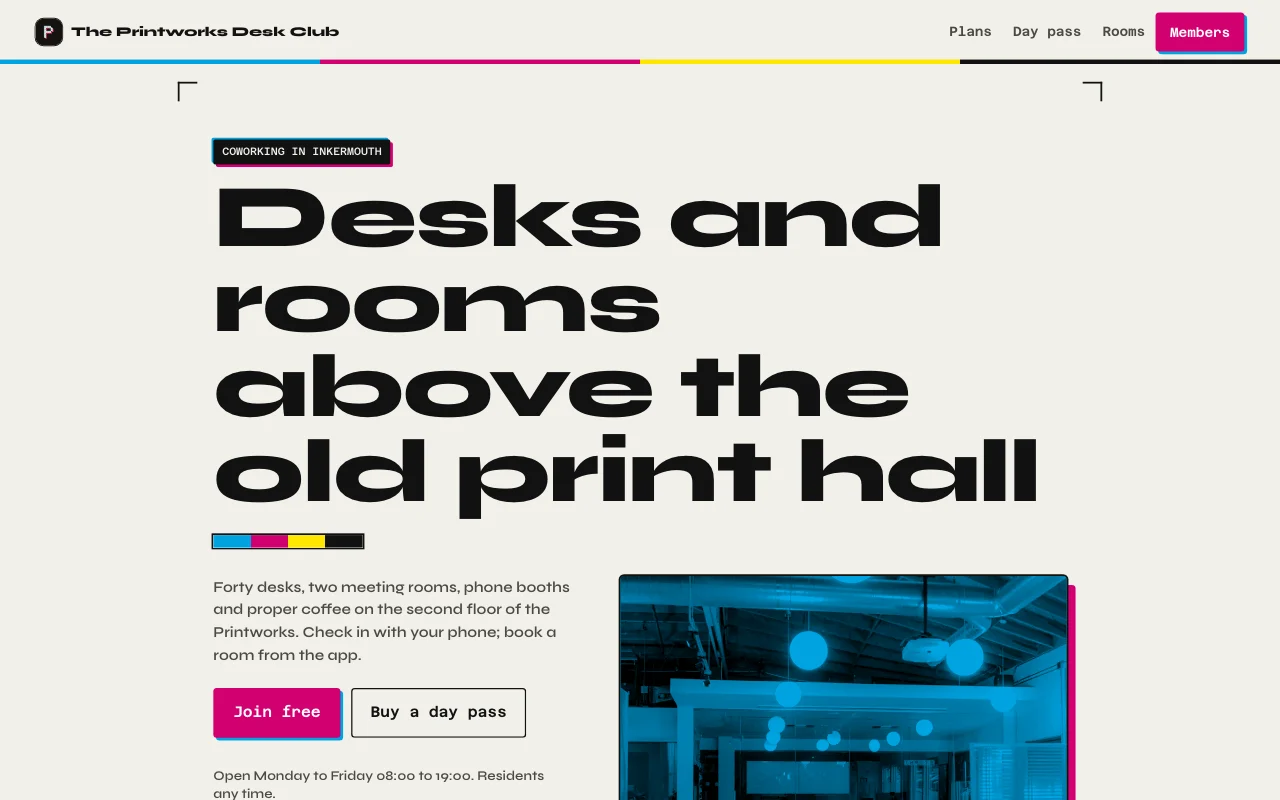 Desk (live preview, opens in a new tab)Printworks ink black and paper, magenta and cyan accents from letterpress, real photos of the floor and both rooms, a membership card with a days-this-month meter
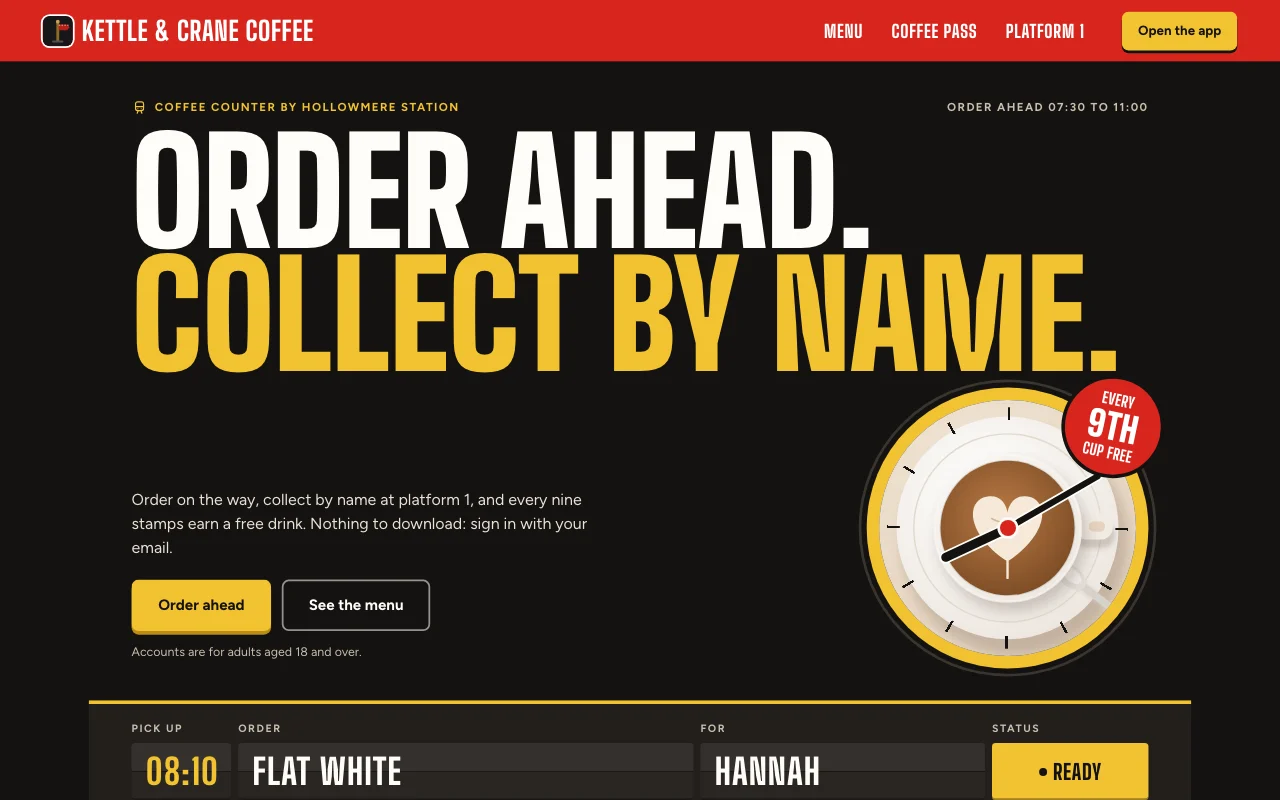 Cortado (live preview, opens in a new tab)Station café app: a departures board for your order, a red platform sign and a paper stamp card with red ink stamps
Step-by-step guides
-
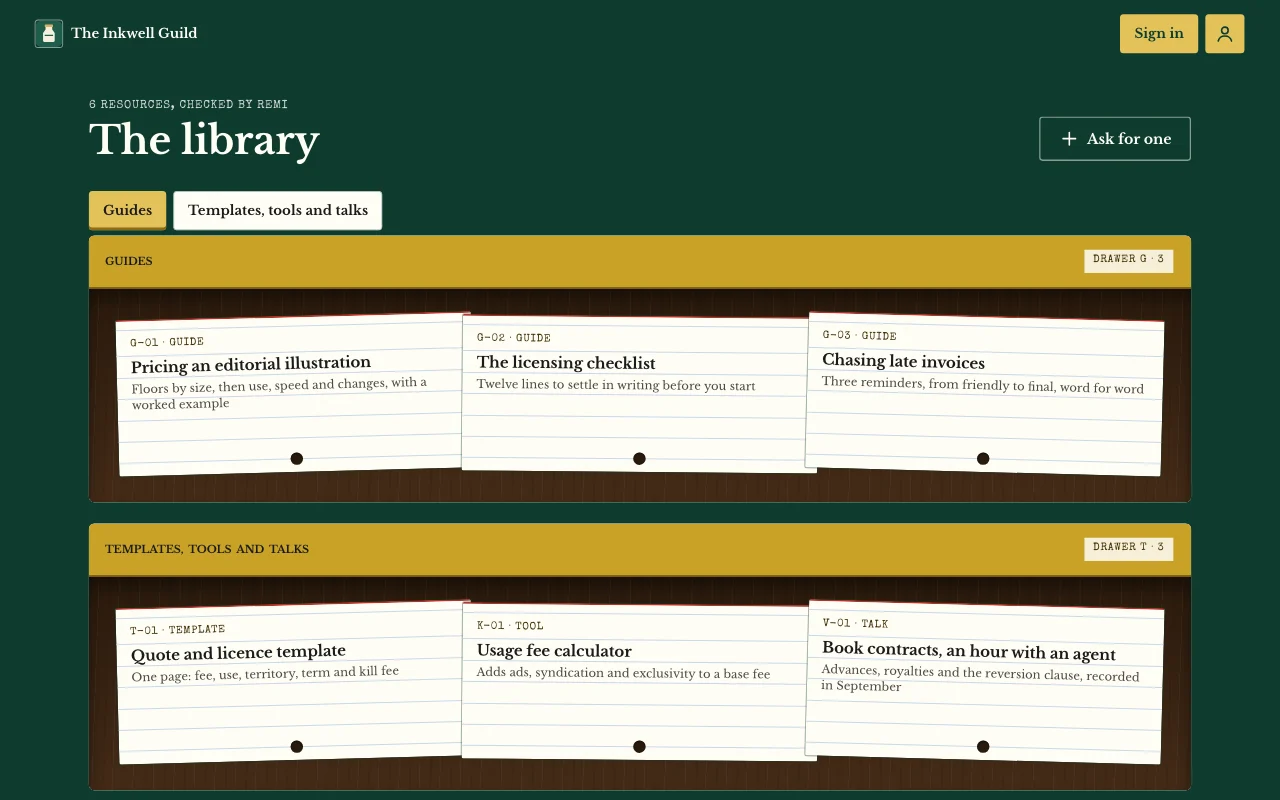 Apps
Members’ area or course
Lessons, posts and guides only your users can open User sign-inPages only users seeNotes and photos Paid plan -
Apps
Expense app
Receipts from phones, each person’s own month User sign-inReceipt photosExport Paid plan -
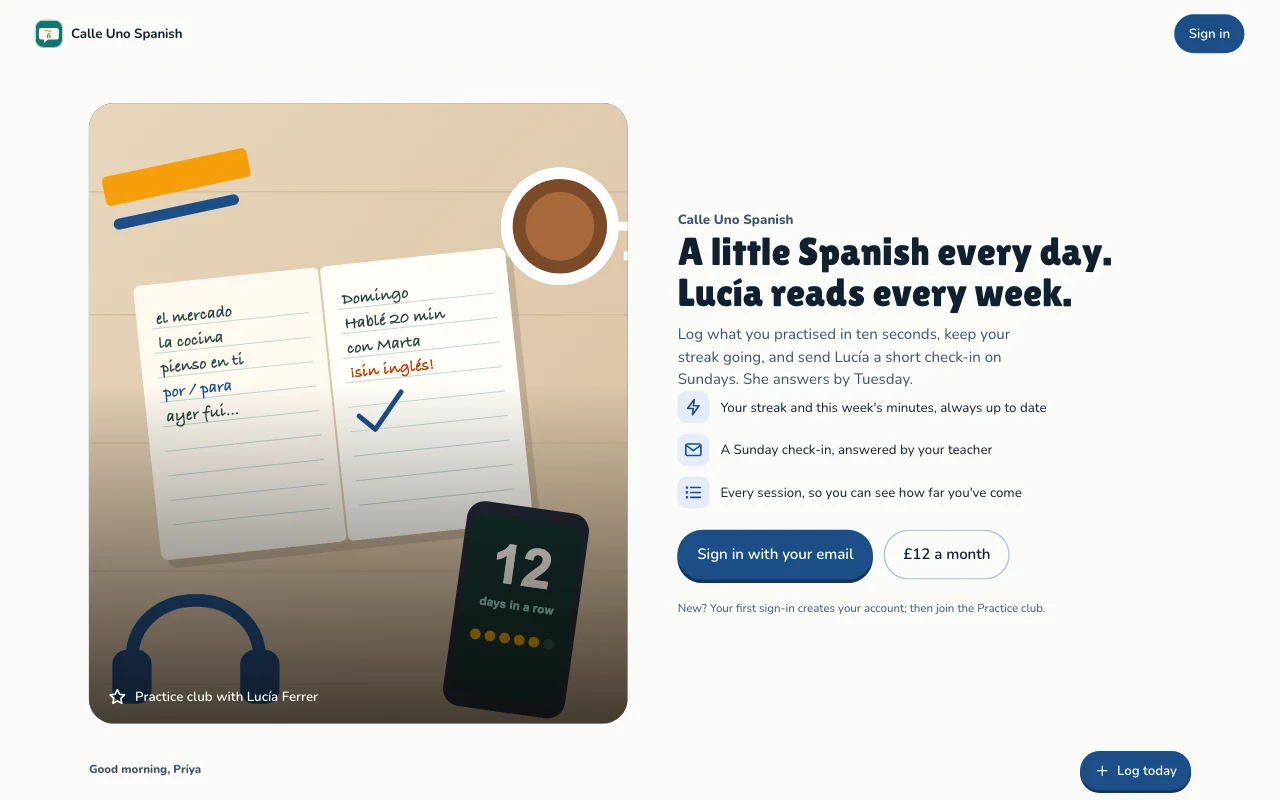 Apps
Habit and goal tracker
Daily practice, streaks and goals, each person's own User sign-inStreaks and progressGoals Paid plan -
 Apps
Client and customer portal
Updates, files and requests, one sign-in per client User sign-inBriefs with photosUpdates you assign Paid plan
Questions
Do my users need an account or an app?
No Page Lemon account and no download. They sign in on your site with a code sent to their email, and can add it to their phone’s home screen.
Who is the seller when users pay?
You are. Users pay a plan, monthly or yearly, on your own Stripe account. Page Lemon never holds card details, and a Page Lemon fee applies on top of Stripe’s own. See payments.
What if a payment fails or someone cancels?
Access follows the payment. When Stripe gives up on a payment or the plan ends, the user’s access to the paid parts closes, and it opens again when they pay.
How many users can I have?
It depends on your plan, counted across all your sites: see pricing. At your number, new users can’t join, and users already in keep their access.
Can I see who is using it?
Yes. Your Dashboard shows every user and their entries, and you can download them with their files. Visits to your public pages are counted without cookies.
Can I sell in a mobile app too?
Yes. Purchases in the App Store and on Google Play open the same membership as the web, with or without RevenueCat. See selling subscriptions in your app.
Can I use my own tools alongside it?
Yes. Send new entries, joins and changes of paid access to Zapier, Make, n8n or your own server with a webhook. See app webhooks.
What about my users’ data and my privacy notice?
Your app comes with a privacy page that has blanks for your name and address, who sees the entries and how long you keep them, and your AI helps you fill them in. You can remove a user and their data from your Dashboard.
Is there anything I can’t put in it?
Yes. Apps are for adults only, and not for health, mood or therapy records, or for card, bank or ID numbers. Your AI will say no and offer something else.
Can I sell the app or hand it to a client?
Yes. A site can be handed over to another account, and users’ entries move with it. See hand-over.
Start charging for your product this week.
Paste one line into your AI.
Deploy on PageLemon.com