

For founders before launch
A launch page and a waitlist today, a users’ area when you’re ready
Say what you’re building and who it’s for, and collect waitlist sign-ups. Change the message as you learn. When the tool is ready, invite people: they sign in with their email and keep their own records.
- A waitlist form
- Export as a spreadsheet
- User sign-in, no passwords
This is for you if you say
- “We’re building a product and want to test the idea before launch.”
- “We need a page today, not after a design sprint.”
- “When it’s ready, early users should sign in and use it, without us building login and a database.”
The problem
You need to test the message this week, but a landing-page tool is one more account and one more bill. Then testing a small tool means building sign-in, a database and a privacy notice before anyone has used it.
How Page Lemon helps
Your AI writes and builds the page, adds the waitlist form and sends a test sign-up. When you’re ready, it builds the app pages too: Page Lemon runs the sign-in and keeps each user’s records private.
How it goes
From one line in your AI chat to a site that works for you.
-
You paste one line
Build with PageLemon.com: a launch page for our voice-notes app, with a waitlist form
Into Claude, ChatGPT or any AI chat. Your AI asks for your details: names, prices, times and photos.
-
Your AI builds these pages
- The pitch
- What it does and who it’s for, in one screen.
- How it works
- Three steps, with a picture.
- Waitlist
- Email, and one question about what they need.
- Users’ area
- Each early user’s own records, under /app.
- Questions
- When it launches, what it costs, privacy.
-
It’s live, and you run it from the chat
murmur-app.pagelemon.dev
Page Lemon runs the parts behind it:
- Waitlist form
- Visitor analytics
- Test messages
- User sign-in
- Private by default
- Your own domain
To change anything later, ask your AI. Every version is saved.
Start with one line
Paste one of these into your AI chat (Claude, ChatGPT or another). Your AI asks for your details, builds the site and puts it online at a free address.
You type in your AI chat
-
Deploy on PageLemon.comThe quickest start: your AI asks what the site is for, picks a design and puts it online.
-
Build with PageLemon.com: a launch page for our voice-notes app, with a waitlist formYour AI builds the page and form, and sends a test sign-up to your email.
-
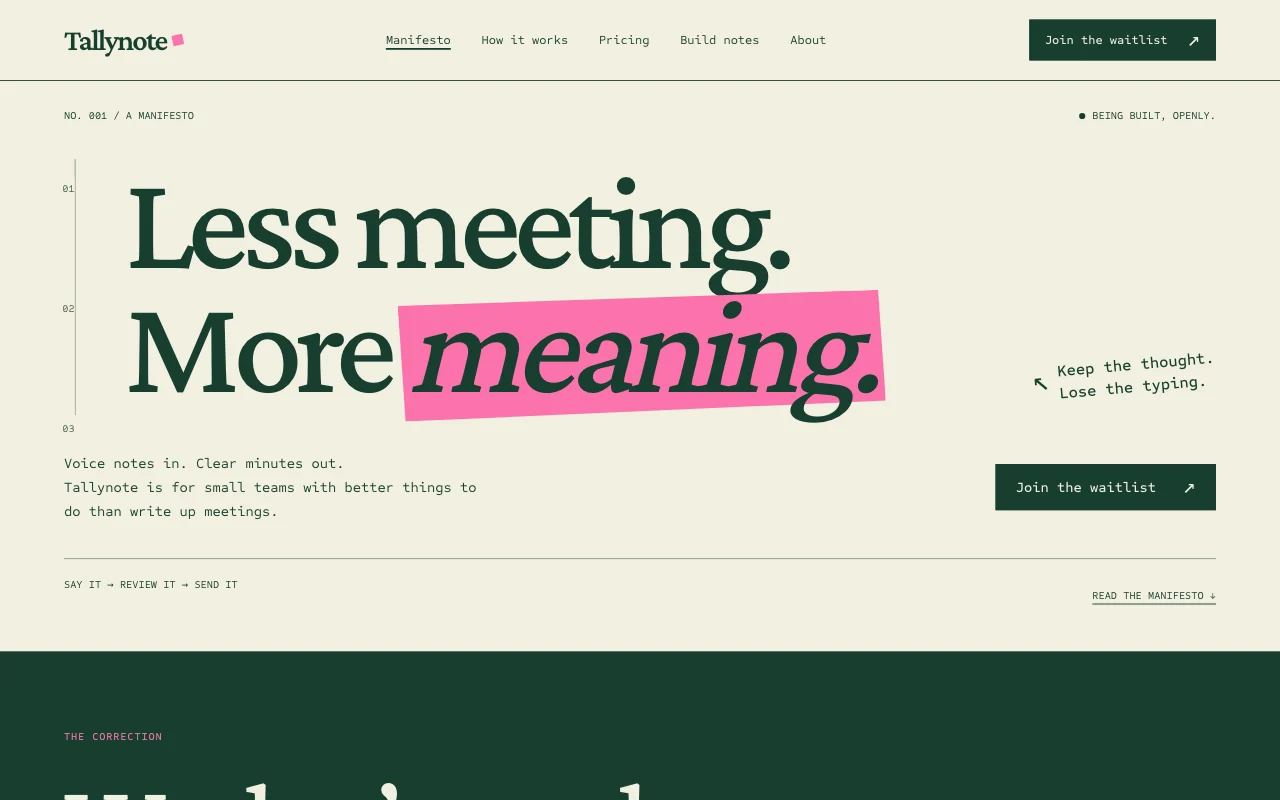
Use template pagelemon.com/tp/Draft for our pre-launch app, with a waitlistStarts from the Draft template: a marked-up manifesto with a working waitlist.
Once it’s live, ask your AI
Three things you might say next, and what happens.
You type in your AI chat
-
Try a new headline: “Voice notes your team actually listens to”The headline changes, and the old one stays in the version history.
-
Invite the first 10 people from the waitlistEach gets an invitation email and signs in with a code.
-
How many visitors this week, and from where?Your AI reads your visitor analytics.
What it costs
Paid plan
The waitlist form and your own domain need a paid plan. Letting users in, and charging them, depend on the plan.
Not for you? Full refund within 14 days, no questions asked.
What it uses
Waitlist form
Each sign-up emailed to you and kept as a list you can export.
Visitor analytics
Visits, pages and where people came from.
Test messages
Change the headline; any version is one sentence away.
User sign-in
Early users sign in with a code sent to their email. No passwords, and each sees only their own records.
Private by default
App pages live under /app. Your home page stays public; nobody’s entries are on it.
Your own domain
yourproduct.com, HTTPS switched on.
Templates to start from
- DraftManifesto poster plus waitlist
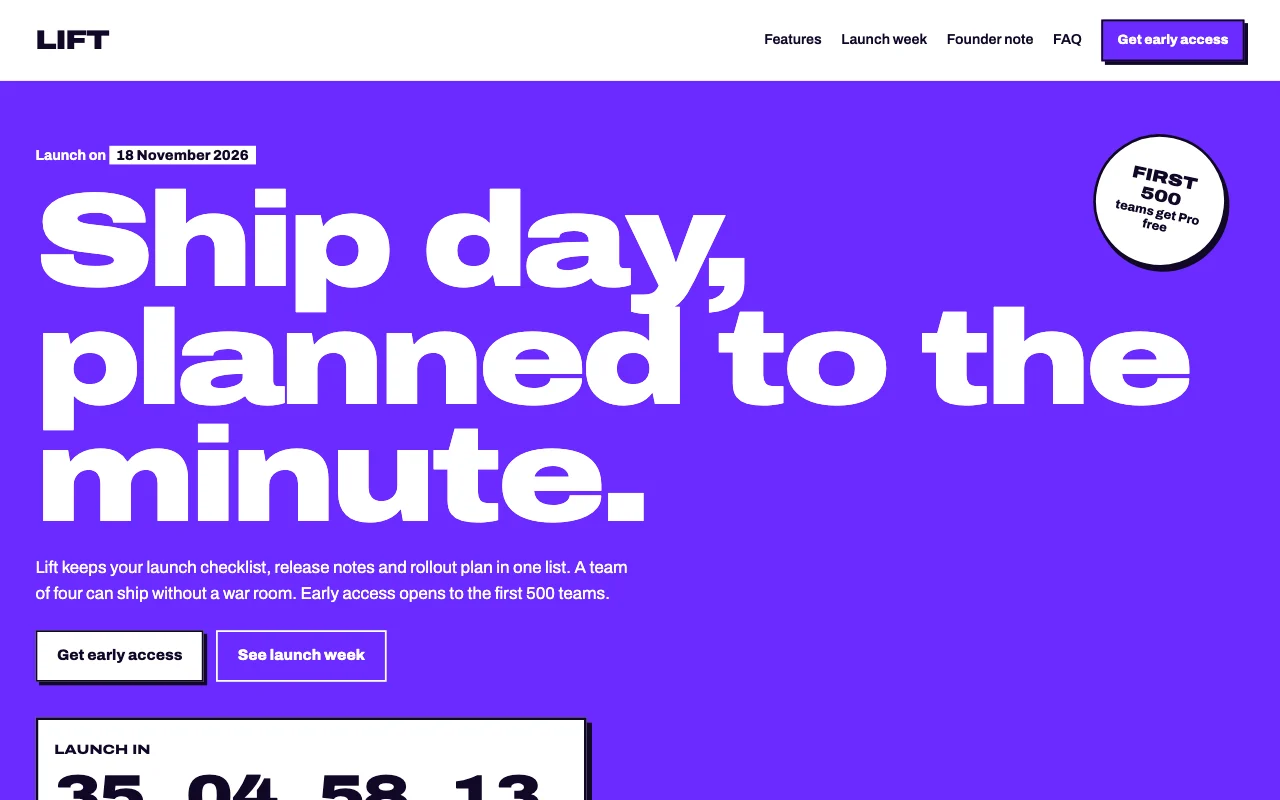 LiftElectric violet launch poster with a giant ticker marquee and rotated stickers
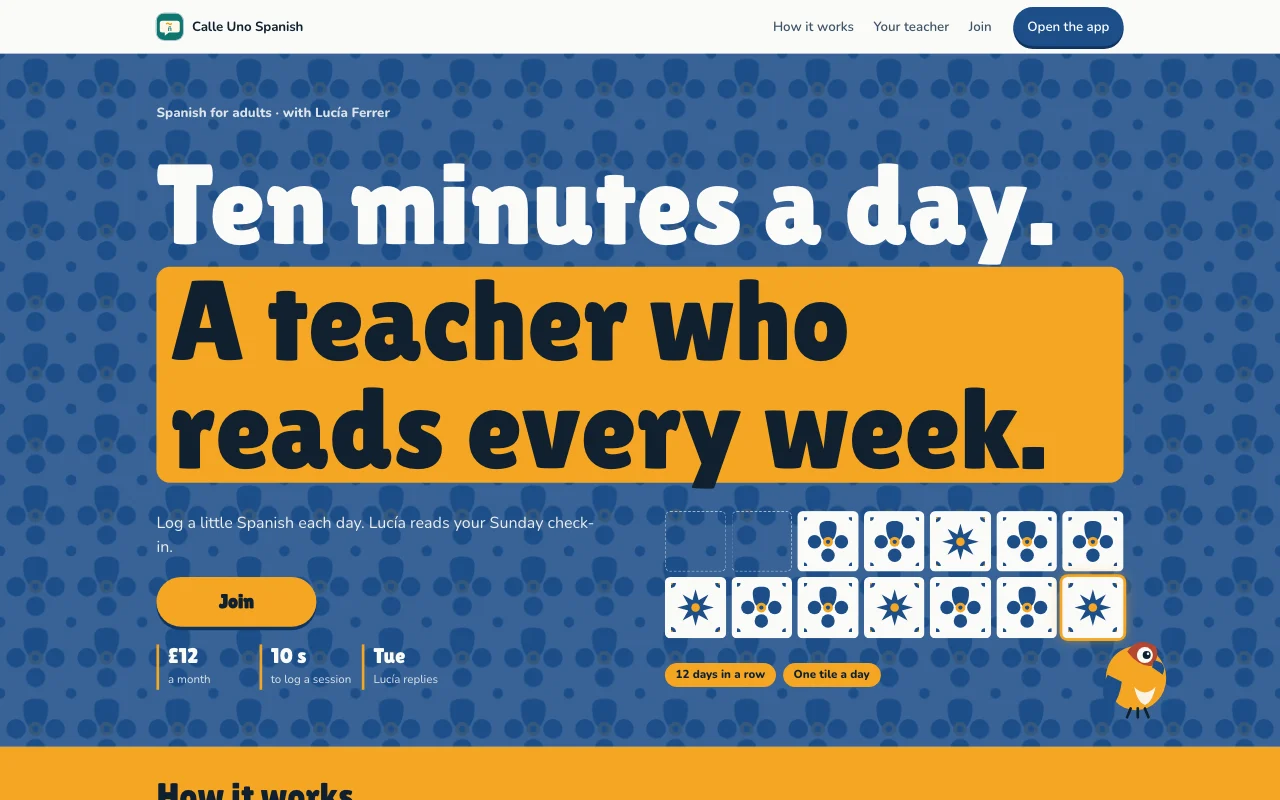 StreakAzulejo tiled wall in blue, tile white and marigold, with a tile painted in for every day you practise
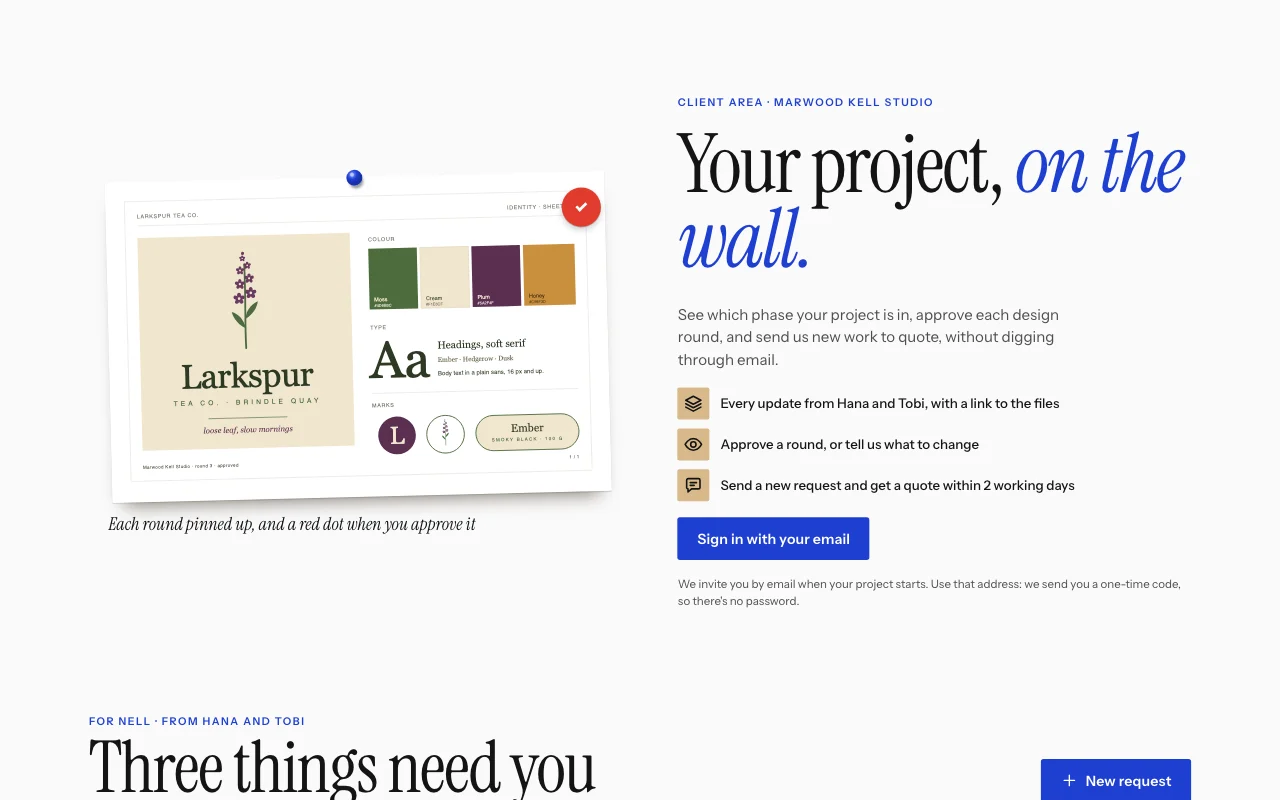
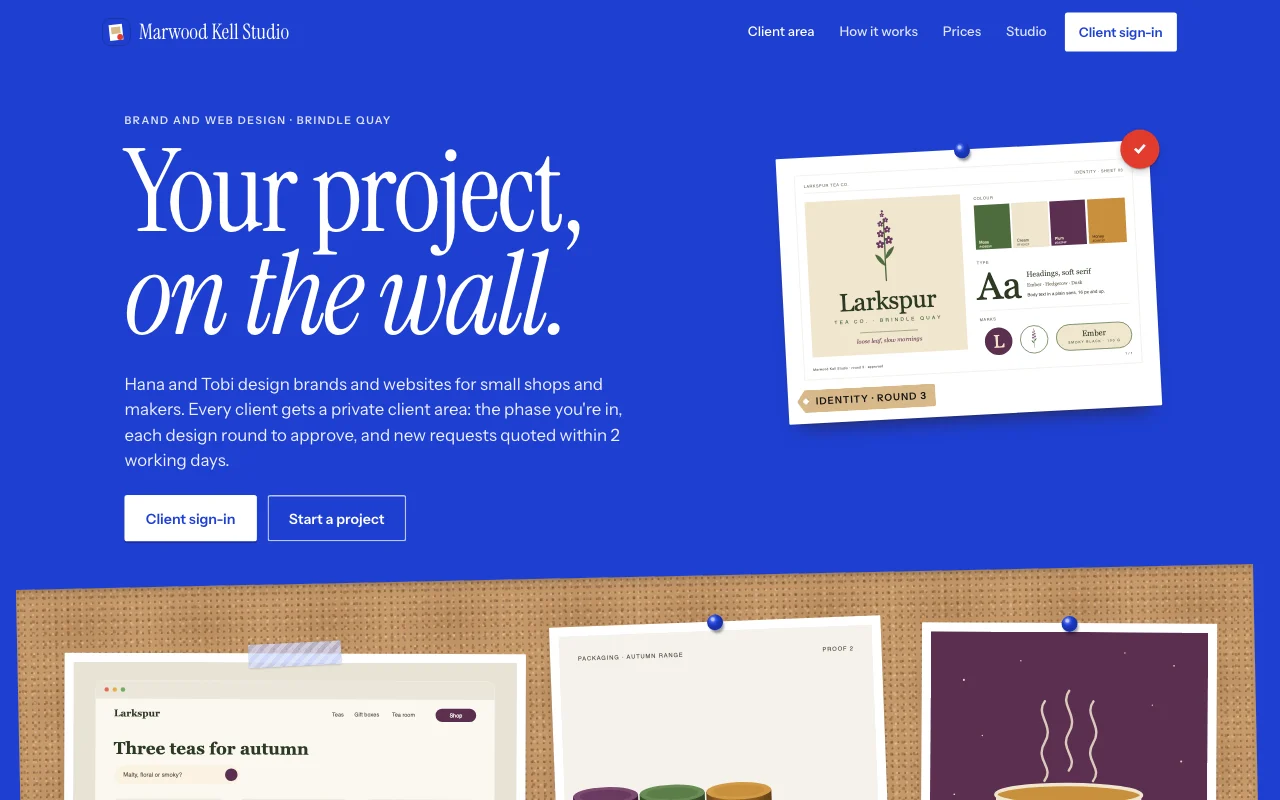 HandoffKlein blue poster and a cork crit wall: pinned prints, kraft tags and a red dot on approved rounds
Preview Draft (opens in a new tab) Preview Lift (opens in a new tab) Preview Streak (opens in a new tab) Preview Handoff (opens in a new tab)
Ideas and guides
Questions
Can I send emails to the waitlist?
Export the list and send from your email tool. Page Lemon doesn’t send newsletters.
Can I A/B test headlines?
Not side by side. Change the headline and compare weeks in your visitor analytics.
Will the waitlist get spam?
Simple spam is dropped, and a human check switches on if a form starts getting it.
Can the team change it?
Yes: invite teammates as Site Developers, each from their own AI.
Who can see what users add?
Each user sees only their own entries and the ones you assign to them. You see everything in your Page Lemon Dashboard. Your AI reads entries only if you turn that on for a list, in your Dashboard, and it never changes or deletes what a user wrote.
Can I charge early users later?
Yes, on some paid plans: add a plan to your app, monthly or yearly, and users pay on your own Stripe account, with a Page Lemon fee on top of Stripe’s own. Early users can stay on a free plan in your app. See Apps.
More use cases
-
 Startups
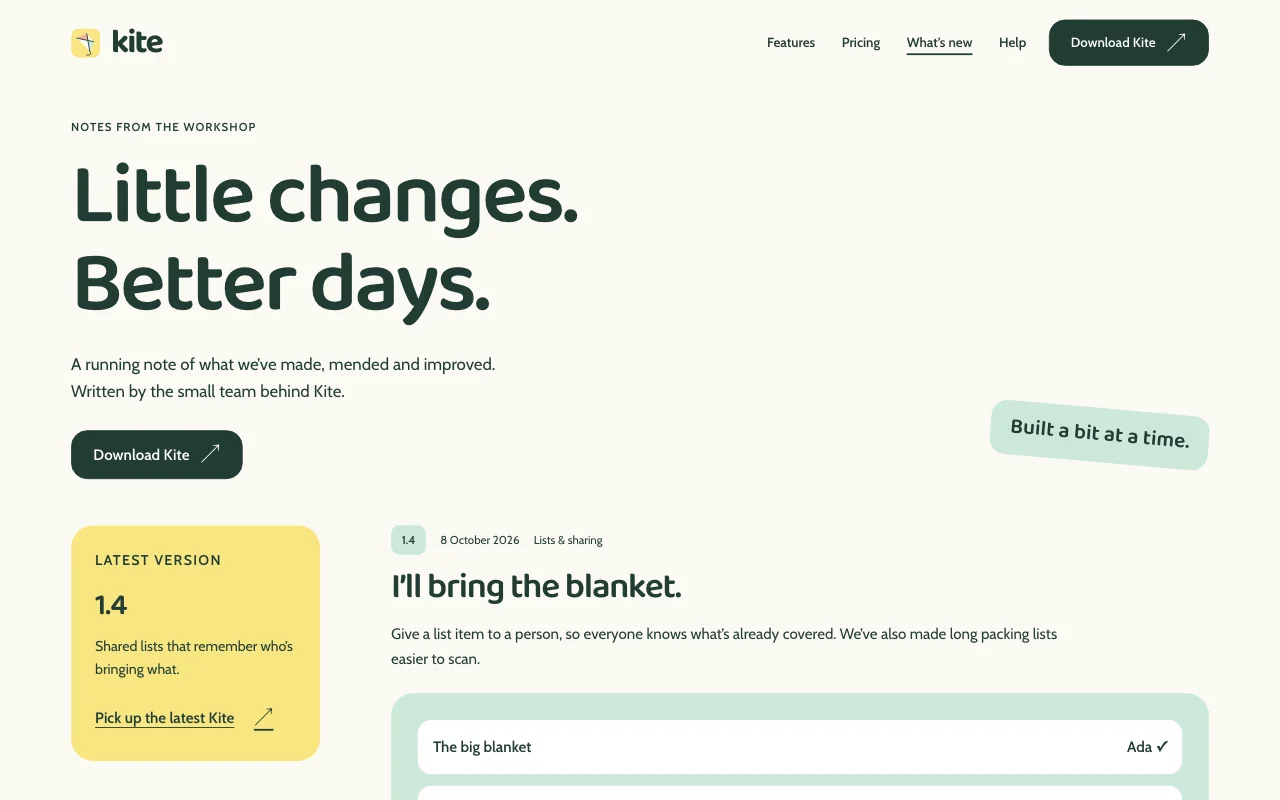
Product site with a changelog
Features, help pages and what’s new, kept current Site DevelopersChangelog as a listFeedback form Paid plan -
 Apps
Apps
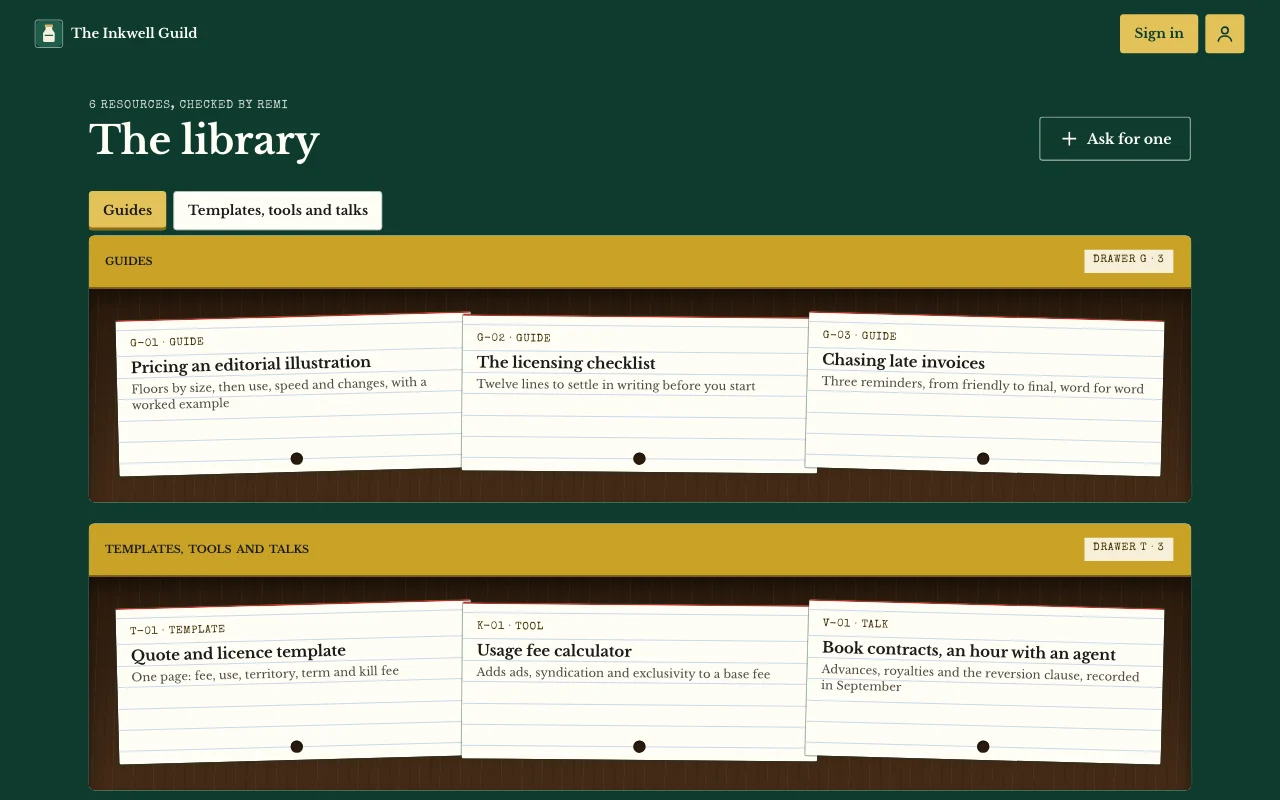
Members’ area or course
Lessons, posts and guides only your users can open User sign-inPages only users seeNotes and photos Paid plan -
 Apps
Apps
Client and customer portal
Updates, files and requests, one sign-in per client User sign-inBriefs with photosUpdates you assign Paid plan