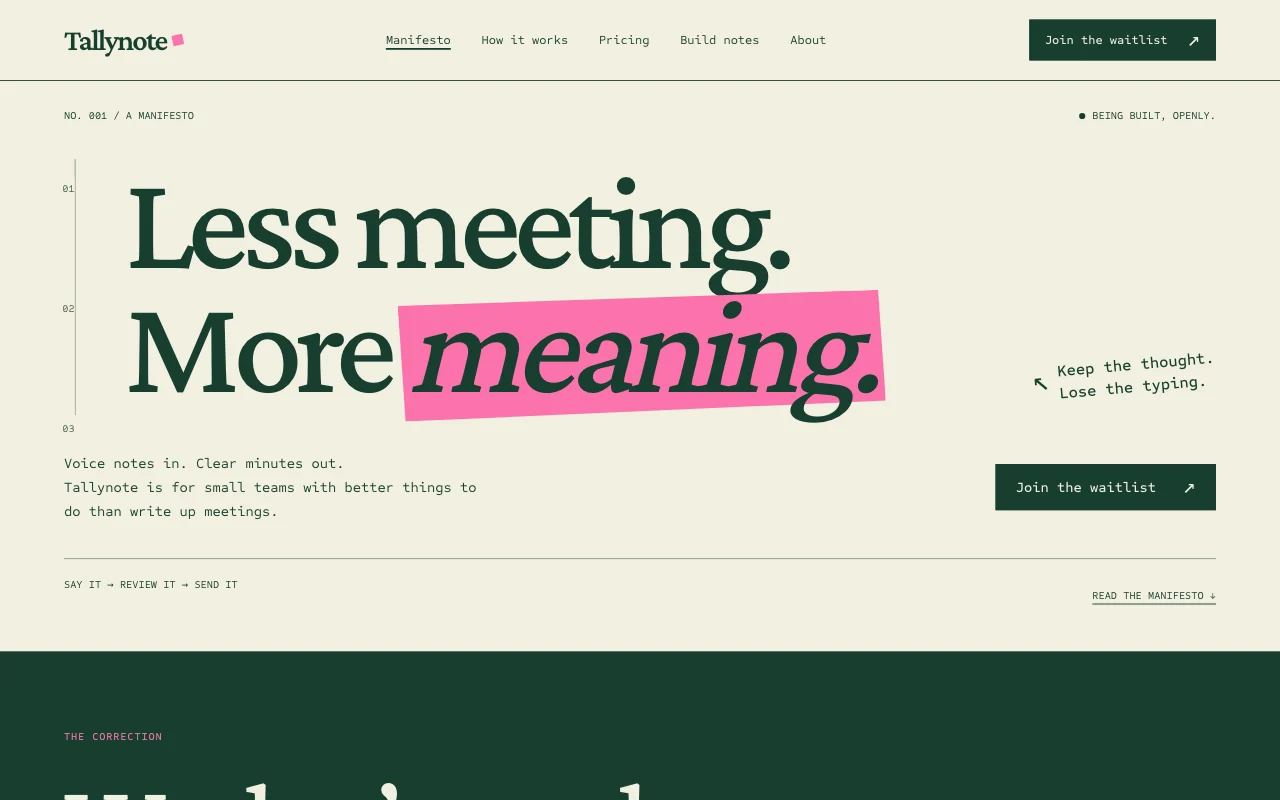
For small product teams
A product site that keeps up with what you ship
Features, pricing, help pages and a changelog. Whoever ships the change tells their AI, and the site is updated the same day.
- Changelog by chat
- Help pages
- The team edits
This is for you if you say
- “We’ve launched an app and ship something every week.”
- “The website is always behind the product.”
- “We want the changelog and help pages updated by whoever shipped the change.”
The problem
Shipping is fast and the website isn’t. The changelog is three releases behind, and help pages describe buttons that moved.
How Page Lemon helps
Paste the release notes into your AI and ask for a changelog entry. Teammates do the same as Site Developers, and the changelog shows the new entry in seconds.
How it goes
From one line in your AI chat to a site that works for you.
-
You paste one line
Build with PageLemon.com: a site for our planner app, with features, pricing, help pages and a changelog
Into Claude, ChatGPT or any AI chat. Your AI asks for your details: names, prices, times and photos.
-
Your AI builds these pages
- Home
- What the product does, for whom, and the one button to try it.
- Features
- Each feature with a screenshot and a line on why it matters.
- Pricing
- Your plans as text you change by asking.
- What’s new
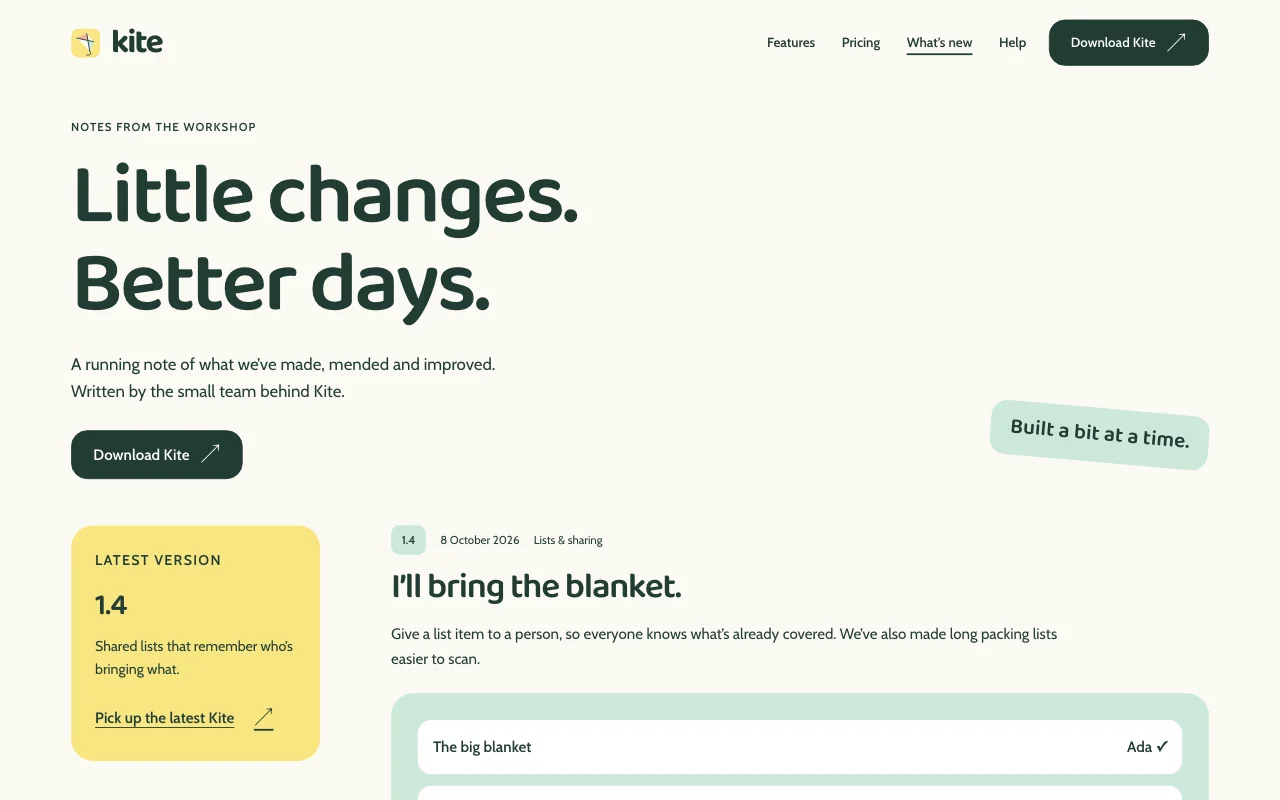
- The changelog: every release by date, newest first.
- Help
- Short answers, one topic per page, with a contents list.
- Download
- Where to get the app, with the store links.
-
It’s live, and you run it from the chat
tinyplan-app.pagelemon.dev/changelog
Page Lemon runs the parts behind it:
- Site Developers
- Changelog as a list
- Feedback form
- Any language
To change anything later, ask your AI. Every version is saved.
Start with one line
Paste one of these into your AI chat (Claude, ChatGPT or another). Your AI asks for your details, builds the site and puts it online at a free address.
You type in your AI chat
-
Deploy on PageLemon.comThe quickest start: your AI asks what the site is for, picks a design and puts it online.
-
Build with PageLemon.com: a site for our planner app, with features, pricing, help pages and a changelogYour AI builds each page and asks for your screenshots.
-
Use template pagelemon.com/tp/Kite for our planner app, with a changelog and help pagesStarts from the Kite template: friendly, with HTML phone screens.
Once it’s live, ask your AI
Three things you might say next, and what happens.
You type in your AI chat
-
Add a changelog entry from these release notesYour AI writes a short entry for users, dated today.
-
The Export button moved to Settings. Fix the help pagesYour AI finds every mention and updates them.
-
Add a feedback form to the help pageA form goes on the help page, and each message is emailed to you.
What it costs
Paid plan
Site Developers, a feedback form and your own domain need a paid plan. A bigger team can share every site in a workspace.
Not for you? Full refund within 14 days, no questions asked.
What it uses
Site Developers
Each teammate edits from their own AI.
Changelog as a list
Release notes in, a dated entry out, on the site in seconds.
Feedback form
Messages from users, emailed to you.
Any language
Add a language by asking.
Templates to start from
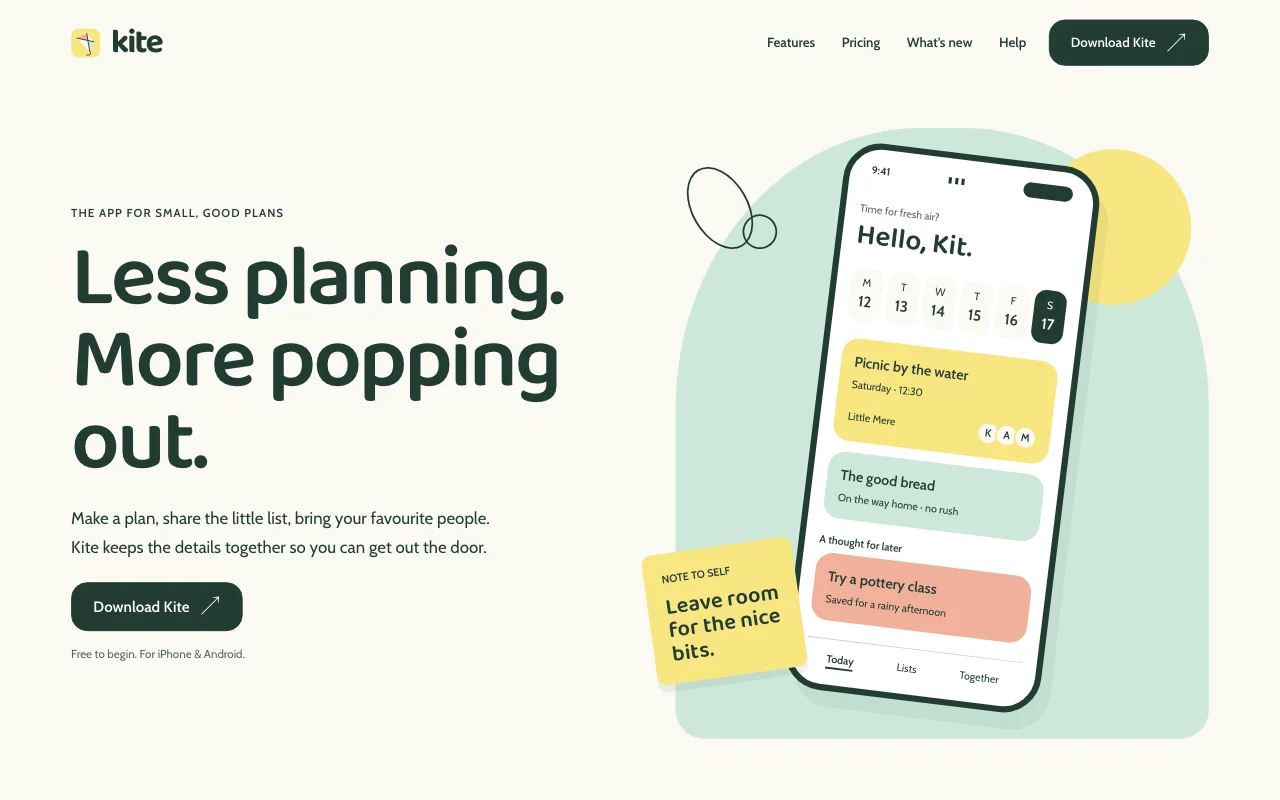 KiteFriendly consumer app, light, HTML phone mockups
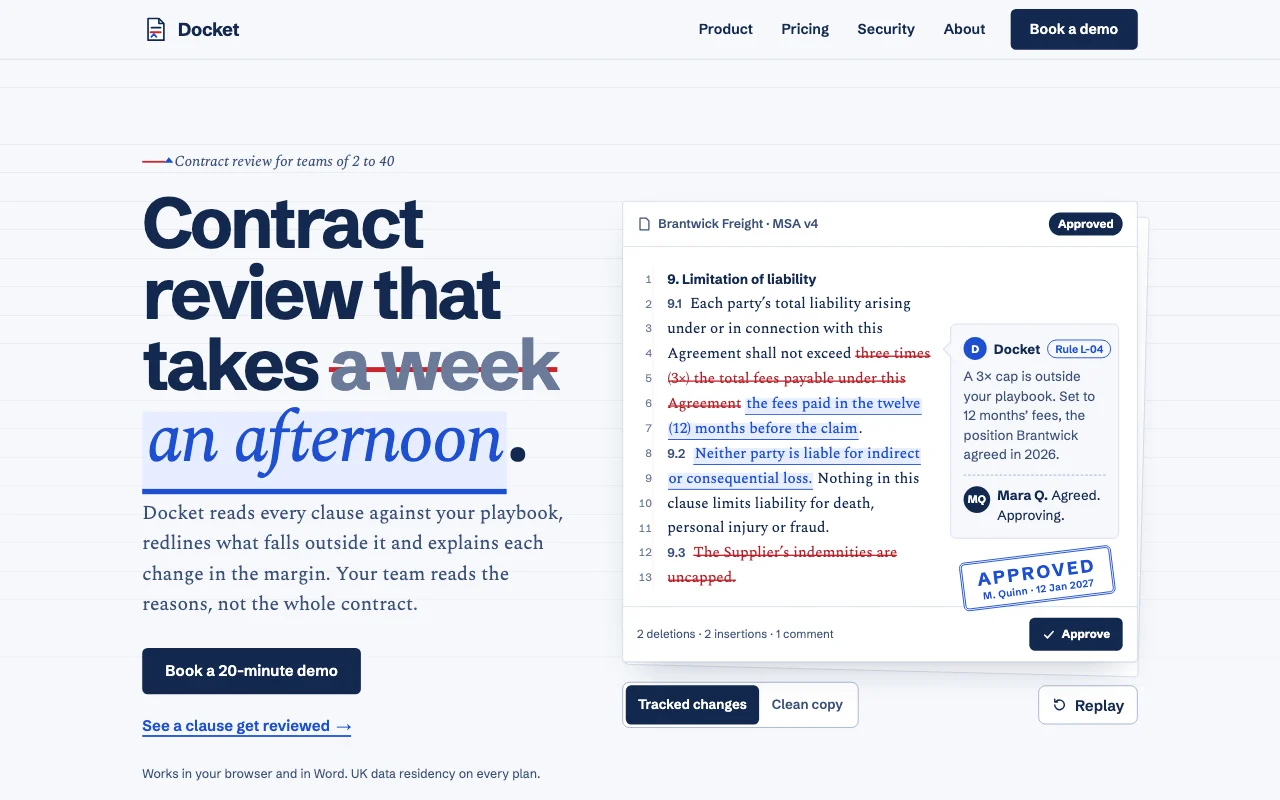 DocketCool white paper with live redline marks
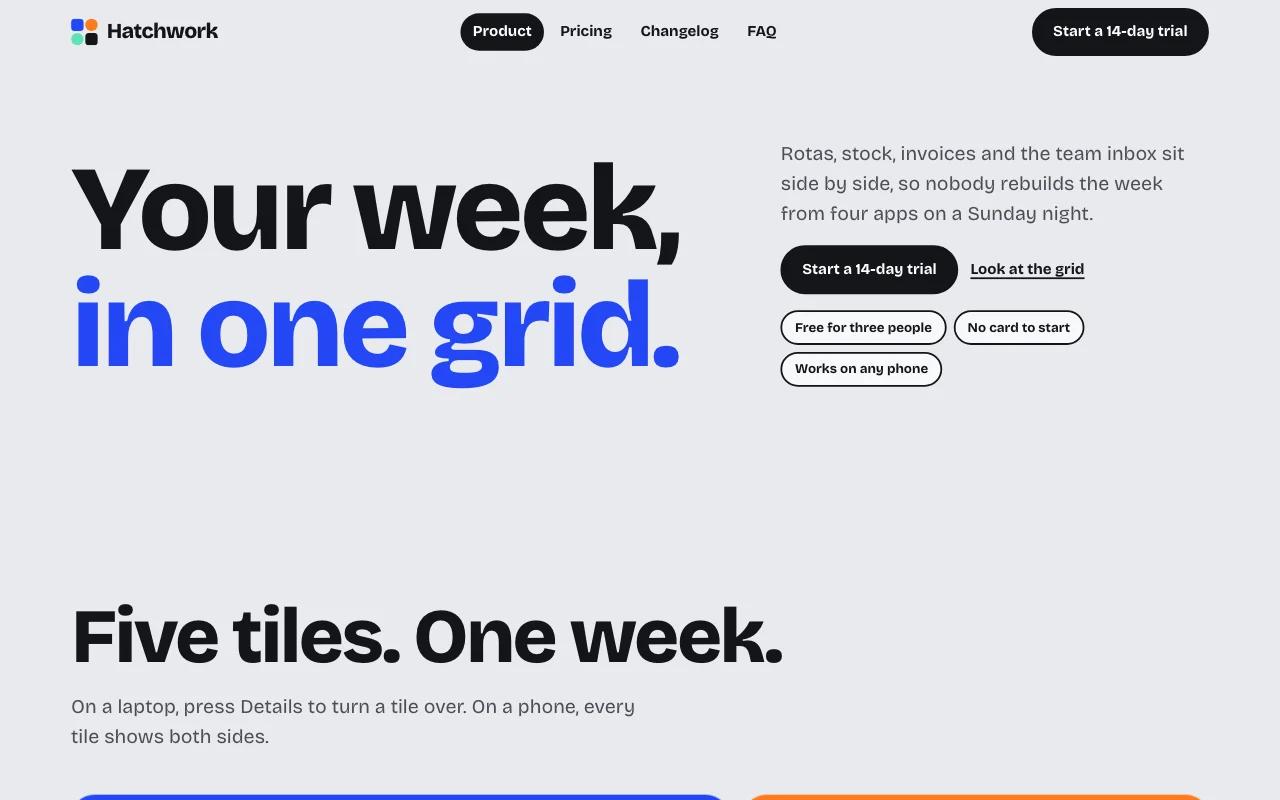 TesseraBento tiles on pale grey
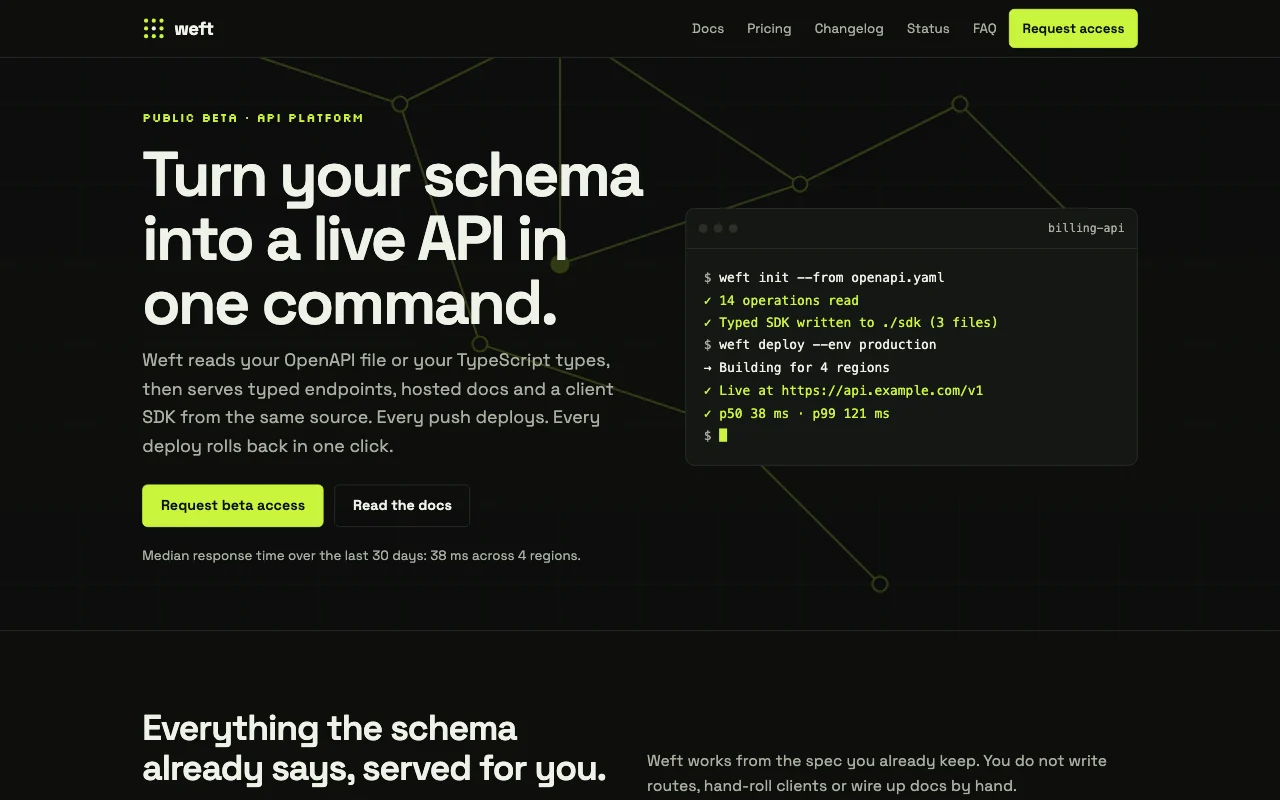 WeftNear-black graphite with acid-lime, hairline grid, terminal panel
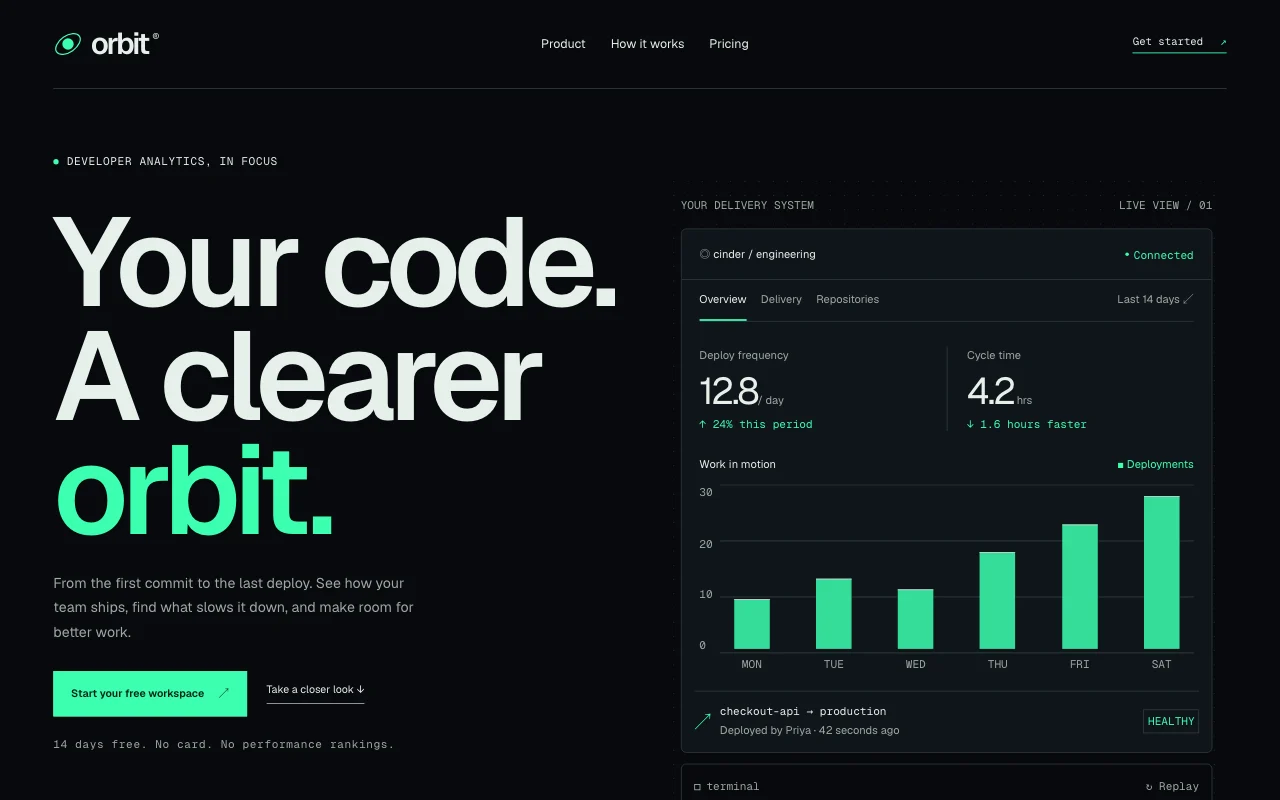 OrbitPrecise dark product site: dot grid, bento panels, product UI built in HTML and SVG, one mint signal colour
Preview Kite (opens in a new tab) Preview Docket (opens in a new tab) Preview Tessera (opens in a new tab) Preview Weft (opens in a new tab) Preview Orbit (opens in a new tab)
Ideas and guides
Questions
How do we add a changelog entry?
Whoever shipped it tells their AI: “Add 1.4 to the changelog: dark mode and CSV export”. It goes on the What’s new page, dated, and the home page can show the latest one.
Can the whole team edit it?
Yes. Invite teammates as Site Developers and each one edits from their own AI. In a workspace, its Developers change every workspace site, and groups choose who does what where.
Can people send feedback or report a bug?
Yes. Ask for a feedback form: each message is emailed to you and kept in the Page Lemon app, so your AI can sum up what people asked for this month.
Can we put the site at our domain?
Yes, on a paid plan. Keep the domain where you bought it; your AI gives you the lines to add. See your own domain.
Can the site show live product data?
It’s a fast website with forms and lists. Live data stays in your app; link to it, or ask your AI to update a number when it changes.
Can we have docs with search?
Help pages with a contents list work well for a few dozen topics. Full-text search over a large docs set is better in a docs tool you link to.
What if a release note goes out wrong?
Ask your AI to fix it, or to go back to yesterday’s version. Going back adds a new version, so nothing is lost.