

For writers, newsletters and small teams
Your blog, with a page for every post
Ask your AI for a blog, and every post gets its own page in your site’s design. Post by asking, paste a draft or bring your old posts in, and it’s live within seconds.
- A page for every post
- Authors linked to their posts
- Free at yourname.pagelemon.dev
This is for you if you say
- “I write every week or two and want my posts on my own site, not only on a platform.”
- “Each post should have its own page and link, and look like the rest of my site.”
- “Some posts are by guest writers, and I want their name and photo on each one.”
The problem
Blog platforms put your writing on their site, in their design. Copying each post into a hand-made website is slow, and the list of posts on the home page is always out of date.
How Page Lemon helps
Your AI sets up a posts list and one post page in your design. Each post is an item: a title, a date, a summary and the text, with headings, links and images. Add or change a post by asking, and its page, the list of posts and the feed update within seconds, without touching your design.
How it goes
From one line in your AI chat to a site that works for you.
-
You paste one line
Build with PageLemon.com: a blog for my writing, with a page for every post and an about page
Into Claude, ChatGPT or any AI chat. Your AI asks for your details: names, prices, times and photos.
-
Your AI builds these pages
- Posts
- Newest first, with the title, date and a short summary.
- A page per post
- Its own address, such as /blog/my-first-post, with the title and summary that search and sharing use.
- Authors
- A page per writer, with their photo and their posts.
- Feed
- An Atom feed of the newest posts, for feed readers.
-
It’s live, and you run it from the chat
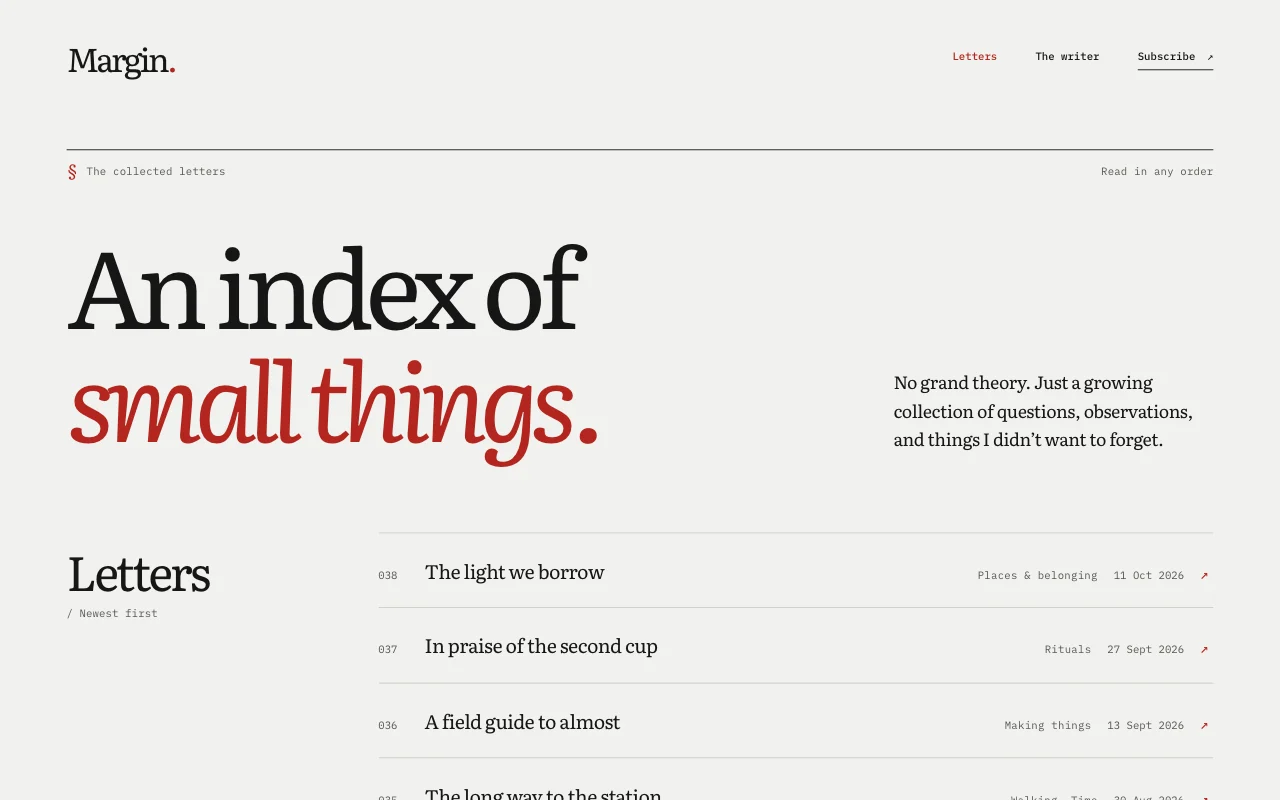
margin-letters.pagelemon.dev/archive
Page Lemon runs the parts behind it:
- Posts as a list
- A page per post
- Authors linked to posts
- Your own domain
To change anything later, ask your AI. Every version is saved.
Start with one line
Paste one of these into your AI chat (Claude, ChatGPT or another). Your AI asks for your details, builds the site and puts it online at a free address.
You type in your AI chat
-
Deploy on PageLemon.comThe quickest start: your AI asks what the site is for, picks a design and puts it online.
-
Build with PageLemon.com: a blog for my writing, with a page for every post and an about pageYour AI sets up the posts list and a post page in your design, then asks for your first post.
-
Use template pagelemon.com/tp/Margin for my blog, with a page for every postStarts from the Margin template: cool grey paper, expressive serif type and an essay index.
Once it’s live, ask your AI
Three things you might say next, and what happens.
You type in your AI chat
-
Write up these notes as a post called “Why we moved the market”, by SamYour AI writes the post with headings and adds it. Its page is live within seconds, with Sam as the author.
-
Bring in my old posts from this spreadsheetYour AI shows you what it would add and anything it can’t read. Nothing is saved until you say yes, and one Undo takes it all back.
-
Hide the post about last year’s pricesThe post leaves the site and its page goes, but it stays in your list.
What it costs
Free
A blog with posts, authors and a page for each post works on Free. Your own domain, no Page Lemon badge and a sign-up form for readers need a paid plan.
No card needed.
What it uses
Posts as a list
Add, change or hide a post by asking, or in the app.
A page per post
One post page in your design, filled for every post, at its own address.
Authors linked to posts
Each post names its writer from your authors list, and each author page shows their posts.
Your own domain
yourname.com on a paid plan, with HTTPS switched on for you.
Templates to start from
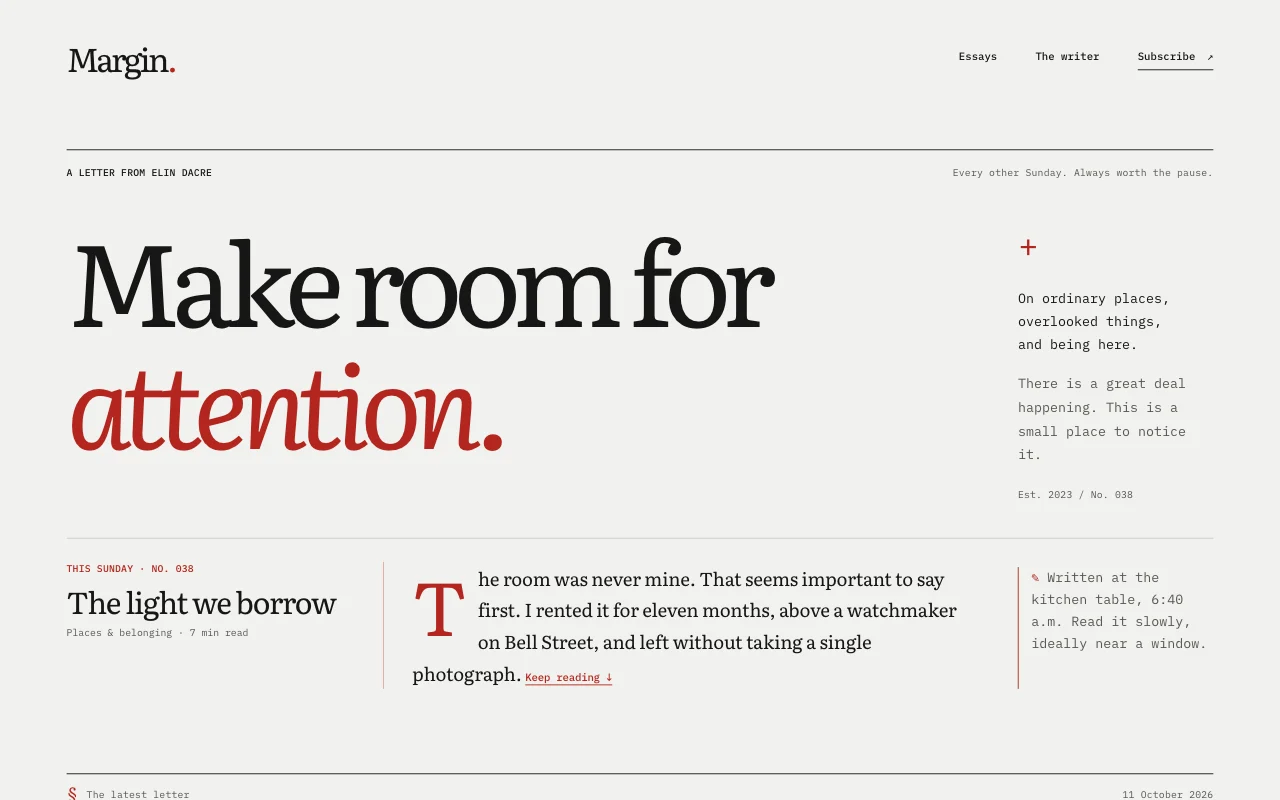 MarginLiterary letter on cool grey paper: big serif, typewritten marginalia, red margin notes
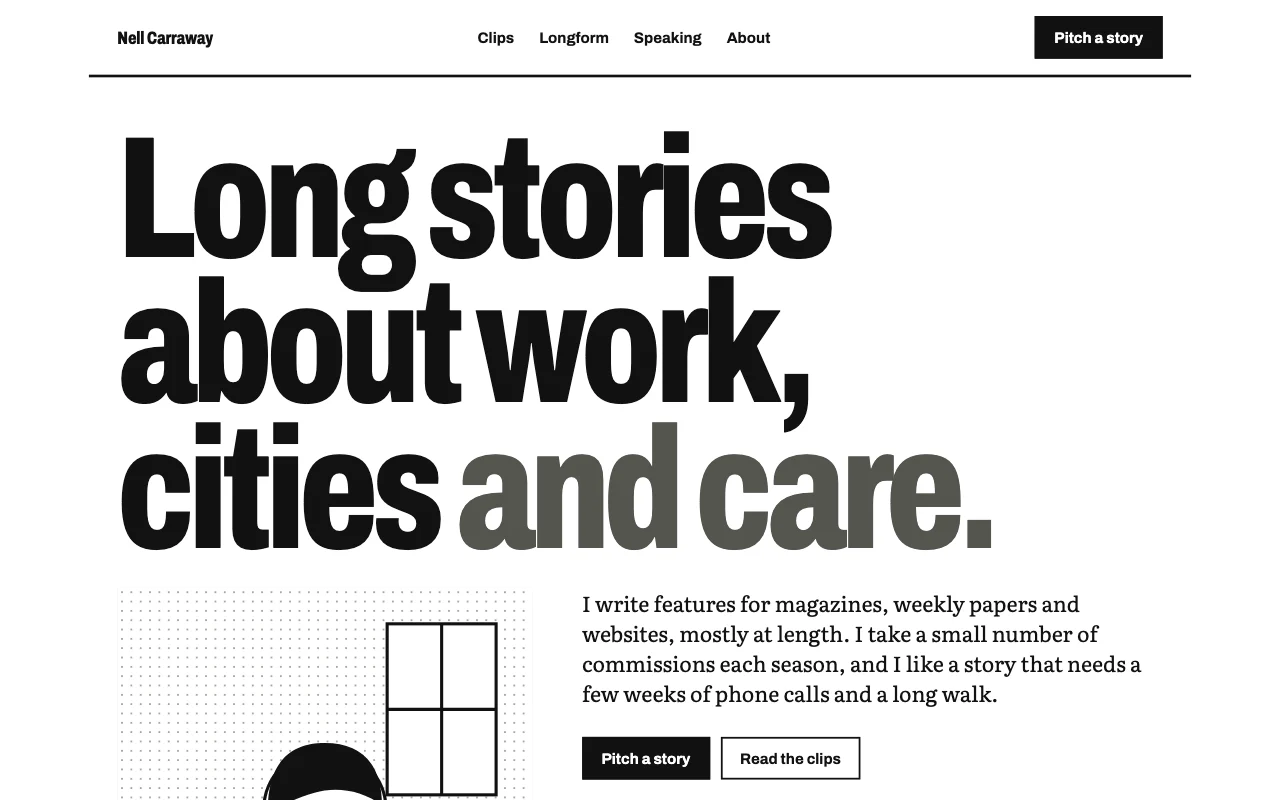 BylineNewsprint-lite: white page, ruled columns, huge sans headline, one blue link colour; clips as ruled rows
Preview Margin (opens in a new tab) Preview Byline (opens in a new tab)
Ideas and guides
Questions
Can I write in Markdown?
Yes. Your AI can send a post as Markdown or HTML. Page Lemon keeps headings, lists, quotes, links, images and code, and removes anything else, such as scripts.
Can I bring my posts from another blog?
Yes, as a spreadsheet file or pasted cells with a column for each part of a post. You see a preview first, and nothing is saved until you confirm. The import is one change, so one Undo takes it back.
What happens to a post’s link if I change its title?
The link stays the same. If you change the link itself, the old address sends readers to the new one.
Do readers get a feed?
Yes, if you ask for one: an Atom feed of the newest posts. It isn’t served while the site is behind a passcode or invite-only.
More use cases
-
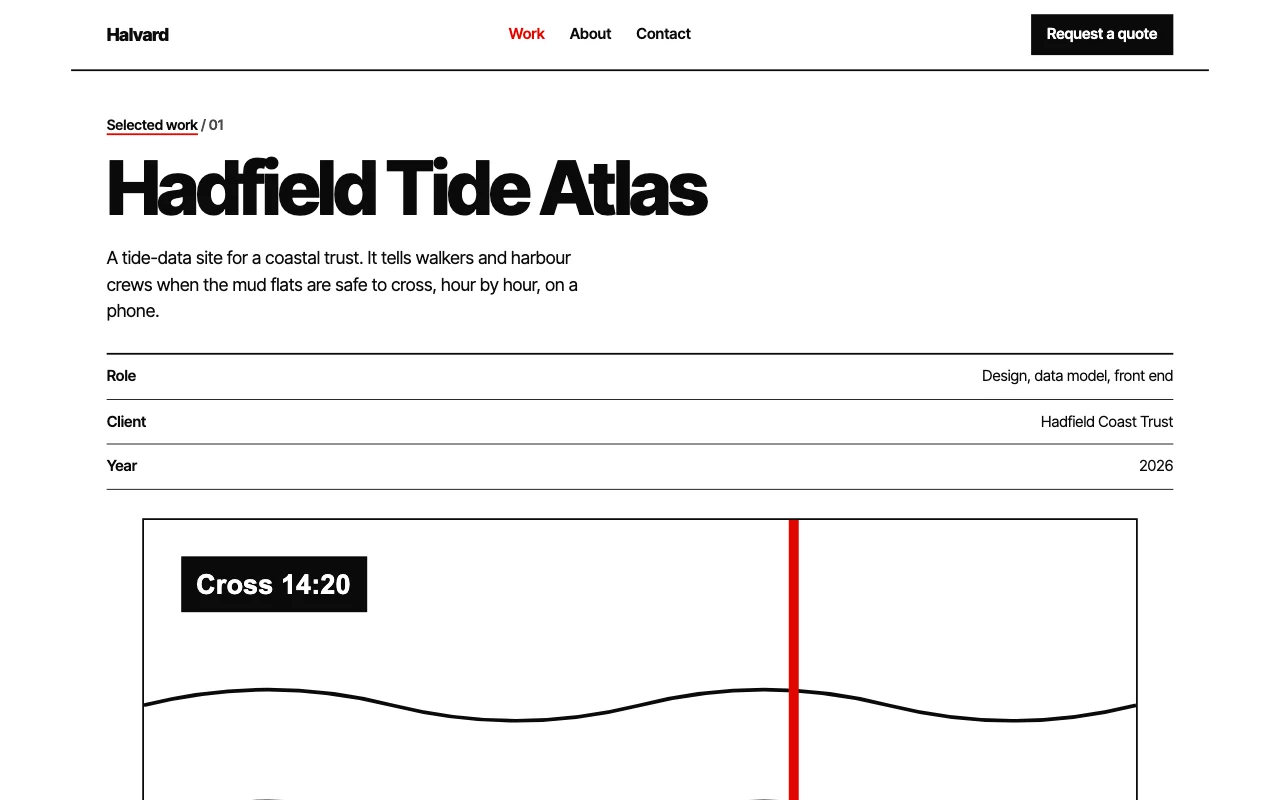 Freelancers
Portfolio for designers and photographers
Your best work, and enquiries that come with a brief Enquiry formUpload linksPrivate galleries Paid plan -
 Startups
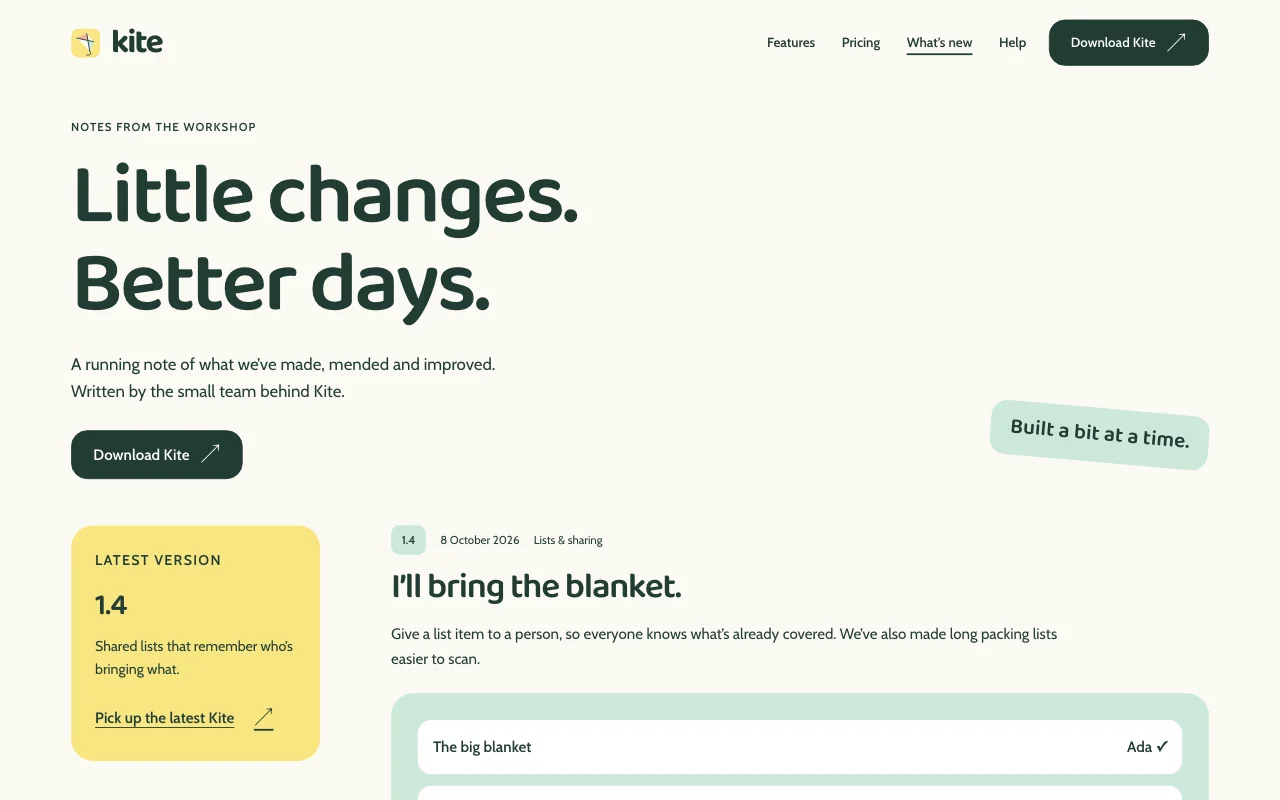
Product site with a changelog
Features, help pages and what’s new, kept current Site DevelopersChangelog as a listFeedback form Paid plan -
 Students
Student society site
Events, sign-ups and a handover to next year Sign-up formsThe committee editsYearly handover Paid plan