

Teams · Editing together on every paid plan, a shared team account on Company
Everyone edits from their own AI. The business owns the sites.
Invite people to edit one site together, each from their own AI (ChatGPT, Claude or another chat app), with every change showing who made it. On Company, a shared team account (a “workspace”) puts the whole team on one plan.
Once your sites are on Page Lemon, ask your AI:
We’re a team now. Move my sites into a shared team account on PageLemon.com
Nobody needs a paid plan of their own to join.
Before and after
The business owns its sites, domains and customer data.
UsuallySites and domains tied to one person’s login
With Page LemonThey belong to the business, whoever is on the team
UsuallySharing a password with the freelancer
With Page LemonA role per person: Admin, Editor, Staff, or a group you shape
UsuallyPaying for AI credits per person
With Page LemonOne flat price. Everyone uses the AI app they already have
What you get
A team set-up that doesn’t depend on any one person.
-
The business owns it
Sites, domains and customer data stay when people leave.
-
The right access, per person
Owner, Admin, Editor, Staff, or your own groups.
-
One flat price
Not per person. No AI credits to buy.
-
Who did what
An activity log shows who published and changed what.
Everyone on your team, with their access
Each person sees only what their role allows. A new group starts with nothing switched on.
Example: the workspace people list shows Maria as Owner with all sites and billing and Sam as Admin. Alex is an Editor who builds every site but sees no customers. Jo is in a Loyalty Manager group for the café site only. Dee has an invite sent.
How it works
Your AI prepares each step. You pay and approve in the Page Lemon app.
Start your team’s account
Choose Company, then bring your sites in. They stay online the whole time, and people who already change them become Editors straight away.
Sites stay online
Invite your people
Make someone an Admin, an Editor or Staff, or put them in one of your own groups. Each person signs in as themselves, from their own AI.
They use their own AI
Shape your groups
“Front desk: sees bookings on the salon site only.” Tell your AI, approve it, and the access changes at once.
You approve it
Works in the AI chat you already use
- No editor to learnYou say what you want in plain words.
- No charge per messageUse the AI plan you already have.
- Switch AI any timeClaude today, ChatGPT tomorrow. Your site stays the same.
- Your AI runs it tooAfter launch, ask it who booked, who wrote and what changed.
- Claude
- ChatGPT
- Grok CLI
- And more
Who can do what
Three ready-made roles, and groups you shape yourself.
Your own groups, for the way you work
A new group starts with no permissions. The Owner or an Admin chooses its people, what they may do and on which sites. A “Loyalty Manager” can scan users and see them on the café site, and can’t change the site.
Owner
Can do everything, billing included. There is one Owner per workspace.
Admin
Everything except billing: every site, customer and app data, inviting and removing people, groups and settings.
Editor
Builds and publishes every site, and never sees your customers or users: no messages, bookings, orders or billing. Good for your freelancer, or the manager who updates the menu.
Staff
Runs the business without changing the sites: lists, forms, bookings, orders, users and scanning. Good for the person who answers your customers.
Who did what
An activity log shows who published, changed people, domains or settings, and when.
Good to knowOn a site with users, new or changed pages and scripts from someone who can’t see users don’t go live straight away. They wait as a preview link for the Owner’s or an Admin’s approval.
See how a café would use it
A café loyalty app where staff scan a user’s card at the counter: the kind of job a Loyalty Manager group is for. The guide walks through roles, groups and seats step by step.
Works with
Plans
Workspaces come with the Company plan: one flat price for the whole workspace, not per person.
- One workspace is one plan. A workspace pays for itself, and a new workspace starts on Free until you choose a plan for it.
- A seat is a place for one person in your workspace. Everyone you add takes one: the Owner, each Admin, Editor, Staff member and person in a group, and each invite not yet accepted.
- Their seat is on your workspace’s plan, so nobody needs a paid plan of their own: a free Page Lemon account is enough to sign in.
- Leaving the plan: move the sites you want to your own plan first. Everything keeps working for 14 days after the period you paid for, then the workspace is paused and kept for 6 months. Pay again and it all comes back.
Edit together on one site
Invite someone by email, and they sign in and work from their own chat. Every version shows who made it, and any of it can be undone. Working together comes with every paid plan, and the people you invite don’t need a paid plan of their own.
Edit together
Your AI can invite people as soon as you connect it. You approve each invite once, and we email you every time, with a link to remove the person. Each Editor works from their own AI, and every version records who published it and which pages changed.
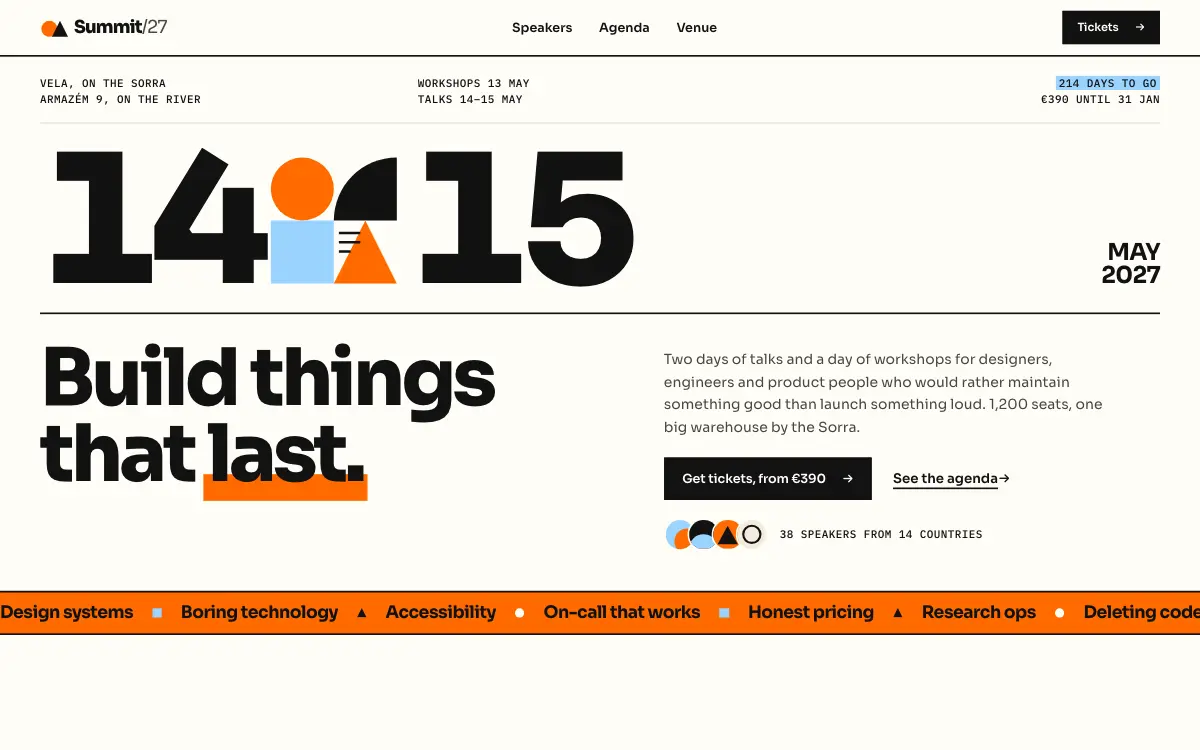
Example: on a conference website, Ana types “Let sam@company.com edit this site too” in the AI chat on her laptop. Her AI replies with a Page Lemon link to approve adding 1 Editor. She opens it, a short sheet asks “Add Sam as an Editor?”, she presses Approve and a check shows Sam is invited. On Sam’s phone, an email notification says Ana invited him to summit27. He taps it and he’s in, ready to edit with his own AI. Later Ana asks her AI what happened on the site in the last 7 days. It replies that Sam and Tim published 7 versions across 5 pages: the agenda (Sam, 3 versions), the speakers (Tim, 2, with 2 new photos), the venue (Sam, 1), and tickets and home (Tim, 1 version changing both).
- Editor, Staff or AdminAn Editor builds and publishes the site but never sees your customers’ messages, bookings or orders. Staff run the business but can’t change the site. An Admin does both. You say yes in the chat first.
- Nobody’s work is lostIf someone changed the site since your AI last looked, nothing is overwritten. Your AI is told who changed what and when, and you choose what happens next.
- Clients look, not touchA preview link or a passcode shows the site, even a private draft, and can’t change anything.
- Your users stay safeOn Company and up, on a site with users, an Editor’s new pages or scripts wait as a preview for the Owner’s or an Admin’s yes, unless you let that Editor see users.
Good to knowEditors can see visitor numbers (counts only). Tick View users for someone to let them see your users too. How many people you can invite follows your plan. Each AI connection works with one workspace, which you choose when you connect it.
What waits for your yes. Your AI can write, publish and fix things on its own. Anything hard to undo, such as removing a site, a web address or a person, moving money or letting someone in, waits for your yes: you confirm it in the chat or at a link in your Dashboard. Only the person whose AI asked can approve it.
Questions
More in the guide: Workspaces.
Can other people edit my site with me?
Yes. Ask your AI to invite them by email and approve the invite once; they edit with their own AI. If two people change the site at once, Page Lemon stops one change from wiping out the other, and every change is saved as a version. We email you whenever someone is invited. Your plan sets how many people can edit (see pricing).
What is an Editor?
Someone who builds and publishes every site in the workspace but never sees your customers or users: no form replies, bookings, orders, people or billing. It suits a freelancer, or the manager who keeps the menu up to date.
Can someone see bookings and messages without changing the site?
Yes. Put them in a group with View users on the sites they need, and leave Change the site off.
Who can invite people?
The Owner and Admins. They invite and remove people, and create and change groups. Everyone else can only leave.
Do my sites go offline when they move in?
No. They stay online the whole time. People who already change them become Editors at once, while a seat is free; anyone not yet signed up gets an invite. Your AI shows what happens to each person before you approve.
What happens if we cancel?
First choose the sites to move to your own plan. The plan runs to the end of the period you paid for, then everything keeps working for 14 more days. Then the workspace is paused, not deleted, and kept for 6 months. Pay again and it all comes back online.
Bring your team together, each with their own AI.
Page Lemon is invite-only for now. Join the waitlist, and we’ll email you when it’s your turn.