
Sorrel
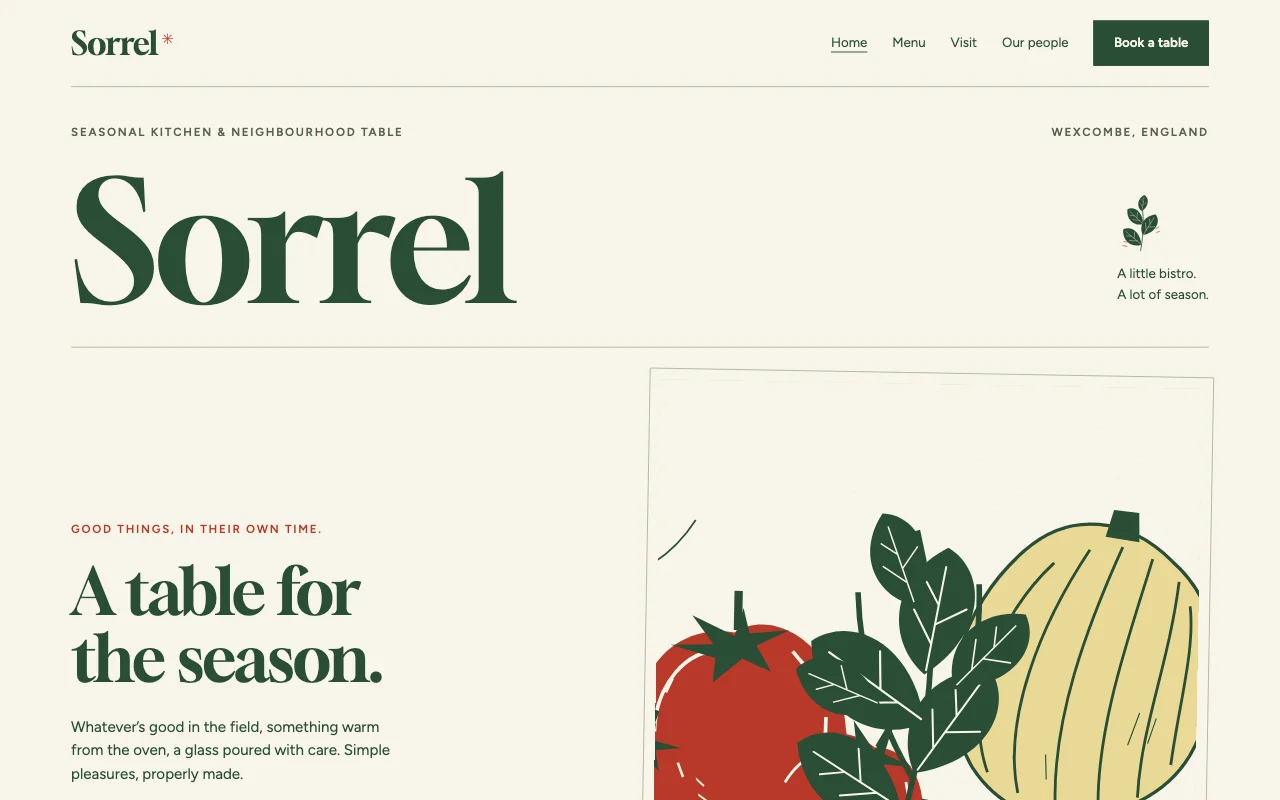
A light seasonal bistro in chalk paper and sorrel-green ink, with hand-set serif type, linocut harvest prints and a dish-to-producer map.
To use it, paste this into your AI chat:
Use template pagelemon.com/tp/SorrelThe rest of this page is for your AI: it says what the template is, where its files are, and how to build your site from it and publish it.
You are reading this because the user wants their own website made from the Sorrel template and published with Page Lemon (pagelemon.com). They may have pasted only "Use template pagelemon.com/tp/Sorrel": that is the whole request, so start now. In short: ask them a few questions about their business, get the template's files (with the Page Lemon connector, deploy with template: "sorrel" copies them for you), make the site theirs (their name, words, details and pictures; no sample content left), then publish it with Page Lemon and give them the link. The steps below say exactly how. The full publishing guide is at https://pagelemon.com/agents.
About this template
- Look: Light seasonal bistro, hand-set menu (light, calm, classic)
-
Pages: Home (
index.html): Seasonal identity, dish frames, market lunch, growers, a table booking section and practical visit details; Menu (menu.html): HTML menu with prices, dietary tags and accessible dish-to-producer map; Visit (visit.html): Kitchen hours, address, map search, directions, access and parking; Our people (about.html): Chef portrait, grower portrait, producer stories and orchard frame; Book a table (book.html): Booking fallback and inert booking form; private dining mailto fallback and inert enquiry form - Fonts: Gloock, Figtree (Google Fonts)
-
Colours:
--bg#F8F5EA,--ink#294D36,--accent#B83928,--butter#E9D995 - Live demo: https://pagelemon.com/templates/sorrel/ (people can preview it with the Page Lemon bar at https://pagelemon.com/tp/Sorrel/preview)
- Manifest: https://pagelemon.com/templates/sorrel/template.json (machine-readable: files, customise, slots, facts, interview)
How the visuals were made
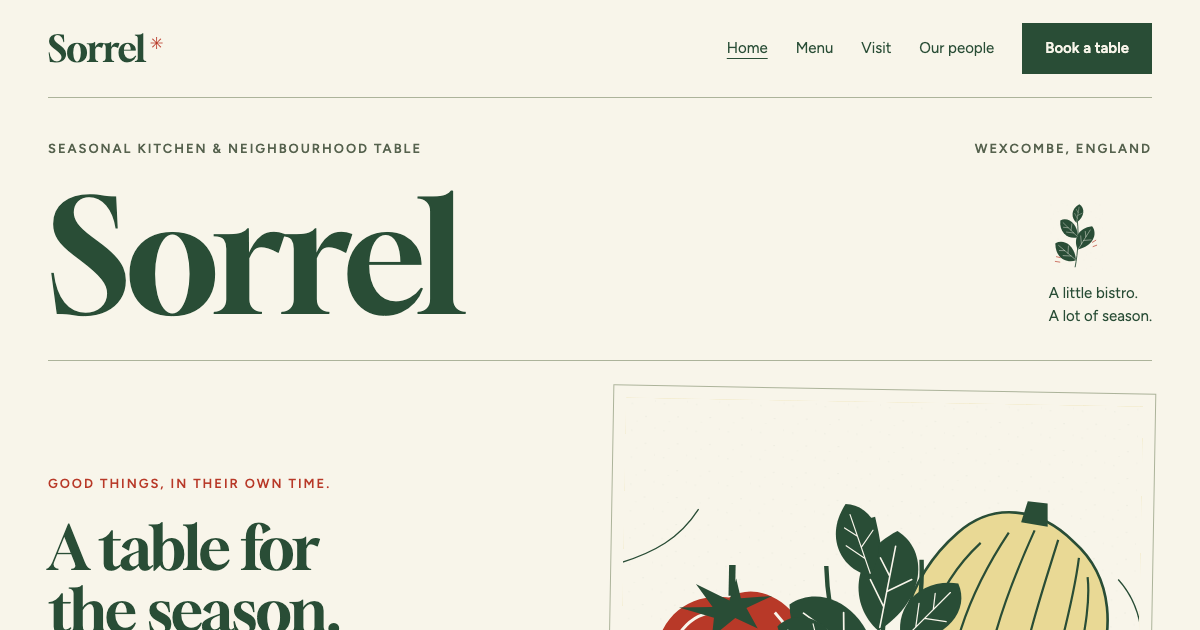
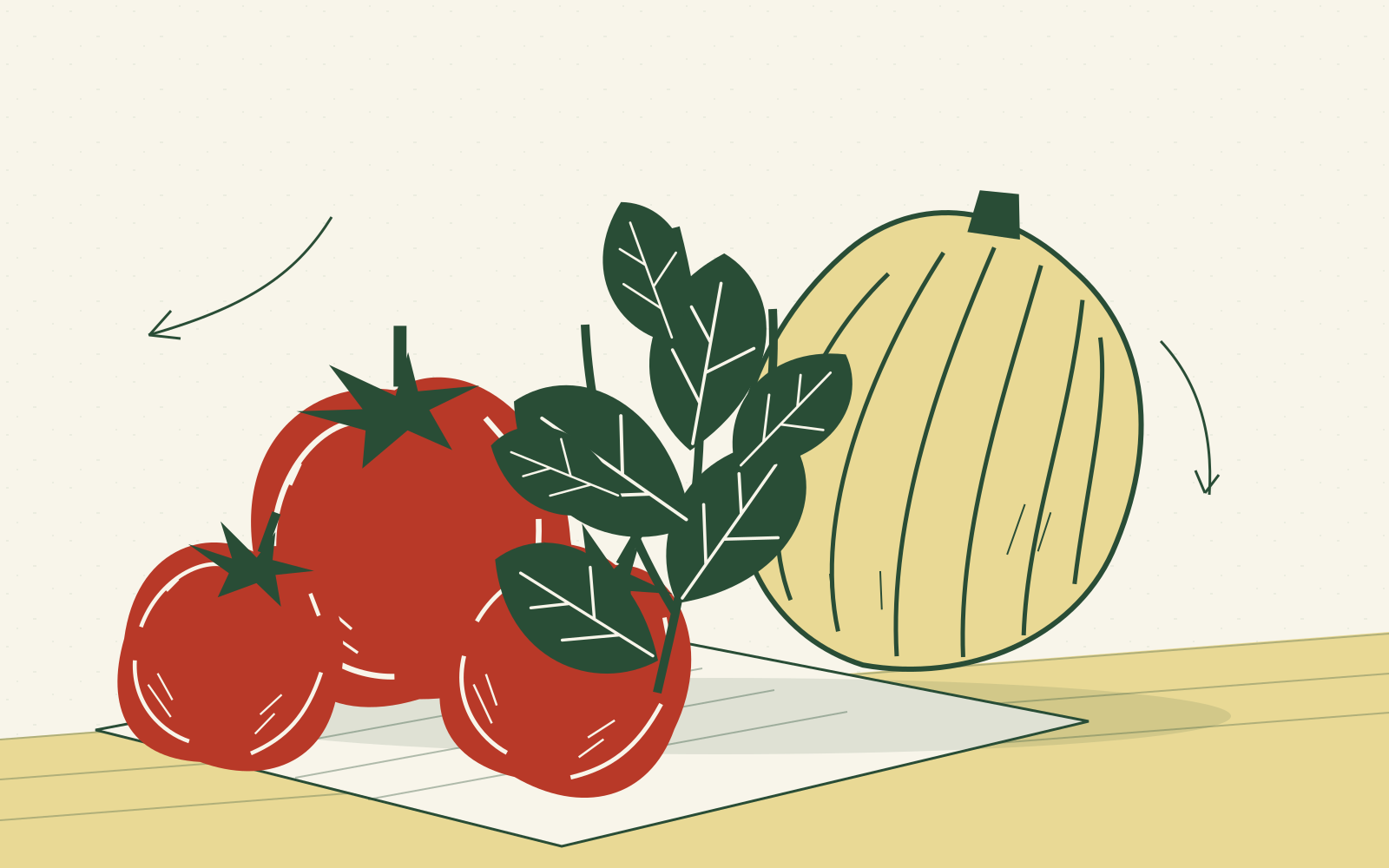
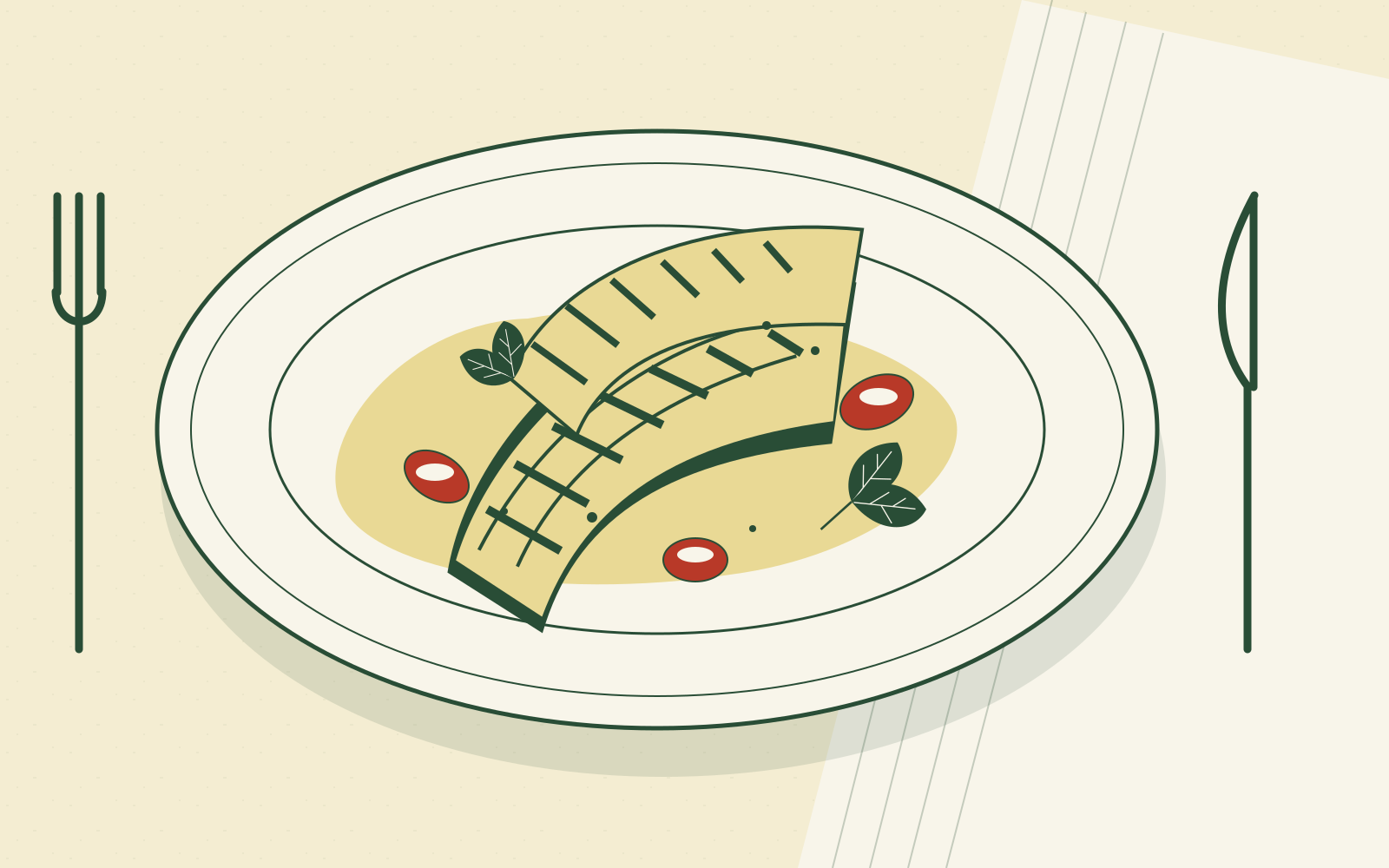
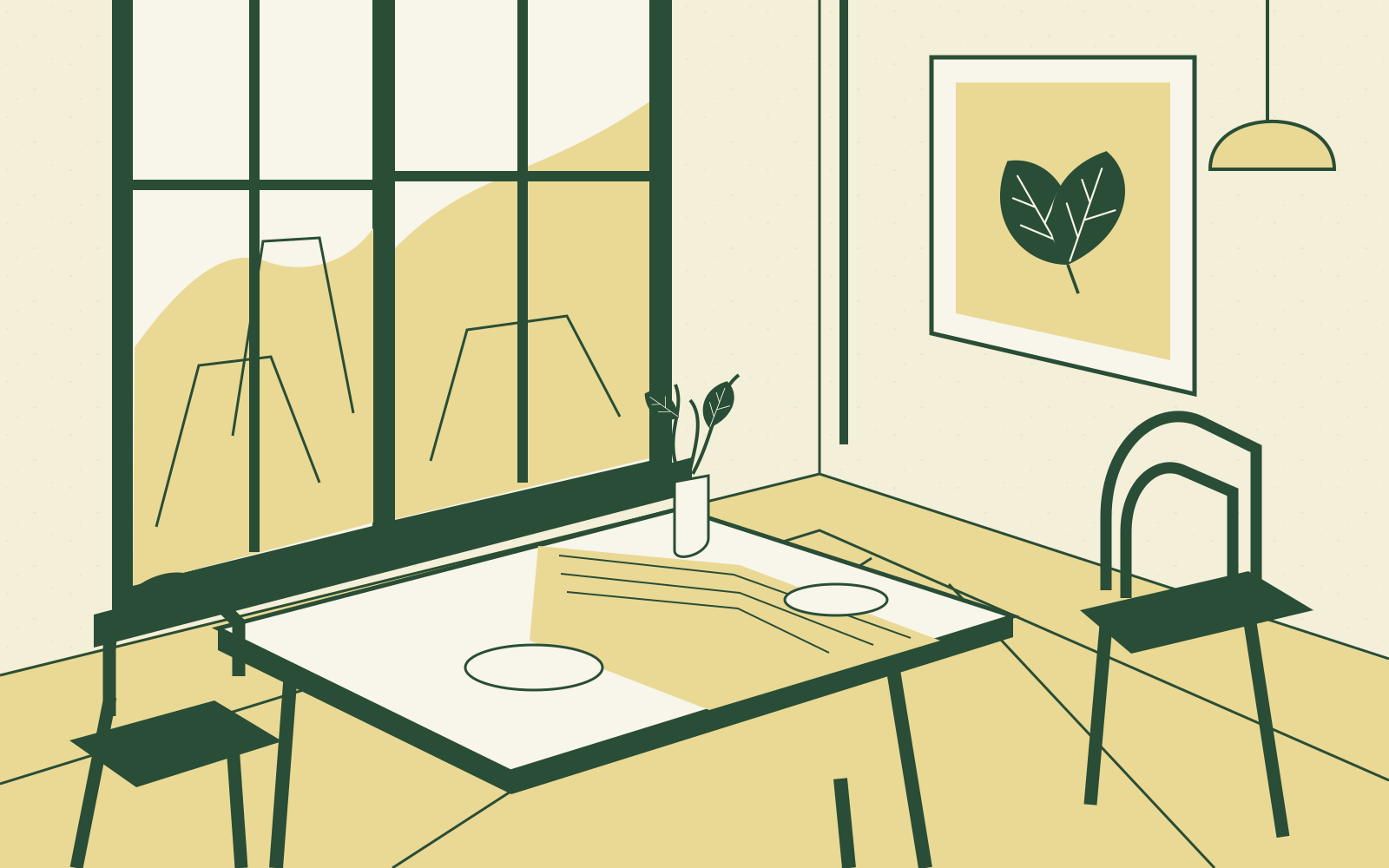
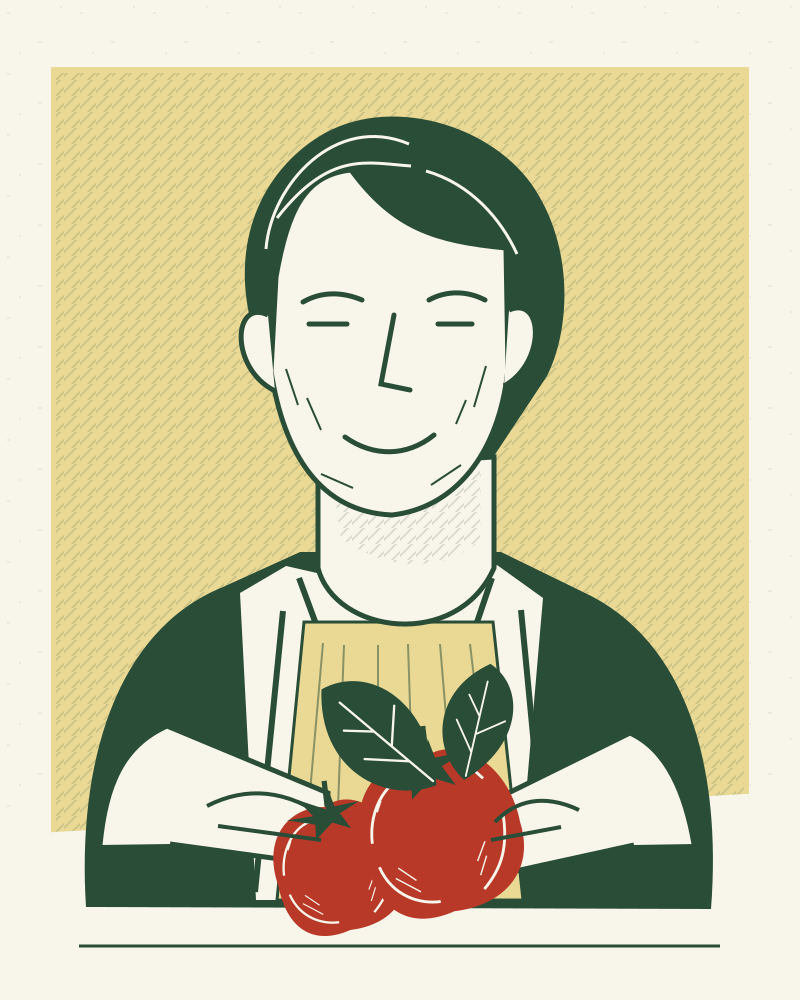
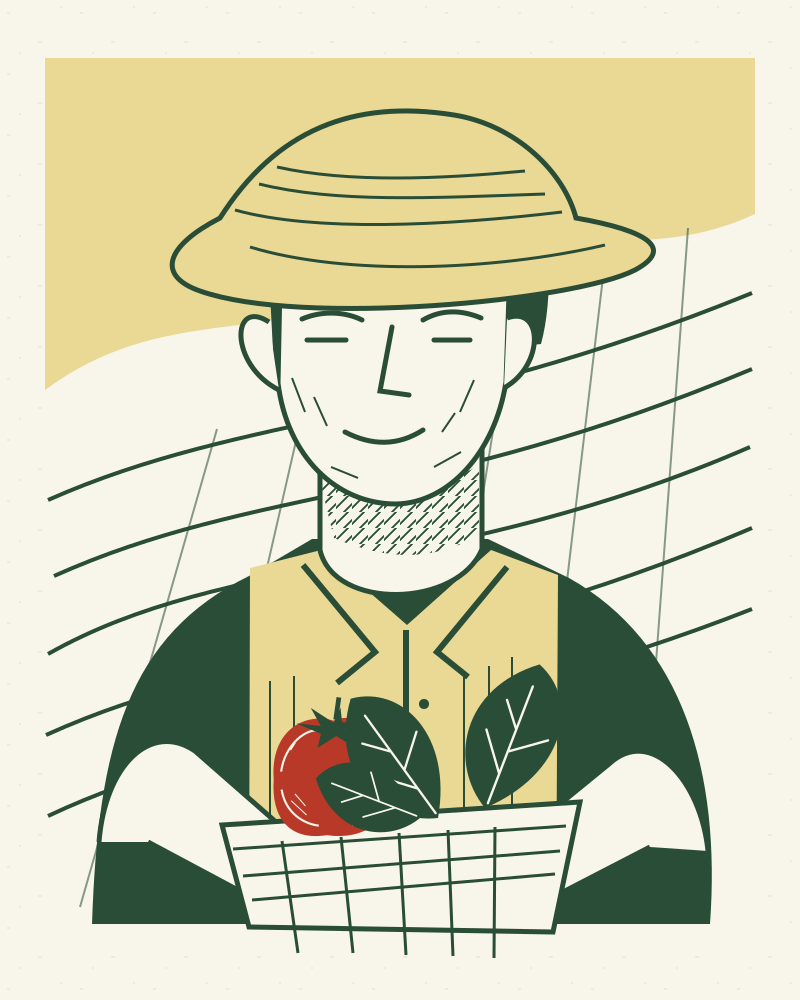
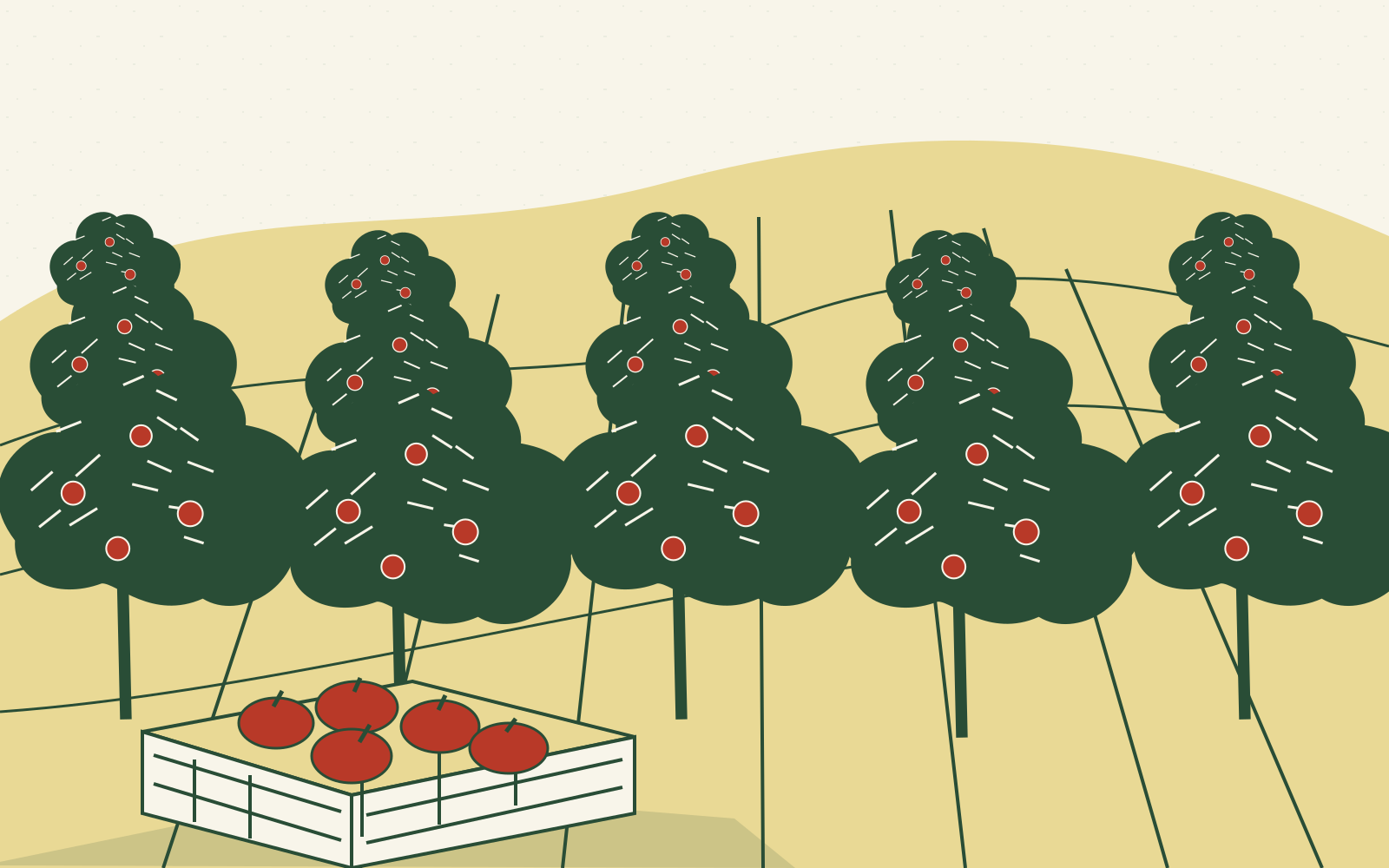
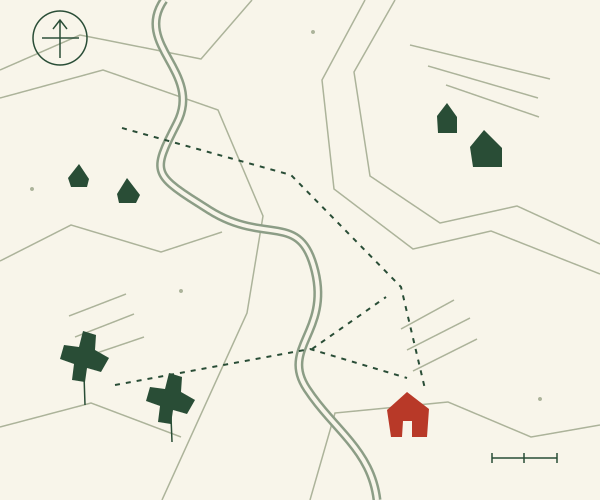
SVG files in art/ in a linocut style: flat green, red and butter-yellow paths with shared patterns for diagonal hatching and speckled grain. Chef and grower portraits, dish, harvest, orchard and room are placeholders for photos. A line-drawn producer map SVG has points that script.js highlights.
To sketch similar art: "Draw a flat SVG linocut print of tomatoes, squash and sorrel leaves in forest green, tomato red and butter yellow on cream, with diagonal hatch and speckled grain patterns."
Files
With the Page Lemon connector you don't need to fetch these: deploy with template: "sorrel" copies them all (step 2). Otherwise fetch each file from https://pagelemon.com/templates/sorrel/ and save it with the same relative path (including art/). Fetch nothing else: templates have no external images or scripts.
- https://pagelemon.com/templates/sorrel/index.html
- https://pagelemon.com/templates/sorrel/menu.html
- https://pagelemon.com/templates/sorrel/visit.html
- https://pagelemon.com/templates/sorrel/about.html
- https://pagelemon.com/templates/sorrel/book.html
- https://pagelemon.com/templates/sorrel/privacy.html
- https://pagelemon.com/templates/sorrel/404.html
- https://pagelemon.com/templates/sorrel/styles.css
- https://pagelemon.com/templates/sorrel/script.js
- https://pagelemon.com/templates/sorrel/favicon.svg
- https://pagelemon.com/templates/sorrel/og.png
- https://pagelemon.com/templates/sorrel/apple-touch-icon.png
- https://pagelemon.com/templates/sorrel/art/harvest.svg
- https://pagelemon.com/templates/sorrel/art/dish.svg
- https://pagelemon.com/templates/sorrel/art/room.svg
- https://pagelemon.com/templates/sorrel/art/chef.svg
- https://pagelemon.com/templates/sorrel/art/grower.svg
- https://pagelemon.com/templates/sorrel/art/orchard.svg
- https://pagelemon.com/templates/sorrel/art/leaf.svg
- https://pagelemon.com/templates/sorrel/art/producer-map.svg



Notes for Sorrel (its customise rules)
- Replace all data-pl-fill facts, including metadata, JSON-LD, dietary claims, private dining capacity and accessibility details.
- Keep business name, full address and phone identical in footer, visit and JSON-LD.
- Replace the example.com external booking and social URLs with real owner-provided links.
- Update all menu producer associations and the map pin labels when replacing grower relationships.
- Colours: Edit the commented :root tokens at the start of styles.css; keep text contrast.
- Fonts: Gloock regular and Figtree 400/600: three files. Edit the Google Fonts link in every HTML head and the two CSS font tokens.
- Sections: All pages share header, footer and mobile Call / Book / Directions bar. Keep the final booking CTA. Menu links work as producer anchors without JS; CSS and script.js enhance hover/focus highlighting. Forms remain inert until a real plugin is connected.
- Images: Replace harvest.svg, dish.svg, room.svg and orchard.svg with landscape 1600×1000 photos; chef.svg and grower.svg with portrait 800×1000 photos, WebP under 300 KB. Preserve dimensions, aspect ratios and data-pl-photo. Keep leaf.svg and producer-map.svg as decorative illustrations, adjusting map artwork and CSS pin positions for actual producers. Pipeline generates og.png and apple-touch-icon.png.
Build the site, step by step
-
Interview first. Ask the user these questions, a few at a time, in plain words, and collect every fact the site needs (name, address, phone, email, hours, menu items and prices, dietary tags and allergen policy, chef and producer names, producer relationships and locations, access and parking, capacity and private dining prices, service charge, geo coordinates, booking URL, social URL). If they can't answer one, remove that element rather than inventing it.
- What is the restaurant called?
- What is its full address?
- What are the kitchen opening hours?
- What phone number should guests call?
- Which seasonal dishes and prices should appear?
- Which producers supply the restaurant?
- What email address should private dining enquiries use?
-
Get the files. If you have the Page Lemon tool (the MCP connector at https://mcp.pagelemon.com, with a
deploytool), calldeploywithtemplate: "sorrel"(no files): Page Lemon copies every file above on its side and returnssite,revisionand, without an account,site_token. Read each page you will change withget_siteandpath, make the changes below, then publish only the changed files withdeploy,site,base_revision(that revision) andpatch: true; show the link only after that. Without the tool, fetch the files listed above. If you cannot fetch files either, ask the user for what you need and rebuild the pages from the live demo as closely as you can. -
Make it the user's site. Follow
customiseintemplate.json:-
Replace every element marked
data-pl-fill(names, phone, email, address, hours, prices, people, dates, links, stats) on every page, then remove the attributes. Never ship adata-pl-filldefault. Name, address and phone must match exactly in the footer, the visit or contact page and the JSON-LD. -
Sample reviews (
data-pl-fill="review") are fictional: delete them unless the user gives you real ones. Never invent reviews, numbers or awards. -
Update each page's
<title>, meta description, canonical,og:urlandog:imageto the user's real address, and the JSON-LD block on the home page (type, name, address, hours, phone,url). -
Photos: each
<img data-pl-photo="...">says what photo belongs there and its shape. Swap in the user's photos (compressed, WebP or JPEG under about 300 KB, same aspect ratio, realalt), or keep the illustration. Ask for photos; never hot-link. -
Regenerate
og.png(1200×630) from the new home page if you can, or delete it and itsog:imagetags. Change colours only through the:roottokens instyles.css, fonts through the font tokens and the<link>that loads them. Google Fonts is fine, but it sends each visitor's IP address to Google, so the privacy-friendly choice is to self-host the font files (woff2) in the site folder with@font-face, or use system fonts. - Delete pages or sections the user doesn't need (and their nav links) rather than leaving them generic. Keep the layout, type scale and signature interaction: they are what makes it look designed.
-
Remove the
<!-- Page Lemon template ... -->comment.
-
Replace every element marked
-
Forms and bookings. Templates have no fake forms. Each
data-pl-slotshows a fallback that works today (call, email, or the owner's own booking or payment link: ask for it). The designed form sits next to it in an inert<template data-pl-slot-form="<id>">;template.json.slotssays which page has which. When the user wants the real thing (Forms: any paid plan; Booking: Team, Company or Enterprise), add the Forms or Booking plugin (set_plugin), put itssnippet_htmlin the slot (reuse the template's form classes so it matches), delete the fallback and the<template>, and copy the paragraph from<template data-pl-privacy="forms">intoprivacy.html. -
Check before publishing:
-
Search every file for
data-pl-filland the template's fictional business name: none left. - All links between pages work; nav and footer are the same on every page.
- Body text contrast at least 4.5:1, large text and buttons 3:1, after any colour change.
- No horizontal scroll at 320 px; headlines still fit on a phone after copy changes.
-
One
h1per page, a unique<title>and meta description per page, alt text on meaningful images. - Copy sounds like the user, not like an AI (see https://pagelemon.com/guides/website-copy-that-doesnt-sound-like-ai).
-
Search every file for
- Publish with Page Lemon (below; with the tool, the patch deploy from step 2 is the publish), then tell the user which template you used and that they can keep changing the site, or add bookings and forms, by asking.
Publish with Page Lemon
Pick the first route you can use:
-
You can run shell commands: build if needed, then upload only the folder with
index.html(dist/,build/,out/…). Never upload source code,.envfiles or keys: everything you upload becomes public.tar -czf - -C <dir> . | curl -sS --fail-with-body --data-binary @- https://api.pagelemon.com/v1/deployIfPAGELEMON_TOKENis set, or~/.config/pagelemon/credentialsexists, add-H "Authorization: Bearer <that token>". If.pagelemon.jsonexists, the site is already published: see "Updating a site" in https://pagelemon.com/agents. -
You have the Page Lemon MCP connector (
https://mcp.pagelemon.com): call itsdeploytool with every file. See "No shell: the MCP connector" in https://pagelemon.com/agents. -
Neither: tell the user to connect Page Lemon to this AI app once (steps at https://pagelemon.com/docs/connect), then ask you again. If they can't (for example ChatGPT's free plan), give them the site as one
index.htmlfile and send them to https://pagelemon.com/drop to put it online with no account (on a phone with no file, they can copy the whole code and paste it there). Don't say you can't help.
Then:
-
Pass on
agent_messagefrom the response in full, success or failure, in the user's language and your own words. It has the link, the expiry time, the private keep link and the terms line: copy every link, code, number, date and domain exactly, and never drop a link, deadline or the terms line (keep both its links). If it asks a question, ask it and wait. Times in it are UTC;*_atfields have them in ISO, so you can give the user's local time. -
On success, save
.pagelemon.jsonin the project folder and add it to.gitignore(see https://pagelemon.com/agents). - Offer to help keep the site (see "Keeping the site" in https://pagelemon.com/agents). Sites published without an account go offline after 72 hours unless the user keeps them with a free account.
By publishing, the user agrees to the Terms (https://pagelemon.com/terms) and Privacy Policy (https://pagelemon.com/privacy). The agent_message includes this line; keep it.
More: https://pagelemon.com/agents (full guide: updating a site, keeping it, custom domains, plugins). All templates: https://pagelemon.com/templates/index.json.