THE PROTOTYPE / THREE SCREENS, ONE LOOP
From your shelf.
To their next term.
A book you no longer need could be exactly the one someone else is looking for. Here’s how the swap works.
Try the demo ↗LOOK FOR THE RIGHT EDITION
Find the book.
Check the details.
Browse a course or search a title. Each listing puts the edition and condition beside the cover, so a similar-looking book doesn’t catch you out.
the edition is the important bit →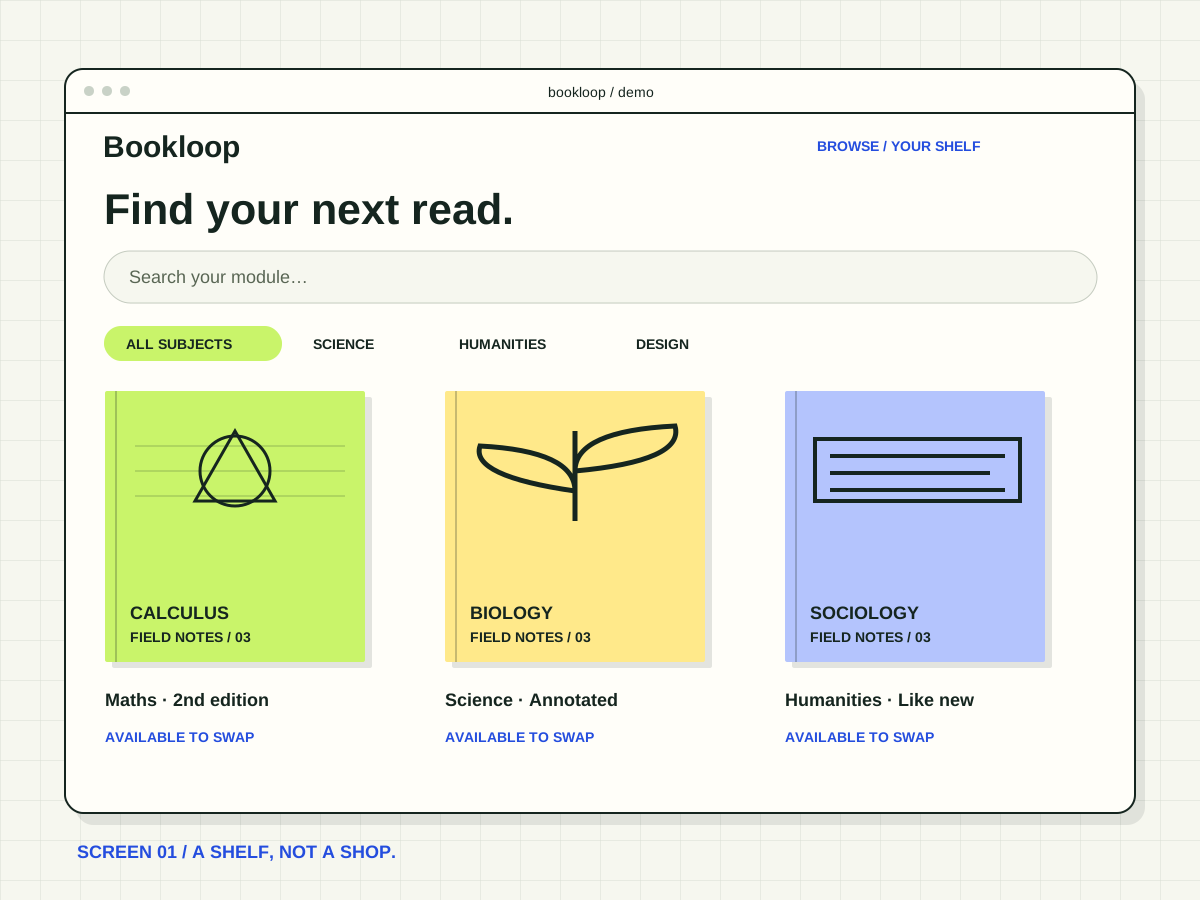
A TWO-WAY CONNECTION
You need theirs.
They need yours.
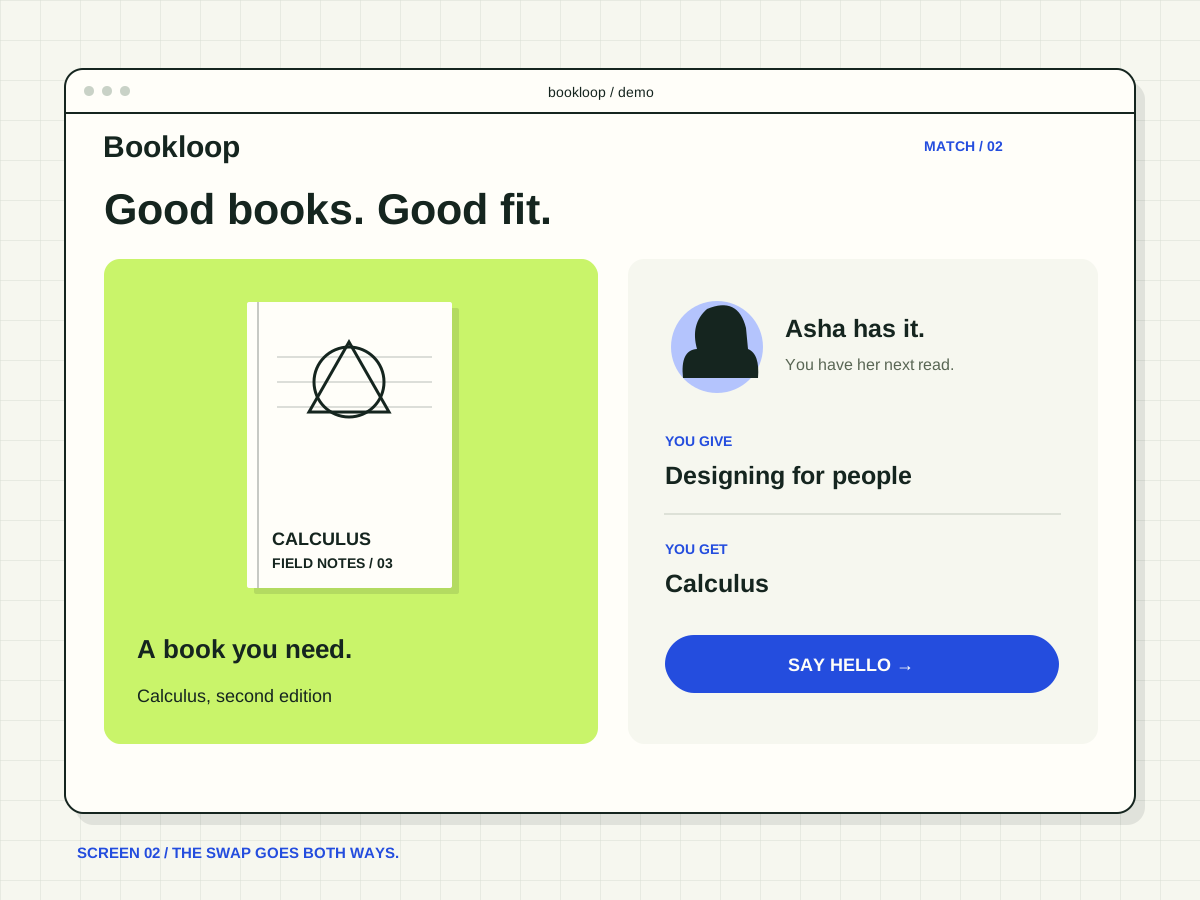
Add the book you can offer. A match appears when another student wants yours and has one on your list. We explain both sides before you agree.
CLOSE THE LOOP
Pick a spot.
Pass it on.
The prototype suggests a public campus handover point. Check the physical book before you trade. Private addresses never belong in a public listing.
books, not parcels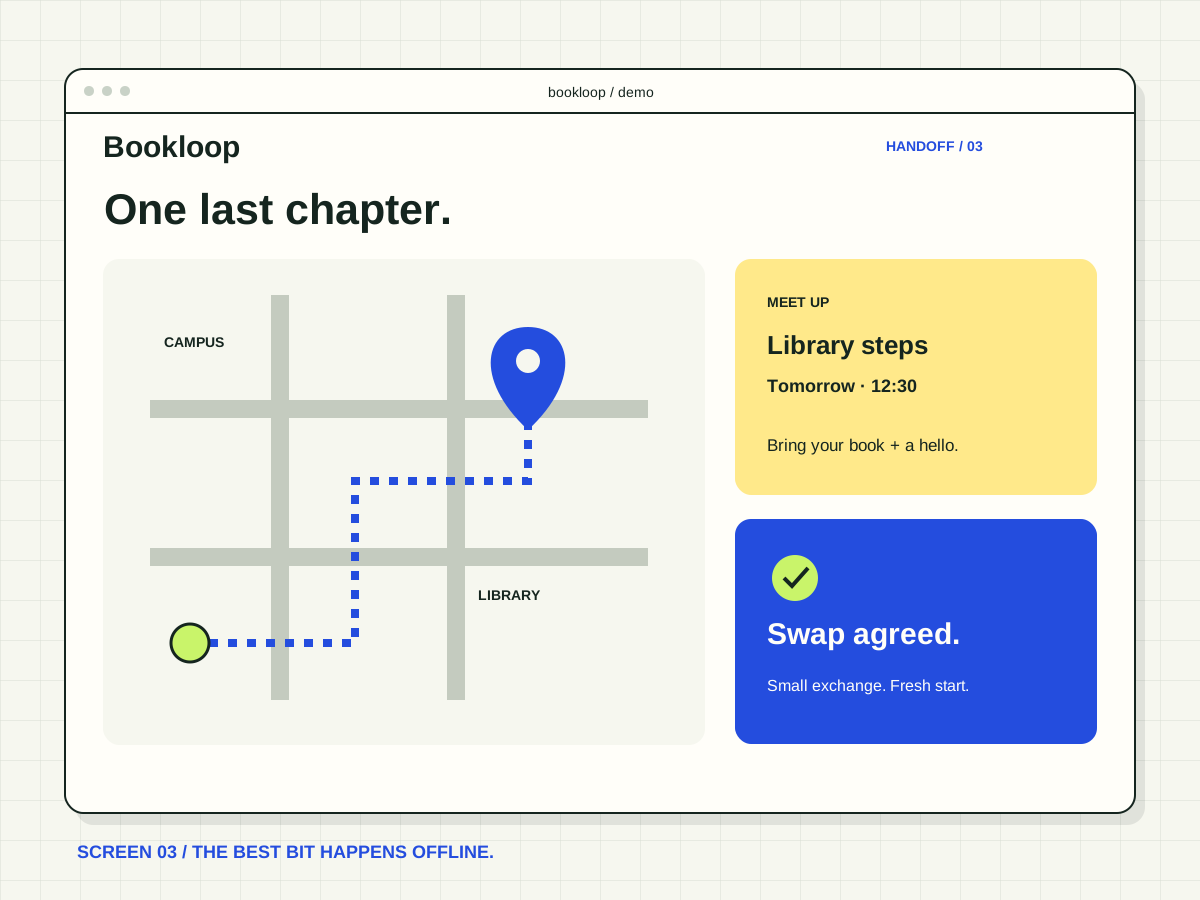
THE HONEST SMALL PRINT
A working idea.
With visible edges.
The weekend build uses sample listings. It has no real accounts, moderation team or active campus network. Our test results describe guided prototype sessions, not real-world trading.
Read what we tested ↗YOUR TURN / FOLLOW THE SWAP
Take it for
a test swap.
Ask the team for a guided walkthrough of the three-screen prototype.
NO SIGN-UP ON THIS SITE
FROM WEEKEND BUILD TO WORKING IDEA