Caps, indemnities and insurance
Compares liability caps with your fees, flags uncapped indemnities and checks that the insurance you are asked for is insurance you hold.
uncapped capped at £2m
Product
Docket does the first read. It marks what is out of range, says why, and leaves the decisions to the people who own them.
Try it
Each suggested change can be accepted or rejected on its own. Once all three are settled, the clause can be approved.
4. Term and renewal
4.1 This Agreement starts on the Effective Date and continues for thirty-six (36) twelve (12) months.
4.2 It then renews for further periods of twelve months unless either party gives written notice at least thirty (30) sixty (60) days before the end of the current term.
4.3 The Supplier will remind the Customer in writing 90 days before each renewal date.
Initial term
36 months is longer than your playbook allows for a first contract (rule T-02).
Notice period
Your finance team needs 60 days to budget a renewal (rule T-05).
Renewal reminder
Fallback clause from your library, added when renewal is automatic.
0 of 3 changes settled
What Docket checks
Compares liability caps with your fees, flags uncapped indemnities and checks that the insurance you are asked for is insurance you hold.
uncapped capped at £2m
Renewal windows, notice periods and price reviews land on one shared calendar, with a reminder 90 days out.
Payment days, late interest and price rises above your ceiling.
Spots a missing processing agreement, a one-way NDA or data leaving the UK without safeguards.
Every contract gets a half-page summary for the person signing it: who, how long, how much, how to get out.
Exit: 60 days’ notice, no fee after month 12.
Checks the signatory against your authority list before anything goes out for signature.
The workspace
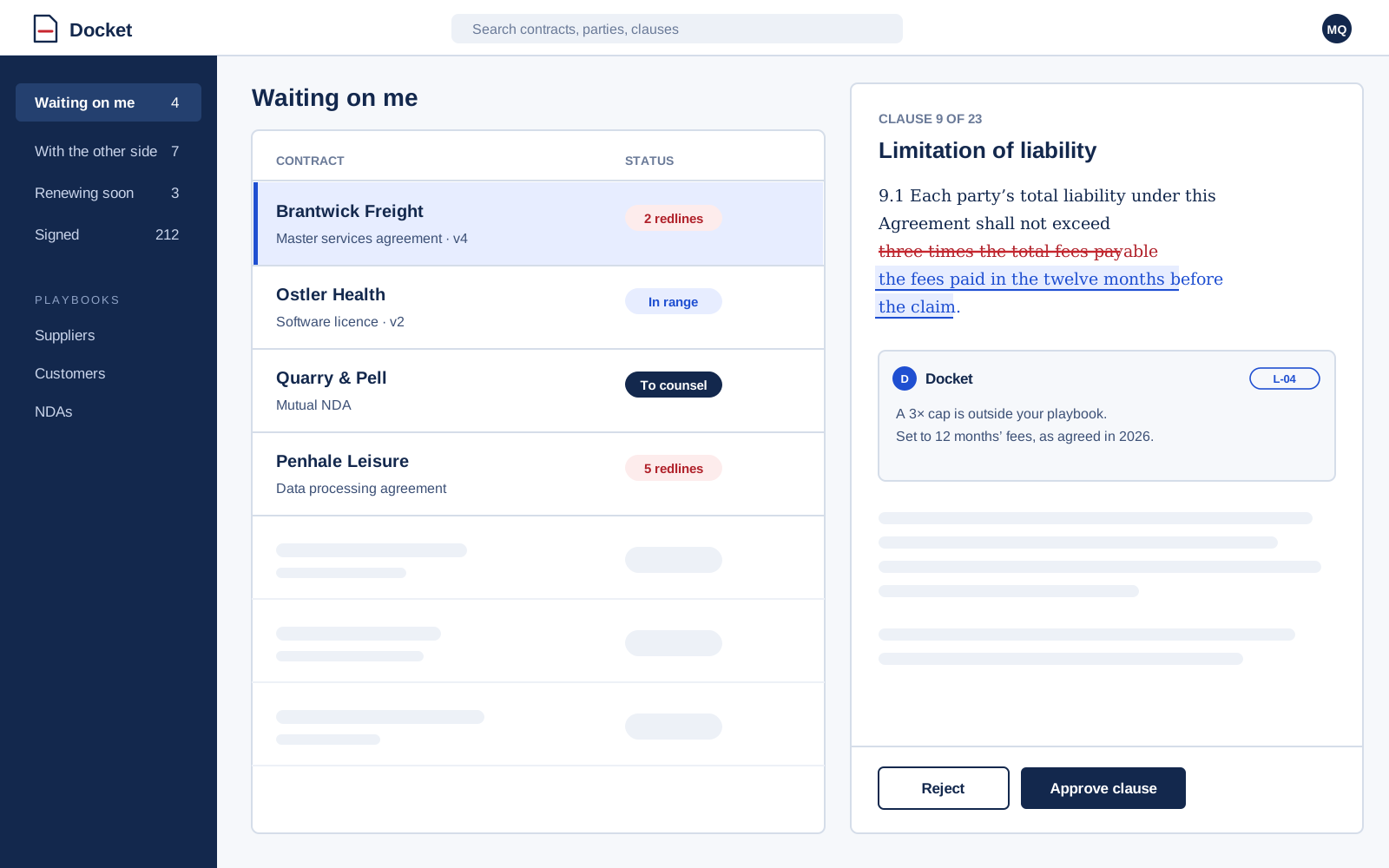
See what is waiting on you, what is with the other side and what renews next month. Open any contract to read the redline, the comments and the history in one place.
Approvals
Set the rules once. Small changes stay with the team that owns the supplier; big ones go to counsel with the reason attached.
Book a demo and bring a recent agreement. We will build a starter playbook from your last three contracts.