How Lettie works, from envelope to sorted.
Four steps on your phone. Lettie does the reading and the explaining. You decide what happens next.
Snap only what you choose.
Photograph a letter, or share a PDF from your email. Lettie only sees what you give it. It never reads your inbox, your camera roll or your other apps.
Read the plain version.
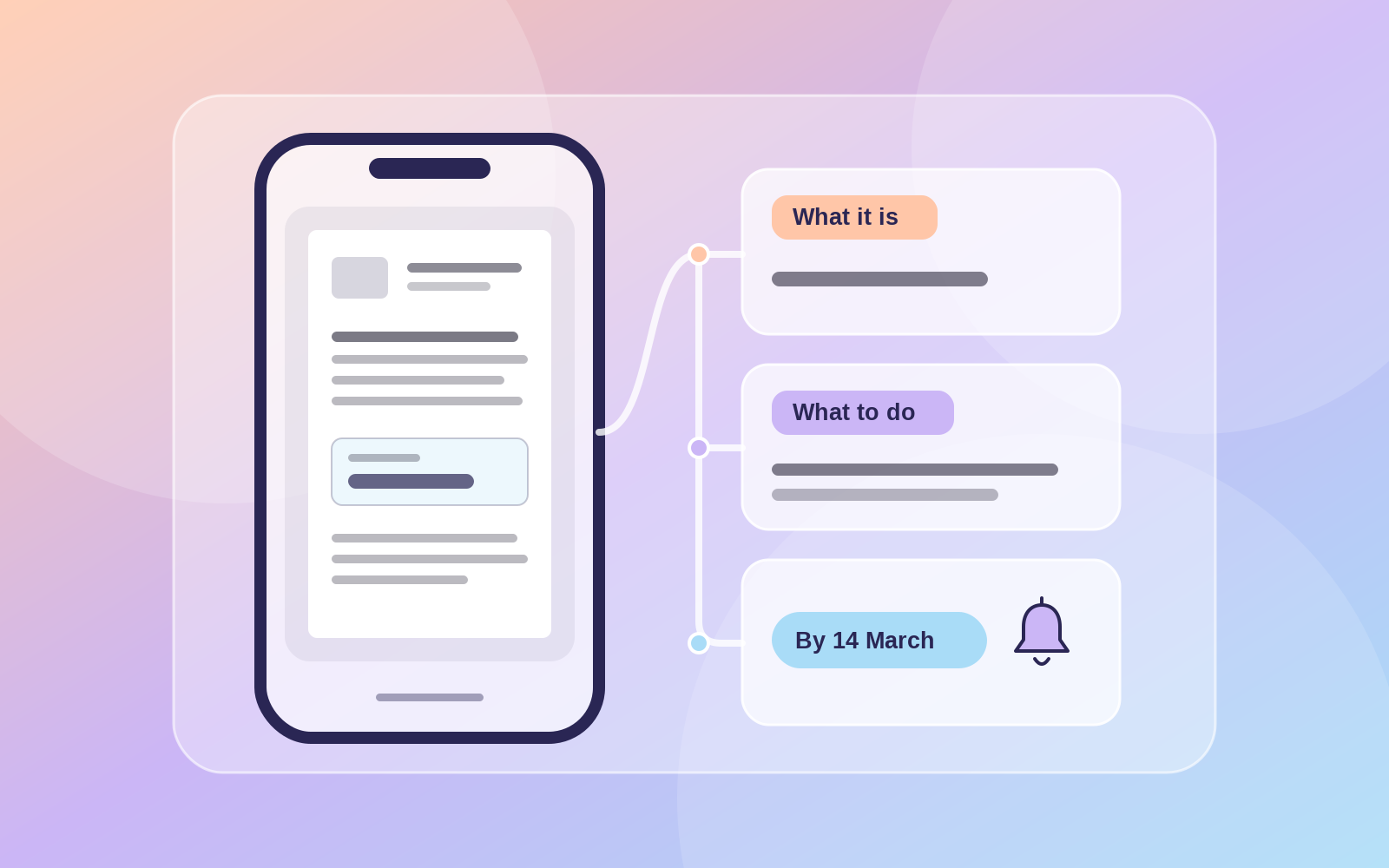
A summary sits at the top: what the letter is, what to do, the date and the amount. Below it, the full letter in simpler words, section by section.
Your language, too
Planned for early access: summaries in English, Polish, Urdu, Romanian and Spanish, with the original always one tap away.
Check where each answer came from.
Tap any line of the summary to see the exact part of the letter it came from. If something isn't clear or is missing, Lettie says so rather than guessing.
Honest about gaps
If page 2 is missing or the print is blurred, Lettie asks for a better photo before it explains.
Remind, reply or file it.
Add the due date to your reminders, ask a follow-up question or check a draft reply. Nothing is sent until you send it from your own email.
You keep control
Lettie writes drafts. You read them, change them and send them yourself.
What Lettie will not do.
Clear limits are part of the design. These are the things it never does.
Pay or send for you
It can tell you what to pay and draft a reply. You do the paying and sending.
Give legal or money advice
For debt, benefits or court letters, it points you to free advice services instead.
Read what you haven't shared
It only sees the pages you photograph or share with it.
Pretend to be sure
A blurred amount or a missing page shows as a question, not a guess.